Awesome Akai MPC
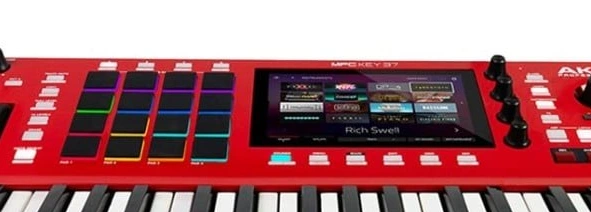
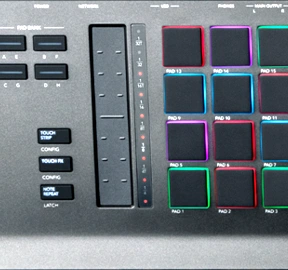
A curated list of community tools, free expansions, templates, and references for the Akai MPC standalone family (MPC One/Live/X/Key, the Sample) and the MPC software / Force.
Common questions
All 16 questionsWhat should I check when buying a used MPC I can't see in person?+
Ask for a video powering on, every pad triggering (pressure-sensitive, no dead/weak pads), the encoders/screen working, and that it boots to the current OS without errors. Confirm the storage (internal SSD/SD) is healthy and there are no account-locked expansions. Pad sensitivity wear and screen/encoder issues are the main used-unit problems.
Standalone mode vs controller mode — what's the difference?+
Standalone runs the MPC OS on the hardware with no computer. Controller mode connects to the MPC software on a computer for more CPU, plugins, and audio tracks. Many features (third-party plugins, and higher, host-dependent audio-track/plugin capacity) only exist in software/controller mode, while standalone has fixed per-model limits — a huge share of "why can't I do X" is "X is software-only."
Can I use an audio interface and an iPad with the MPC at the same time?+
USB host limitations apply — the MPC's USB ports are particular about class-compliant devices and you generally can't freely chain an interface + iPad + everything. Check the model's supported-class-compliant-device behavior; a powered USB hub helps for some combos, but expect constraints vs a computer.
How do I install / where do free expansions go?+
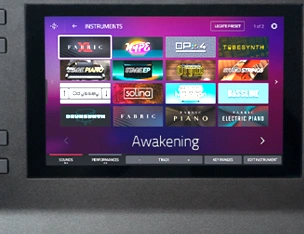
Expansions install via the MPC software (or the standalone's expansion install from storage). Free third-party "expansions" are often just sample/program folders — drop them in your project/sample storage and browse to them, vs official .xpn installers. Account-locked official expansions need to be authorized in your inMusic account first.
How does autosampling work?+
Autosampler plays a connected synth (or plugin) chromatically and captures each note into a keygroup program automatically, turning hardware/plugins into sampled instruments. Set the MIDI out to the synth, define the note range/velocity layers, and let it render — great for getting an external synth "into the box."
15 results
Tools & Templates4
MPC‑Samples free templates
Free MPC expansions, kits and project templates for standalone MPCs and Force.
Kit Roulette
Randomly picks an MPC kit/expansion to spark ideas.
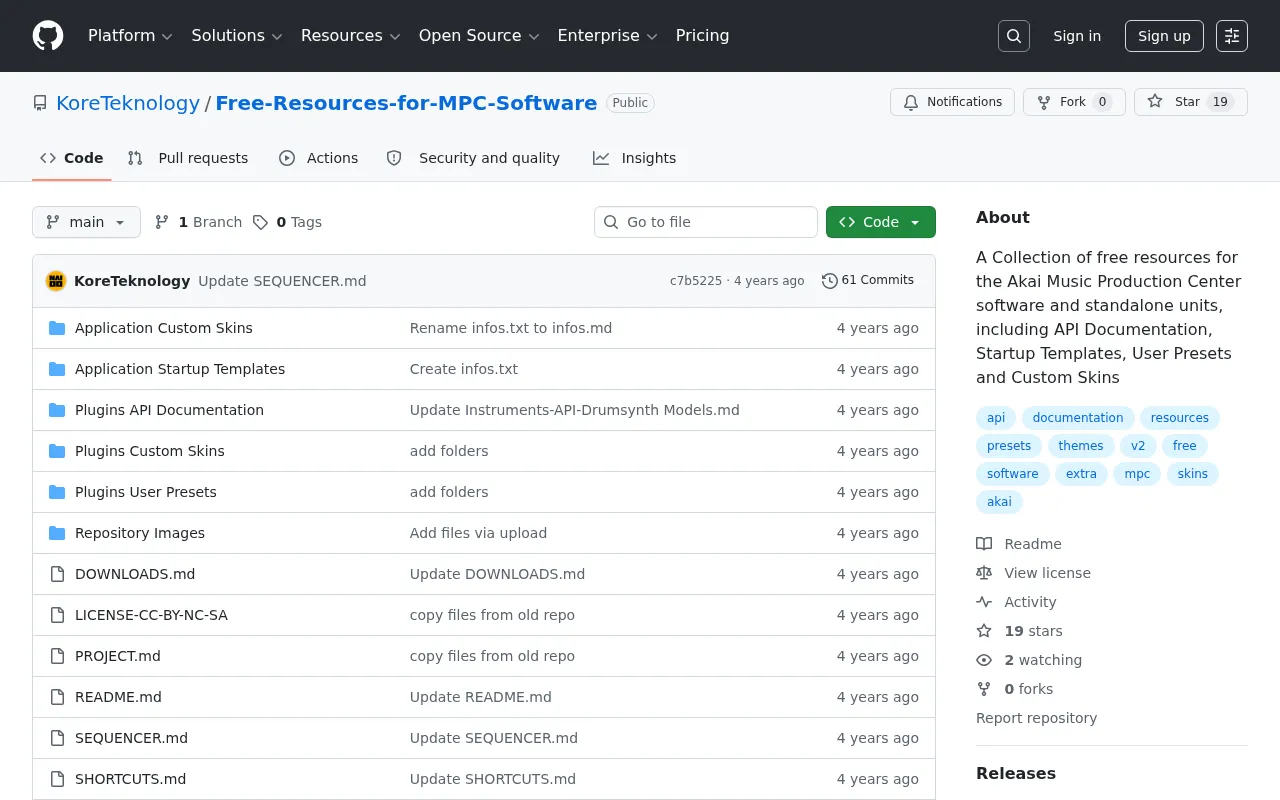
Free Resources for MPC Software (KoreTeknology)
Community-collected templates, MIDI programs, and resources for the MPC software/standalone.
Akai MPC Tools — Chord Progressions & MIDI Programs (liotier)
Web tool generating chord-progression MIDI programs you can drop onto the MPC.
Free Expansions & Kits3
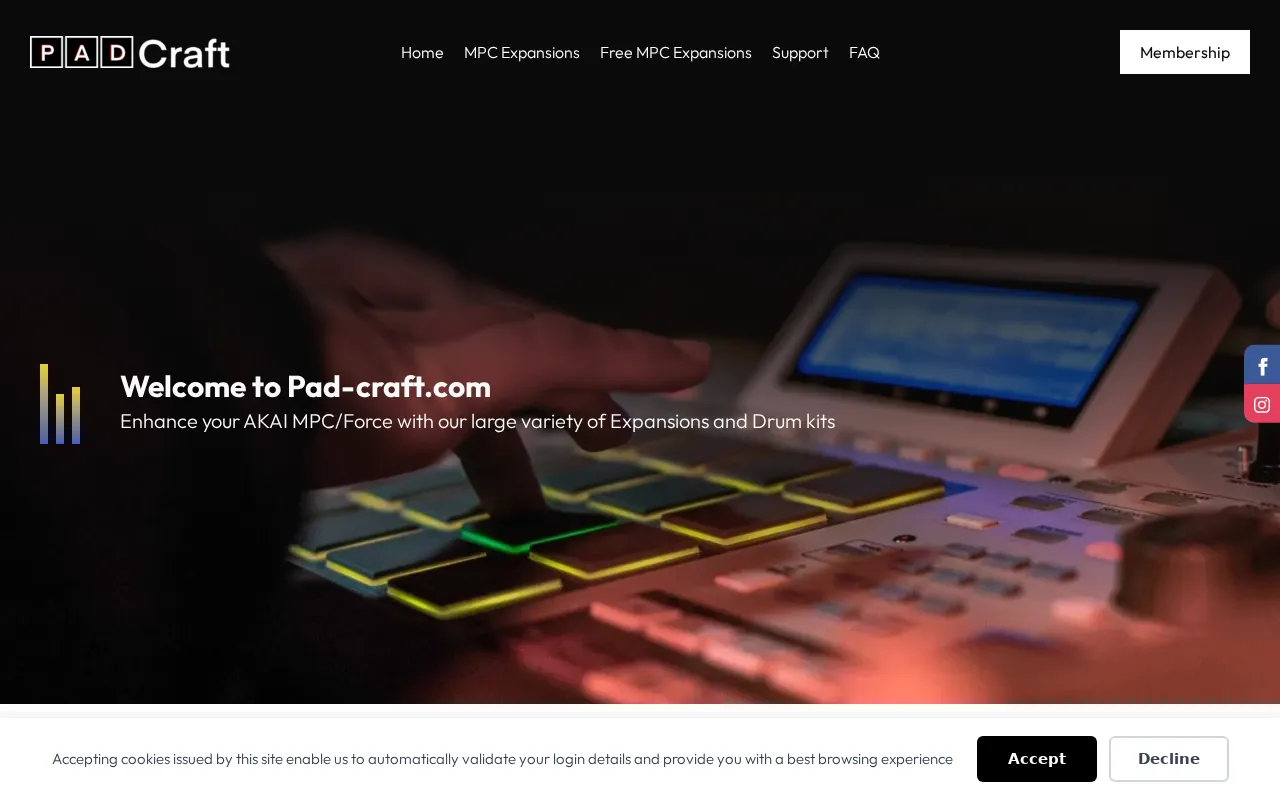
Pad Craft Expansions
Multisampled instrument + drum-kit expansions for the MPC.
MPC‑Samples — Free Expansions & Kits
Curated free expansions for standalone MPCs / Force / MPC software.
F9 Audio — Free MPC Expansion
A free expansion to get started.
Cheat Sheets & Shortcuts2
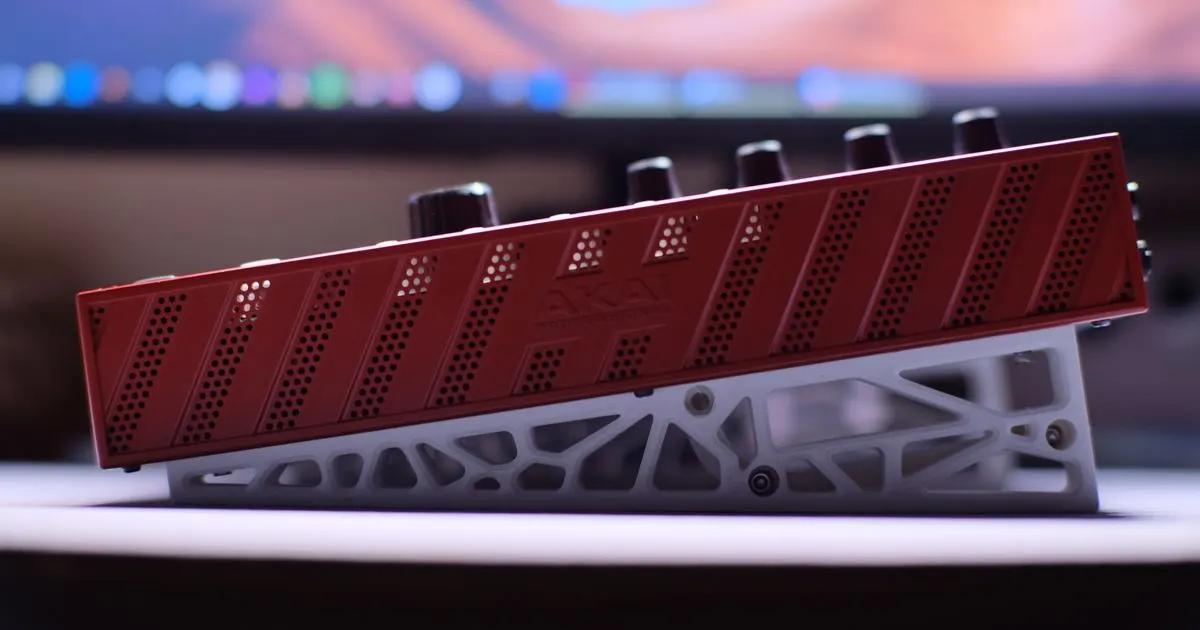
Cases, Stands & Accessories1
Open-Source Tools (GitHub)5
mpcsamplehelper
TouchOSC utility to trigger the sample pads on the Akai MPC.
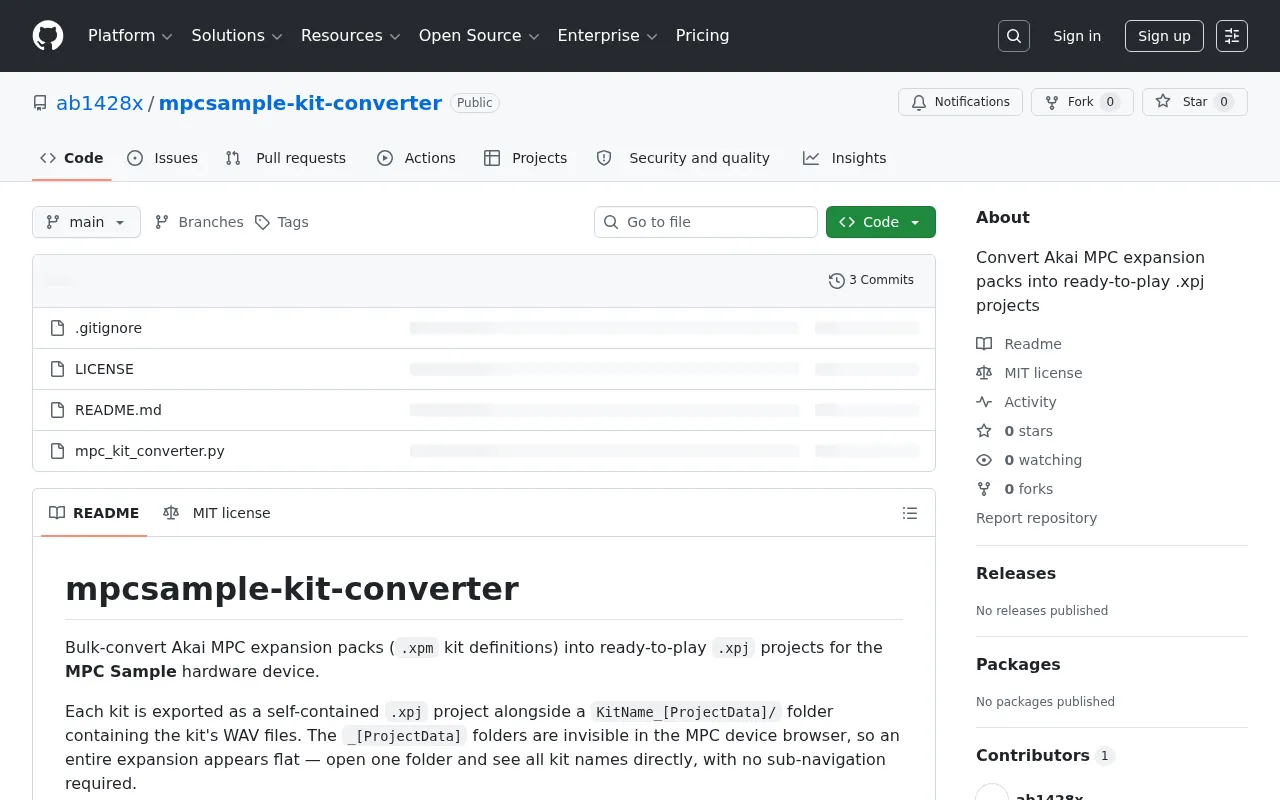
mpcsample-kit-converter
Convert Akai MPC expansion packs into ready-to-play .xpj projects.
MPC-PGM
Create MPC1000-compatible program (.PGM) files from audio samples, with auto-slicing.
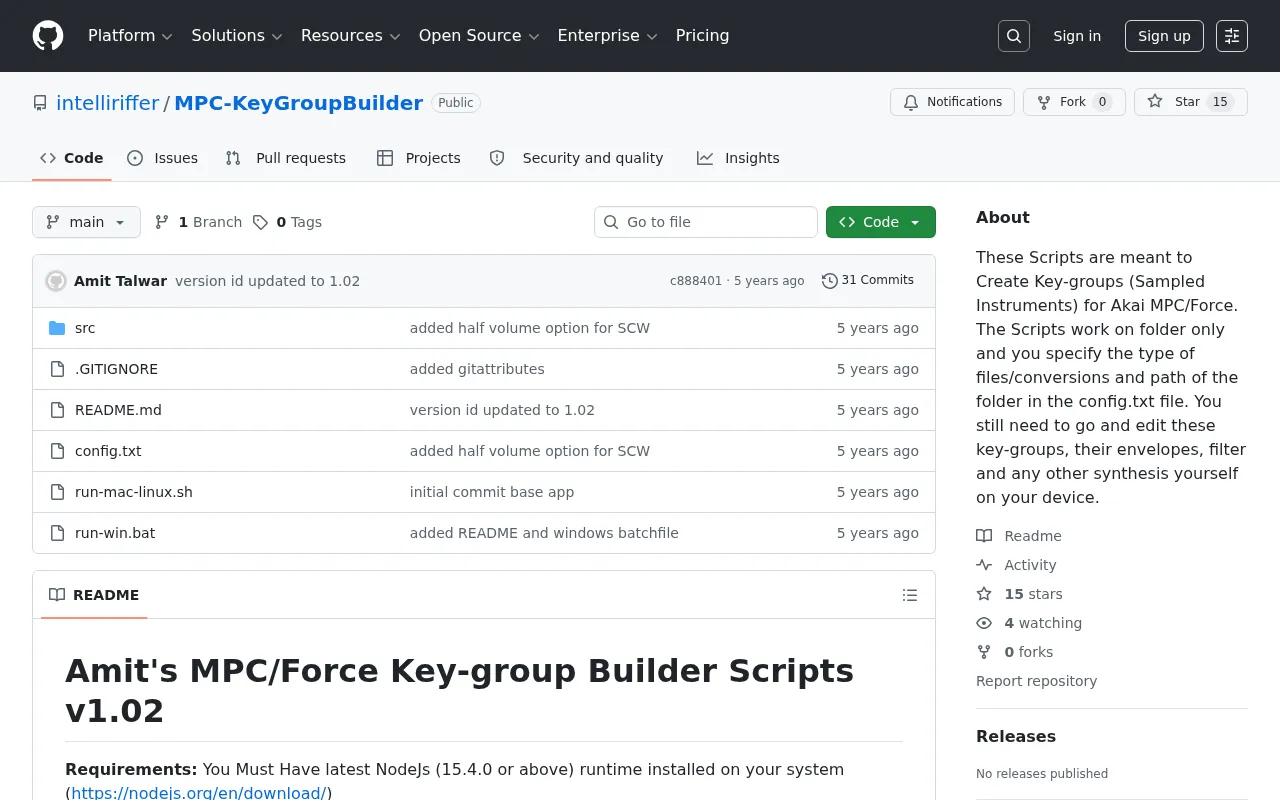
MPC KeyGroup Builder
Scripts to create keygroup (sampled-instrument) programs for the Akai MPC / Force.
Akai MPC Expansion Kit CLI
Command-line tool for building Akai MPC expansion kits.