Device guide
EP-136 K.O. Sidekick: tools, mods & resources
Community-made software, firmware mods, accessories, guides, and answered questions for the Teenage Engineering EP-136 K.O. Sidekick (also known as EP-136, K.O. Sidekick, Sidekick).


Player & Companion Apps
All player & companion apps
MIDI Controllers & Sequencers
All midi controllers & sequencers
Accessories & 3D Prints
All accessories & 3d prints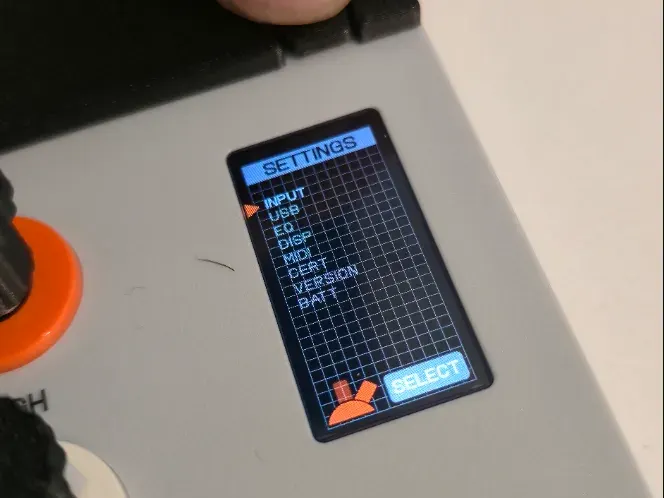
EP-136 Settings Access Button
3D-printed button for quick access to EP-136 Sidekick settings
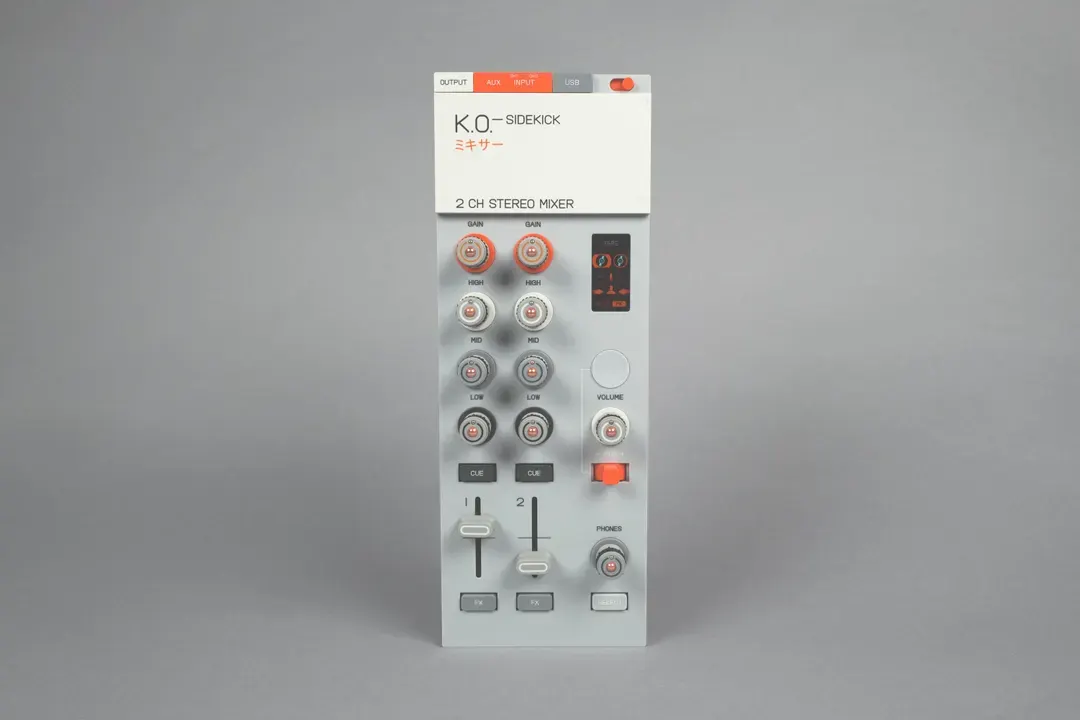
ORBITAL! CONTROLS! for the K.O. Sidekick
Replacement knob and fader caps for the EP-136 K.O. Sidekick
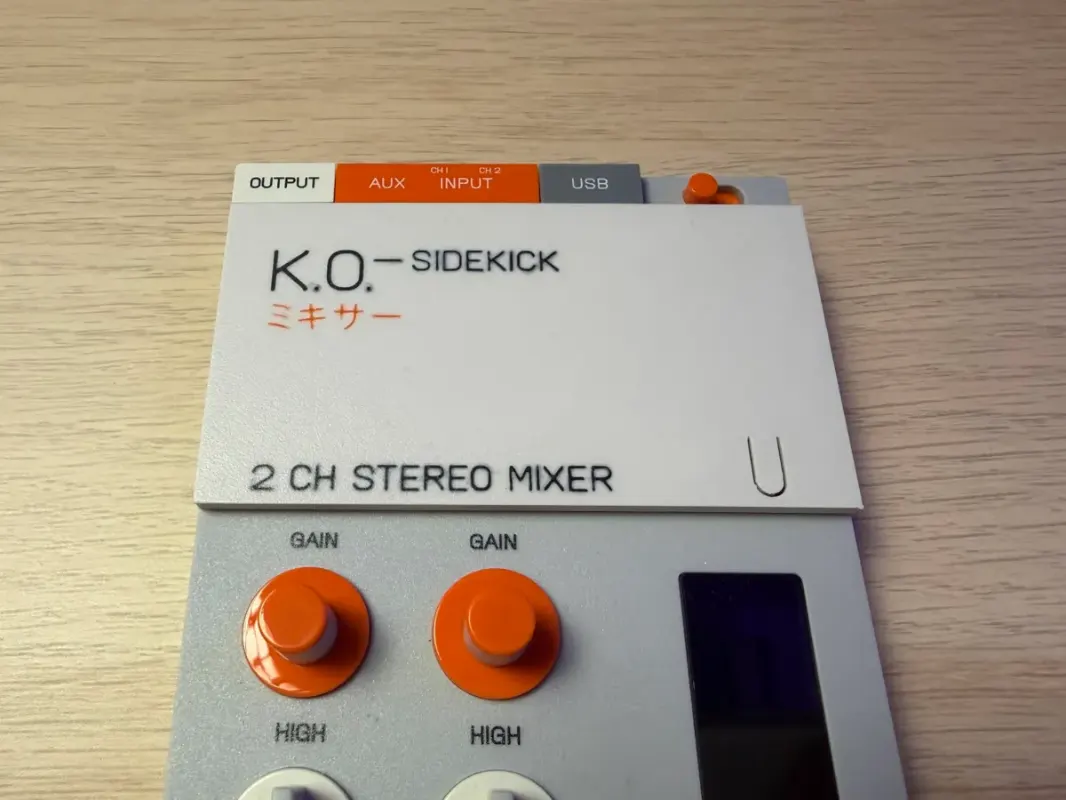
EP-136 Sidekick System-Button Faceplate
Printable Sidekick faceplate with an opening so you can press the system button without removing it

TEcases
Precision-fit protective cases for the Teenage Engineering lineup
EP-136 K.O. Sidekick questions, answered
All 4 FAQsWhat case fits the EP-136 K.O. Sidekick?
There's no official hard case, so owners improvise. TEcases makes a made-to-measure Sidekick case. Carry cases for 40% mechanical keyboards are a cheap, popular fit. Hard-shell cases sized for the OP-1 or OP-XY hold it with room left over for cables. It's light, so some people just carry it in a padded pouch or alongside another unit in TE's own EP bag.
Can I run the EP-136 K.O. Sidekick from USB power instead of batteries?
Yes. Any USB-C cable to a phone charger or power bank powers it, and it draws so little that some power banks drop into standby. If you hear ground-loop hum when it's powered from a computer or a powered USB hub, switch to a power bank or use a power-only USB-C cable. Rechargeable batteries are the other fix if you keep forgetting to switch it off.
Why won't my EP-136 K.O. Sidekick show up as a USB audio interface on my computer or phone?
Almost always it's the cable or a setting. Use a USB-C cable that actually carries data — a lot of cheap cables are charge-only and will power the device while staying invisible to your computer. Then check the Sidekick's USB mode in its settings so it's exposed as a class-compliant audio/MIDI interface rather than just charging. On an iPhone, connect over USB-C (older phones need a powered camera-style adapter); once it's recognised it appears as a standard audio input in your DAW or recording app.
Is the EP-136 K.O. Sidekick worth it, especially alongside a new EP-133 K.O. II?
The Sidekick is an add-on that gives the EP line a proper audio interface, extra inputs/outputs, and mixer-style routing plus effects, so it shines if you want to record stems into a DAW, bring in external instruments, or perform with more I/O. If you've only just got a K.O. II and are still learning the basics, it isn't essential and you may not use its strengths yet. It's relatively inexpensive and widely stocked (and returnable), so a common approach is to grow into the K.O. II first and add the Sidekick once you hit its limits.