Awesome Teenage Engineering
A curated list of community-made software, firmware mods, accessories, guides, and hubs for the Teenage Engineering ecosystem — OP-1, OP-1 field, OP-Z, OP-XY, EP-133 K.O. II, EP-1320, EP-40, the TX-6, and the Pocket Operators.

Common questions
All 103 questionsWhat should I check when buying an OP-XY or OP-1 field second-hand?+
Beyond the usual marketplace caution (use buyer protection on Reverb/eBay, beware too-good-to-be-true deals and stolen units), test the things that are expensive to fix. Exercise every key and encoder for dead spots or crackle, check the screen for dead pixels, try the headphone and line jacks, and confirm it charges and holds a charge. Make sure it powers on, takes a firmware update, and isn't iCloud/account-locked or reported lost. New units come with a warranty, which is worth weighing against the second-hand saving.
How do I clock-sync a TX-6, OP-1 field, EP-133 K.O. IIs, and Pocket Operators for live performance?+
Pick one master clock and split your gear into two sync worlds. The OP-1 field and the K.O. IIs speak MIDI clock, so run MIDI/USB from your master (the TX-6 works well as the hub) to those devices and set them to follow external clock. Pocket Operators don't do MIDI — they sync to an audio click on the left channel, so feed them a sync signal from a PO set to send sync, a dedicated sync box, or a MIDI-to-audio-sync converter, and chain the POs from there. Decide up front whether your MIDI master or your PO chain is the timing reference and derive the other from it, so everything starts from one tempo.
How do I plug a guitar into the OP-1 field (to use the Amp)?+
You can go straight in — no preamp needed. Use a TS (mono) cable from the guitar with a 1/4" (6.3mm) to 3.5mm adapter (or a dedicated guitar-to-3.5mm converter cable) into the OP-1 field's line input, then open the input page and pick the Amp input effect that arrived with the recent firmware. From there you can dial in gain and tone and record straight to tape. A passive guitar's level is a bit low, so push the input/amp gain to taste.
EP-133 K.O. II: should I get the 128MB version or a used 64MB, and are there hardware generations?+
There are two versions: the original with 64MB of sample memory and a newer one with 128MB. They run the same firmware and behave identically — the only difference is how much sampling time you get, so the 128MB holds roughly twice as much material before you have to manage space. For learning the device the 64MB is plenty; the 128MB is worth the extra outlay if you sample a lot or want to future-proof. If you buy used, check the fader feel — some early units had a slightly finicky fader.
Why can't I update my EP-133 K.O. II in the web updater?+
The EP-133 updates through the browser using WebUSB, which only works in a Chromium browser (Chrome or Edge) on a desktop — Firefox, Safari, and iOS/iPadOS don't support WebUSB, so the updater simply won't see the device there. Make sure you're on Chrome/Edge, use a USB-C cable that carries data (not a charge-only one), close any other app or browser tab that's connected to the unit, and try a different port. If it still doesn't connect, swap the cable before assuming the device is at fault — bad cables are the most common culprit.
Community & forums
OP ForumsThe long-running Teenage Engineering community forum — patches, tools, and per-device boards for the OP-1, OP-Z, OP-XY, and more.
OP1 EssentialsA resource hub of guides, tips, and links for getting the most out of the OP-1.
Pocket OperationsSamples and patches for the Pocket Operator series.
r/OP1usersActive community focused on the OP-1 and OP-1 field.
220 results
Sample & Kit Tools41
Xympler
OP-XY companion for organizing samples and preparing drum kits, multisamples and song presets
TRKLS
Browser sample-library tool for TE devices: chop, chain and send samples to the EP-133, OP-1 and OP-Z
TE Loop Cutter
Offline PWA loop cutter that exports loops for the OP-1, OP-XY, OP-Z and EP-133
Re:Pitch:Riddim
Re:Pitch sample prep, forked to support the EP-40 Riddim and its loop samples
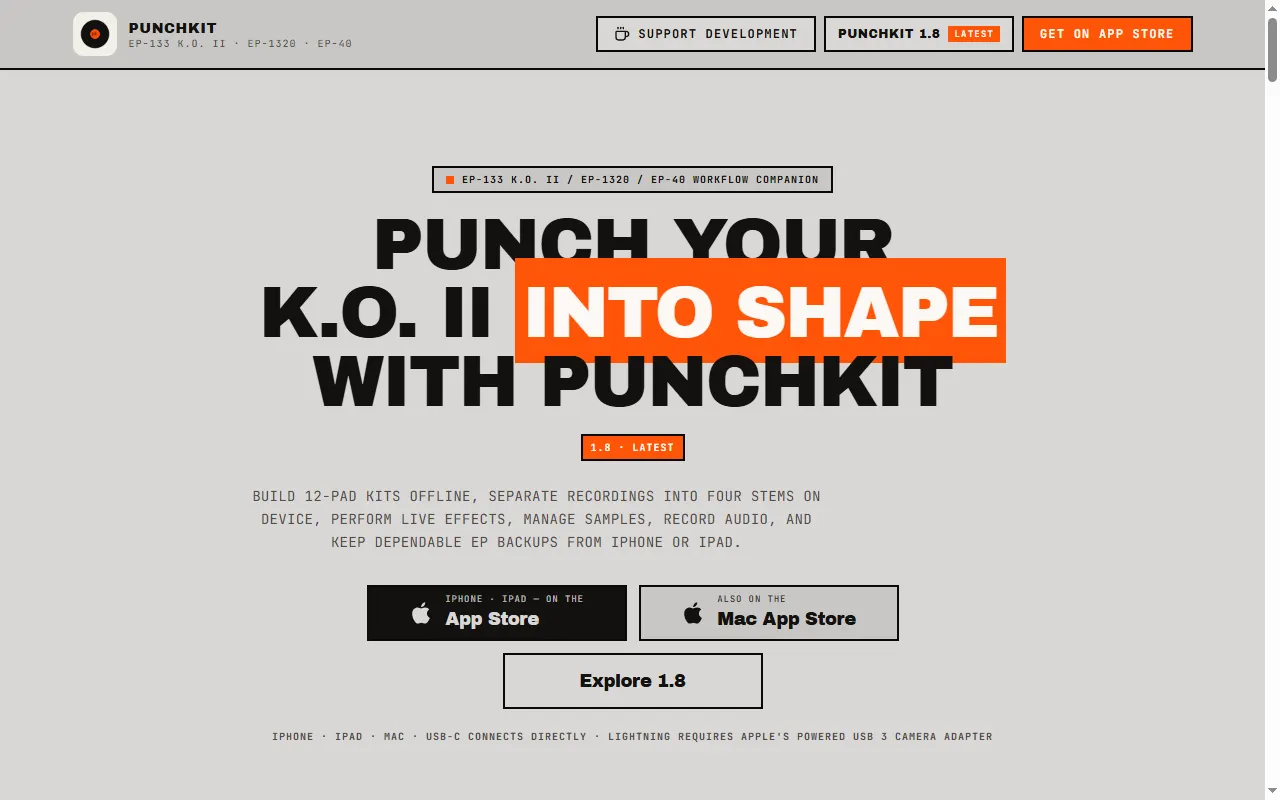
PunchKit
iPhone/iPad/Mac companion for the EP-133, EP-1320 and EP-40: kits, stems, effects, backups
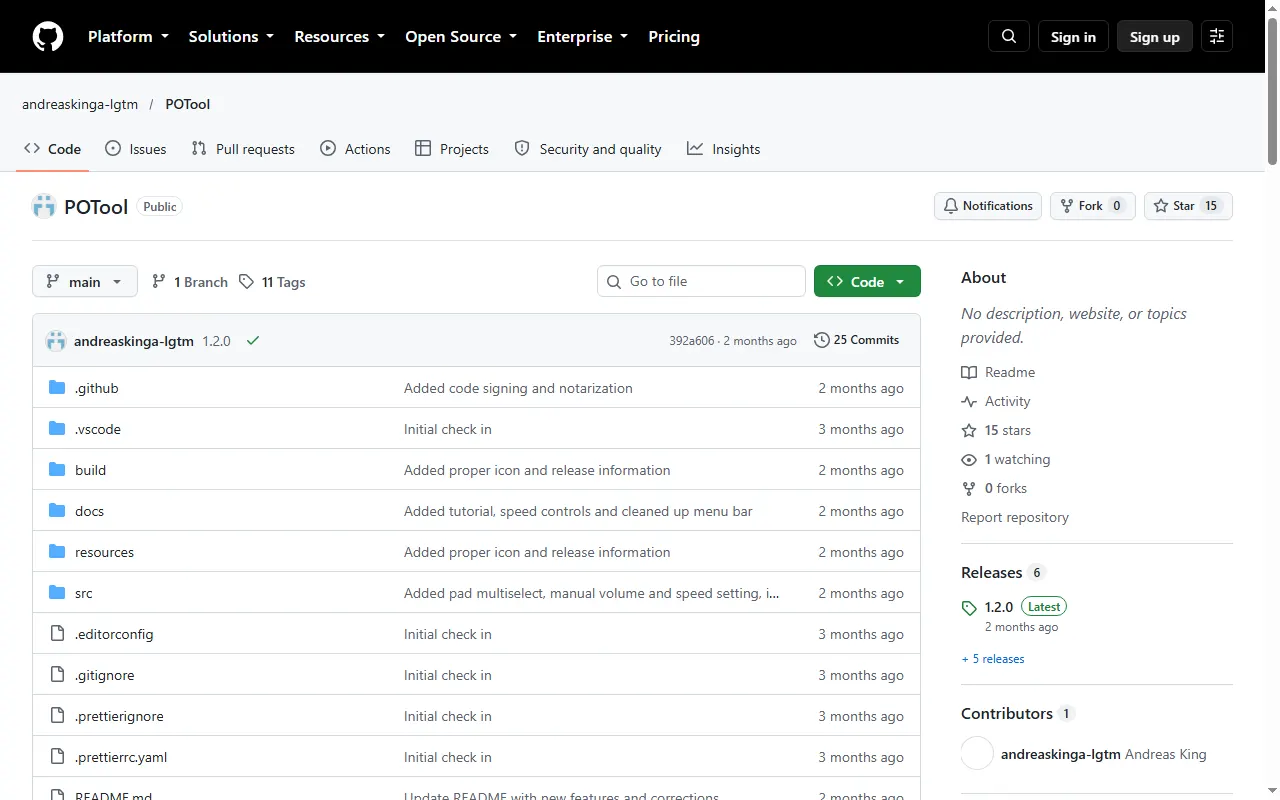
POTool
Desktop tool that packs each PO-33 drum kit into one audio file to save sample memory
po-chain
In-browser workbench for Pocket Operators and EP devices: chain planner and sample prep
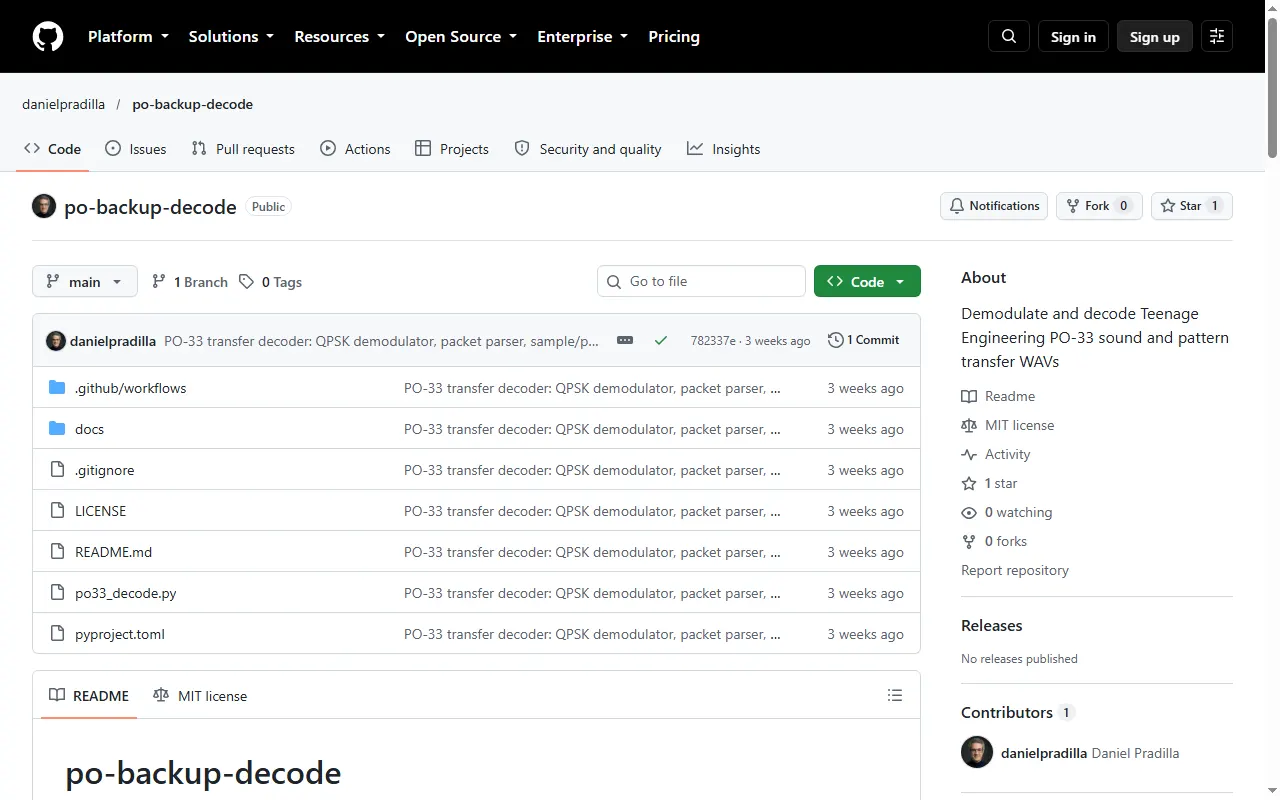
PO-33 Backup Decoder
Python tool that decodes PO-33 sound and pattern transfer WAVs into samples, patterns and BPM
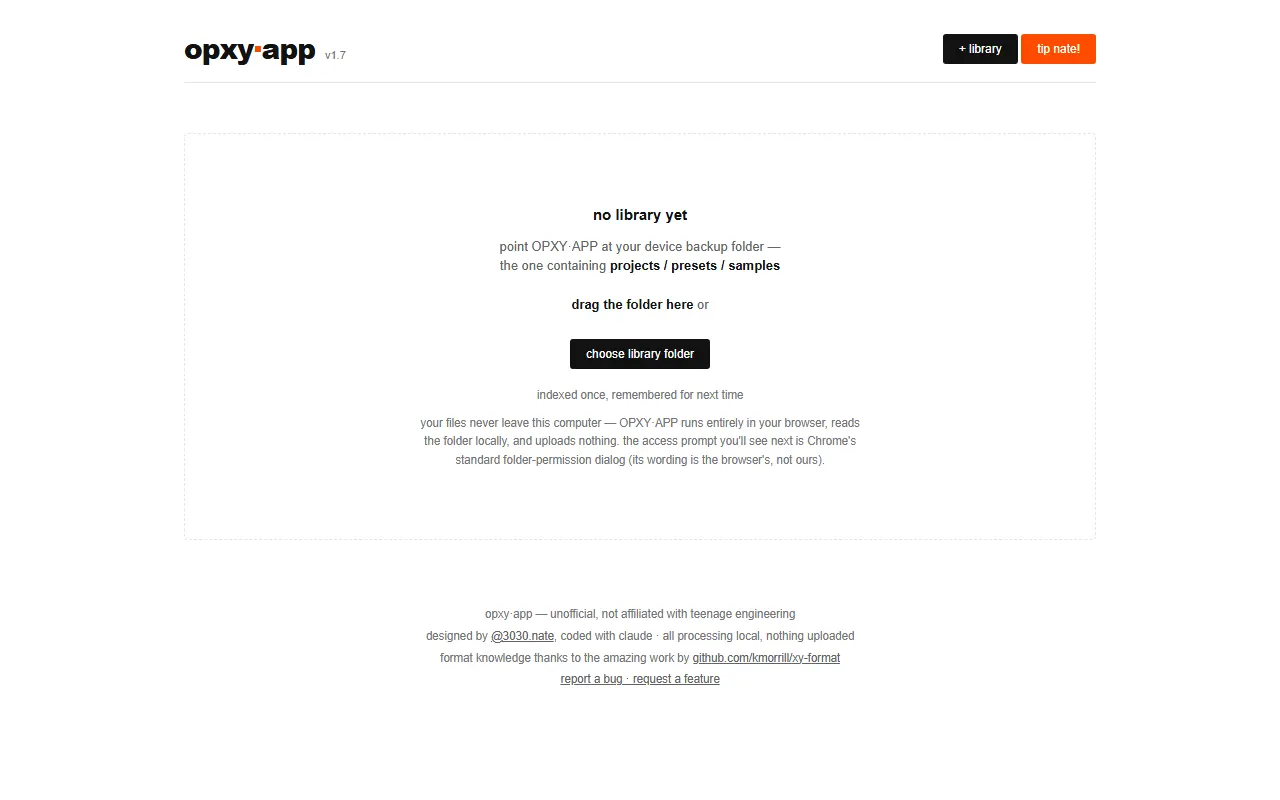
OPXY.APP
Browser tool that maps which samples your OP-XY projects use and repairs broken sample links
OP-XY Drum Builder
Web app for building OP-XY drum presets and drum racks from your own samples
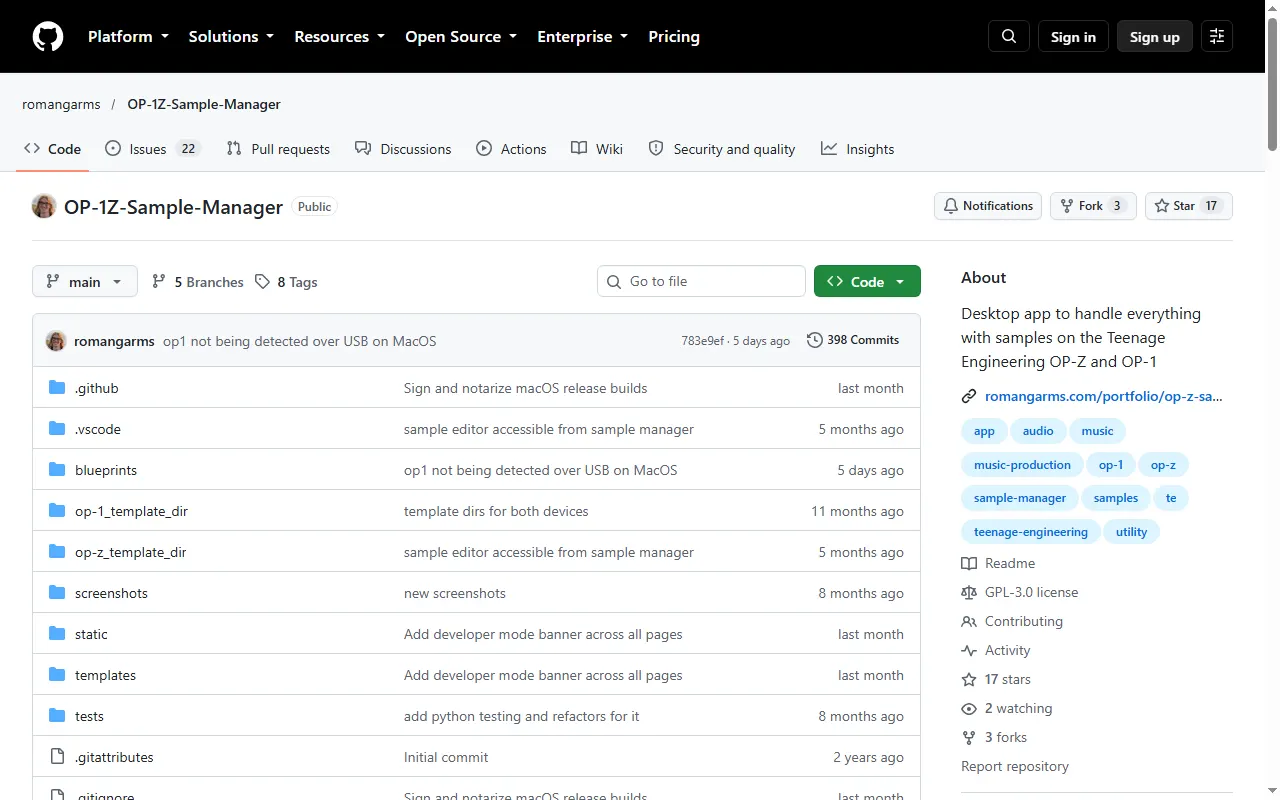
OP-1Z Sample Manager
Desktop app for managing samples on the OP-Z and OP-1, with a built-in sample editor
OP-1 field Drum Kit Builder
Python script that builds OP-1 field drum kits from folders of one-shot samples
Omnivore Sample Packer
Desktop app that packs and edits sample kits for the OP-1, OP-Z and PO-33
Logic Pro Drum Kit Exporter for OP-XY
Export Logic Pro and GarageBand Drum Kit Designer kits as OP-XY drum presets
krate
Terminal sample manager for the EP-133 K.O. II, with a CLI and a text UI
ko2-io
Terminal sample I/O, project editing and a FUSE filesystem for the EP-133 K.O. II
KO Trimmer
Web tool that removes silence and converts audio to mono, made for the EP-133 K.O. II
EP-133 Sample Tool Enhanced
Fork of TE's EP-133 sample tool with extra features and OP-1 / Web MIDI controller pass-through
EP-133 Memory Saver
Simple Windows tool that converts WAV folders to smaller bit depths and rates for the EP-133
EP-133 Bank Organizer
Local PWA that scans and organizes sample banks on the EP-133 K.O. II
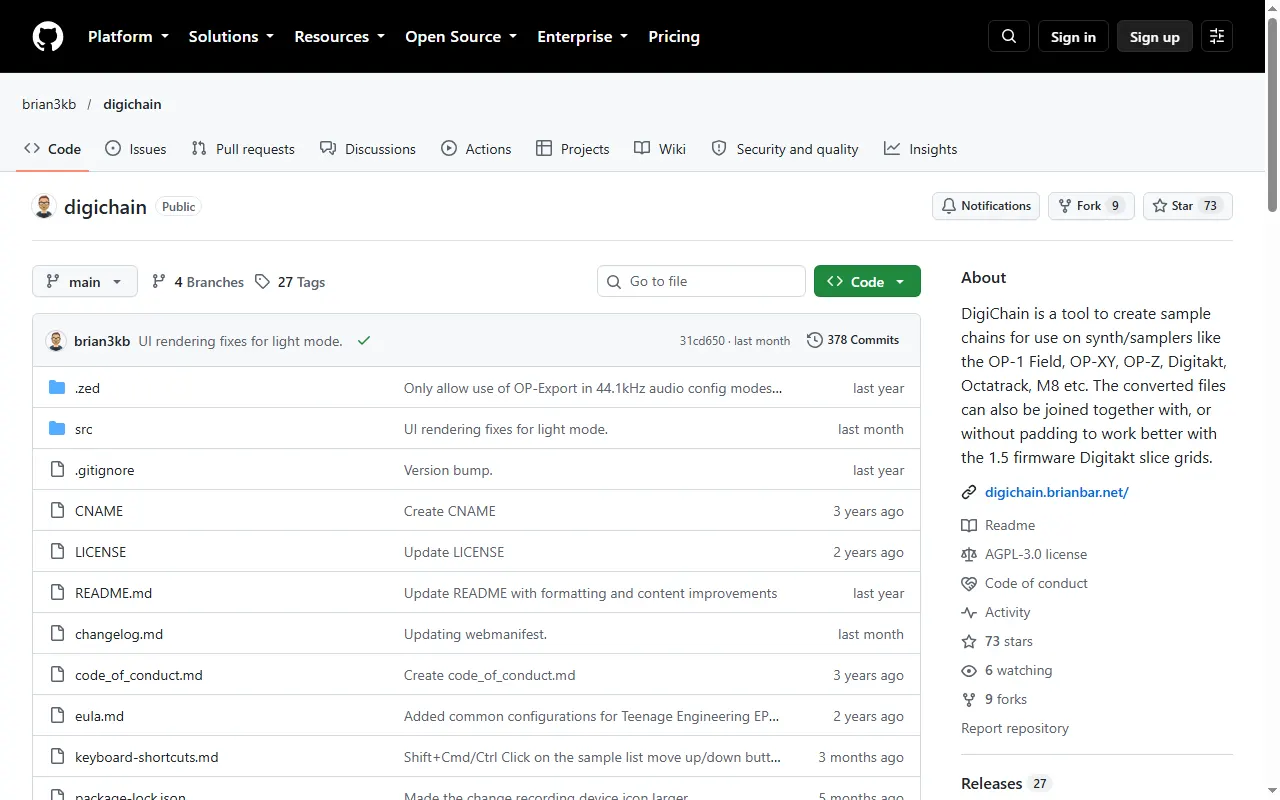
DigiChain
Sample-chain builder for the OP-1 field, OP-XY, OP-Z and other samplers
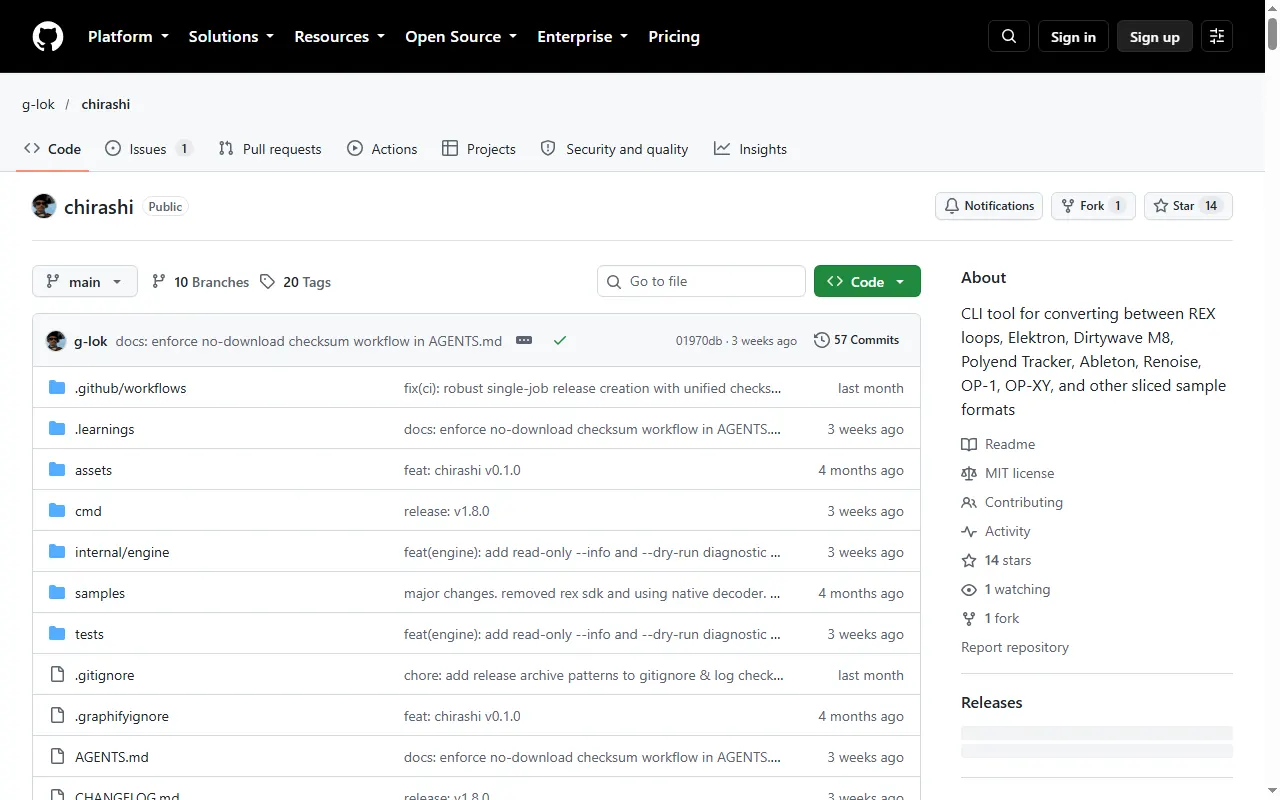
chirashi
CLI that converts sliced-sample formats, including OP-1 and OP-XY, REX, M8 and Tracker
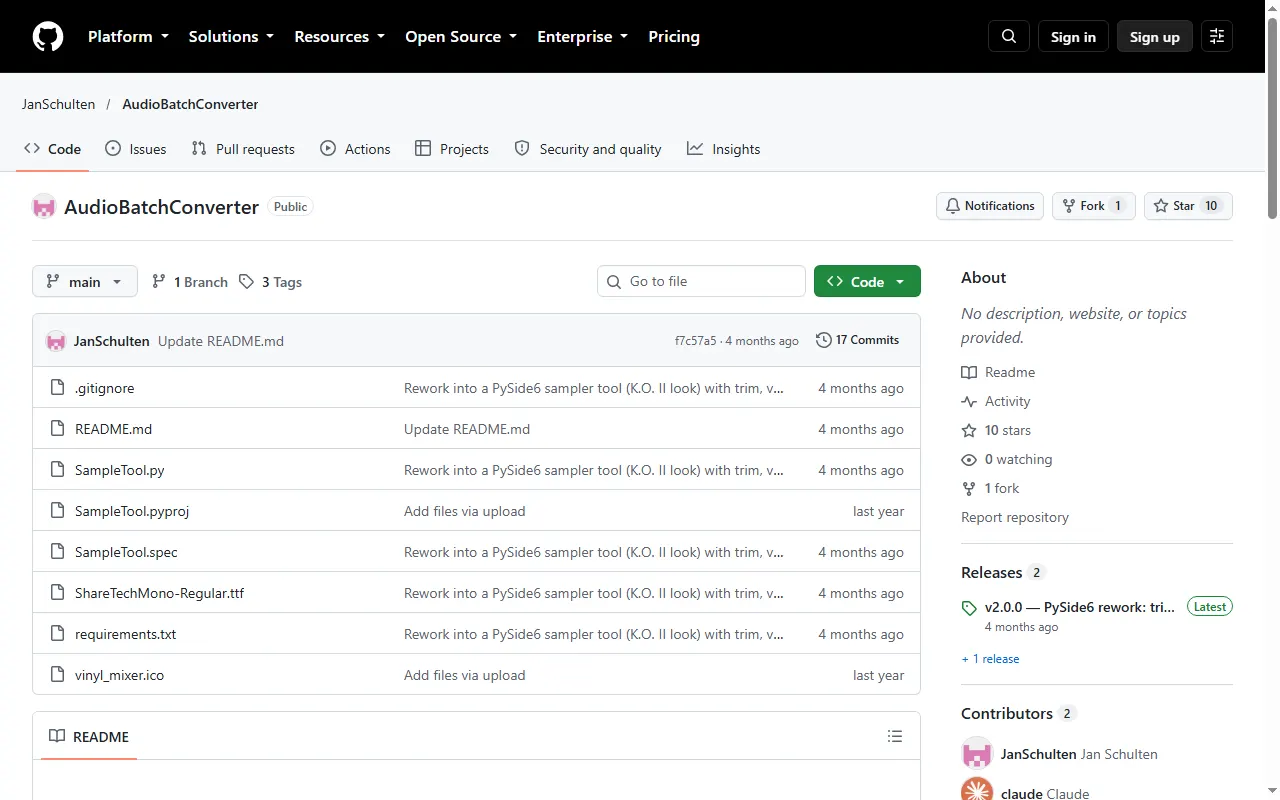
AudioBatchConverter (K.O. II sample tool)
Desktop tool that speeds up, downsamples and trims samples to save K.O. II memory
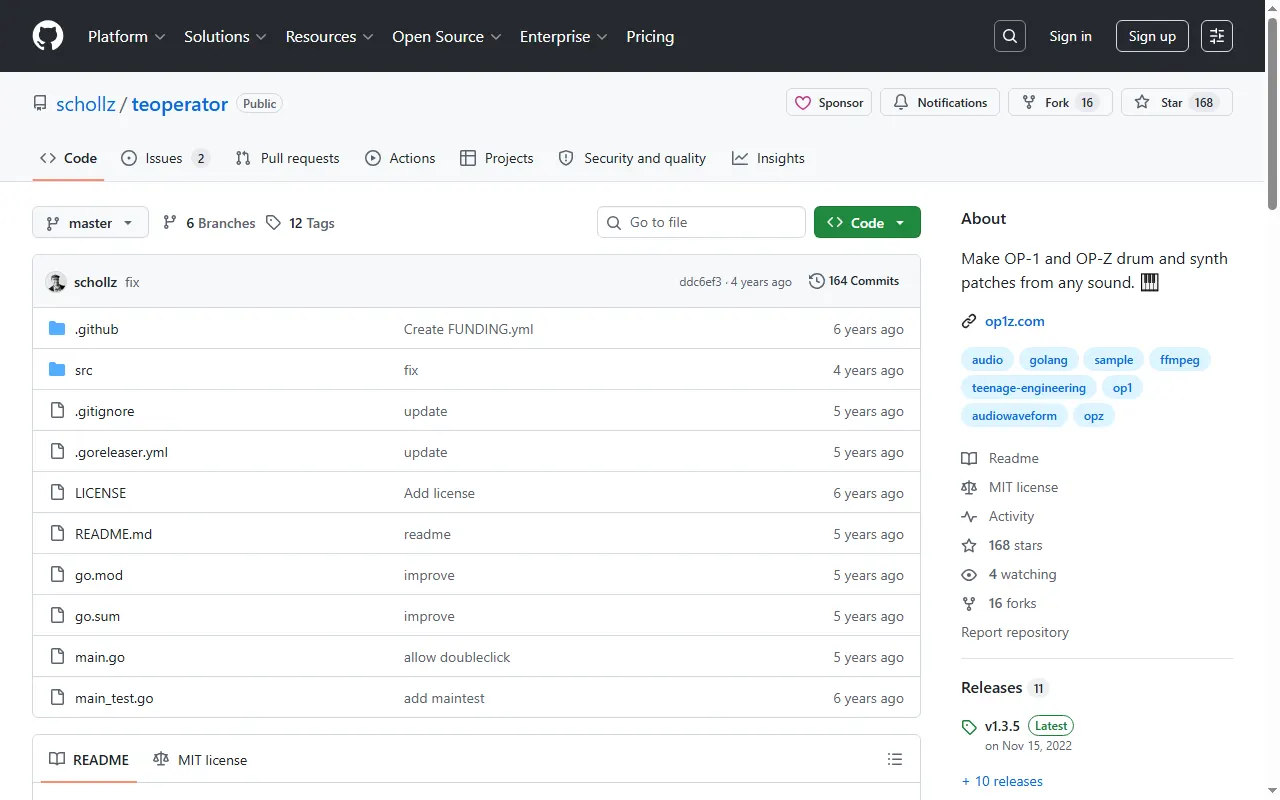
teoperator
Turn any sound on the internet into an OP-1 / OP-Z drum or synth patch
PO33 Drumpad
Build and load custom drum kits into the PO-33 K.O!
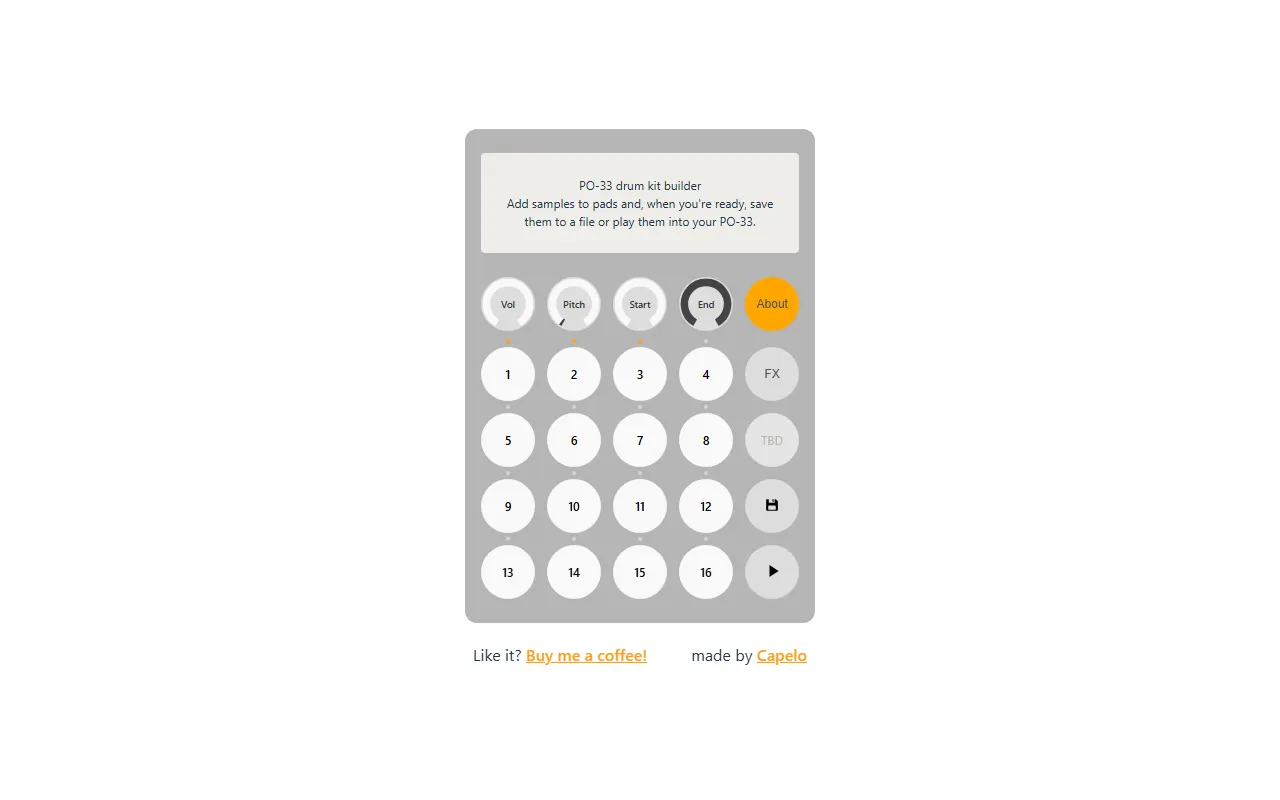
PO-33 Drum Kit Builder (capelo)
Free browser tool to build PO-33 drum kits
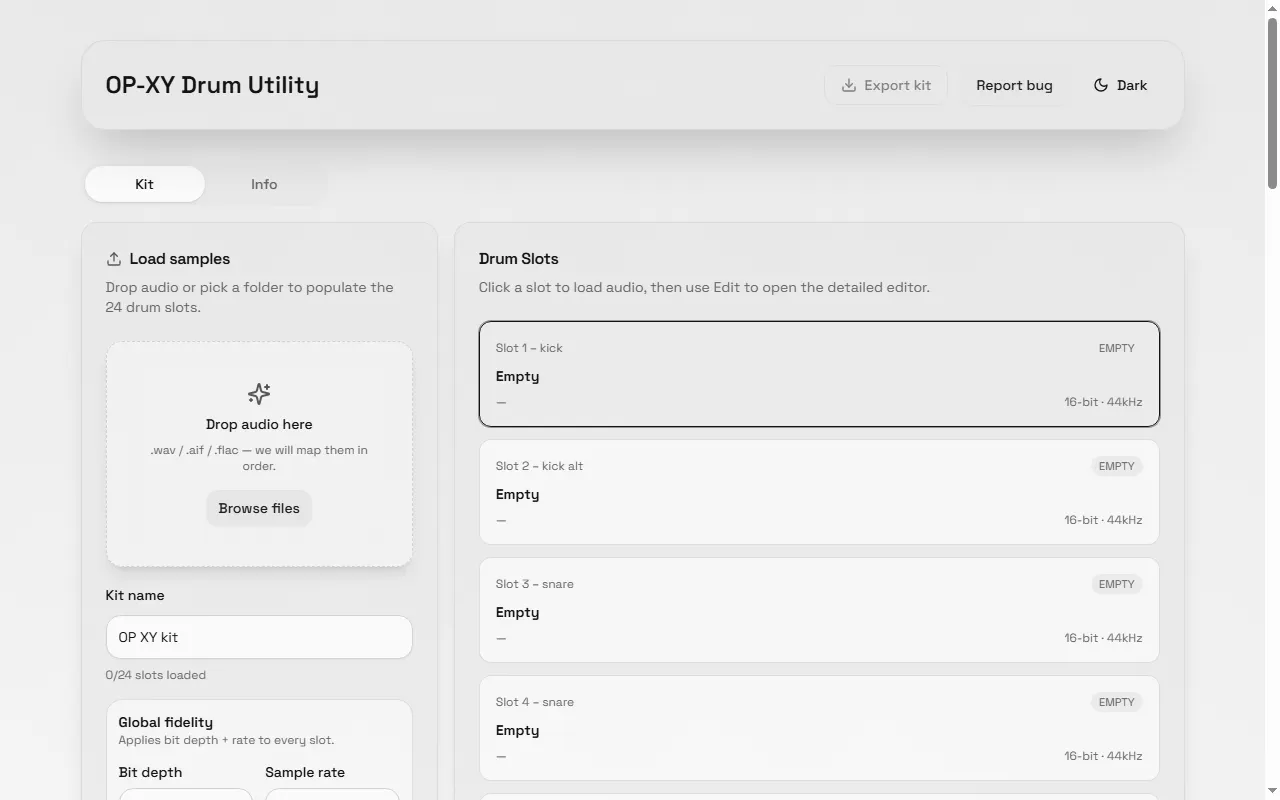
OP-XY Drum Utility
Build OP-XY drum kits in the browser — drop in samples, edit, and export
EP-133 Sample Tool (offline)
Offline EP-133 sample tool that talks to the device over SysEx
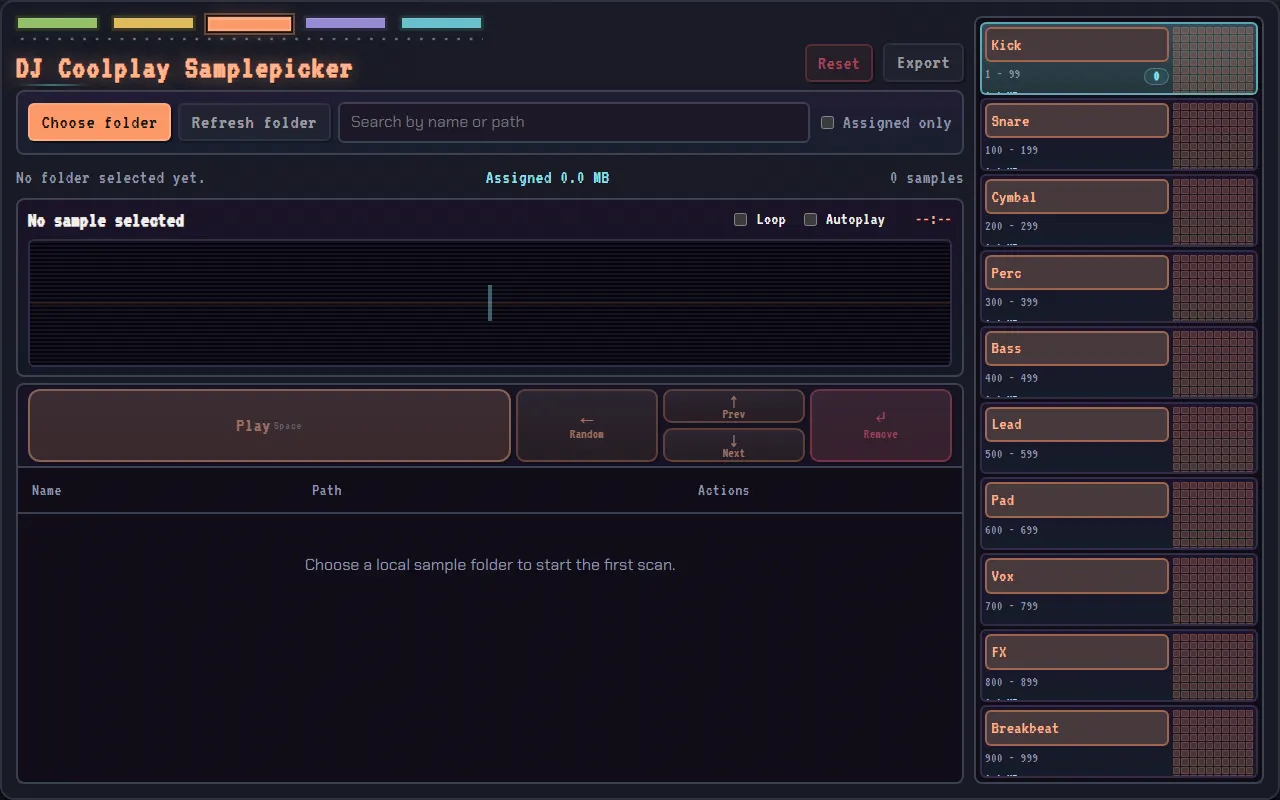
DJ Coolplay Samplepicker
Quickly pick and prep samples for the EP-133, EP-40 and EP-1320
OP-Z Drum Utility (offline)
Offline web app that turns your audio into OP-Z-ready AIF drum samples with the right metadata
Pocket Lab
A browser audio editor for prepping samples for Pocket Operators
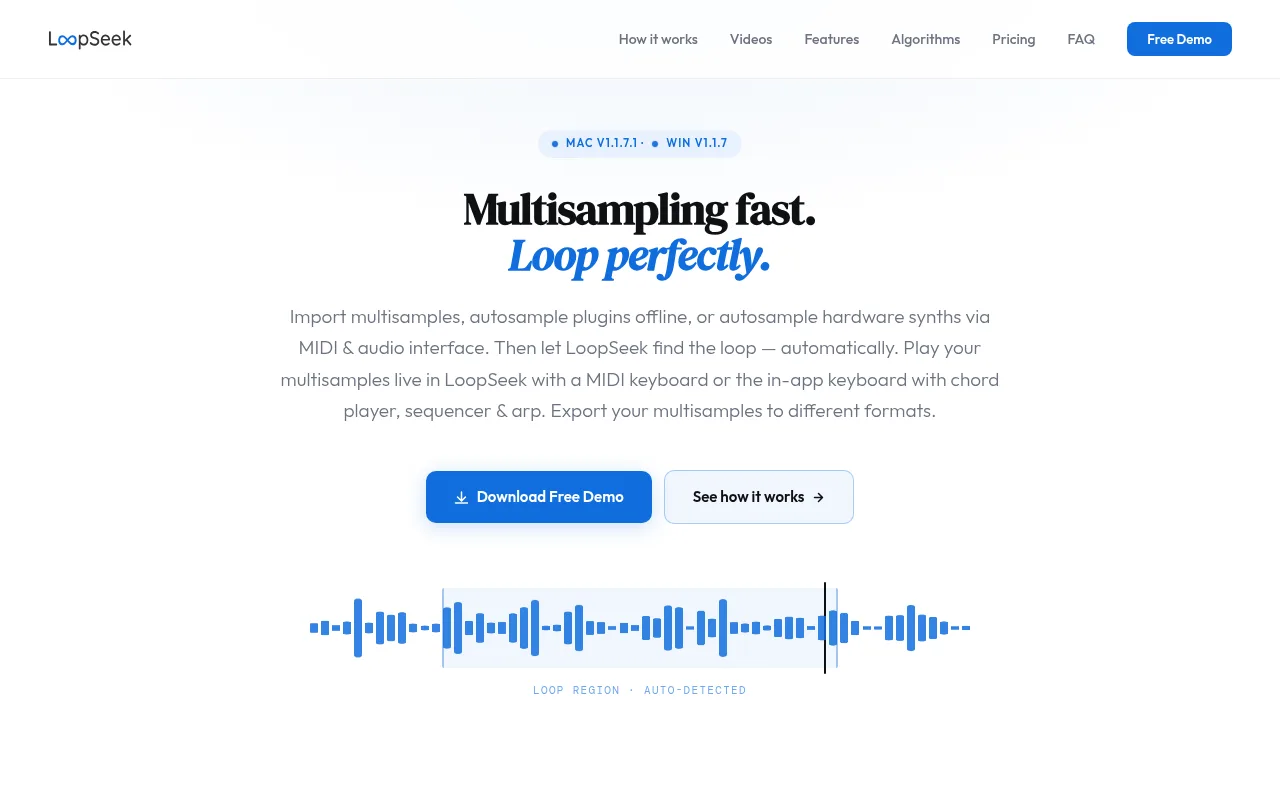
LoopSeek
An automated multisampling workflow in one app
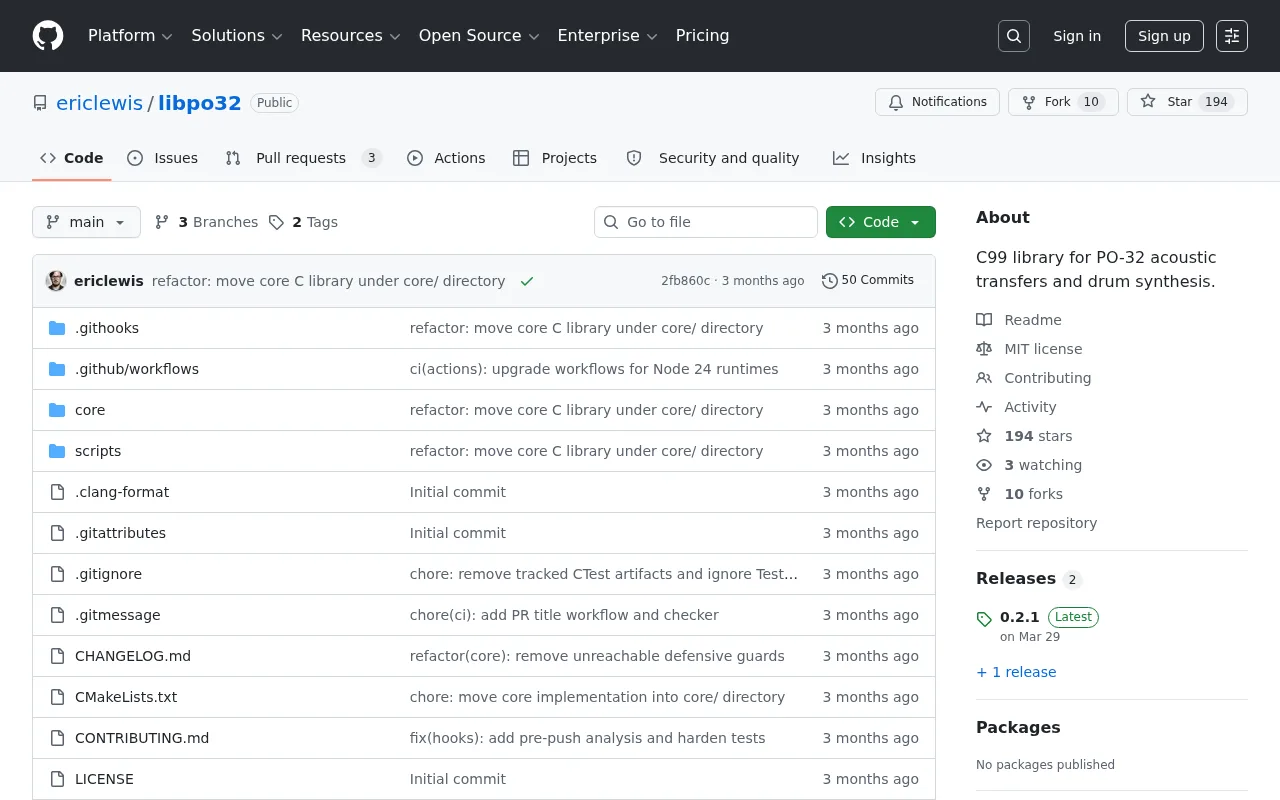
libpo32
A C library for PO-32 acoustic data transfer and drum synthesis
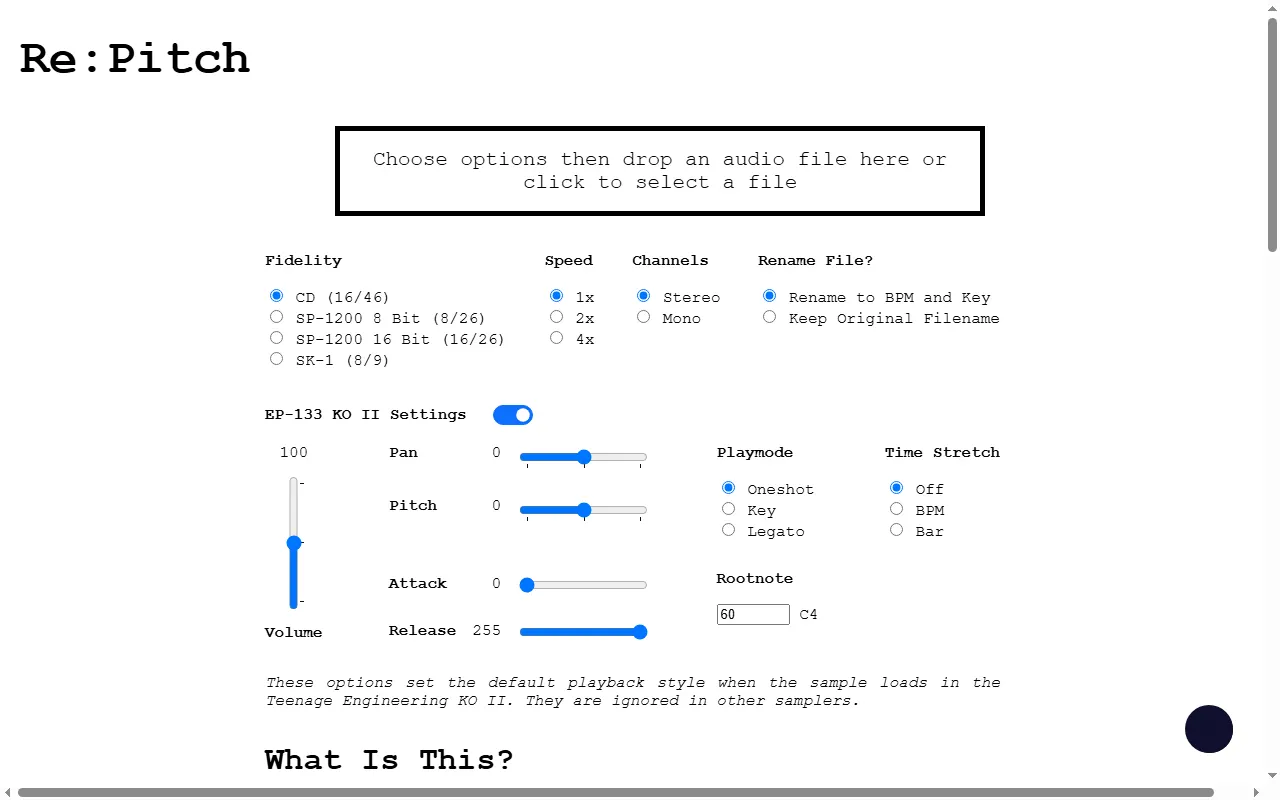
Re:Pitch
Re-pitch/bit-crush audio and bake in EP-133 KO II sample settings
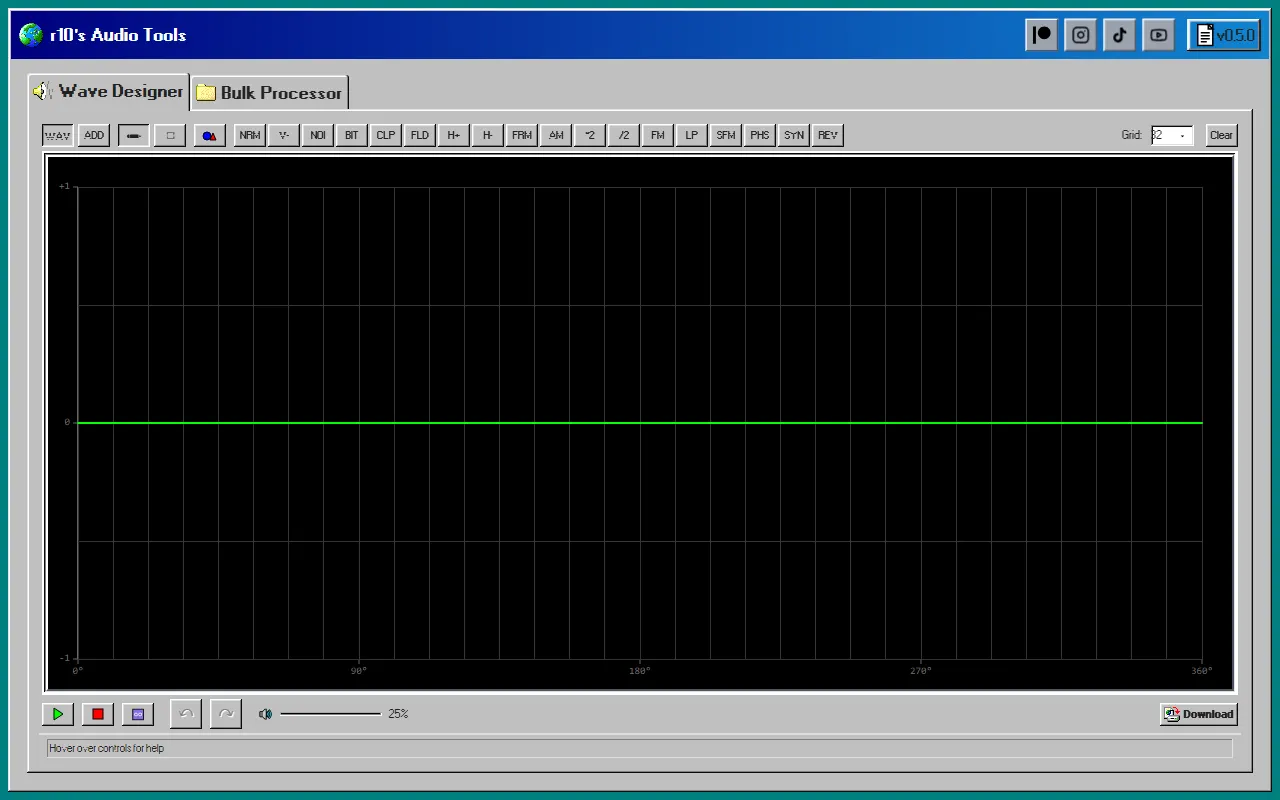
r10's Audio Tools
Browser wave designer + bulk sample processor for prepping samples
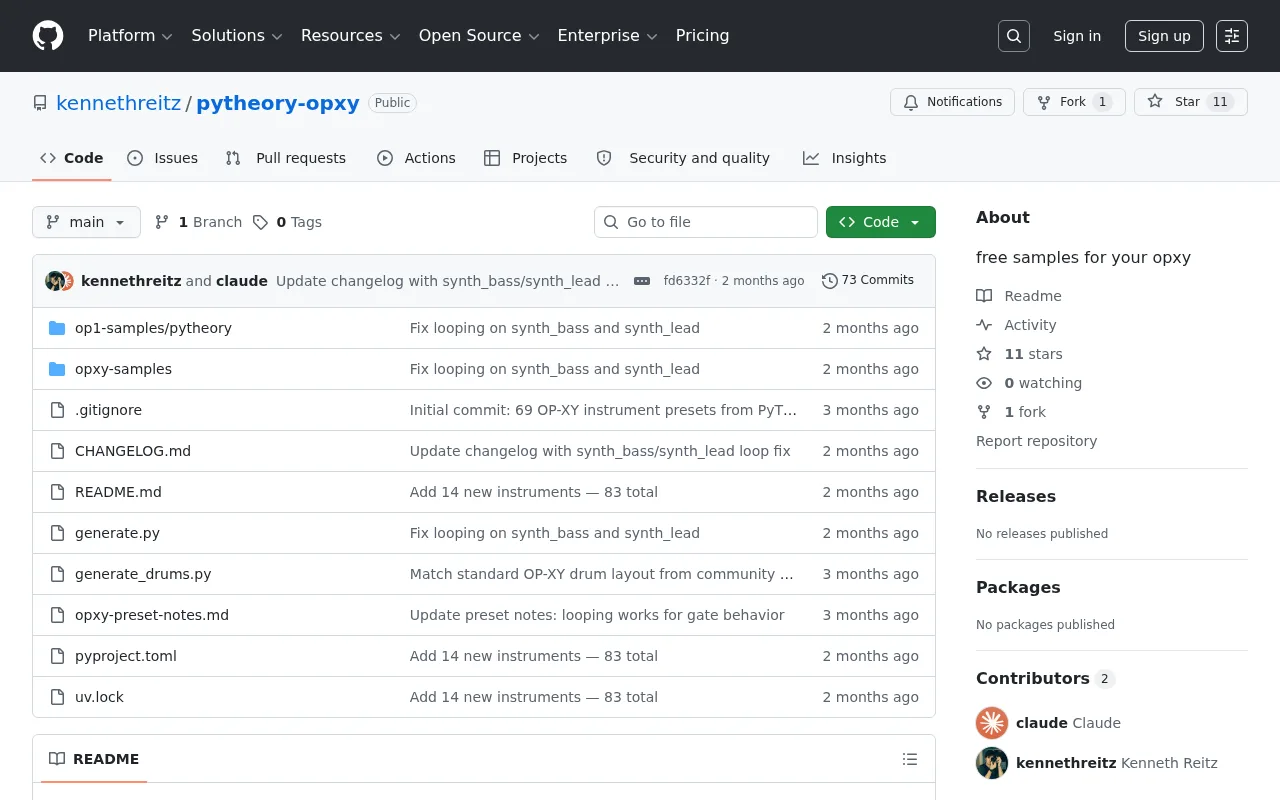
PyTheory OP-XY Samples
Free multisample instrument presets for the OP-XY and OP-1
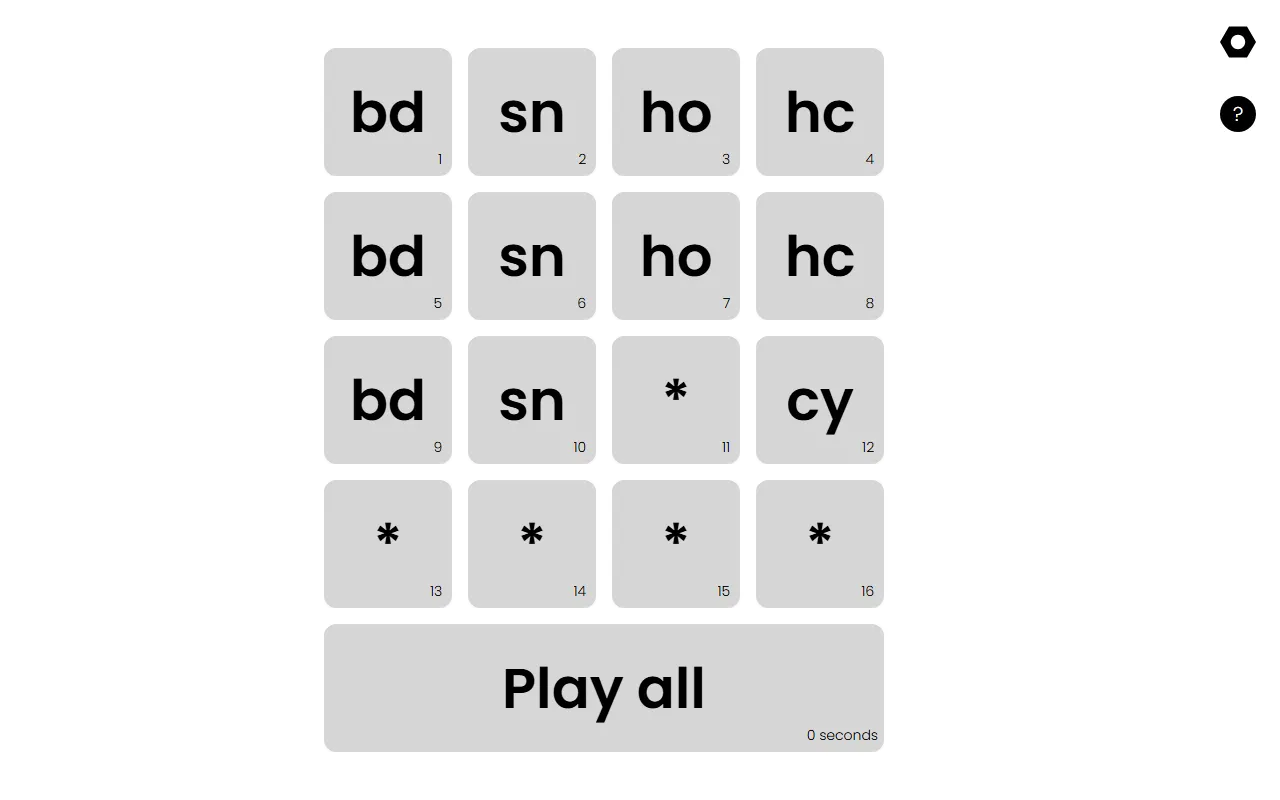
PO-33 Sample Loader
Plays a drum kit in order so you can load it into the PO-33 quickly
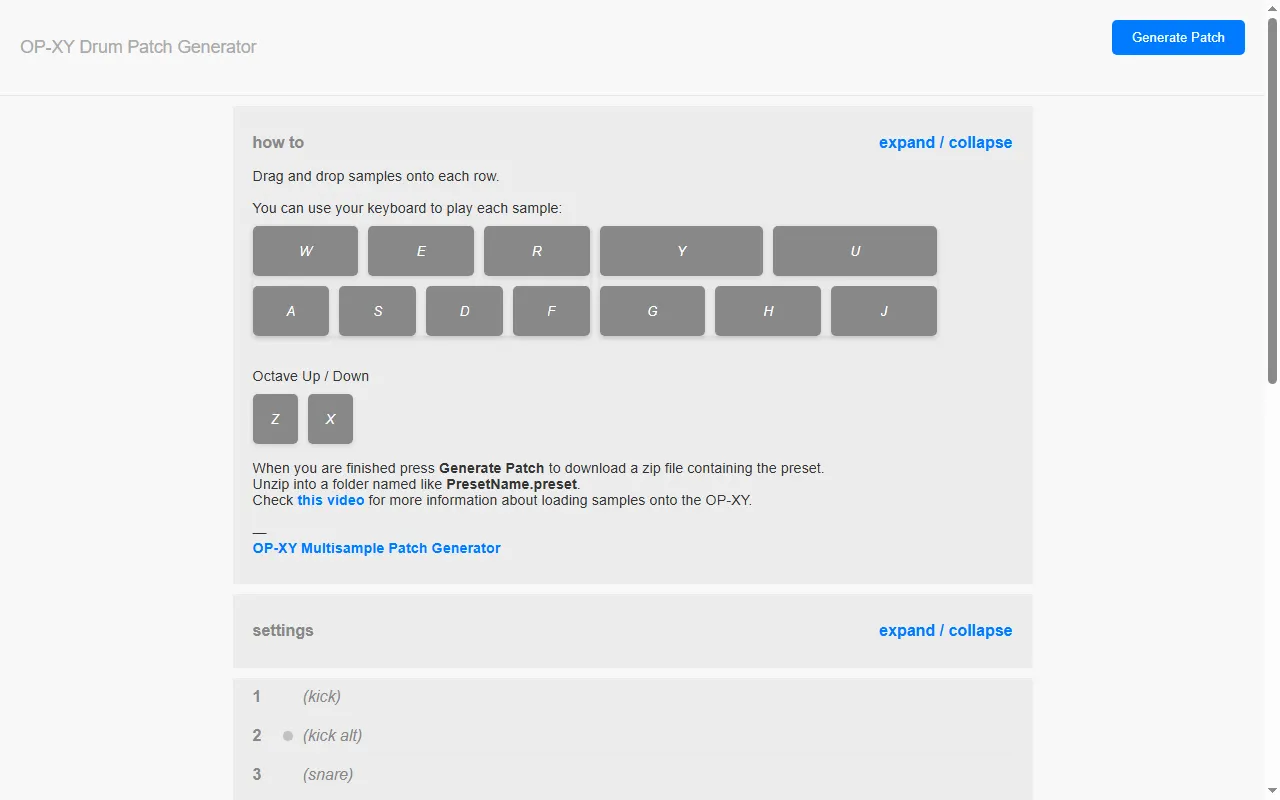
OP-XY Drum Patch Generator
Drag-and-drop web tool to build OP-XY drum presets from your own samples
EP-133 Sample Tool (ep_133_sample_tool)
Open-source browser tool for managing samples and backups on EP samplers
Earthwire
Build OP-1 / OP-1 field drum kits from sounds across the planet
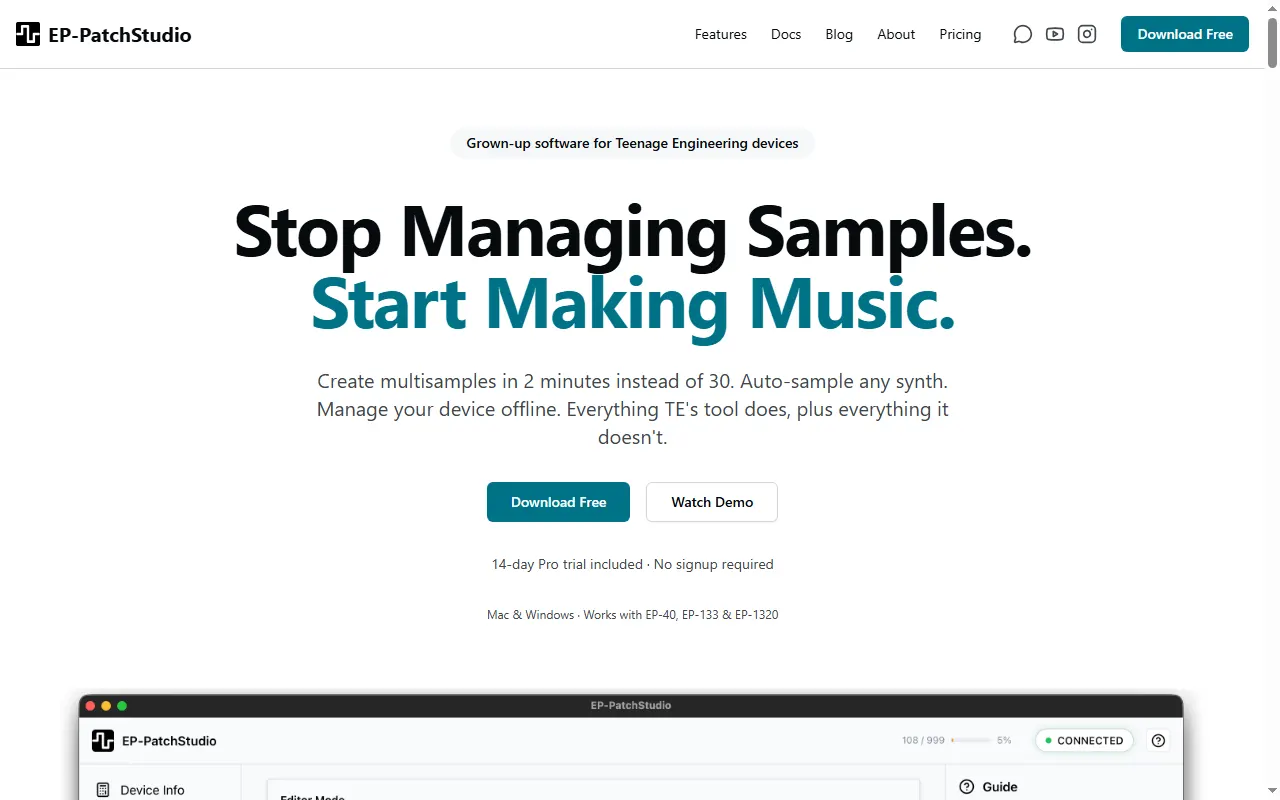
EP-PatchStudio
Multisample creation & device management for TE's EP samplers
Patch & Preset Editors19
Swift-TE
Pure Swift library that reads and writes OP-1, OP-Z and OP-XY patch formats
sf2-to-opxy
Converts SoundFont 2 instruments and drum kits into OP-XY multisample and drum presets
PolySampler
VST3/CLAP plugin that auto-multisamples a MIDI instrument and exports OP-XY presets
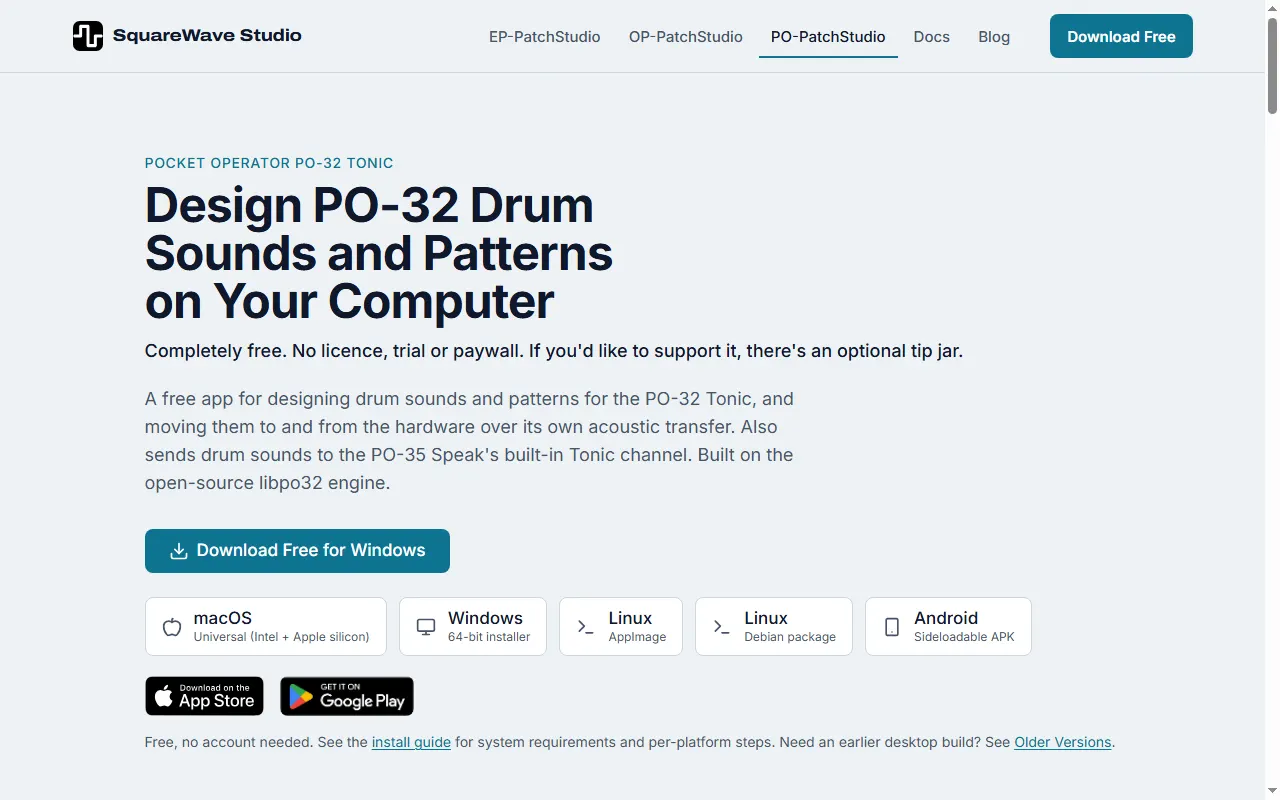
PO-PatchStudio
Free PO-32 Tonic drum-sound and pattern editor that transfers over the PO's audio link
opxy-to-sfz
Batch-convert OP-XY multisample presets to SFZ with trimmed WAV samples
OPXY Multisample Tool
Python tools that record, name and pack multisample presets for the OP-XY
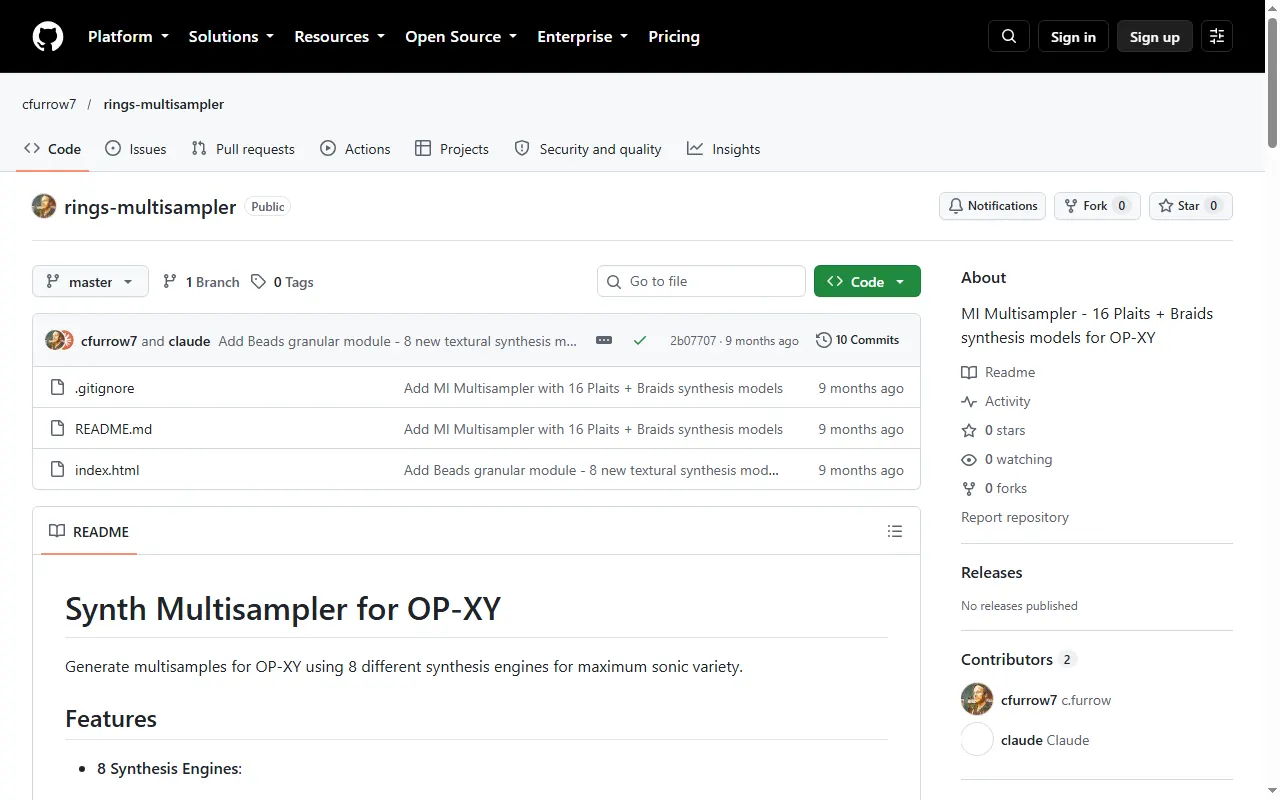
OP-XY Synth Multisampler
Generate OP-XY multisamples from modal, plucked-string, FM, additive and other synth engines
OP-XY Multisample Converter
Browser app that converts multisamples to OP-XY format and trims silence automatically
OP Patch Utility
Command-line tool for creating and editing patches for the OP-1 and OP-Z
Maschine Multisample to OP-XY Converter
Web tool that converts NI Maschine multisample instruments into OP-XY presets
fx-mic-tool
EP-2350 config.json pack toolkit with a validator, deploy script and browser editor
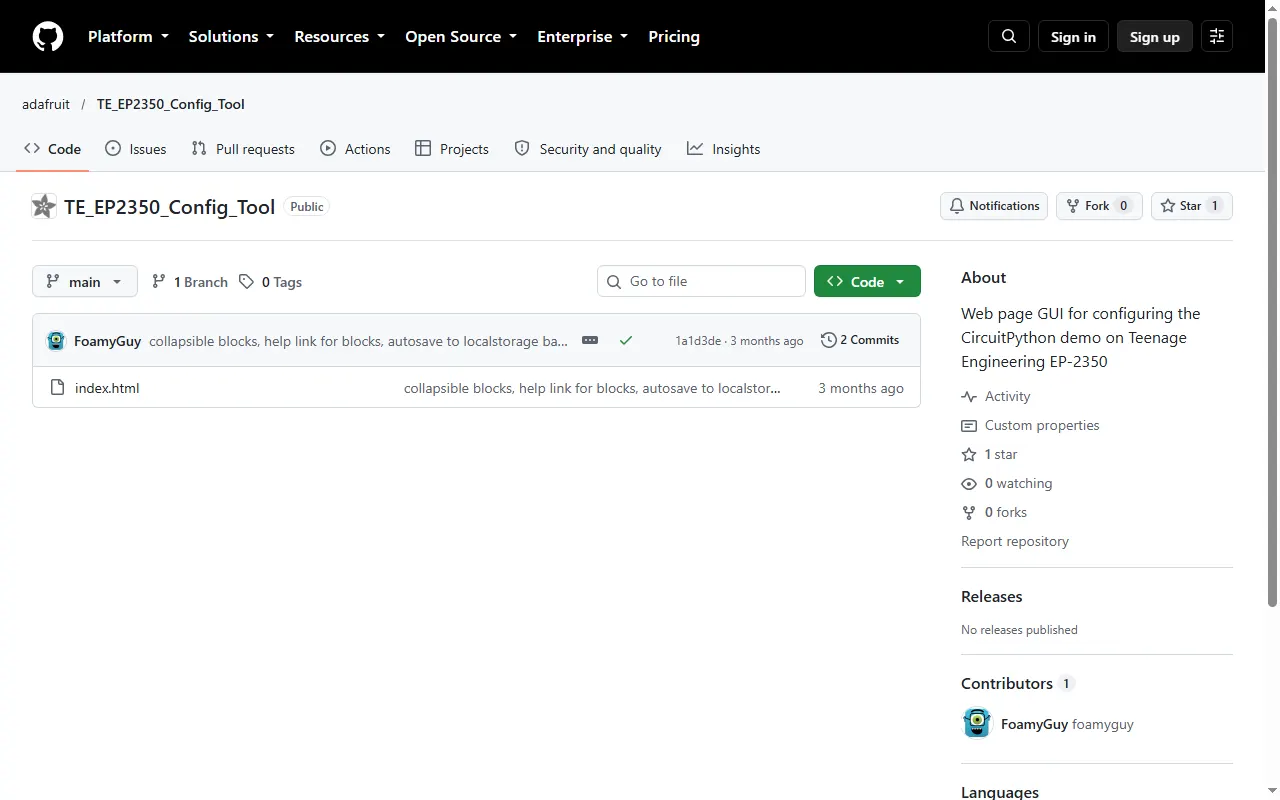
EP-2350 Config Tool (Adafruit)
Adafruit web GUI for configuring the CircuitPython demo on the EP-2350
EP-2350 Config Editor
Single-file offline editor for writing EP-2350 config.json files
DX7 to OP-XY Multisample Patch Maker
Turn DX7 SysEx banks into OP-XY multisample presets (or Elektron Tonverk multisamples)
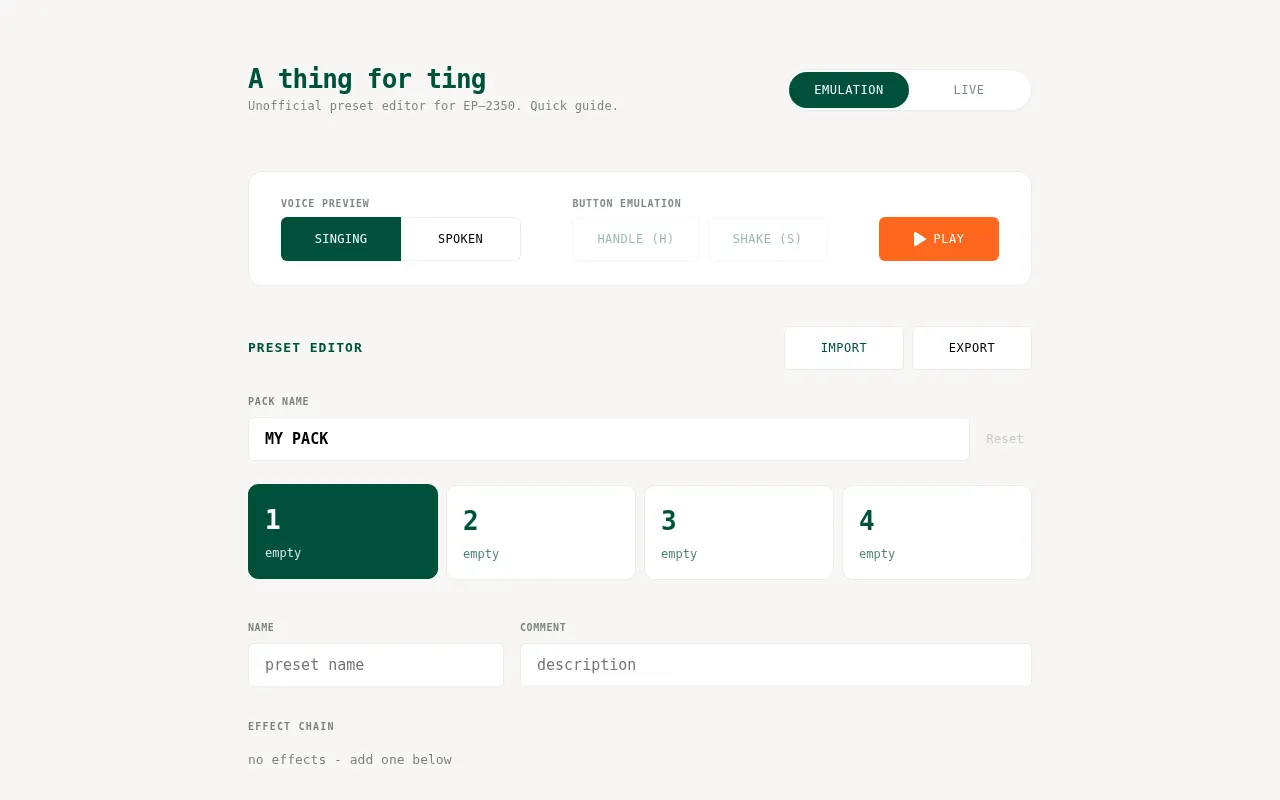
A thing for ting
Unofficial browser-based preset and effect-chain editor for the EP-2350 Ting
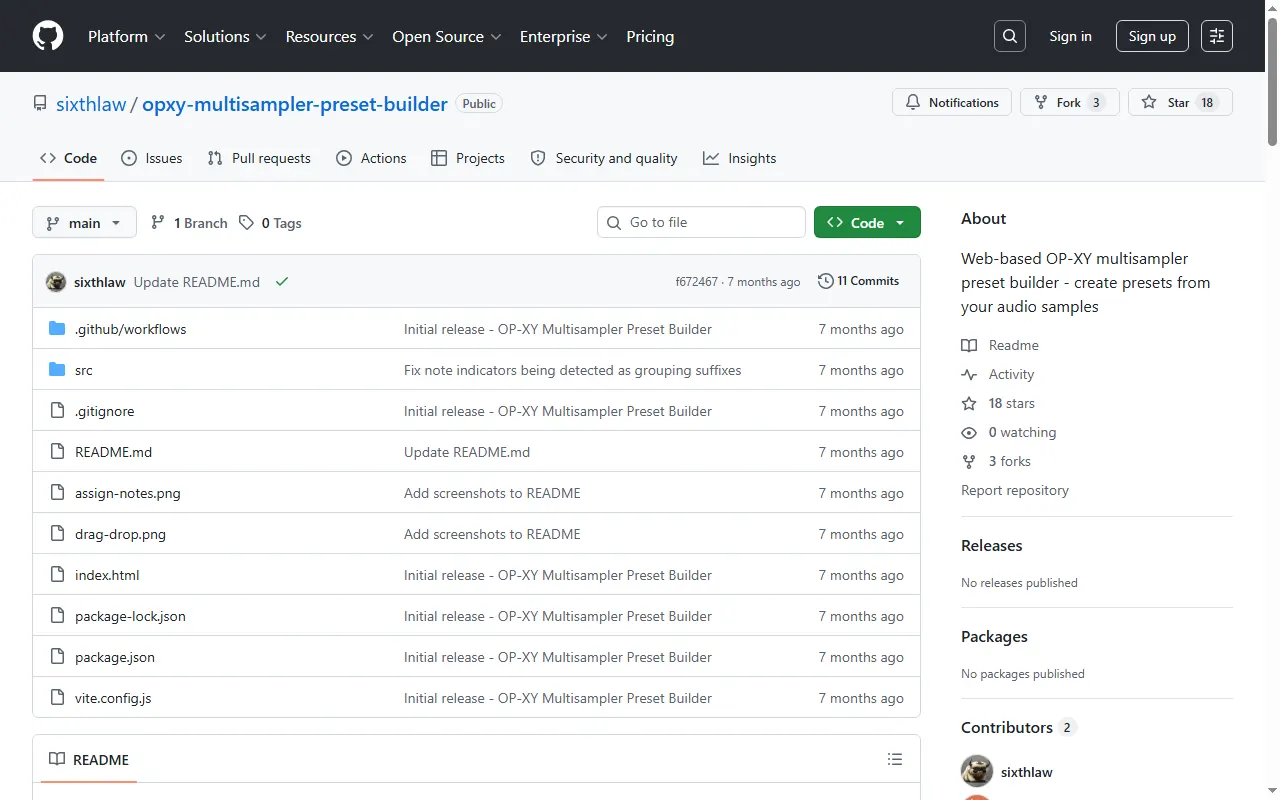
OP-XY Multisampler Preset Builder
Auto-slice samples, detect key, and pack OP-XY multisampler presets
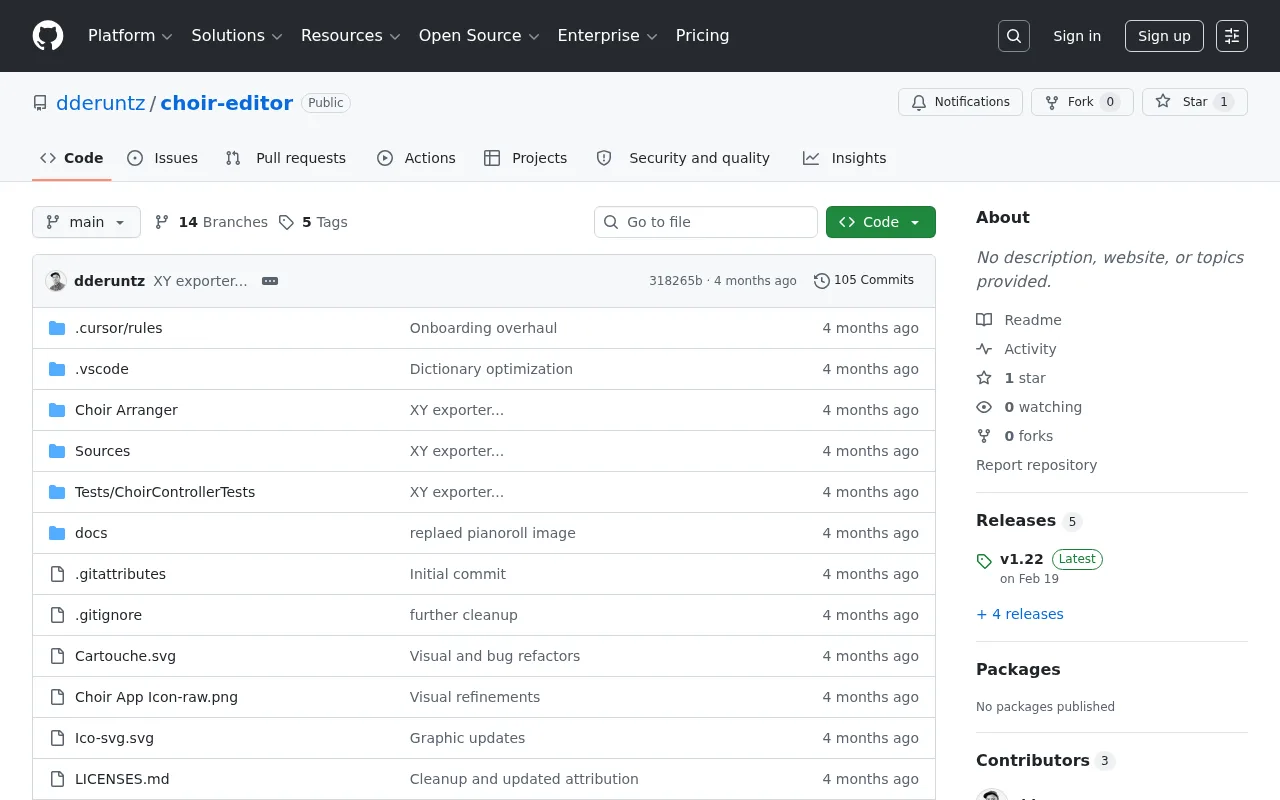
Choir Arranger
Design and arrange choir presets for the OP-1 field
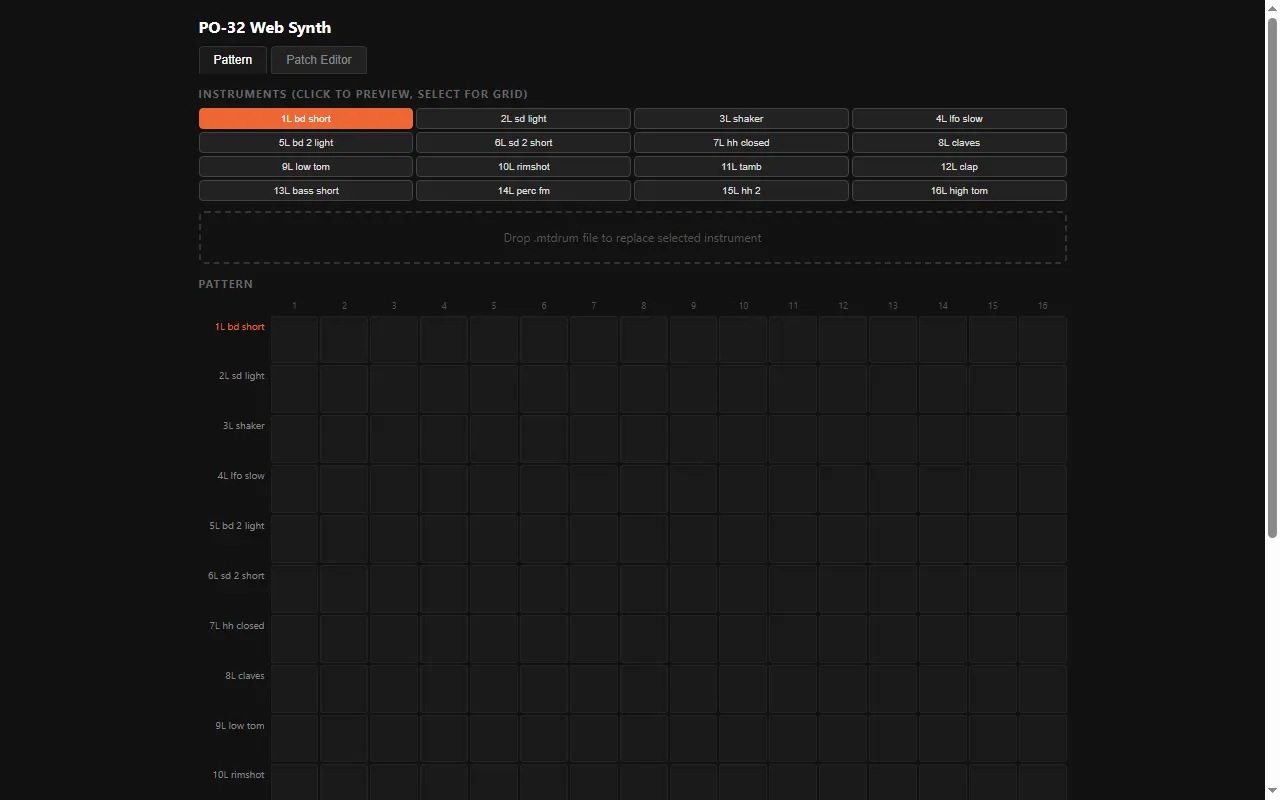
PO-32 Web Synth
Open-source web editor for the PO-32 Tonic's sounds and patterns
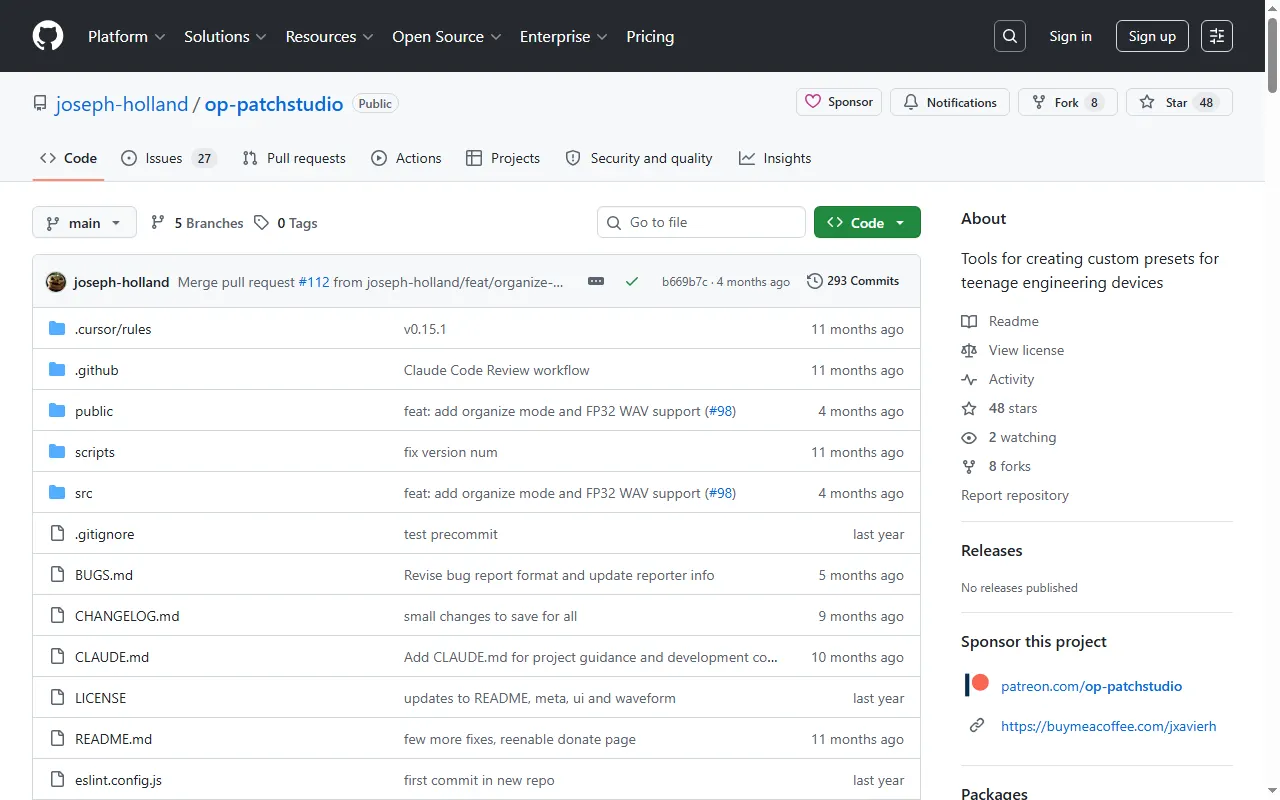
OP-PatchStudio
Browser tool for building custom presets and patches for OP devices
Firmware Mods10
OPUS (OP-1 mod suite)
Mod suite for the original OP-1: new engines, double effects, scales, tape undo, themes
op1repacker
Unpack, modify and repack OP-1 firmware, with ready-made mods included
op1r
Custom firmware patcher for the original OP-1: new synths, effects, sequencers and a plugin system
OP1-SDK
C/assembly SDK for building your own synth engines, effects and sequencers on the original OP-1
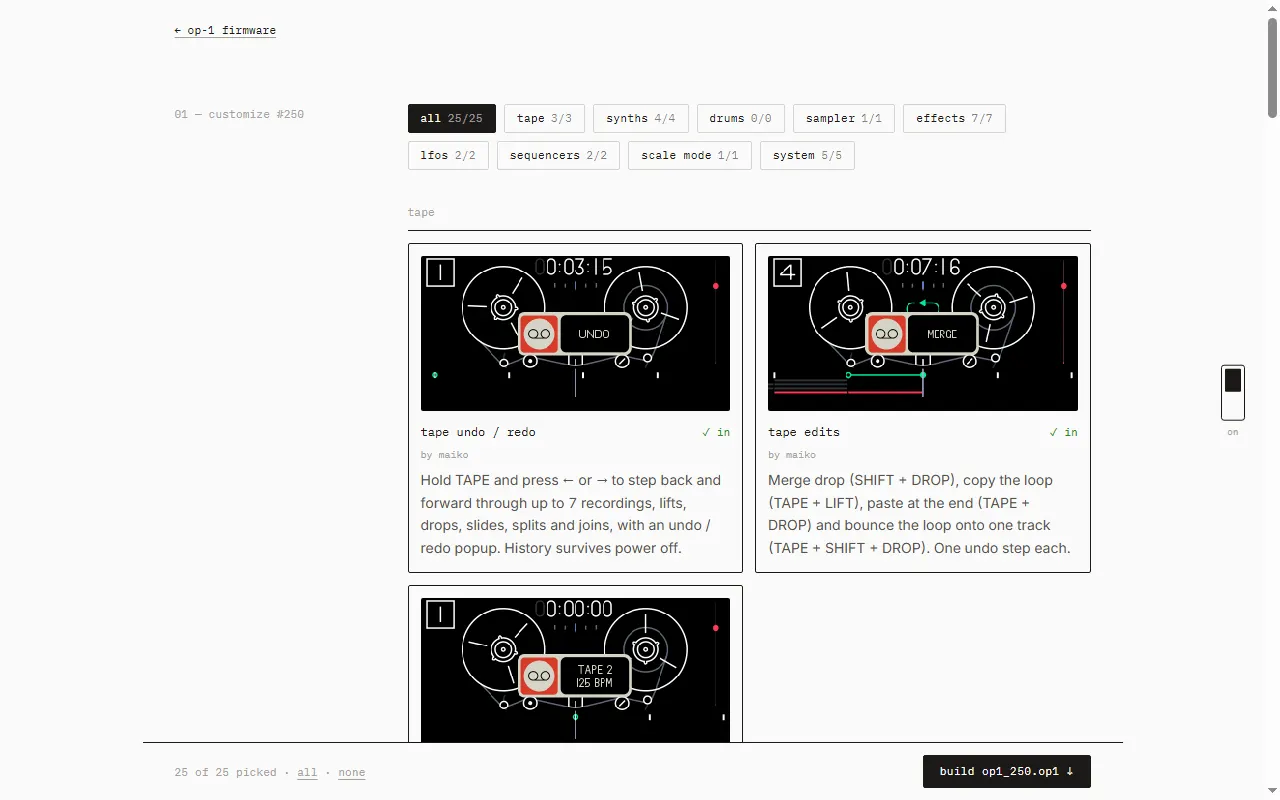
Maiko Pruett's OP-1 Custom Firmware
Pick-your-features custom firmware for the original OP-1: tape undo, four tapes, live tape edits, new FX
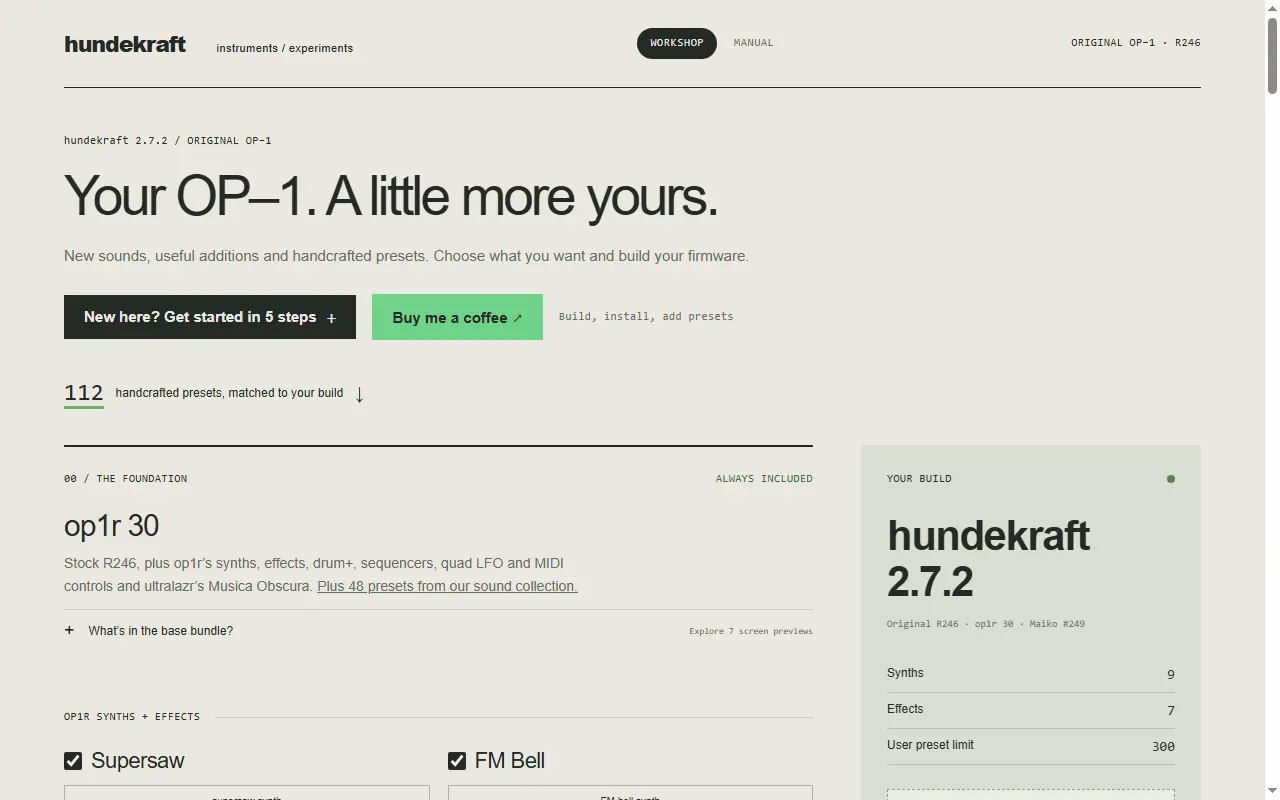
Hundekraft OP-1 Firmware Workshop
Browser firmware builder for the original OP-1 with op1r, extra engines and 112 matched presets
ep-unity
Browser tool that flashes EP-133 and EP-40 firmware, with a SKU-header rewrite (unsupported)
dl-op-firmware-archive
Script that downloads every historic OP-1 field, OP-XY, TX-6 and TP-7 firmware while TE still hosts them
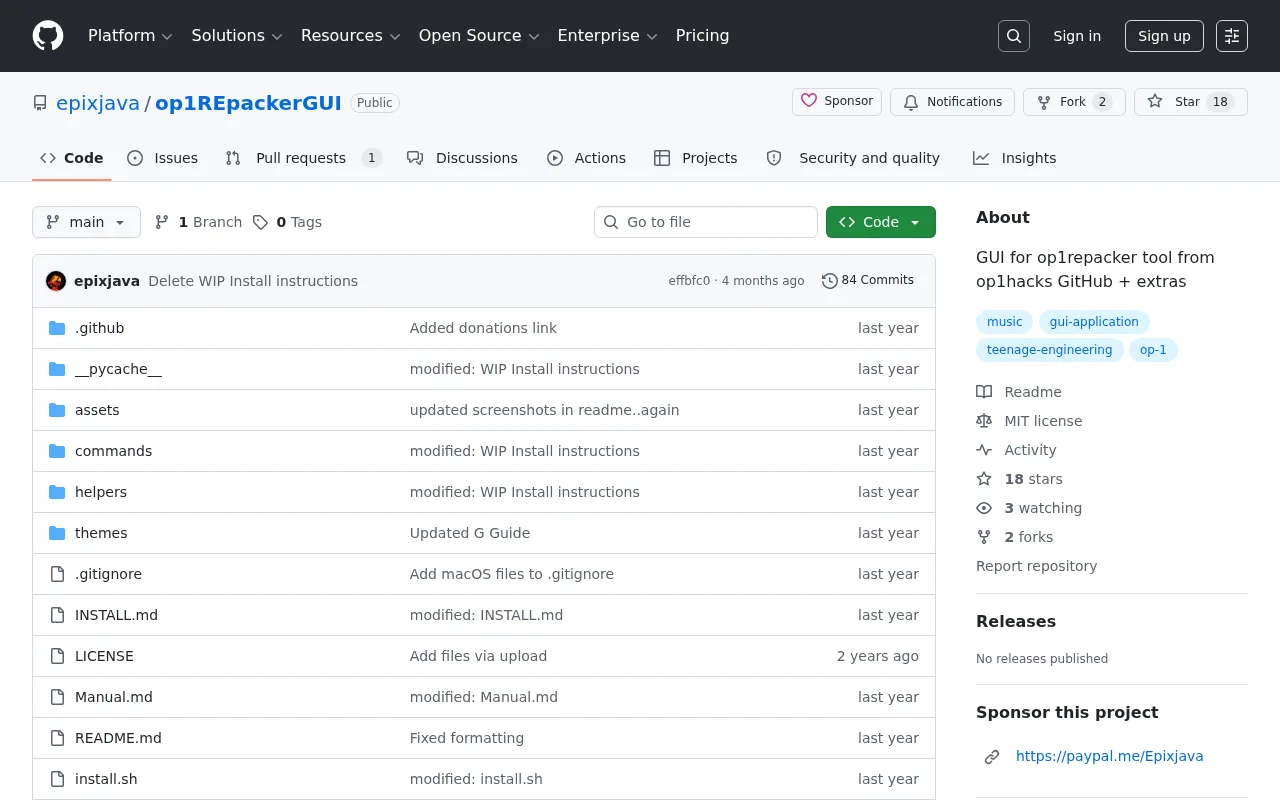
op1REpackerGUI
A GUI for op1repacker — create custom OP-1 themes and repack firmware
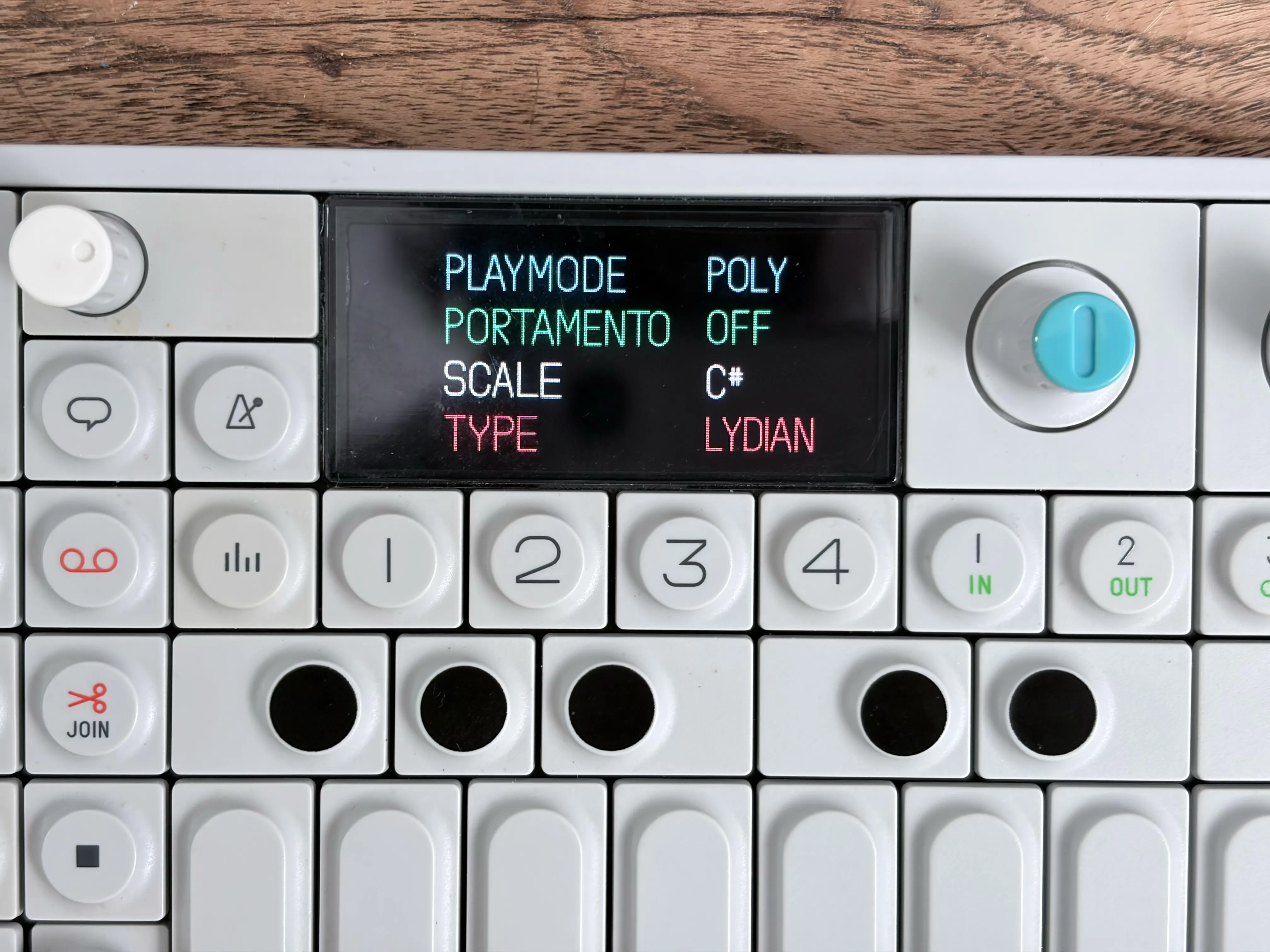
OP-1 Scale Quantization
Firmware mod adding in-scale note quantization to the original OP-1
MIDI Controllers & Sequencers19
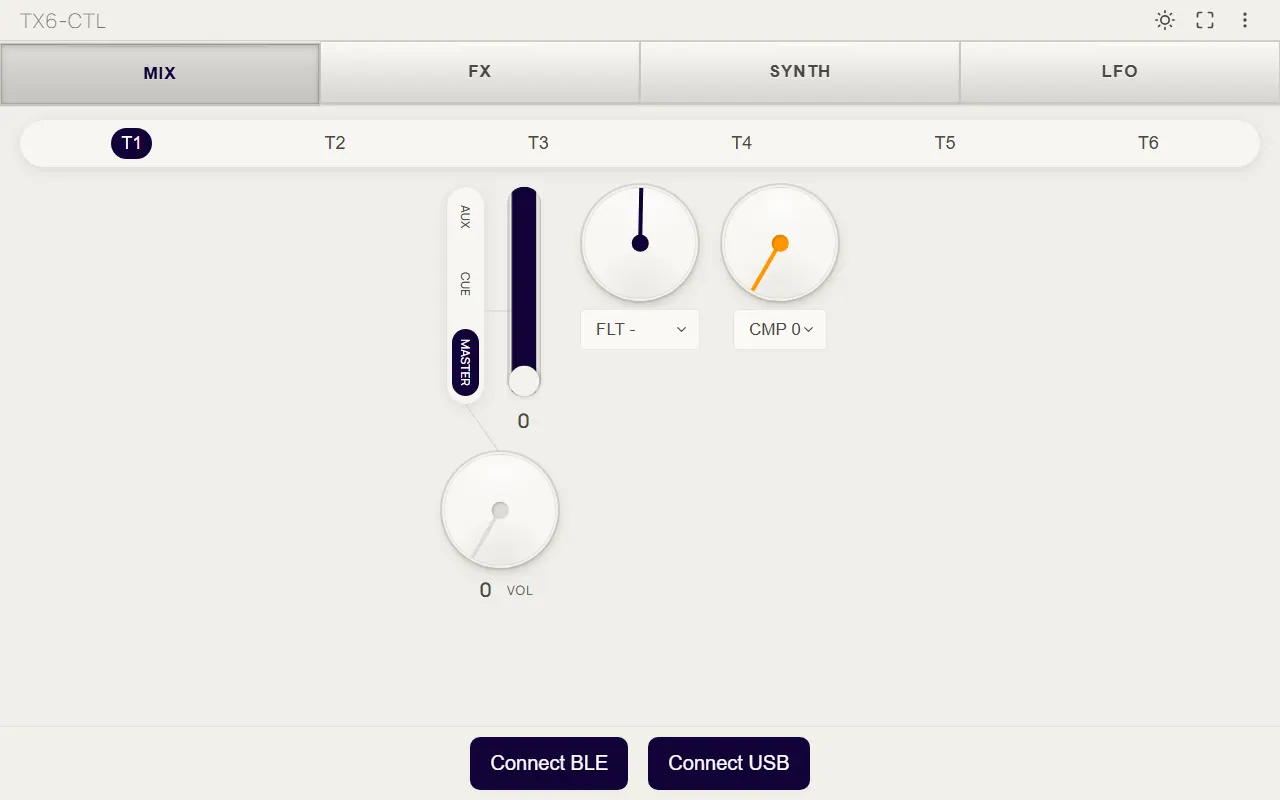
TX-6 Bluetooth / USB Controller (TX6-CTL)
Browser controller for the TX-6 mixer, FX, synth and LFO over Bluetooth or USB MIDI
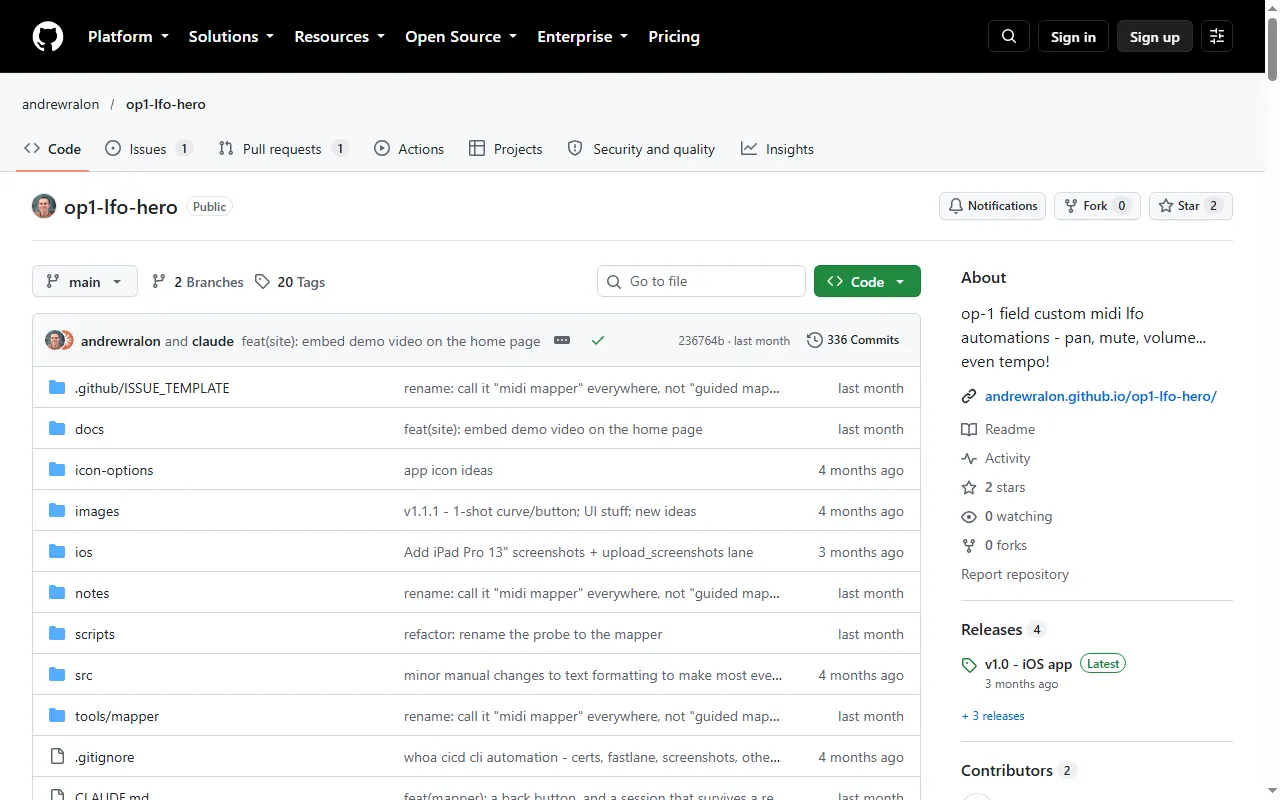
OP-1 LFO Hero
Custom MIDI LFO automations for the OP-1 field: volume, pan, mute, FX and even tempo
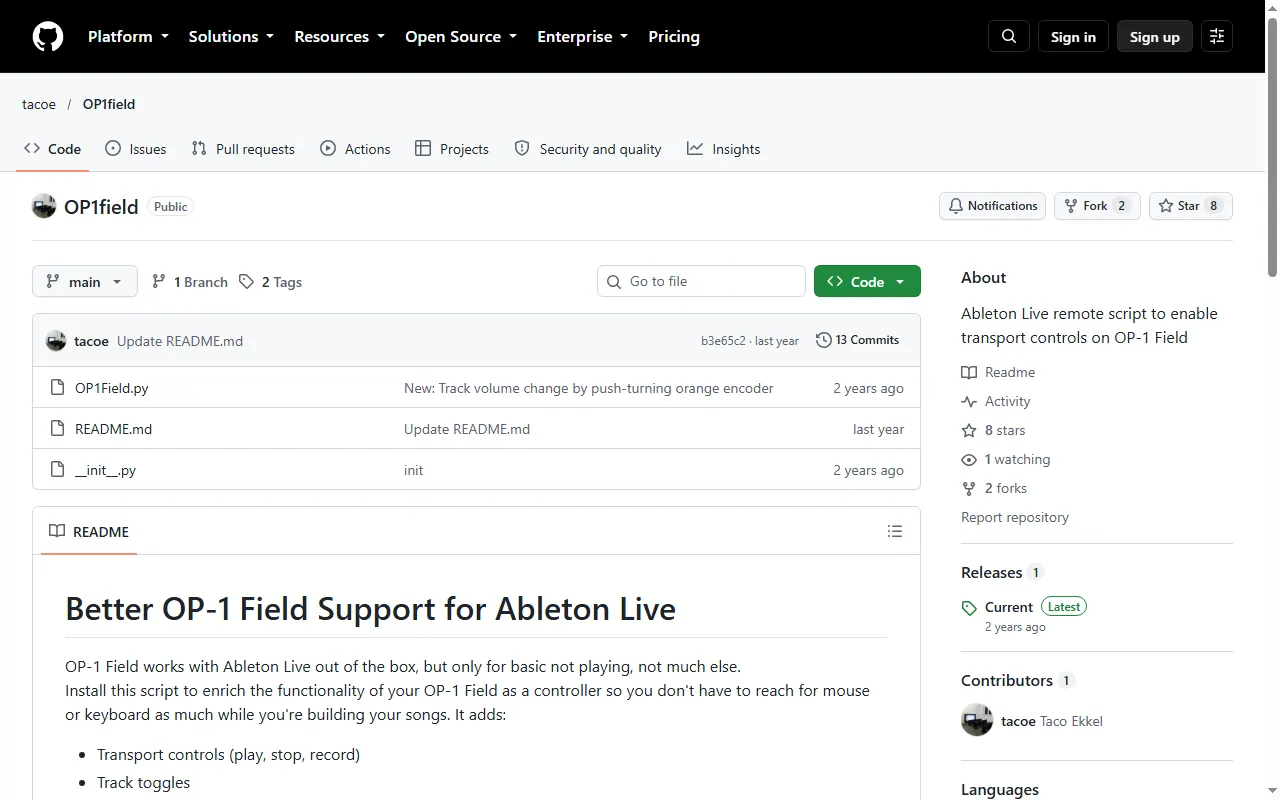
OP-1 Field Remote Script for Ableton Live
Ableton Live remote script that adds transport, track and navigation controls to the OP-1 field
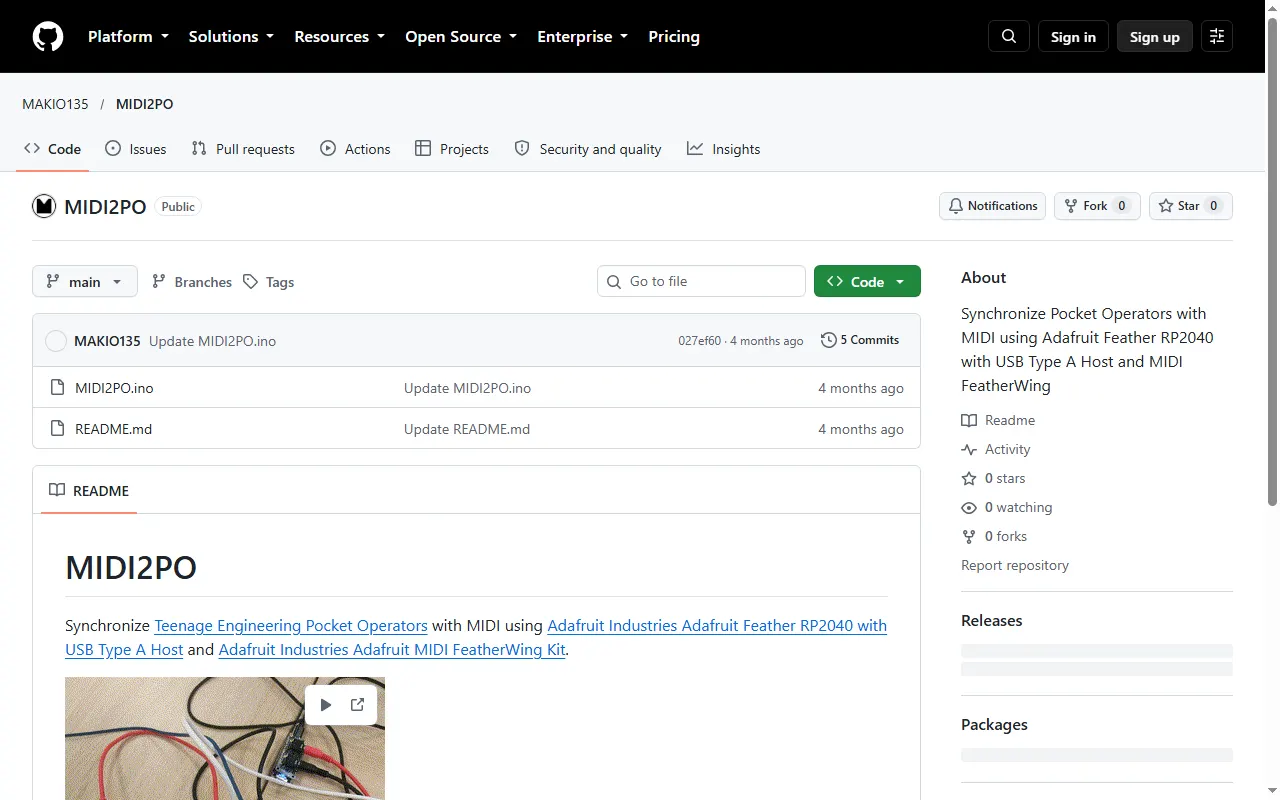
MIDI2PO
DIY Feather RP2040 build that syncs Pocket Operators from MIDI
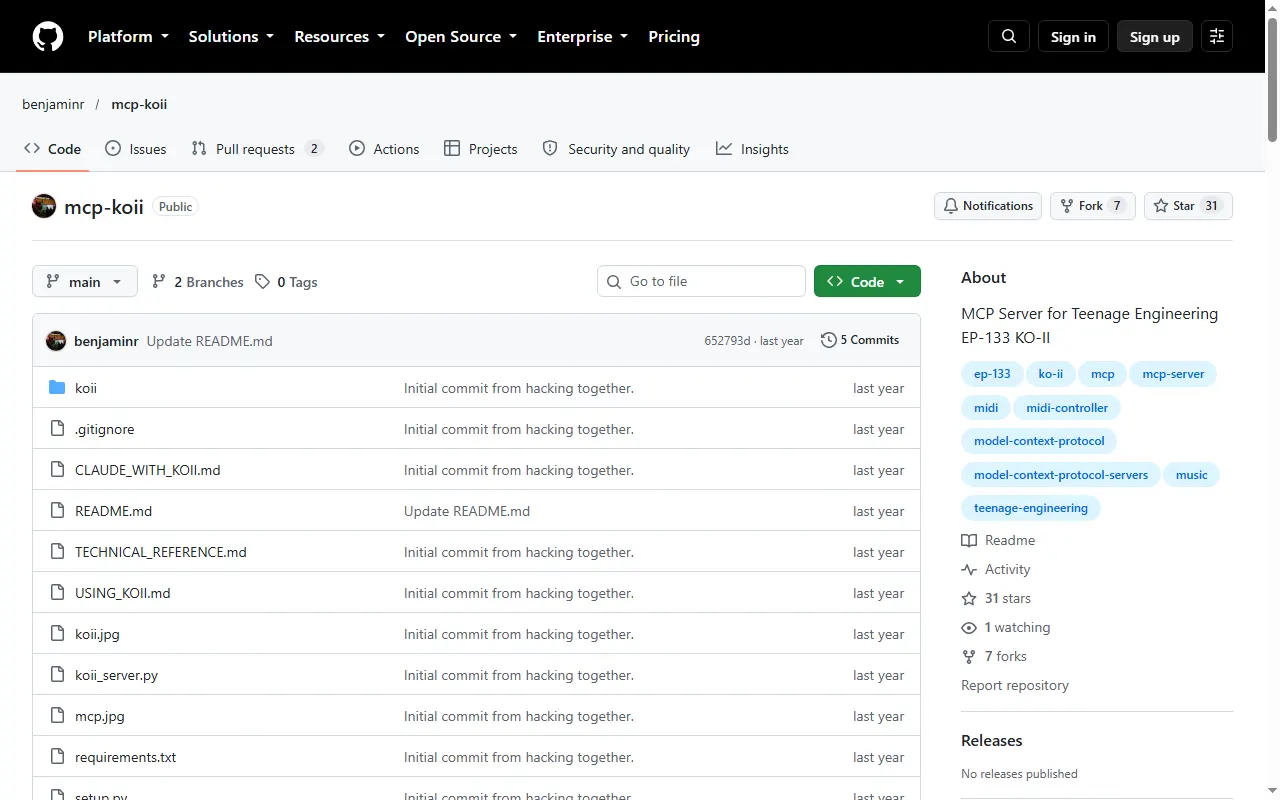
mcp-koii
MCP server that lets an AI assistant play notes and patterns on the EP-133 K.O. II over MIDI
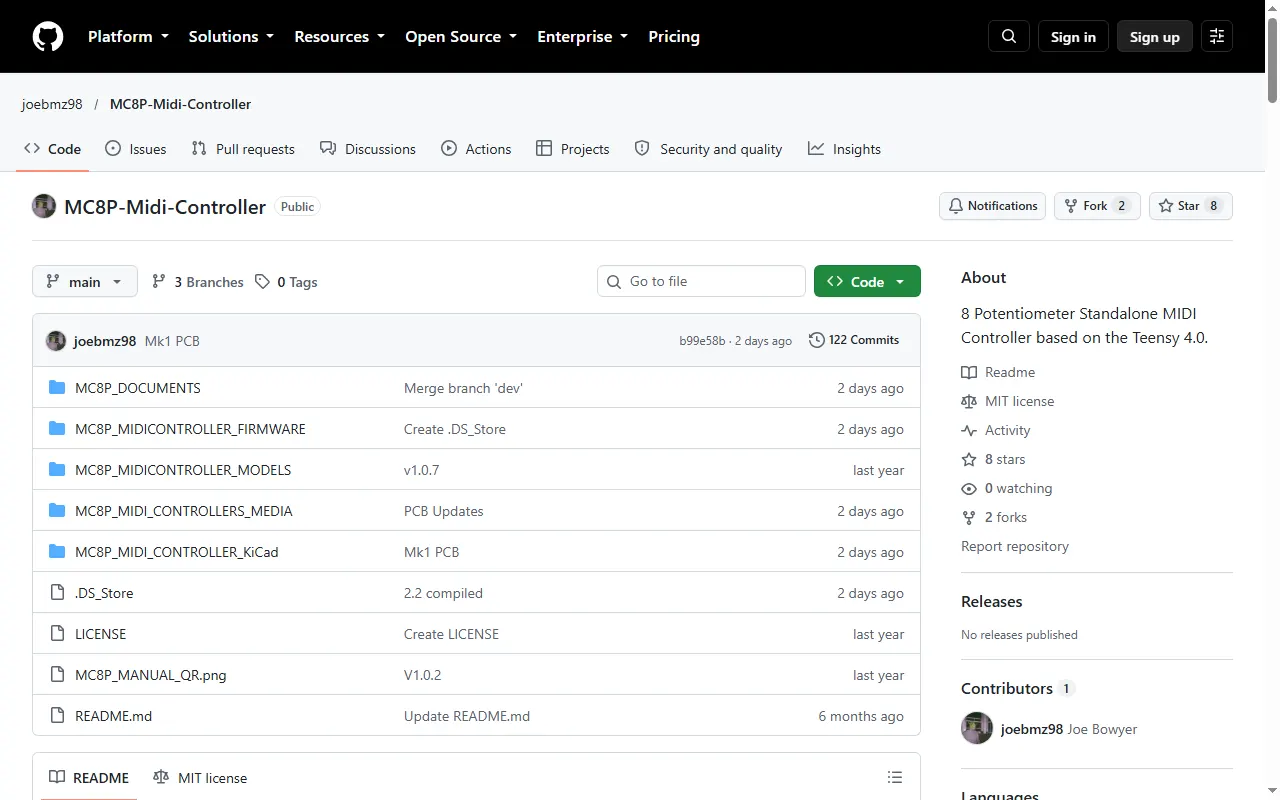
MC8P MIDI Controller
Open-source 8-knob standalone MIDI controller built to accompany the OP-XY
Launchpad Mini MK3 Presets for OP-XY
Novation Launchpad Mini MK3 layouts for controlling the OP-XY
ko-bridge
MCP server that lets an AI model drive an EP-133 K.O. II over SysEx, USB MIDI and USB audio
Field Remote
SwiftUI Bluetooth MIDI remote for the TP-7 and TX-6, with custom surfaces from MIDI charts
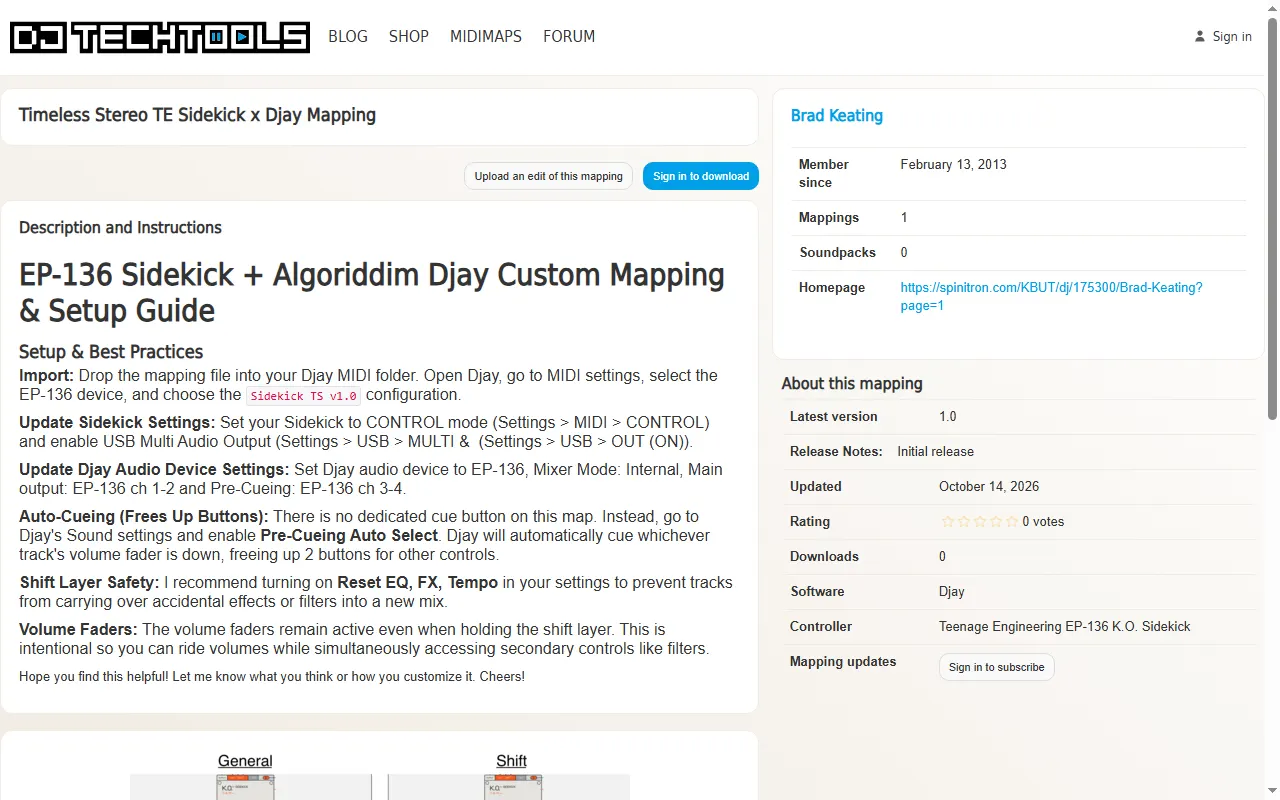
EP-136 Sidekick × djay Mapping
Algoriddim djay MIDI mapping that turns the EP-136 K.O. Sidekick into a portable DJ controller
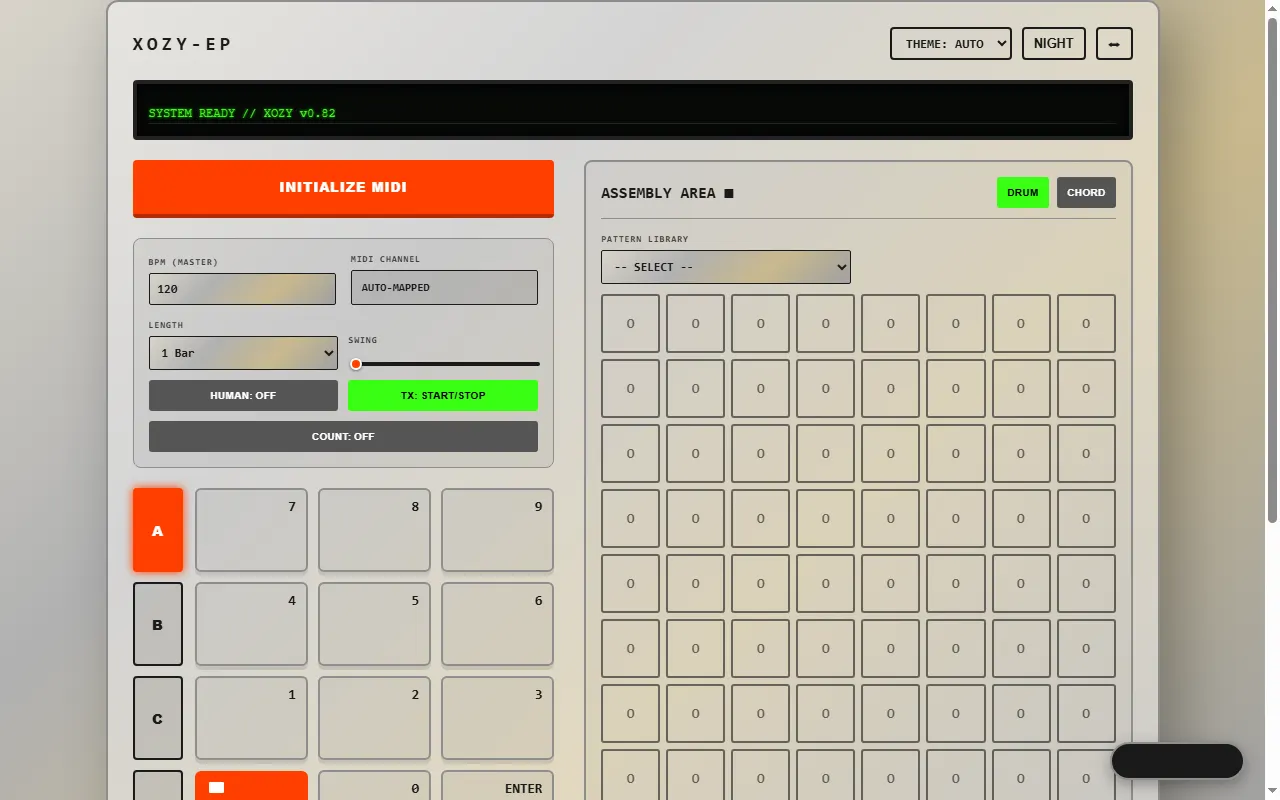
EP Drum Computer OXO
Free WebMIDI pattern and chord sequencer that drives the EP-133, EP-1320 and EP-40
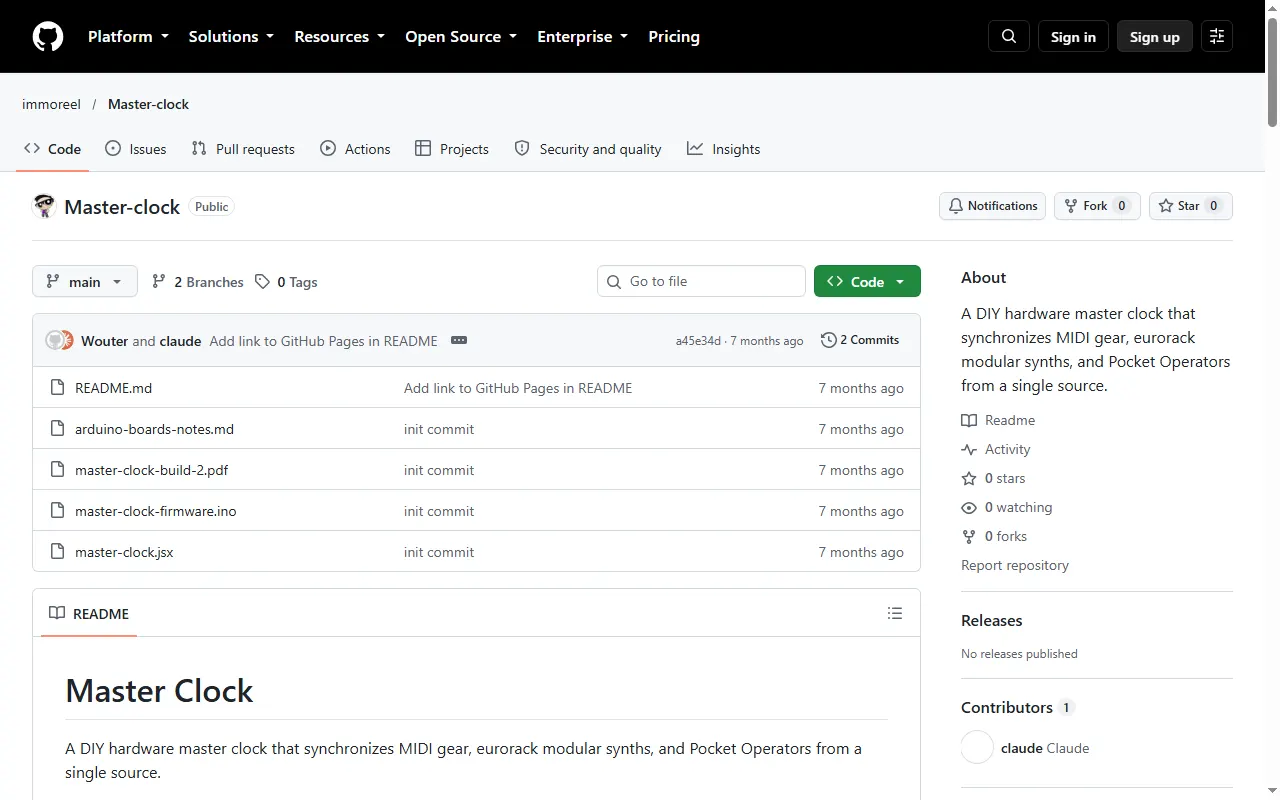
DIY Master Clock
DIY Arduino master clock that syncs MIDI gear, Eurorack and Pocket Operators
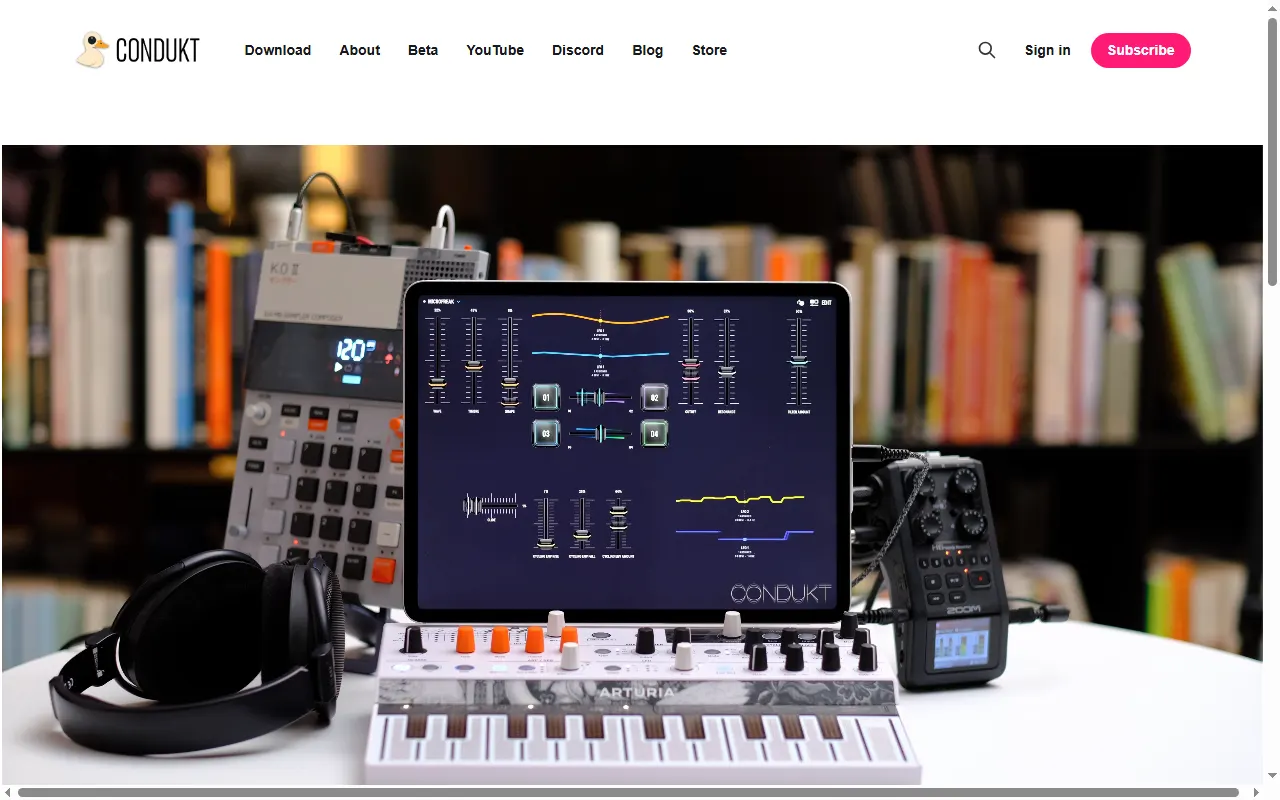
Condukt
Universal MIDI controller app for iPhone, iPad and Mac with OP-Z and OP-XY support
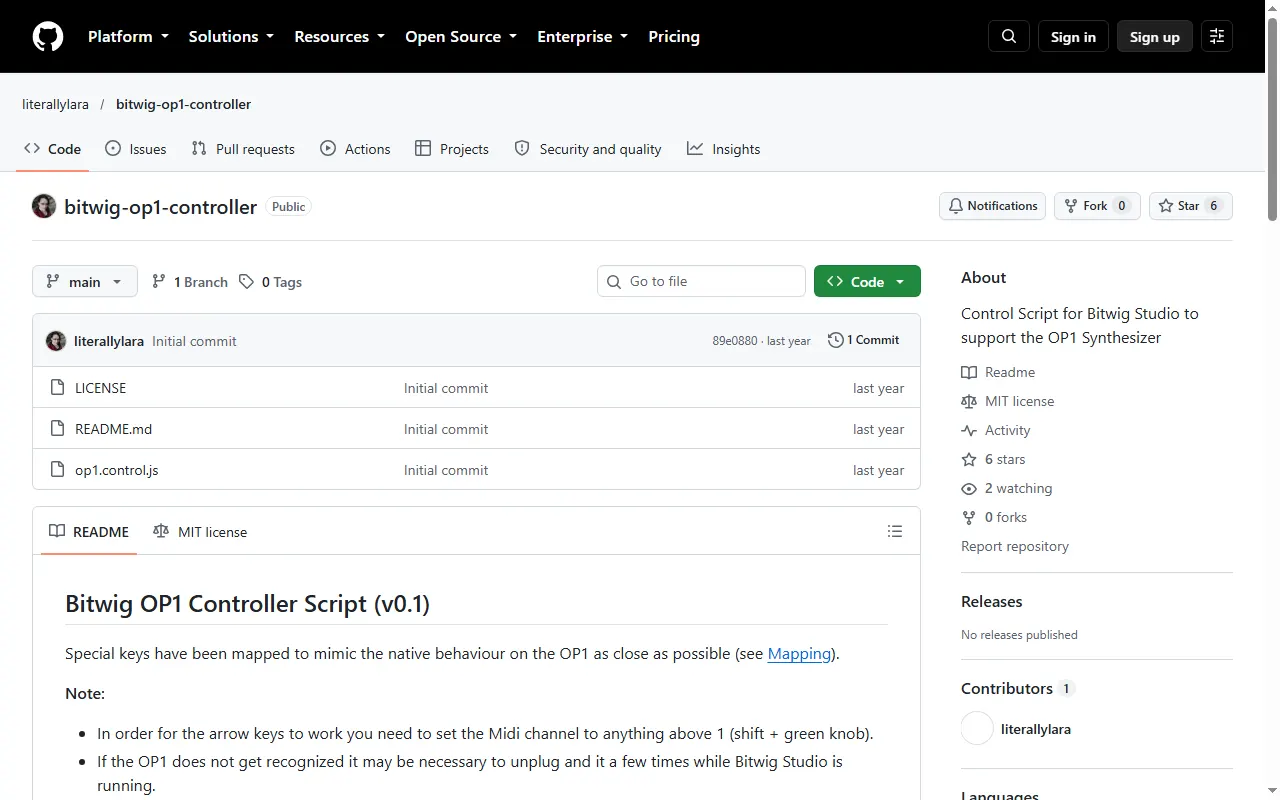
Bitwig OP-1 Controller Script
Control script that maps the OP-1 keys to Bitwig Studio panels and transport
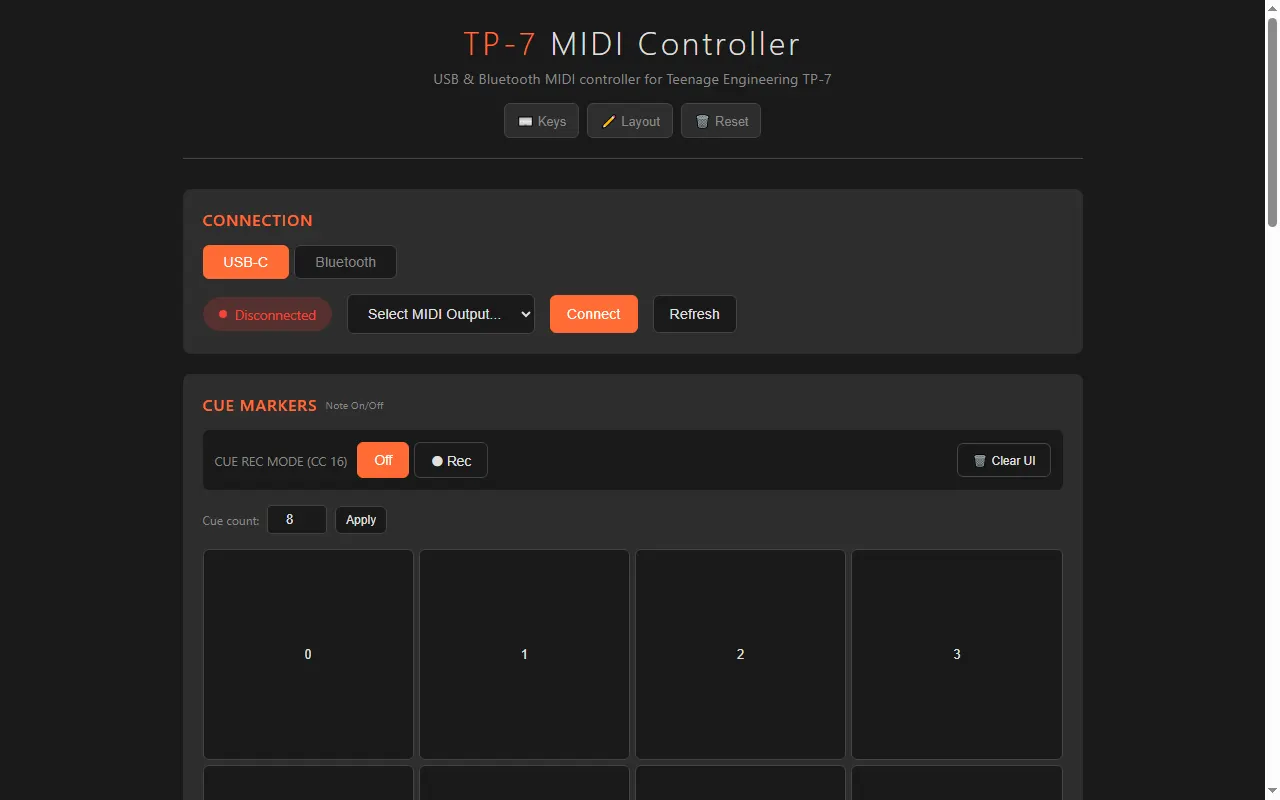
TP-7 MIDI
Control your TP-7 from the browser over MIDI (USB or Bluetooth)
OP-1 Ableton Live Control Surface
Use the OP-1 as a native control surface in Ableton Live
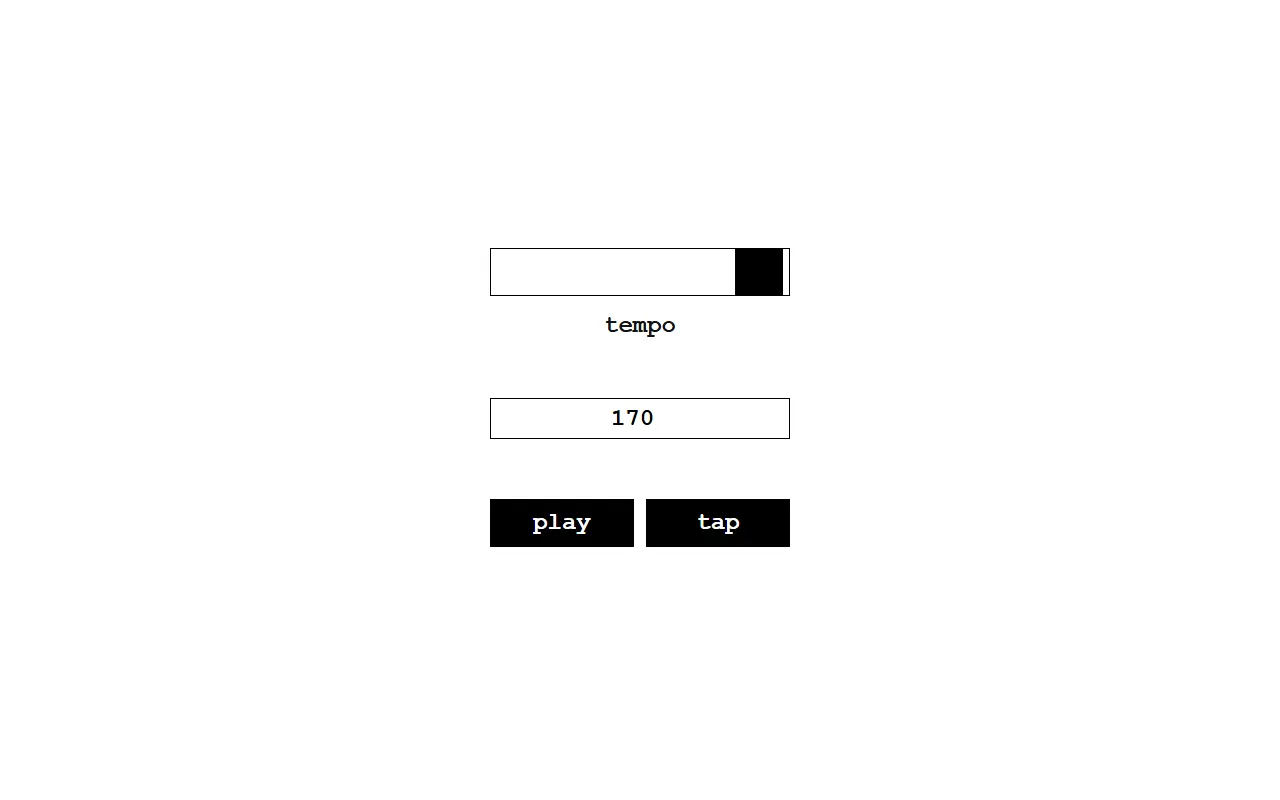
poq
Browser sync-signal generator to clock Pocket Operators
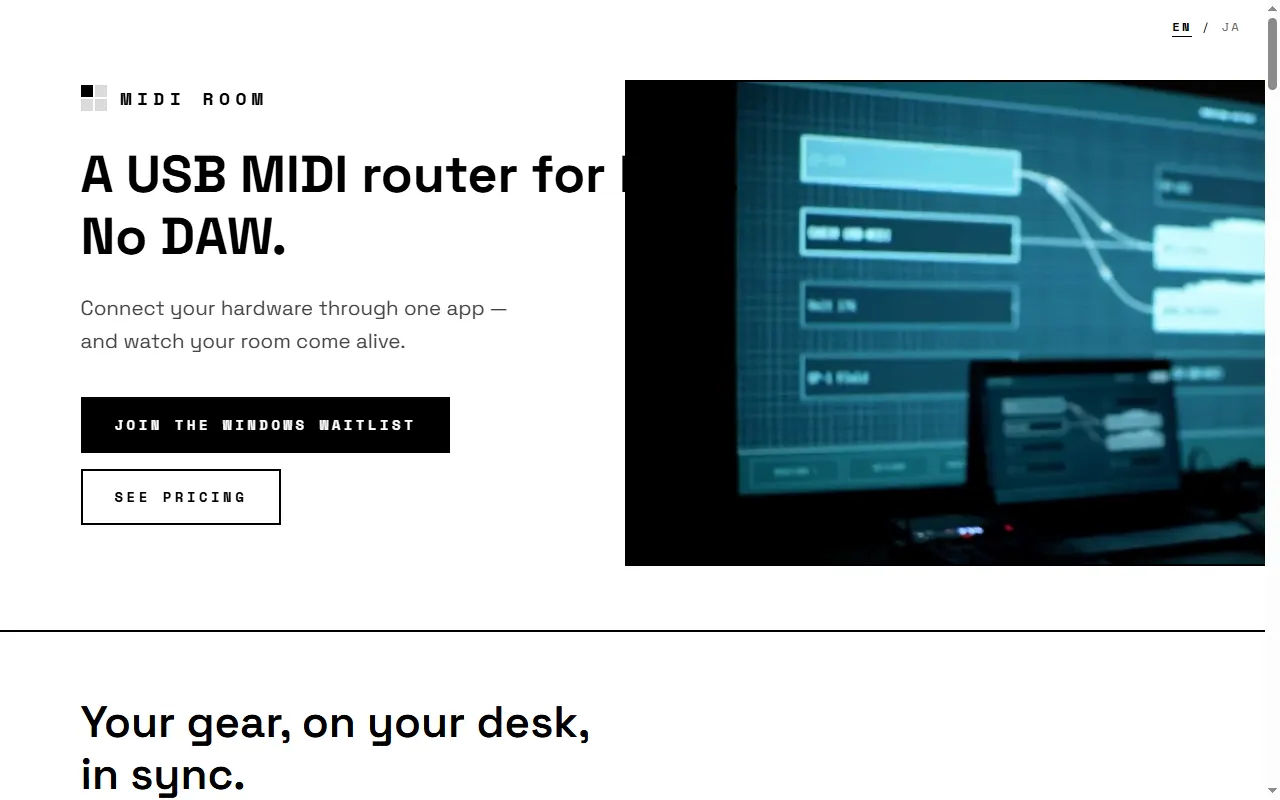
MIDI Room
Mac app for visual USB-MIDI routing between hardware — no DAW
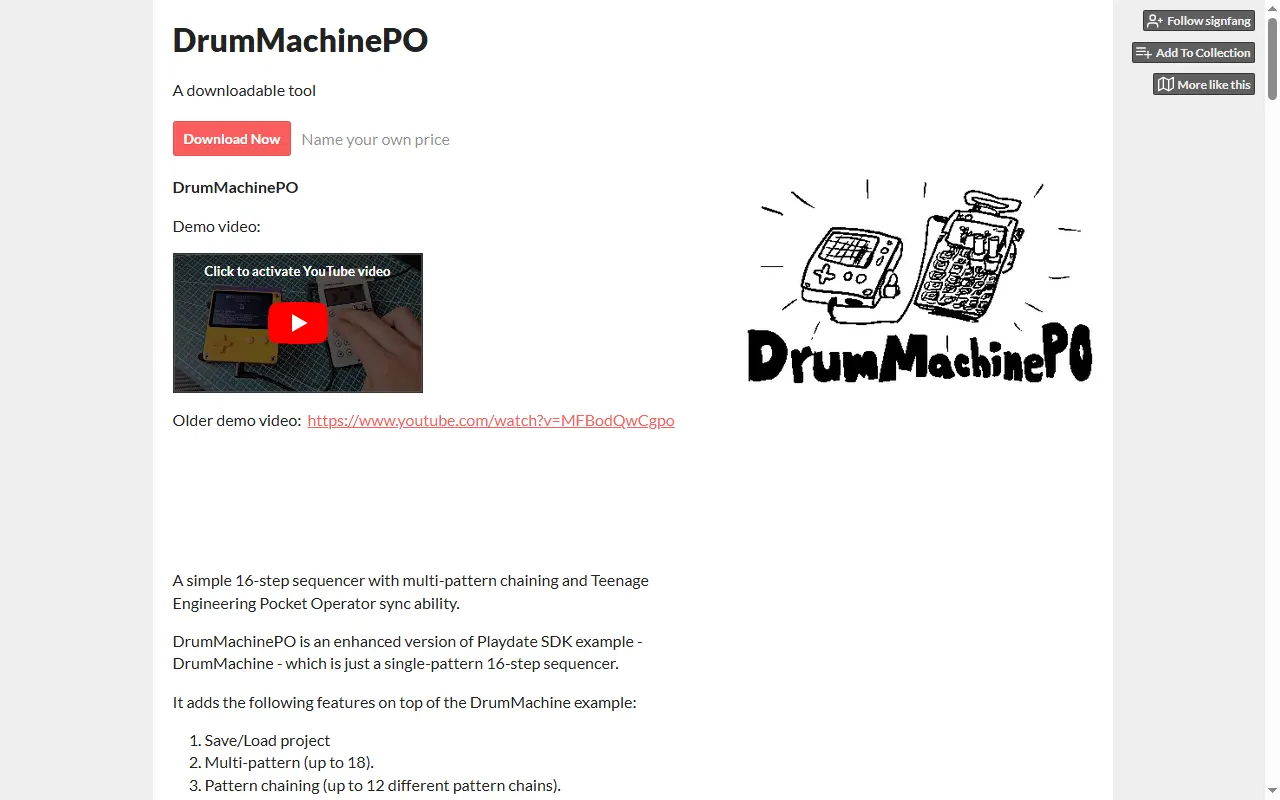
DrumMachinePO
A Playdate 16-step sequencer that syncs to Pocket Operators
Stem & Sample Sourcing4
Stem Extractor
Browser tool that pulls aligned per-track WAV stems from an OP-XY using MIDI solo and recording
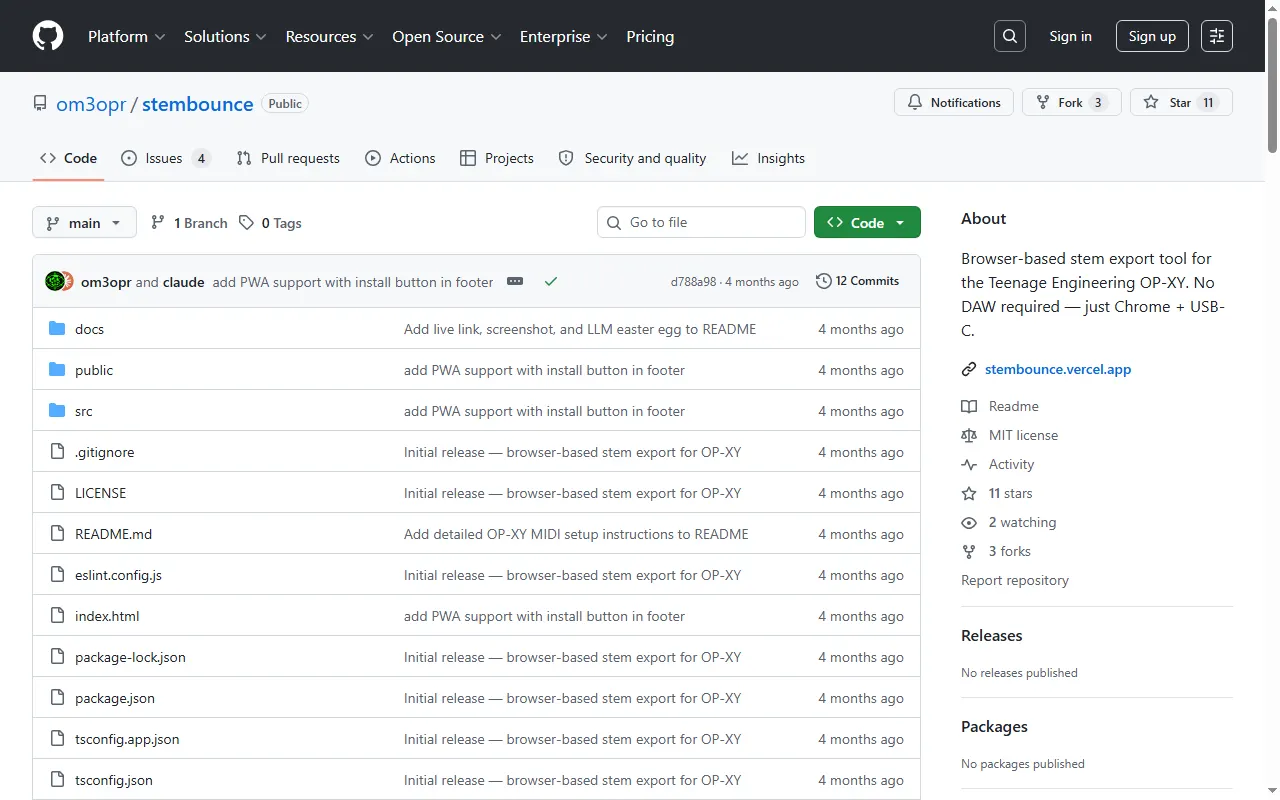
stembounce
Browser-based stem export for the OP-XY
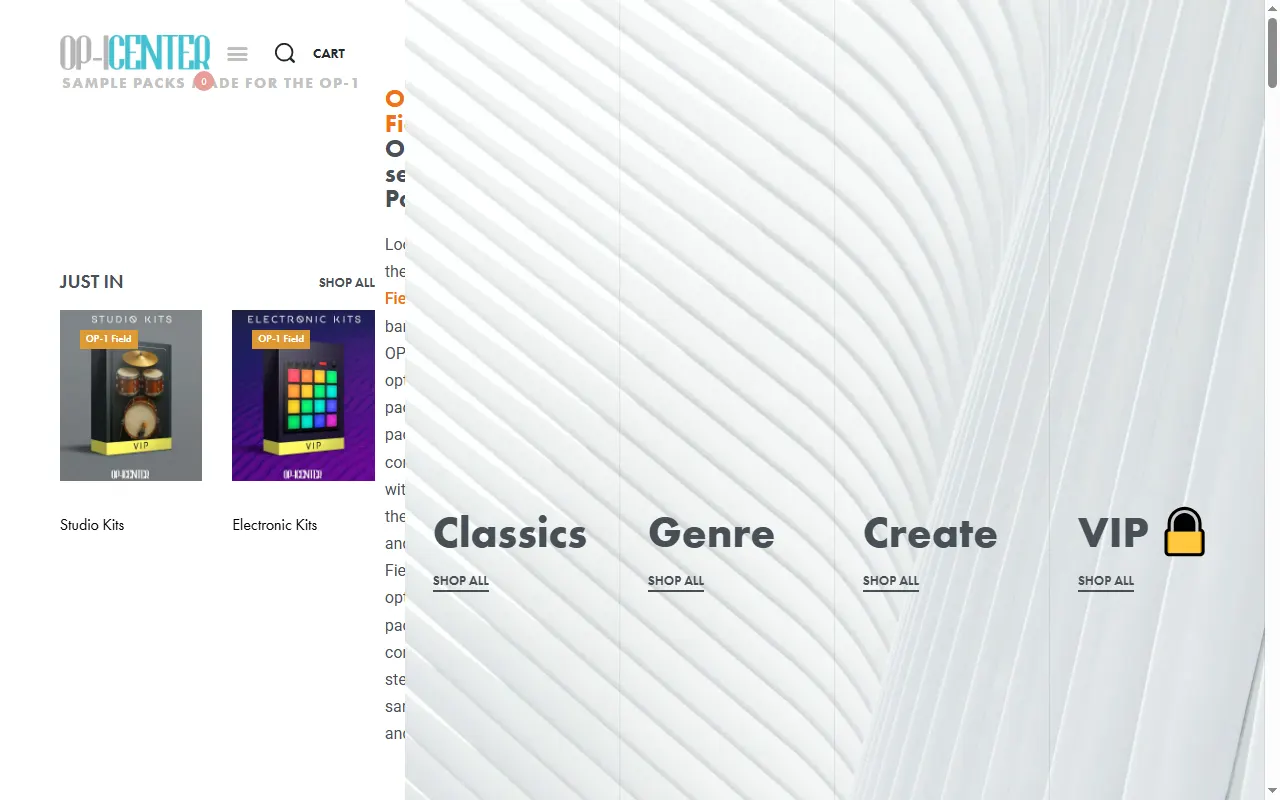
OP-1 Center
A store of sample packs and sound kits made for the OP-1
StemSeparator
Free open-source Mac app to split songs into stems for sampling
Sound Packs & Patches6
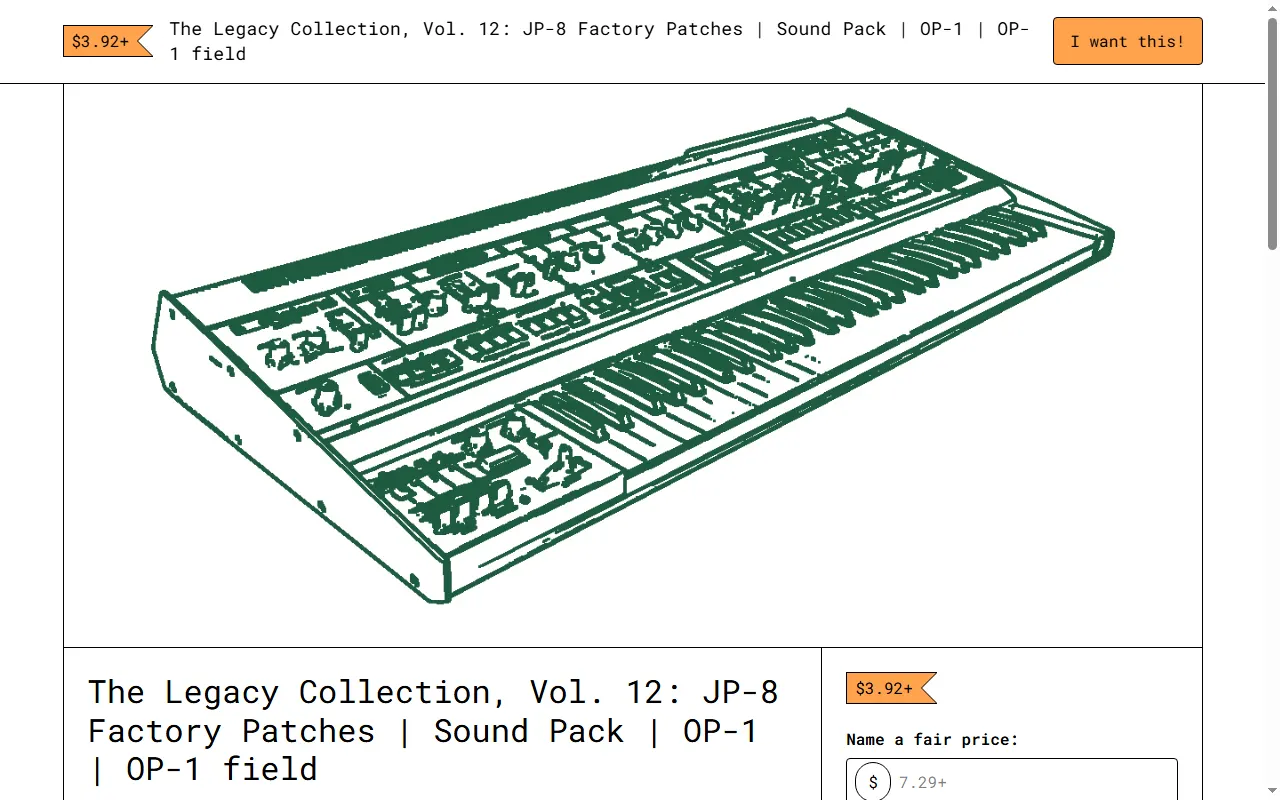
The Legacy Collection (dmbx)
OP-1 / OP-1 field sound packs recreating classic synths' factory patches
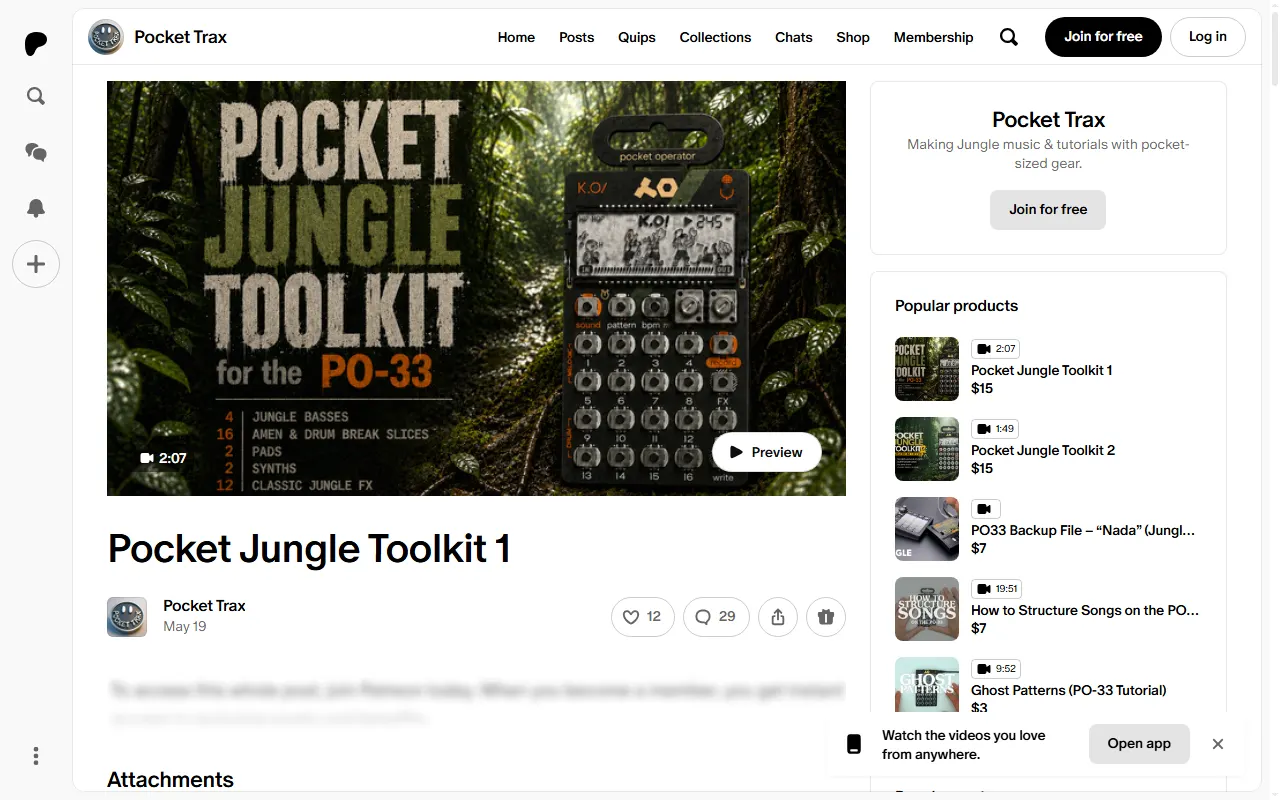
Pocket Jungle Toolkit (PO-33)
Jungle/DnB sample kits and walkthroughs for the PO-33 K.O!
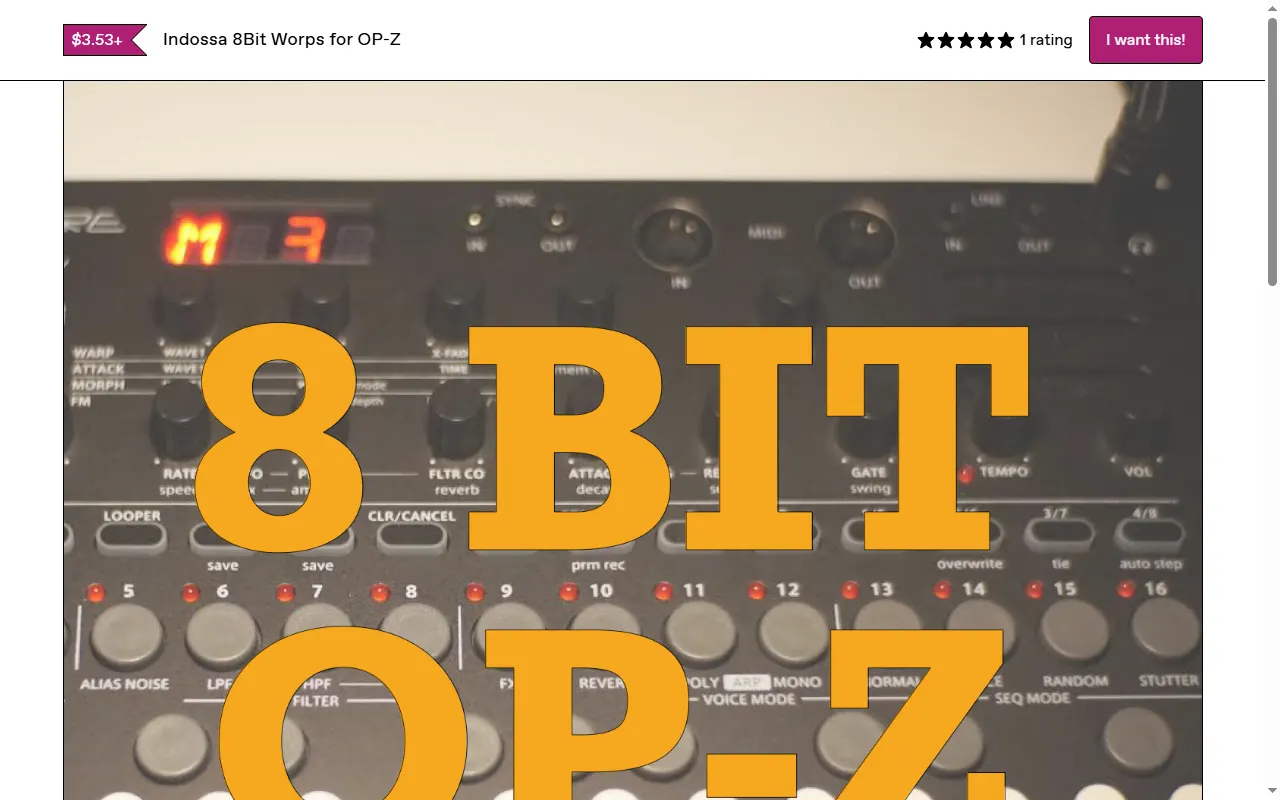
Indossa 8Bit Worps for OP-Z
43 8-bit synth patches and 17 drum sounds, ready to drag onto the OP-Z
Flump Sound Packs (OP-Z / OP-1)
SID-chip, Game Boy, guitar and synthwave sound packs for the OP-Z and OP-1
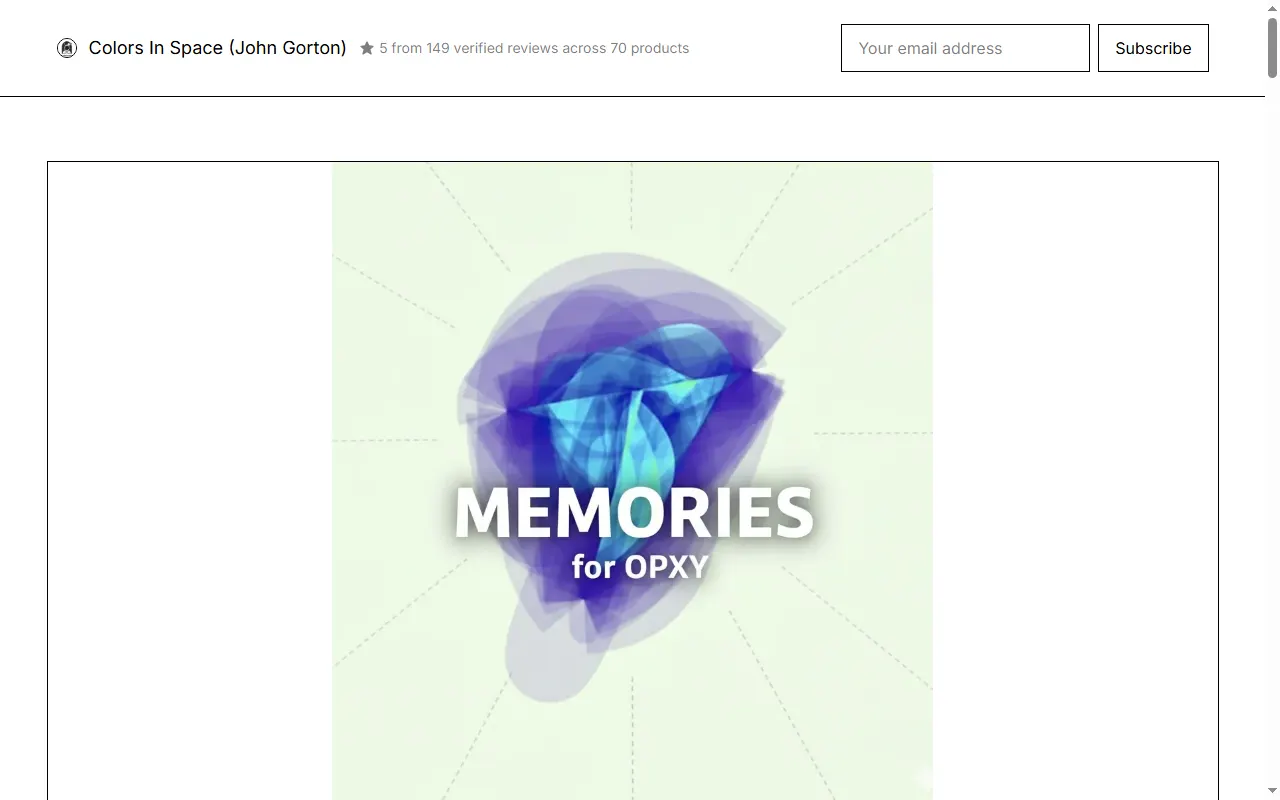
Ambient Toolkit II: Memories (OP-XY)
156 ambient presets and multisampled instruments for the OP-XY
EP Factory Samples Pack (EP-40 / EP-133 / EP-1320)
Community pack of all EP-40, EP-133 & EP-1320 factory sounds as WAVs
Player & Companion Apps35
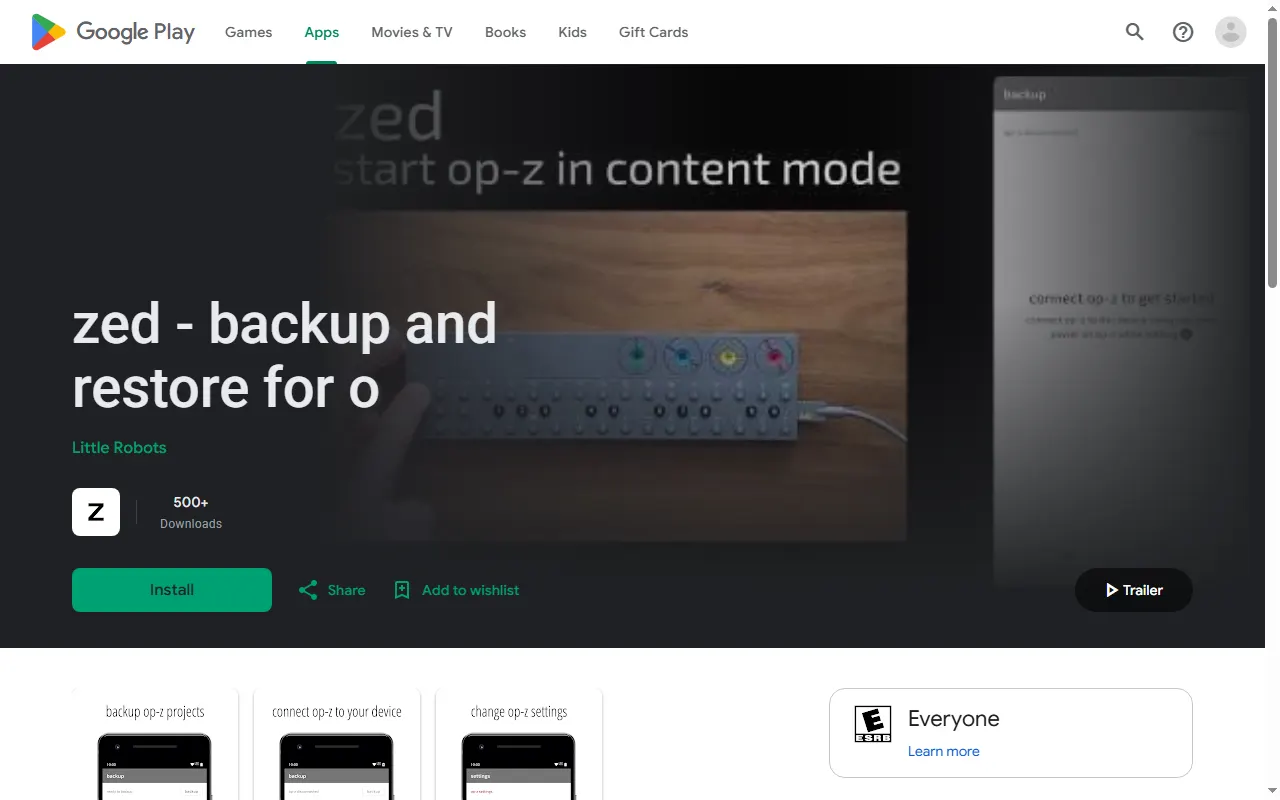
zed: OP-Z Backup & Restore (Android)
Android app that backs up, restores and shares OP-Z projects and sample packs over USB
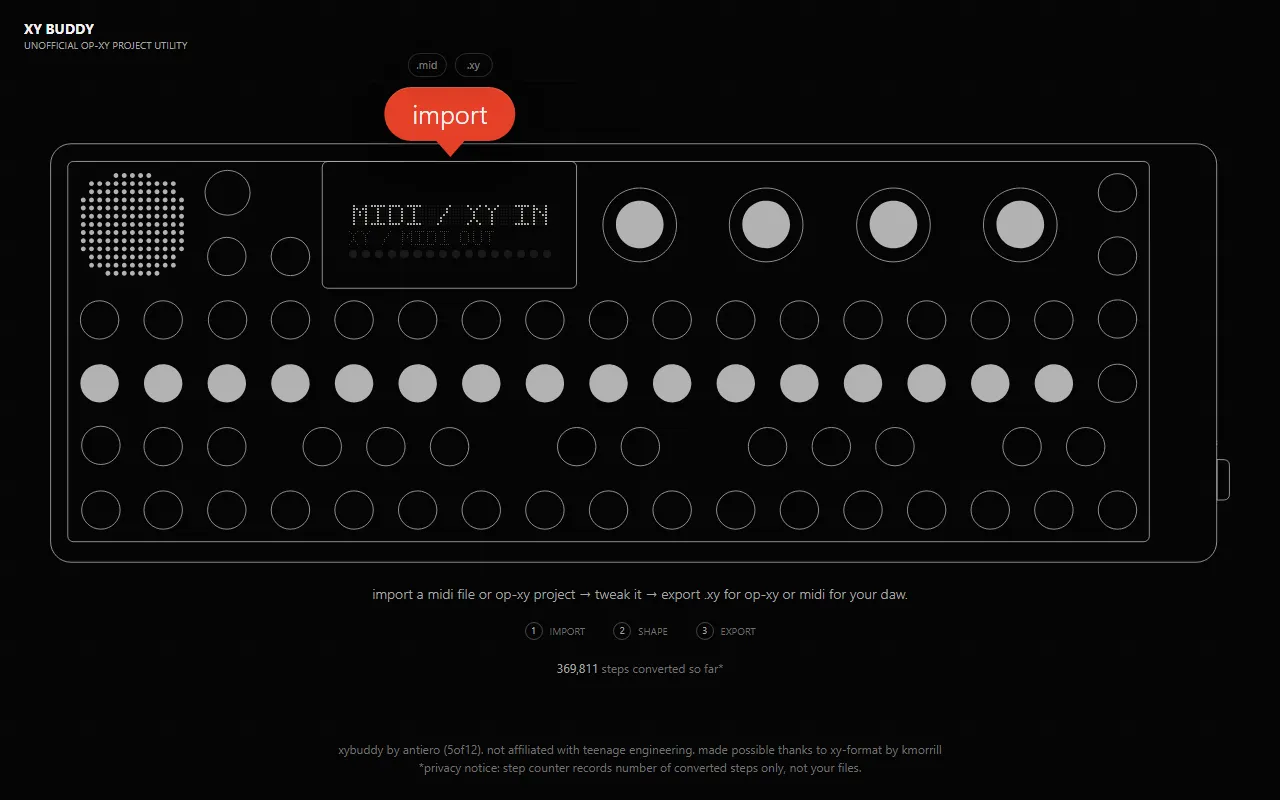
XY Buddy
Browser utility that converts MIDI files to OP-XY .xy projects and back
wavesync
Command-line tool that syncs your music library to a TP-7, Octatrack or Playdate
Underbridge
Multitrack exporter that saves OP-Z patterns and projects as separate audio tracks for a DAW
UL Performer
Web timing trainer for finger drumming on the EP-40 and EP-133 pads
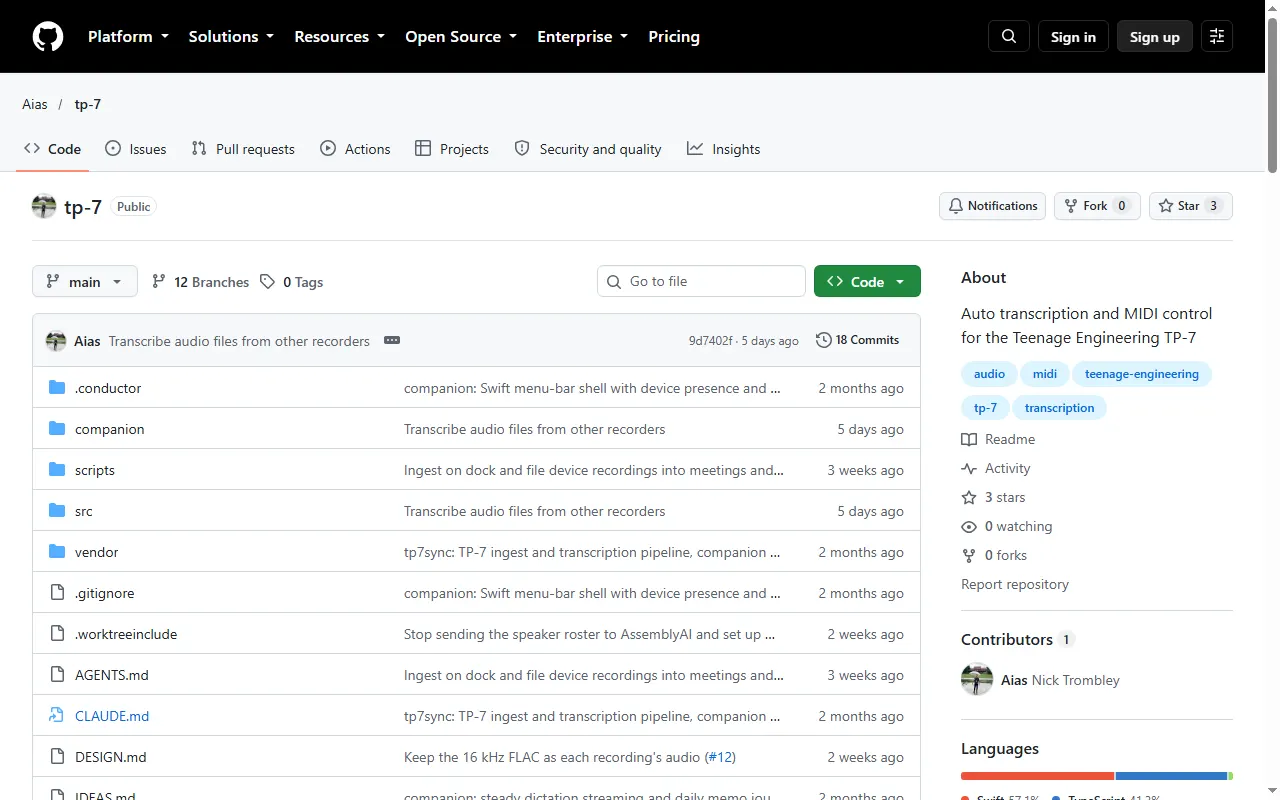
tp7sync
TP-7 ingest, transcription and MIDI control, with a menu-bar companion
tp7-station
Native macOS station for the TP-7: auto-sync, on-device transcription and waveform cue editing
tp7 CLI
macOS command-line tool for browsing and moving files on a TP-7 without FieldKit or Finder
TP-7 VoiceSync
macOS menu-bar app that syncs, transcribes and organizes TP-7 voice recordings
TP-7 Utility
Native macOS app that converts TP-7 multitrack files to and from individual WAVs
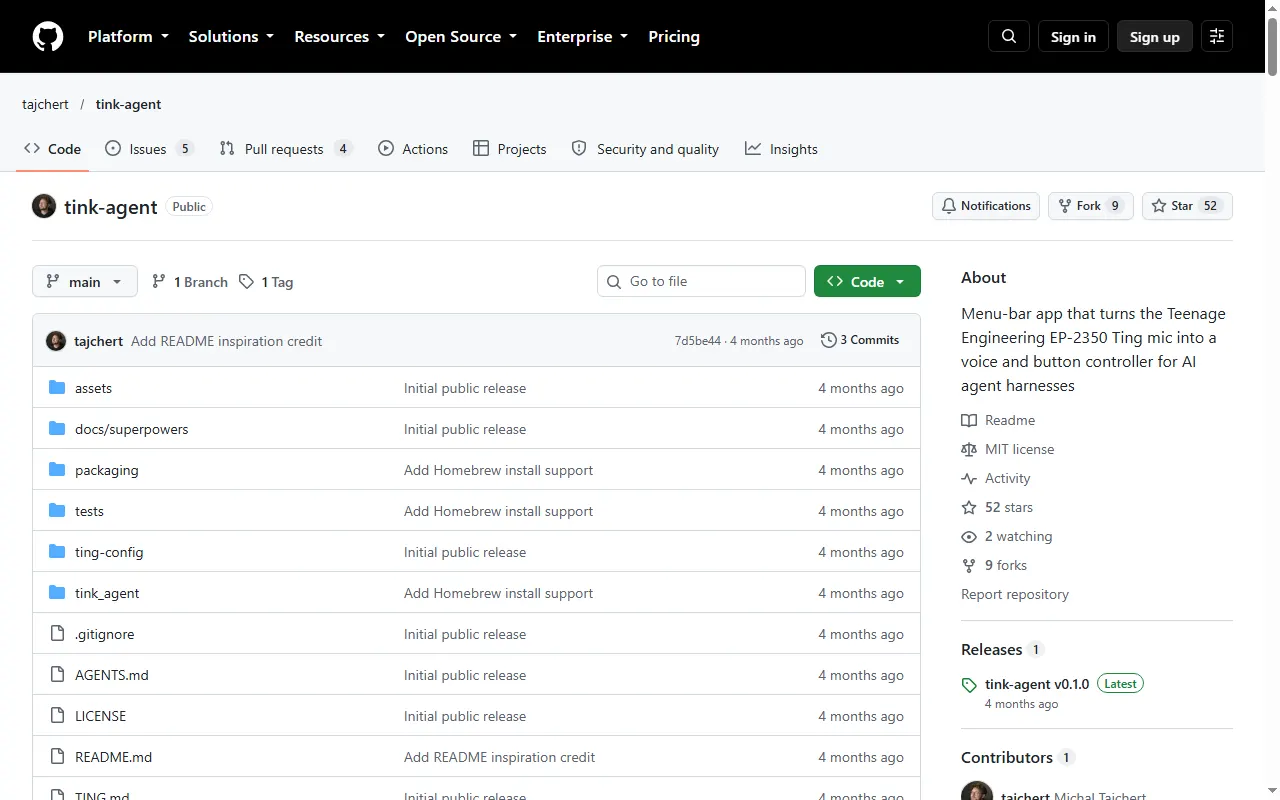
tink-agent
macOS menu-bar app that turns the EP-2350 Ting mic into a voice and button controller for AI agents
TEKit
Swift library for discovering, connecting to and controlling TE devices over BLE, USB and WebSocket
Sync for OP-1
Android app to back up and restore an original OP-1 over USB, with a tape and drum player
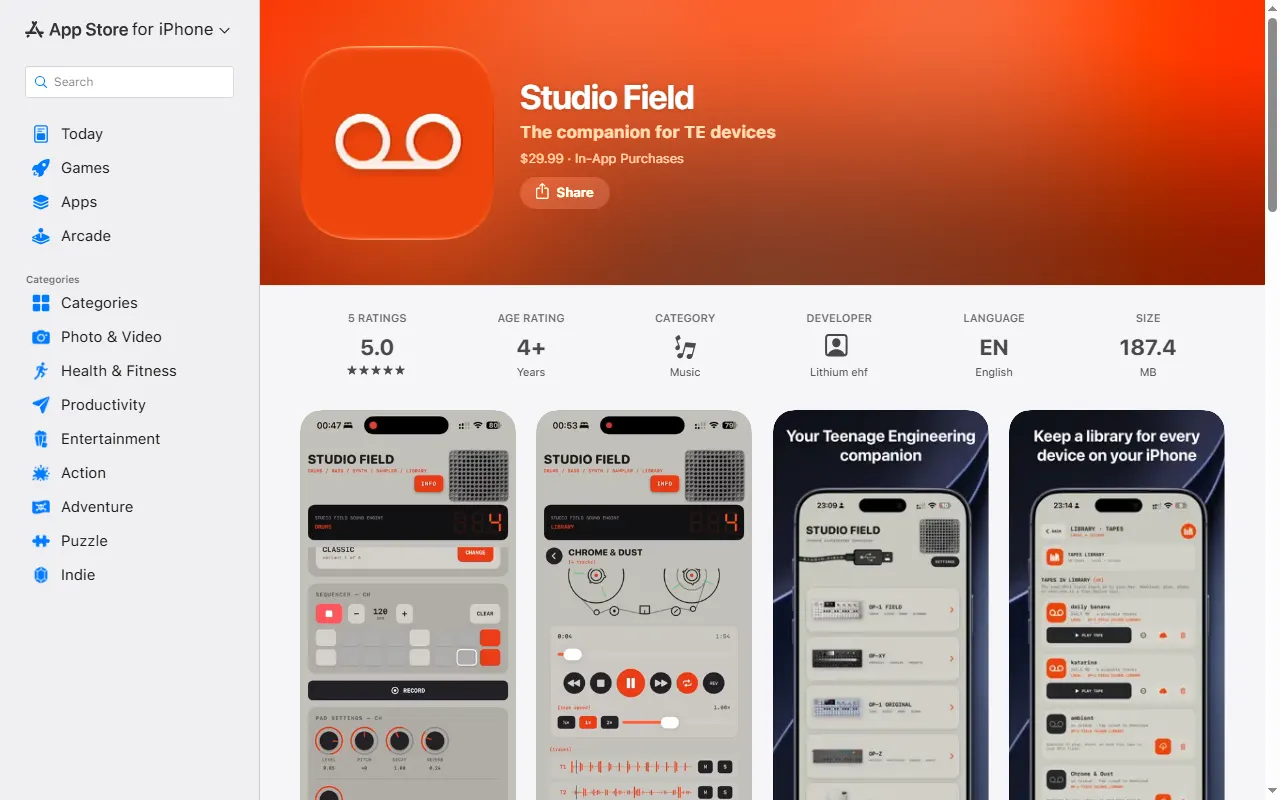
Studio Field
Backup, file-transfer and content manager for TE devices on Mac, iPhone/iPad and Android
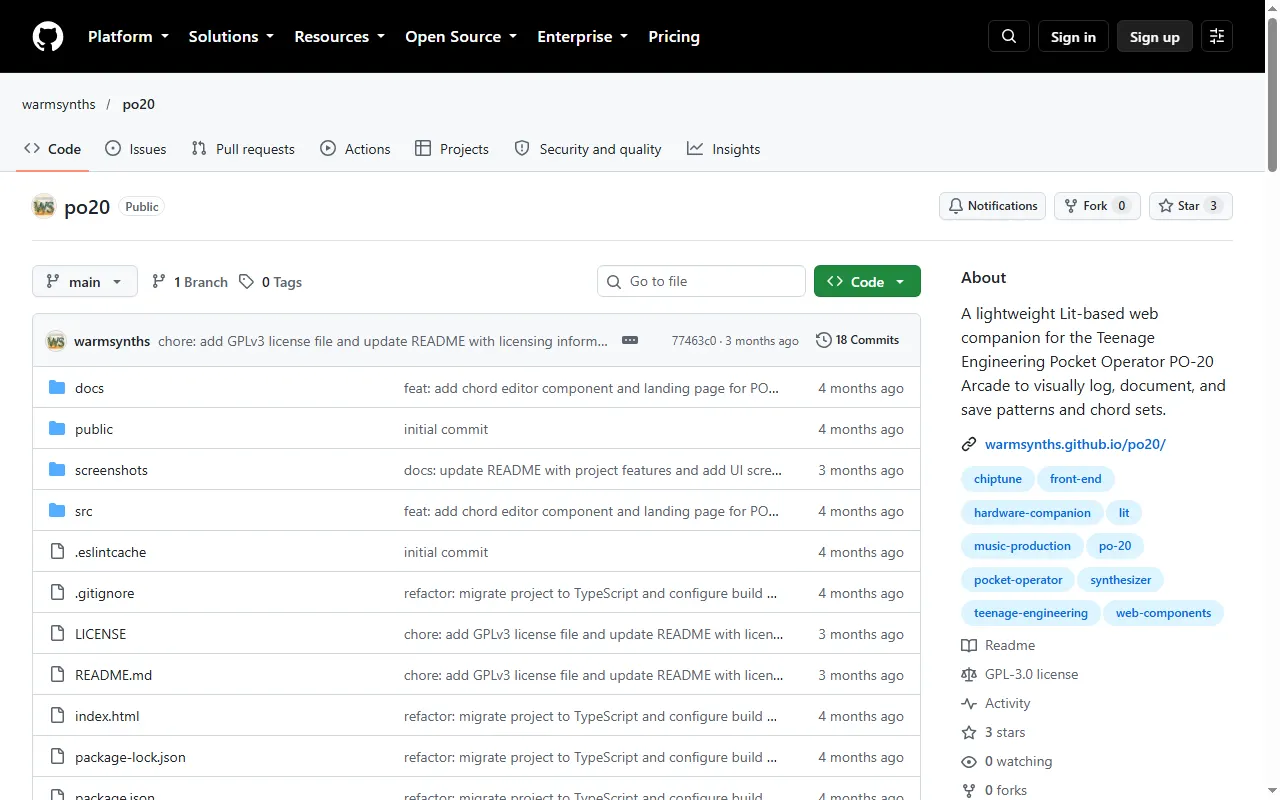
PO-20 Arcade Companion
Browser companion for logging and saving PO-20 Arcade patterns and chord sets
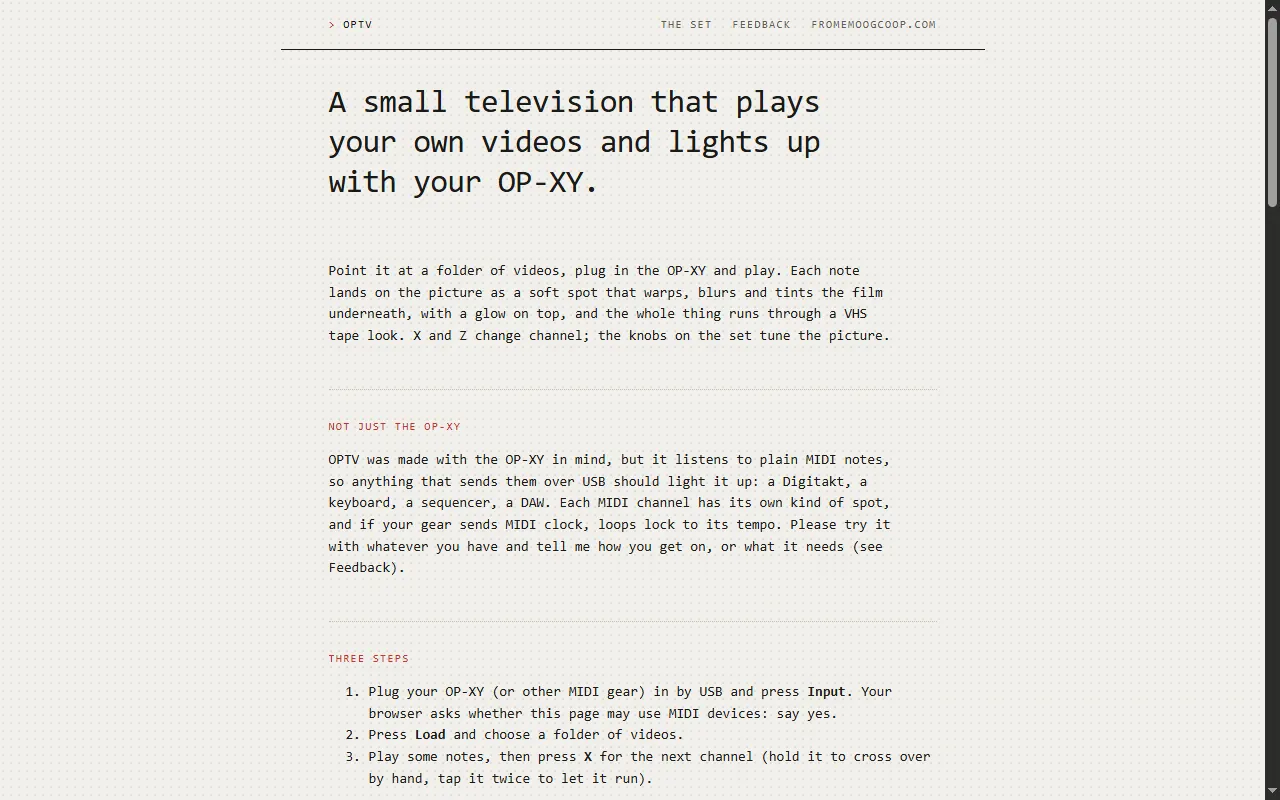
OPTV
Browser "television" that warps and tints your own videos in time with the OP-XY
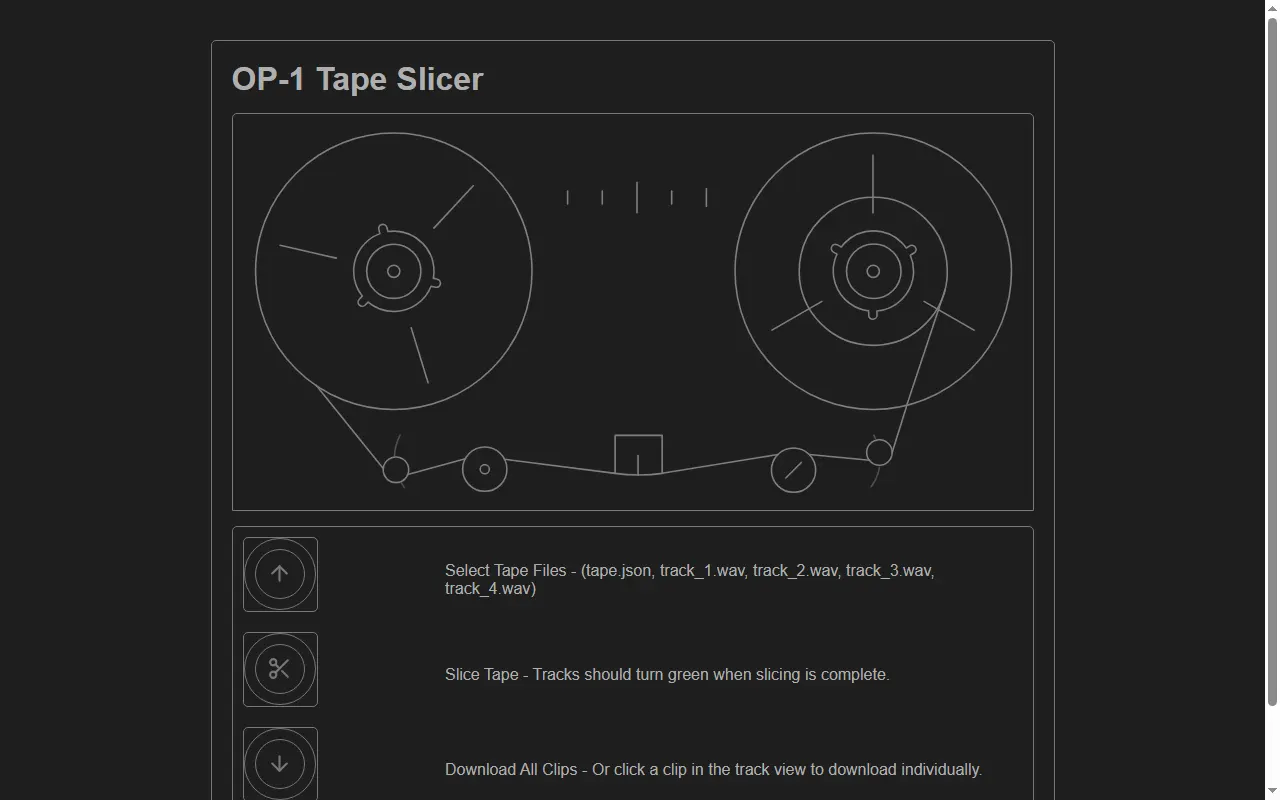
OP-1 Tape Slicer
Web app that cuts an OP-1 field tape backup into per-clip audio files for a DAW
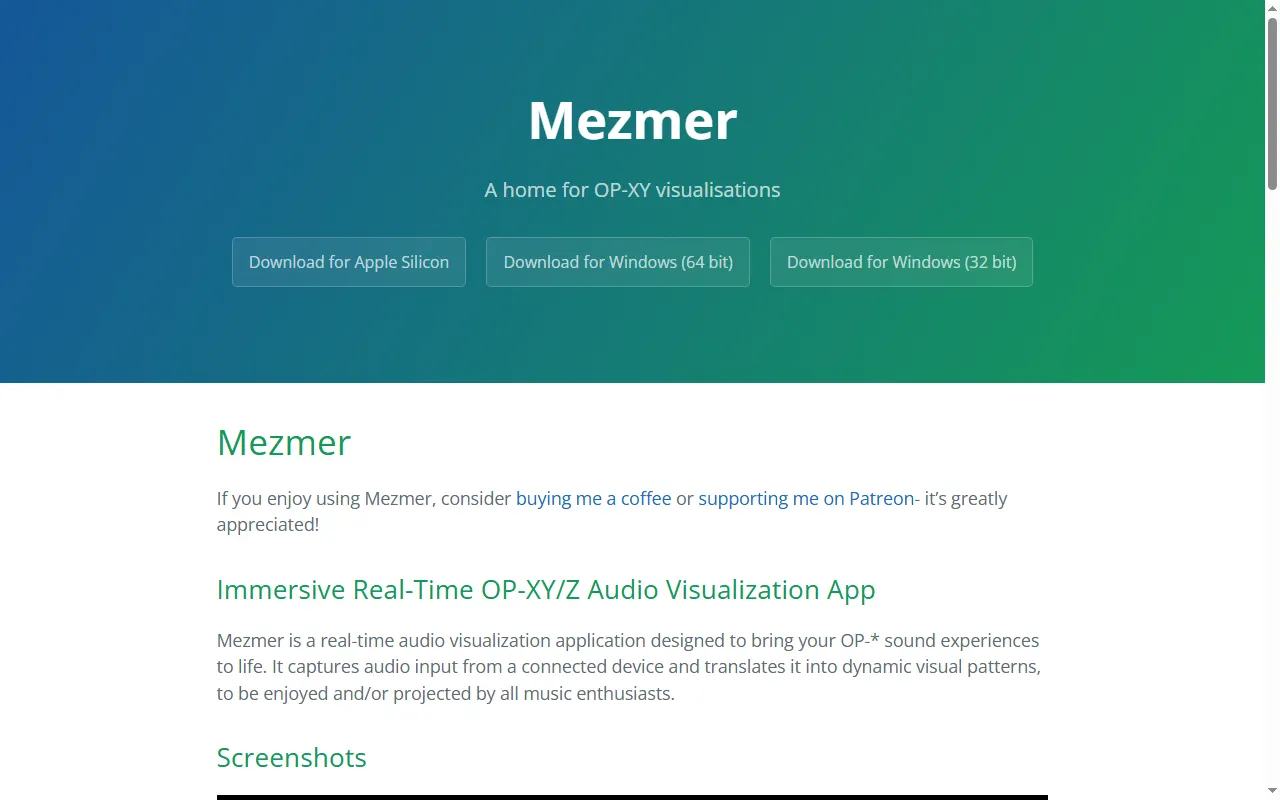
Mezmer
Real-time audio visualiser for the OP-XY and OP-Z, for projecting at live sets
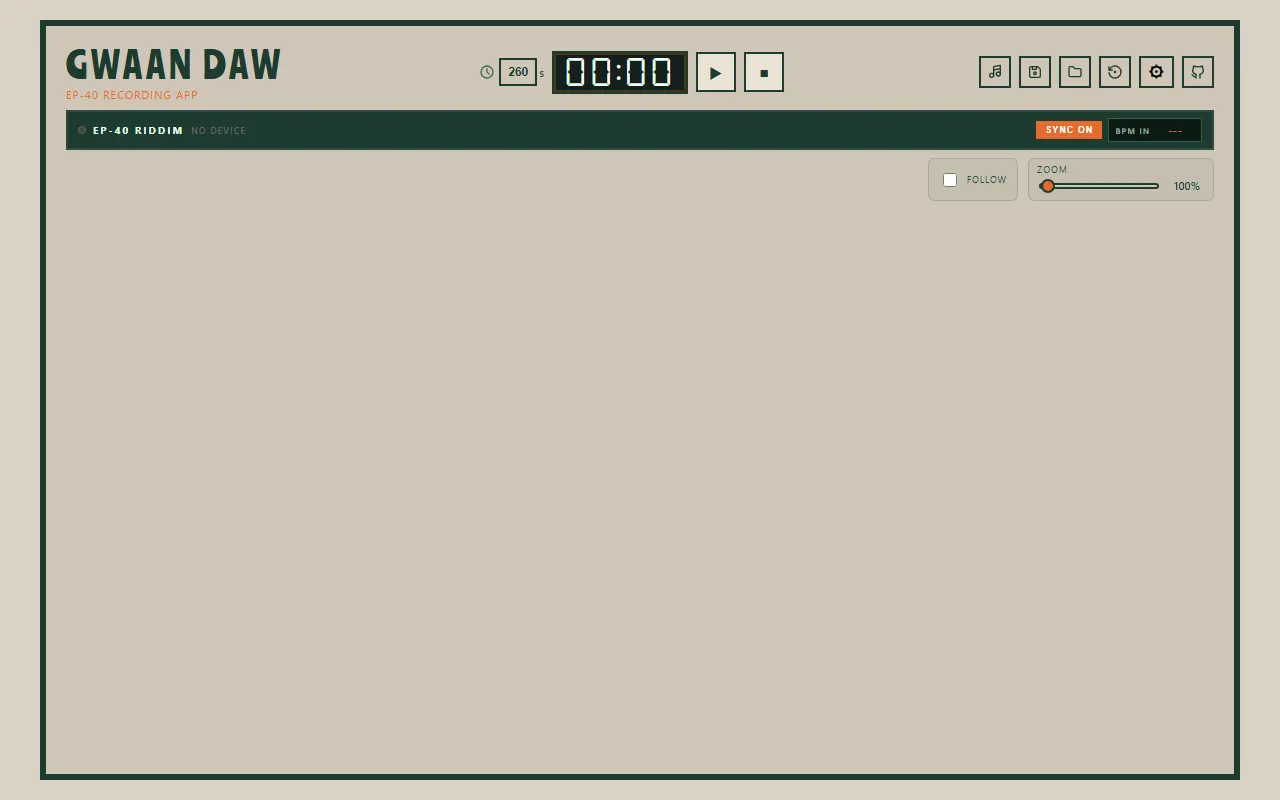
GWAAN DAW
Browser multitrack recording app built around the EP-40 Riddim over USB-C
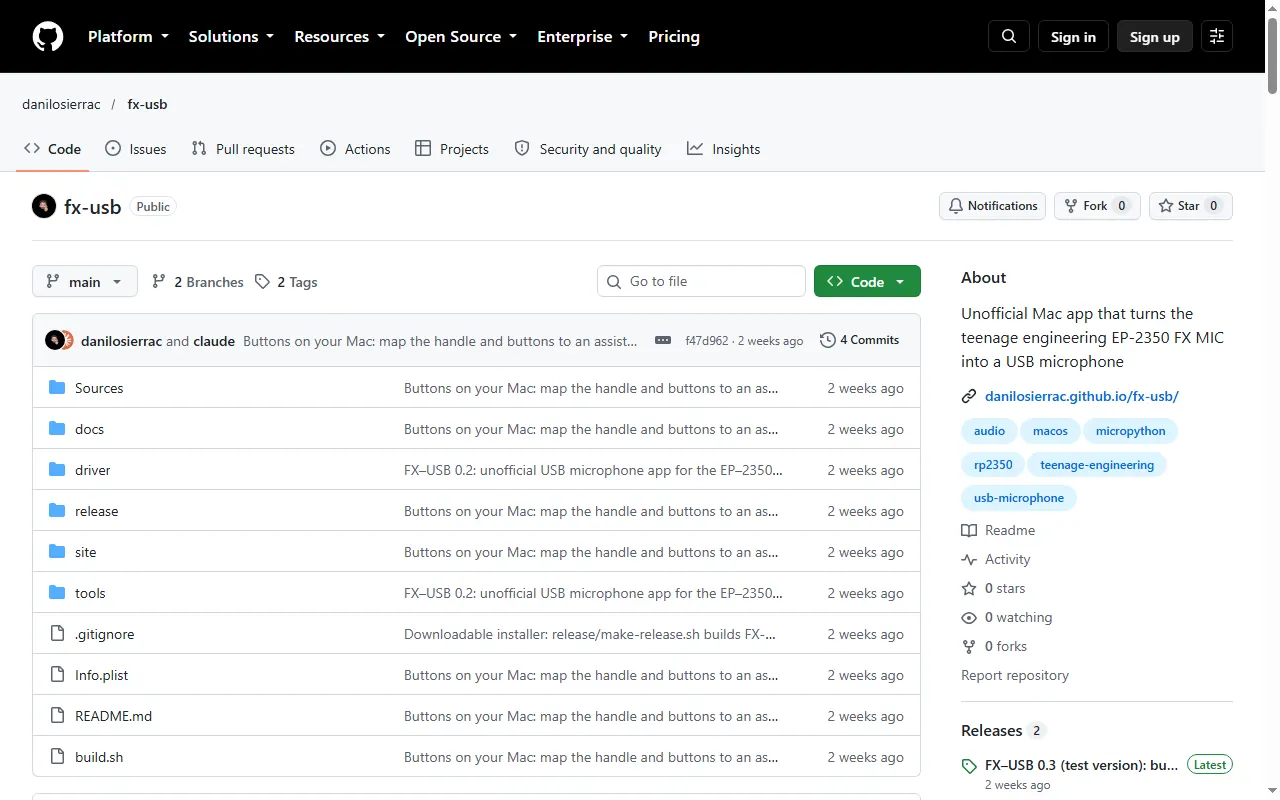
FX-USB
Unofficial Mac app that turns the EP-2350 FX mic into a USB microphone
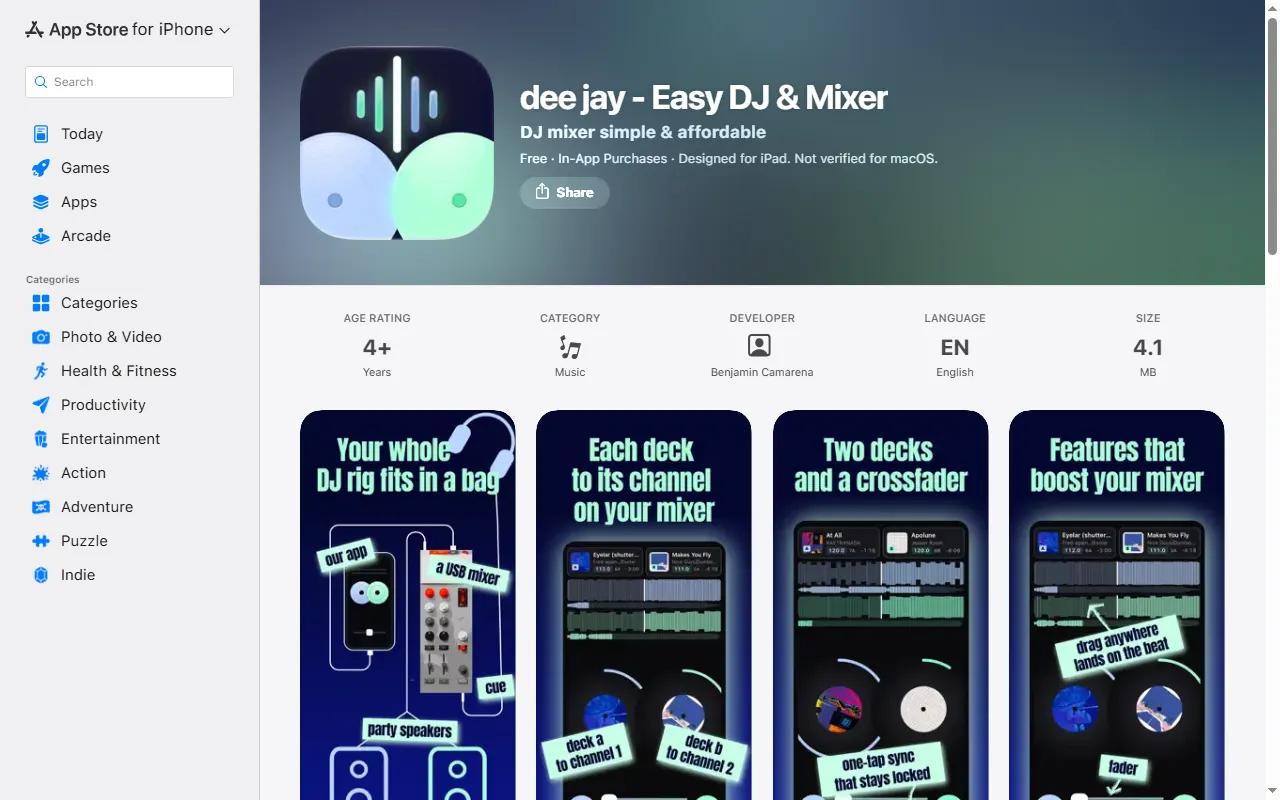
dee jay
Simple iPhone/iPad DJ app designed around the EP-136 K.O. Sidekick as a mixer
CUTMAN
JUCE plugin and Python bridge that link the KO-II (EP-133) with Logic Pro and other DAWs
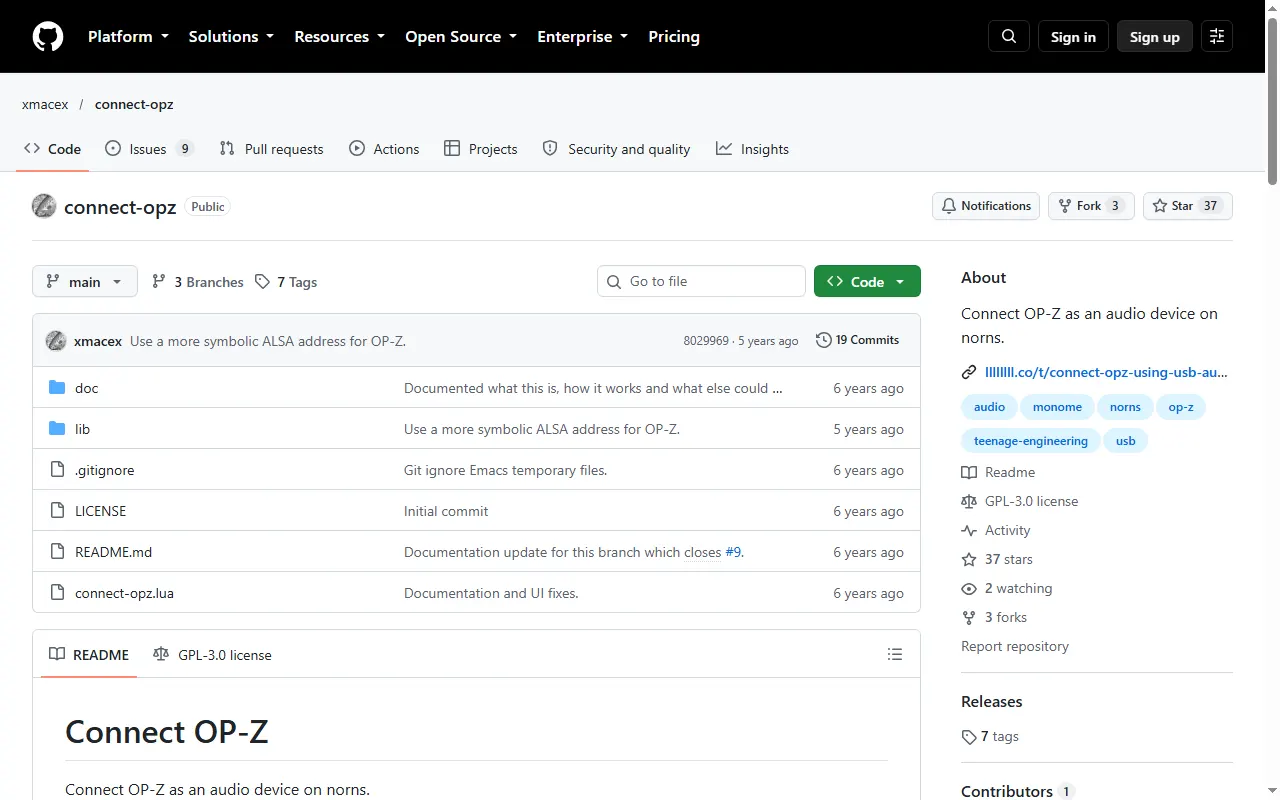
Connect OP-Z
monome norns script that connects an OP-Z as a USB audio device for input and output
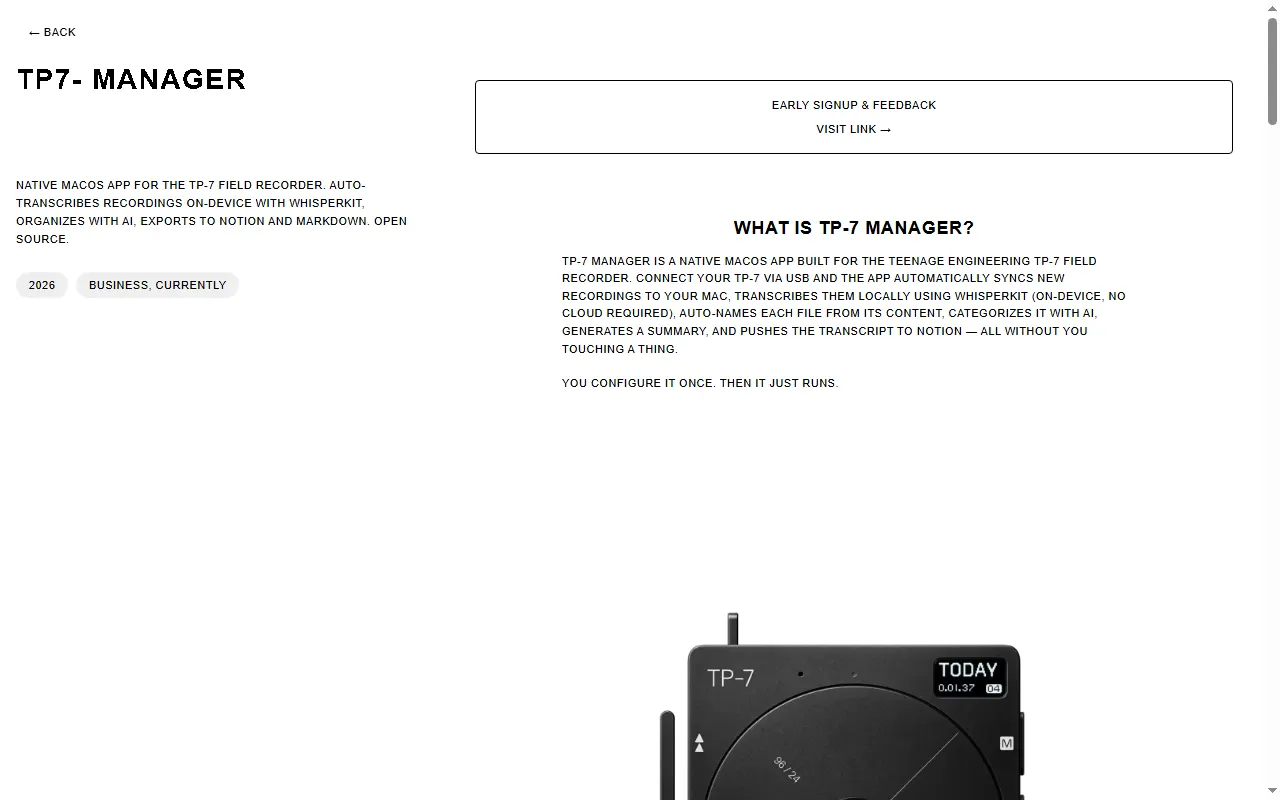
TP-7 Recordings Manager
macOS app for organizing and managing your TP-7 recordings
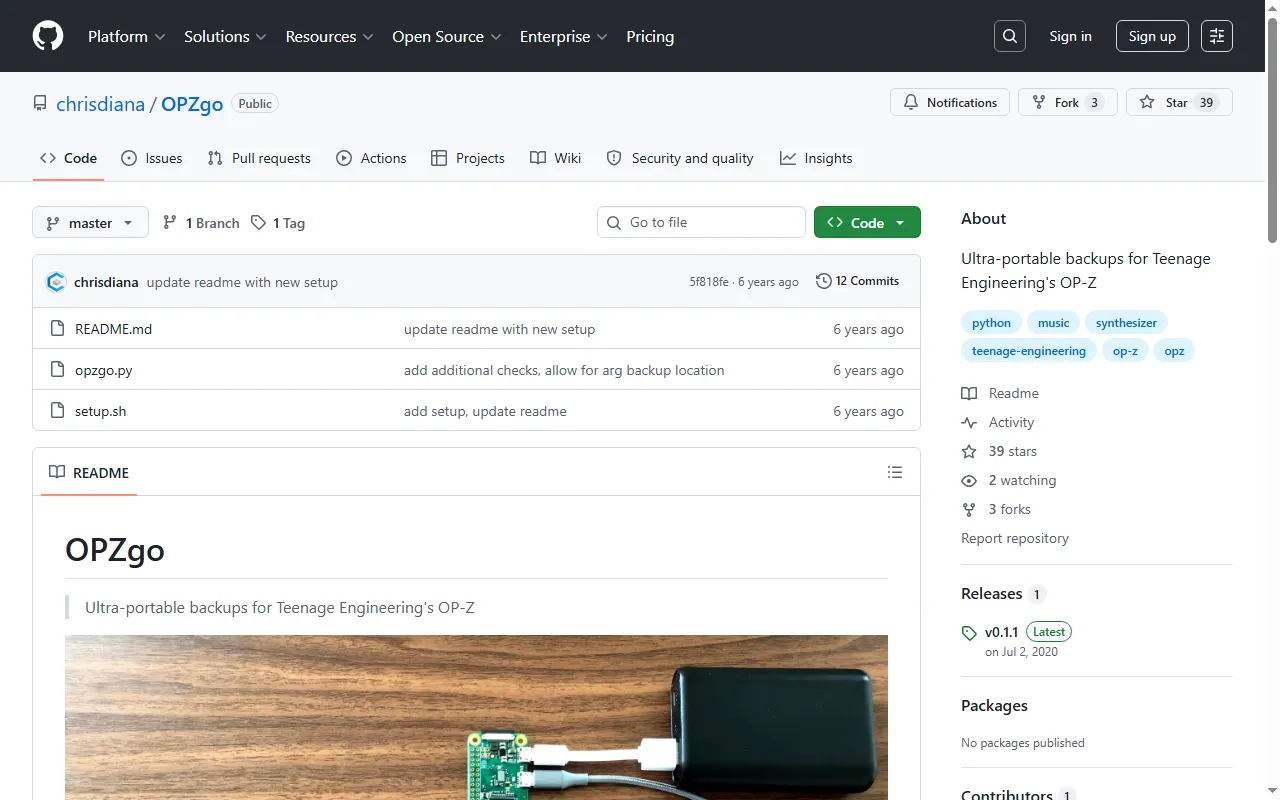
OPZgo
Ultra-portable OP-Z backups using a Raspberry Pi Zero
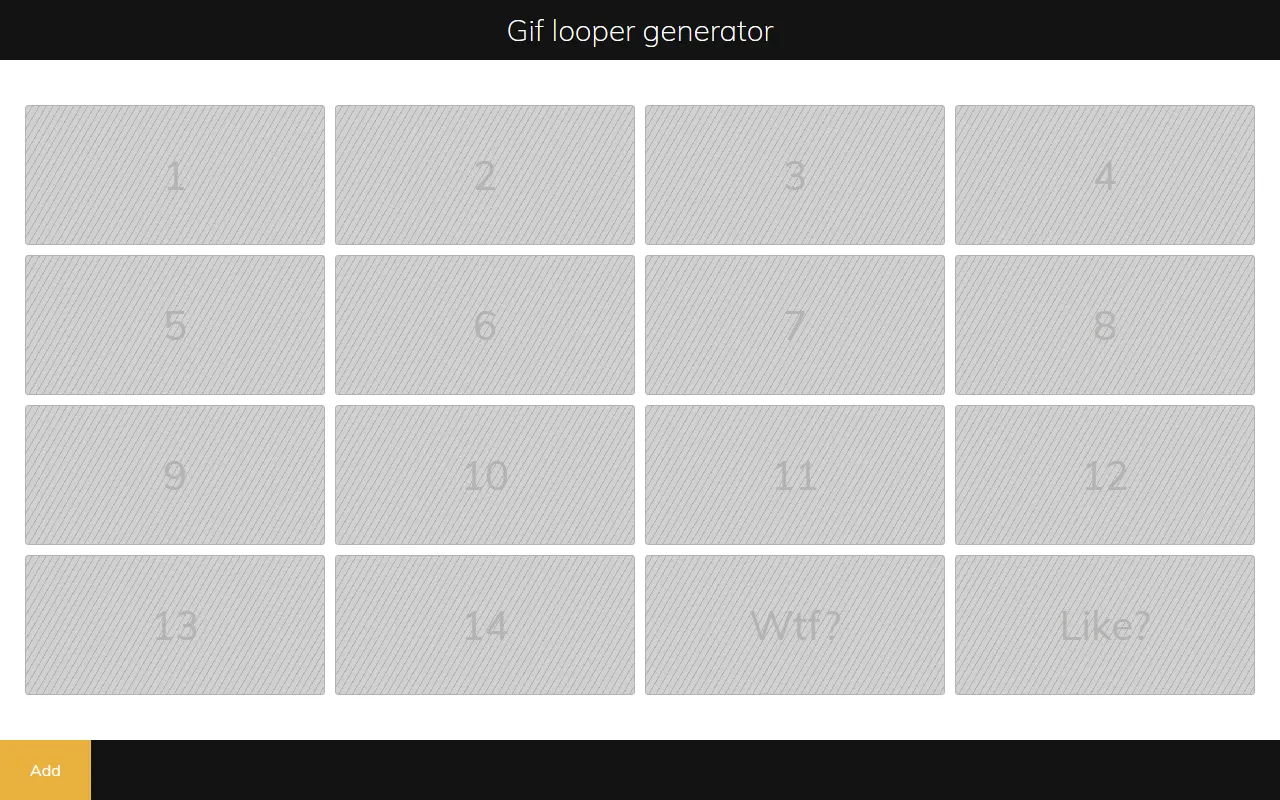
opz-gif
Generate OP-Z videopacks from animated GIFs
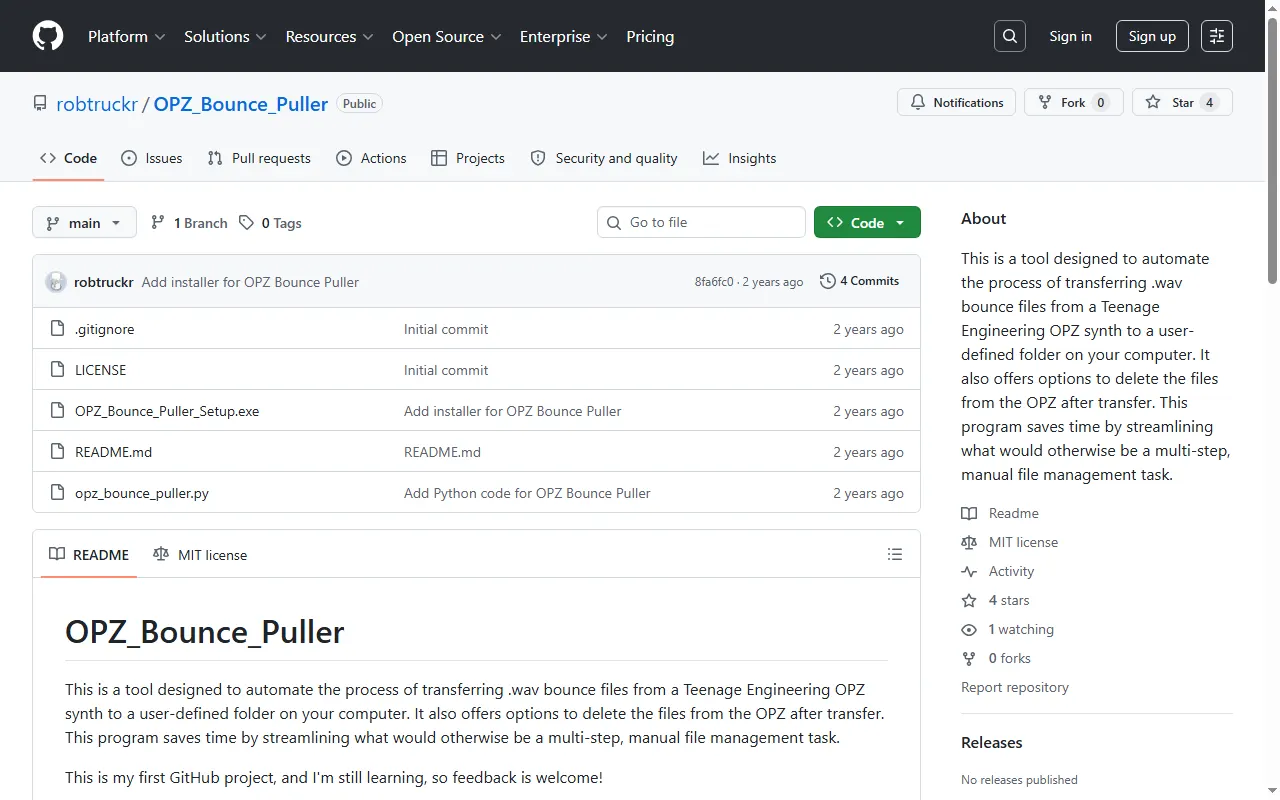
OPZ Bounce Puller
Automatically pull OP-Z bounces/stems to your Windows PC
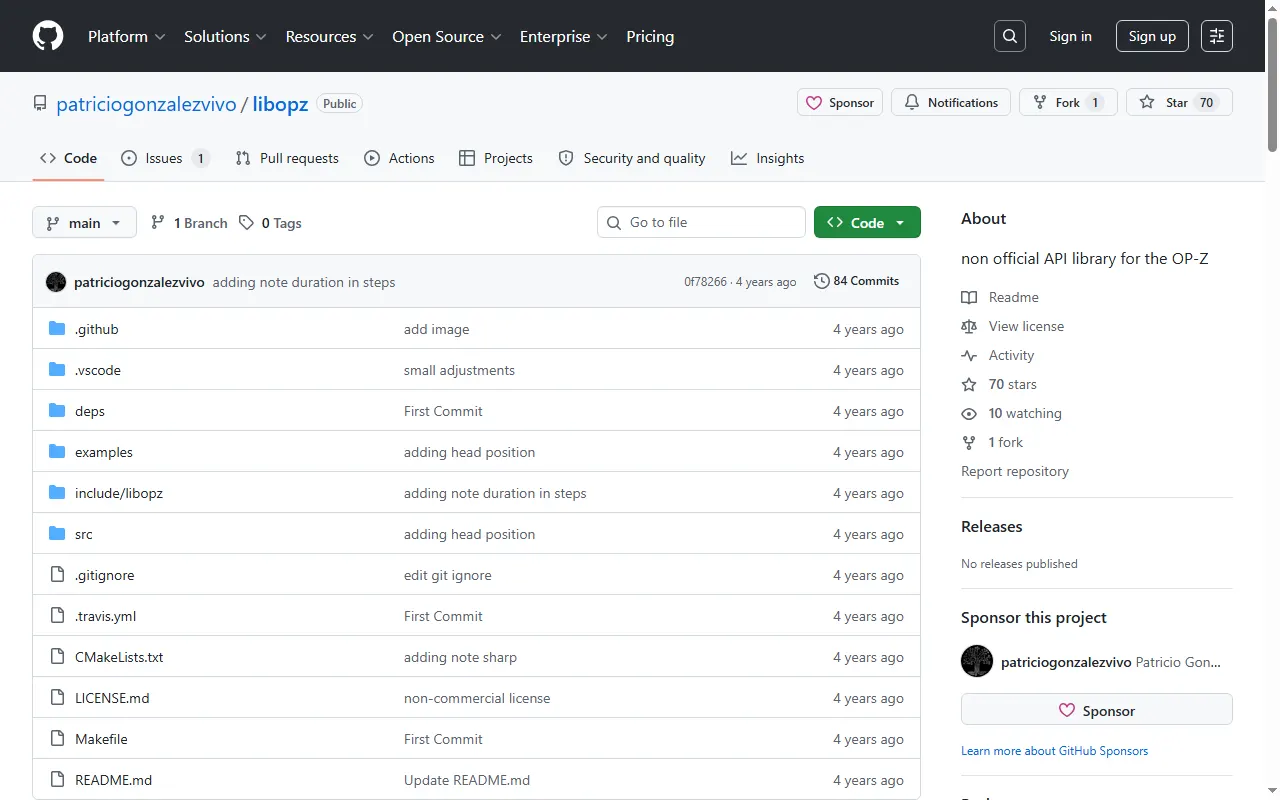
libopz
Unofficial OP-Z API and reverse-engineering library for developers
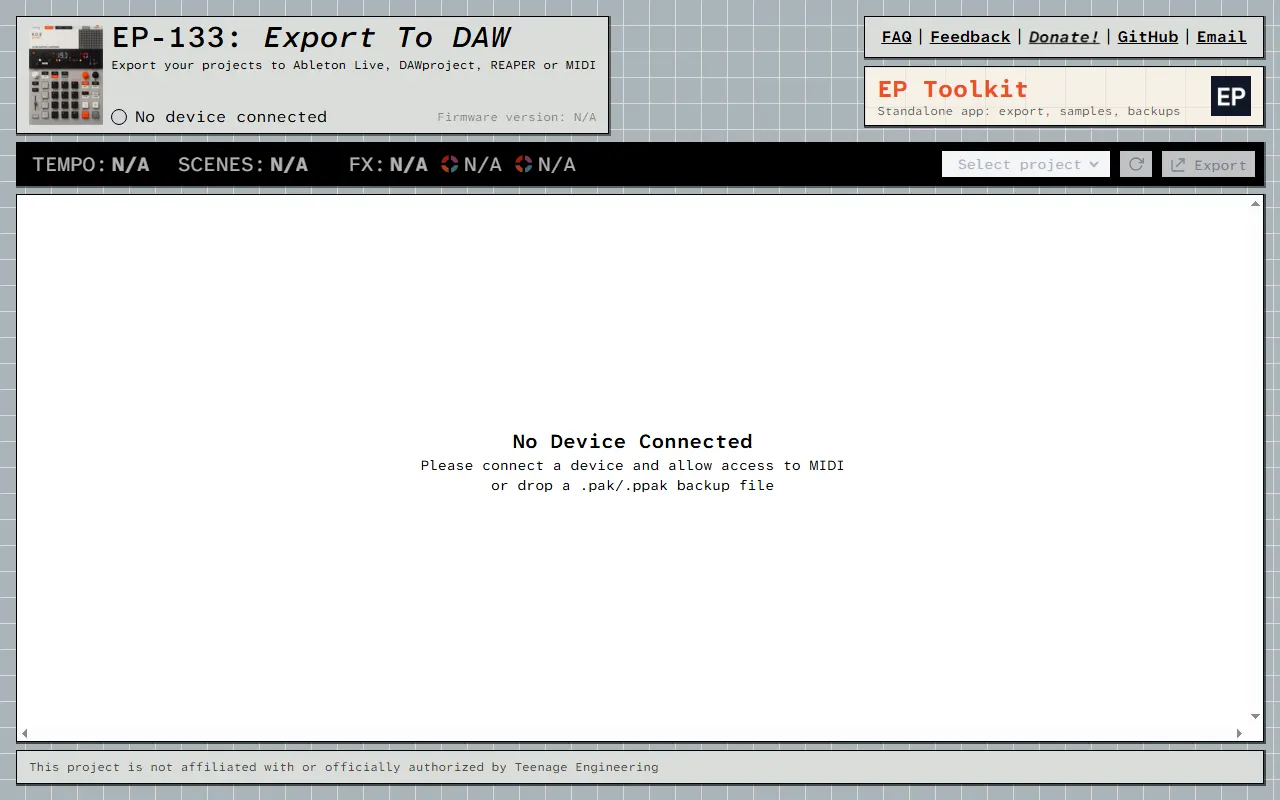
EP-133: Export to DAW
Web app to export your EP-133 projects to almost any DAW
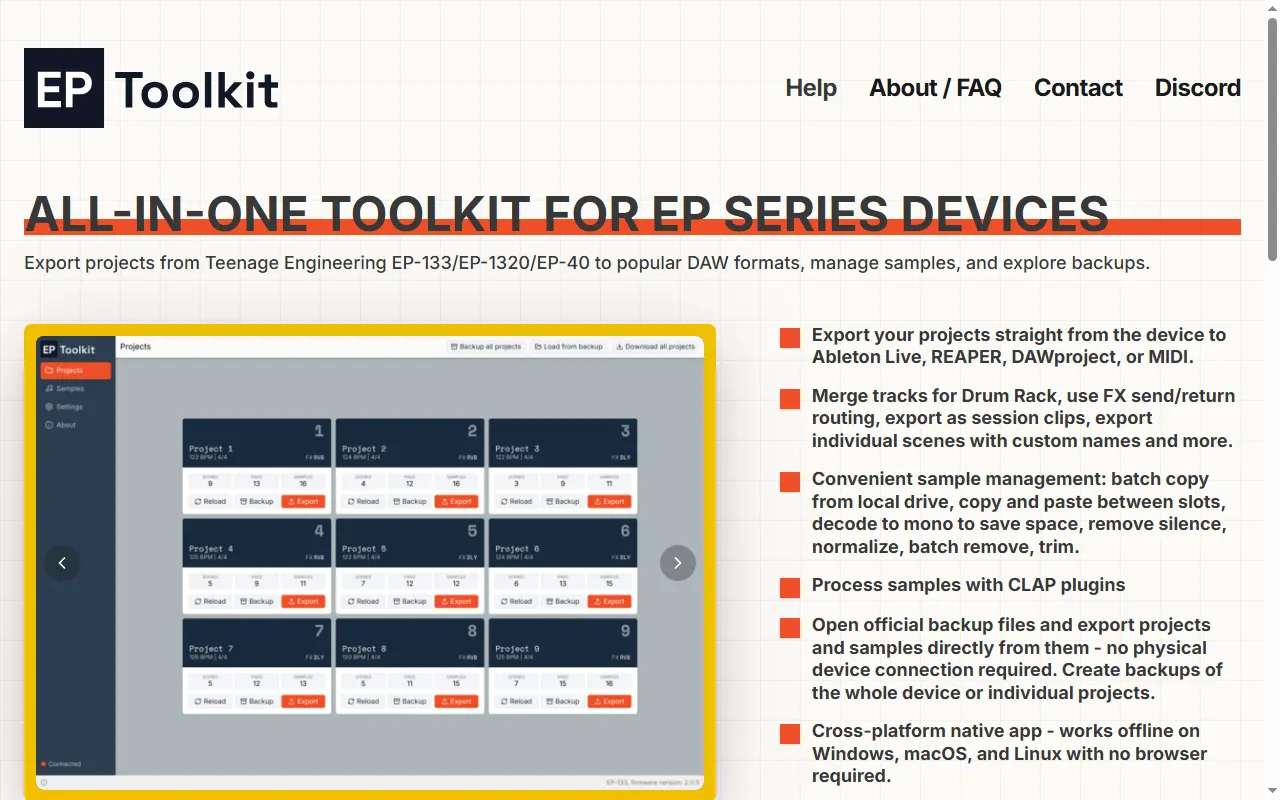
EP Toolkit
All-in-one desktop app to export EP-133/EP-1320/EP-40 projects to a DAW, manage samples, and open backups
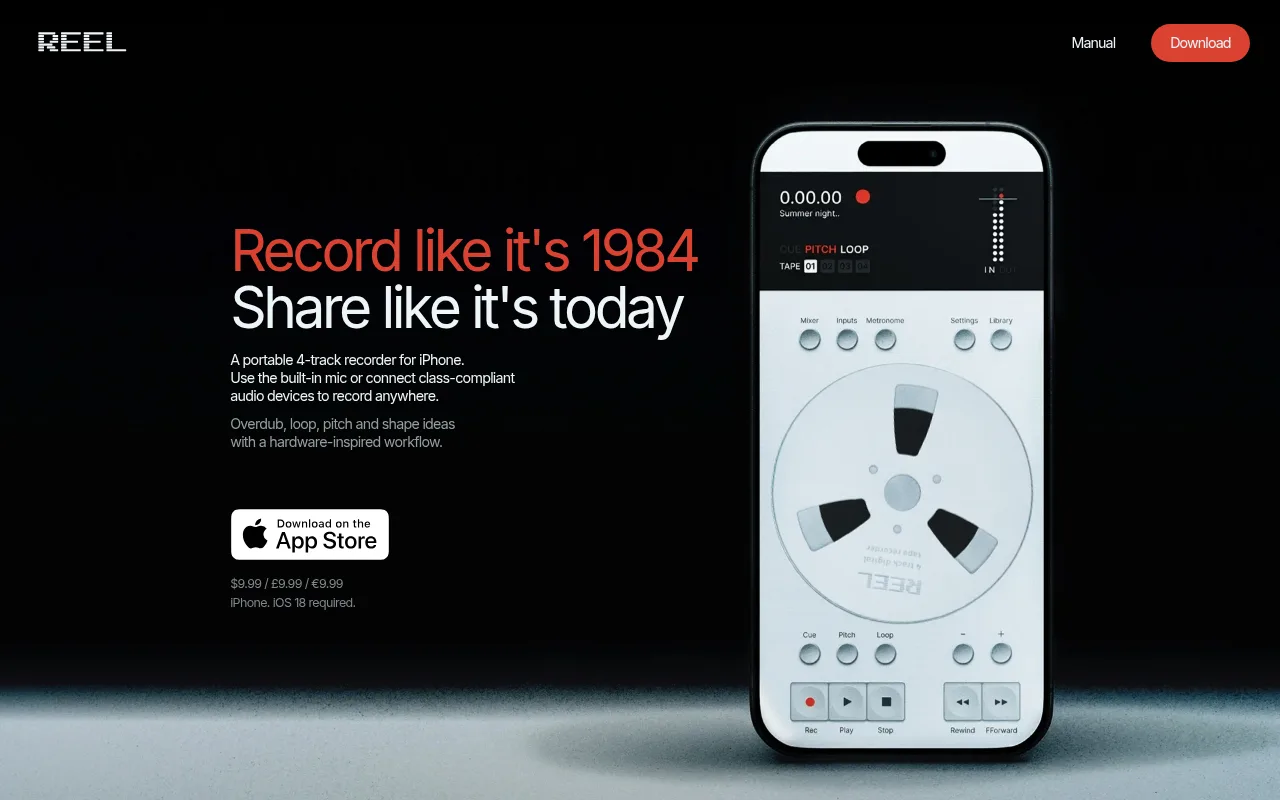
Reels
A multitrack recording companion app for Teenage Engineering gear
op1emu
A work-in-progress emulator of the original OP-1
OP-Z Videolab
Teenage Engineering's open-source Unity integration for the OP-Z video track
VJ-XY
A live visual instrument you play from the OP-XY
MTVP
MIDI-controlled video player with timecode for scoring to picture
Accessories & 3D Prints42
spongefile Vinyl Overlays & Cheat-Sheet Stickers
Printed vinyl keypad overlays and shortcut stickers for the EP series and PO-33
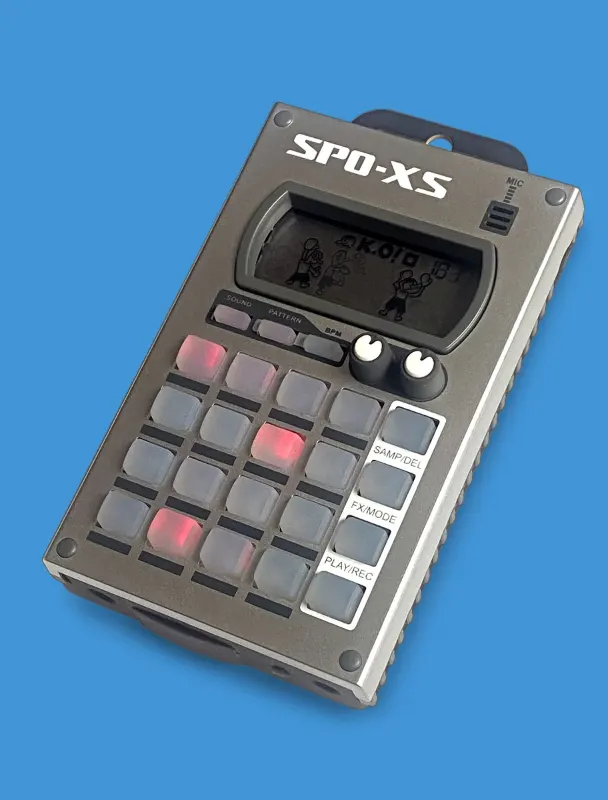
SPO-XS Case (Beat Maker's Boutique)
Plastic-and-silicone protective case that fits every Pocket Operator, tab or no tab
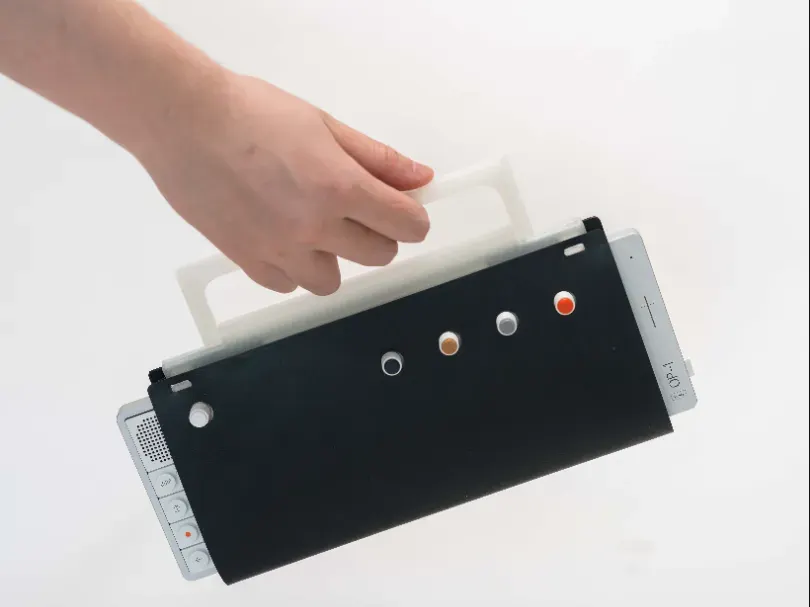
Soft Wrap for OP-1 field & OP-XY
Printable TPU soft wrap for the OP-1 field and OP-XY, modelled on TE's leather wrap
POM-16 Replacement Pot Attachment
Replacement potentiometer attachment for the Pocket Operator Modular 16
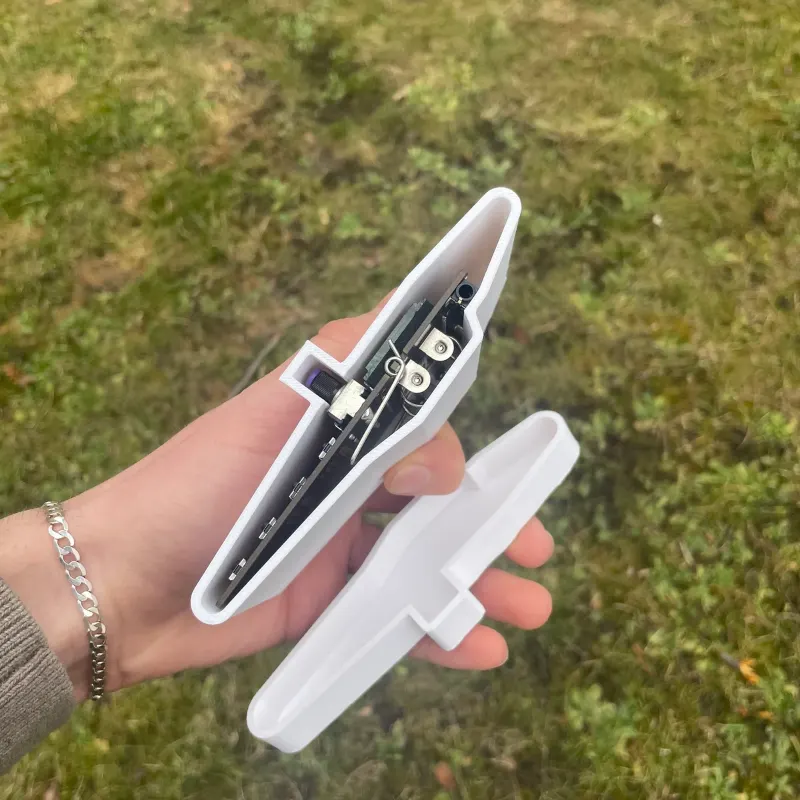
Pocket Operator Travel Case
Printed sleeve that stops a bagged Pocket Operator from switching on, tab and all
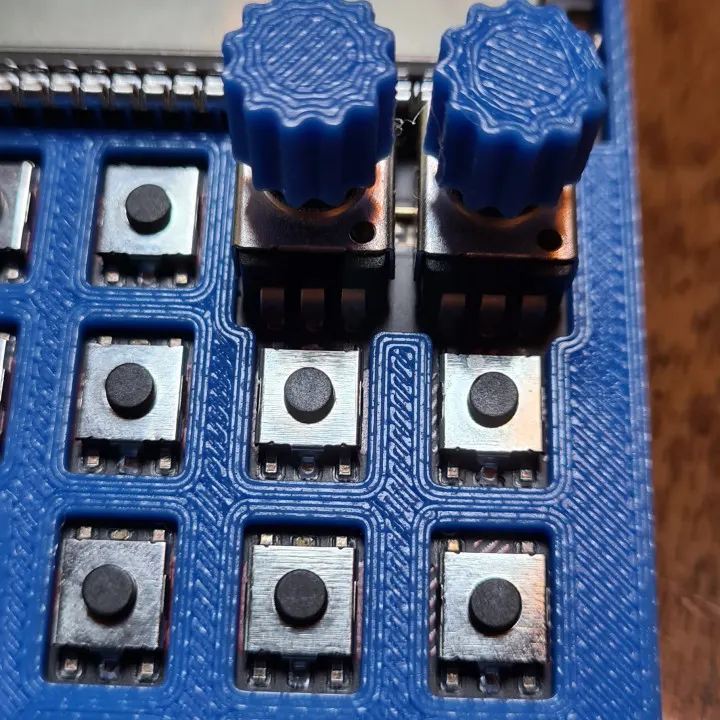
Pocket Operator Stock Pot Upgrade
Press-fit printable knob caps that make PO pots easier to turn precisely
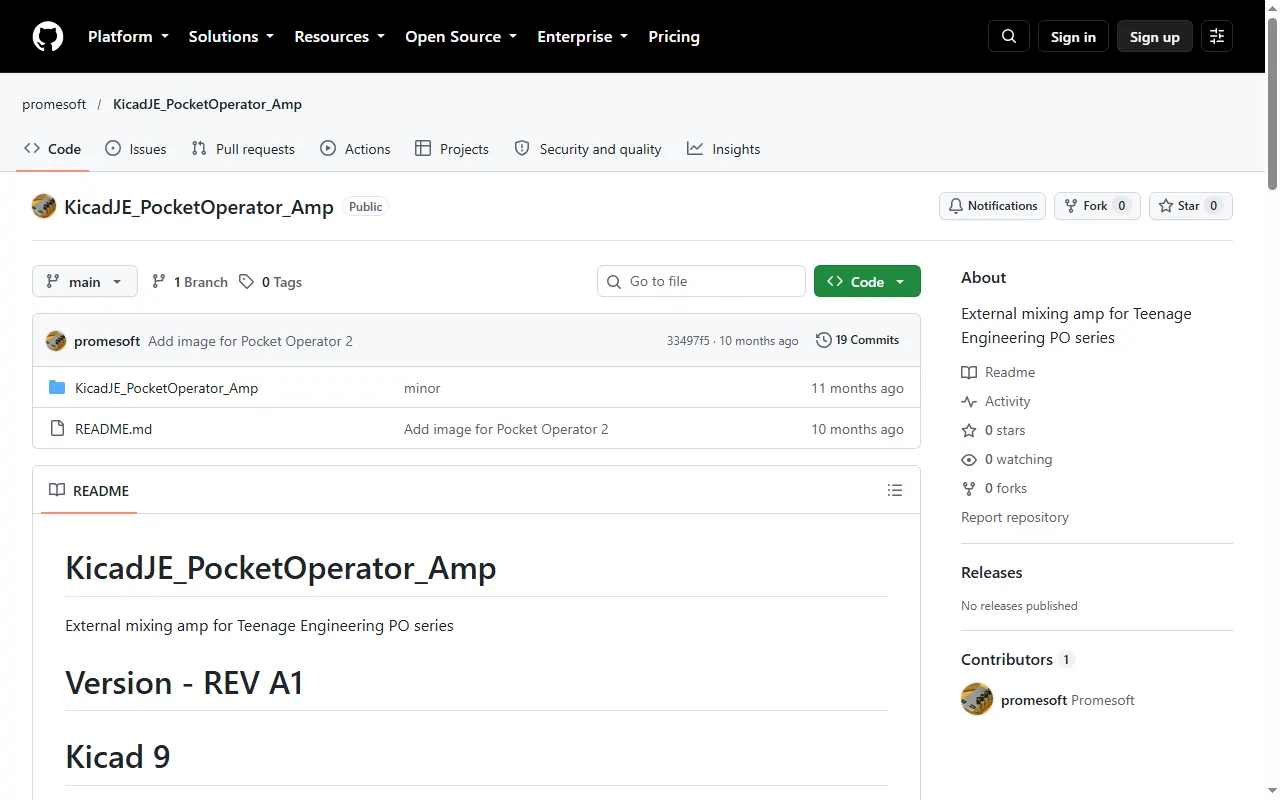
Pocket Operator Mixing Amp
KiCad design for an external mixing amp and sync distributor for Pocket Operators
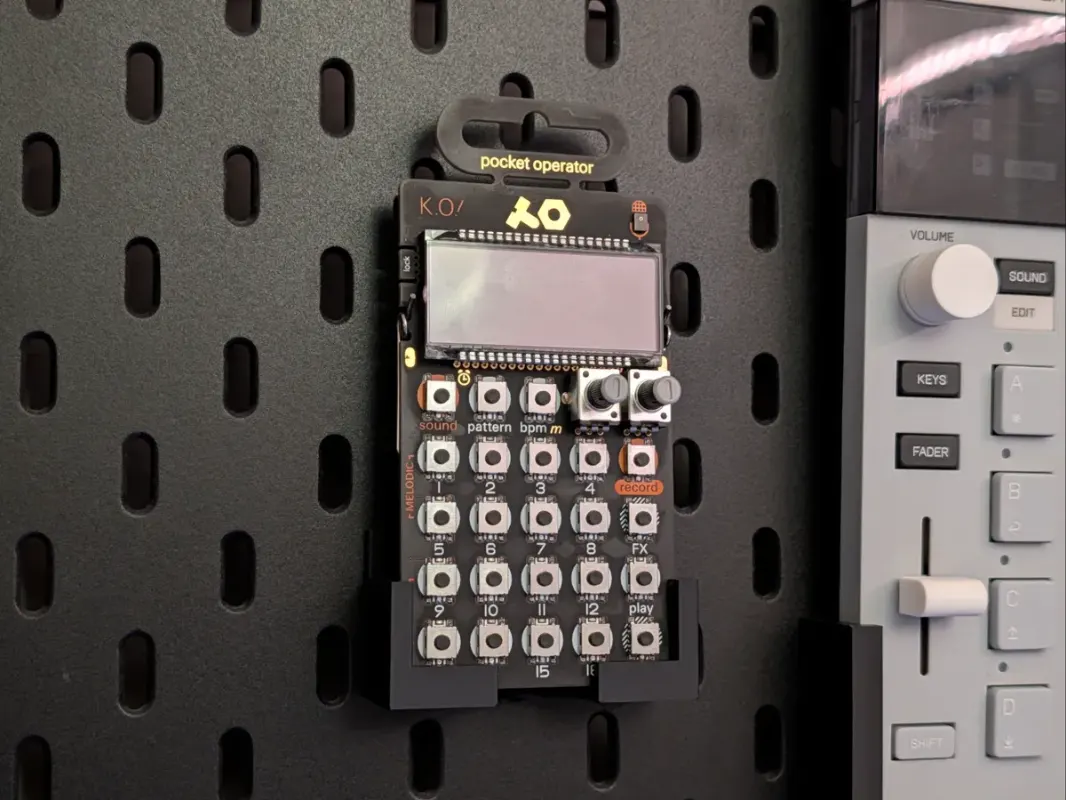
Pocket Operator Holder for IKEA Skådis
Printable pegboard mount that hangs a Pocket Operator on an IKEA Skådis board
PO-Connector
PCB project for mounting a Pocket Operator in a Eurorack or Kosmo system
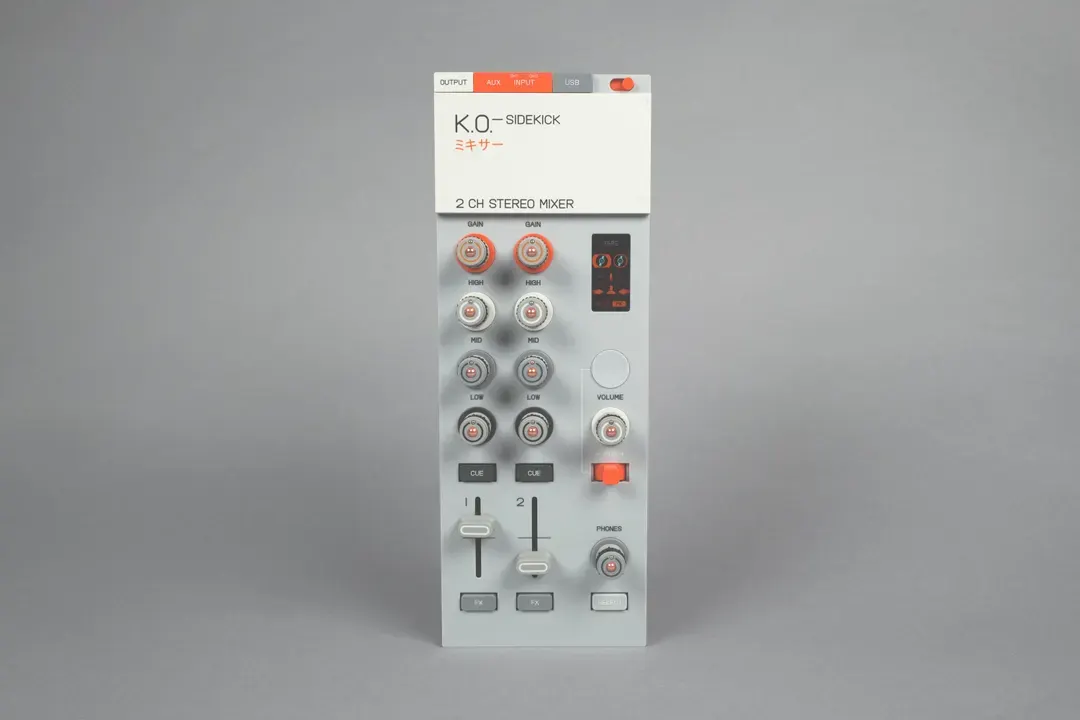
ORBITAL! CONTROLS! for the K.O. Sidekick
Replacement knob and fader caps for the EP-136 K.O. Sidekick
OP-Z Replacement Battery Adapter
Frame and PCB that adapt a PH2.0 LiPo cell as an OP-Z replacement battery
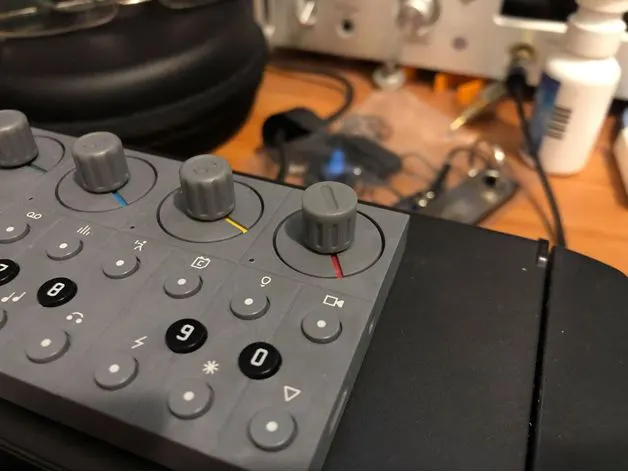
OP-Z Knobs (LEGO Technic fit)
Printable knobs that slot onto the OP-Z's flat encoders via their LEGO Technic axle
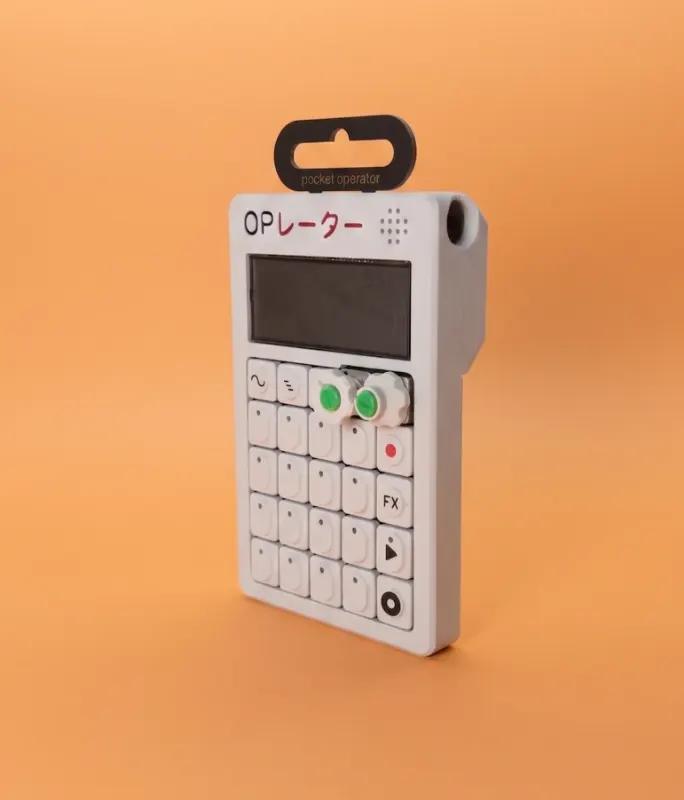
OP-Mini Pocket Operator Case (VH Makes)
Pocket Operator case styled after the OP-1, in "Classic" and "XY" looks
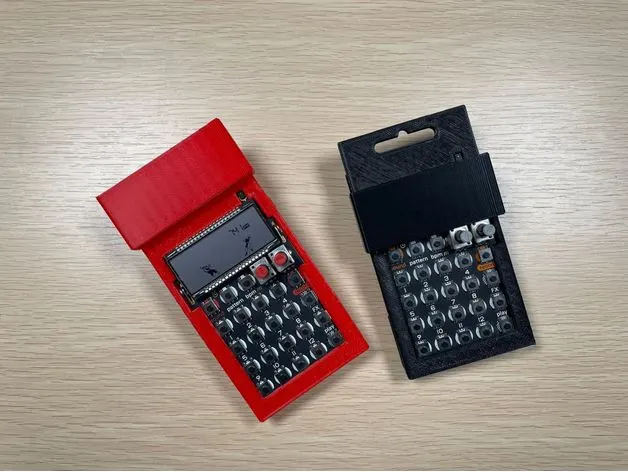
Minimalist Pocket Operator Case (tab + screen cover)
Snap-together printable PO case that keeps the hanging tab, with a sliding screen cover
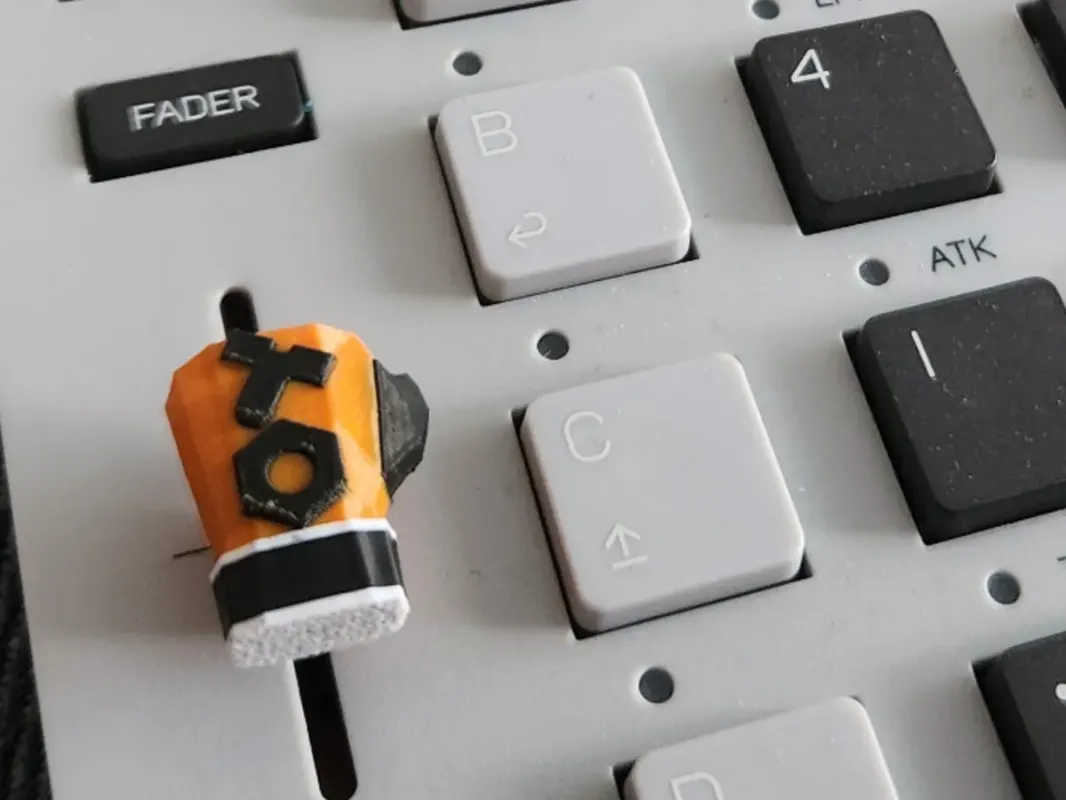
K.O. II Boxing Glove Fader
Free printable boxing-glove fader cap for the EP-133 K.O. II
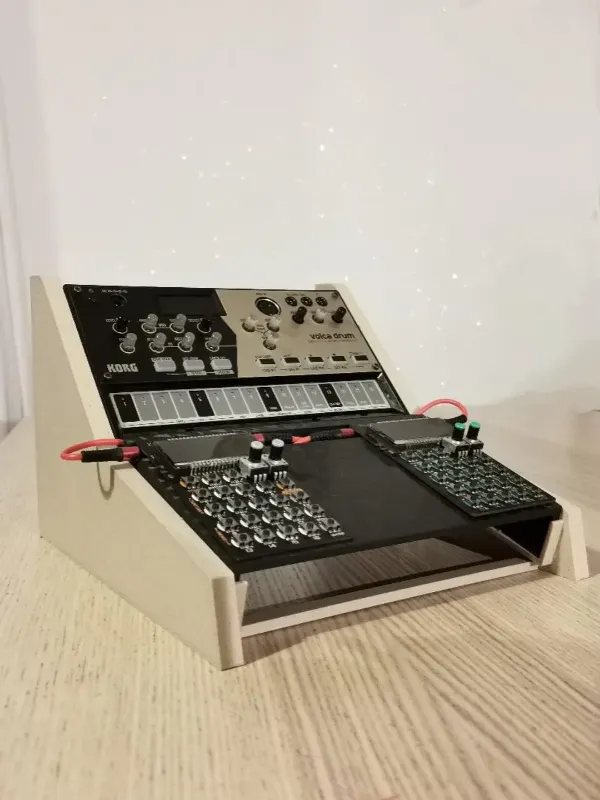
Hero Stand for Volcas and Pocket Operators
Printed angled desk stand that holds Pocket Operators (and Korg Volcas)
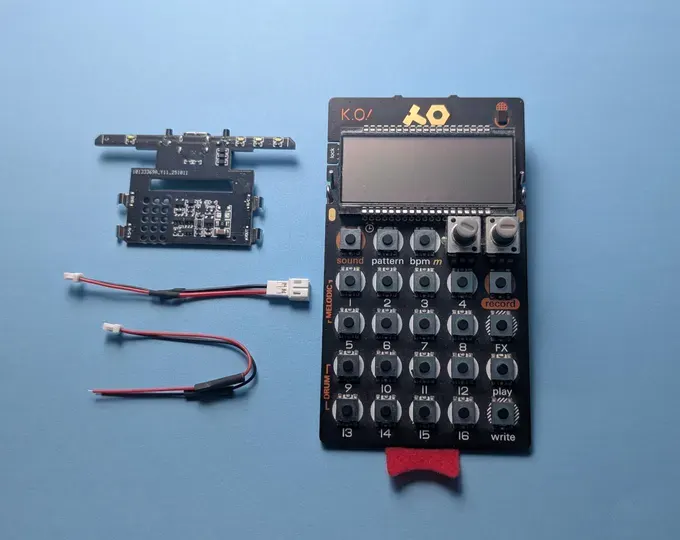
Hammerhead Pocket Operator Battery Mod
Add-on PCB that swaps a PO's AAA cells for a rechargeable lithium-ion battery
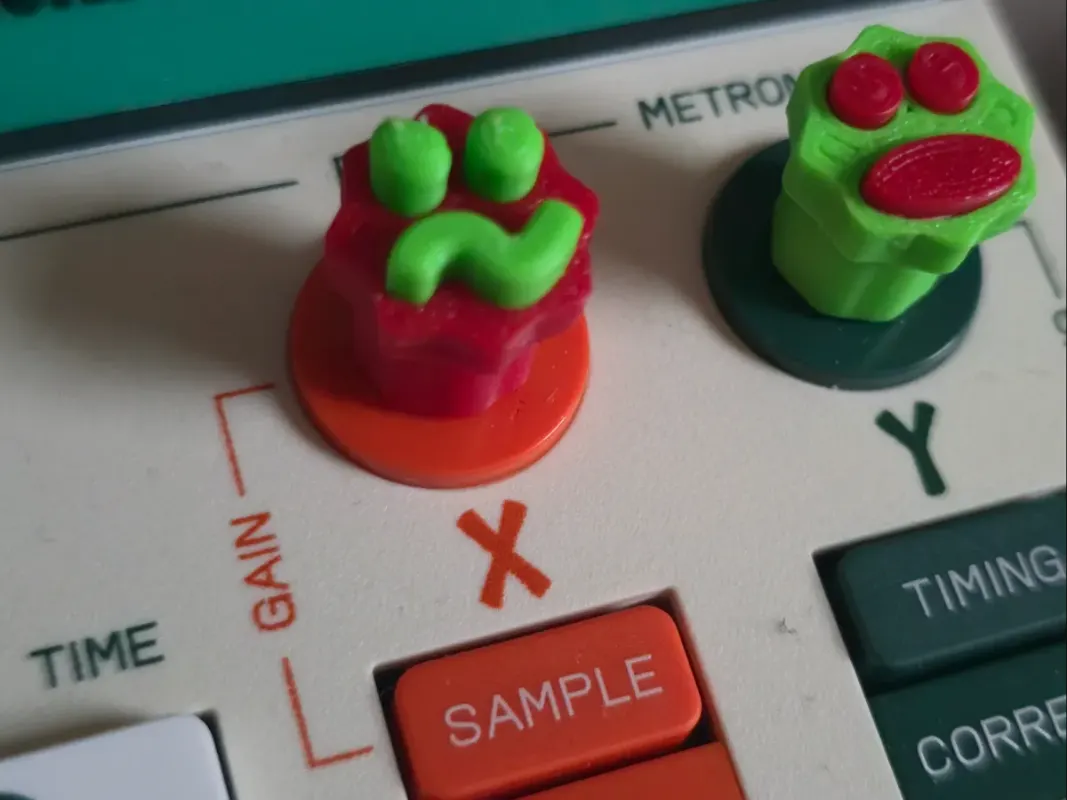
Fun Emoji Knobs for EP-133 K.O. II
Support-free printable replacement knobs with emoji faces for the K.O. II
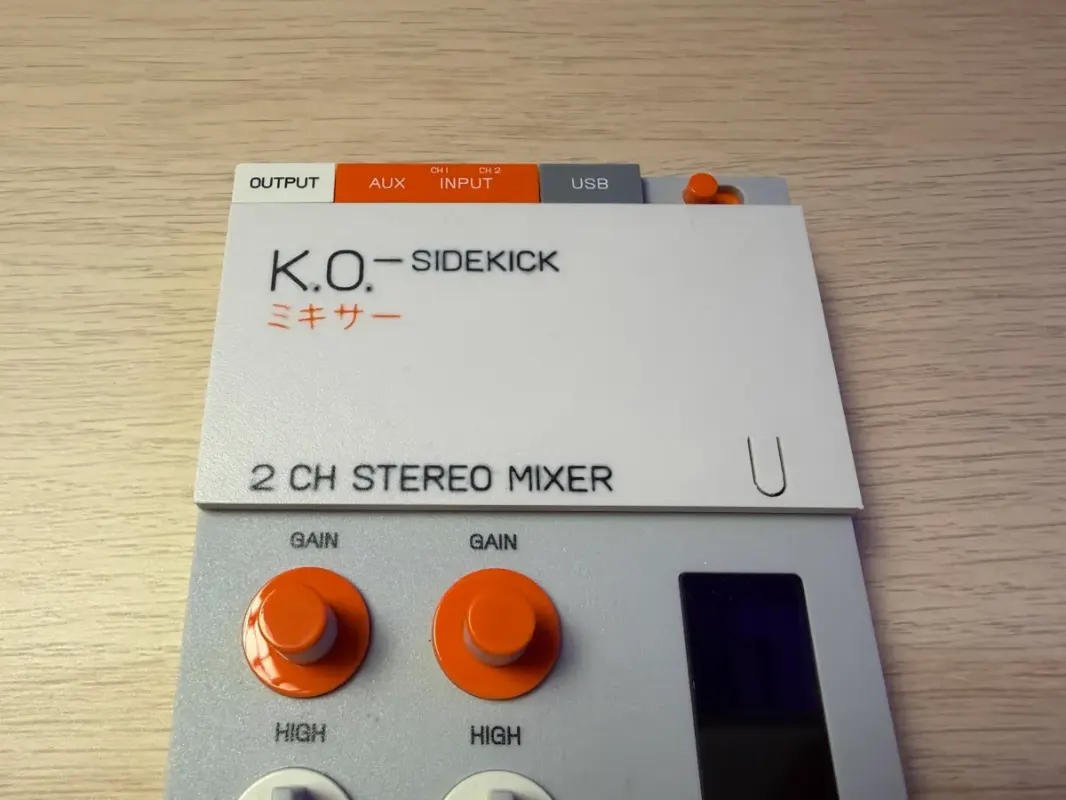
EP-136 Sidekick System-Button Faceplate
Printable Sidekick faceplate with an opening so you can press the system button without removing it
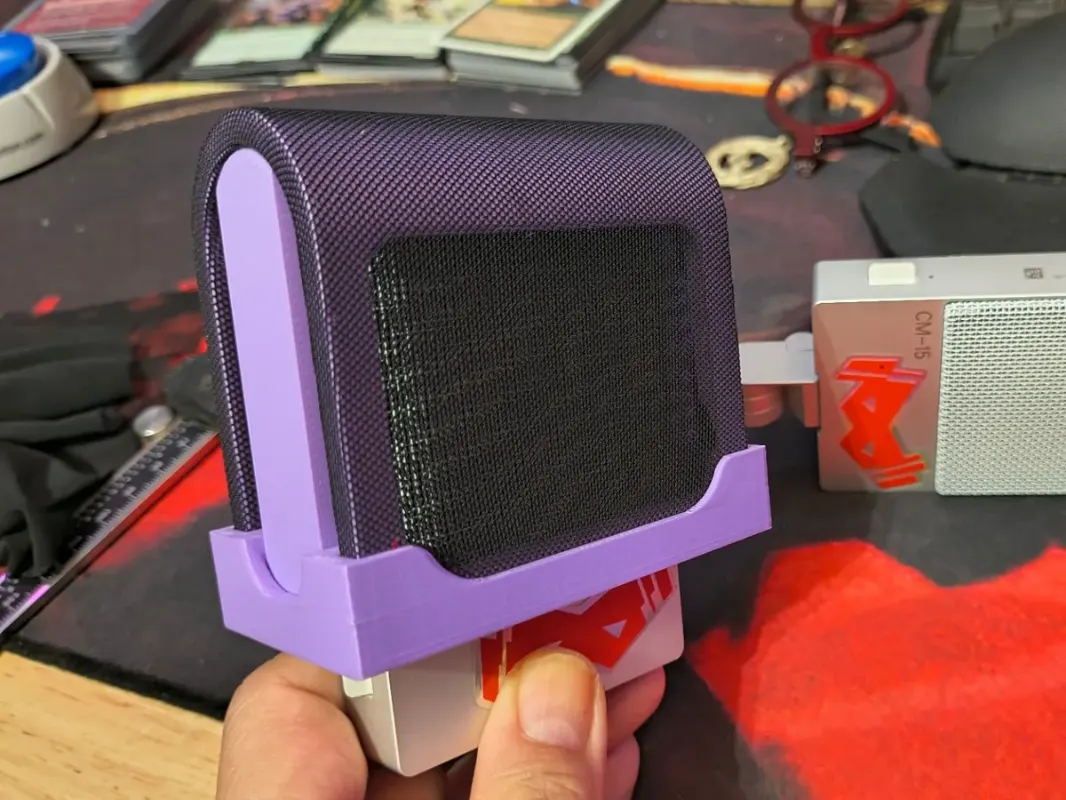
CM-15 Pop Filter
Printable clip-on pop filter shell for the TE CM-15 microphone
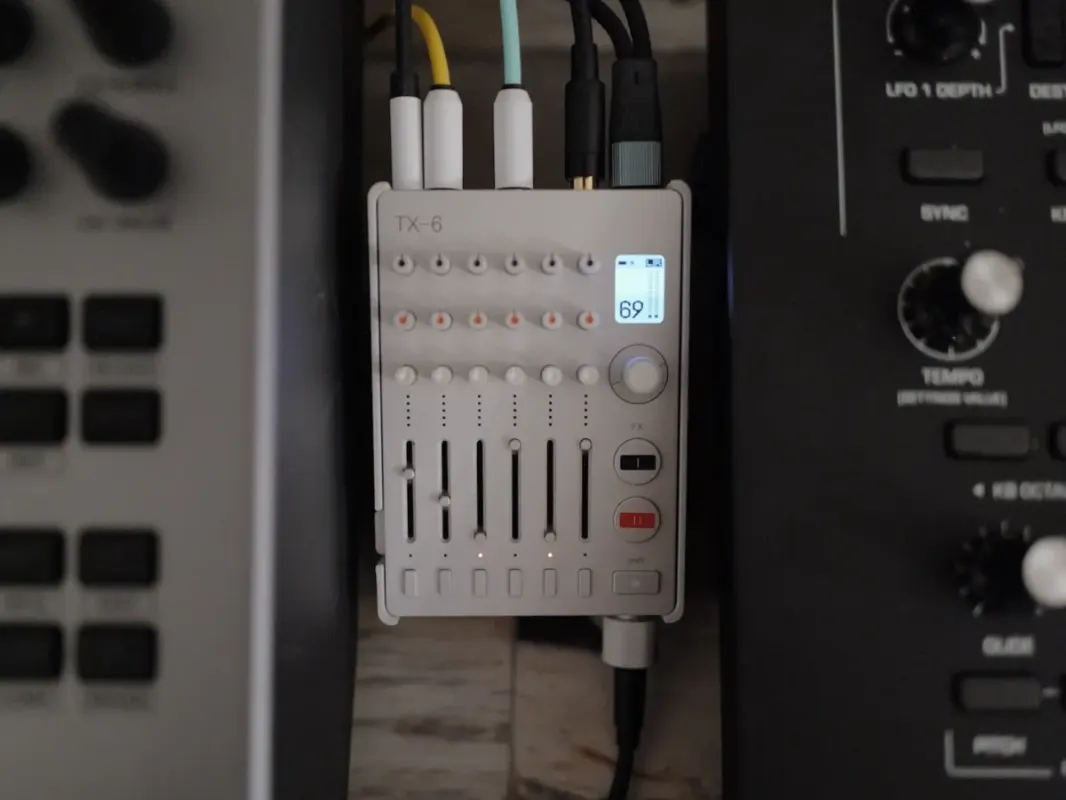
TX-6 Stand (3D print)
3D-printable desktop stand that angles the TX-6 for use
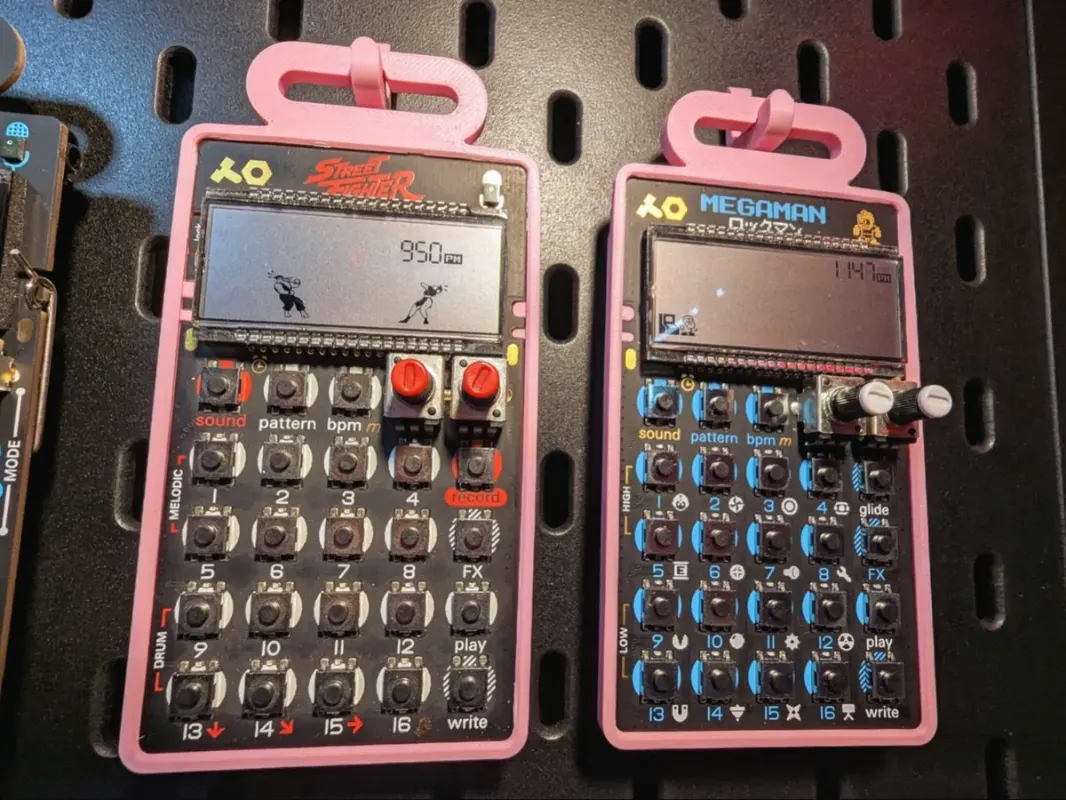
Pocket Operator Hanger
Printable wall-hanger shell to display a Pocket Operator
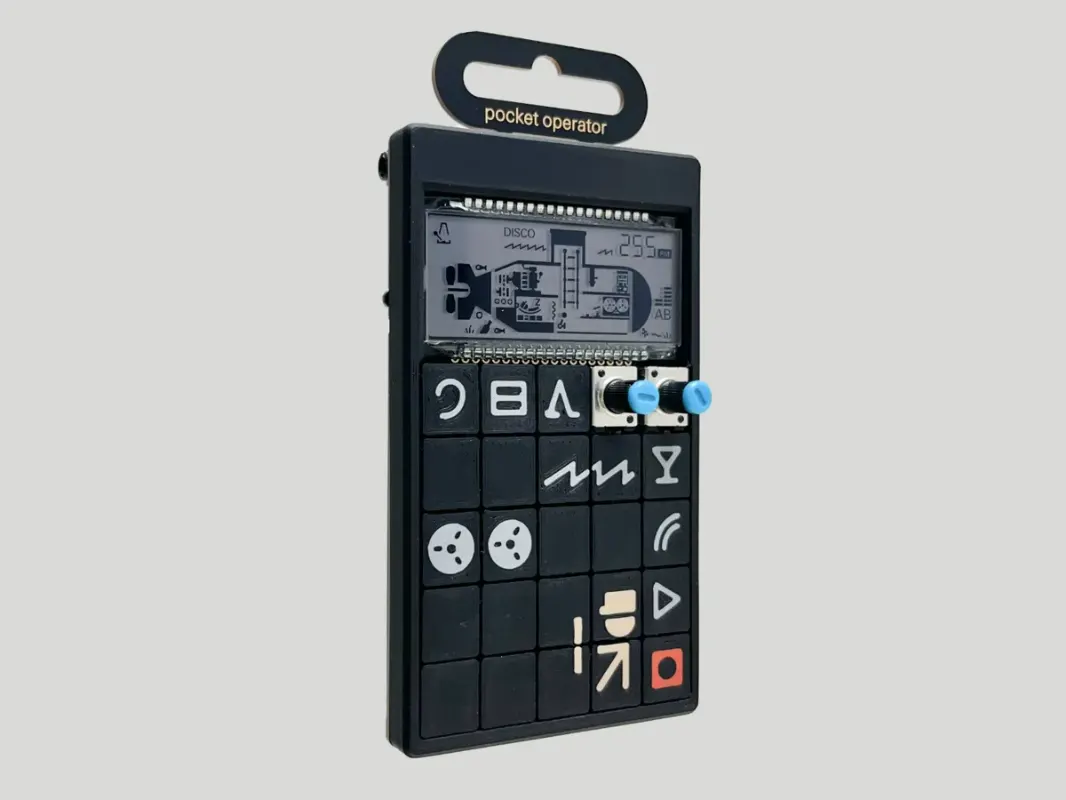
Pocket Operator Cover
Printable snap-on cover to protect a Pocket Operator
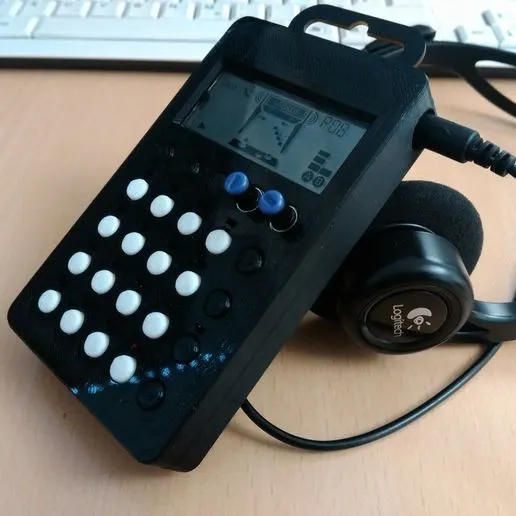
Pocket Operator Case (Cults3D)
Free 3D-printable protective case for Pocket Operators
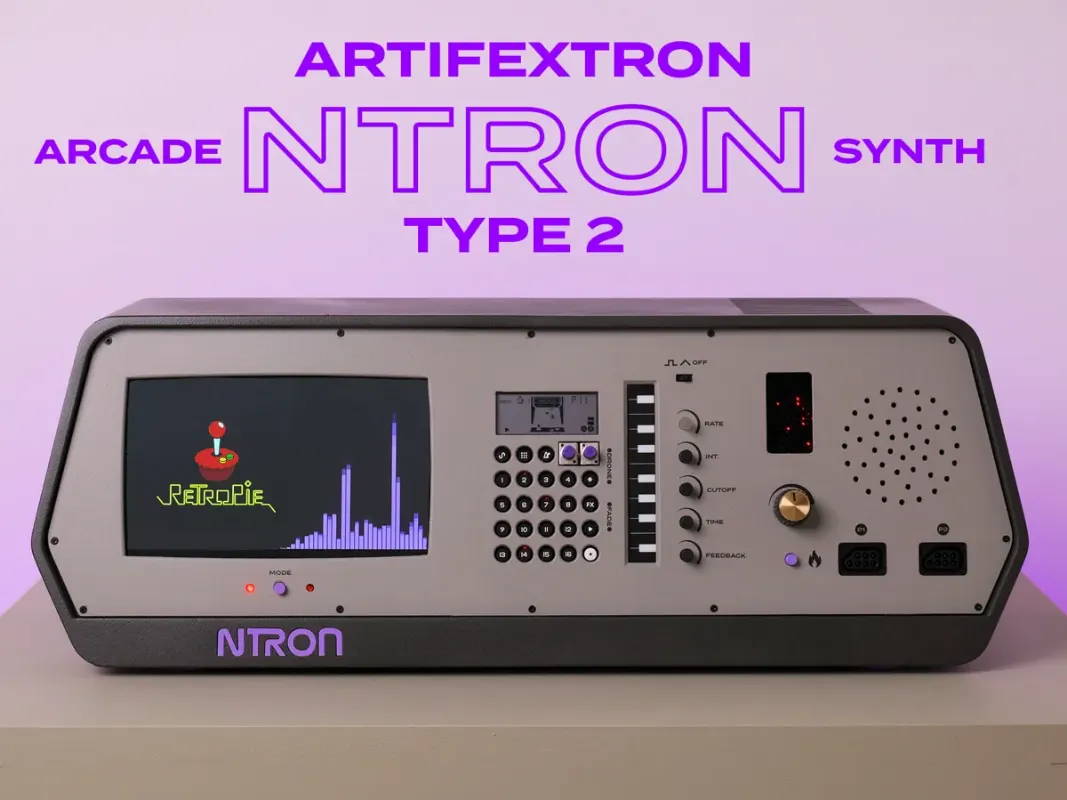
PO-20 Arcade Enclosure (Ntron Type 2)
Custom arcade-style 3D-printed enclosure for the PO-20 + Monotron Delay
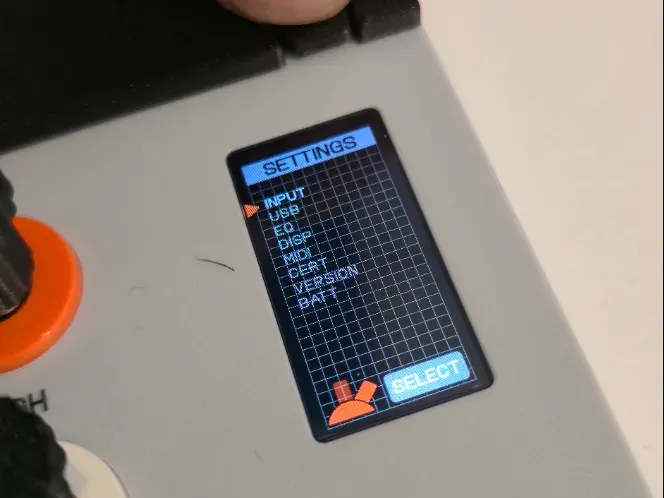
EP-136 Settings Access Button
3D-printed button for quick access to EP-136 Sidekick settings
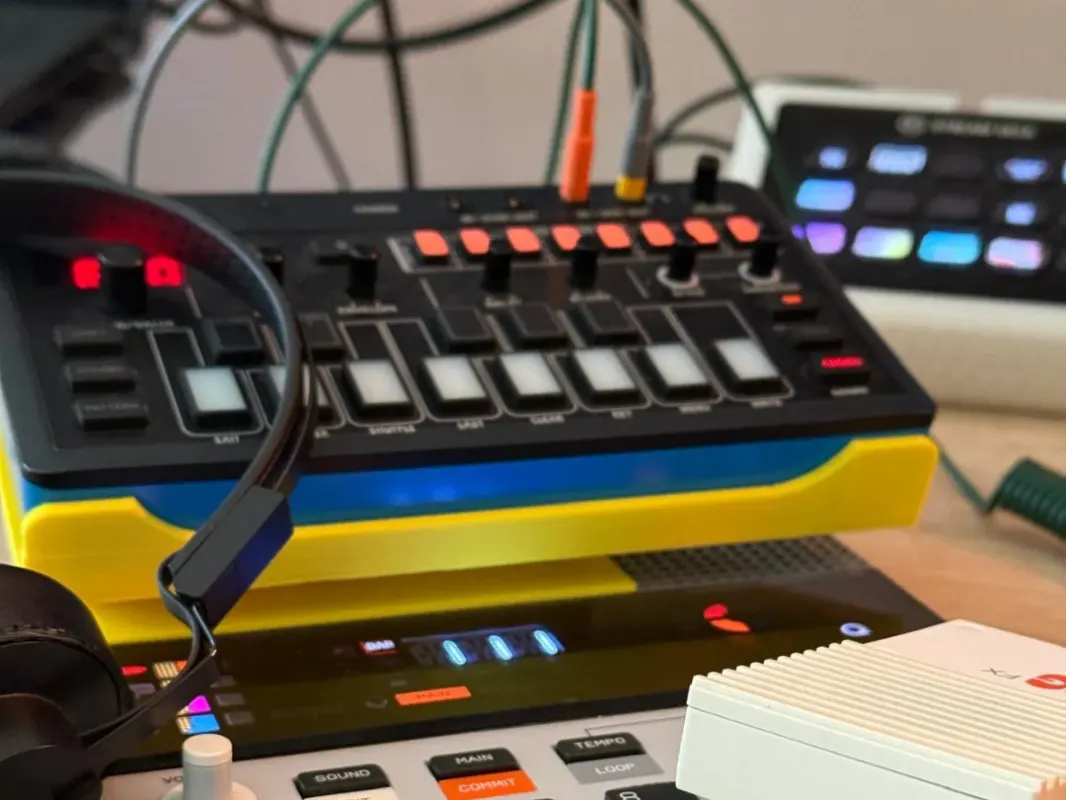
EP-133 K.O. II Stand (J-6 remix)
3D-printed stand for the EP-133 K.O. II, remixed from a Roland J-6 stand
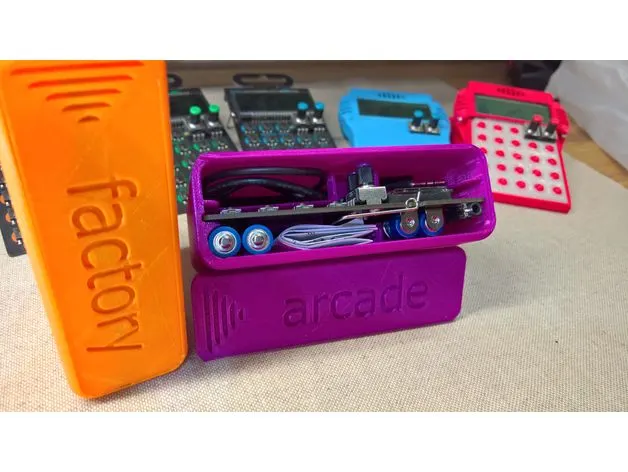
Pocket Operator Hard Case
3D-printable snap-together hard case for Pocket Operators
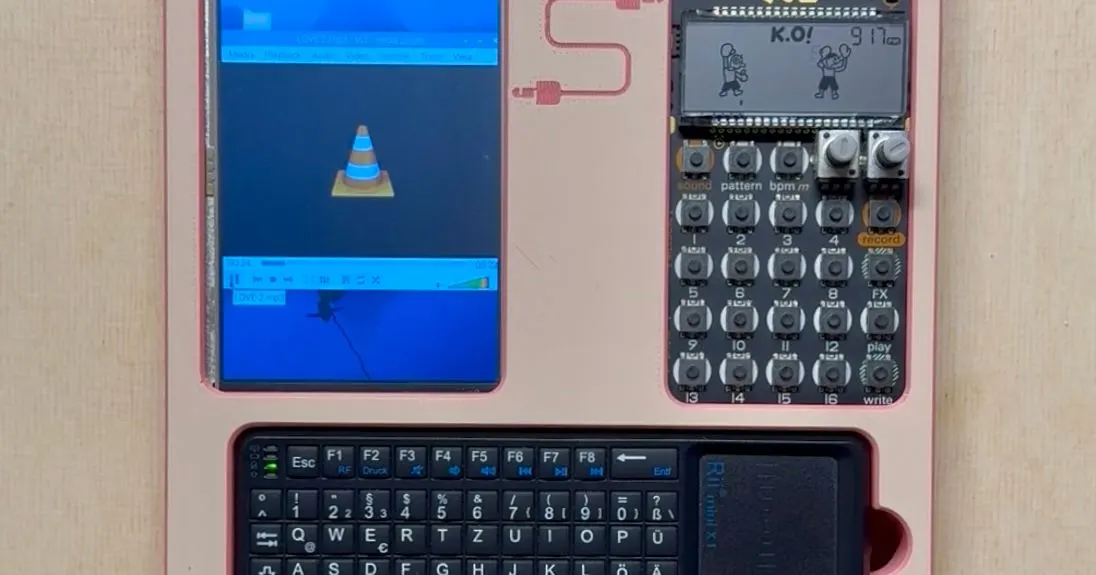
PO-33 + Raspberry Pi Sampling Case
Printable case pairing the PO-33 K.O! with a Raspberry Pi for on-the-go sampling
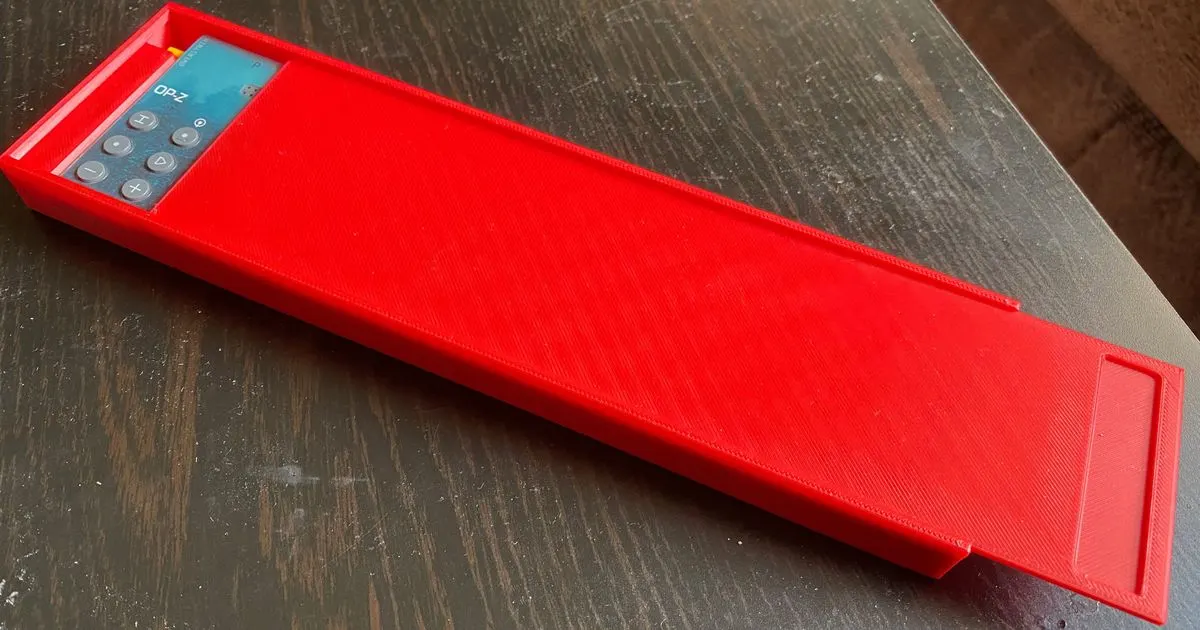
OP-Z Slim Case & Lid
3D-printable slim protective case with a lid for the OP-Z
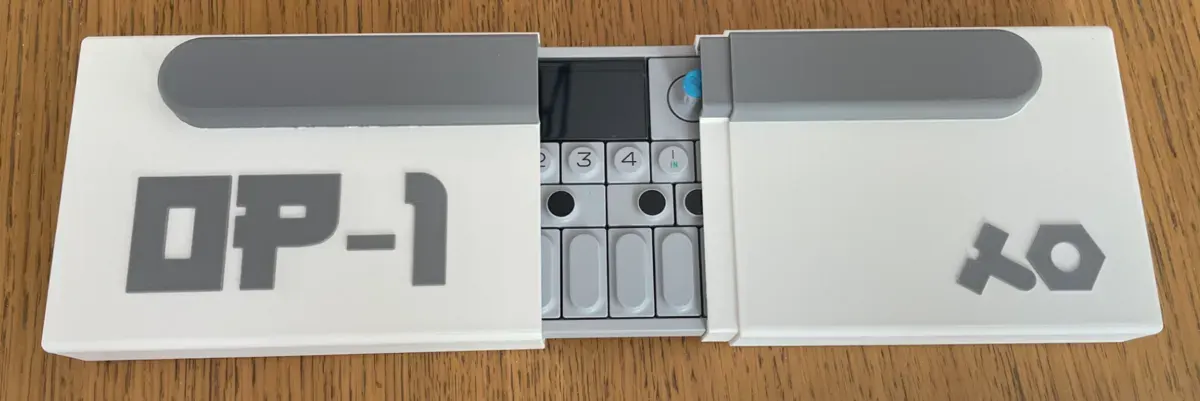
OP-1 Housing Case (MakerWorld)
3D-printable travel housing case for the OP-1
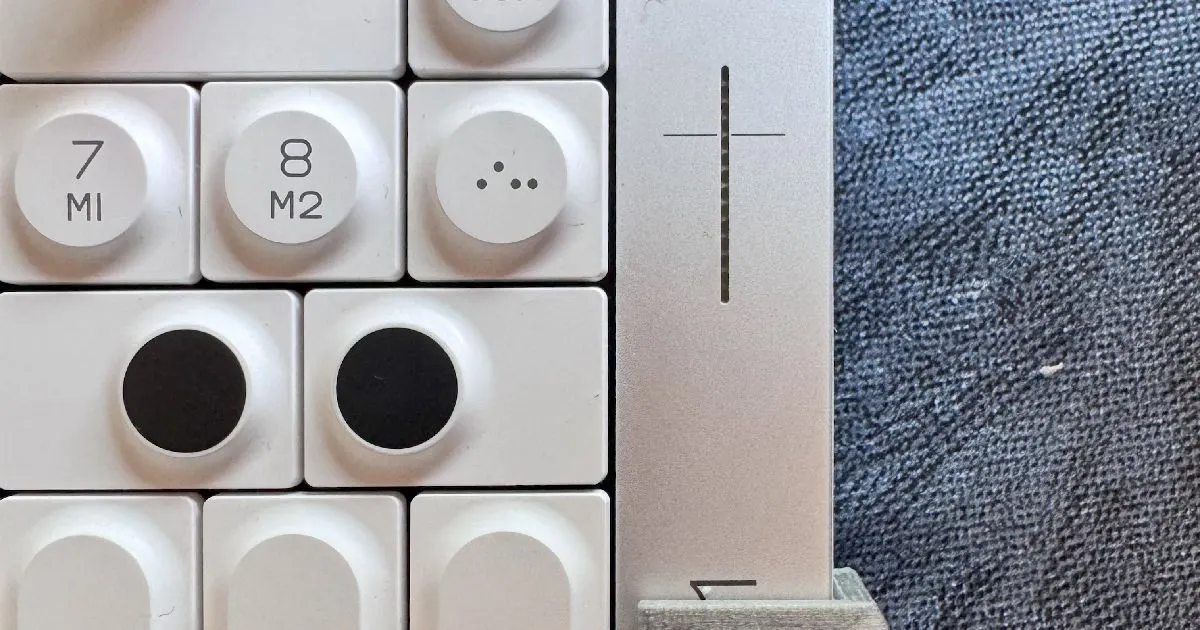
OP-1 Field Switch Guard
3D-printable guard for the OP-1 field's power/charge switch
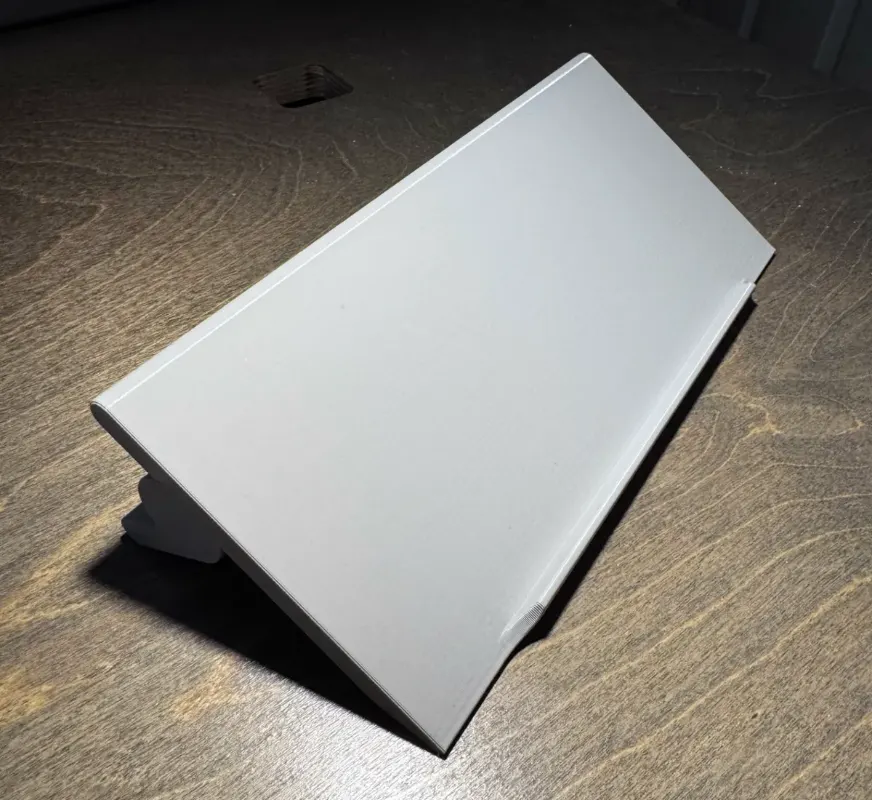
OP-1 / OP-1 field / OP-XY Stand
One 3D-printable stand that fits the OP-1, OP-1 field, and OP-XY
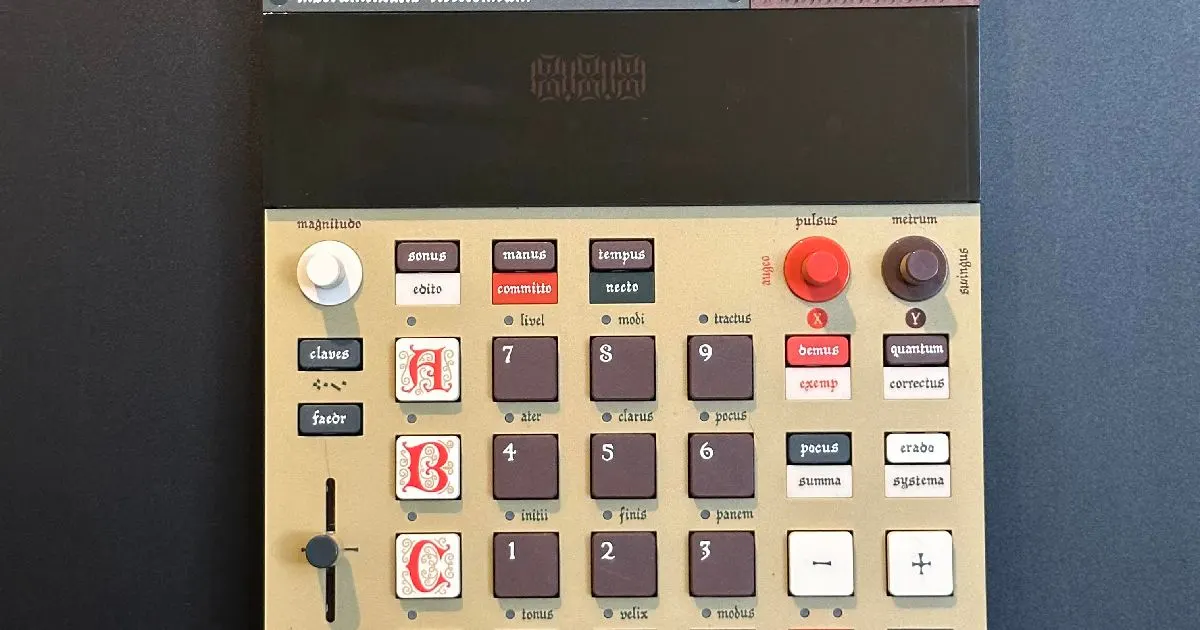
Magnetic Shelf for EP-133 / EP-1320
3D-printable magnetic wall shelf to dock the EP samplers
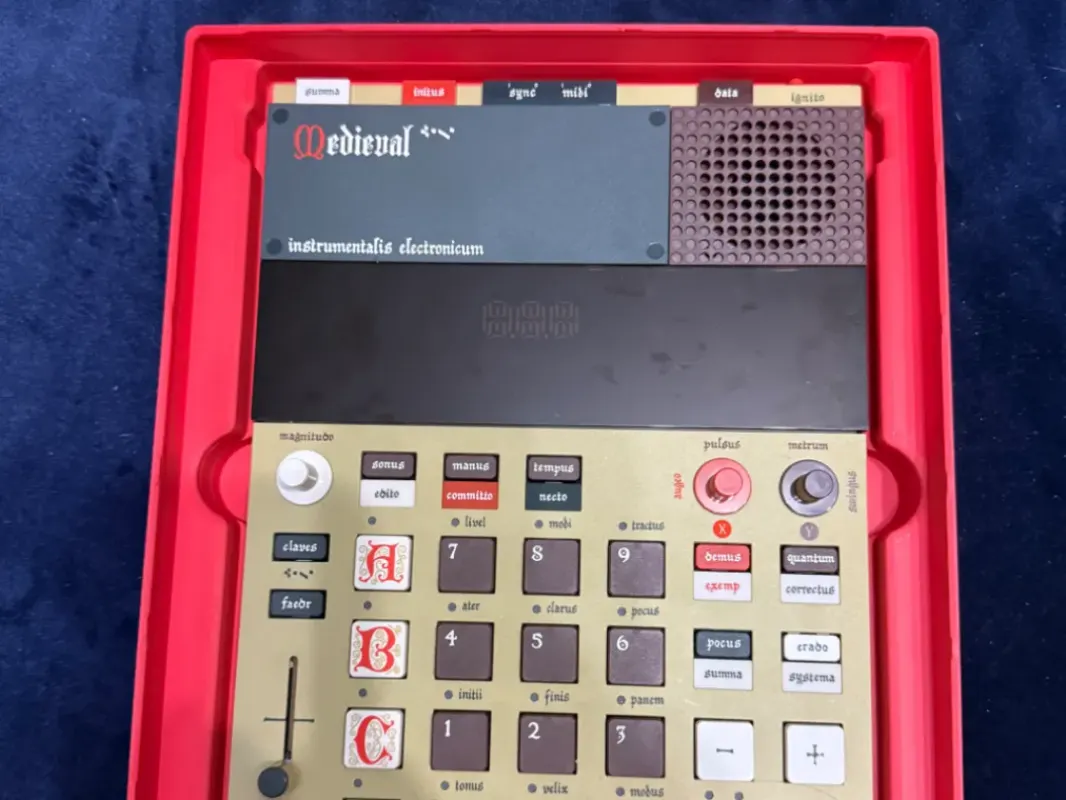
Gridfinity EP-133 / EP-1320 Case
Gridfinity-compatible tray that cradles the EP-133 and EP-1320
EP-133 KO II Snap-On Case
3D-printable two-piece snap-on case for the EP-133 K.O. II
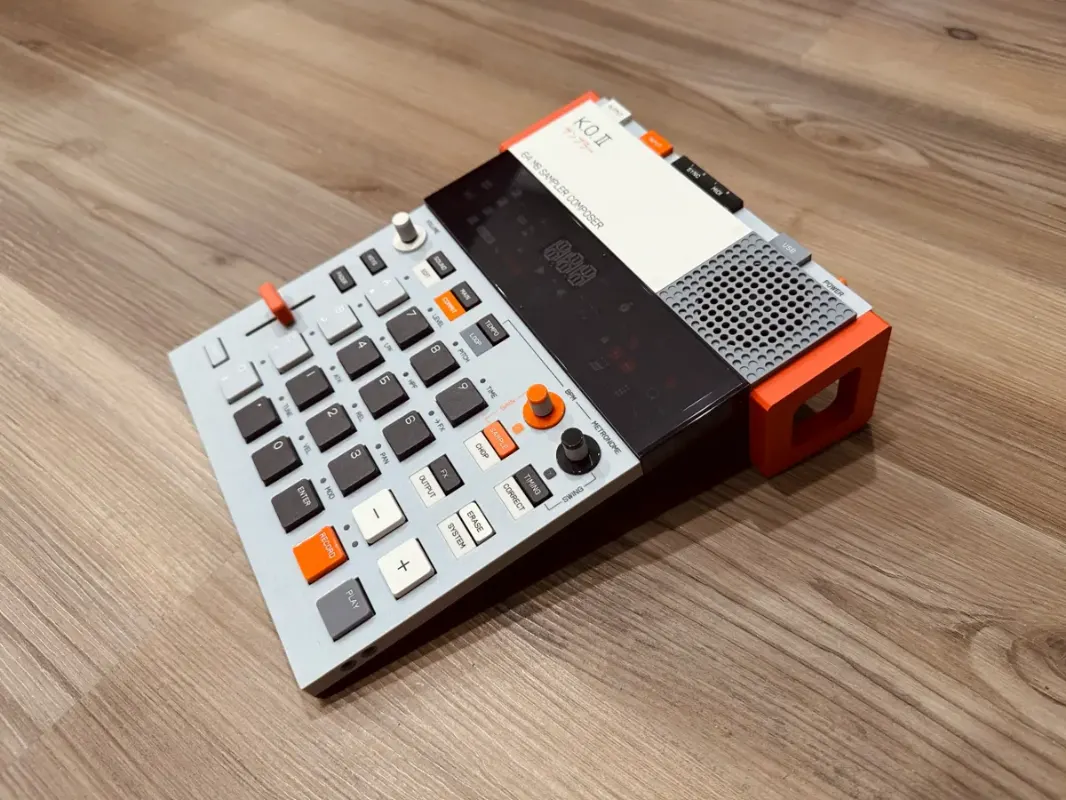
EP-133 K.O. II Stand (with fader cutout)
3D-printable angled desk stand for the EP-133 K.O. II
EP-133 K.O. II Cover
3D-printable snap-on cover for the EP-133 K.O. II controls
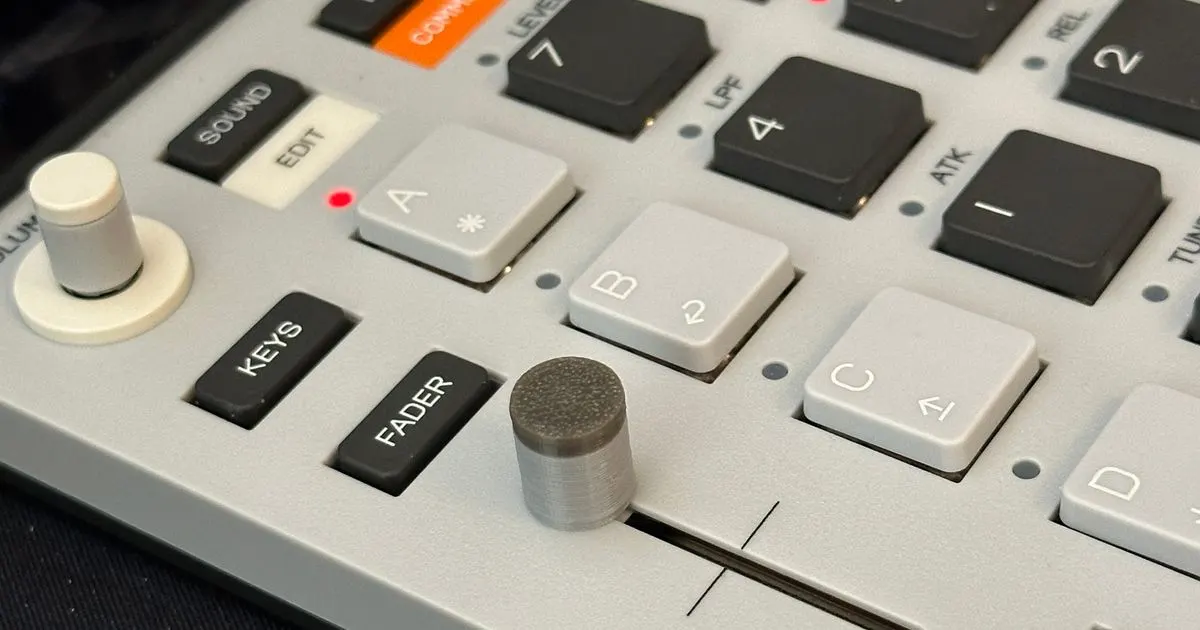
EP-133 Fader Knob
3D-printable replacement fader knob for the EP-133
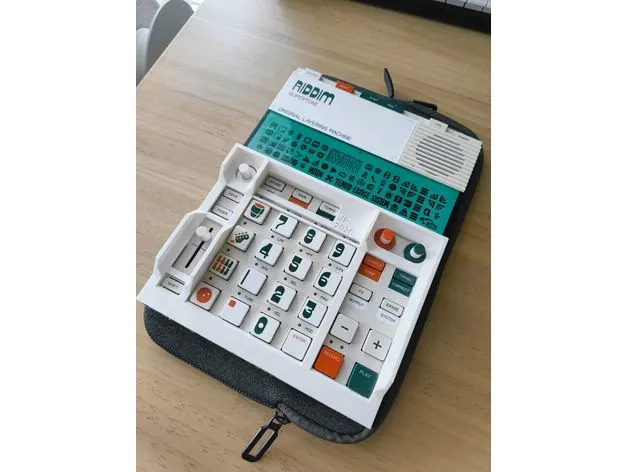
EP-133 / EP-40 Protective Bezel
3D-printable guard frame for the EP-133 K.O. II and EP-40
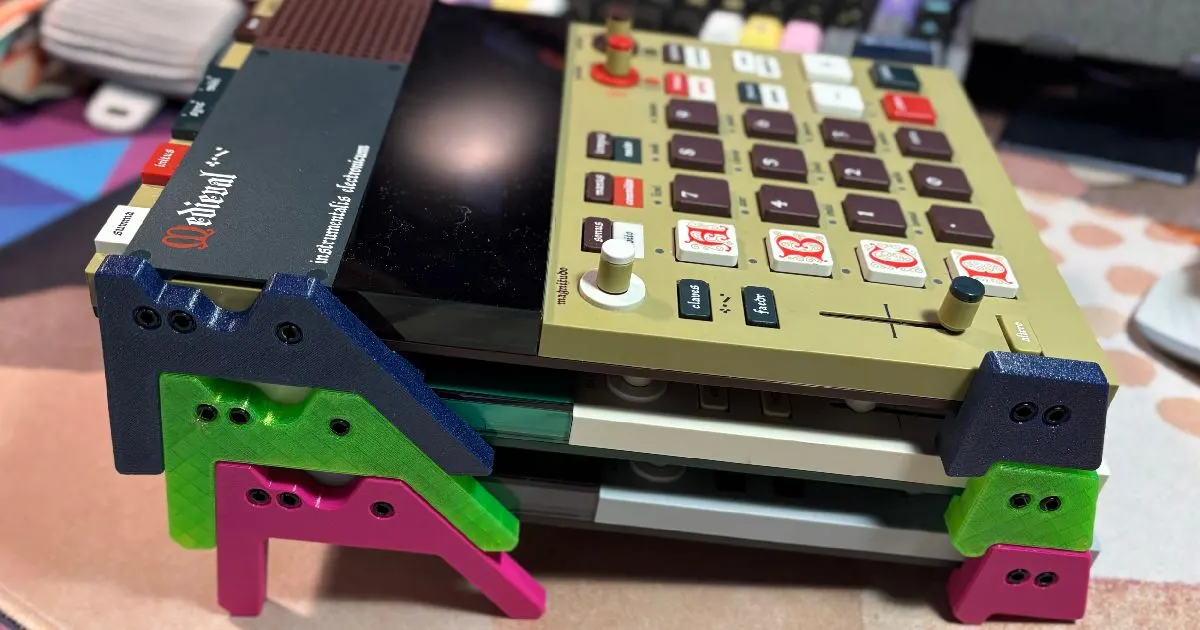
EP Legs / Stilts (EP-133 / EP-1320 / EP-40)
3D-printable legs that tilt the EP samplers up off the desk
TEcases
Precision-fit protective cases for the Teenage Engineering lineup
Guides & Cheatsheets40
Z-PO Project (OP-Z internals & file format)
Community reverse-engineering notes on the OP-Z, including the .opz project format
Videolab Resources
Curated link list for making OP-Z videopaks in Unity with Videolab
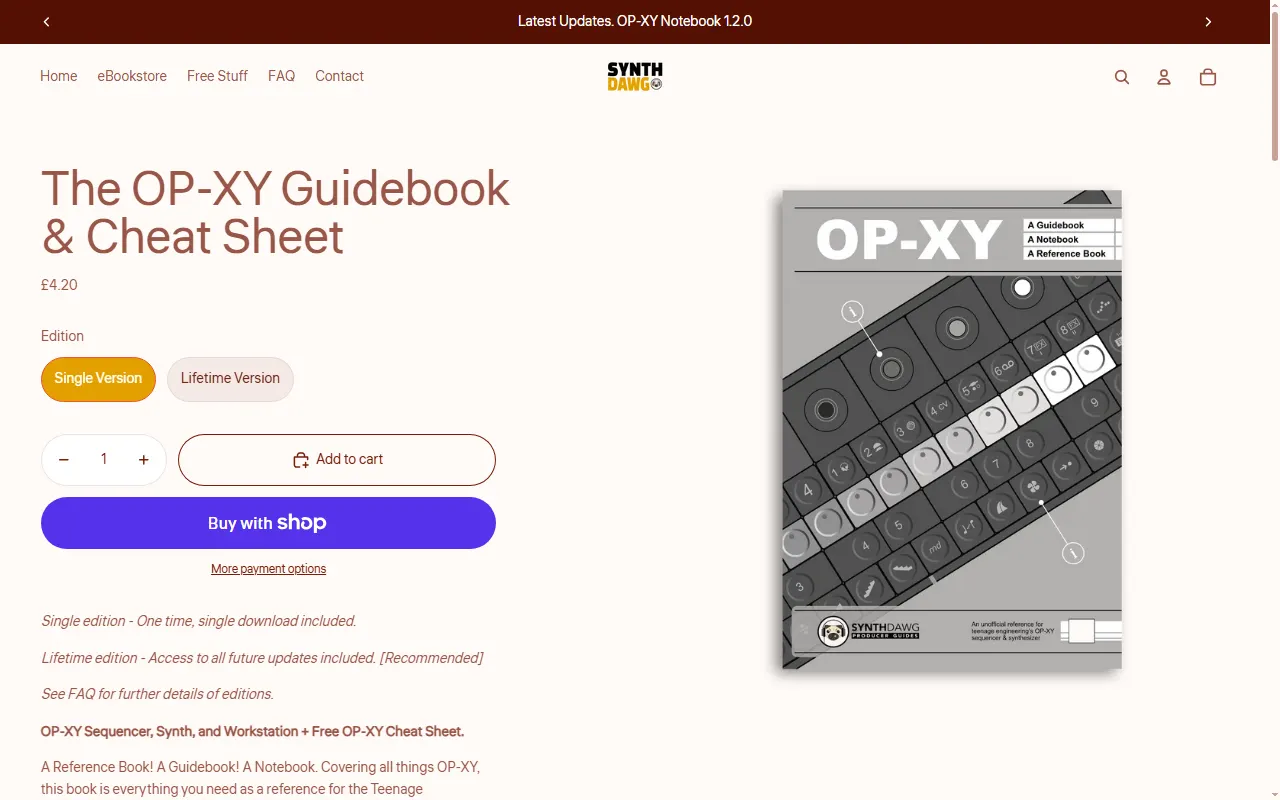
The OP-XY Guidebook & Cheat Sheet (Synthdawg)
Printable reference book and cheat sheet covering the whole OP-XY
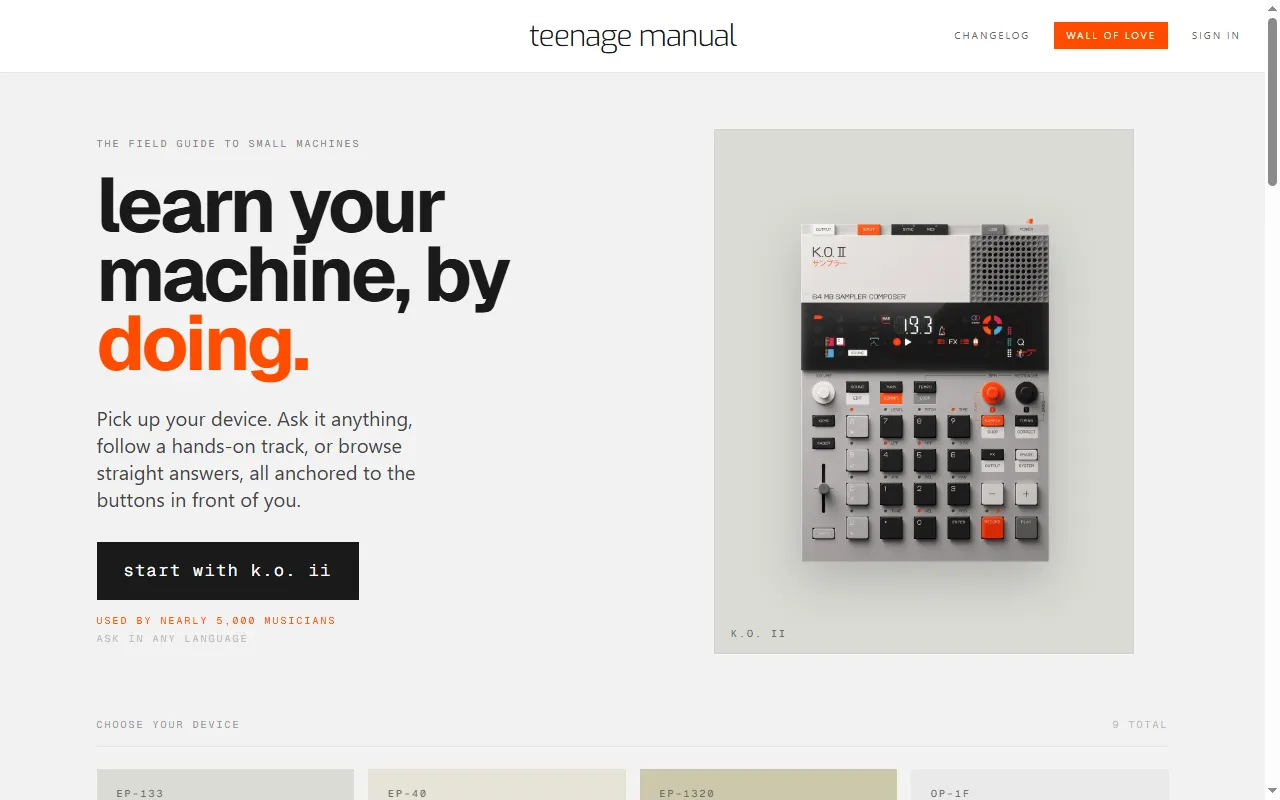
teenage manual
Interactive manuals and an ask-anything assistant for TE devices
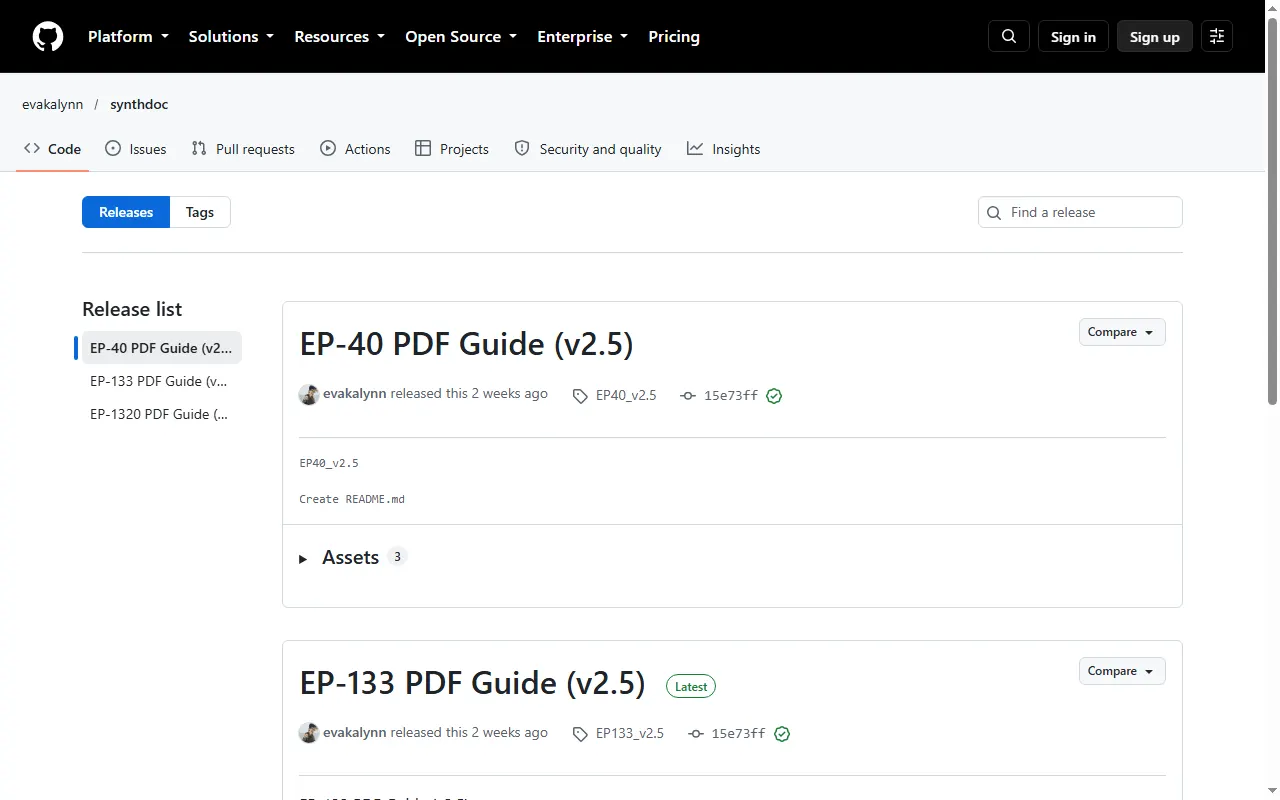
synthdoc EP-series PDF Guides
Searchable, bookmarked offline PDFs of the official EP-133, EP-40 and EP-1320 guides
Riddim + Ting Learning Guide
Unofficial interactive guide to the EP-40 Riddim and EP-2350 Ting, with combo search
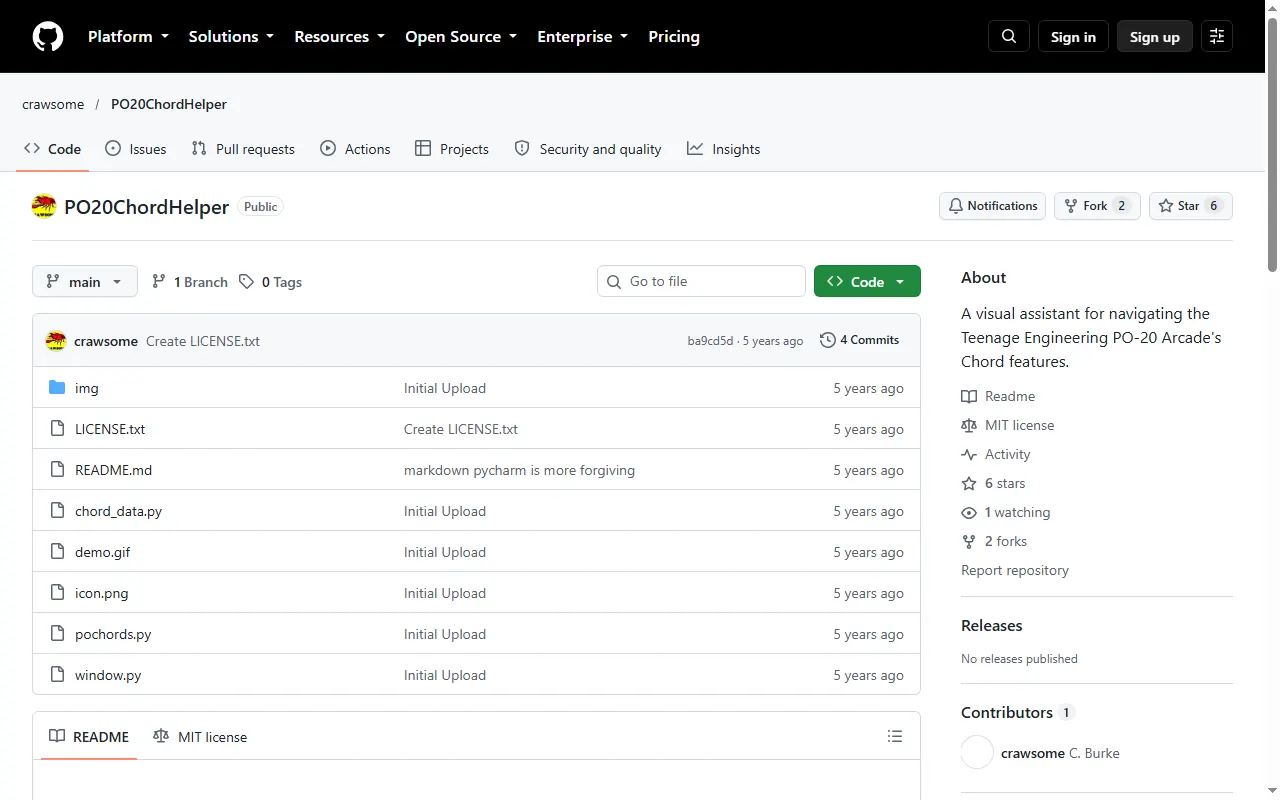
PO-20 Chord Helper
Visual guide to the PO-20 Arcade's built-in chord network, for learning progressions
opzdoc (OP-Z community wiki)
Community-maintained OP-Z documentation wiki on GitHub
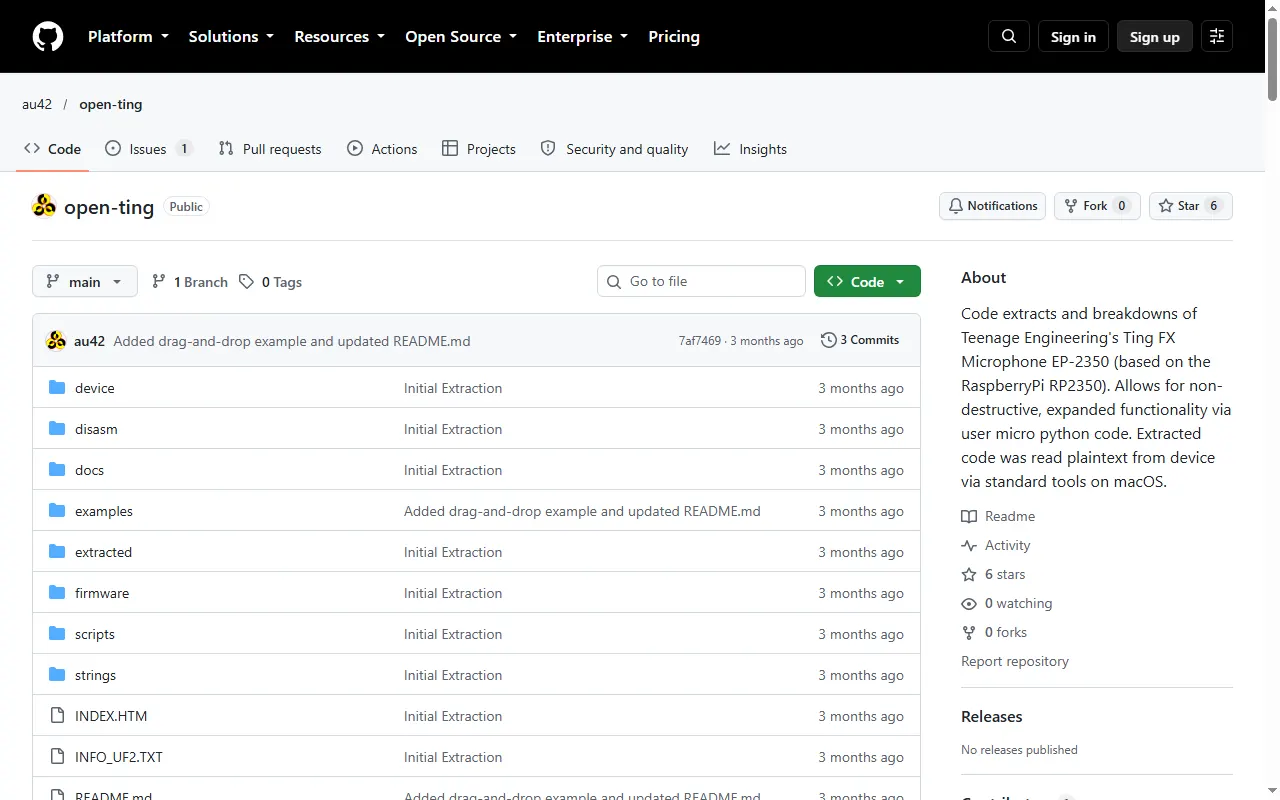
open-ting
Firmware extraction and analysis notes for the EP-2350 Ting (RP2350)
OP-Z SysEx Documentation
Unofficial OP-Z SysEx protocol documentation with cross-platform Python tooling
OP-Z Firmware Notes
Reverse-engineering notes on the OP-Z firmware, with Ghidra scripts and a decode toolkit
OP-XY Project Format Lab
Reverse-engineered docs and tools for reading, editing and generating OP-XY .xy projects
OP-1 field Patch Format Notes
Patch file format notes and tools for the OP-1 field on firmware 1.5.7
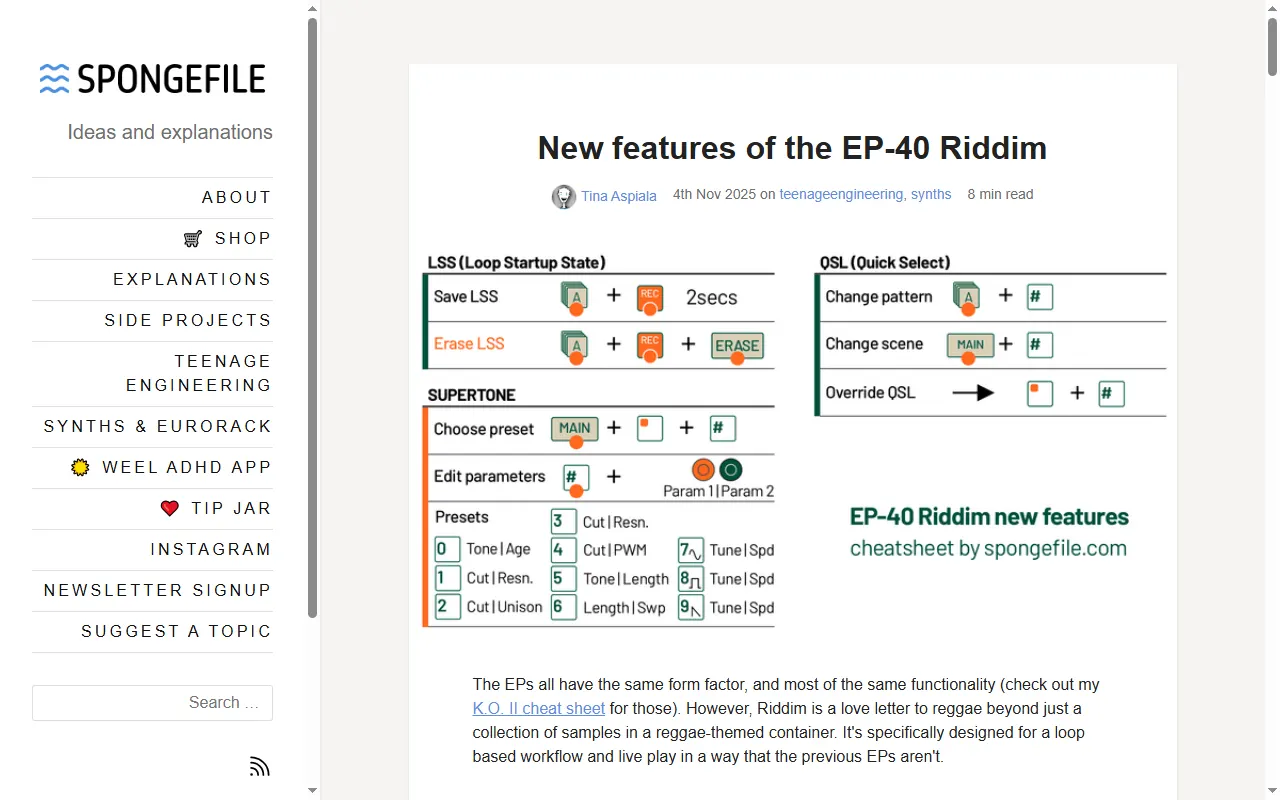
New Features of the EP-40 Riddim (spongefile)
In-depth look at what the EP-40 adds over the K.O. II and Medieval, with a cheat sheet
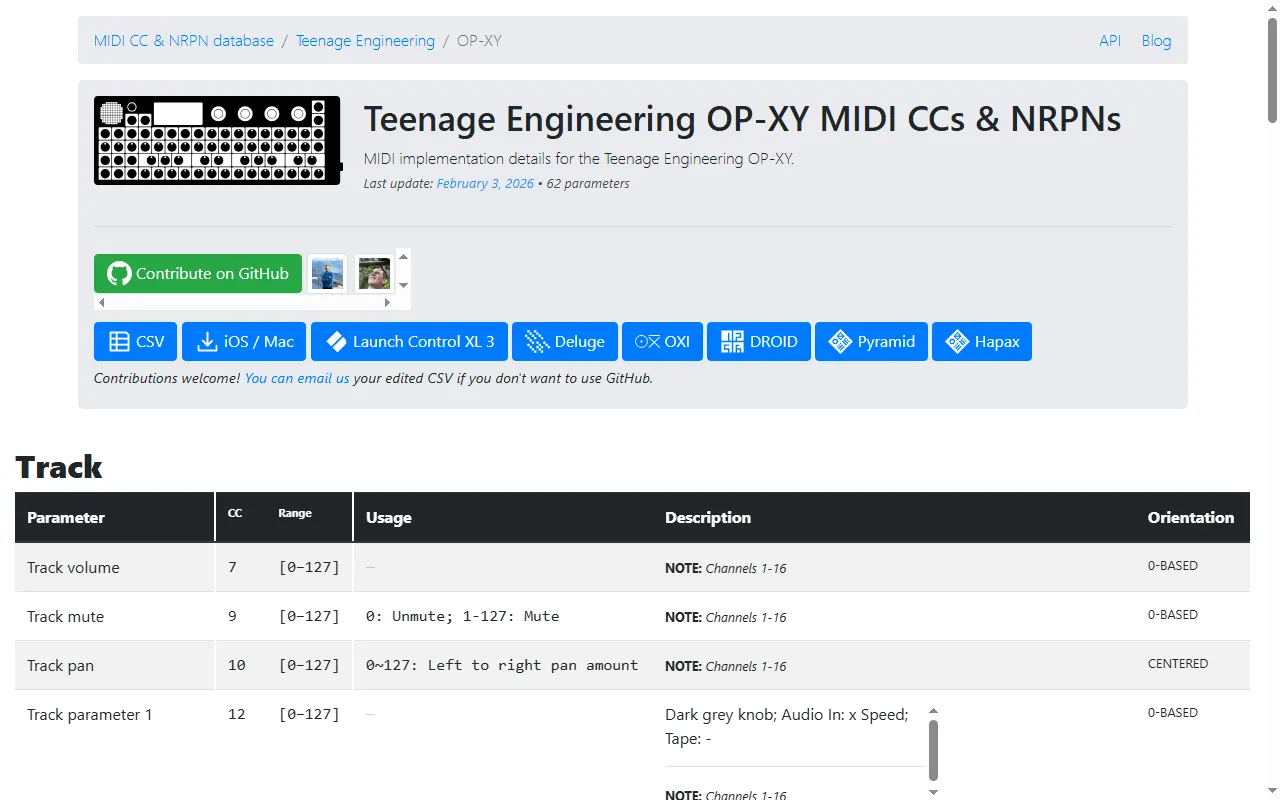
midi.guide OP-XY MIDI chart
Searchable list of every OP-XY MIDI CC and NRPN, with ranges and usage notes
Learn Music with OP-XY
Free 12-week visual beginner course for the OP-XY, one web page per week
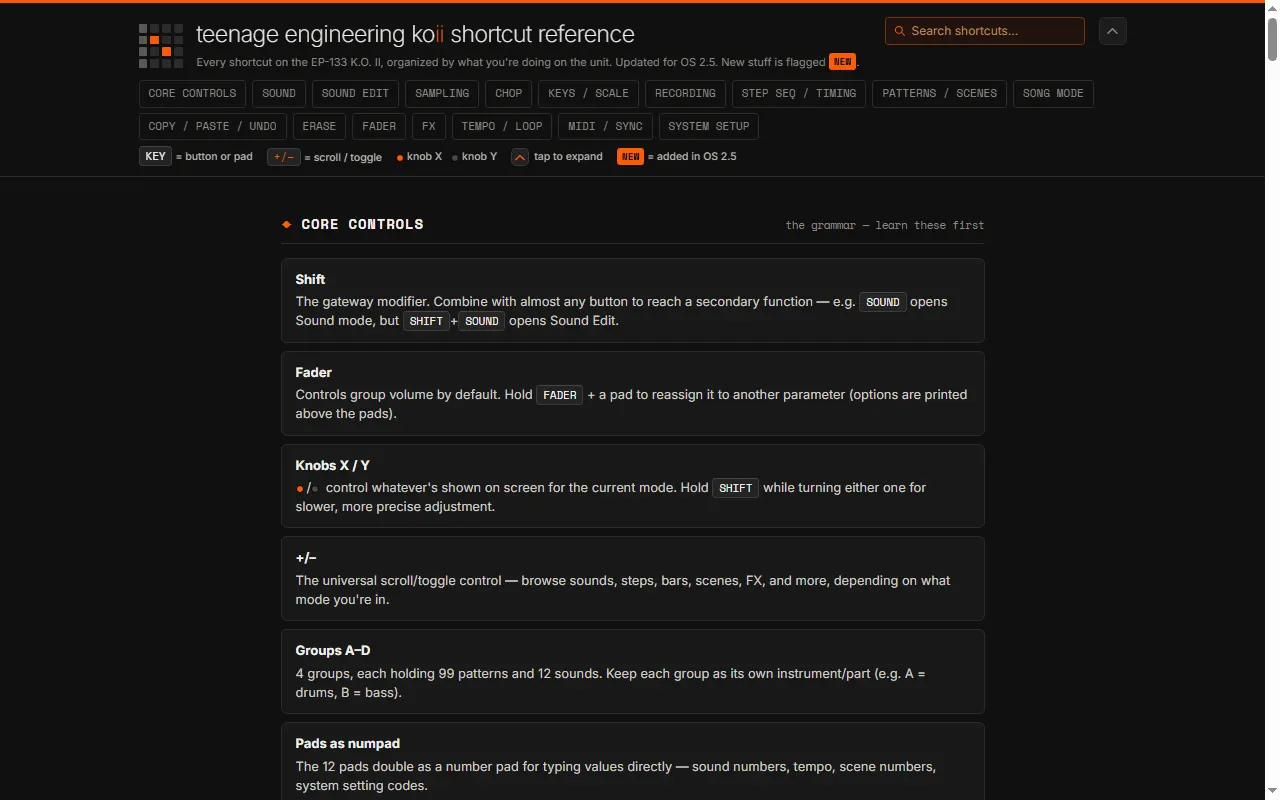
K.O. II Shortcut Cheat Sheet (nowurplaying)
Free, searchable reference of every EP-133 K.O. II shortcut, updated for OS 2.5
Hacking the PO
Teardown reference of the Pocket Operator board: chips, parts and test pads
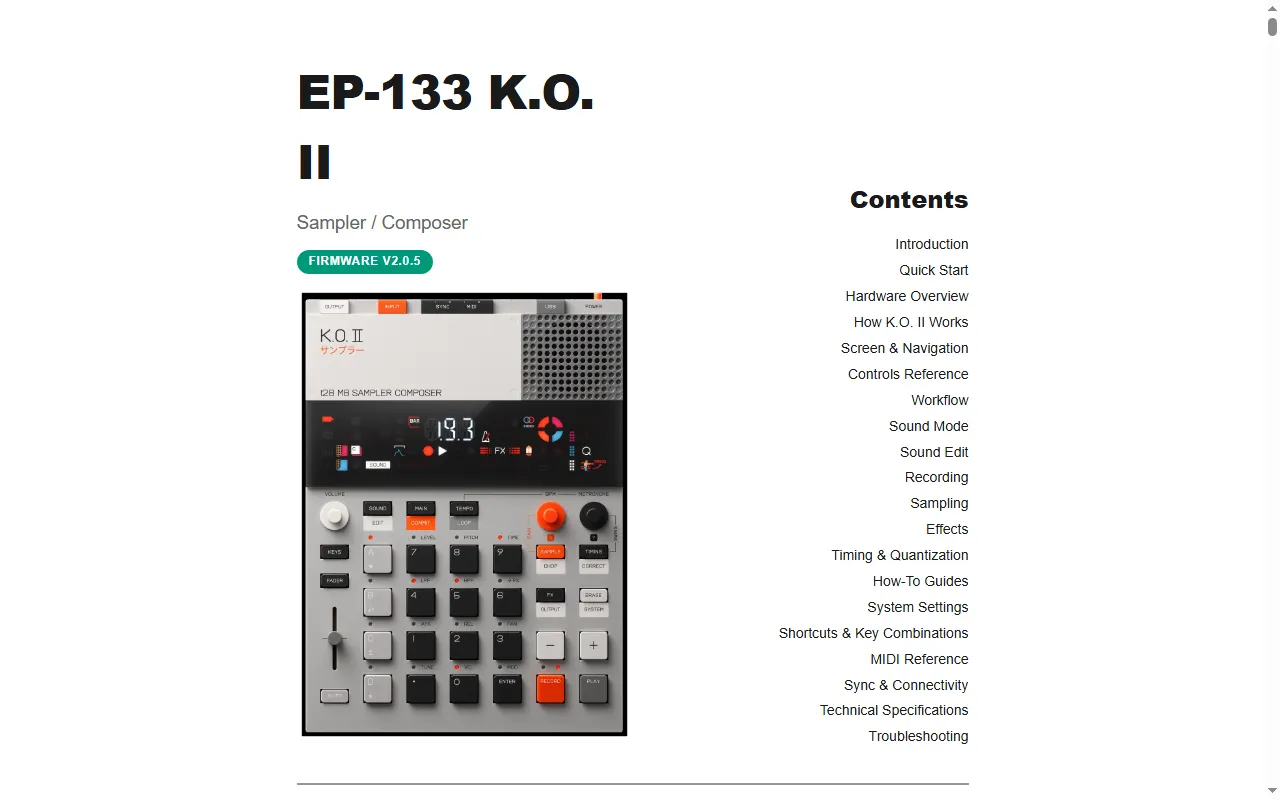
EP-133 K.O. II Manual (Gabriel Roth)
A rewritten, searchable web manual for the K.O. II
EP-133 K.O. II Cheat Sheet (firmware 2.5)
Searchable, printable, mobile-friendly EP-133 K.O. II cheat sheet for firmware 2.5
EP SysEx
Unofficial open-source docs and tooling for the EP-133 and EP-40 SysEx protocol
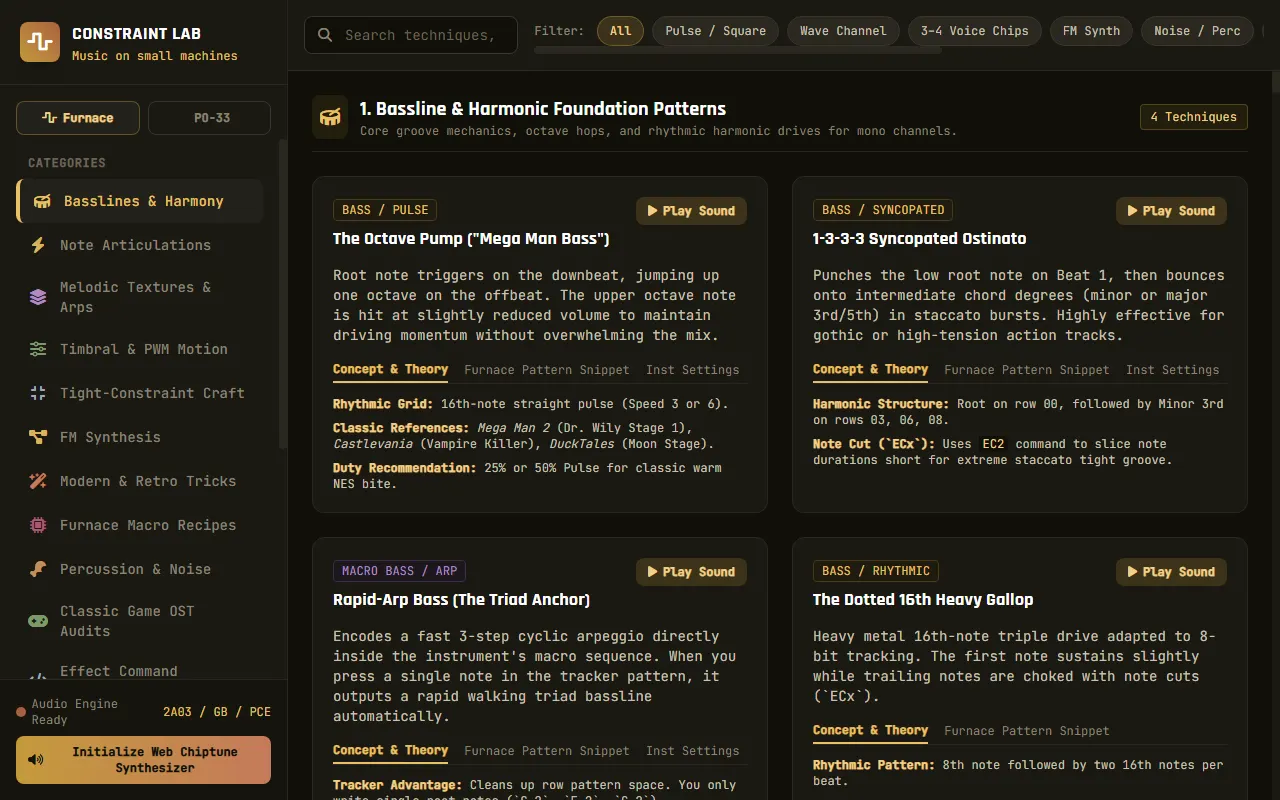
Constraint Lab (PO-33 technique reference)
Playable, categorised technique reference for making music on the PO-33 K.O!
PO-33 Interactive Guide
Learn the PO-33 K.O! with a clickable, interactive web guide
OP-Z Cheat Sheet (OPZ-ChtSht)
Back-panel-format OP-Z cheat sheet, updated for sample mode
OP-1 Keypad Repair Guide
Community write-up on fixing broken OP-1 keys
EP-40 Teardown
A mechanical engineer's full teardown of the EP-40 Riddim
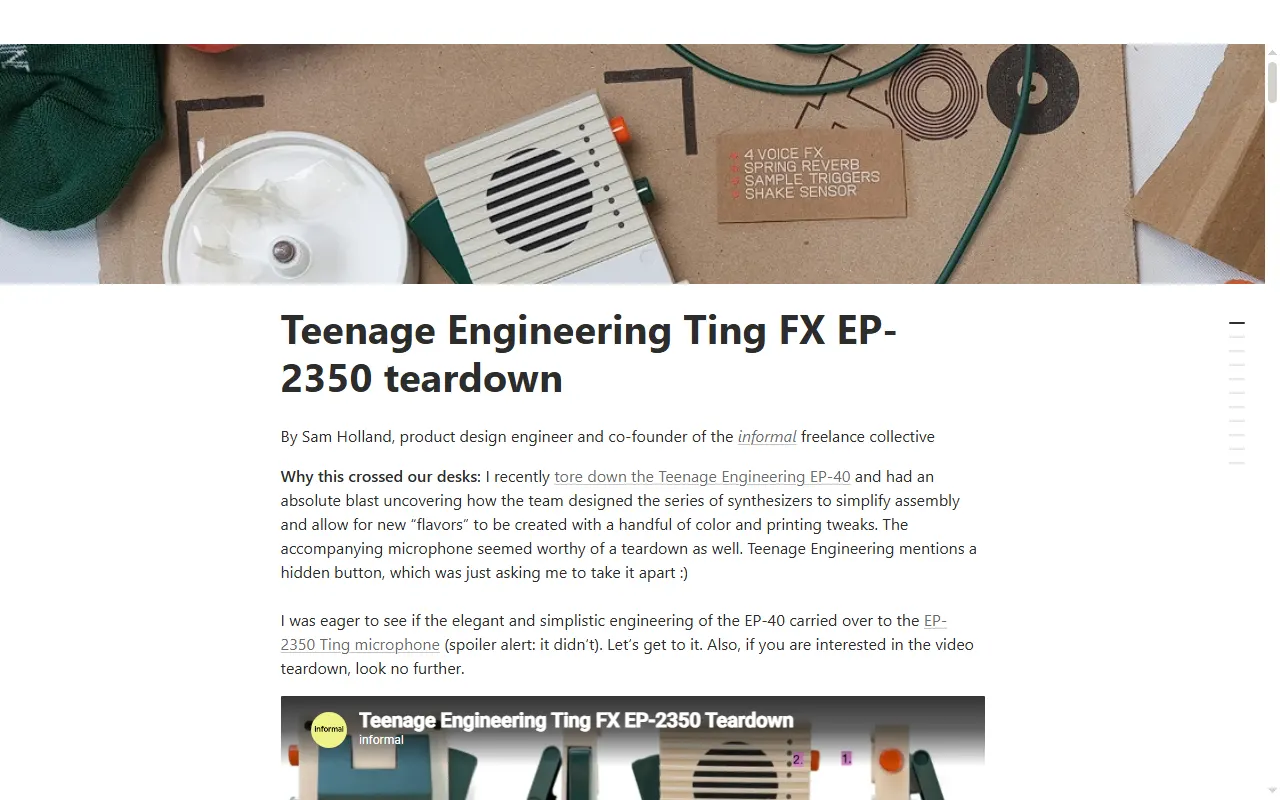
EP-2350 Ting Teardown
A mechanical engineer's full teardown of the EP-2350 Ting
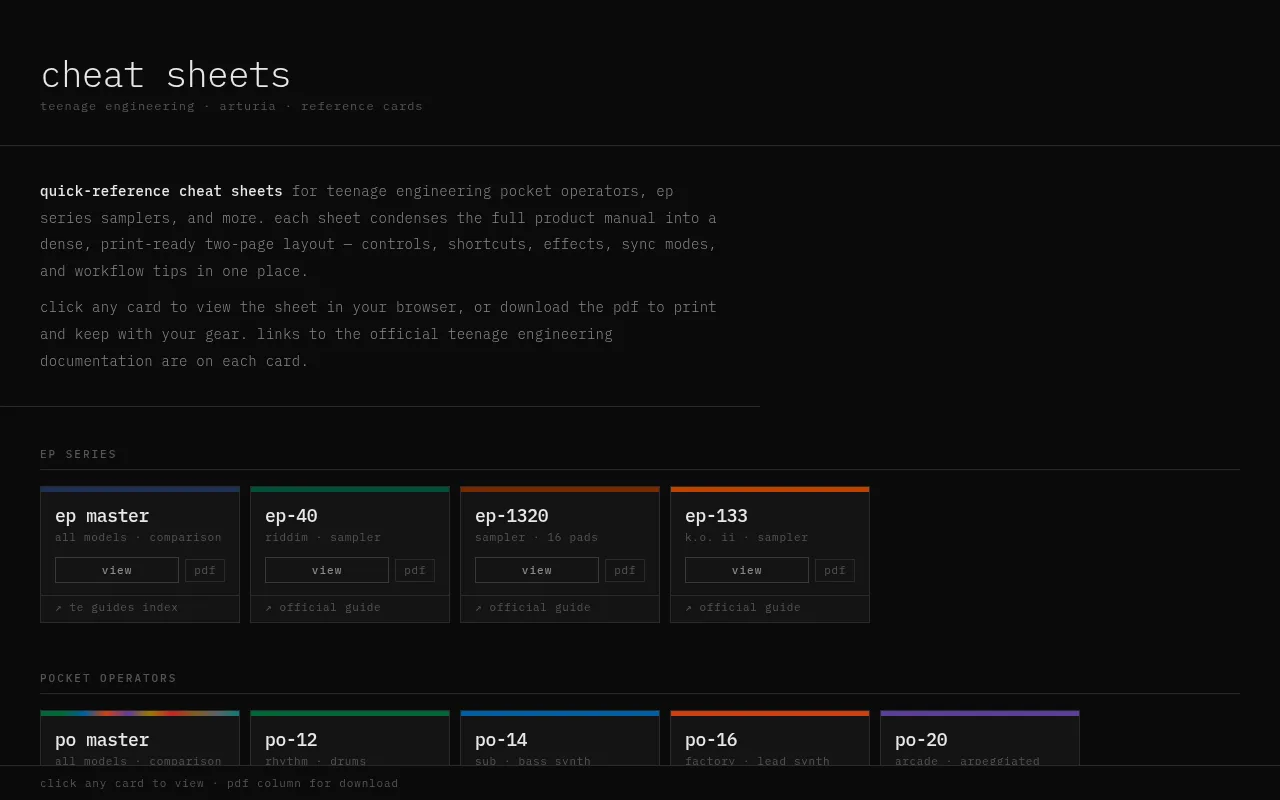
PO & EP Cheat Sheets
Printable cheat sheets for the Pocket Operator and EP series
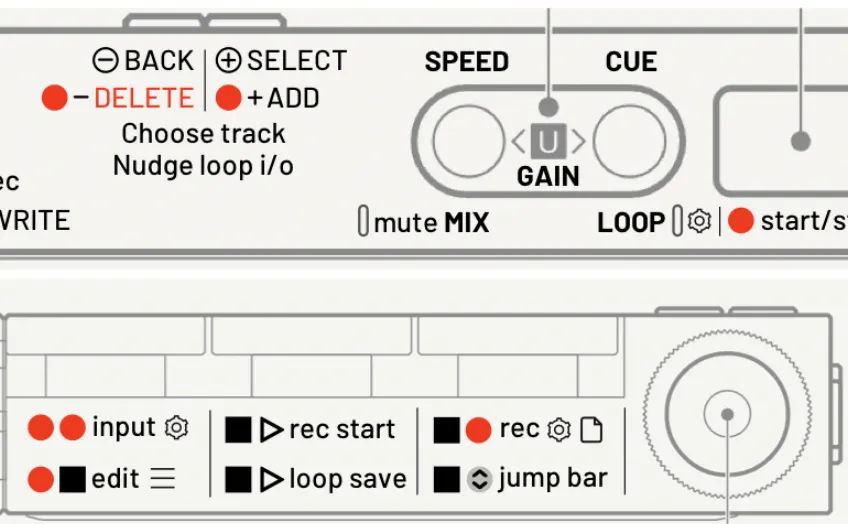
TP-7 Guide — Going Deeper
A community deep-dive guide to the TP-7's lesser-known features
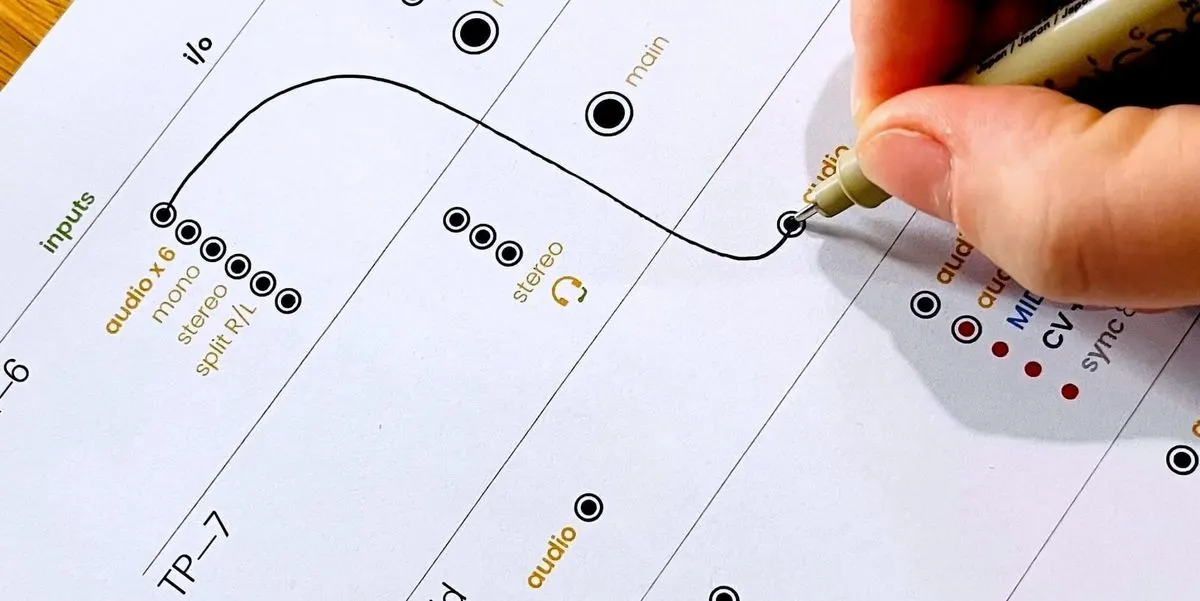
Teenage Engineering Connection Cheat Sheets
Printable I/O worksheets for planning how to wire TE gear together
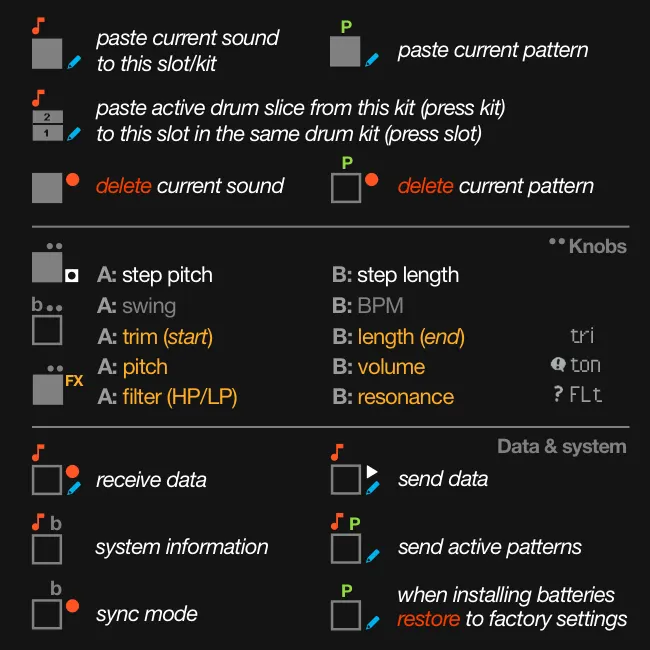
PO-33 K.O! Cheat Sheet
Quick-reference key combos for the PO-33 K.O! sampler
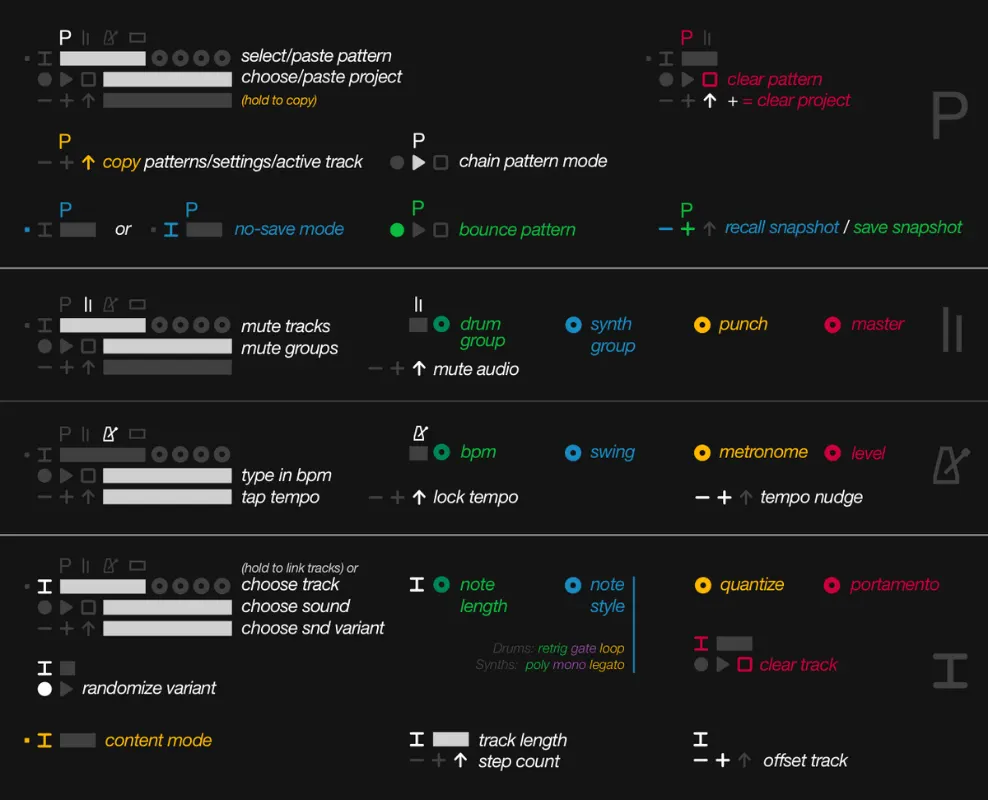
OP-Z Manual (Condensed)
A condensed, quick-reference version of the OP-Z manual
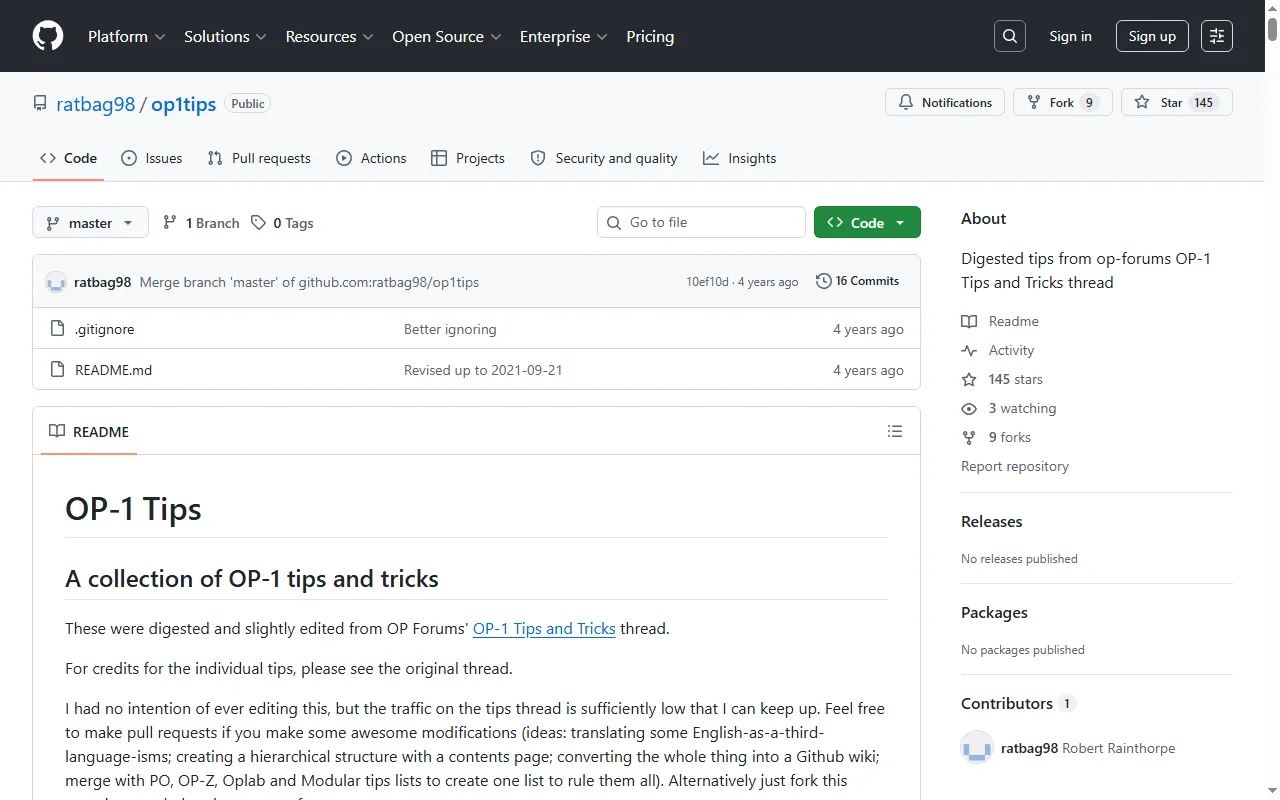
OP-1 Tips (op1tips)
A meticulously collected list of OP-1 tips and tricks
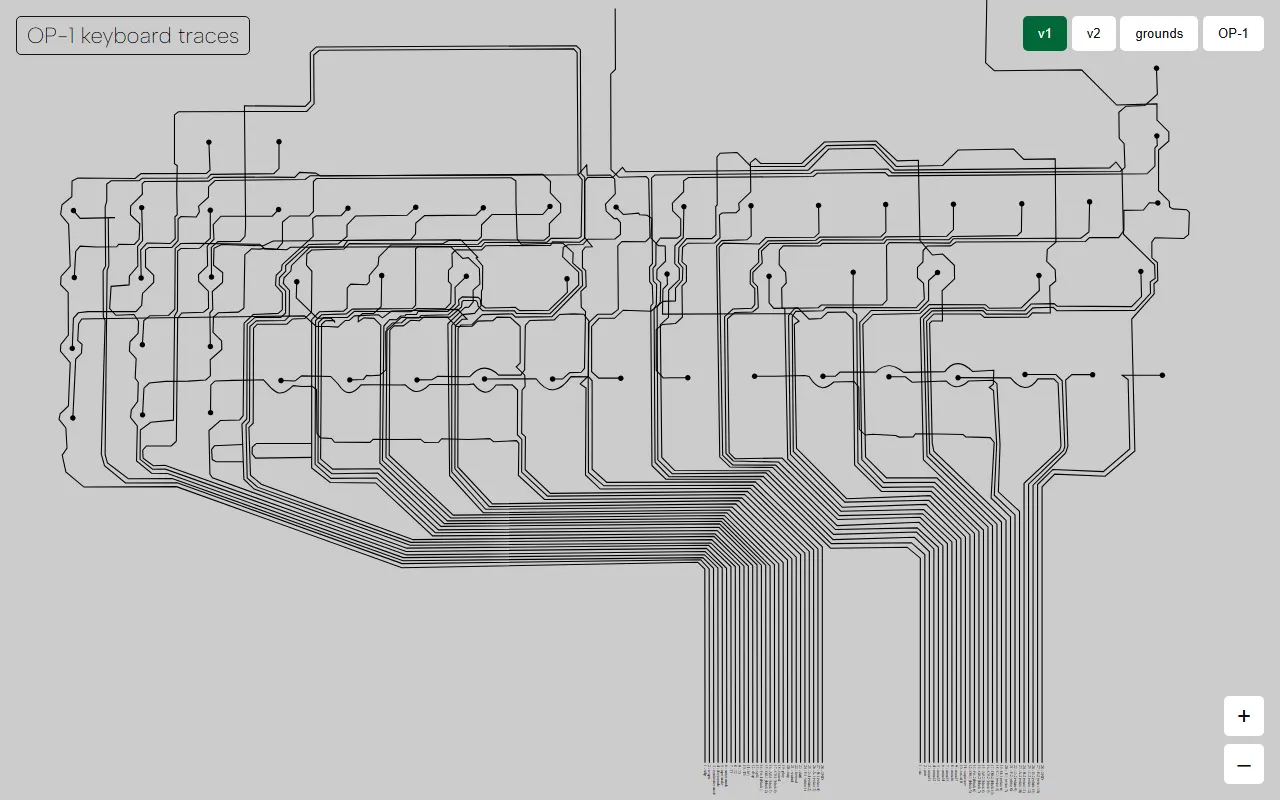
OP-1 Keyboard Trace Tool
Web visualizer of the OP-1 keyboard flex-PCB traces for repairs
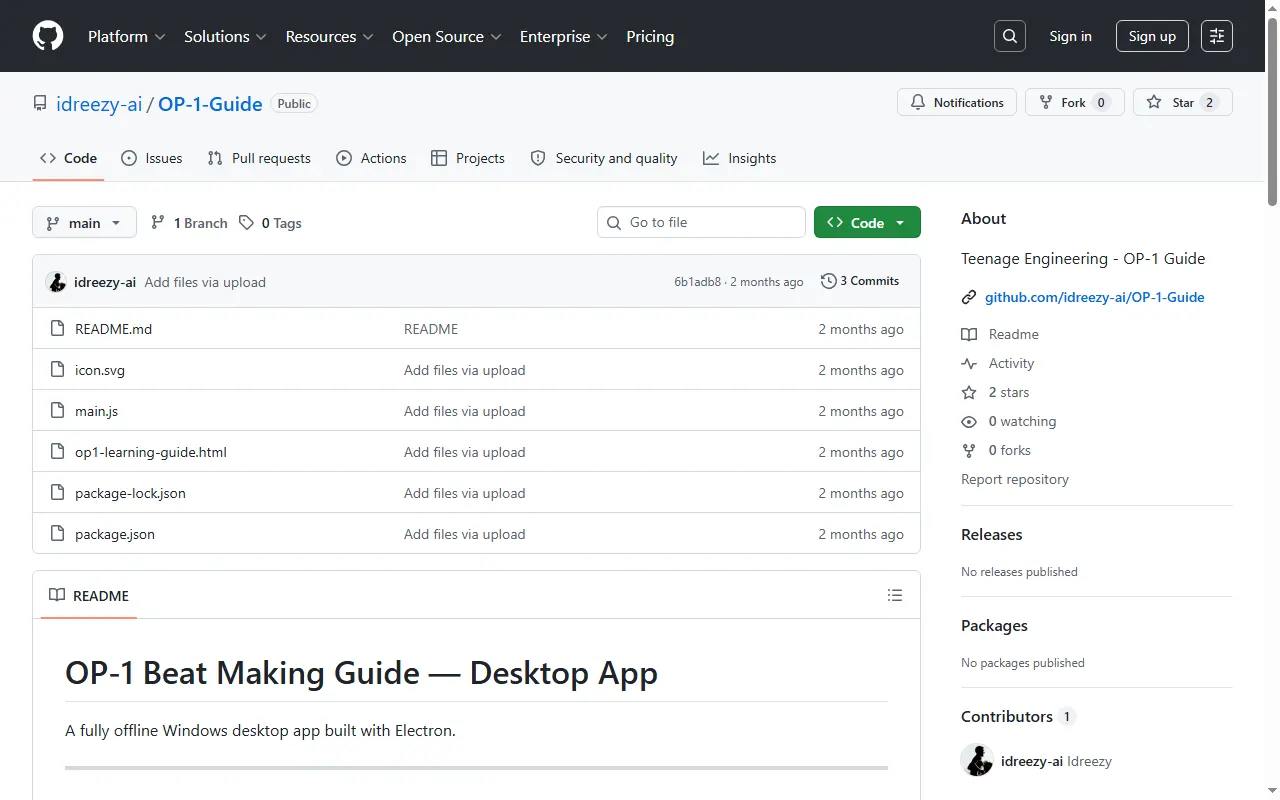
OP-1 Beat Making Guide
Offline desktop guide app for making beats on the OP-1
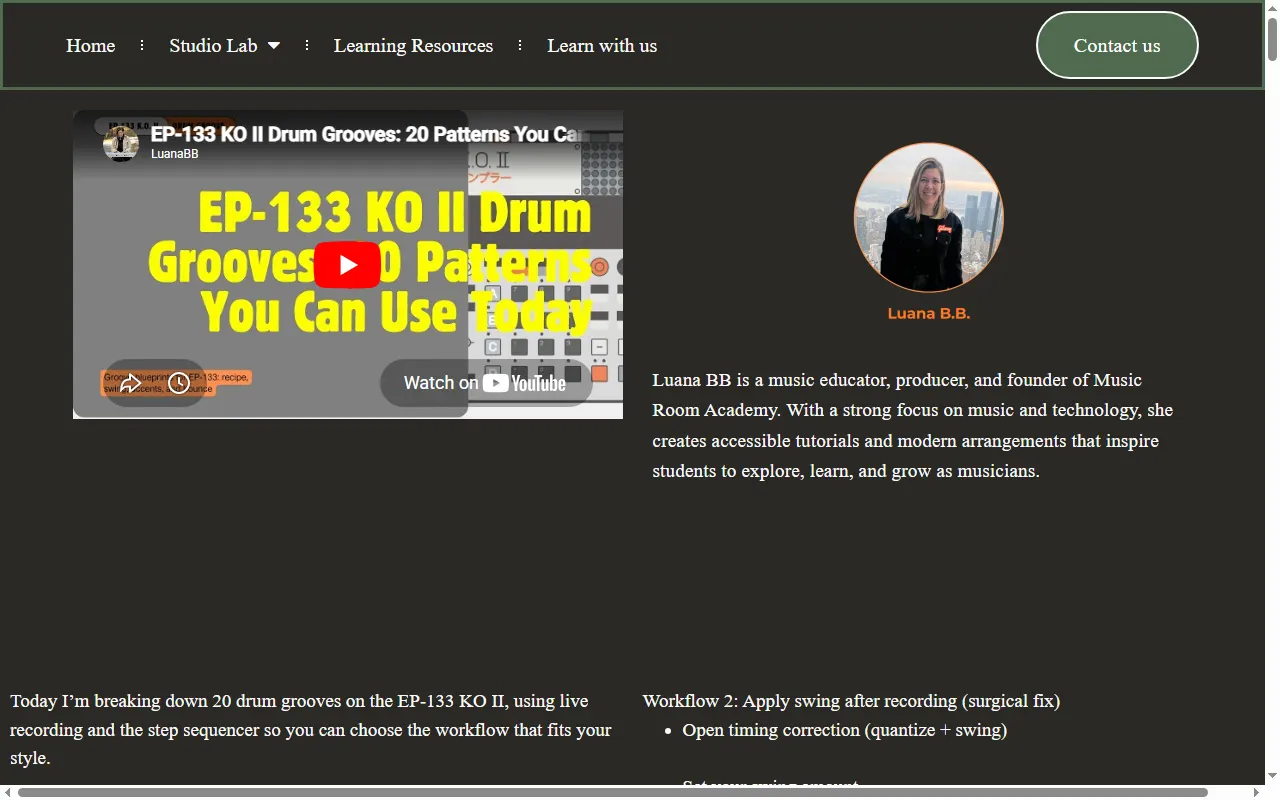
Music Room Academy — EP-133 Tutorials
Video tutorials and drum-groove lessons for the EP-133 K.O. II
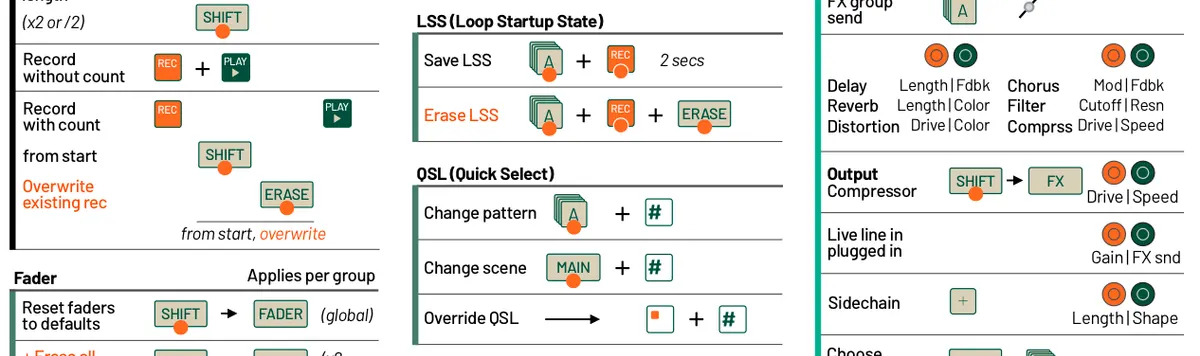
EP-40 Riddim Cheat Sheet
All the EP-40 Riddim key combos on a single printable sheet
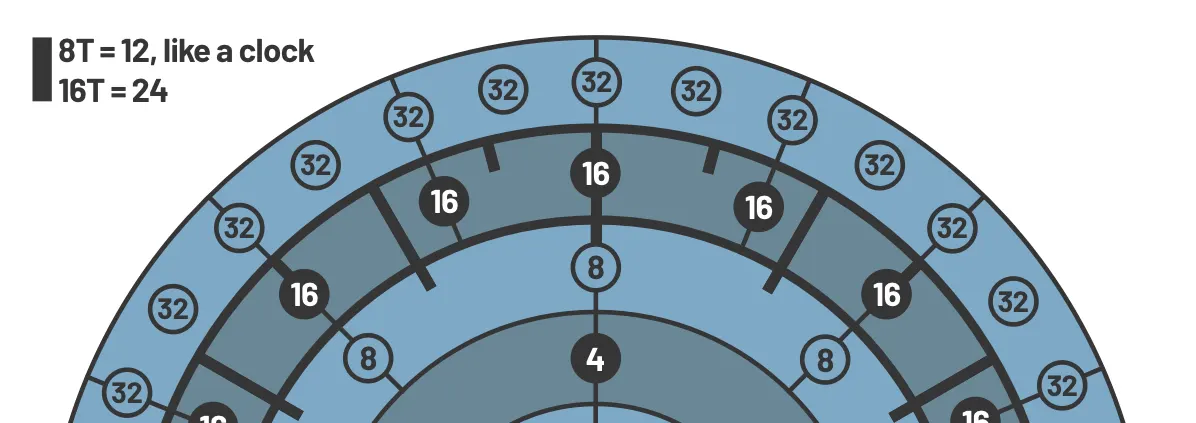
EP-133 K.O. II Timing Map
A visual map of note and beat timing on the EP-133 K.O. II
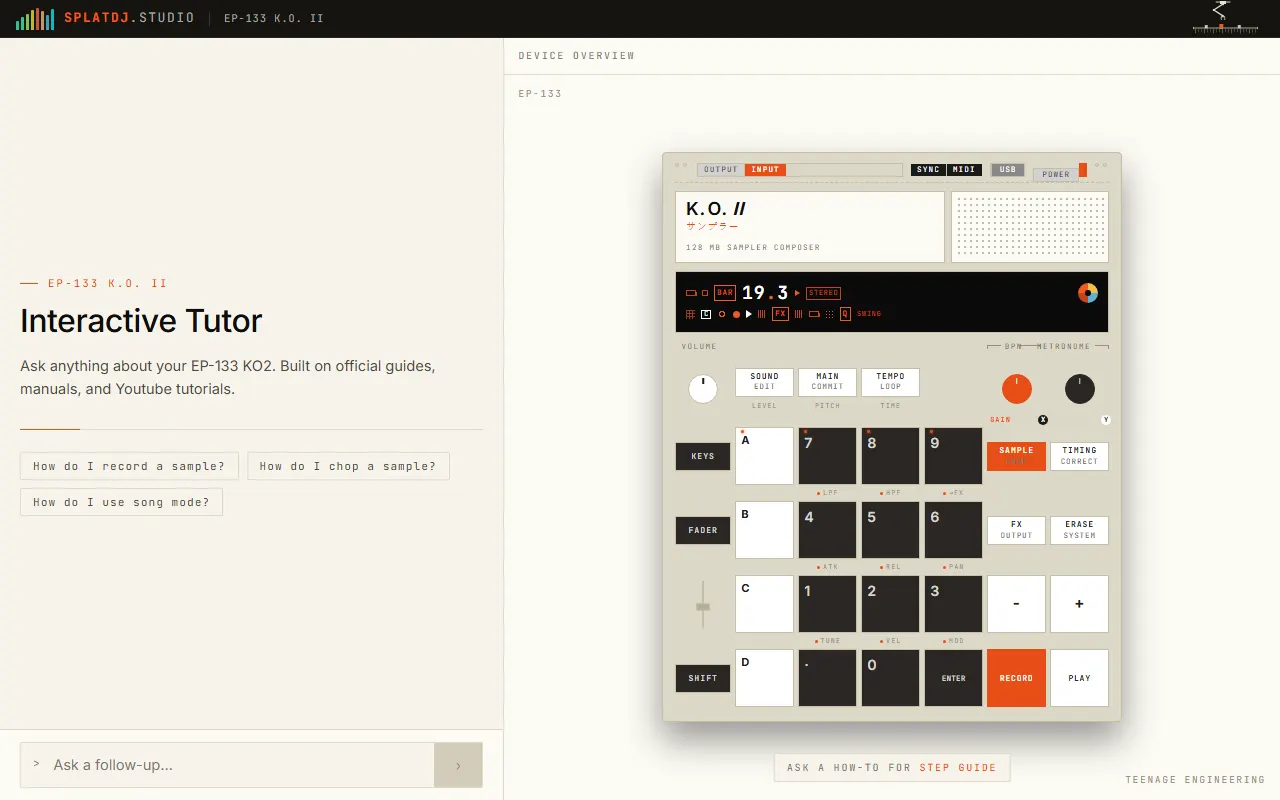
EP-133 K.O. II Interactive Tutor
Ask-anything how-to tutor for the EP-133 K.O. II
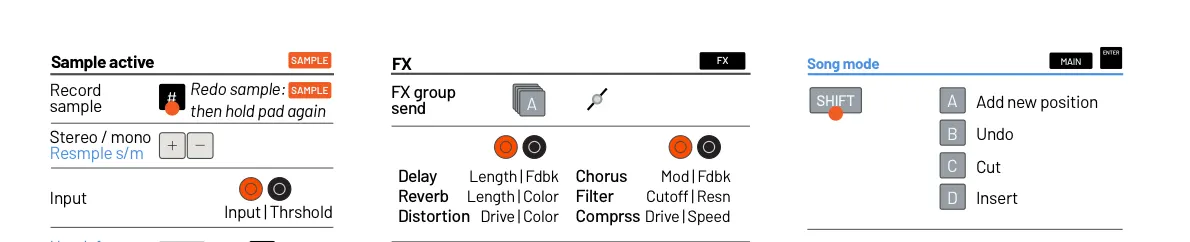
EP-133 K.O. II Cheat Sheet (Champions update)
One sheet of EP-133 key combos, updated for the Champions firmware
Community Hubs4
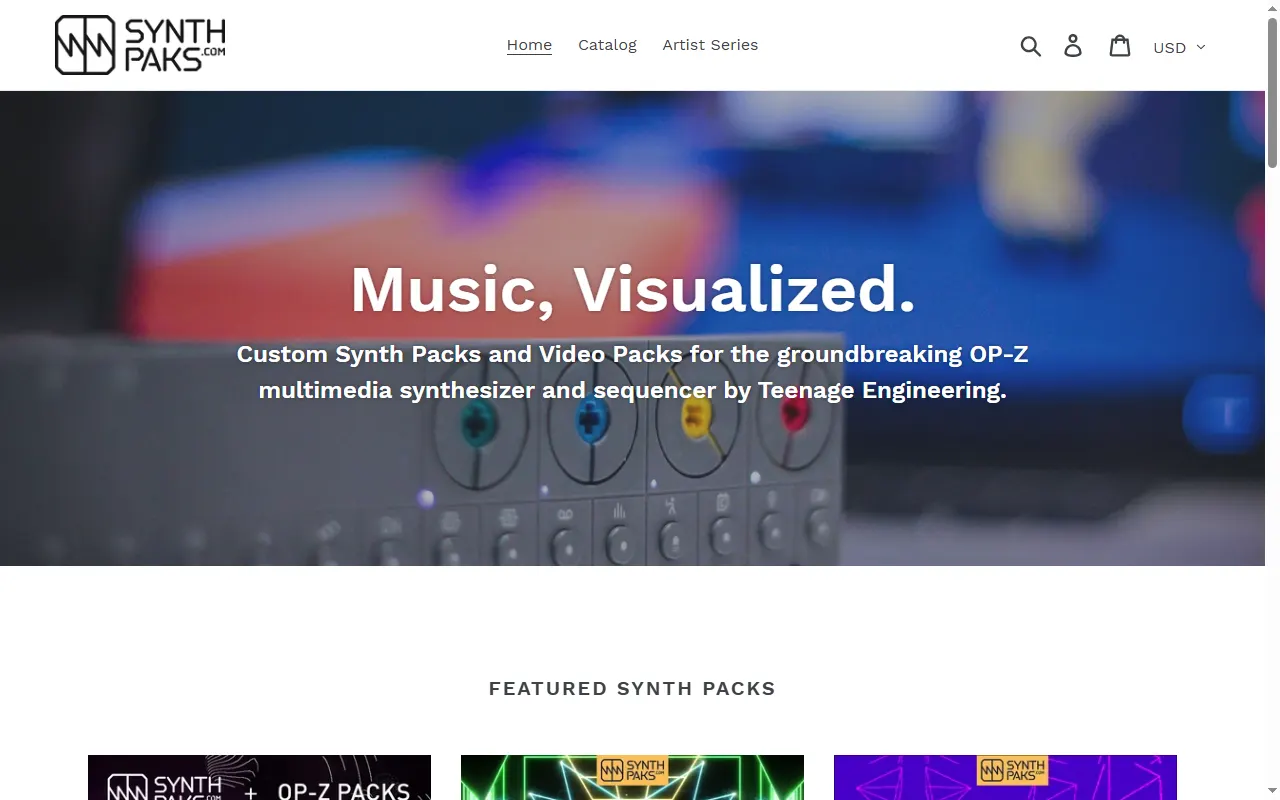
Synthpaks
Store for custom OP-Z videopaks: animations that play to the OP-Z's video track
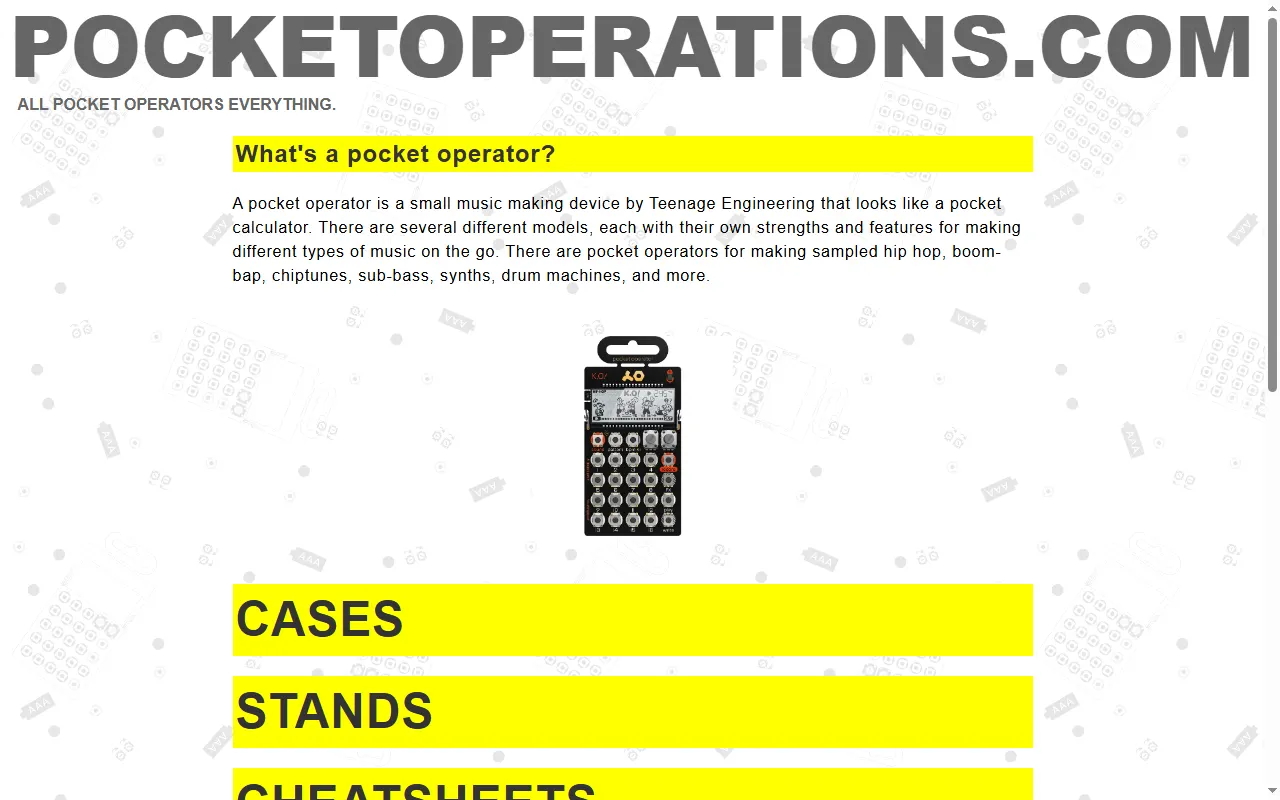
pocketoperations.com
A community hub indexing tools, mods and resources for every Pocket Operator
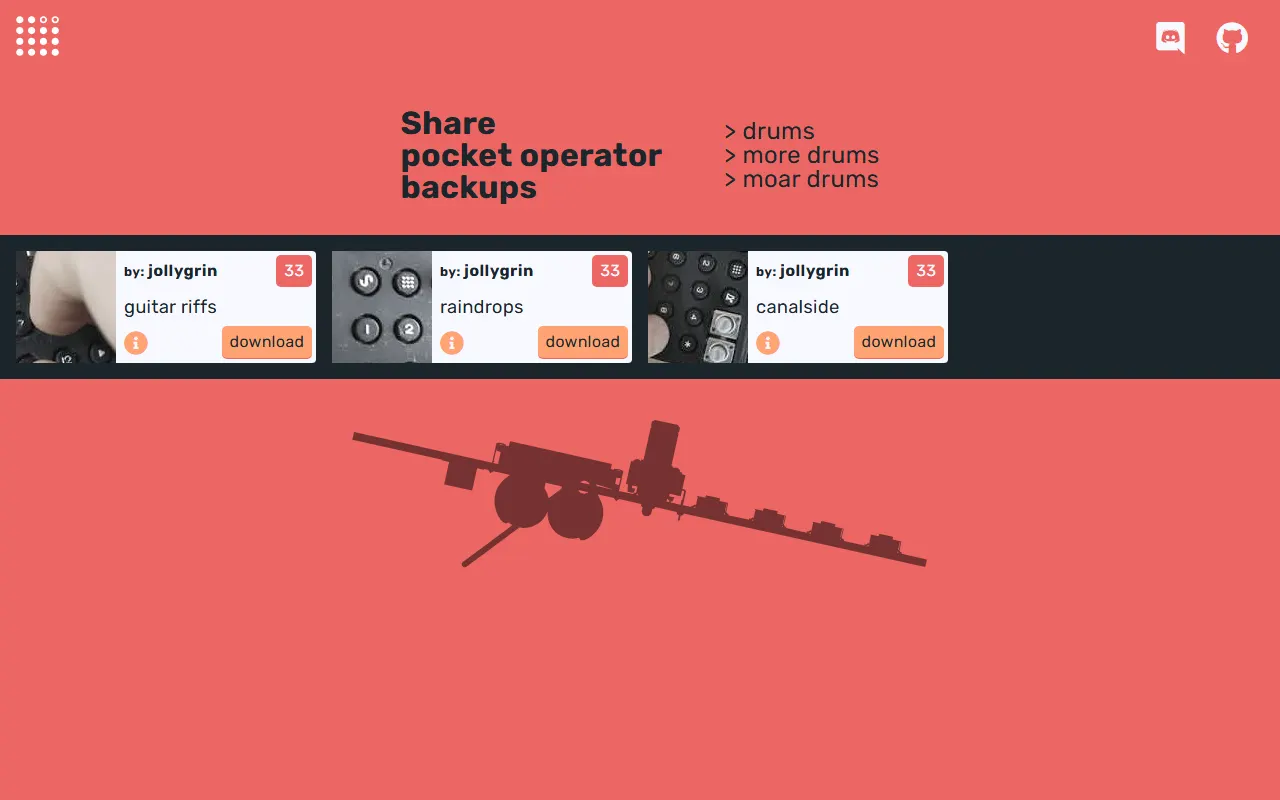
pocket.band
Share and download Pocket Operator backups and patches
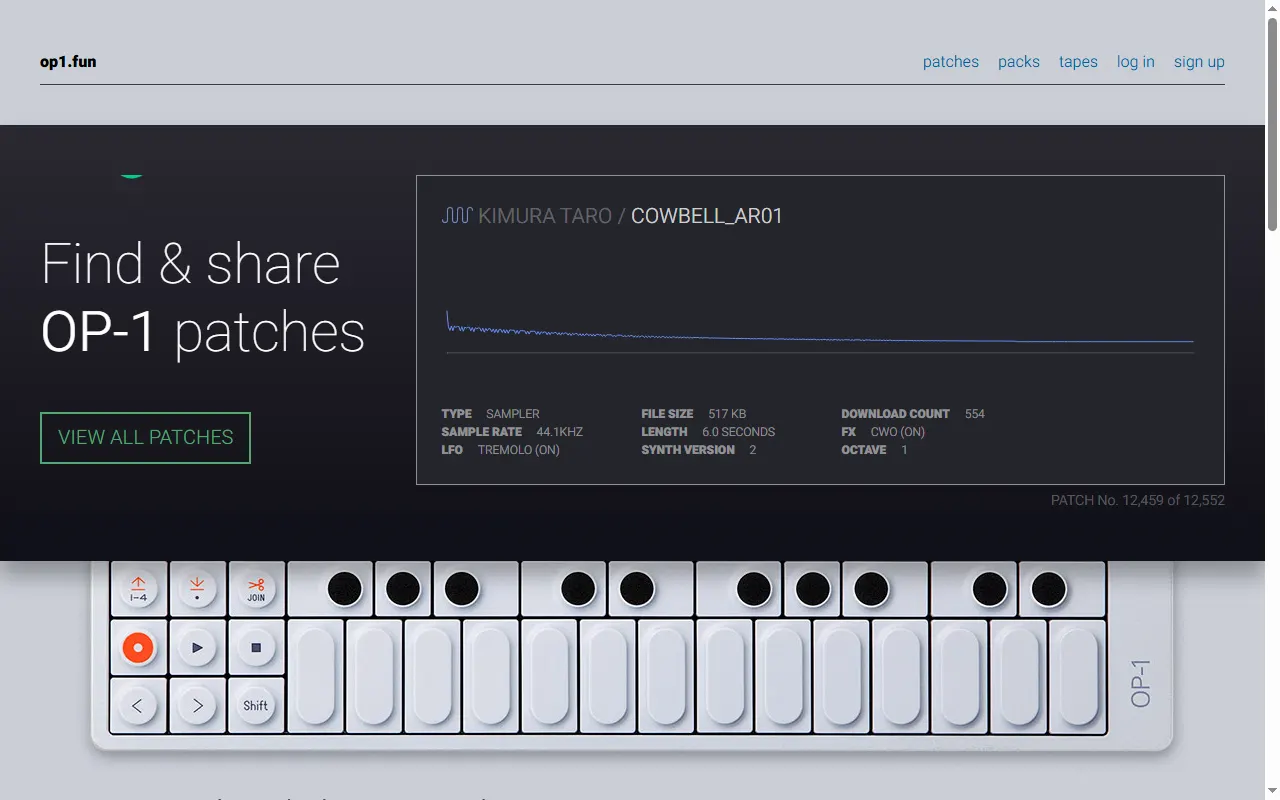
op1.fun
Find & share OP-1 patches, drum kits, and tape