Device guide
EP-40 Riddim: tools, mods & resources
Community-made software, firmware mods, accessories, guides, and answered questions for the Teenage Engineering EP-40 Riddim (also known as EP-40).
Top picks
Sample & Kit Tools
All sample & kit tools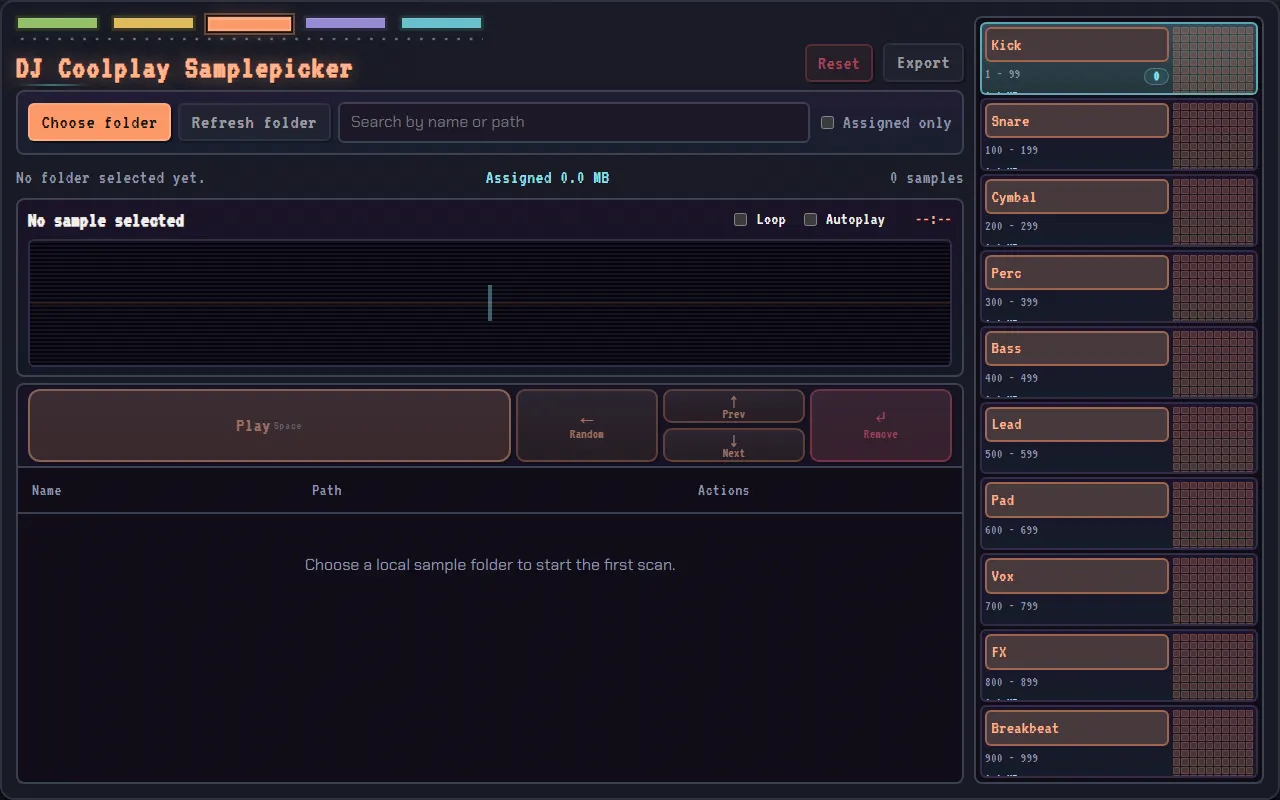
DJ Coolplay Samplepicker
Quickly pick and prep samples for the EP-133, EP-40 and EP-1320
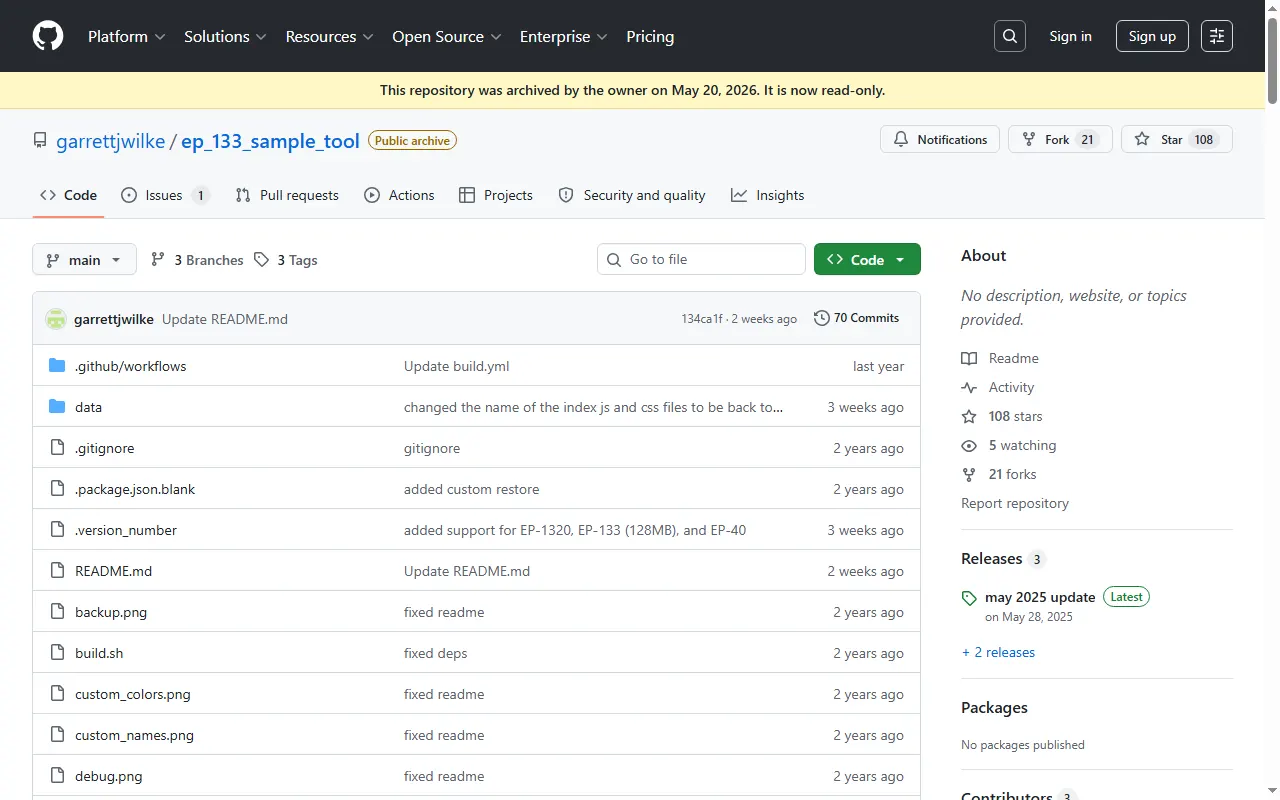
EP-133 Sample Tool (ep_133_sample_tool)
Open-source browser tool for managing samples and backups on EP samplers
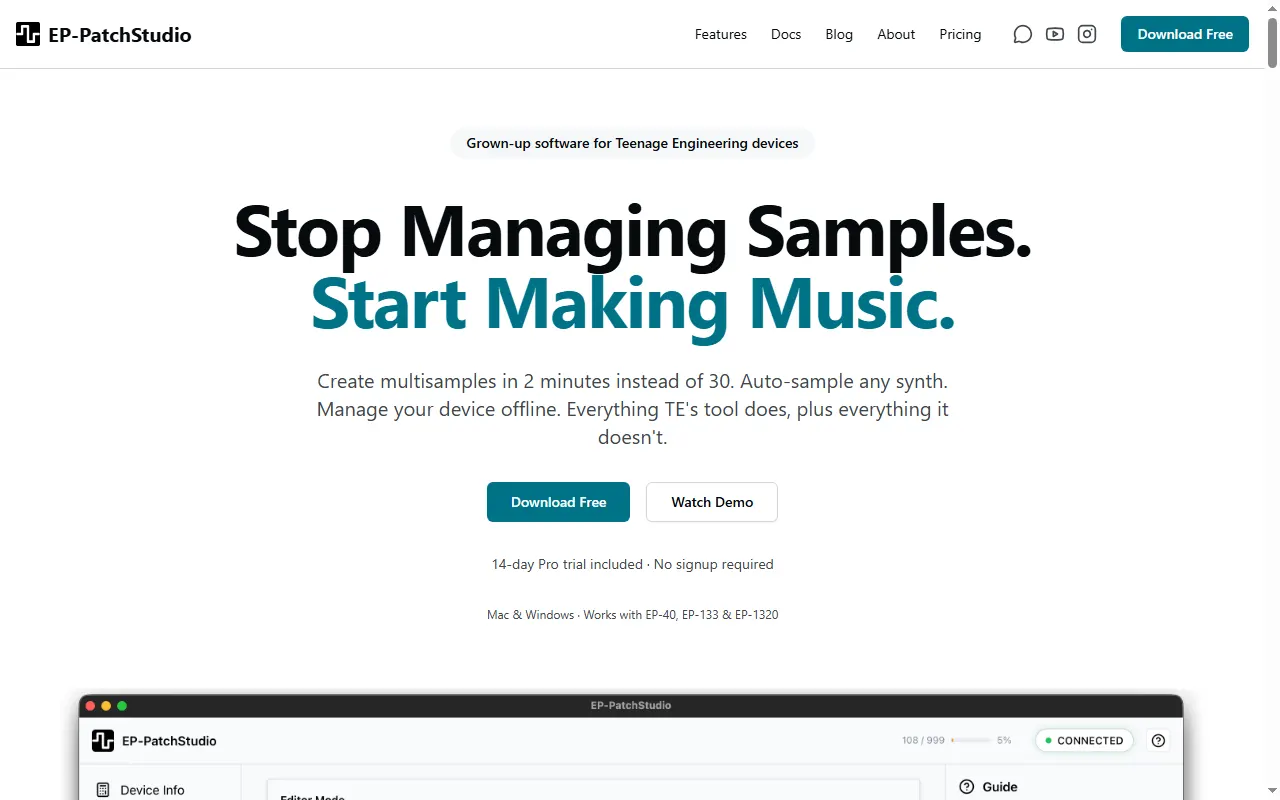
EP-PatchStudio
Multisample creation & device management for TE's EP samplers
po-chain
In-browser workbench for Pocket Operators and EP devices: chain planner and sample prep
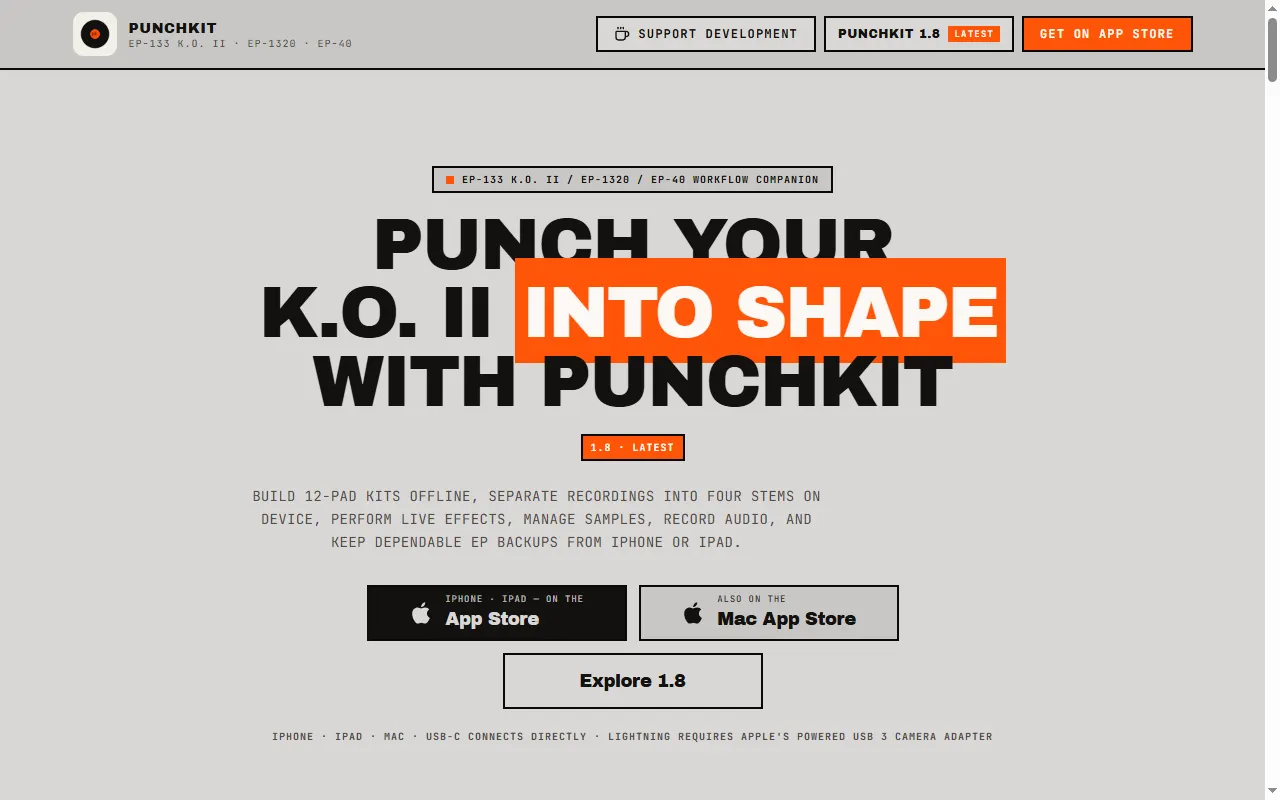
PunchKit
iPhone/iPad/Mac companion for the EP-133, EP-1320 and EP-40: kits, stems, effects, backups
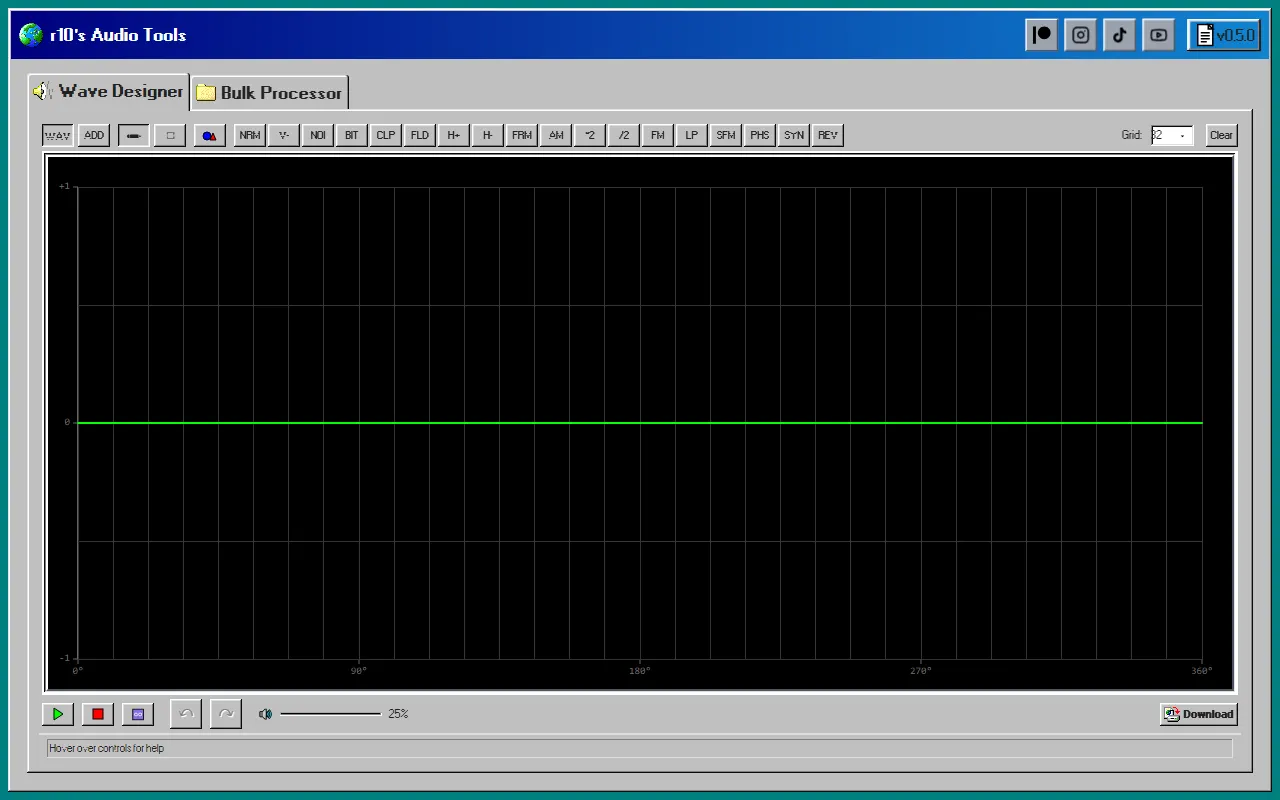
r10's Audio Tools
Browser wave designer + bulk sample processor for prepping samples
Re:Pitch:Riddim
Re:Pitch sample prep, forked to support the EP-40 Riddim and its loop samples
Guides & Cheatsheets
All guides & cheatsheets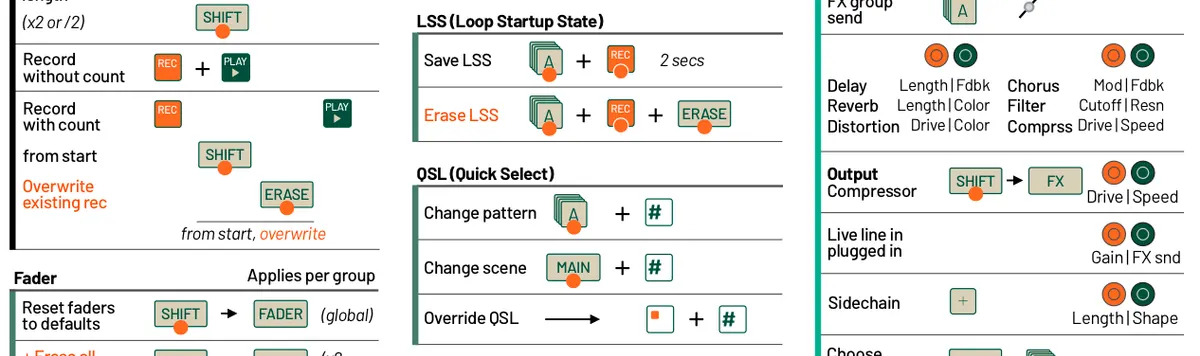
EP-40 Riddim Cheat Sheet
All the EP-40 Riddim key combos on a single printable sheet
EP-40 Teardown
A mechanical engineer's full teardown of the EP-40 Riddim
EP SysEx
Unofficial open-source docs and tooling for the EP-133 and EP-40 SysEx protocol
Riddim + Ting Learning Guide
Unofficial interactive guide to the EP-40 Riddim and EP-2350 Ting, with combo search
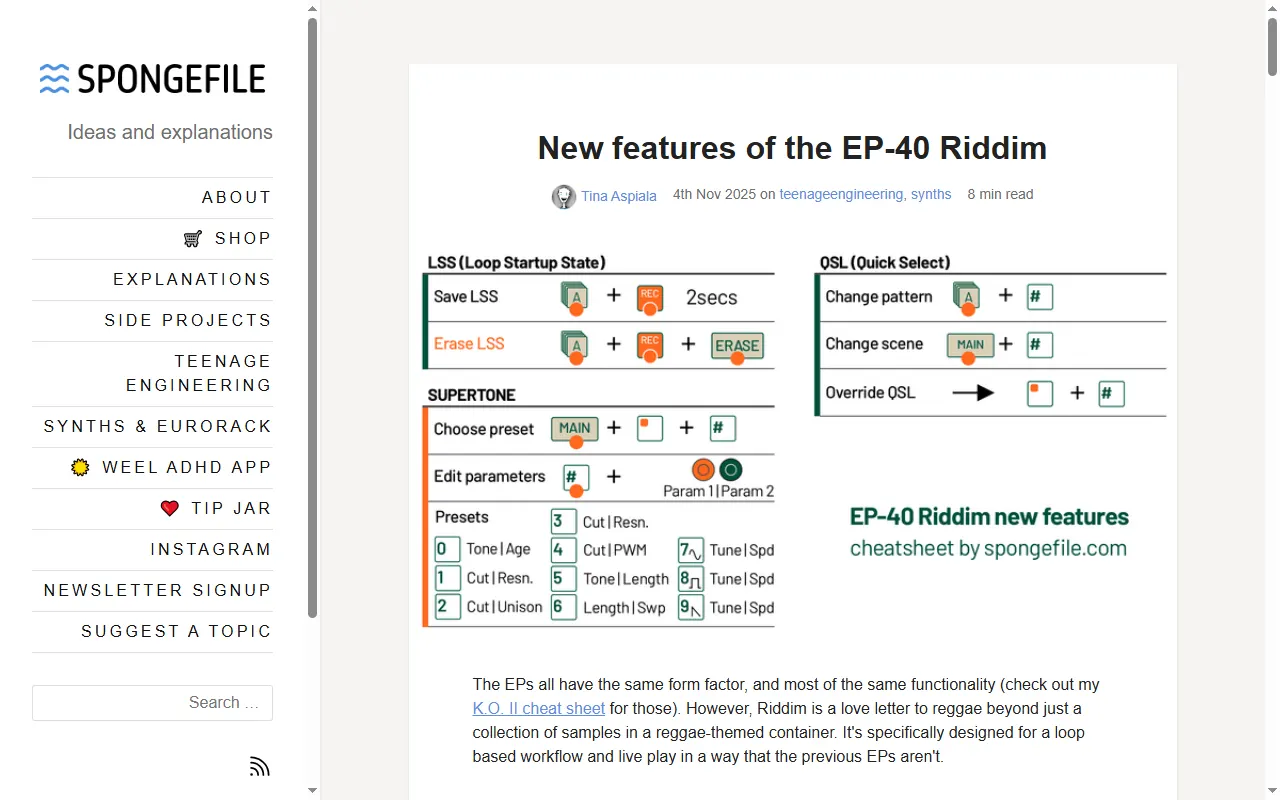
New Features of the EP-40 Riddim (spongefile)
In-depth look at what the EP-40 adds over the K.O. II and Medieval, with a cheat sheet
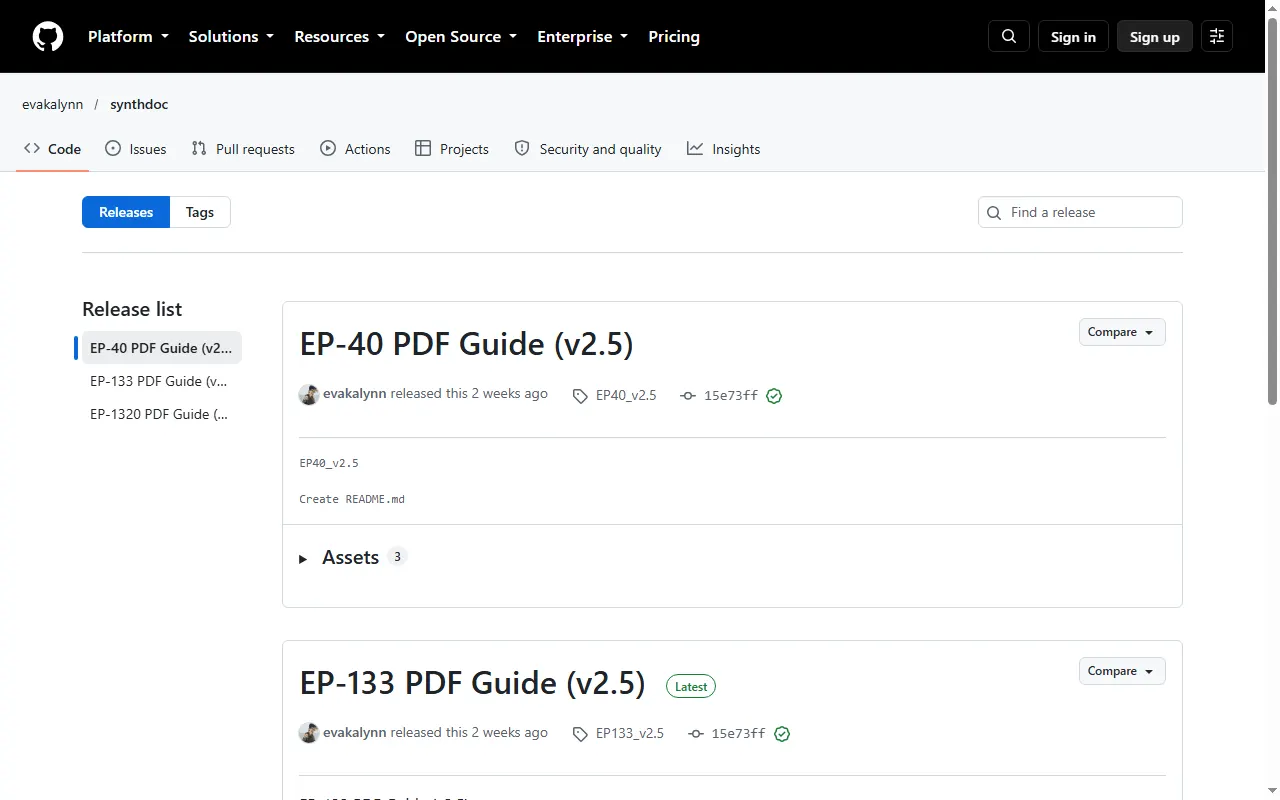
synthdoc EP-series PDF Guides
Searchable, bookmarked offline PDFs of the official EP-133, EP-40 and EP-1320 guides
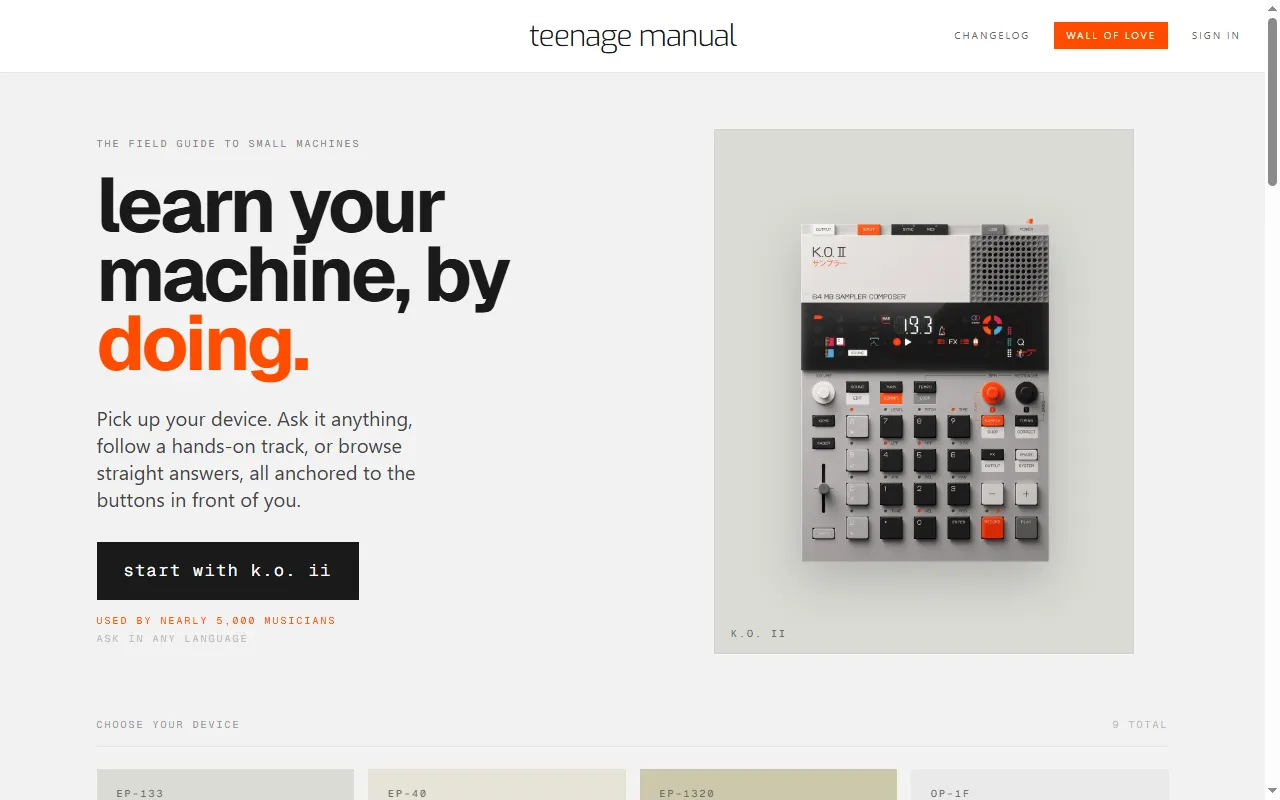
teenage manual
Interactive manuals and an ask-anything assistant for TE devices
MIDI Controllers & Sequencers
All midi controllers & sequencers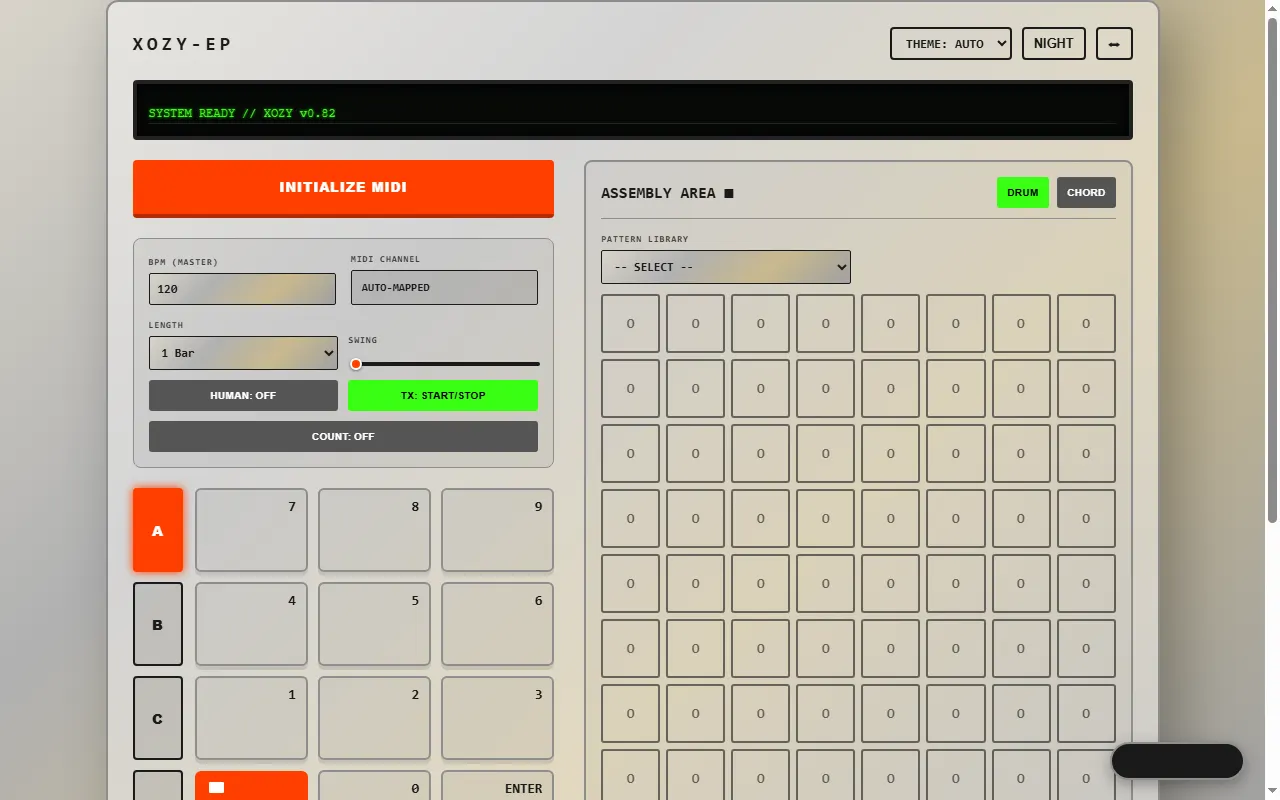
Sound Packs & Patches
All sound packs & patches
Accessories & 3D Prints
All accessories & 3d prints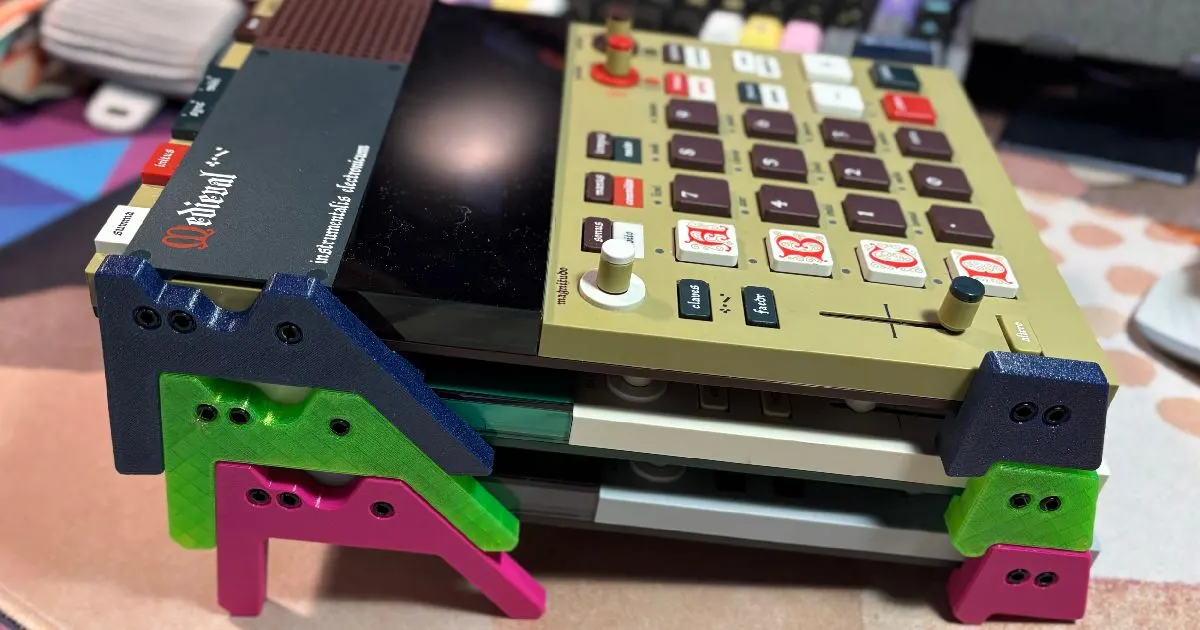
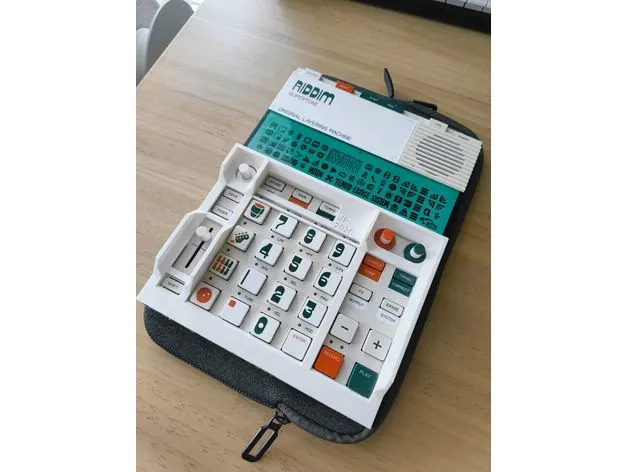
EP Legs / Stilts (EP-133 / EP-1320 / EP-40)
3D-printable legs that tilt the EP samplers up off the desk
EP-133 / EP-40 Protective Bezel
3D-printable guard frame for the EP-133 K.O. II and EP-40
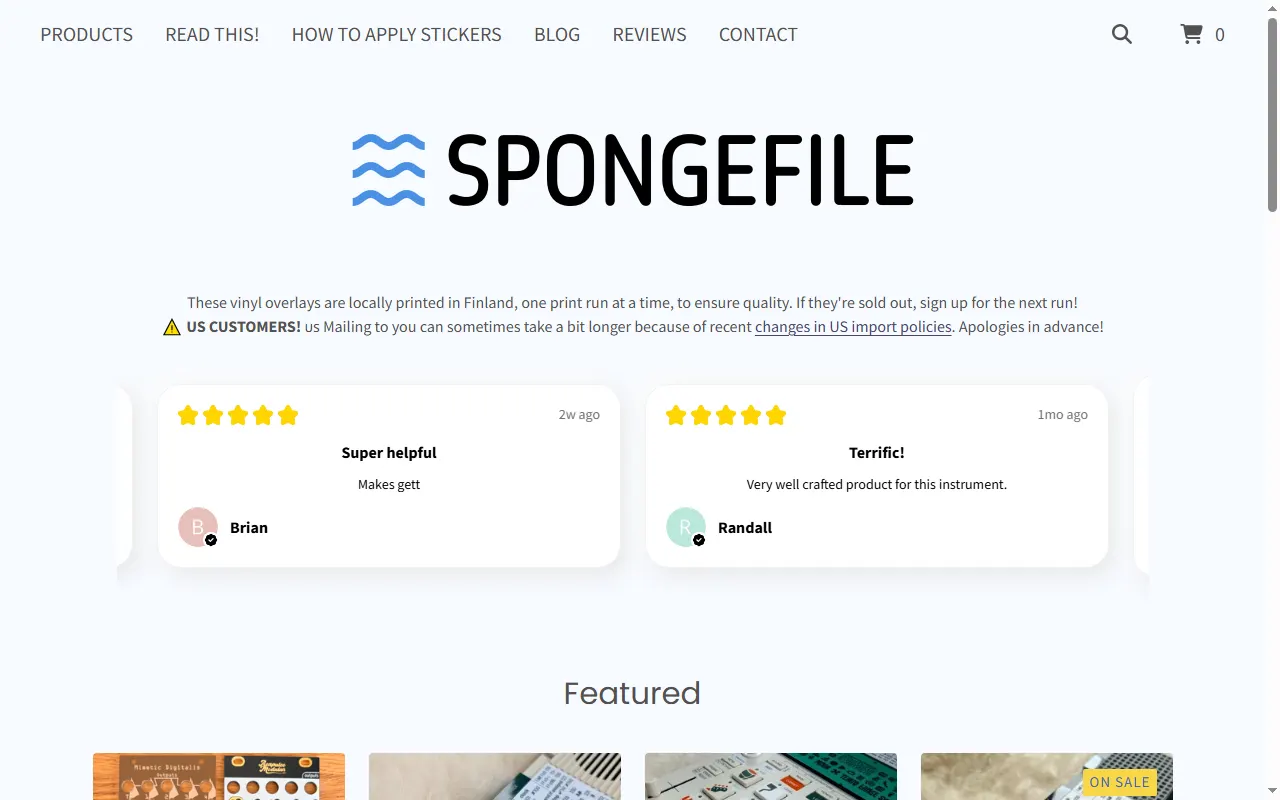
spongefile Vinyl Overlays & Cheat-Sheet Stickers
Printed vinyl keypad overlays and shortcut stickers for the EP series and PO-33
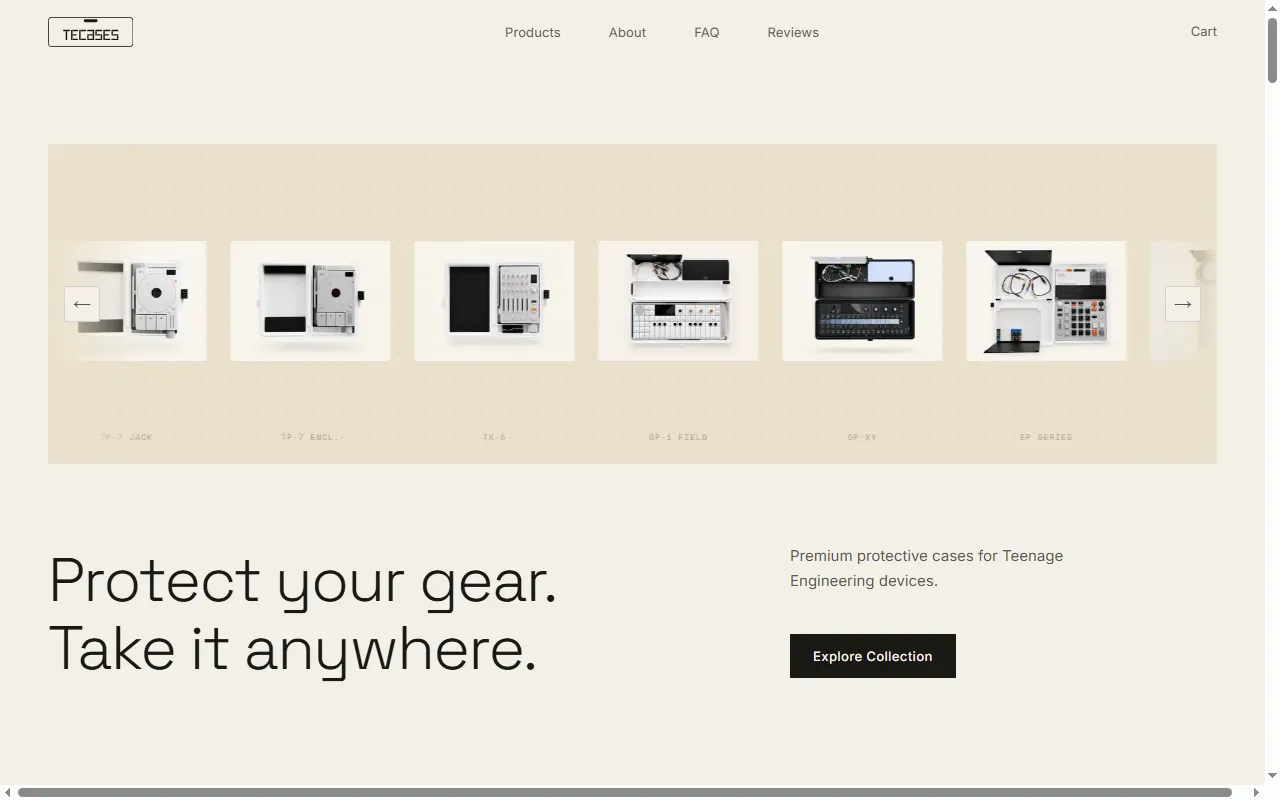
TEcases
Precision-fit protective cases for the Teenage Engineering lineup
Player & Companion Apps
All player & companion apps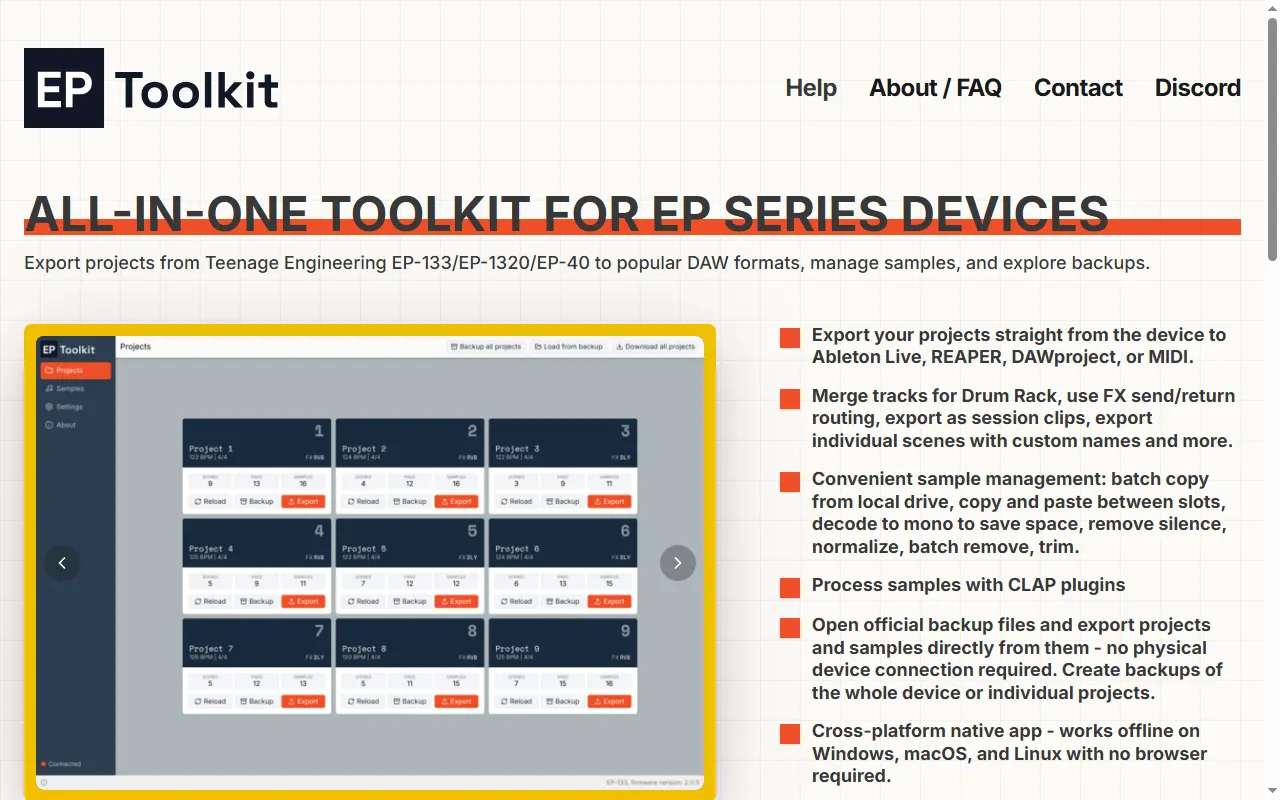
EP Toolkit
All-in-one desktop app to export EP-133/EP-1320/EP-40 projects to a DAW, manage samples, and open backups
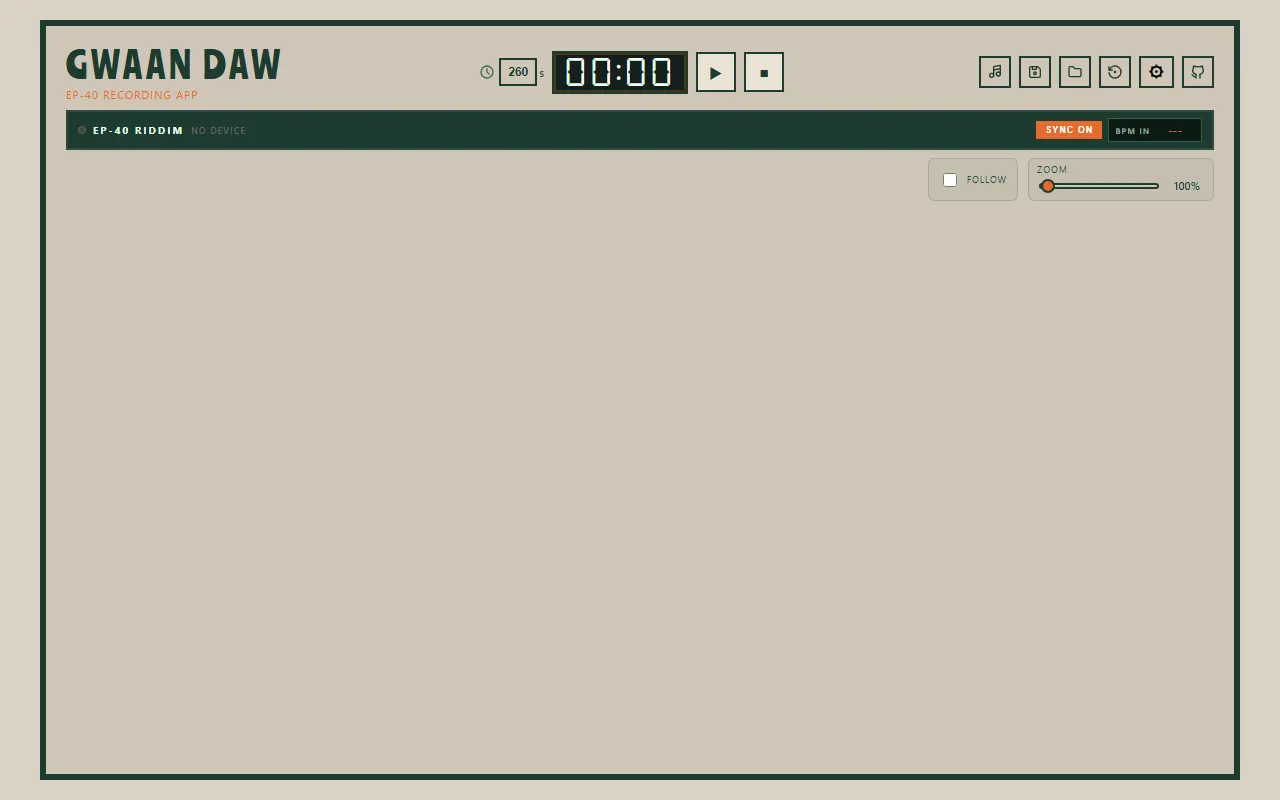
GWAAN DAW
Browser multitrack recording app built around the EP-40 Riddim over USB-C
UL Performer
Web timing trainer for finger drumming on the EP-40 and EP-133 pads
Firmware Mods
All firmware mods
EP-40 Riddim questions, answered
All 16 FAQsCan I load my own samples onto the EP-40 Riddim?
No. The EP-40 is a curated performance/"riddim" instrument with fixed built-in content — it is not a sampler and has no way to import your own audio. If you want to chop and play your own samples, that is the EP-133 K.O. II's job; the EP-40 is designed around its on-board sounds and performance controls.
How do I get audio or projects off the EP-40 into a DAW?
The device itself doesn't bounce multitrack stems, so the built-in route is to play parts out and record them into your DAW in real time over an audio interface — usually group by group (or track by track), then line them back up and chop in the DAW. The resample function is handy for capturing a part first. For a much faster workflow, desktop tools can convert a whole project into DAW-ready material: EP Toolkit exports EP-133/EP-1320/EP-40 projects straight to Ableton Live, REAPER, DAWproject or MIDI, and PatchStudio helps with samples and patches. Short one-shots or loops can also go through the online tools.
How do I factory reset the EP-40 Riddim to fix messed-up presets?
A factory reset restores the EP-40's built-in sounds, so you don't have to undo changes pad by pad. Back up anything you want to keep first, then run the reset. If a reset doesn't fully restore the factory content, download the EP-40 factory sample pack from Teenage Engineering's EP-40 page and import it back over USB. Going forward, keep a backup of a clean device so handing it to a friend can't cost you the original layout.
What does the Key setting on the EP-40 Riddim actually do to my samples?
It transposes. It doesn't tune. The EP-40 doesn't detect a sample's pitch: it treats whatever you recorded as the root note (C) and plays the pads up and down from it, in semitones in chromatic mode or in scale steps when a scale is selected. Changing the key shifts that root. If your sample is really in F# but you set the key to F, the result is still off by the original difference. For results that sit in key, tune or record your melodic one-shots to C before loading them. Otherwise, play in chromatic mode and find the right notes by ear.
My EP-40 Riddim won't turn off with the power switch — what's wrong?
Several owners have reported the EP-40 staying on regardless of the power switch and whether it's running on AAA batteries or USB-C power, so it isn't just a dead-battery quirk. First make sure you're on the latest firmware from Teenage Engineering's EP-40 page, since power behaviour is the kind of thing a firmware update can fix. If it still won't power down after updating, treat it as a fault and contact TE support — others in the same situation have had it handled as a warranty/repair case.
How good is the EP-133 / EP-40 at sequencing external hardware over MIDI?
The EP samplers can drive outboard gear: they send MIDI out (over the sync jack and over USB), so you can use the pattern sequencer to play external synths and drum machines, not just internal samples. It's a capable but fairly basic MIDI sequencer — great for laying down parts for a synth from the same workflow you already know, but it isn't as deep as a dedicated MIDI sequencer for things like lots of CC automation or many independent MIDI channels. For a simple, fast "sample box that also clocks and sequences my synth" it works well.