Device guide
OP-1 field: tools, mods & resources
Community-made software, firmware mods, accessories, guides, and answered questions for the Teenage Engineering OP-1 field (also known as OP-1 Field, OP1 field).
Patch & Preset Editors
All patch & preset editors
Sample & Kit Tools
All sample & kit tools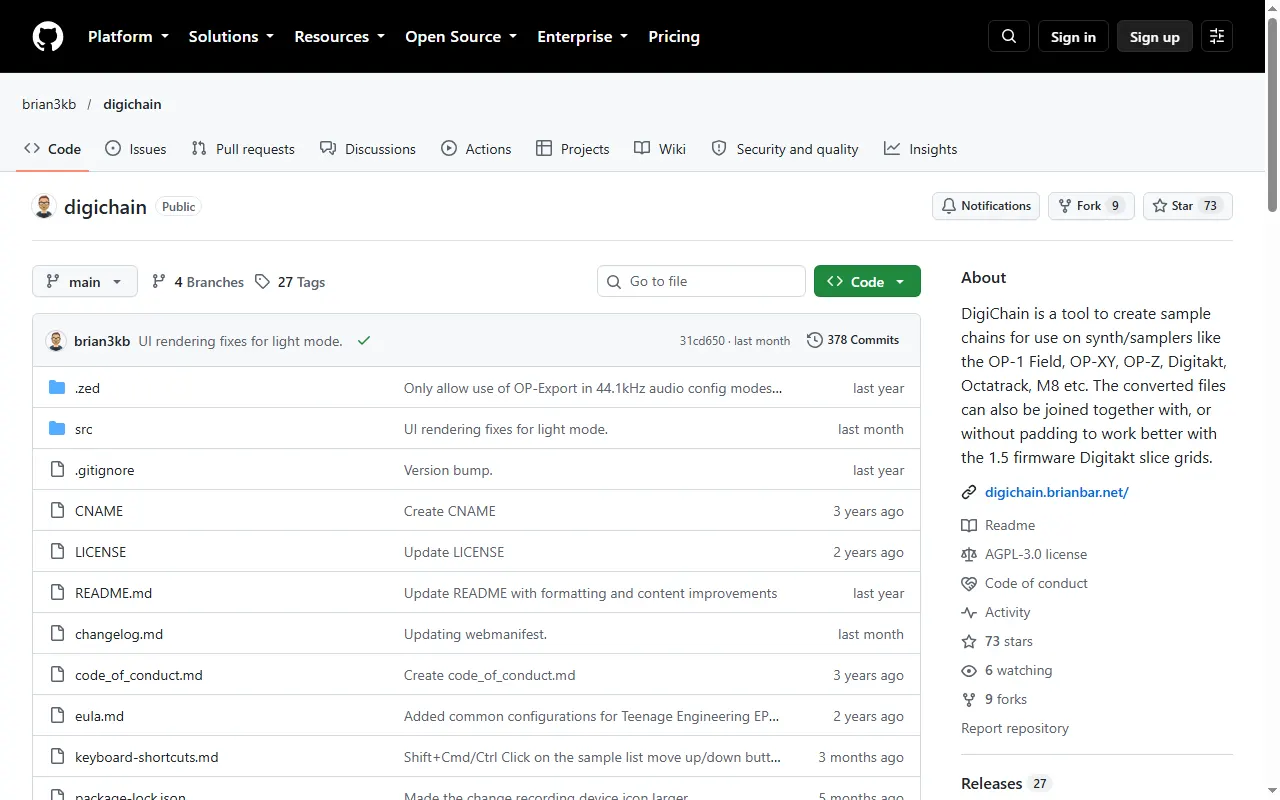
DigiChain
Sample-chain builder for the OP-1 field, OP-XY, OP-Z and other samplers
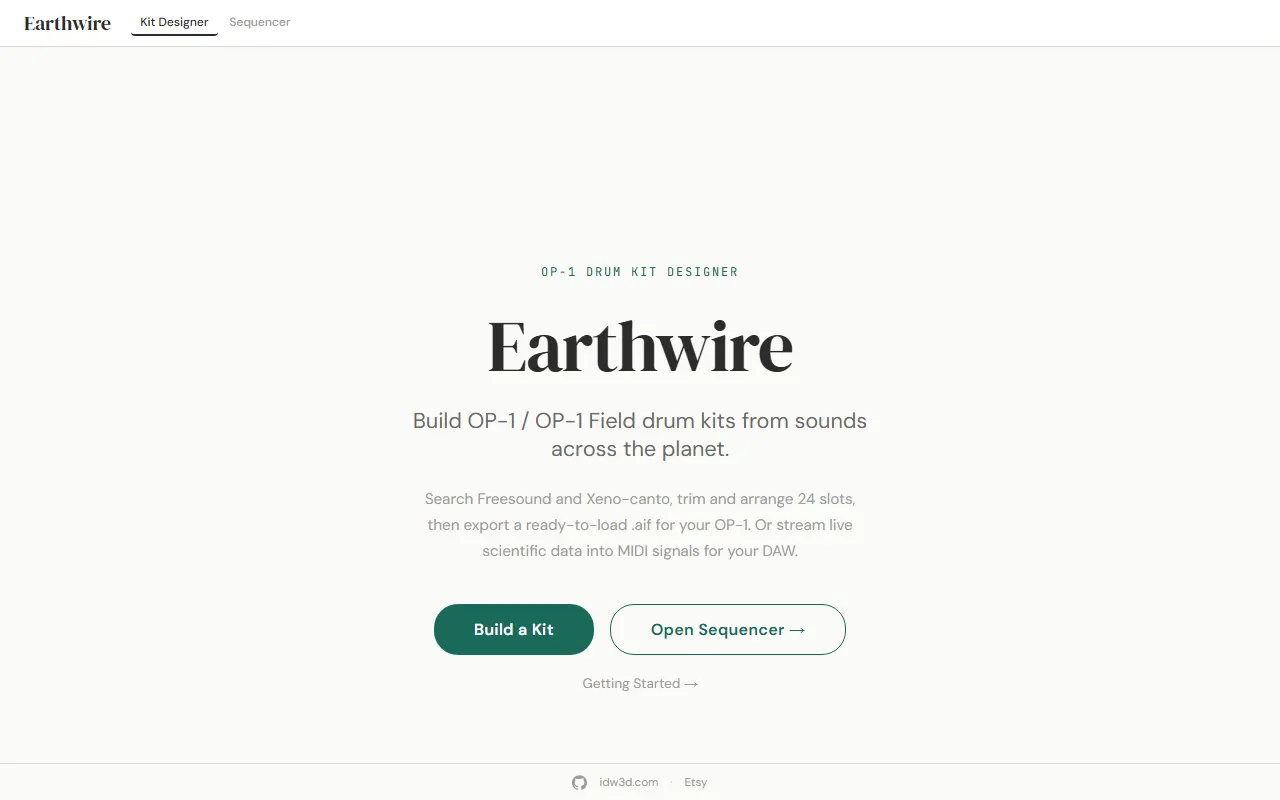
Earthwire
Build OP-1 / OP-1 field drum kits from sounds across the planet
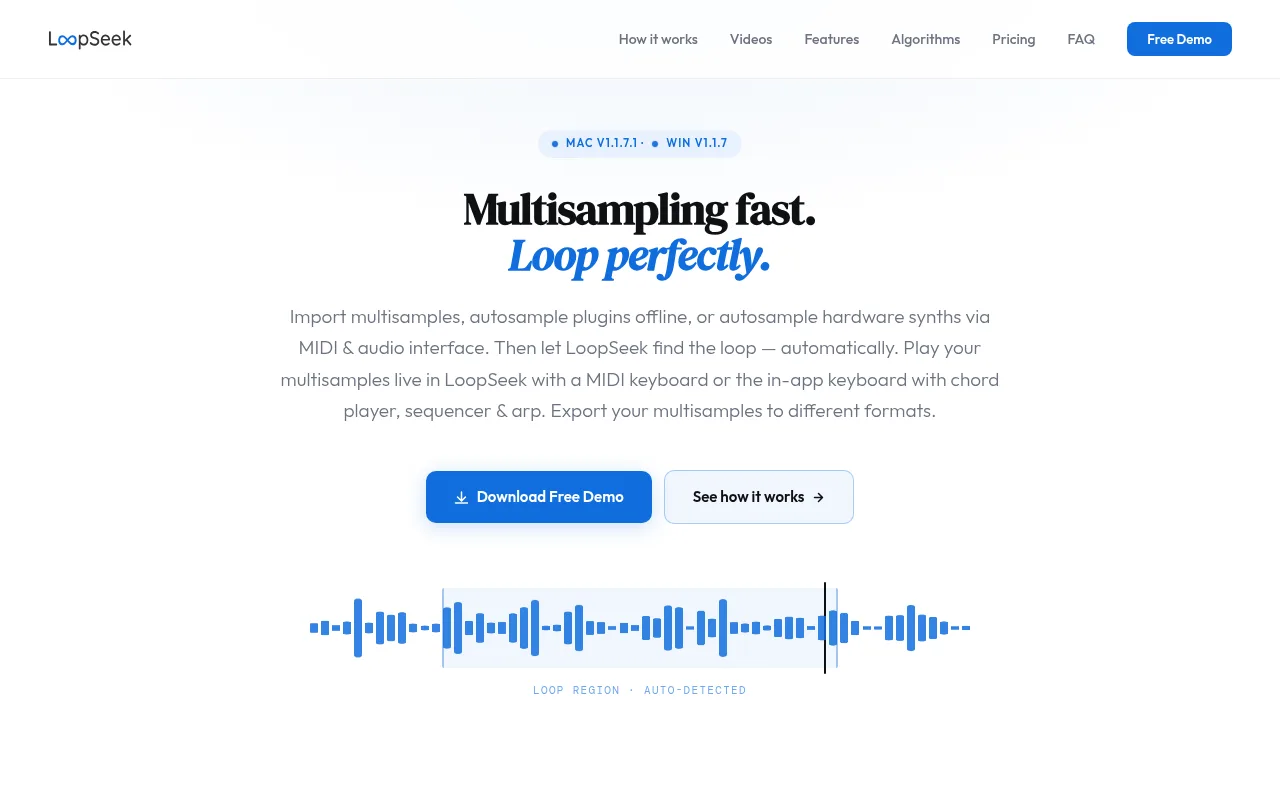
LoopSeek
An automated multisampling workflow in one app
OP-1 field Drum Kit Builder
Python script that builds OP-1 field drum kits from folders of one-shot samples
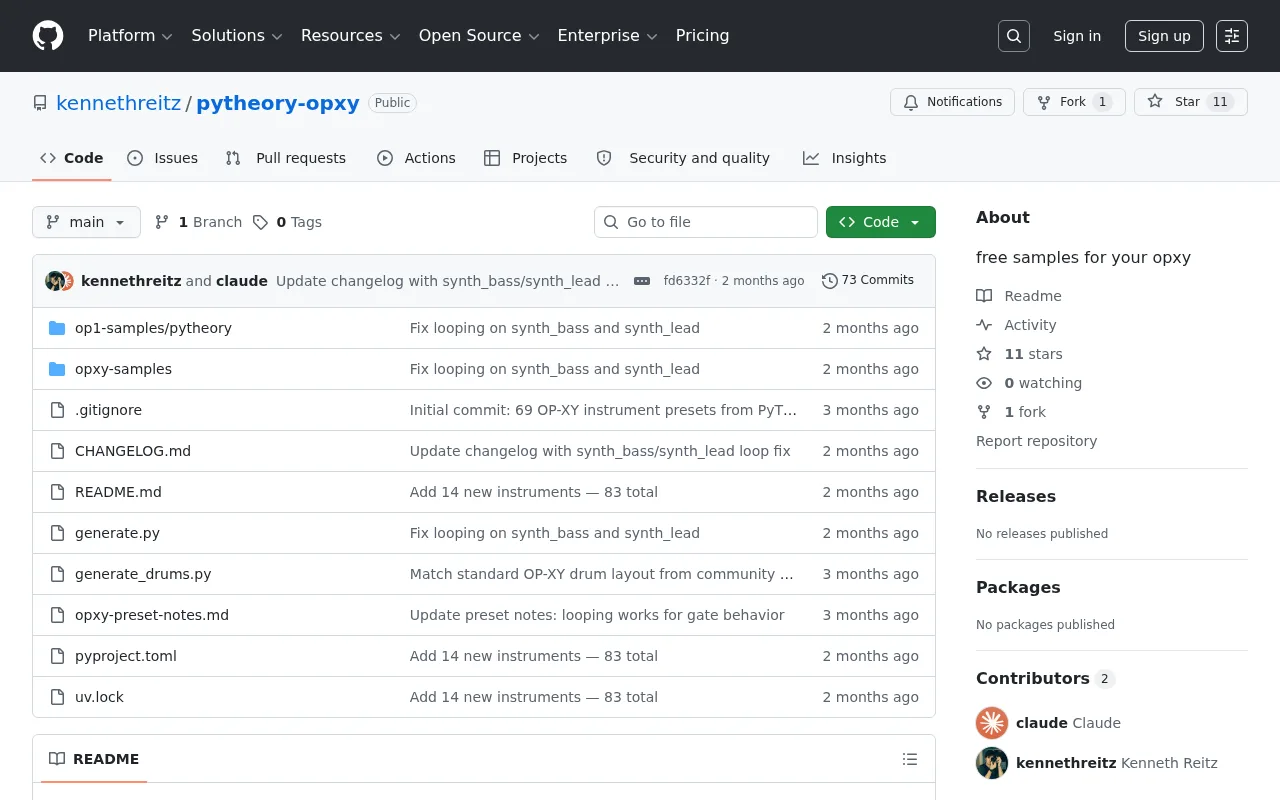
PyTheory OP-XY Samples
Free multisample instrument presets for the OP-XY and OP-1
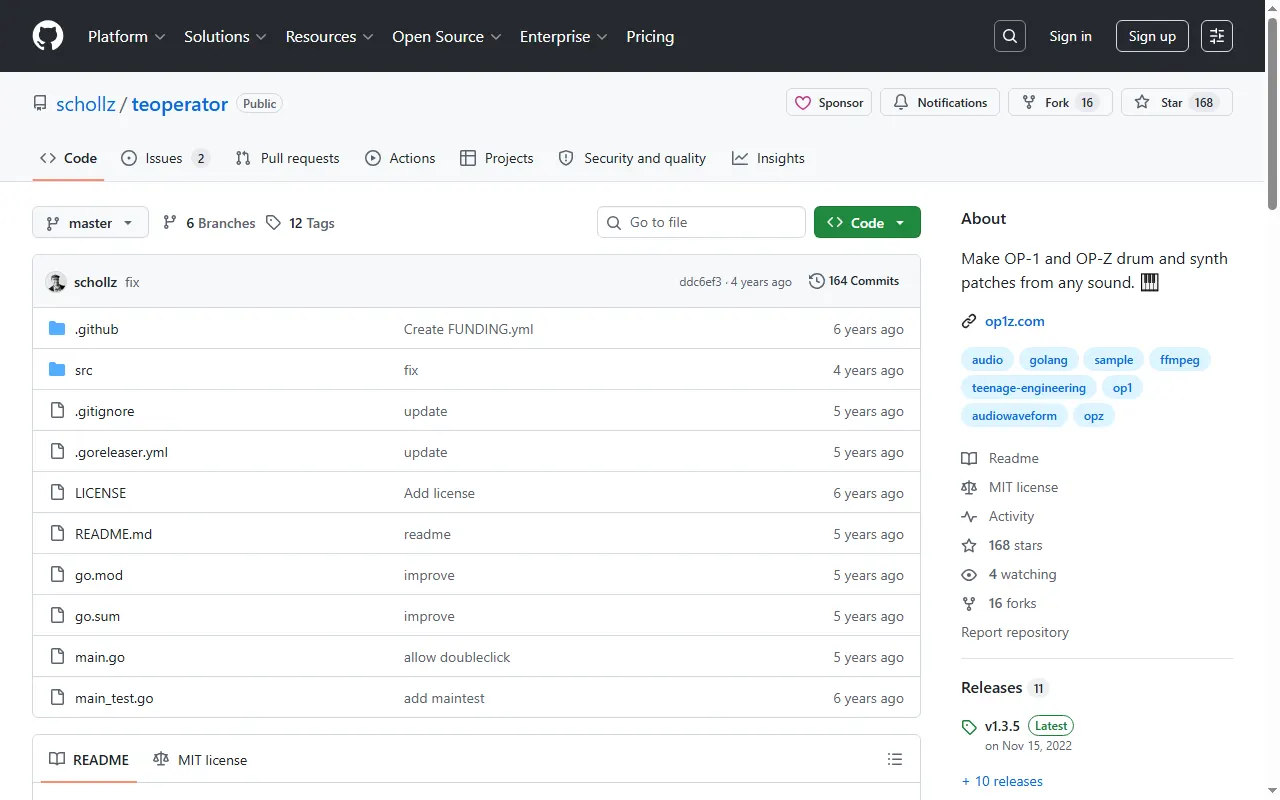
teoperator
Turn any sound on the internet into an OP-1 / OP-Z drum or synth patch
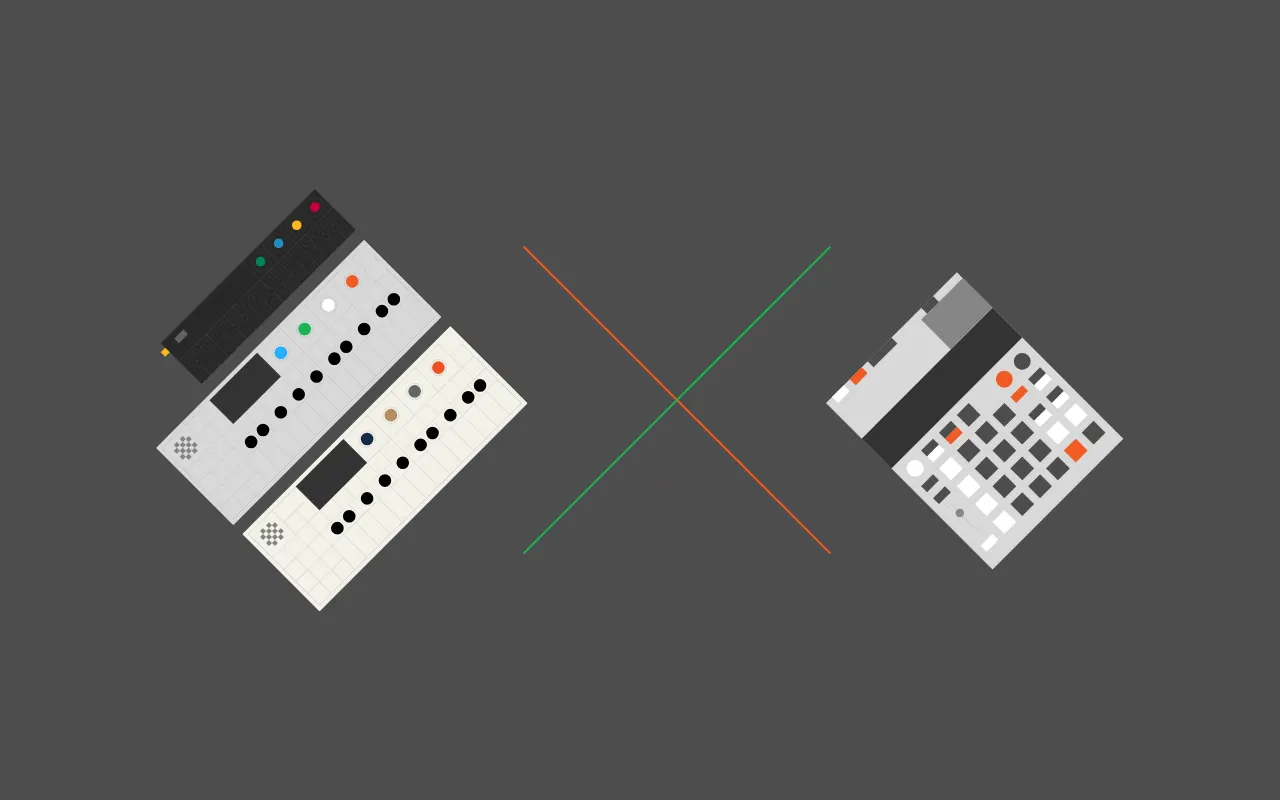
TRKLS
Browser sample-library tool for TE devices: chop, chain and send samples to the EP-133, OP-1 and OP-Z
Firmware Mods
All firmware mods
Sound Packs & Patches
All sound packs & patches
MIDI Controllers & Sequencers
All midi controllers & sequencers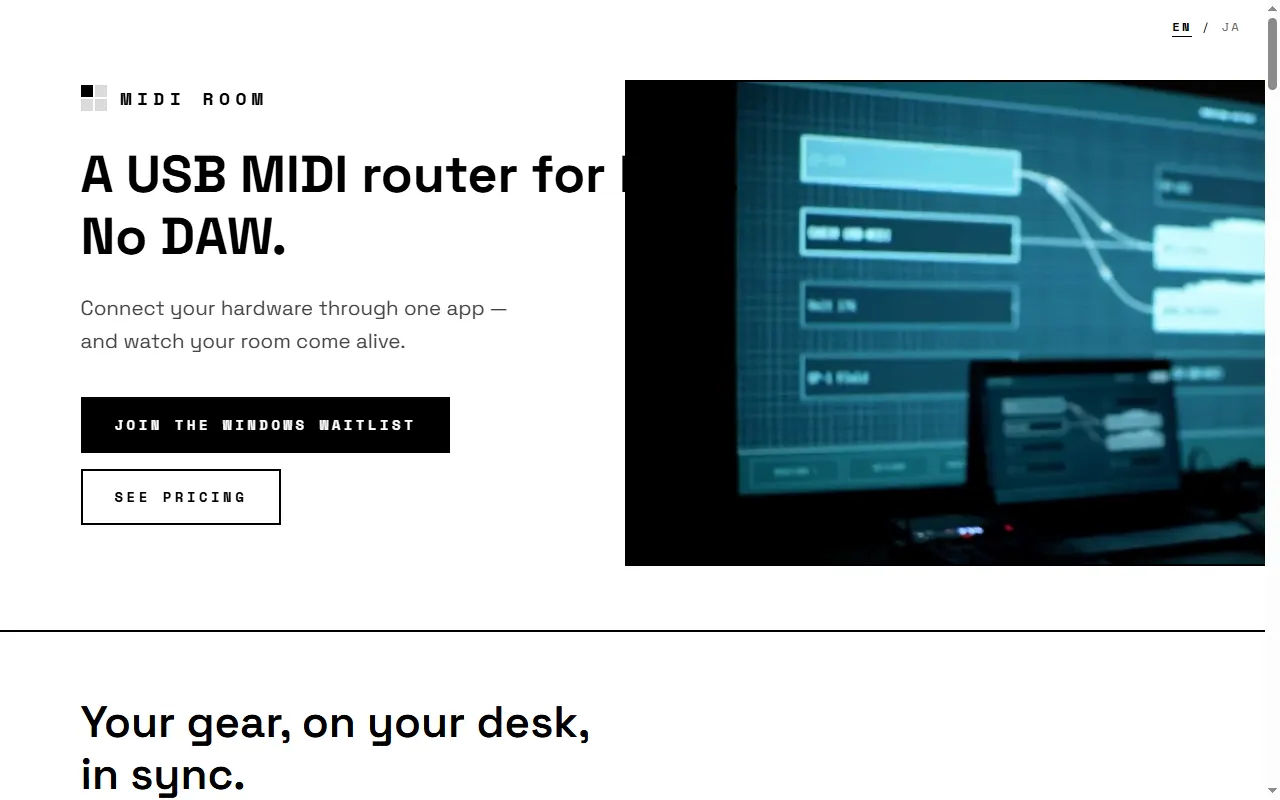
MIDI Room
Mac app for visual USB-MIDI routing between hardware — no DAW
OP-1 Field Remote Script for Ableton Live
Ableton Live remote script that adds transport, track and navigation controls to the OP-1 field
OP-1 LFO Hero
Custom MIDI LFO automations for the OP-1 field: volume, pan, mute, FX and even tempo
Guides & Cheatsheets
All guides & cheatsheets
OP-1 field Patch Format Notes
Patch file format notes and tools for the OP-1 field on firmware 1.5.7
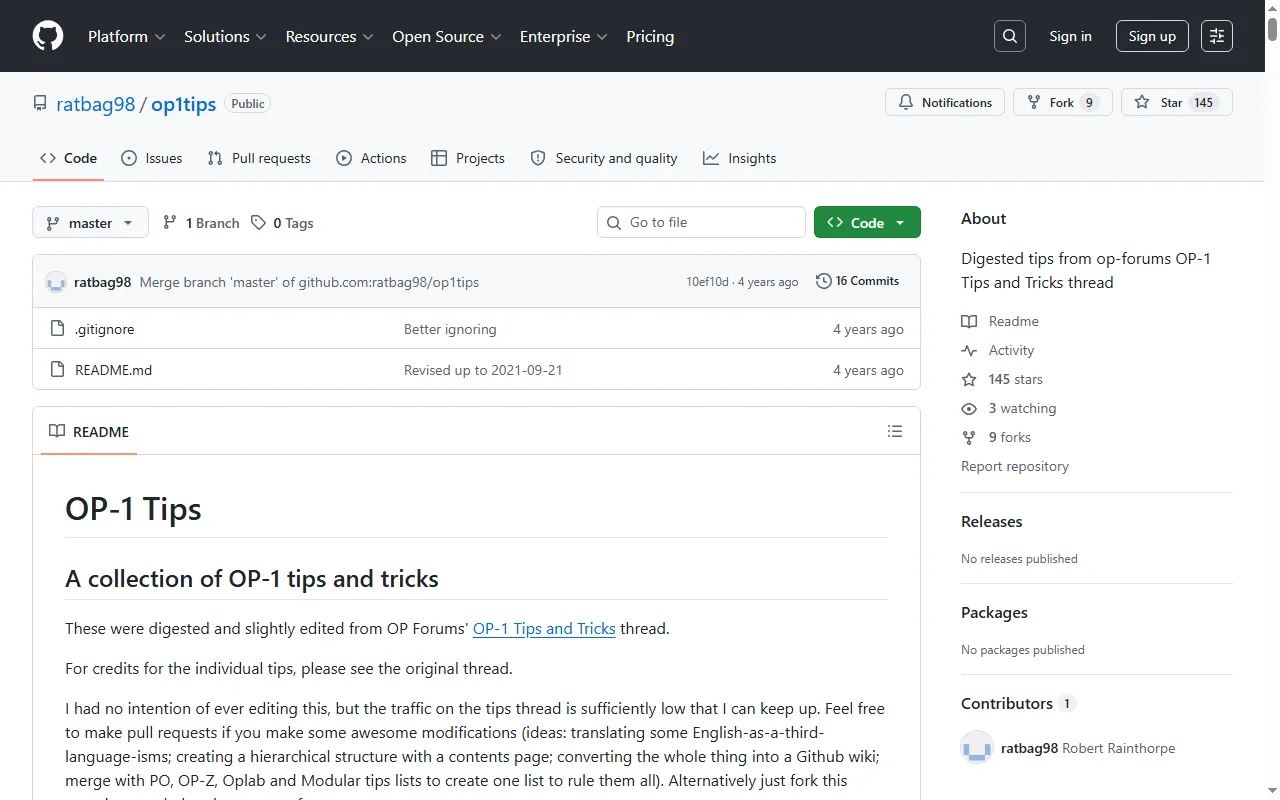
OP-1 Tips (op1tips)
A meticulously collected list of OP-1 tips and tricks
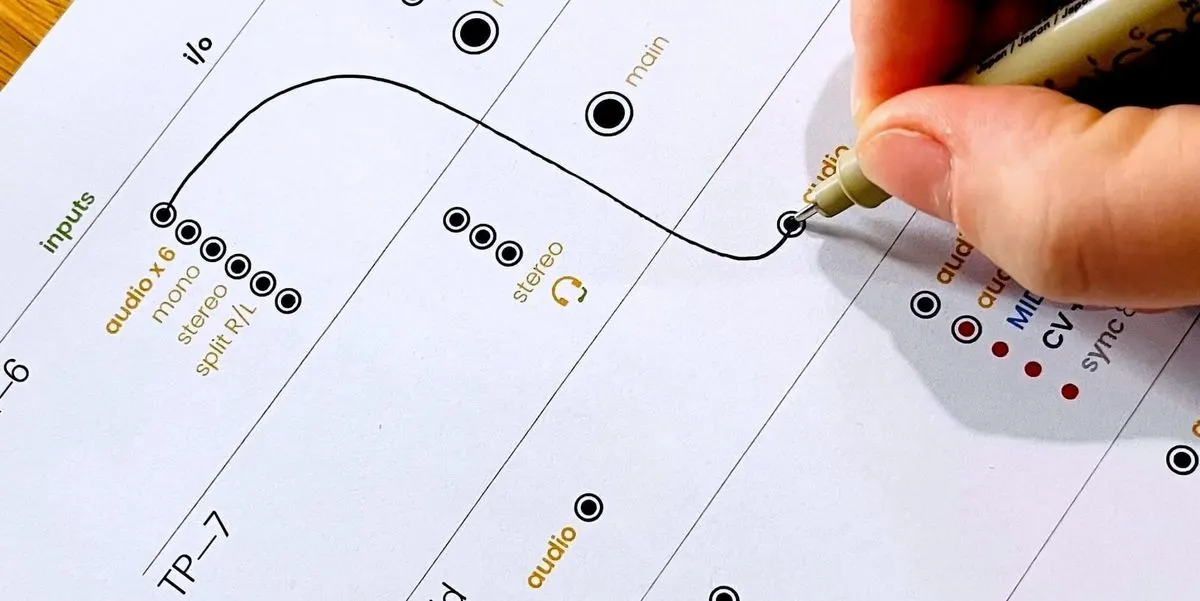
Teenage Engineering Connection Cheat Sheets
Printable I/O worksheets for planning how to wire TE gear together
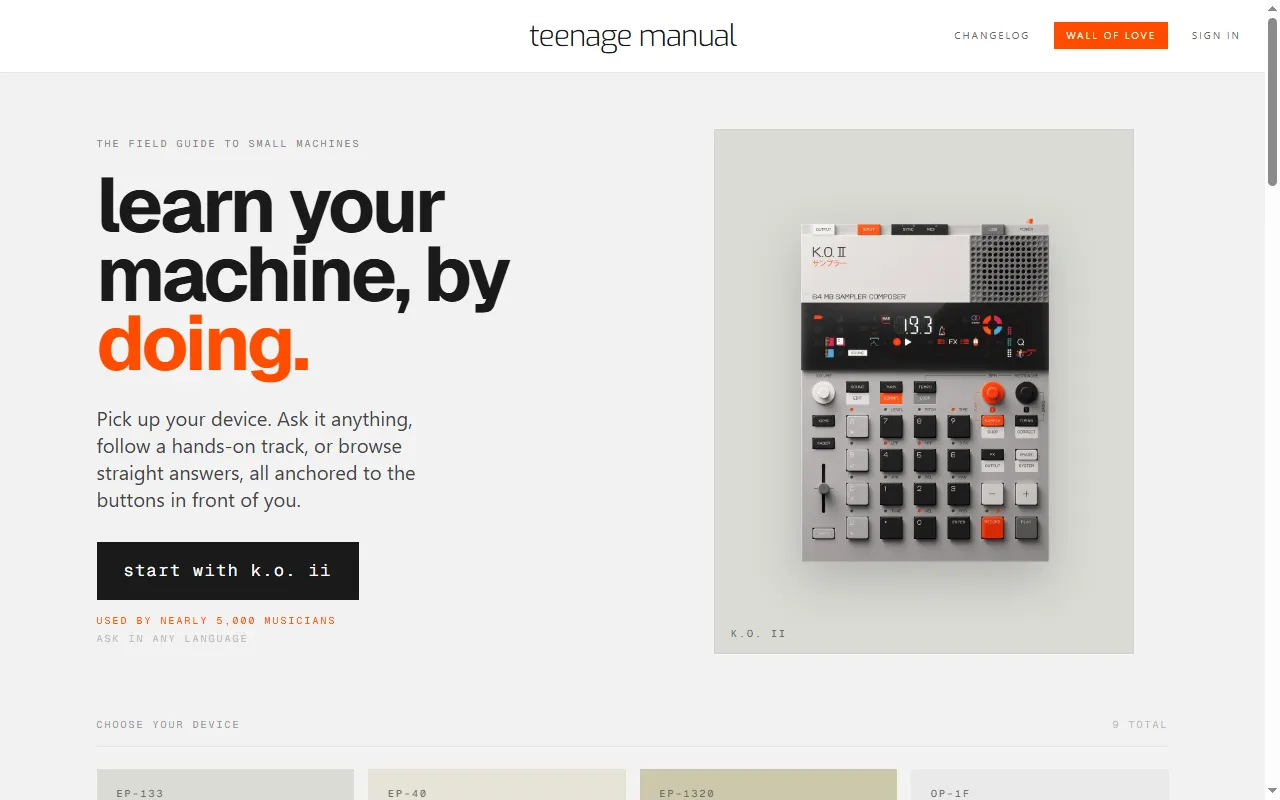
teenage manual
Interactive manuals and an ask-anything assistant for TE devices
Accessories & 3D Prints
All accessories & 3d prints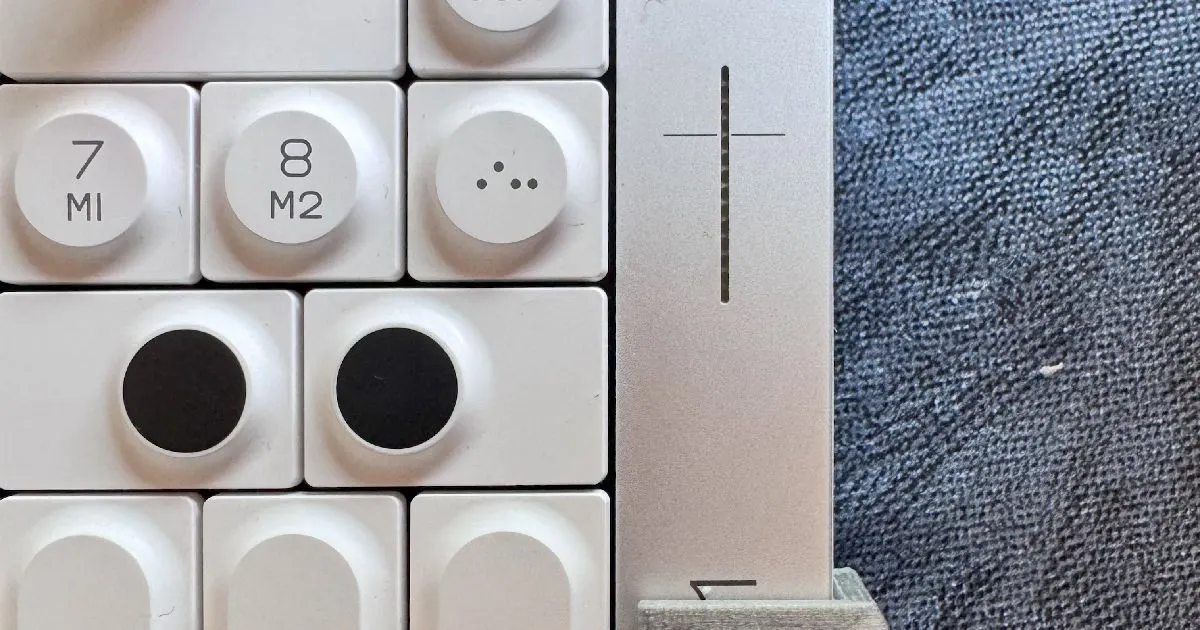
OP-1 Field Switch Guard
3D-printable guard for the OP-1 field's power/charge switch
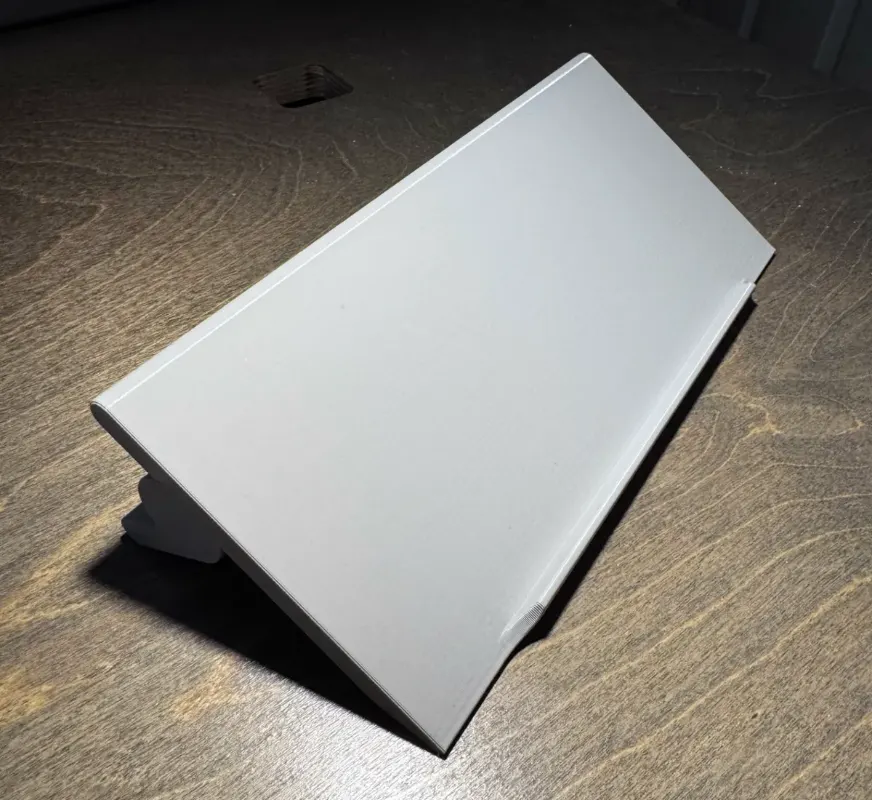
OP-1 / OP-1 field / OP-XY Stand
One 3D-printable stand that fits the OP-1, OP-1 field, and OP-XY
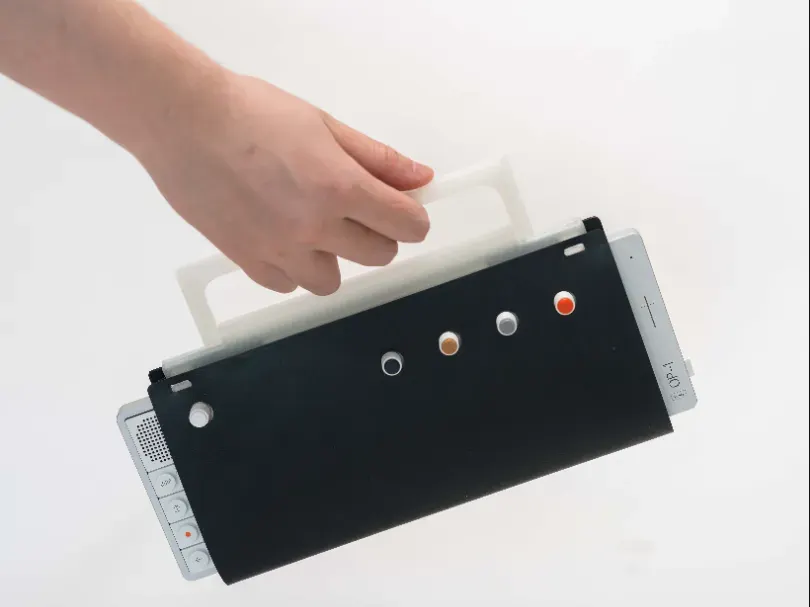
Soft Wrap for OP-1 field & OP-XY
Printable TPU soft wrap for the OP-1 field and OP-XY, modelled on TE's leather wrap
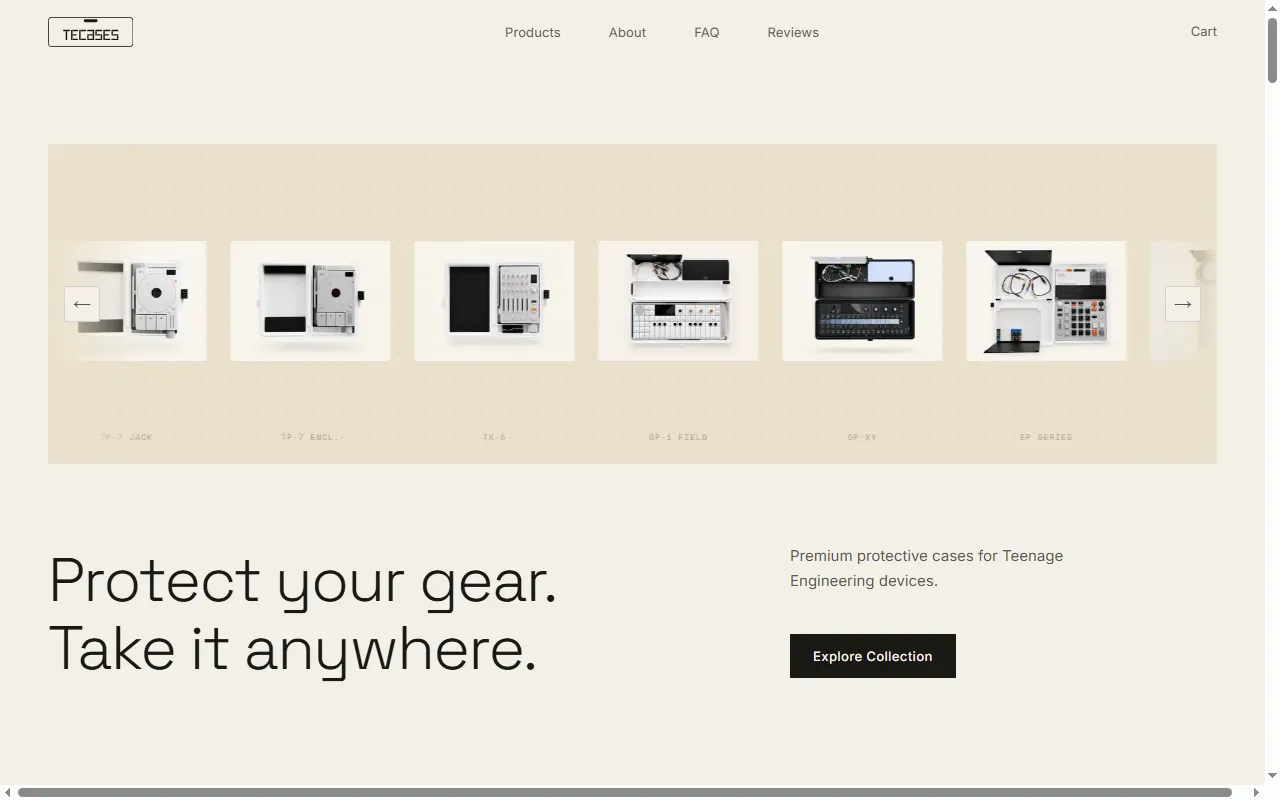
TEcases
Precision-fit protective cases for the Teenage Engineering lineup
Player & Companion Apps
All player & companion apps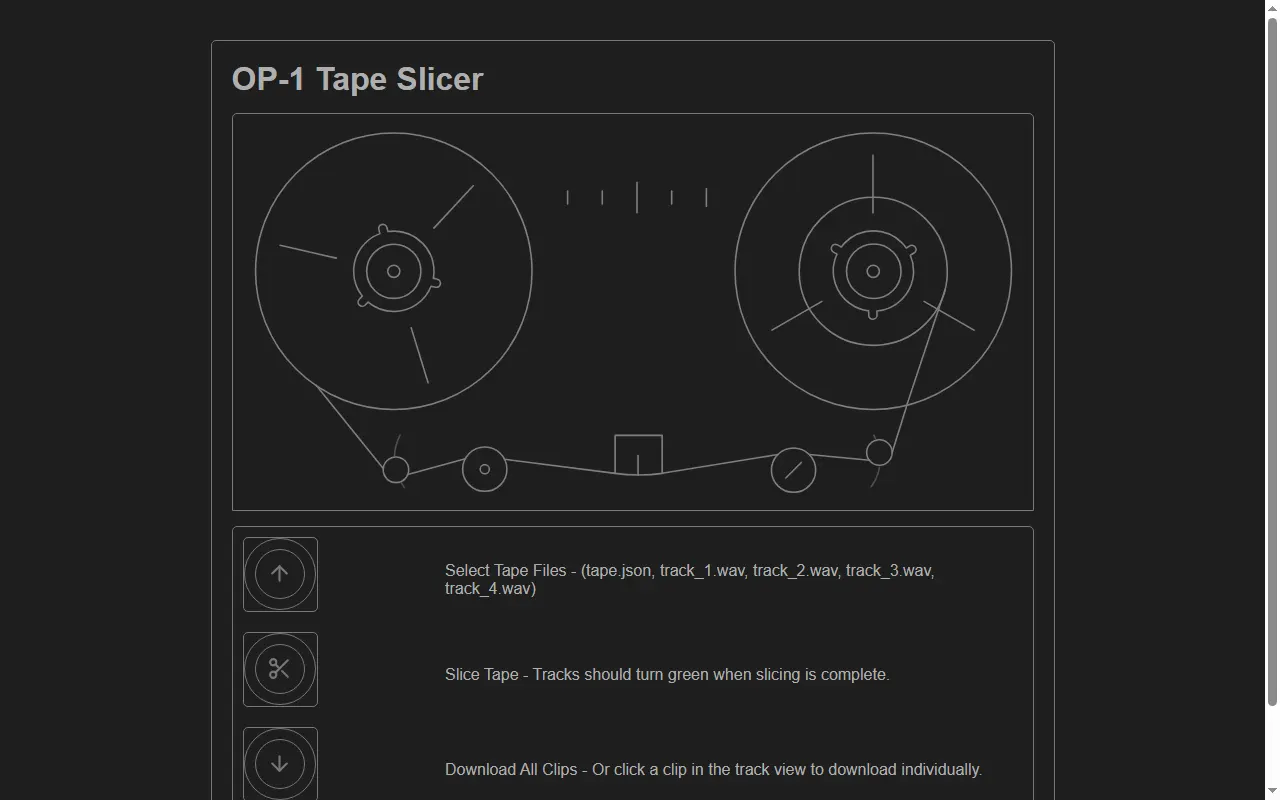
OP-1 Tape Slicer
Web app that cuts an OP-1 field tape backup into per-clip audio files for a DAW
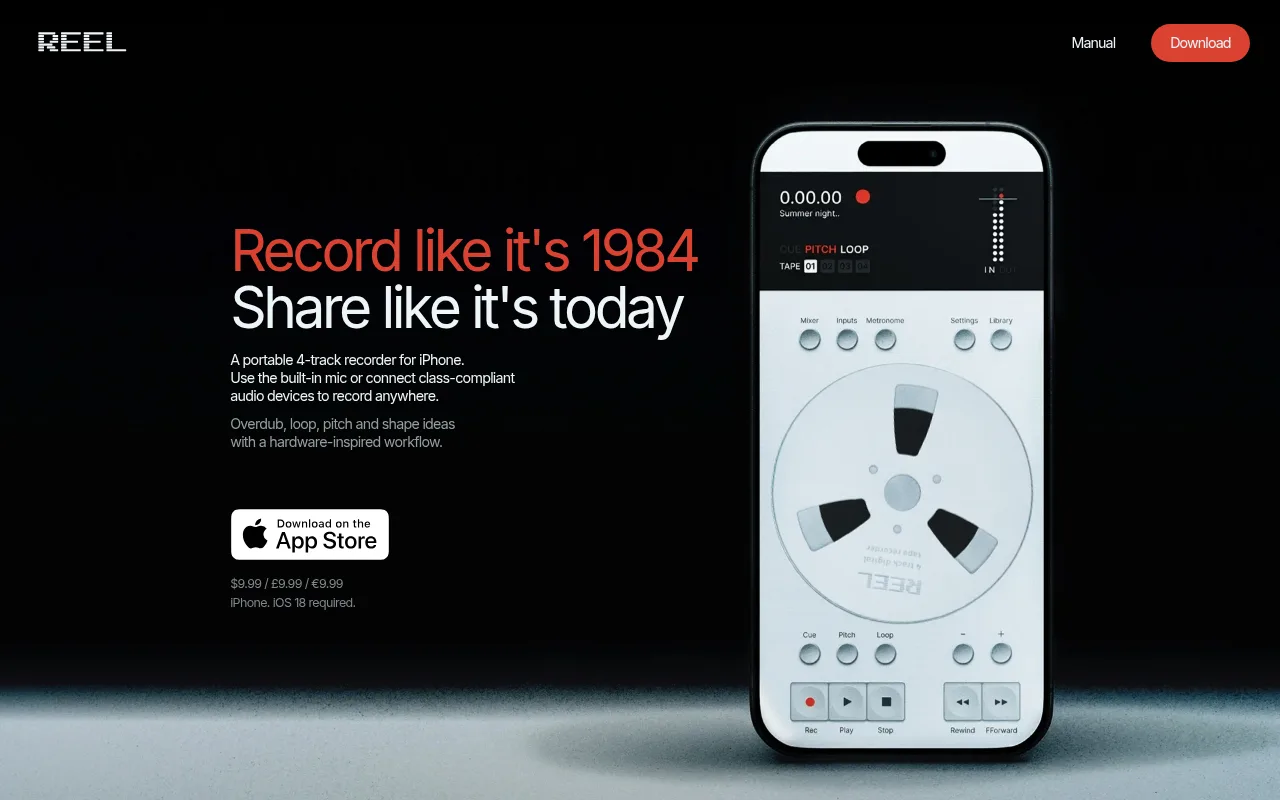
Reels
A multitrack recording companion app for Teenage Engineering gear
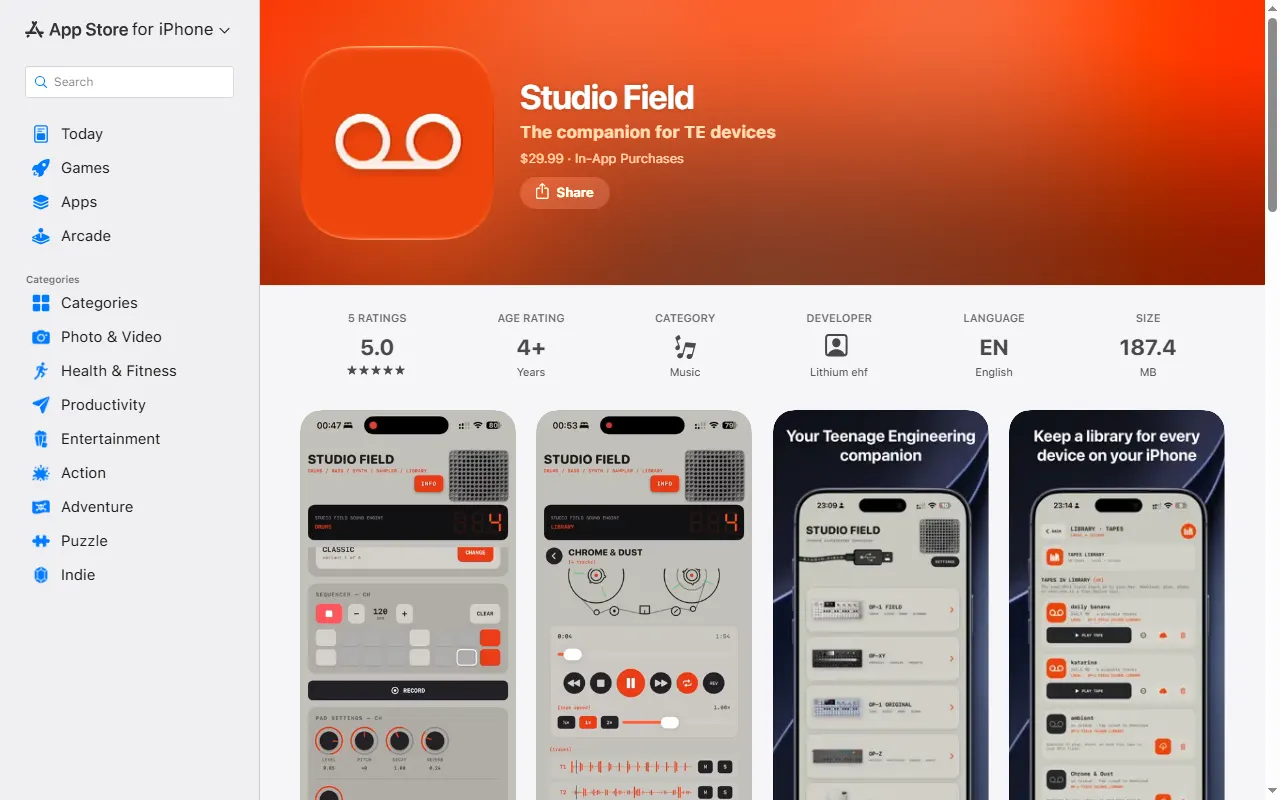
Studio Field
Backup, file-transfer and content manager for TE devices on Mac, iPhone/iPad and Android
Stem & Sample Sourcing
All stem & sample sourcing
Community Hubs
All community hubs
OP-1 field questions, answered
All 25 FAQsWhat should I check when buying an OP-XY or OP-1 field second-hand?
Beyond the usual marketplace caution (use buyer protection on Reverb/eBay, beware too-good-to-be-true deals and stolen units), test the things that are expensive to fix. Exercise every key and encoder for dead spots or crackle, check the screen for dead pixels, try the headphone and line jacks, and confirm it charges and holds a charge. Make sure it powers on, takes a firmware update, and isn't iCloud/account-locked or reported lost. New units come with a warranty, which is worth weighing against the second-hand saving.
How do I clock-sync a TX-6, OP-1 field, EP-133 K.O. IIs, and Pocket Operators for live performance?
Pick one master clock and split your gear into two sync worlds. The OP-1 field and the K.O. IIs speak MIDI clock, so run MIDI/USB from your master (the TX-6 works well as the hub) to those devices and set them to follow external clock. Pocket Operators don't do MIDI — they sync to an audio click on the left channel, so feed them a sync signal from a PO set to send sync, a dedicated sync box, or a MIDI-to-audio-sync converter, and chain the POs from there. Decide up front whether your MIDI master or your PO chain is the timing reference and derive the other from it, so everything starts from one tempo.
How do I plug a guitar into the OP-1 field (to use the Amp)?
You can go straight in — no preamp needed. Use a TS (mono) cable from the guitar with a 1/4" (6.3mm) to 3.5mm adapter (or a dedicated guitar-to-3.5mm converter cable) into the OP-1 field's line input, then open the input page and pick the Amp input effect that arrived with the recent firmware. From there you can dial in gain and tone and record straight to tape. A passive guitar's level is a bit low, so push the input/amp gain to taste.
First groovebox for synth-heavy music (e.g. synthwave): EP-133 K.O. II, EP-40 Riddim, or OP-1 field?
It comes down to samplers vs a synth. The EP-133 K.O. II and EP-40 Riddim are samplers — fantastic, affordable, and flexible, but they make synth sounds by you sampling or importing them rather than synthesising in the box. The OP-1 field has real synth engines built in, so if rich, tweakable synth tones are central to your sound it gets you there directly (at a much higher price). A common path is to start on a K.O. II to learn sampling and sequencing cheaply, then add an OP-1 field later if you find you want hands-on synthesis.
Can the OP-1 send audio wirelessly over Bluetooth to a speaker?
No — neither the OP-1 nor the OP-1 field has Bluetooth audio output. The only built-in wireless option is the original OP-1's FM radio transmitter, which is noisy and not really meant for clean listening. For good sound, use a wired connection from the headphone/line output, or on the OP-1 field send audio over USB-C to a computer or interface. If you specifically want Bluetooth, run the wired output into a small Bluetooth transmitter.
Do I really need both a case and a Decksaver for the OP-1 field?
They solve different problems, so it's not redundant — but you rarely need both. A Decksaver is a fitted hard lid that clips over the keys and knobs to protect the top surface on a desk or loose in a bag; a case or sleeve protects the whole unit in transit. If you mostly carry it in a padded bag, a Decksaver plus that bag is plenty. If it gets thrown around, a proper hard case (the Analog Cases one is a popular OP-1 field pick) can replace the need for a separate Decksaver.