Device guide
Pocket Operators: tools, mods & resources
Community-made software, firmware mods, accessories, guides, and answered questions for the Teenage Engineering Pocket Operators (also known as PO, Pocket Operator).
Guides & Cheatsheets
All guides & cheatsheets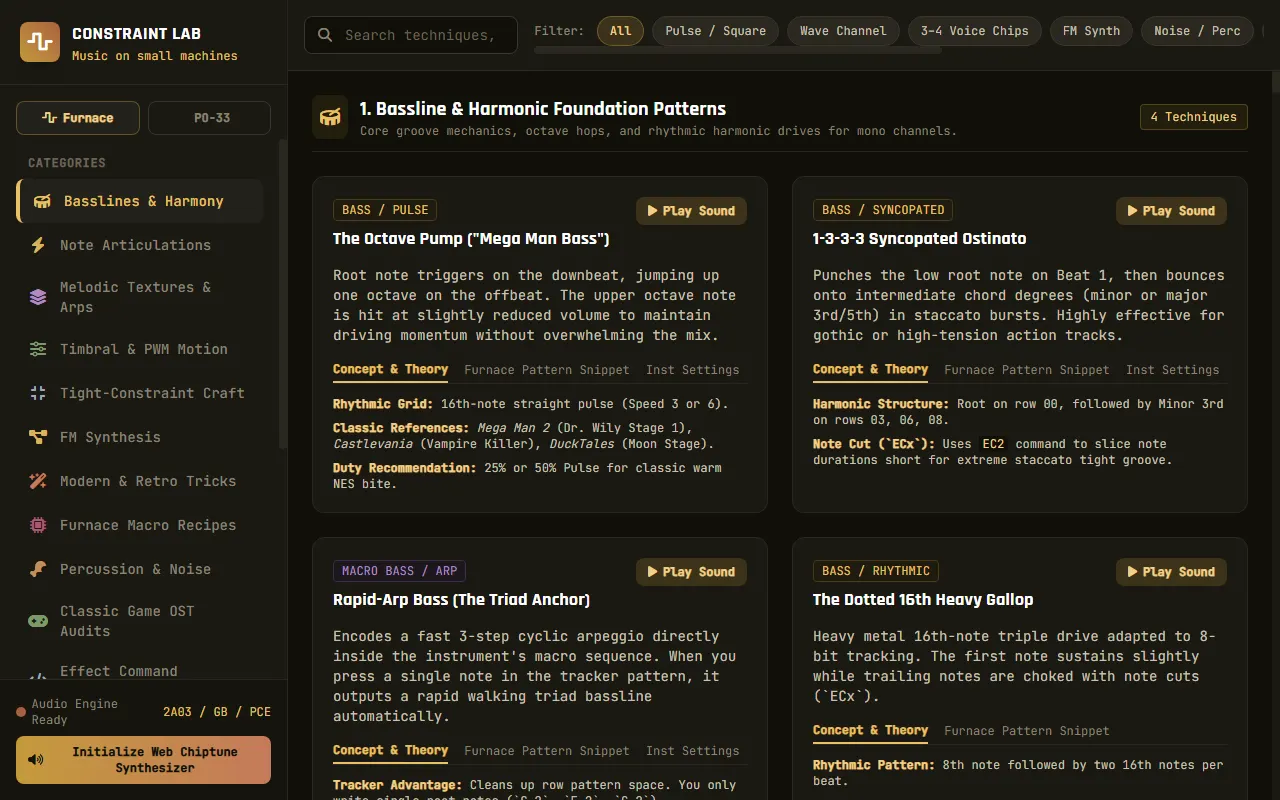
Constraint Lab (PO-33 technique reference)
Playable, categorised technique reference for making music on the PO-33 K.O!
Hacking the PO
Teardown reference of the Pocket Operator board: chips, parts and test pads
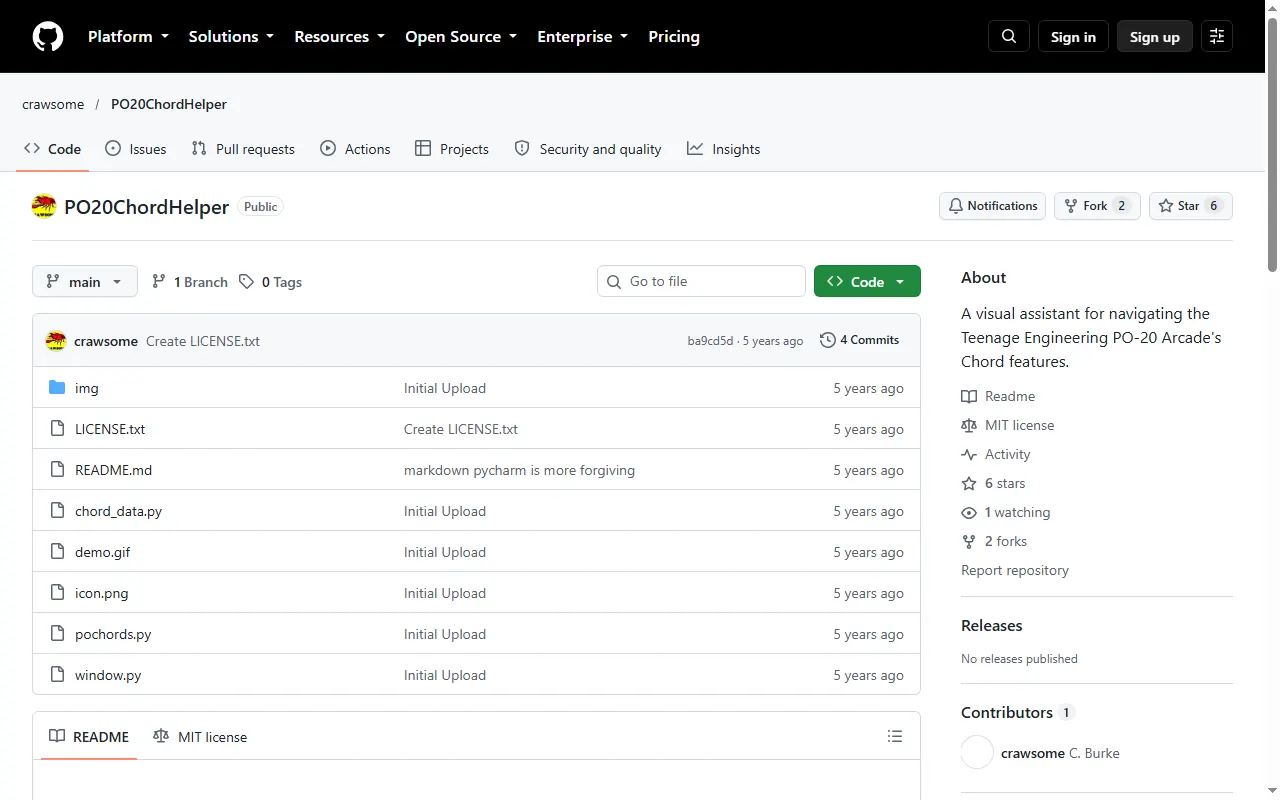
PO-20 Chord Helper
Visual guide to the PO-20 Arcade's built-in chord network, for learning progressions
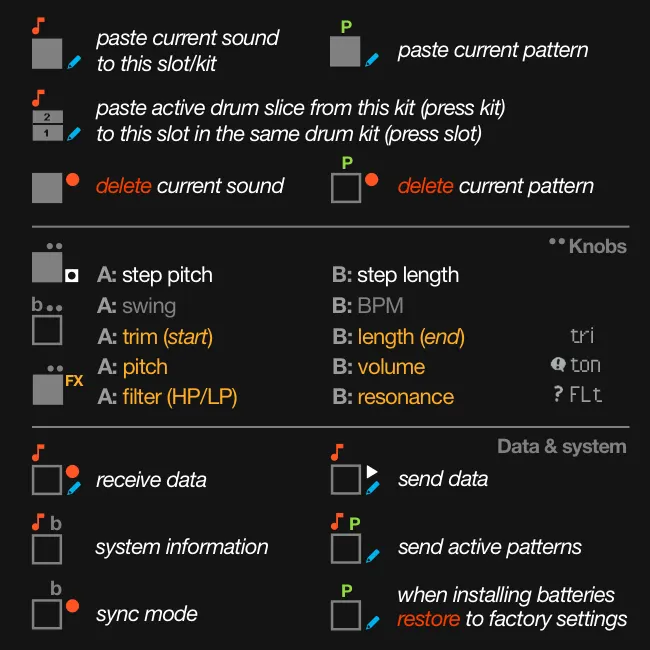
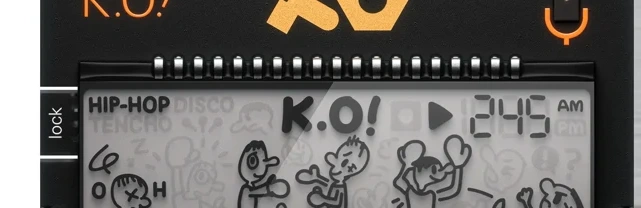
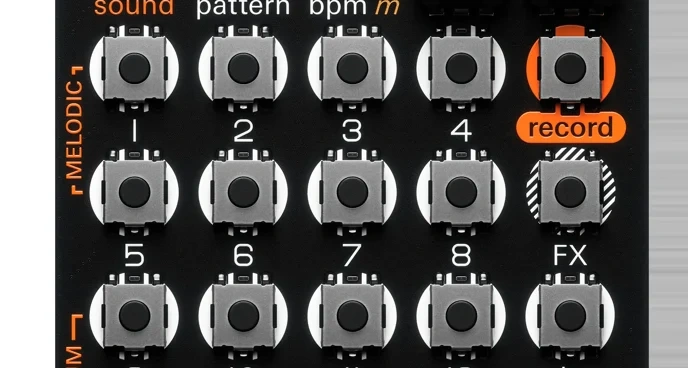
PO-33 K.O! Cheat Sheet
Quick-reference key combos for the PO-33 K.O! sampler
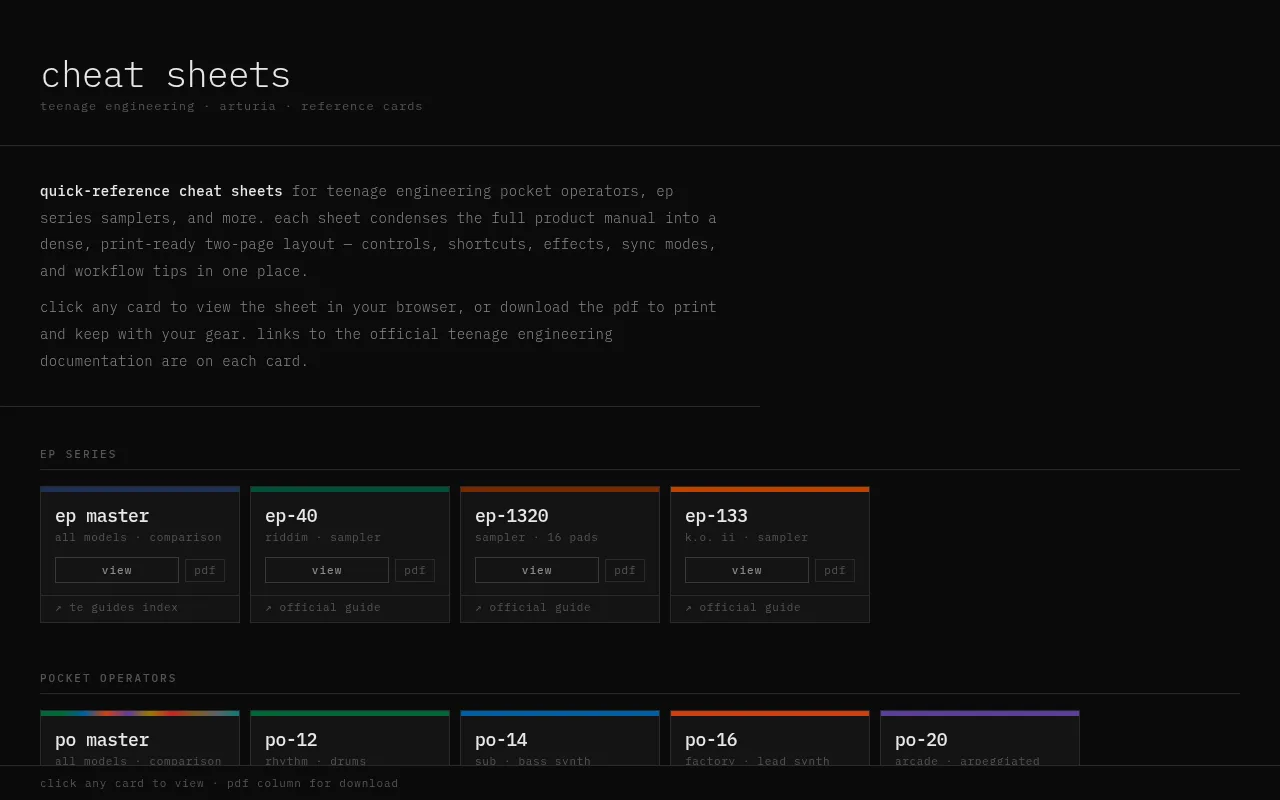
PO & EP Cheat Sheets
Printable cheat sheets for the Pocket Operator and EP series
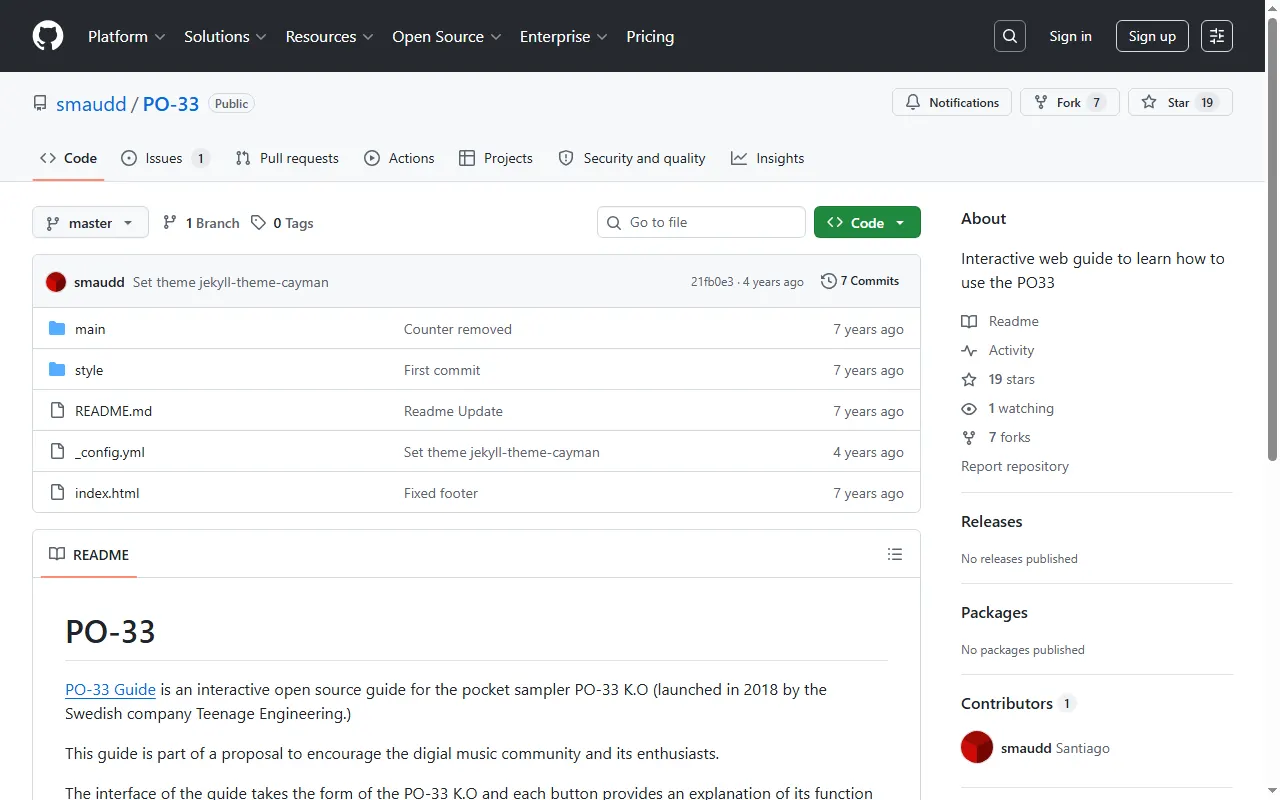
PO-33 Interactive Guide
Learn the PO-33 K.O! with a clickable, interactive web guide
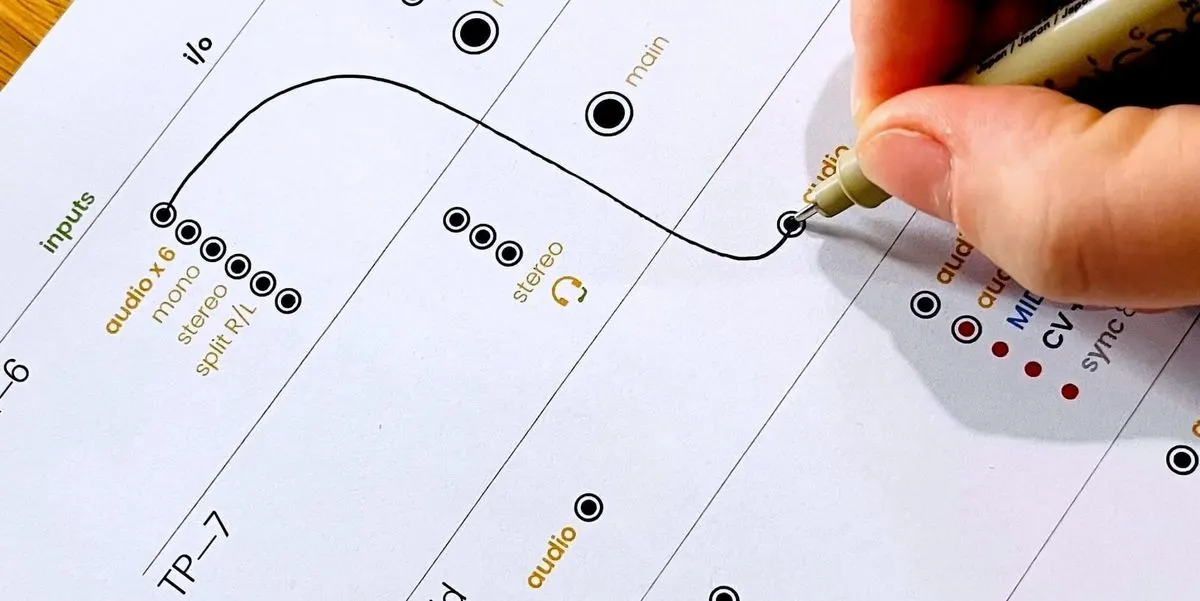
Teenage Engineering Connection Cheat Sheets
Printable I/O worksheets for planning how to wire TE gear together
MIDI Controllers & Sequencers
All midi controllers & sequencers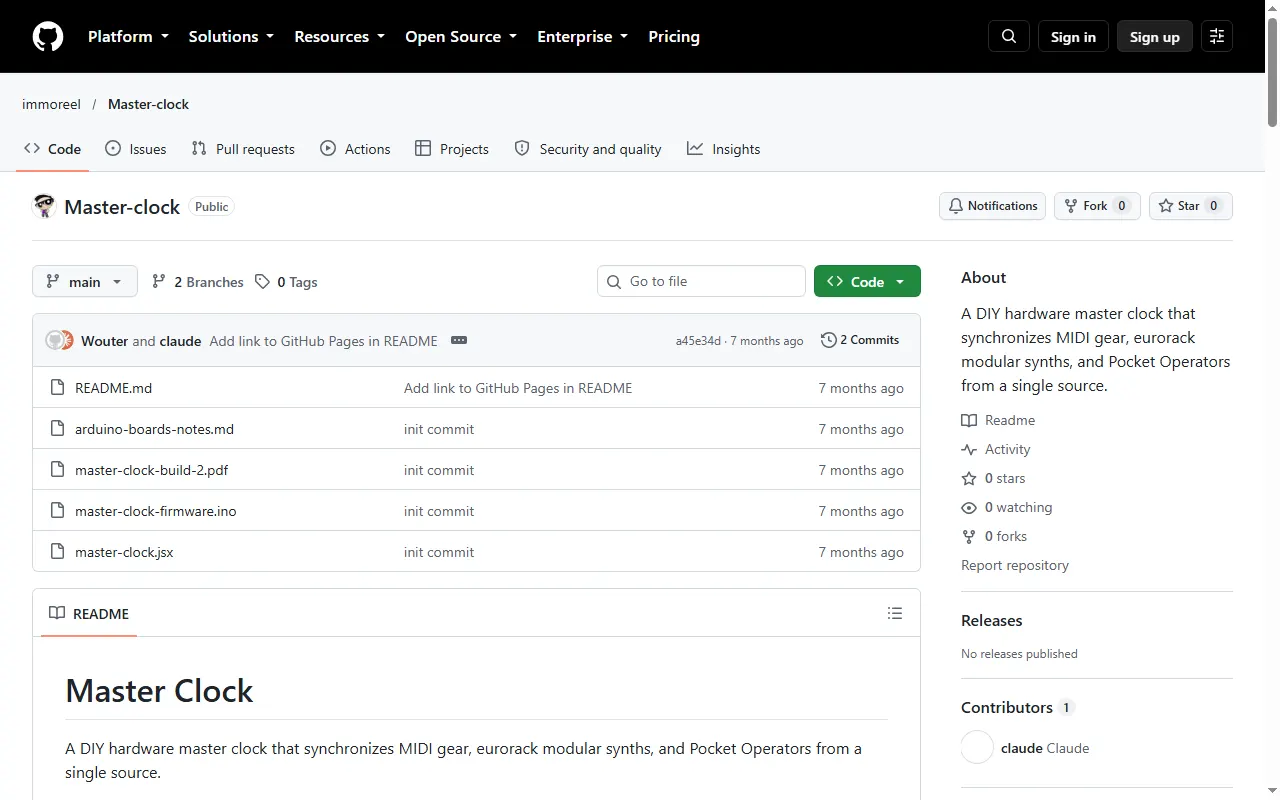
DIY Master Clock
DIY Arduino master clock that syncs MIDI gear, Eurorack and Pocket Operators
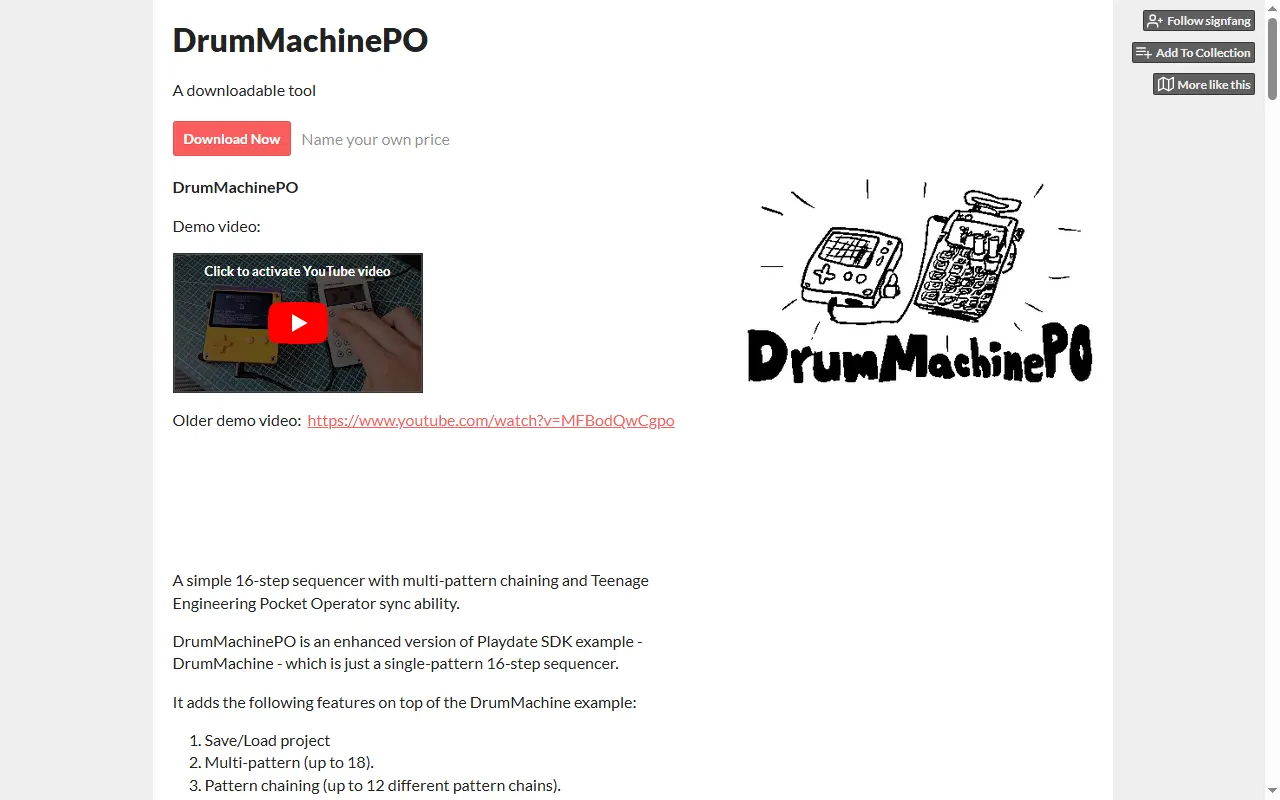
DrumMachinePO
A Playdate 16-step sequencer that syncs to Pocket Operators
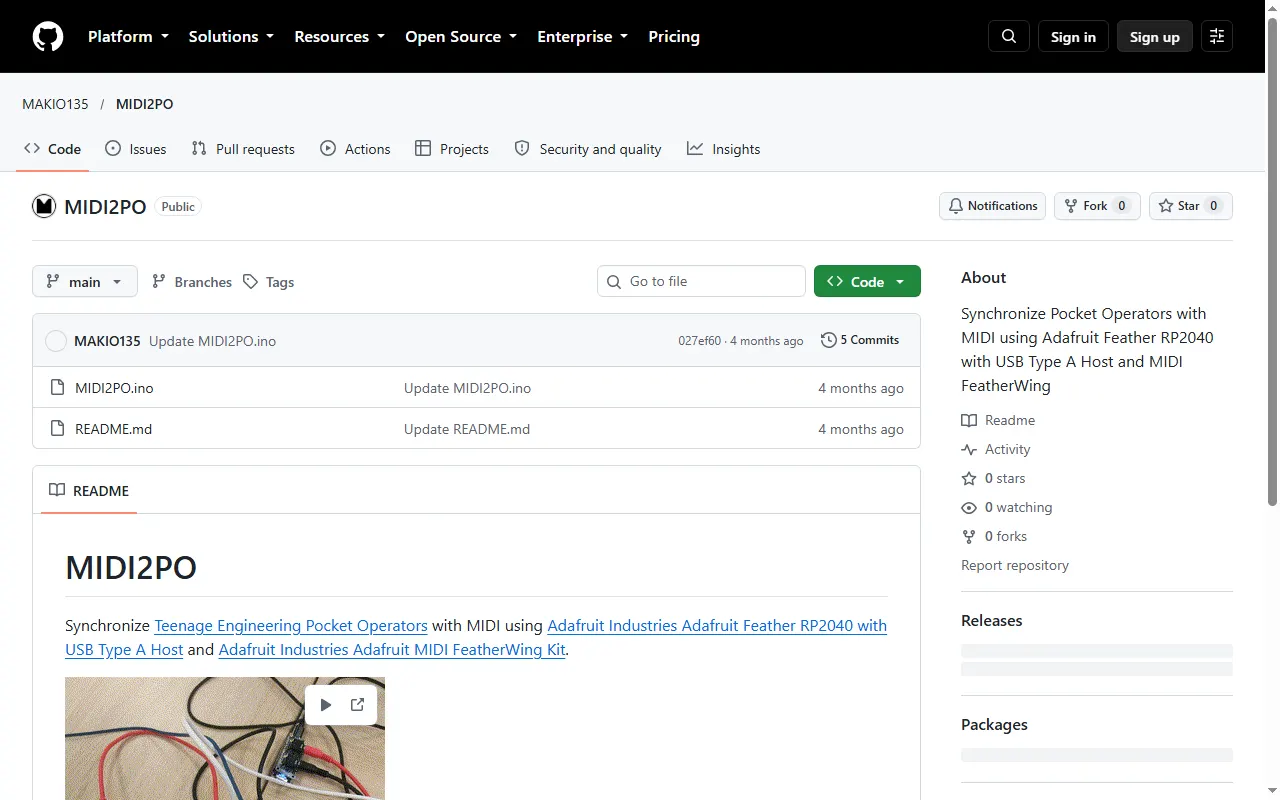
MIDI2PO
DIY Feather RP2040 build that syncs Pocket Operators from MIDI
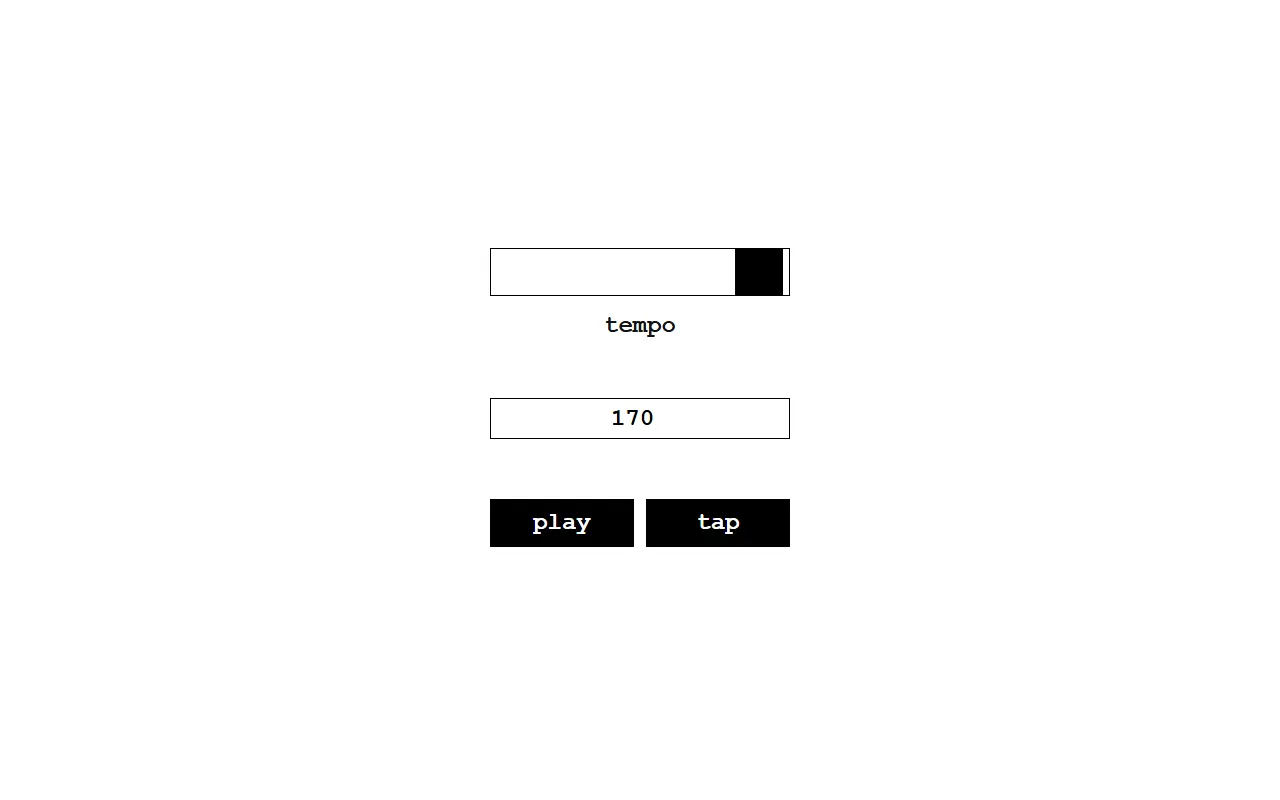
poq
Browser sync-signal generator to clock Pocket Operators
Accessories & 3D Prints
All accessories & 3d prints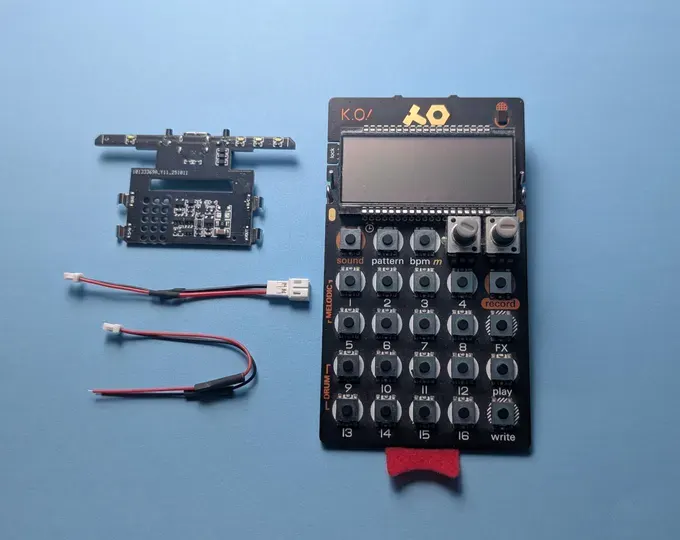
Hammerhead Pocket Operator Battery Mod
Add-on PCB that swaps a PO's AAA cells for a rechargeable lithium-ion battery
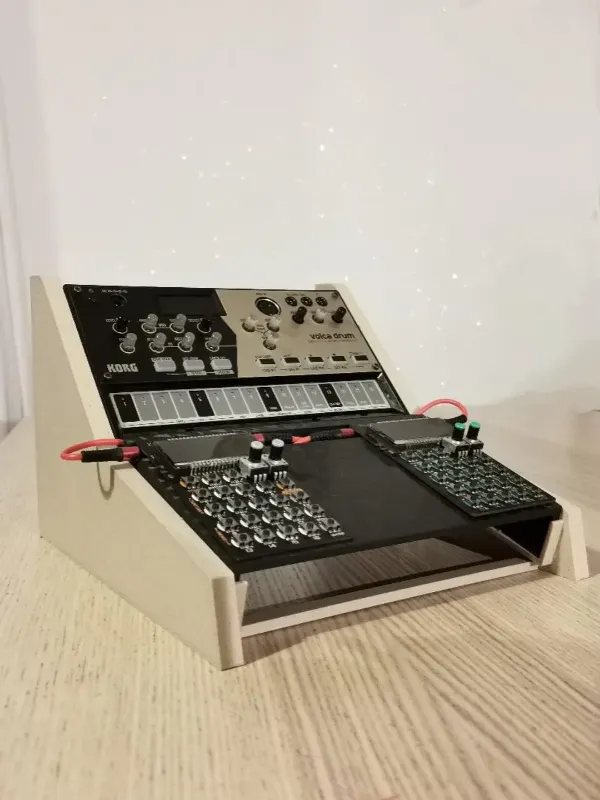
Hero Stand for Volcas and Pocket Operators
Printed angled desk stand that holds Pocket Operators (and Korg Volcas)
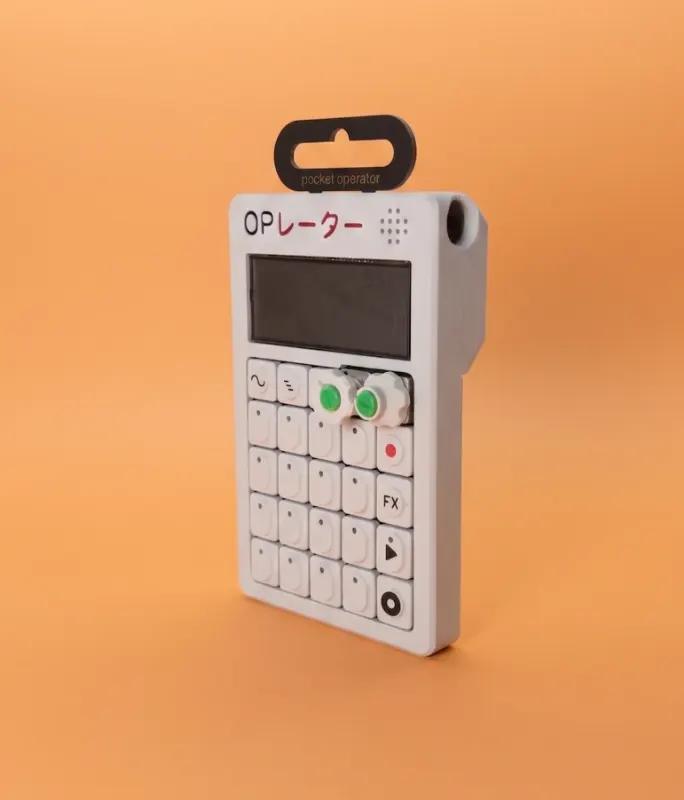
OP-Mini Pocket Operator Case (VH Makes)
Pocket Operator case styled after the OP-1, in "Classic" and "XY" looks
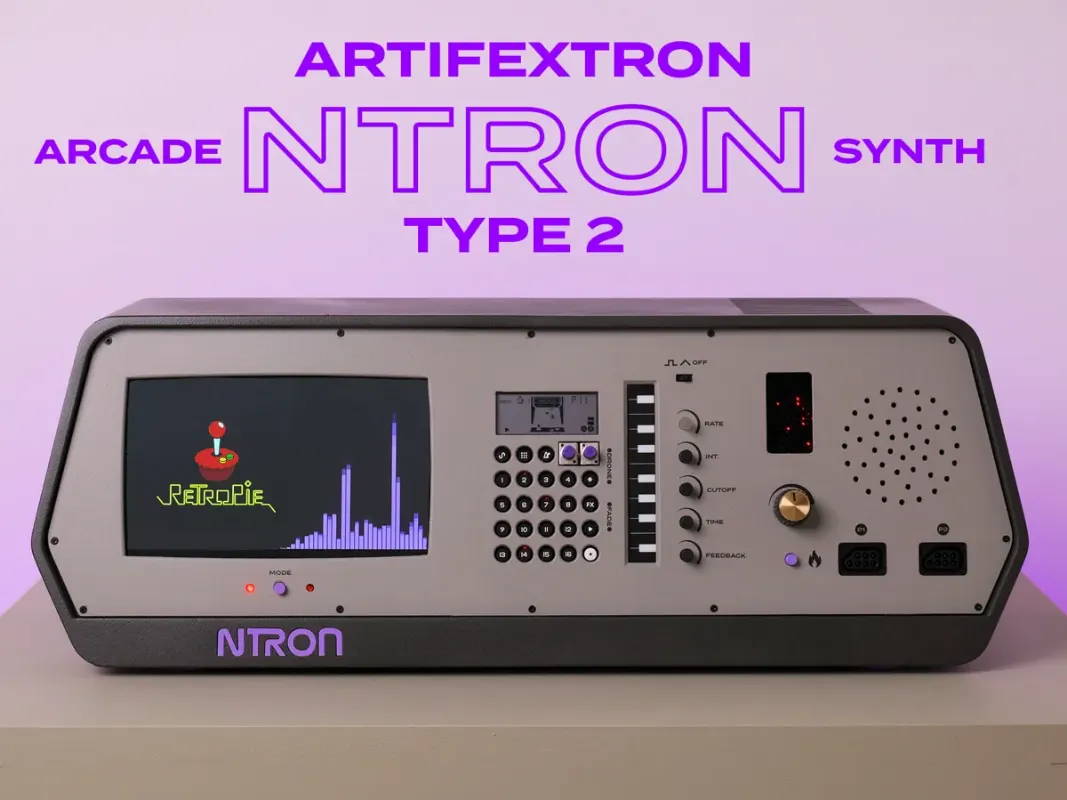
PO-20 Arcade Enclosure (Ntron Type 2)
Custom arcade-style 3D-printed enclosure for the PO-20 + Monotron Delay
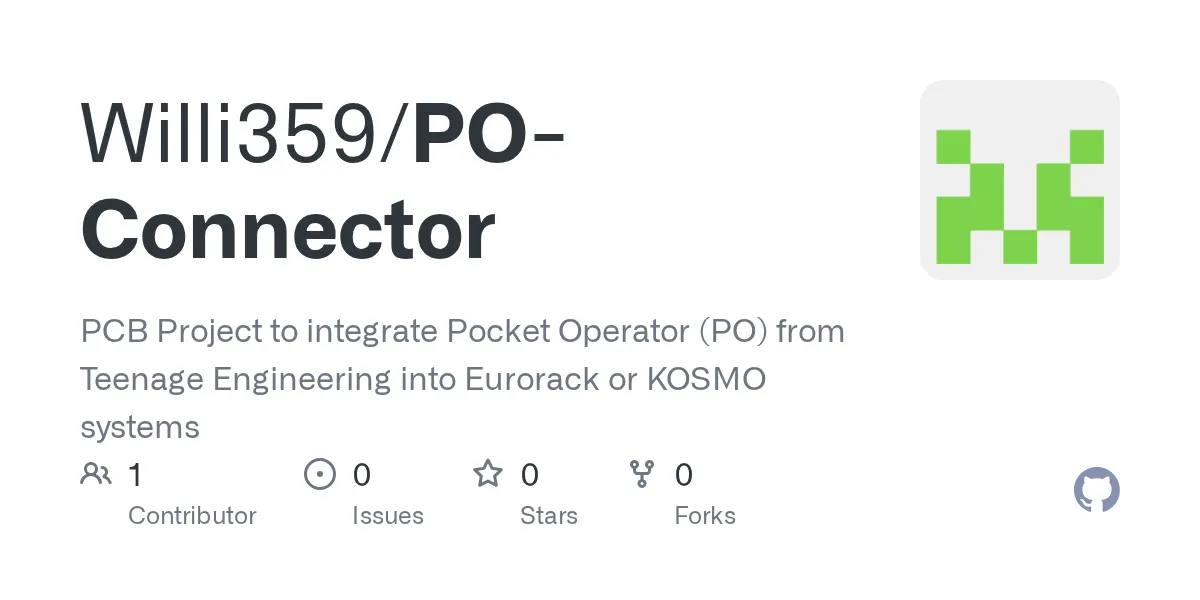
PO-Connector
PCB project for mounting a Pocket Operator in a Eurorack or Kosmo system
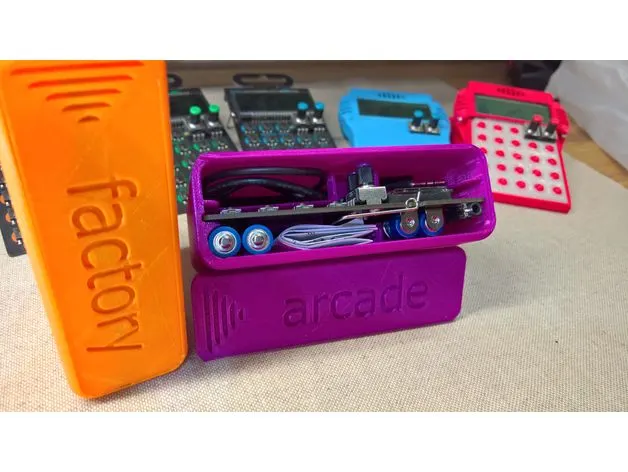
Pocket Operator Hard Case
3D-printable snap-together hard case for Pocket Operators
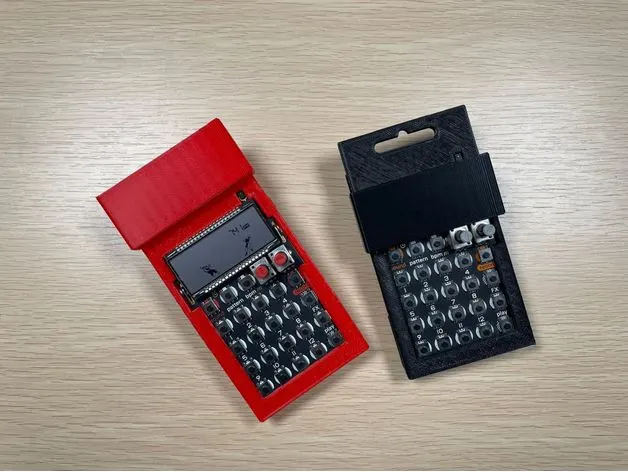
Minimalist Pocket Operator Case (tab + screen cover)
Snap-together printable PO case that keeps the hanging tab, with a sliding screen cover
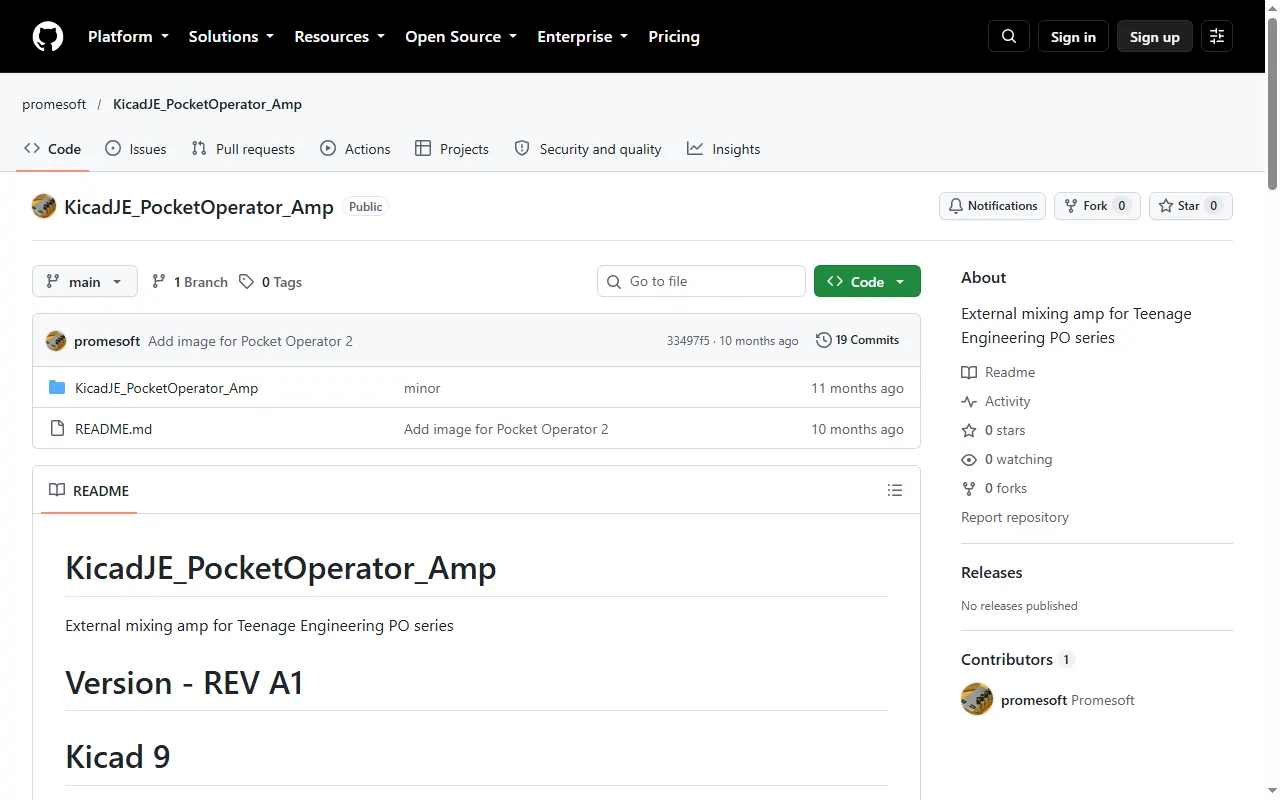
Pocket Operator Mixing Amp
KiCad design for an external mixing amp and sync distributor for Pocket Operators
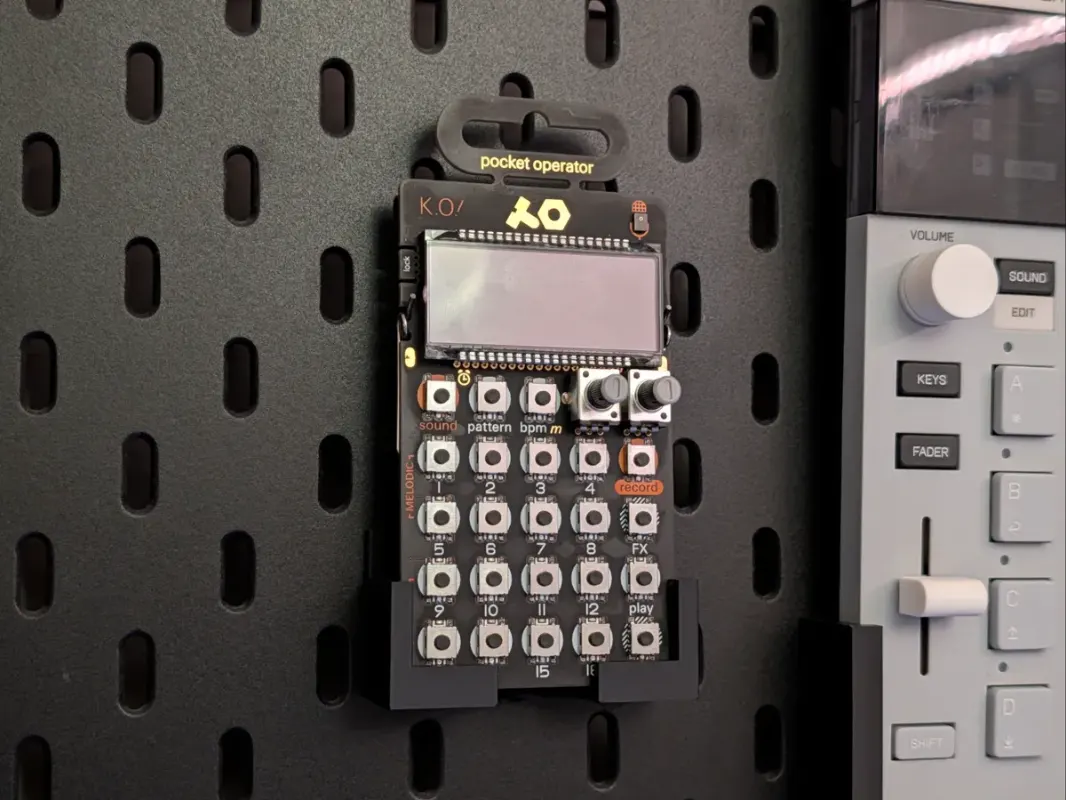
Pocket Operator Holder for IKEA Skådis
Printable pegboard mount that hangs a Pocket Operator on an IKEA Skådis board
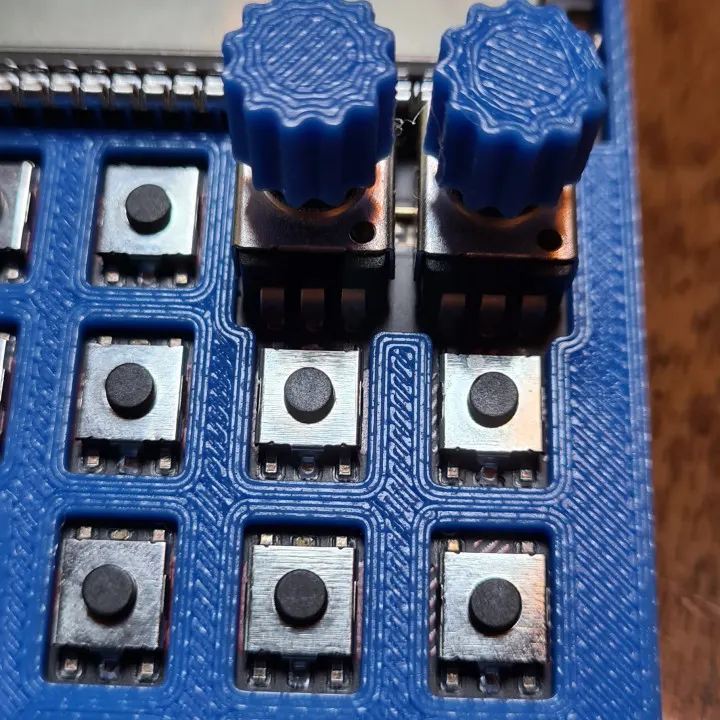
Pocket Operator Stock Pot Upgrade
Press-fit printable knob caps that make PO pots easier to turn precisely
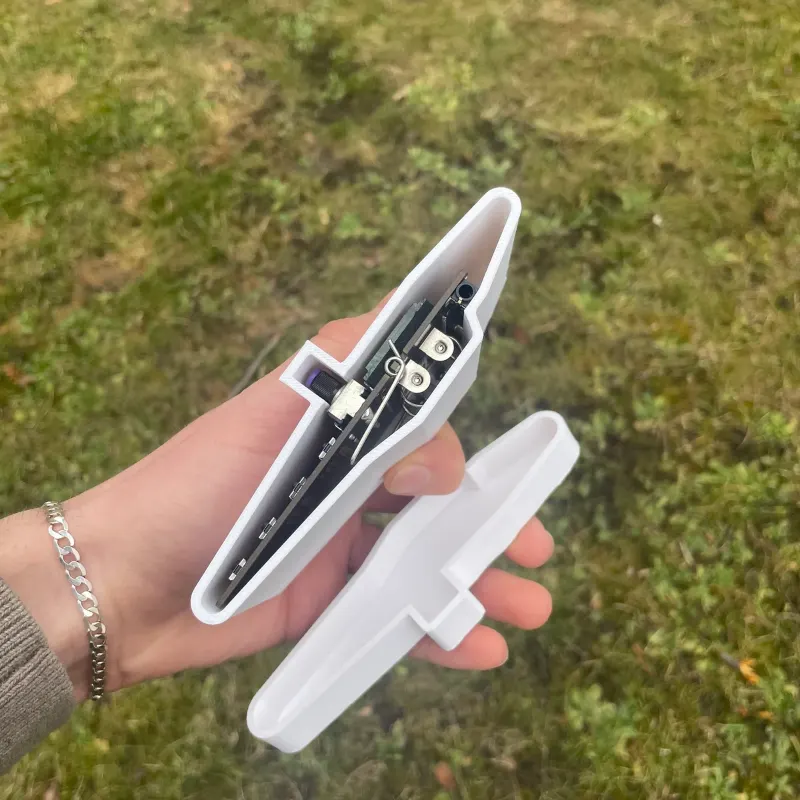
Pocket Operator Travel Case
Printed sleeve that stops a bagged Pocket Operator from switching on, tab and all
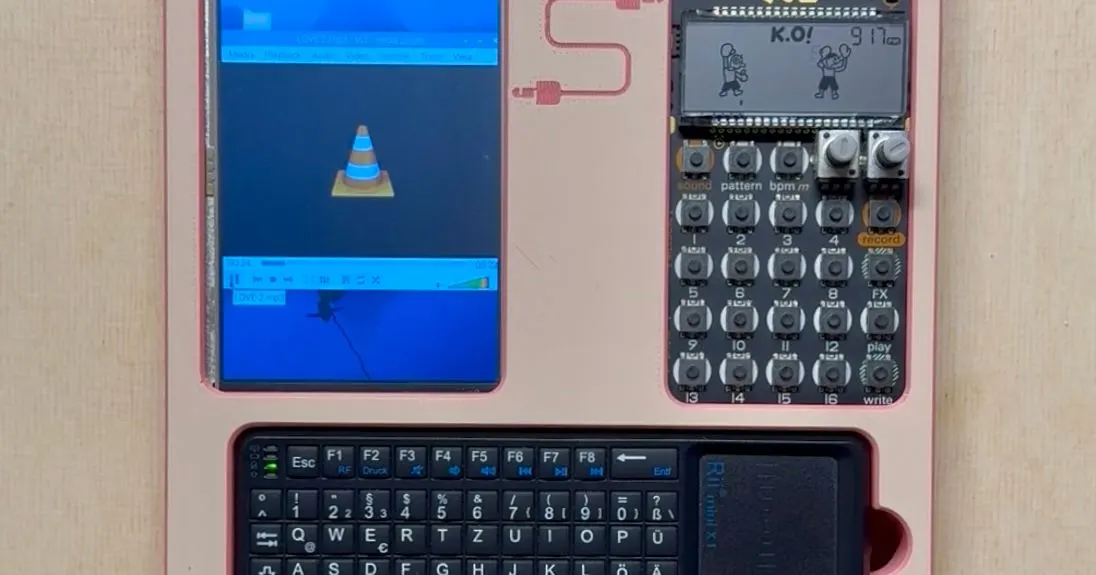
PO-33 + Raspberry Pi Sampling Case
Printable case pairing the PO-33 K.O! with a Raspberry Pi for on-the-go sampling
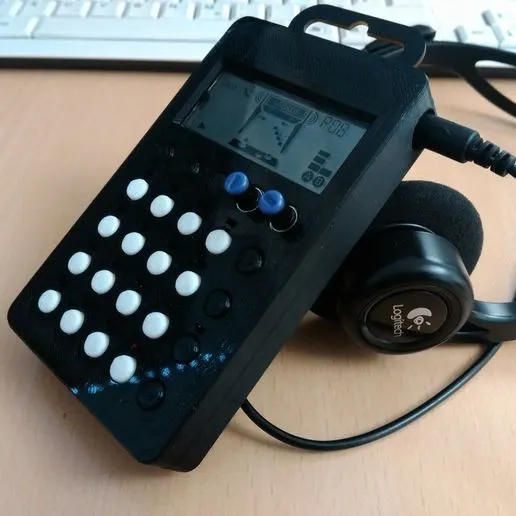
Pocket Operator Case (Cults3D)
Free 3D-printable protective case for Pocket Operators
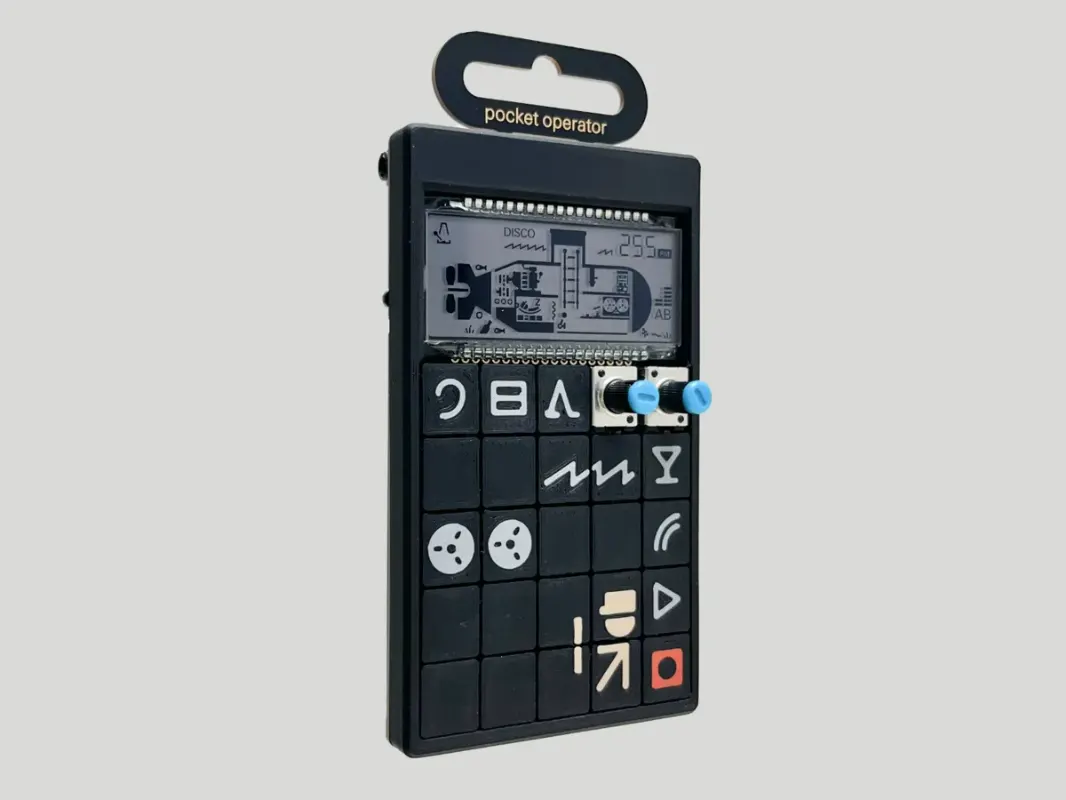
Pocket Operator Cover
Printable snap-on cover to protect a Pocket Operator
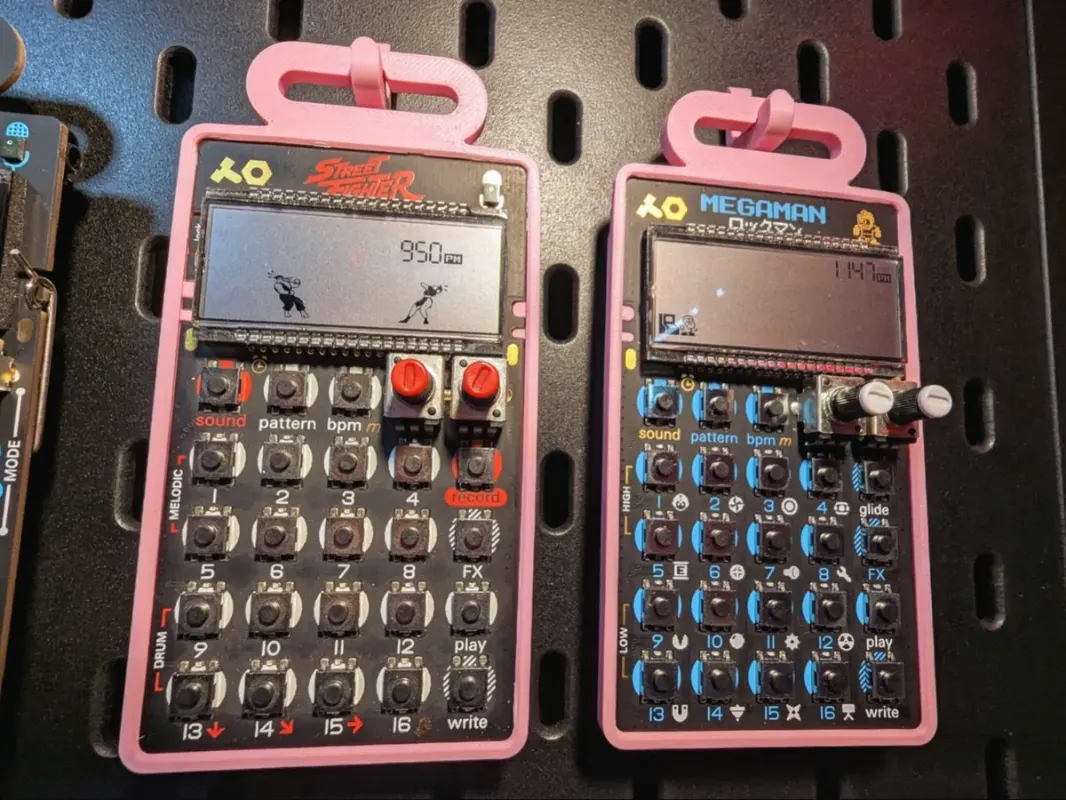
Pocket Operator Hanger
Printable wall-hanger shell to display a Pocket Operator
POM-16 Replacement Pot Attachment
Replacement potentiometer attachment for the Pocket Operator Modular 16
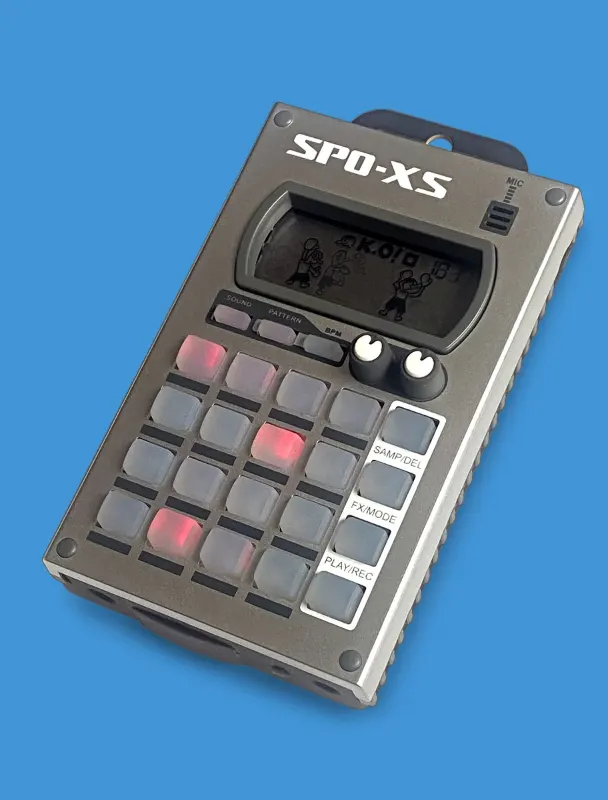
SPO-XS Case (Beat Maker's Boutique)
Plastic-and-silicone protective case that fits every Pocket Operator, tab or no tab
spongefile Vinyl Overlays & Cheat-Sheet Stickers
Printed vinyl keypad overlays and shortcut stickers for the EP series and PO-33
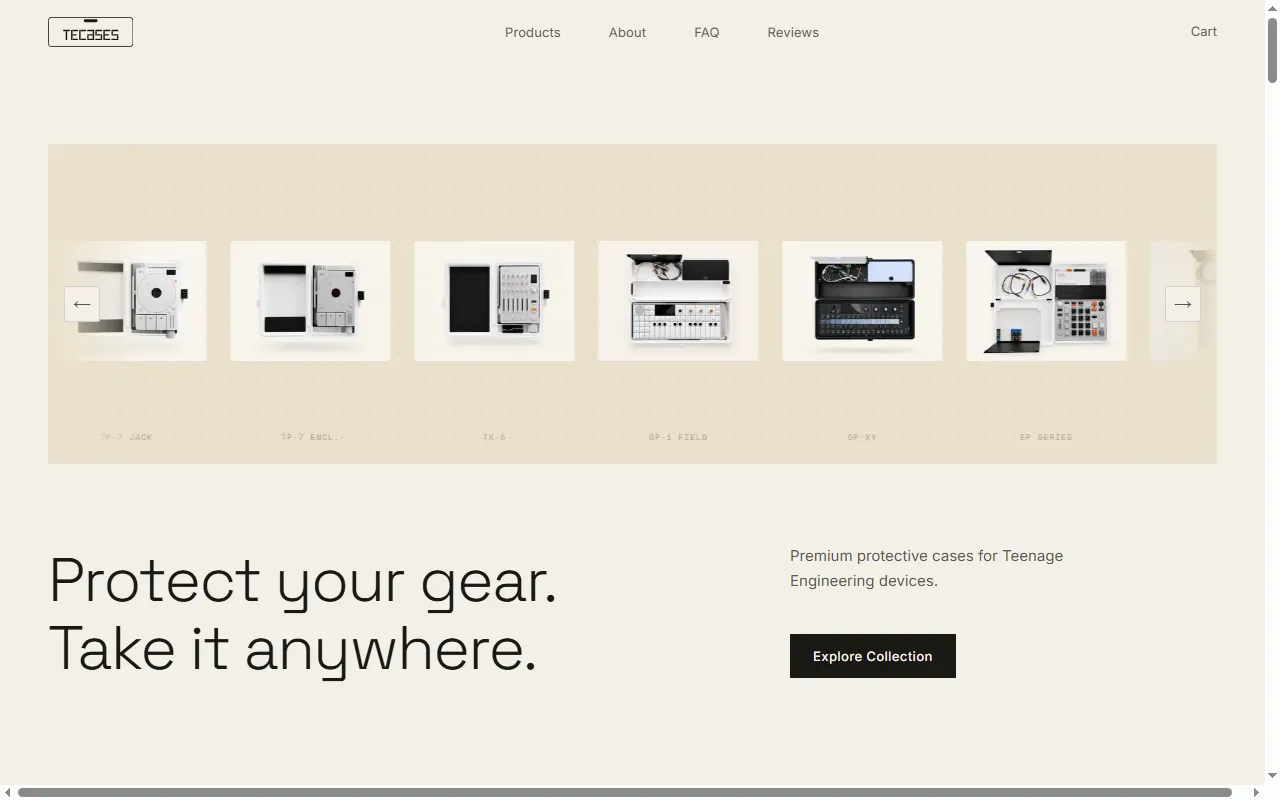
TEcases
Precision-fit protective cases for the Teenage Engineering lineup
Sample & Kit Tools
All sample & kit tools
libpo32
A C library for PO-32 acoustic data transfer and drum synthesis
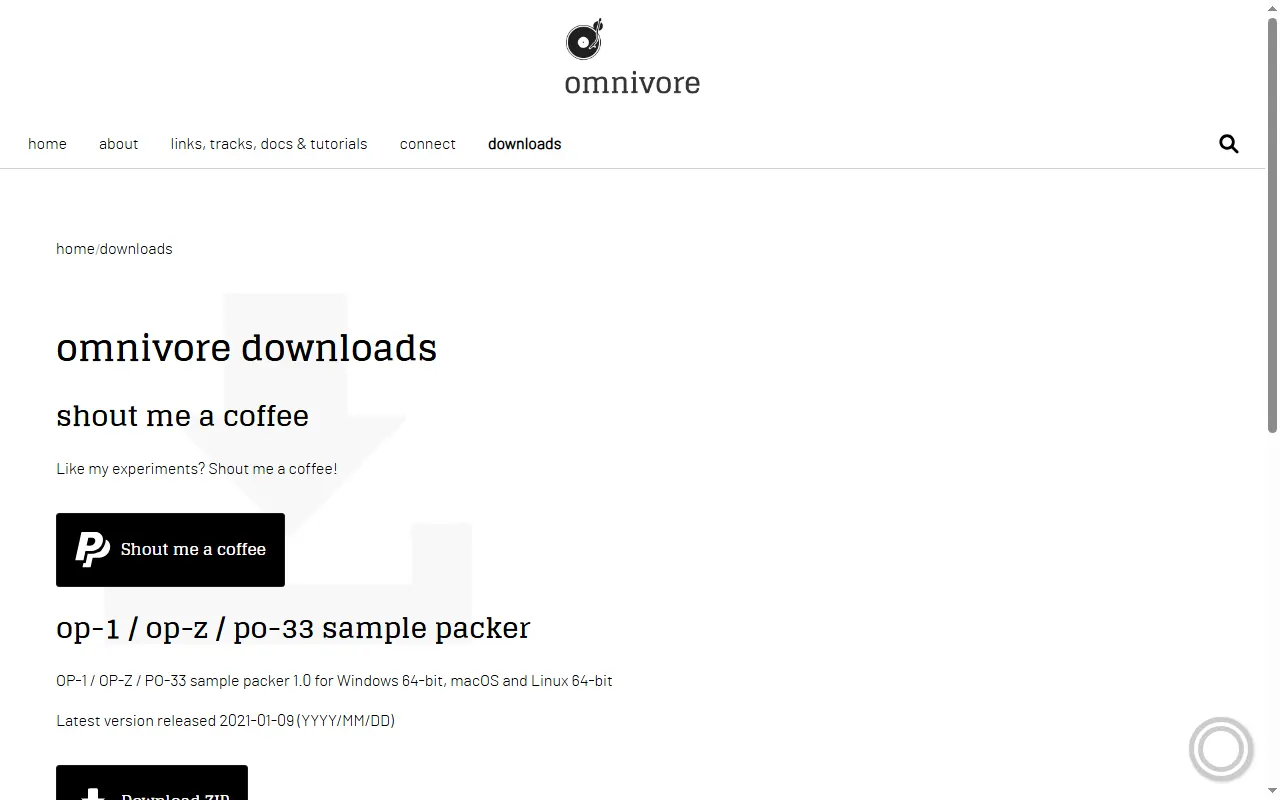
Omnivore Sample Packer
Desktop app that packs and edits sample kits for the OP-1, OP-Z and PO-33
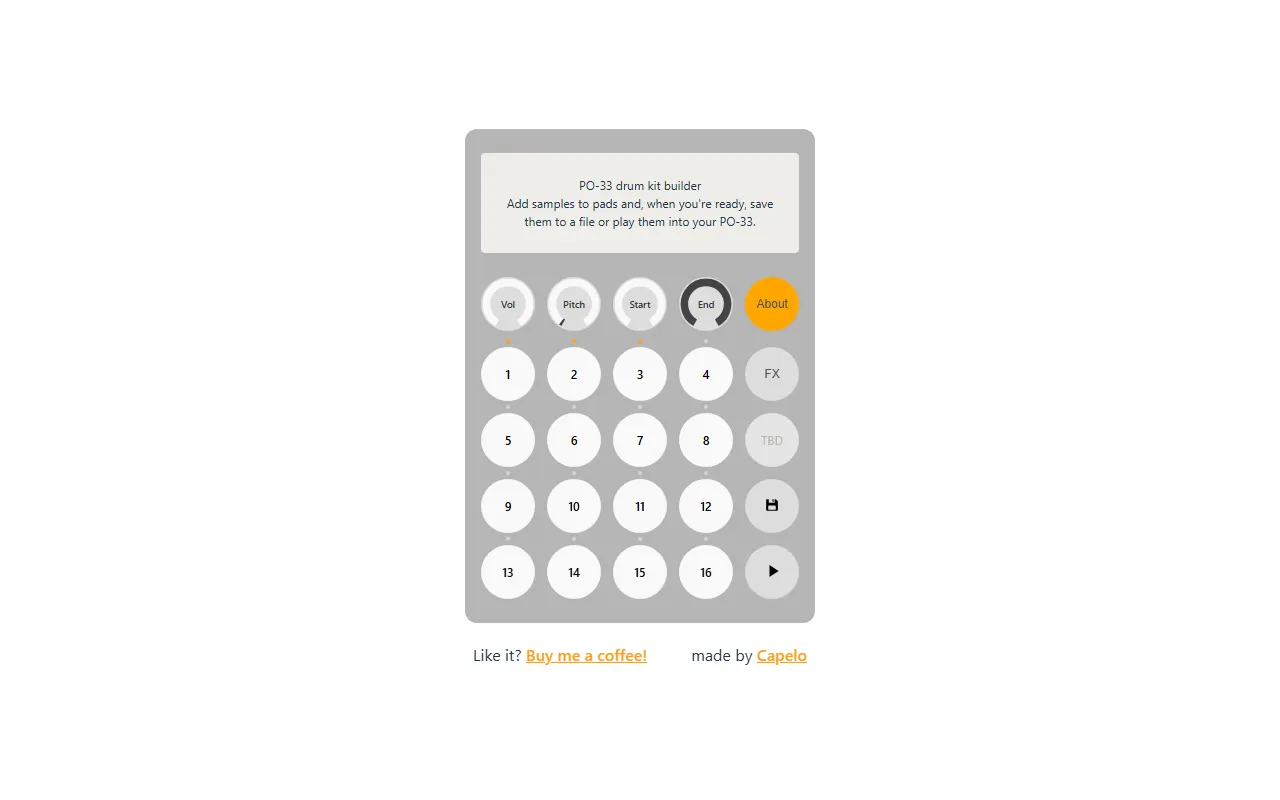
PO-33 Drum Kit Builder (capelo)
Free browser tool to build PO-33 drum kits
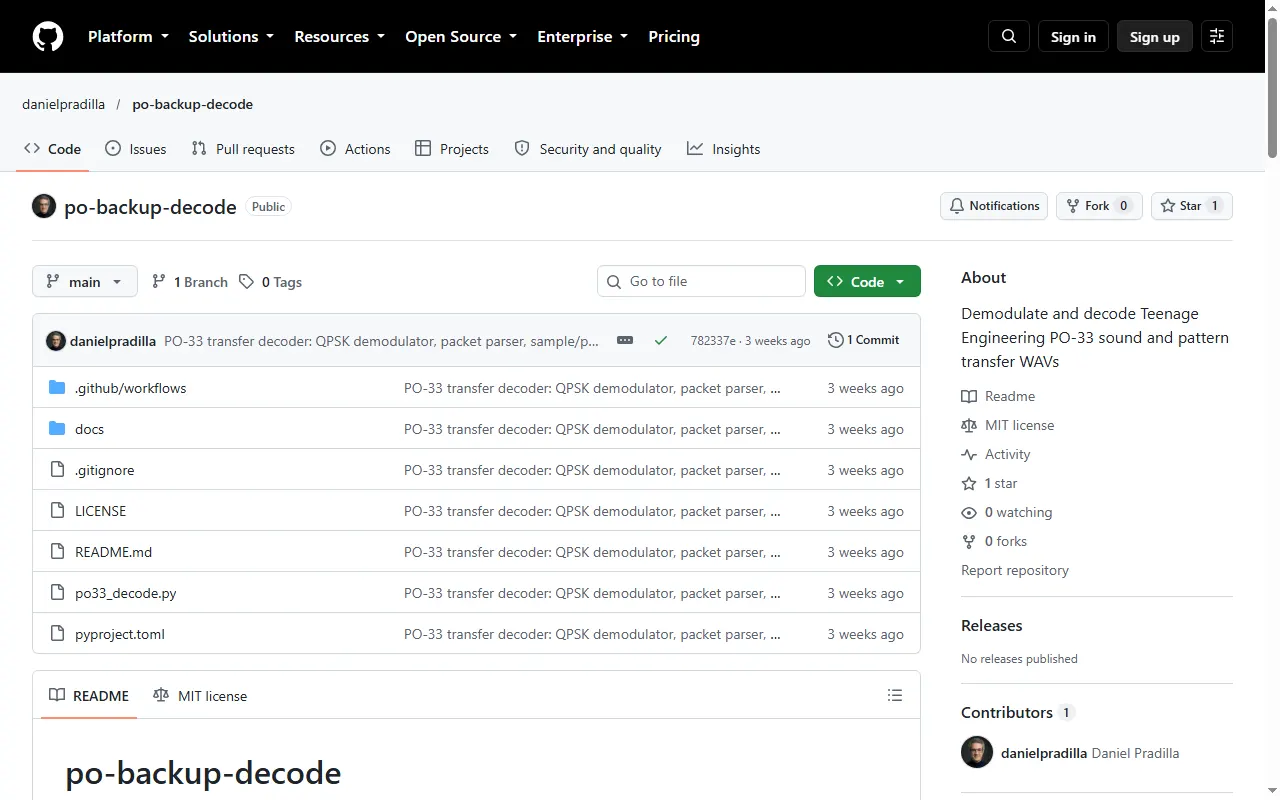
PO-33 Backup Decoder
Python tool that decodes PO-33 sound and pattern transfer WAVs into samples, patterns and BPM
po-chain
In-browser workbench for Pocket Operators and EP devices: chain planner and sample prep
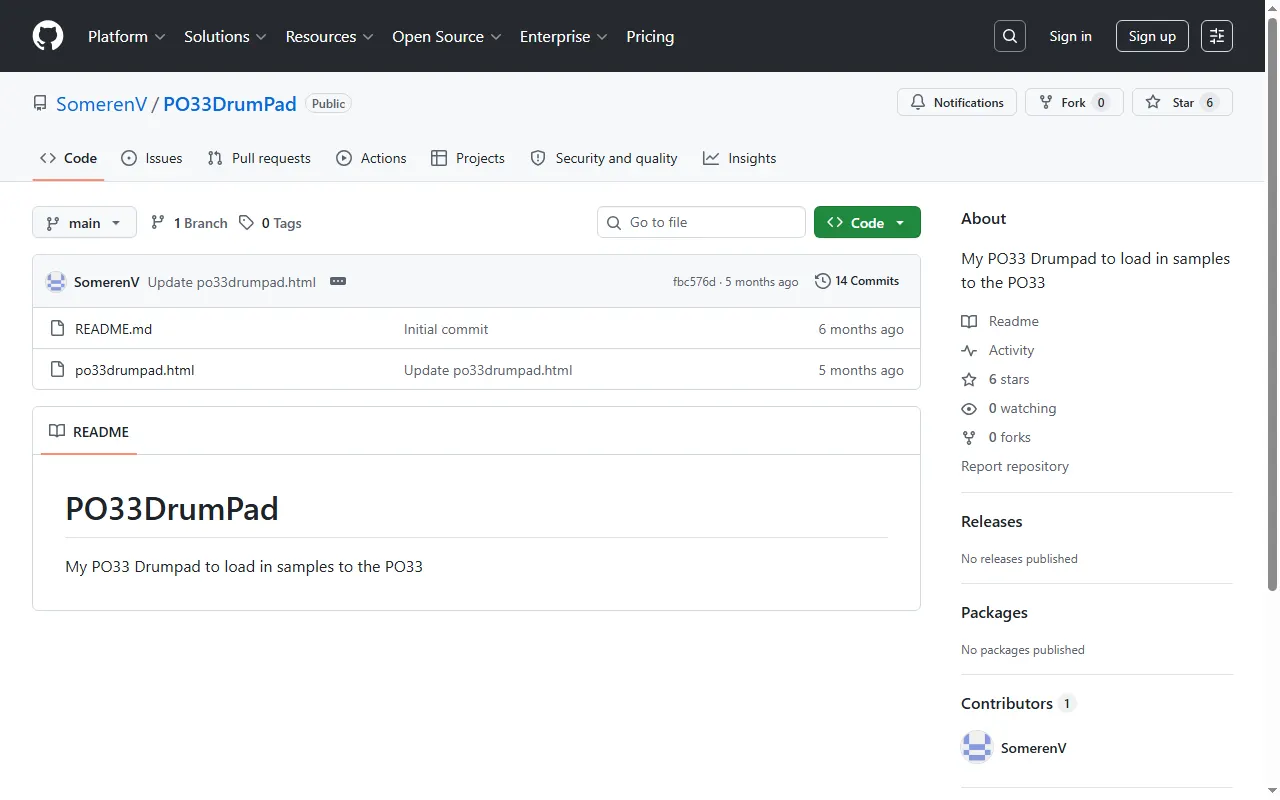
PO33 Drumpad
Build and load custom drum kits into the PO-33 K.O!
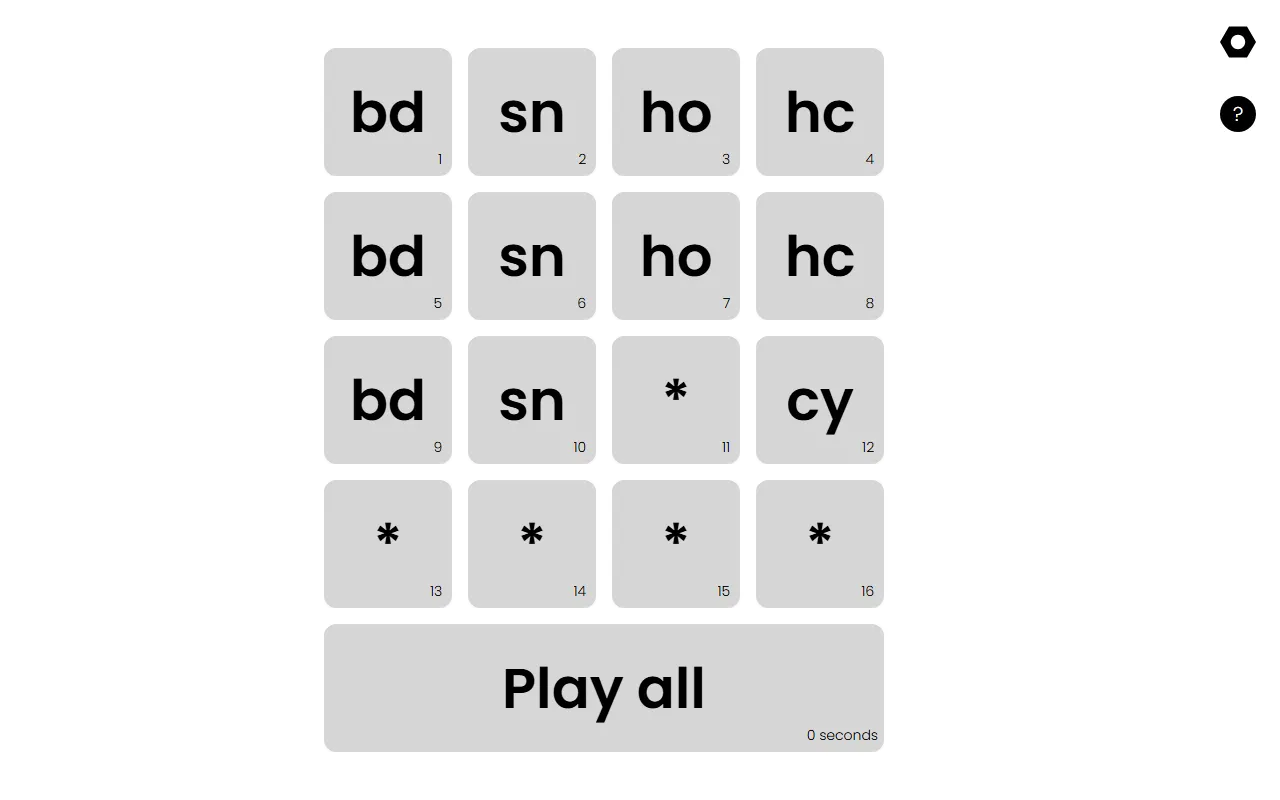
PO-33 Sample Loader
Plays a drum kit in order so you can load it into the PO-33 quickly
Pocket Lab
A browser audio editor for prepping samples for Pocket Operators
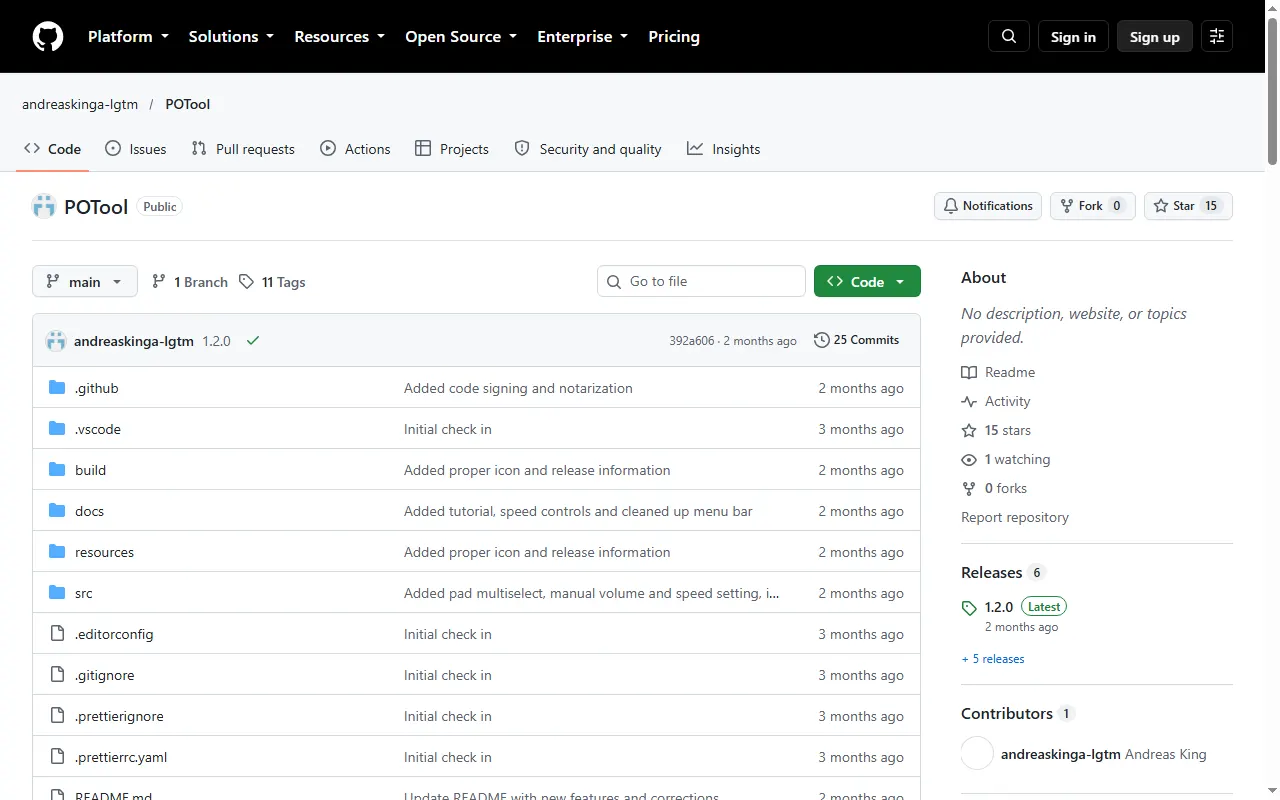
POTool
Desktop tool that packs each PO-33 drum kit into one audio file to save sample memory
Player & Companion Apps
All player & companion apps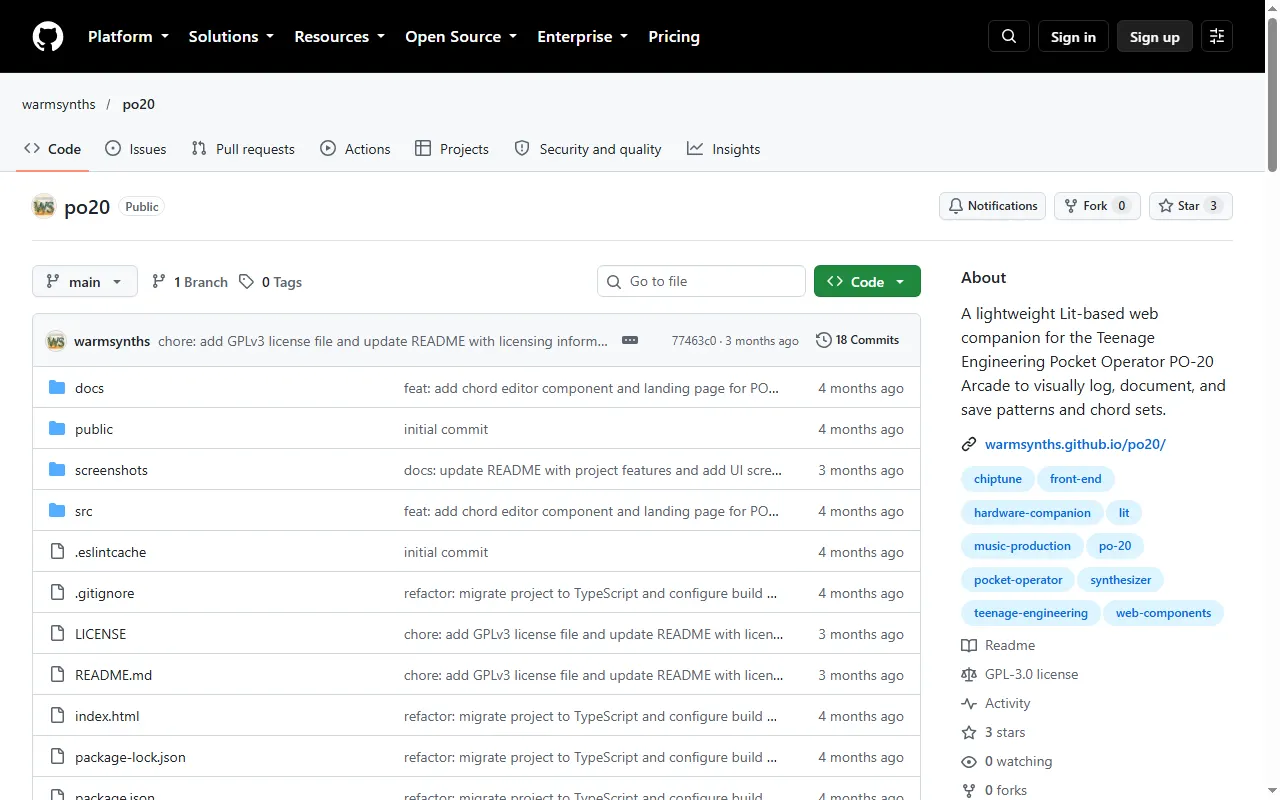
Patch & Preset Editors
All patch & preset editors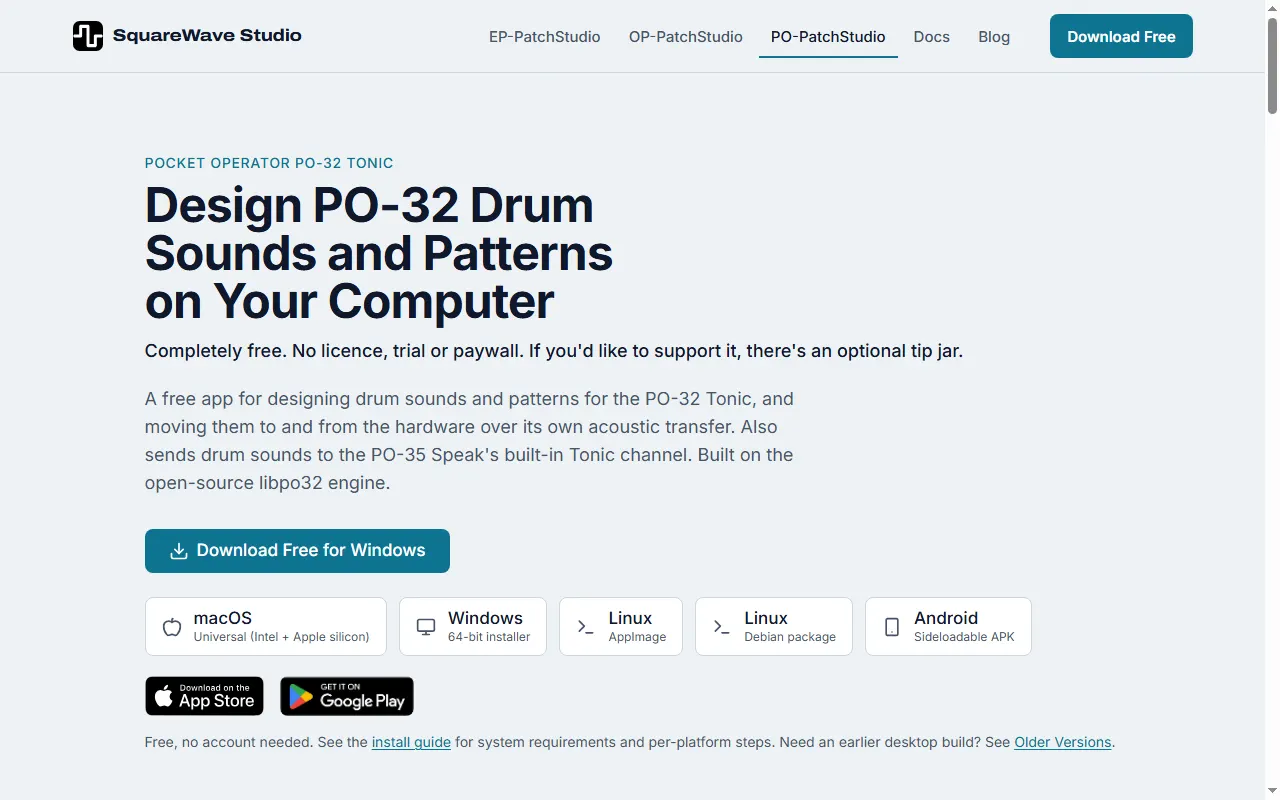
PO-PatchStudio
Free PO-32 Tonic drum-sound and pattern editor that transfers over the PO's audio link
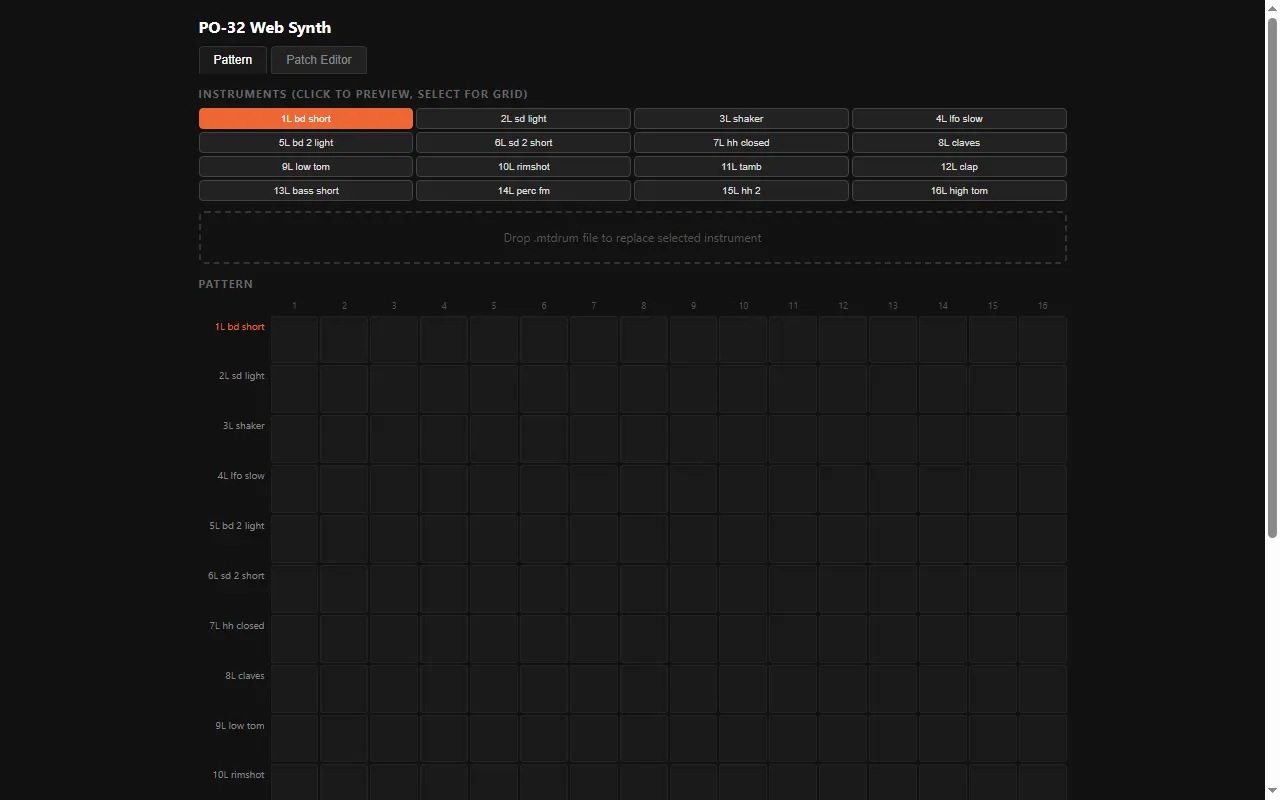
PO-32 Web Synth
Open-source web editor for the PO-32 Tonic's sounds and patterns
Community Hubs
All community hubs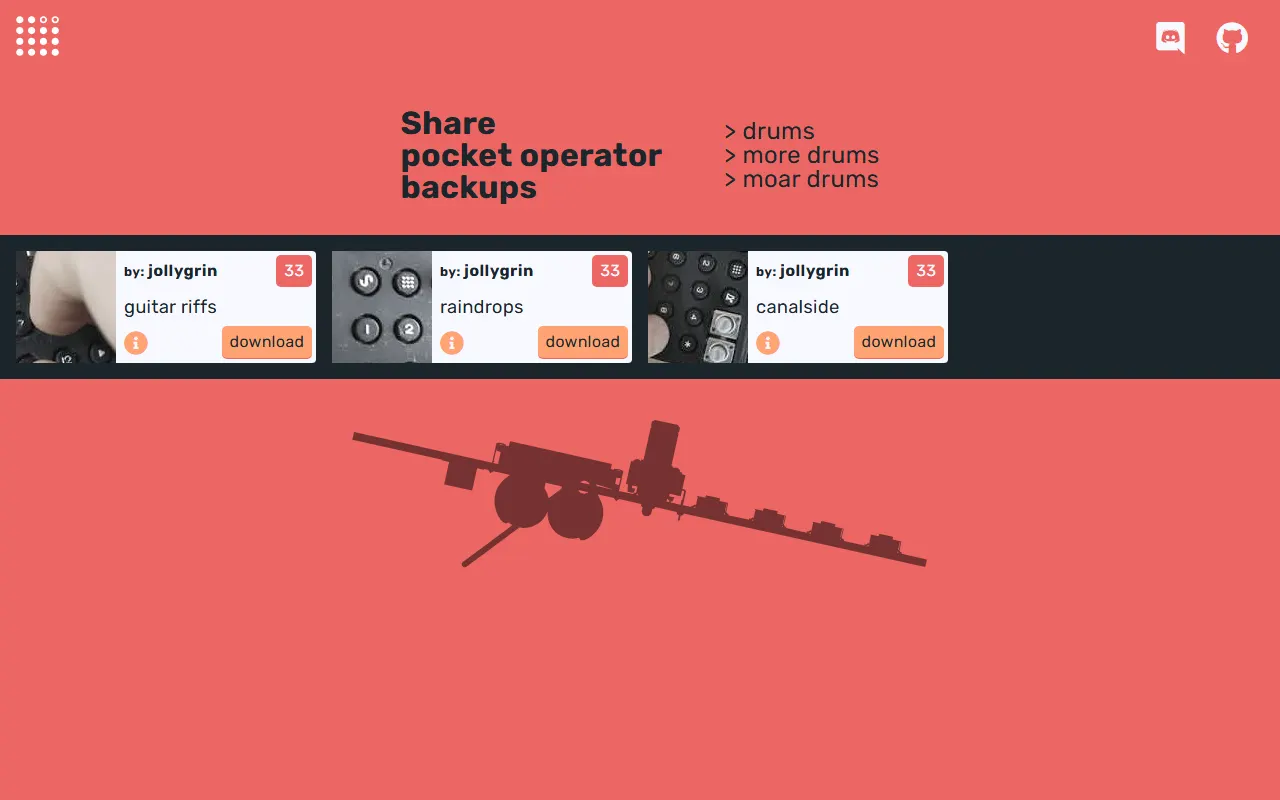
Sound Packs & Patches
All sound packs & patches
Pocket Operators questions, answered
All 18 FAQsHow do I clock-sync a TX-6, OP-1 field, EP-133 K.O. IIs, and Pocket Operators for live performance?
Pick one master clock and split your gear into two sync worlds. The OP-1 field and the K.O. IIs speak MIDI clock, so run MIDI/USB from your master (the TX-6 works well as the hub) to those devices and set them to follow external clock. Pocket Operators don't do MIDI — they sync to an audio click on the left channel, so feed them a sync signal from a PO set to send sync, a dedicated sync box, or a MIDI-to-audio-sync converter, and chain the POs from there. Decide up front whether your MIDI master or your PO chain is the timing reference and derive the other from it, so everything starts from one tempo.
Can a beginner — or a kid — have fun with a K.O. sampler?
Definitely. The K.O. samplers are designed to be immediate: you sample a sound, tap pads to play it, and you're making a beat within minutes, which makes them great for a curious beginner or a rhythm-minded kid. The EP-133 K.O. II is the full-size one with the deepest features; if budget or ruggedness matters, the pocket-sized PO-33 K.O. is much cheaper and just as playful. Either is forgiving to noodle on, and the manuals are short — the main thing is the willingness to experiment.
Can I get another Pocket Operator's sounds (e.g. the PO-12's) onto my PO-33?
Not by data transfer. Transfers only move patterns and sounds between Pocket Operators of the same model, so a PO-12 can't send its kit to a PO-33. You can resample it, though: the PO-33 is a sampler, so play the other PO's sounds into the PO-33's line input (left jack) with an aux cable and record them into a drum slot (pads 9–16), which splits a run of hits across the pads. A recording of someone playing through the kit works too. The two units can also simply run in sync side by side on the same cable chain.
How do I chop a breakbeat across the pads on the PO-33?
The PO-33 doesn't auto-slice — you build the chop by hand. Sample short segments of the break into separate sound slots (sample each hit/section over the line-in, trimming each one), so different pads trigger different parts of the loop. Or sample the whole break to one slot and re-trigger sections live in a pattern. Keep segments short (the PO-33's sample memory is small) and match the source tempo so the slices line up when you sequence them.
How do I get my own samples onto the PO-33?
You sample into the PO-33 through its line-in — play the audio from a phone, computer, or mic into the input and record it, then trim the start/end and it lands in a sound slot. There is no USB, so you cannot drag WAV files onto it from a computer; everything is sampled in over the audio input. Match levels going in to avoid clipping, and remember the total sample memory is small, so keep clips short.
What's the best way to save or back up beats on the PO-33 (and Pocket Operators generally)?
Pocket Operators have no USB or file storage — your patterns and samples live in battery-backed memory, so they persist while the batteries are good but there is no project file to export. To "back up" a track, record the audio output (the 3.5mm line/headphone jack) into a phone, recorder, or computer. There is no way to save the PO-33's sample memory or patterns to a file, so keep your source samples on a computer and re-record them if you ever lose the memory.