Device guide
EP-133 K.O. II: tools, mods & resources
The EP-133 K.O. II is Teenage Engineering's pocket sampler and sequencer, and most community tooling for it is about getting sound on and off the device: prepping and shrinking audio to fit its memory, baking per-sample playback settings into files, managing pads and backups, and learning its dense key combos. The tools below group into sample prep, device management, and learning the workflow.
Top picks
Build a multisample instrument for your EP sampler in a couple of minutes, and back up or restore the whole device.
Ask plain-language how-to questions about the EP-133 and get step-by-step answers grounded in the official guides.
Shrink and batch-process a folder of samples to fit the EP-133's size limits, or design single-cycle waveforms.
Prep and re-pitch a sample, then bake EP-133 playback settings into the file so it loads ready to play.
Sample & Kit Tools
All sample & kit tools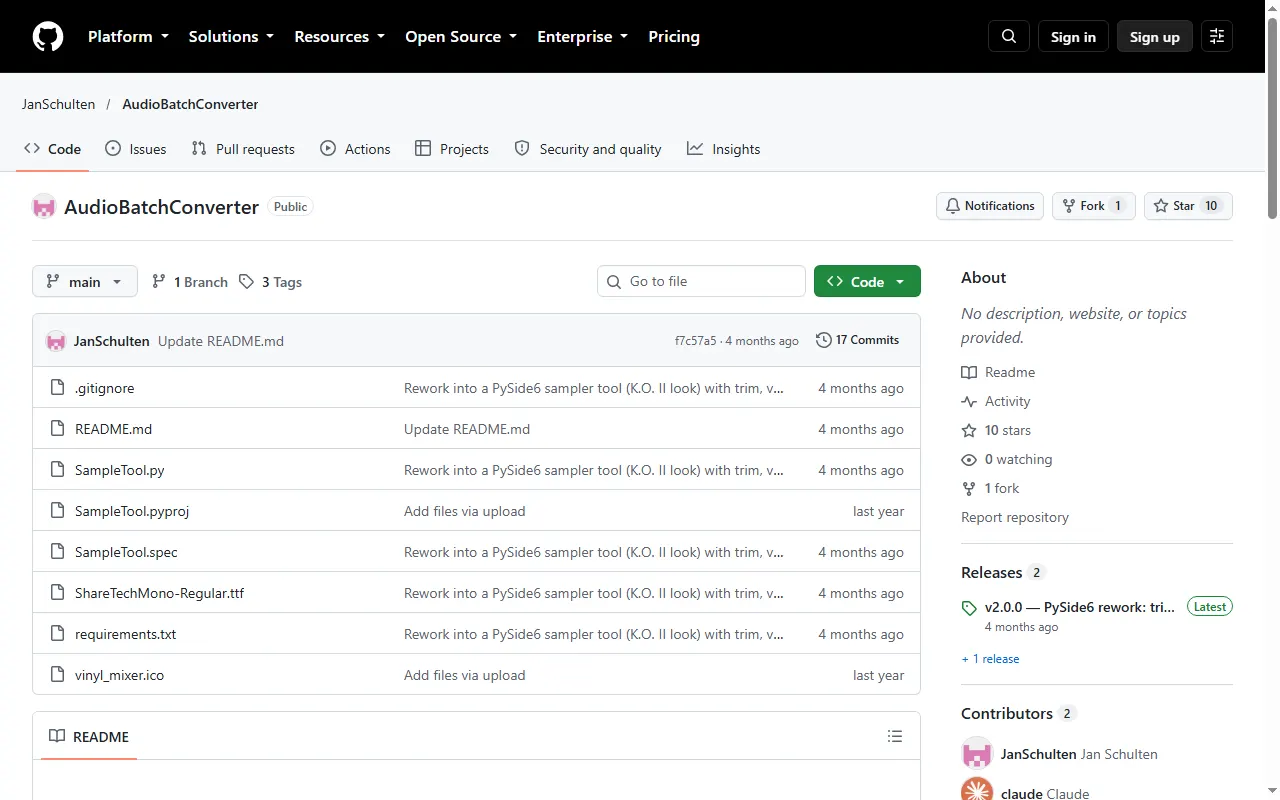
AudioBatchConverter (K.O. II sample tool)
Desktop tool that speeds up, downsamples and trims samples to save K.O. II memory
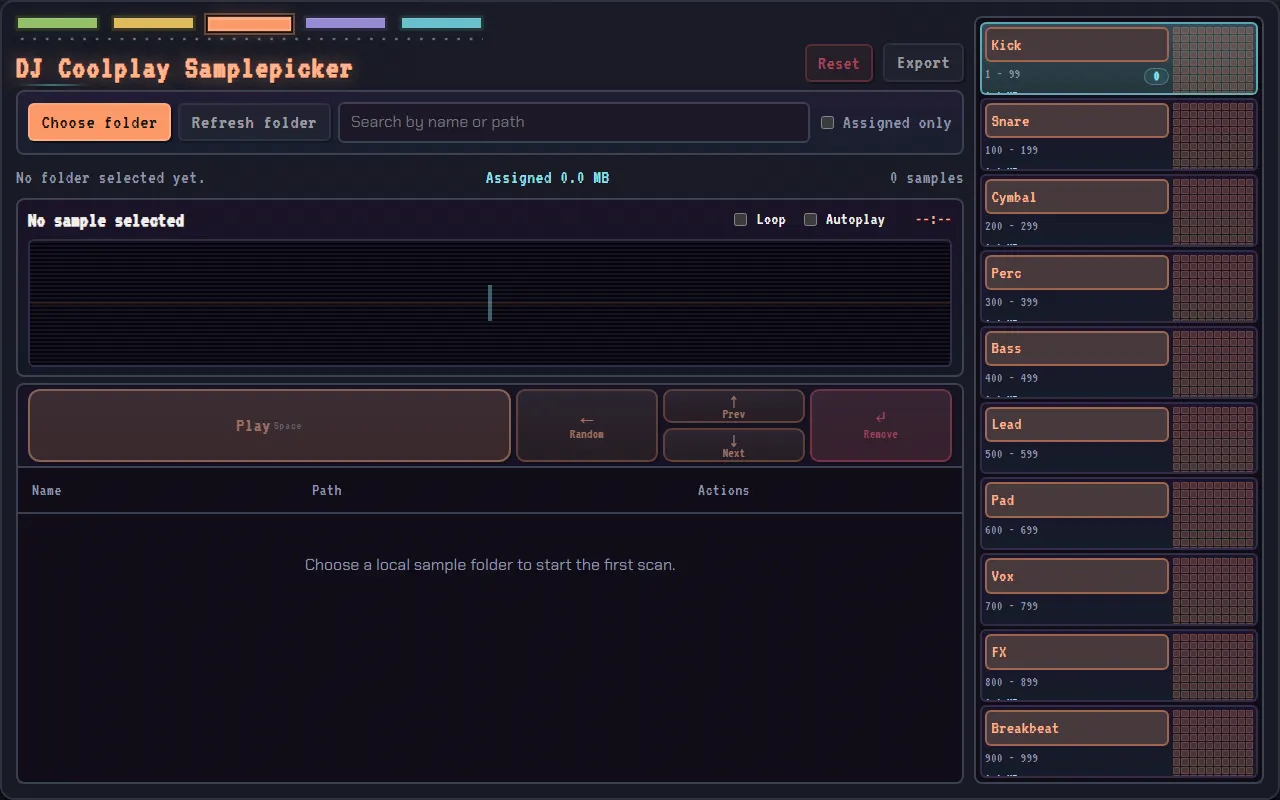
DJ Coolplay Samplepicker
Quickly pick and prep samples for the EP-133, EP-40 and EP-1320
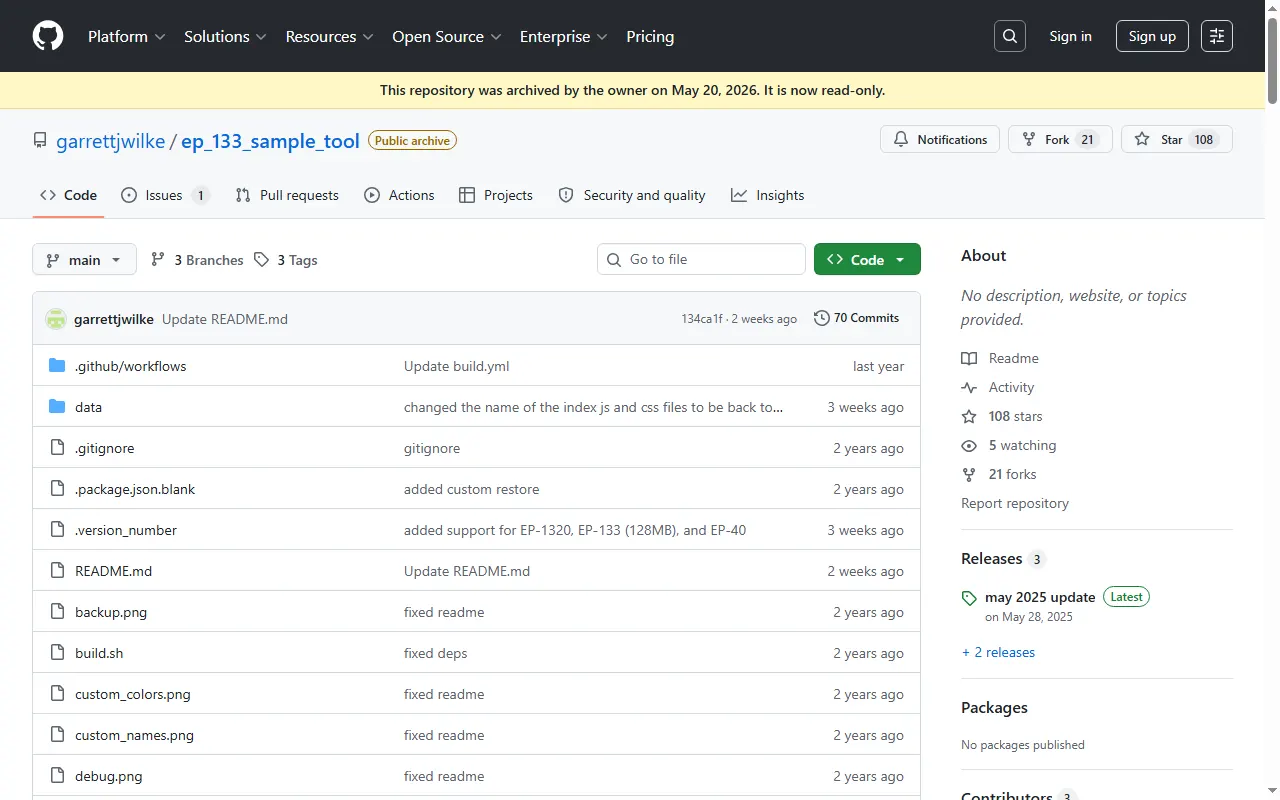
EP-133 Sample Tool (ep_133_sample_tool)
Open-source browser tool for managing samples and backups on EP samplers
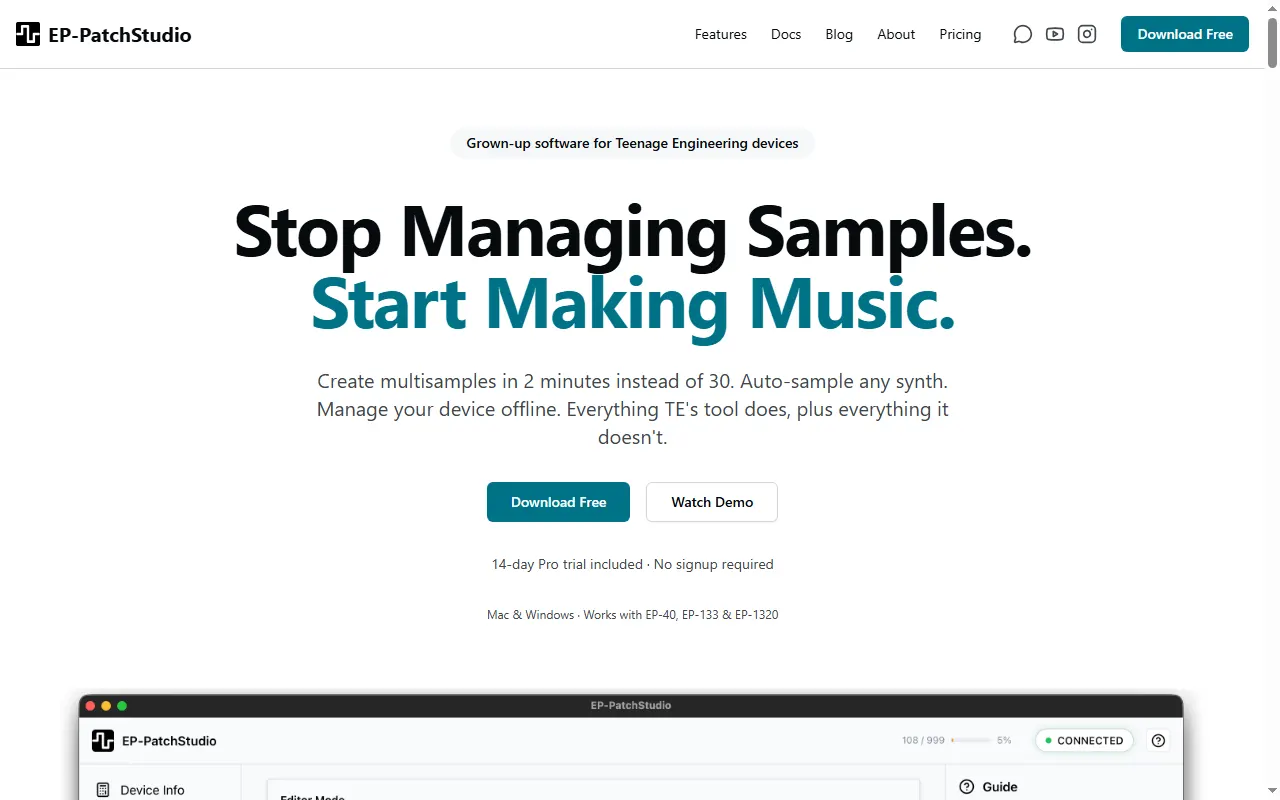
EP-PatchStudio
Multisample creation & device management for TE's EP samplers
EP-133 Bank Organizer
Local PWA that scans and organizes sample banks on the EP-133 K.O. II
krate
Terminal sample manager for the EP-133 K.O. II, with a CLI and a text UI
EP-133 Memory Saver
Simple Windows tool that converts WAV folders to smaller bit depths and rates for the EP-133
EP-133 Sample Tool Enhanced
Fork of TE's EP-133 sample tool with extra features and OP-1 / Web MIDI controller pass-through
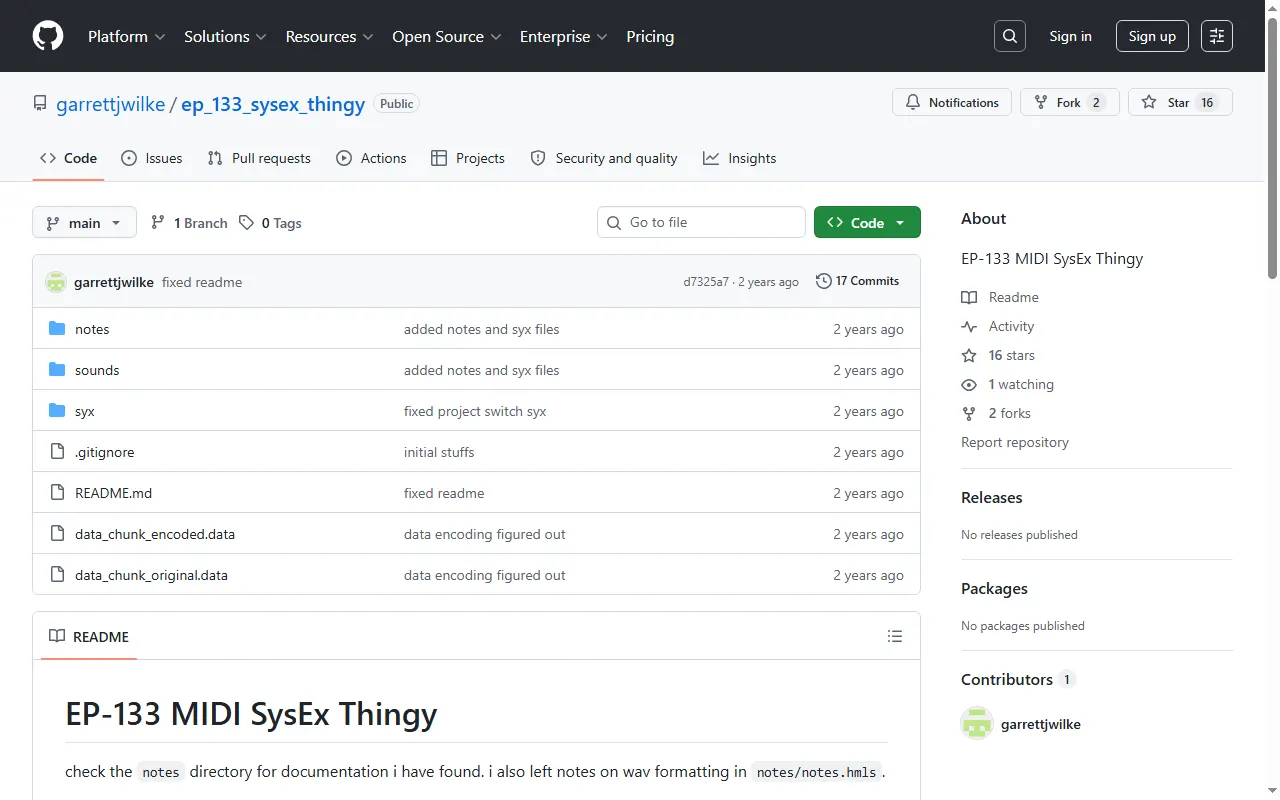
EP-133 Sample Tool (offline)
Offline EP-133 sample tool that talks to the device over SysEx
KO Trimmer
Web tool that removes silence and converts audio to mono, made for the EP-133 K.O. II
ko2-io
Terminal sample I/O, project editing and a FUSE filesystem for the EP-133 K.O. II
po-chain
In-browser workbench for Pocket Operators and EP devices: chain planner and sample prep

PunchKit
iPhone/iPad/Mac companion for the EP-133, EP-1320 and EP-40: kits, stems, effects, backups
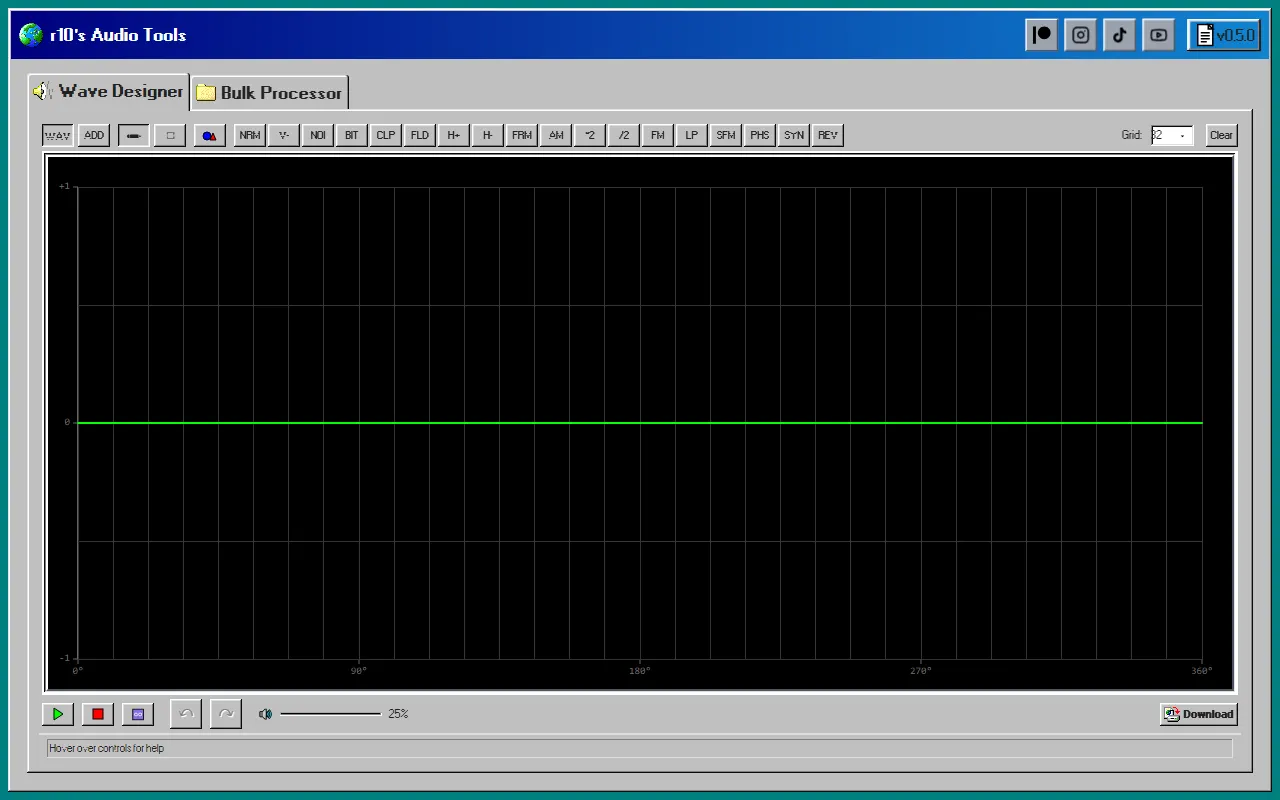
r10's Audio Tools
Browser wave designer + bulk sample processor for prepping samples
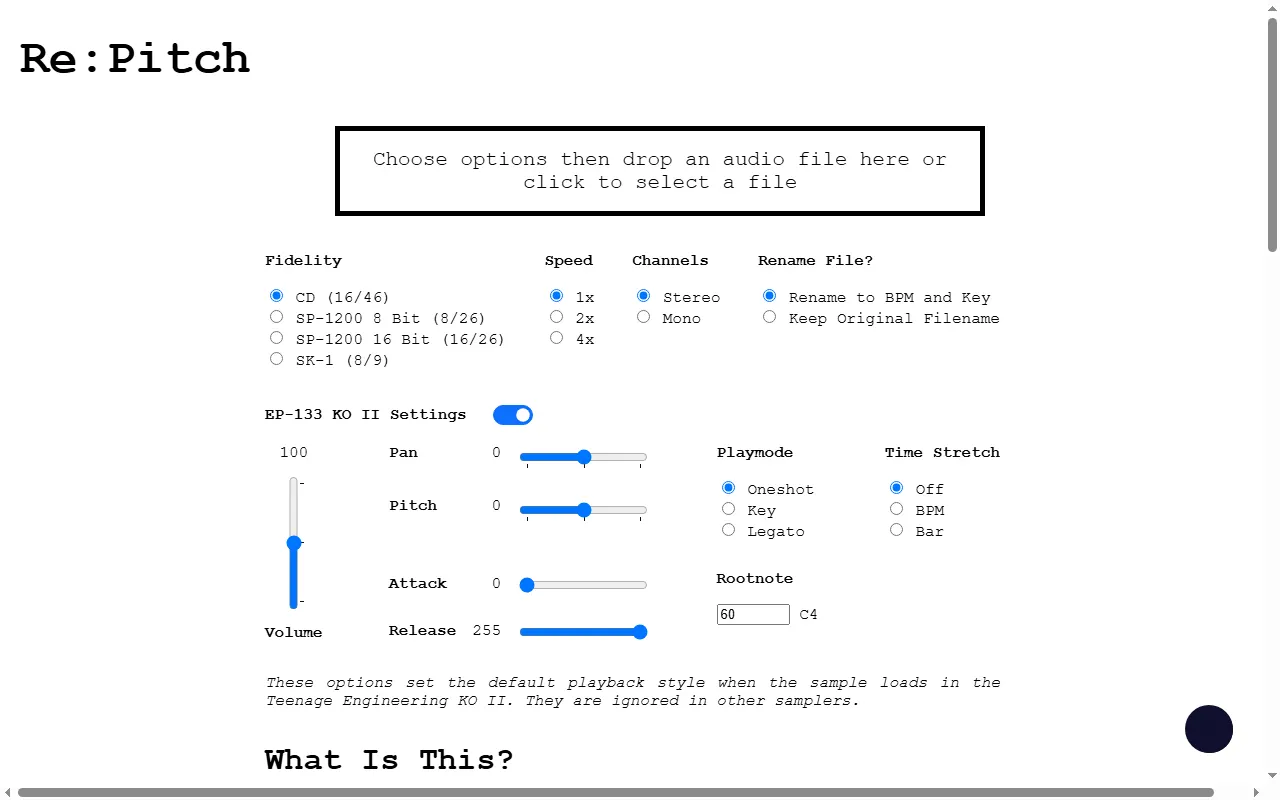
Re:Pitch
Re-pitch/bit-crush audio and bake in EP-133 KO II sample settings
TE Loop Cutter
Offline PWA loop cutter that exports loops for the OP-1, OP-XY, OP-Z and EP-133
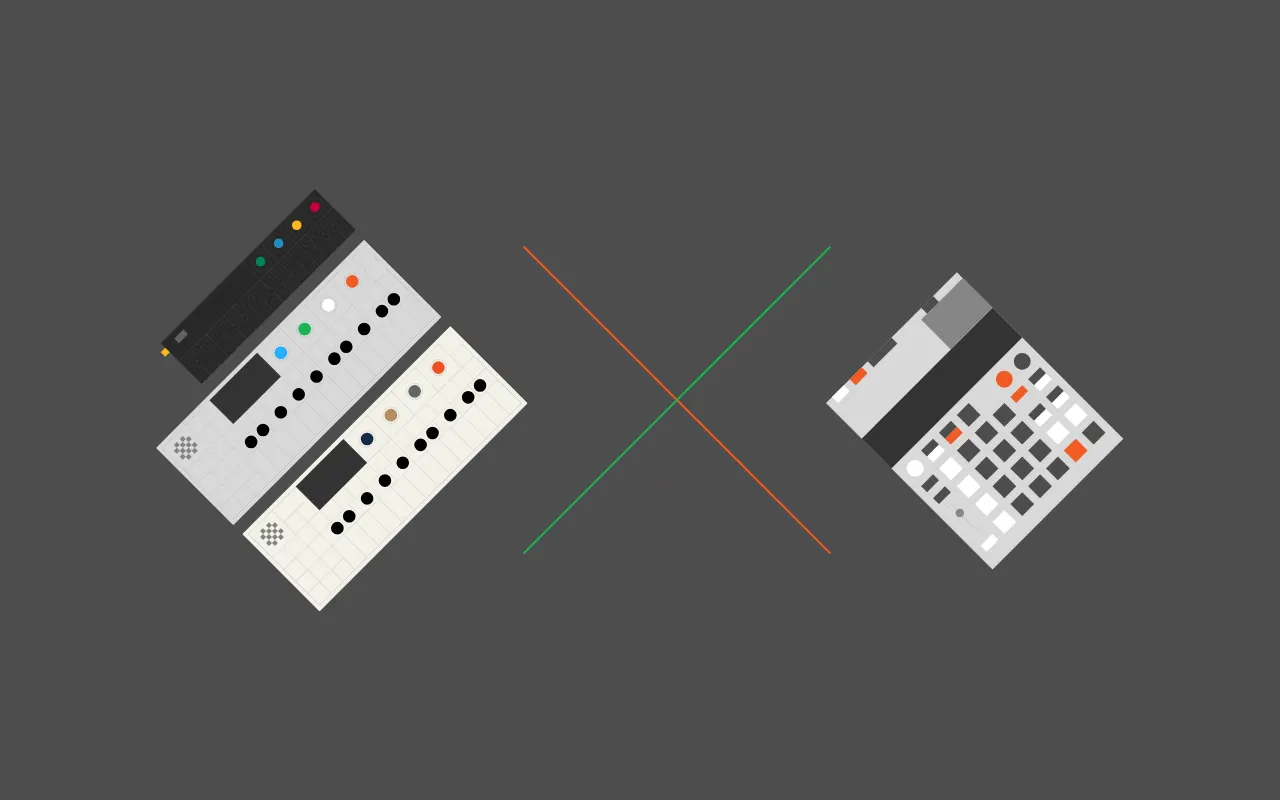
TRKLS
Browser sample-library tool for TE devices: chop, chain and send samples to the EP-133, OP-1 and OP-Z
Player & Companion Apps
All player & companion apps
CUTMAN
JUCE plugin and Python bridge that link the KO-II (EP-133) with Logic Pro and other DAWs
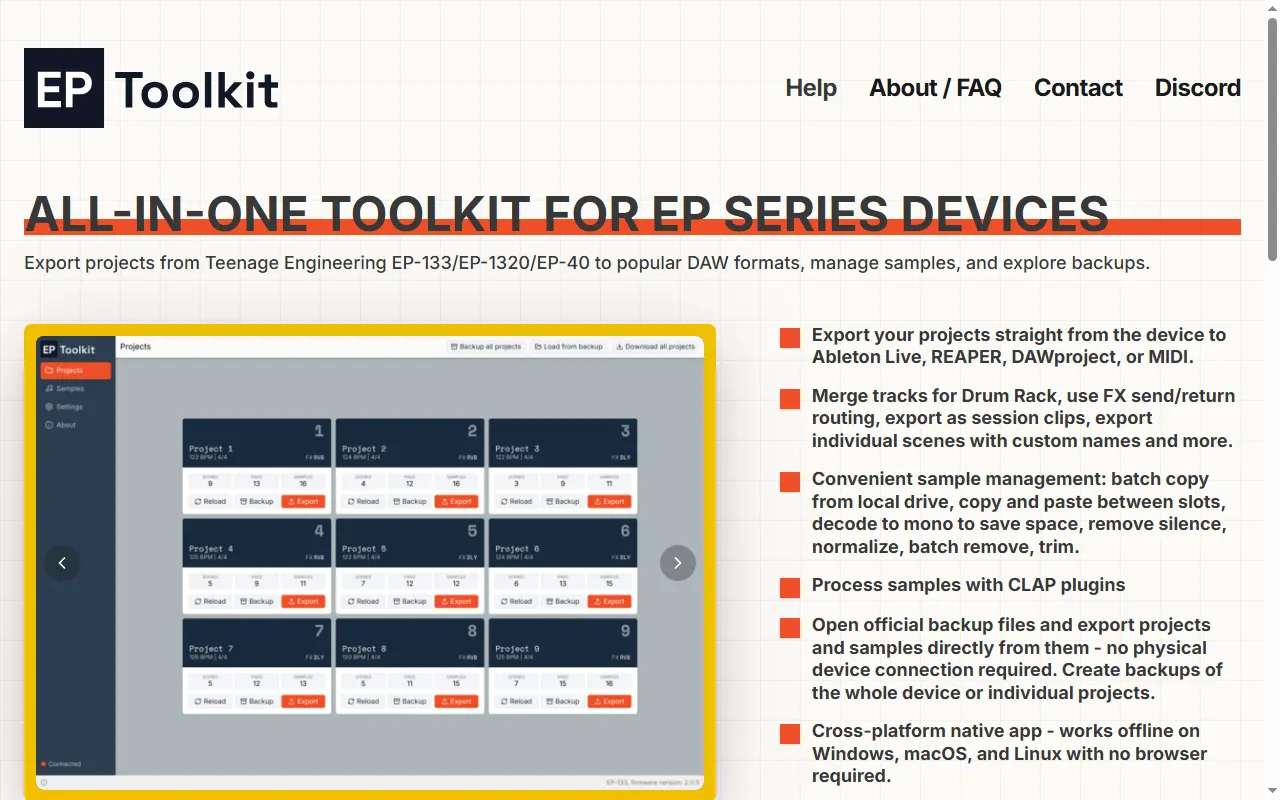
EP Toolkit
All-in-one desktop app to export EP-133/EP-1320/EP-40 projects to a DAW, manage samples, and open backups
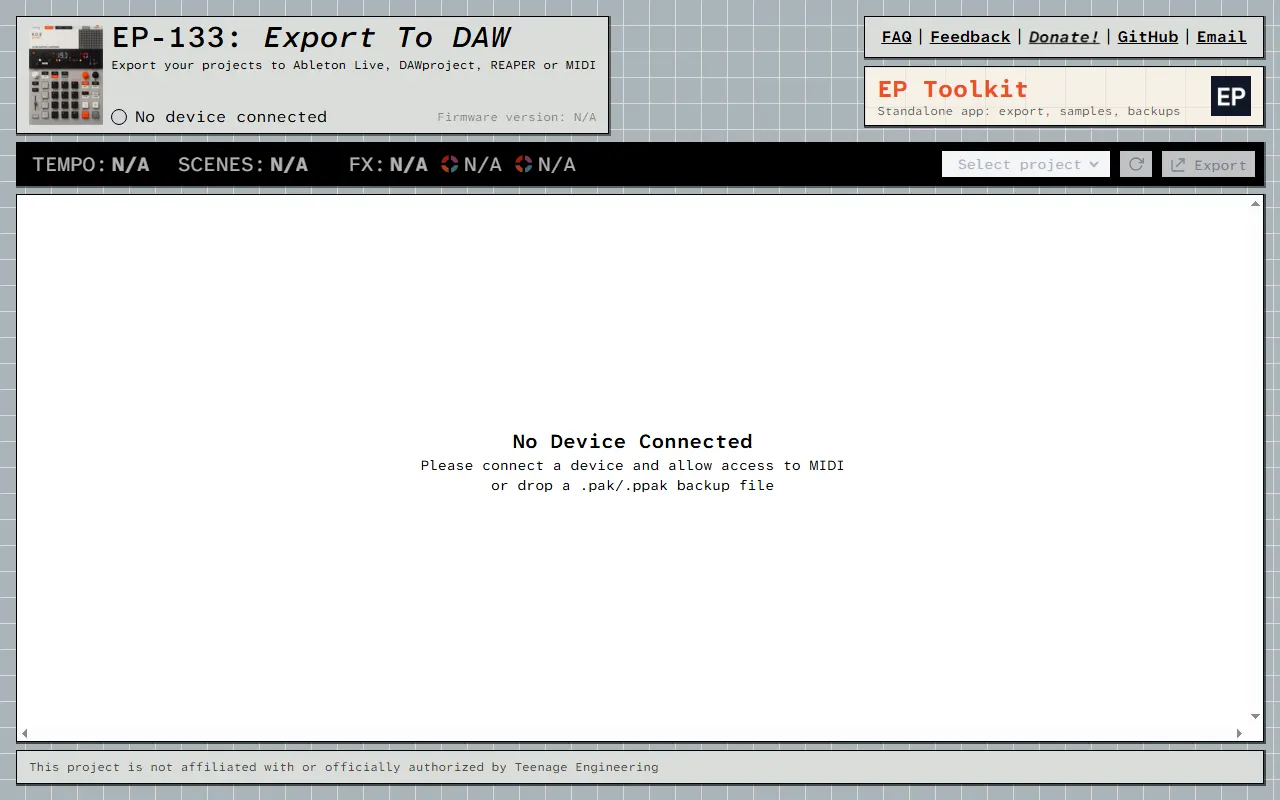
EP-133: Export to DAW
Web app to export your EP-133 projects to almost any DAW
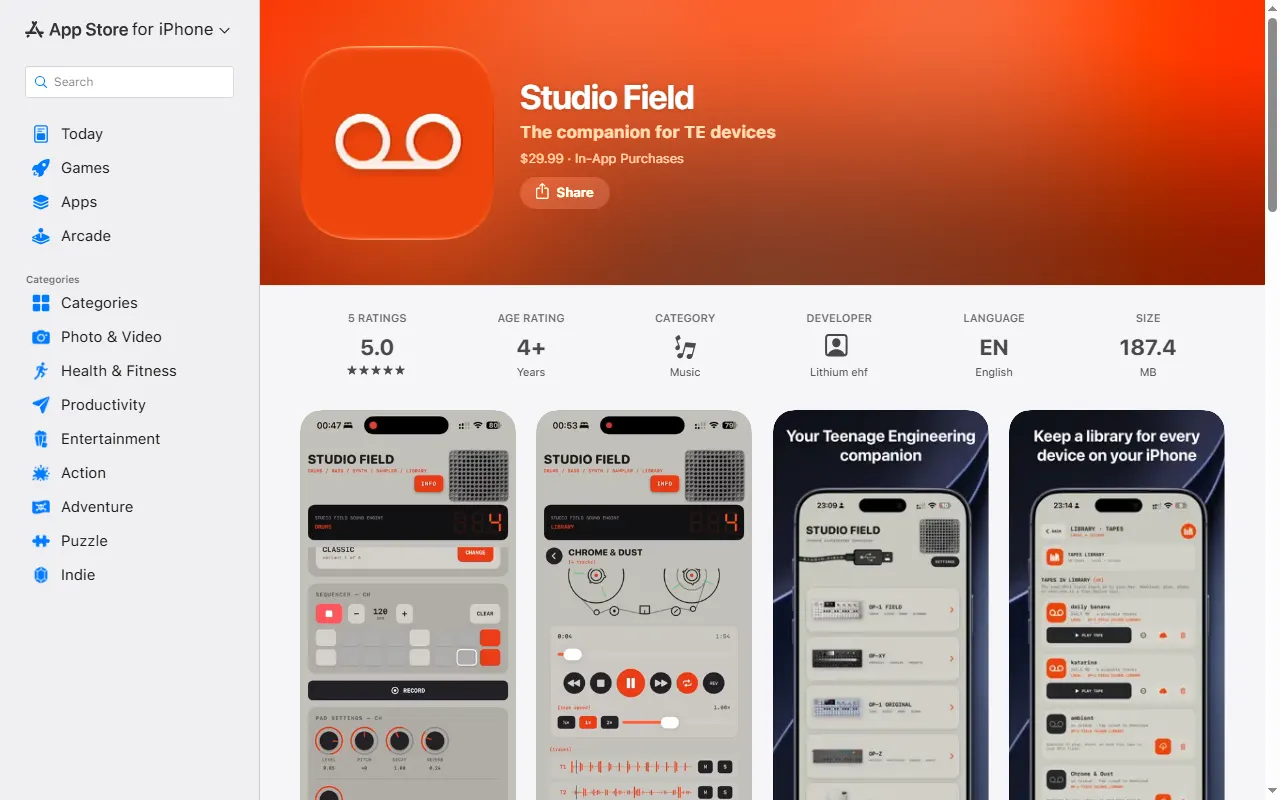
Studio Field
Backup, file-transfer and content manager for TE devices on Mac, iPhone/iPad and Android
UL Performer
Web timing trainer for finger drumming on the EP-40 and EP-133 pads
Guides & Cheatsheets
All guides & cheatsheets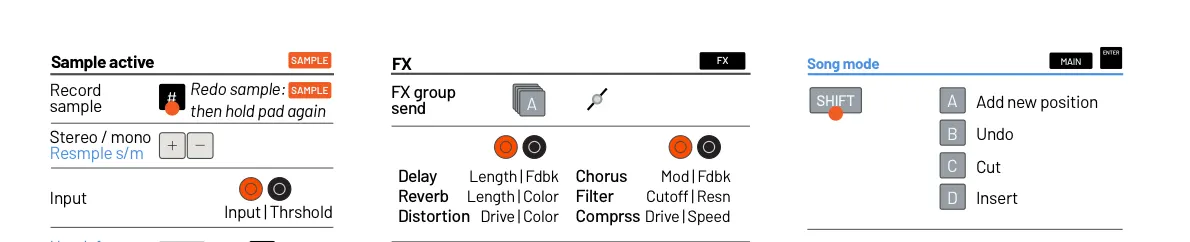
EP-133 K.O. II Cheat Sheet (Champions update)
One sheet of EP-133 key combos, updated for the Champions firmware
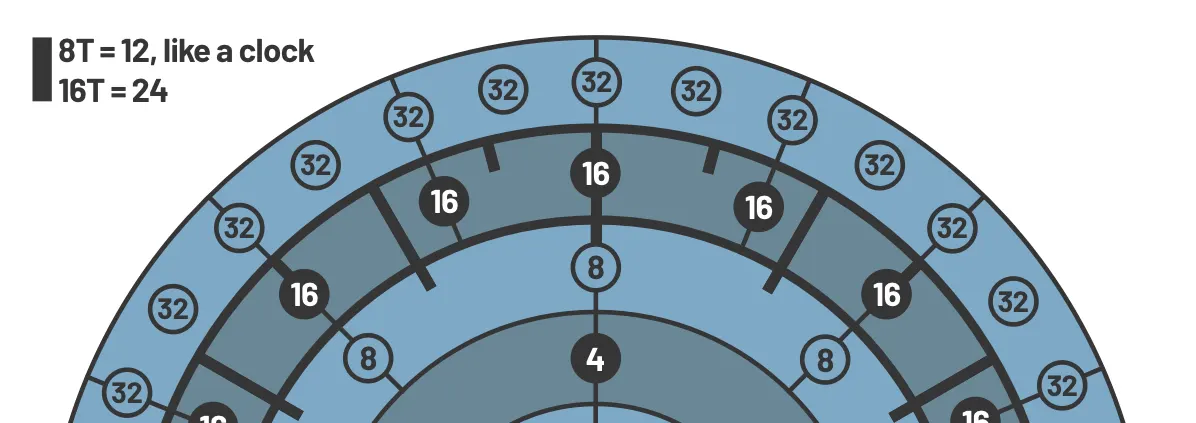
EP-133 K.O. II Timing Map
A visual map of note and beat timing on the EP-133 K.O. II
EP SysEx
Unofficial open-source docs and tooling for the EP-133 and EP-40 SysEx protocol
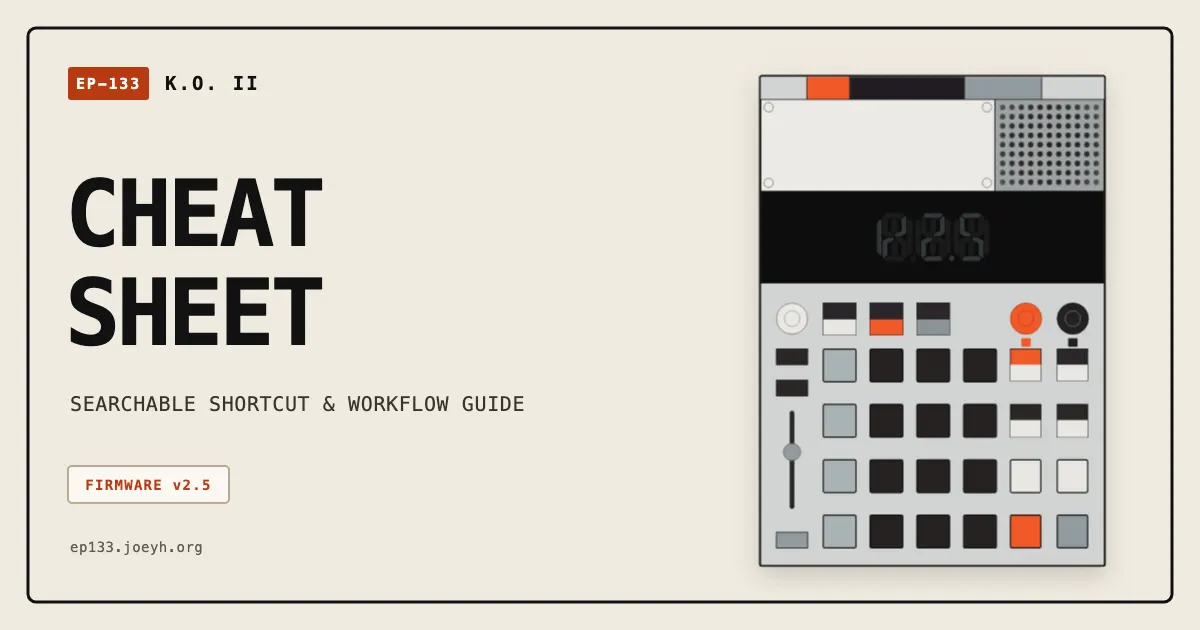
EP-133 K.O. II Cheat Sheet (firmware 2.5)
Searchable, printable, mobile-friendly EP-133 K.O. II cheat sheet for firmware 2.5
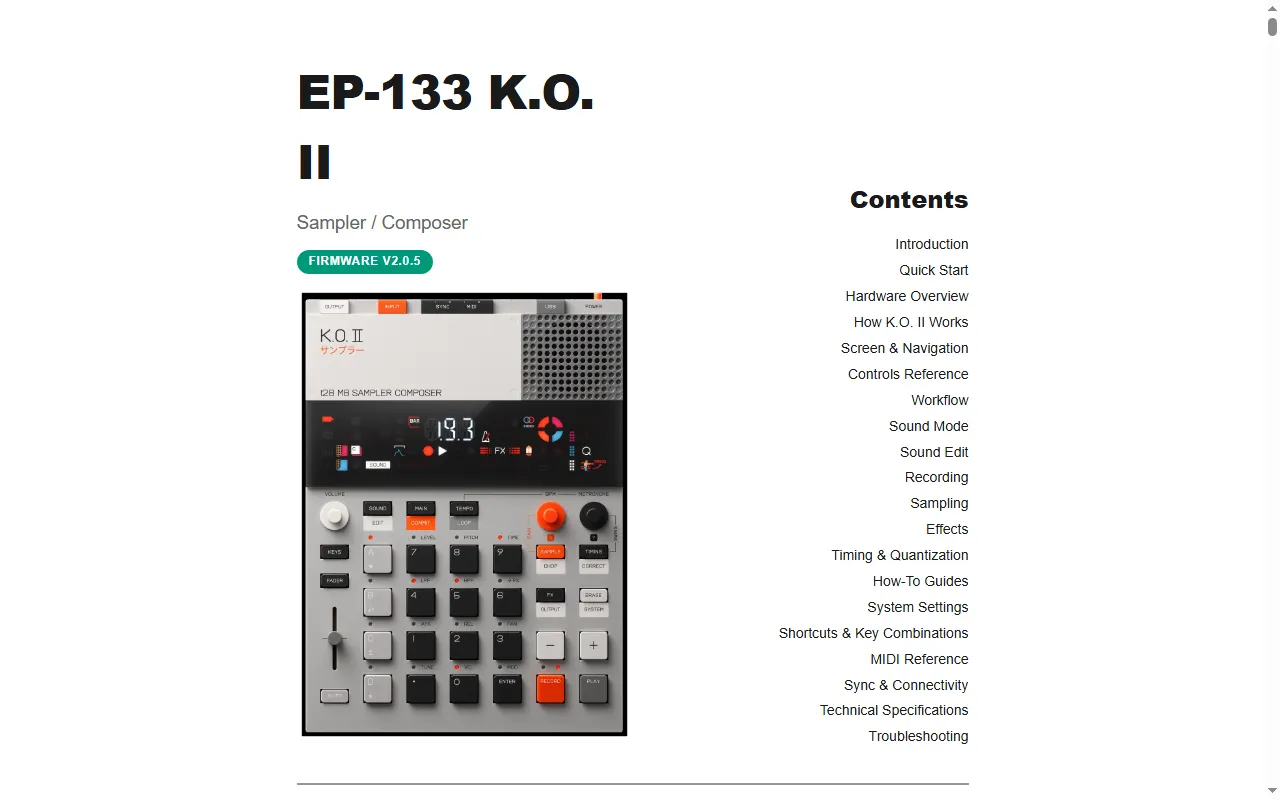
EP-133 K.O. II Manual (Gabriel Roth)
A rewritten, searchable web manual for the K.O. II
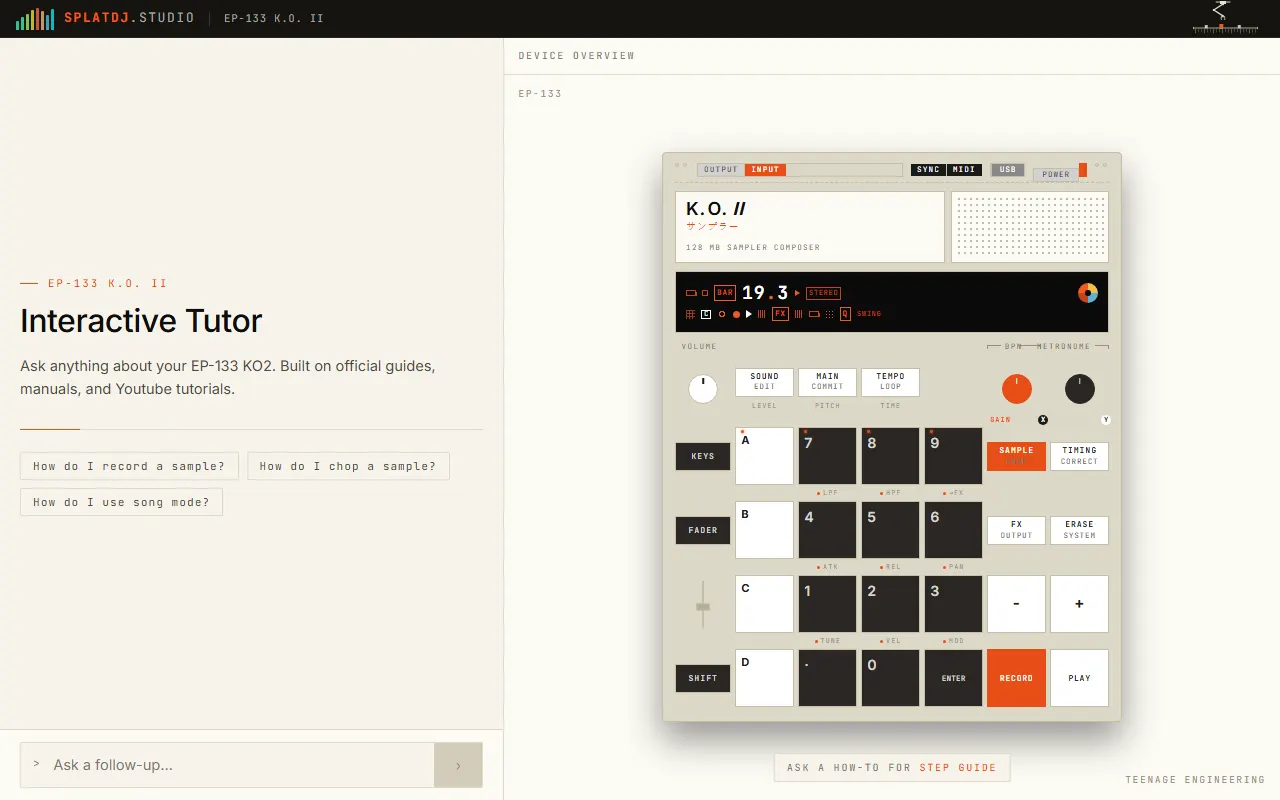
EP-133 K.O. II Interactive Tutor
Ask-anything how-to tutor for the EP-133 K.O. II
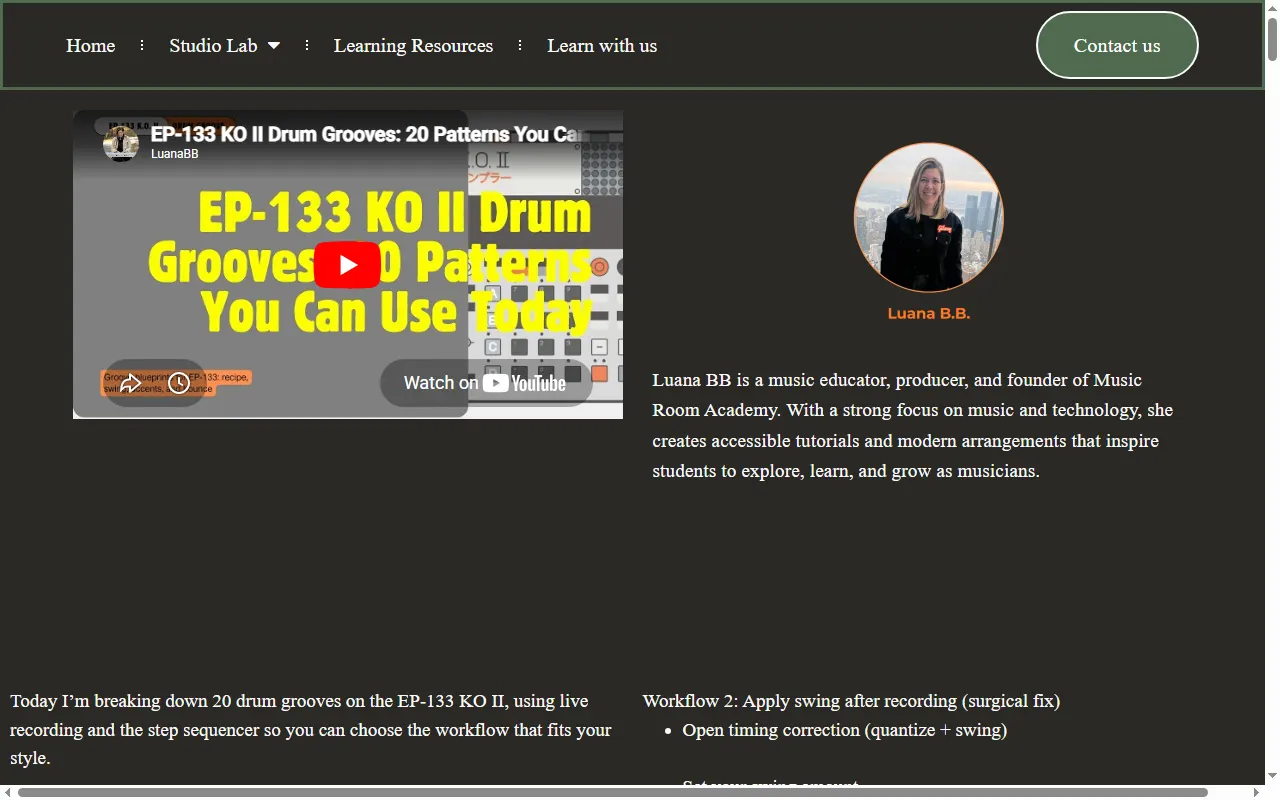
Music Room Academy — EP-133 Tutorials
Video tutorials and drum-groove lessons for the EP-133 K.O. II
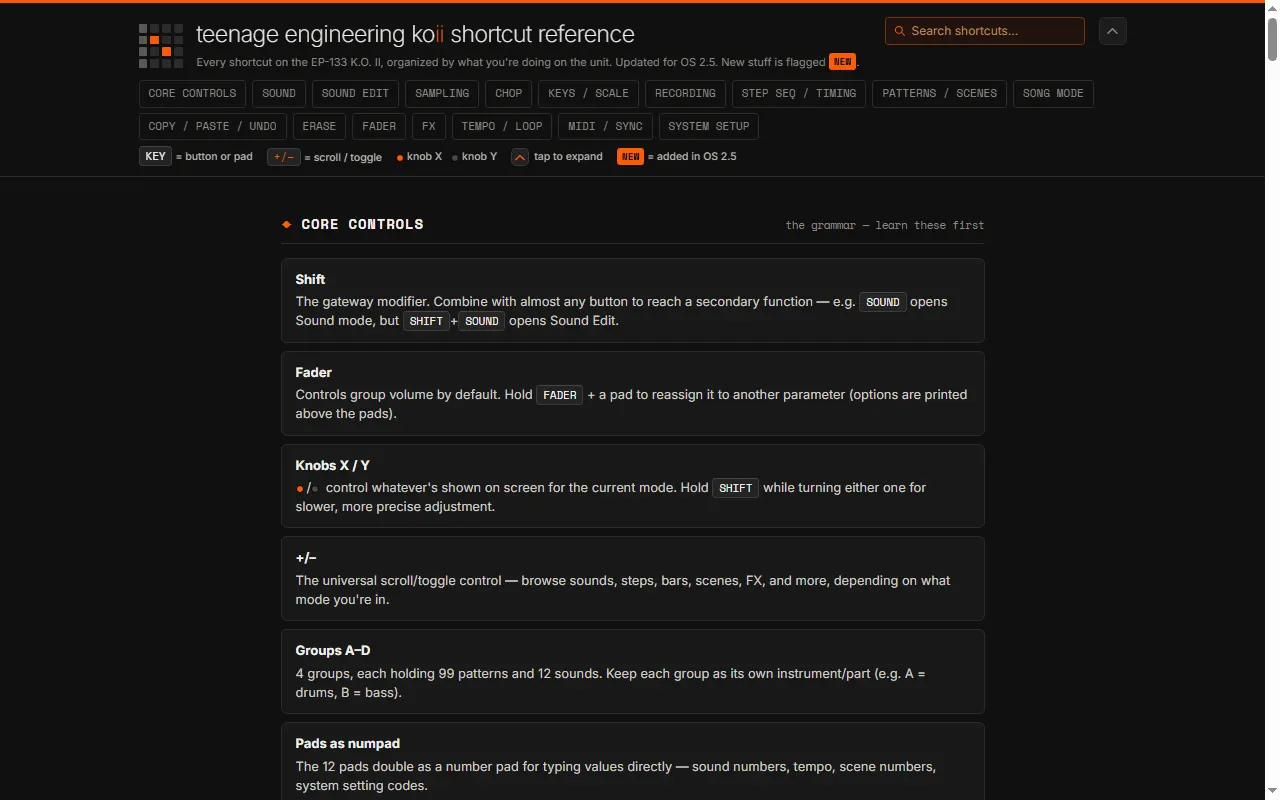
K.O. II Shortcut Cheat Sheet (nowurplaying)
Free, searchable reference of every EP-133 K.O. II shortcut, updated for OS 2.5
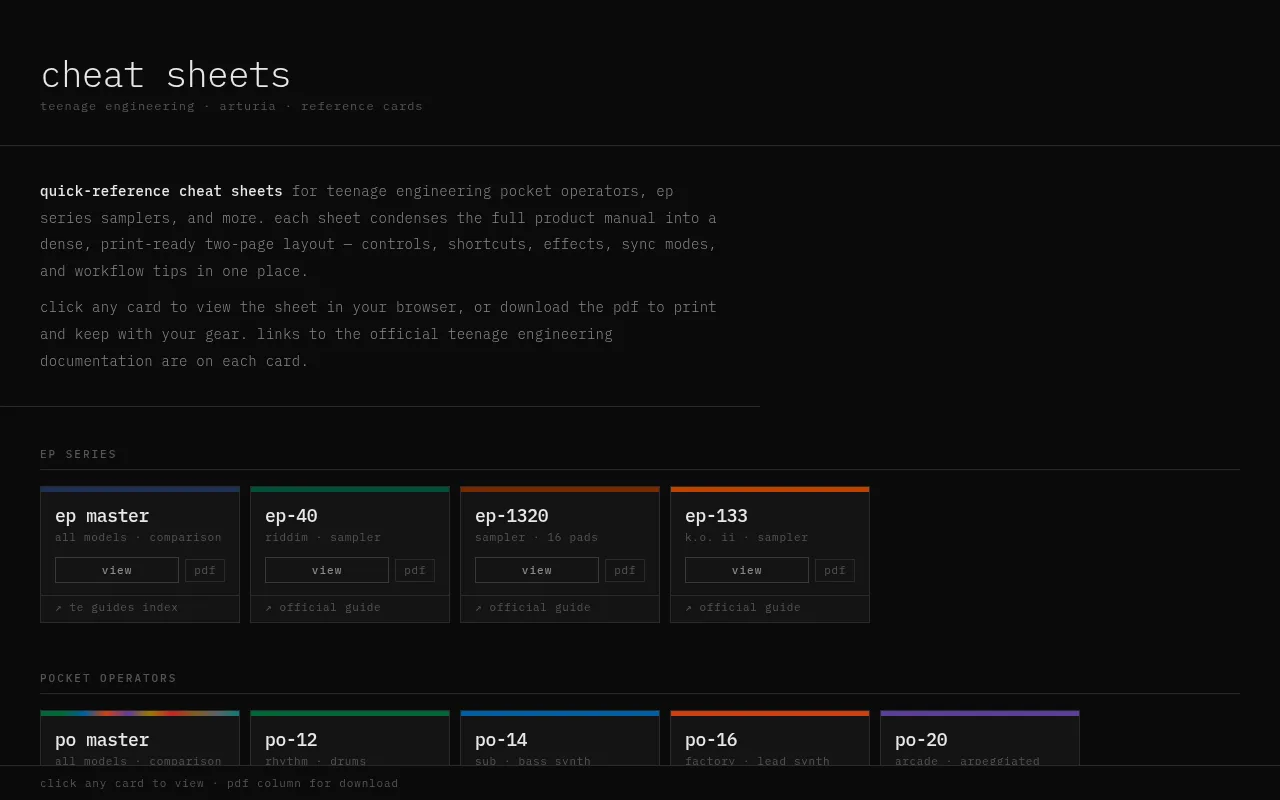
PO & EP Cheat Sheets
Printable cheat sheets for the Pocket Operator and EP series
synthdoc EP-series PDF Guides
Searchable, bookmarked offline PDFs of the official EP-133, EP-40 and EP-1320 guides
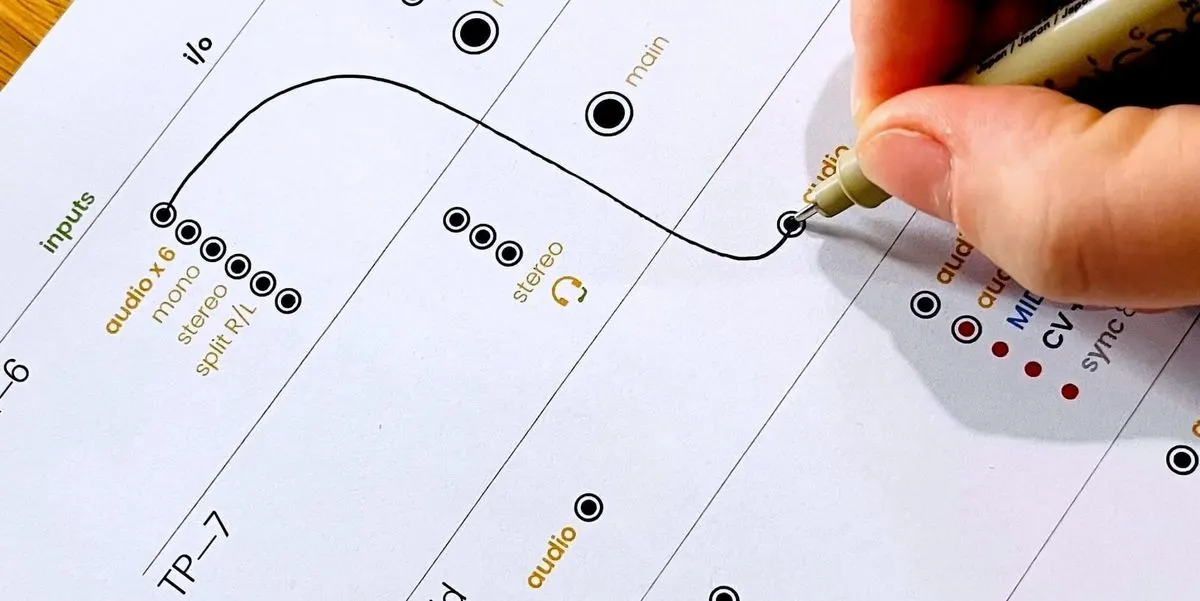
Teenage Engineering Connection Cheat Sheets
Printable I/O worksheets for planning how to wire TE gear together
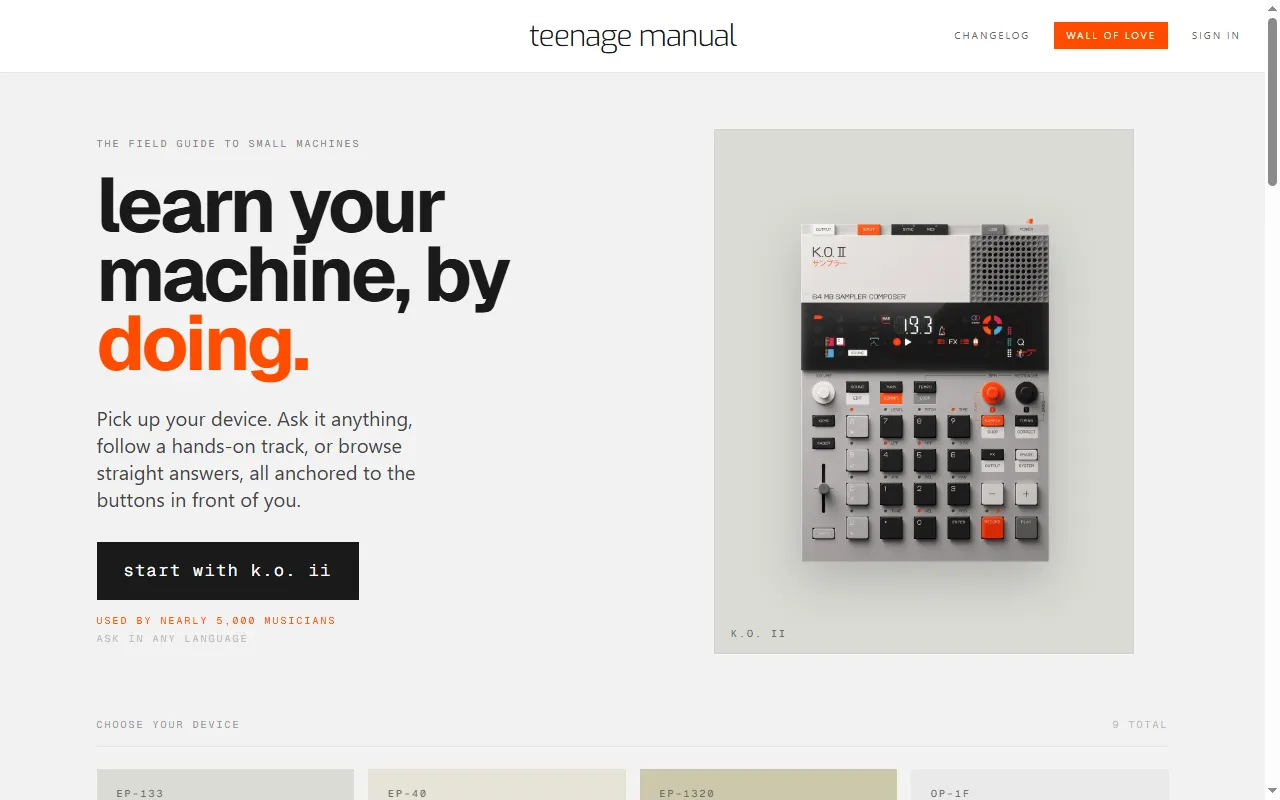
teenage manual
Interactive manuals and an ask-anything assistant for TE devices
Accessories & 3D Prints
All accessories & 3d prints
EP-133 K.O. II Cover
3D-printable snap-on cover for the EP-133 K.O. II controls
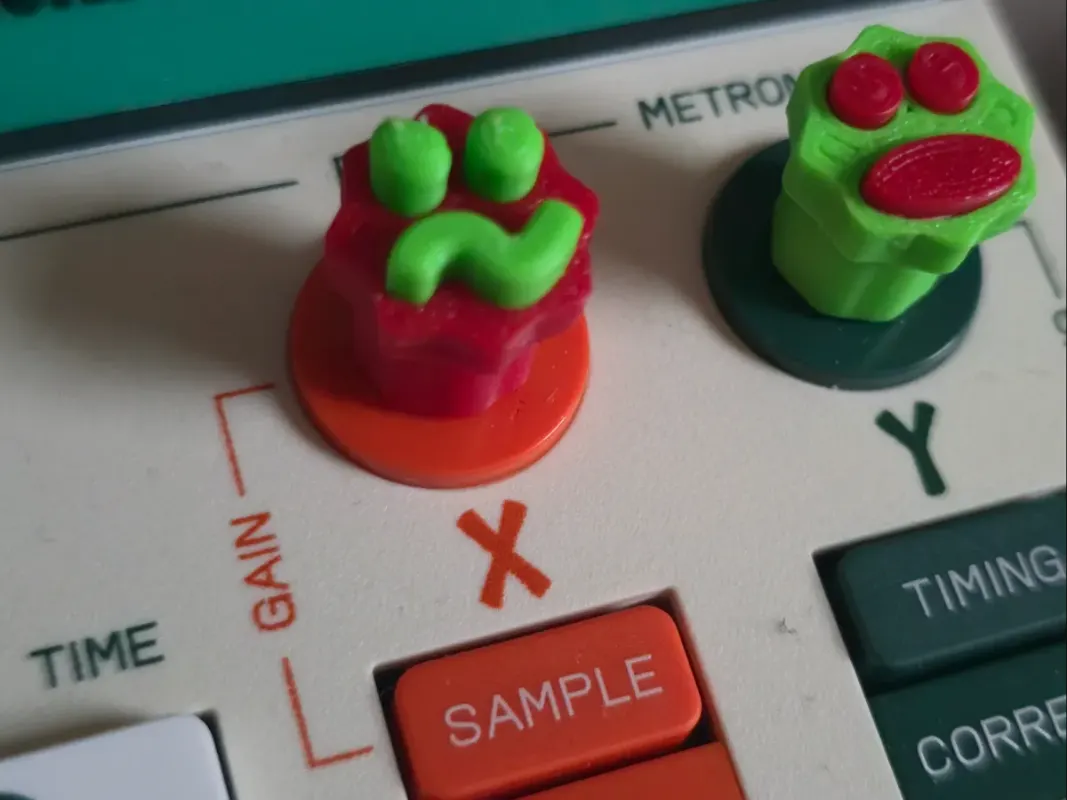
Fun Emoji Knobs for EP-133 K.O. II
Support-free printable replacement knobs with emoji faces for the K.O. II
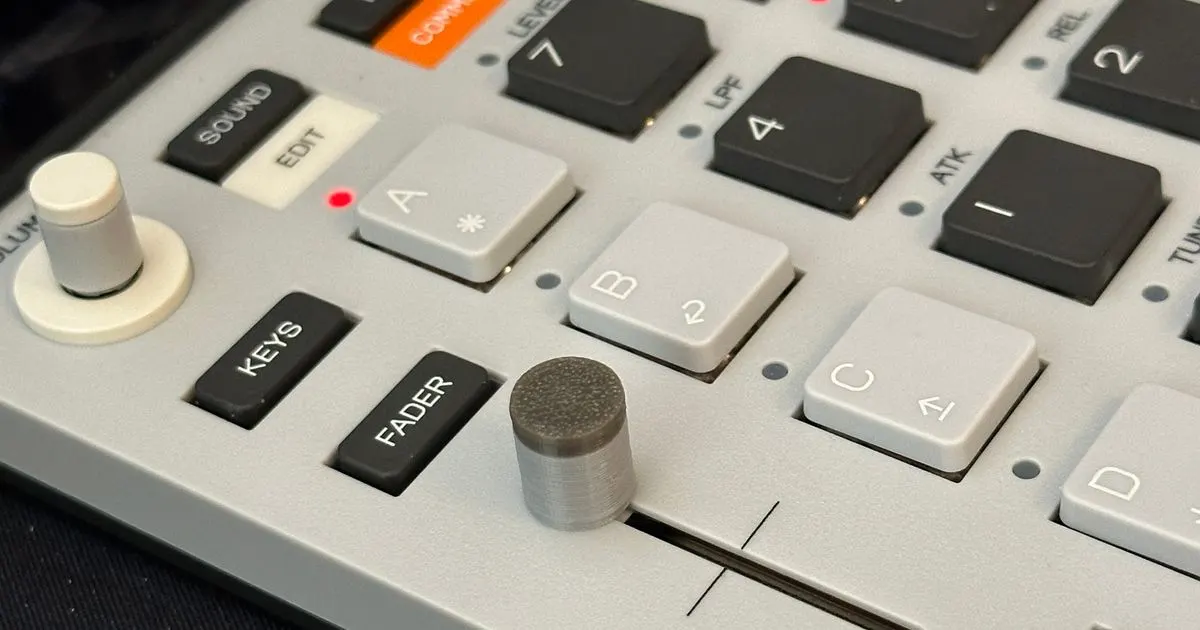
EP-133 Fader Knob
3D-printable replacement fader knob for the EP-133
EP-133 KO II Snap-On Case
3D-printable two-piece snap-on case for the EP-133 K.O. II
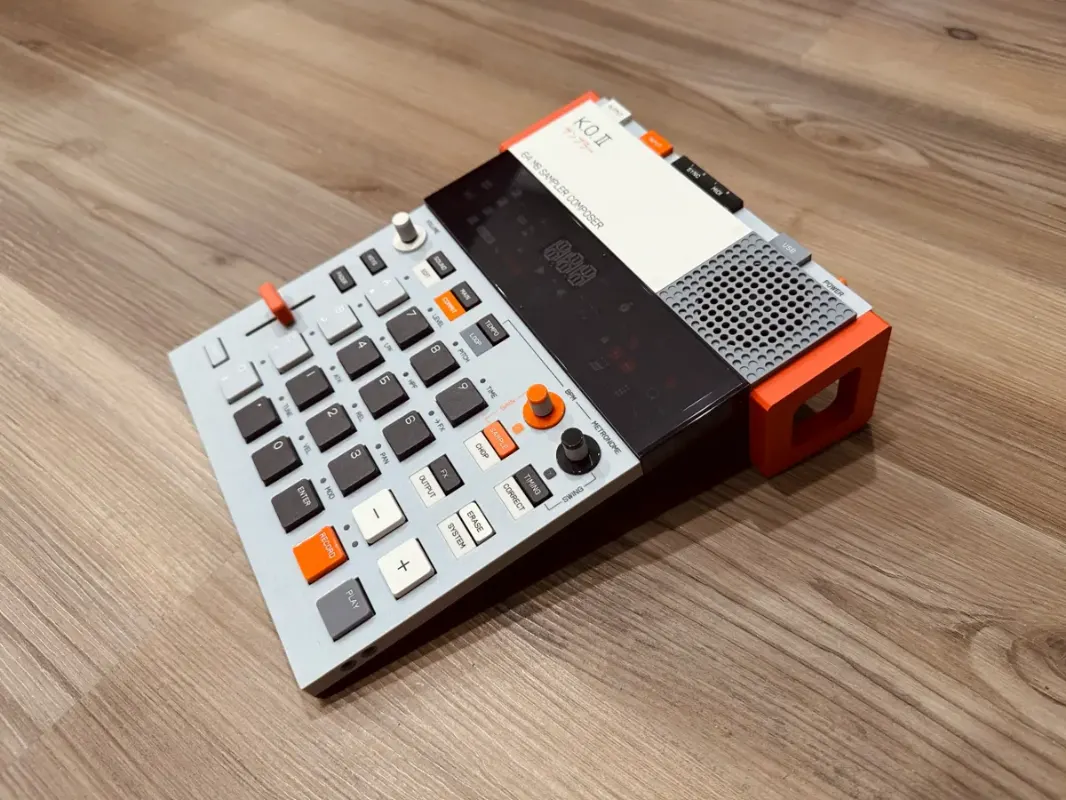
EP-133 K.O. II Stand (with fader cutout)
3D-printable angled desk stand for the EP-133 K.O. II
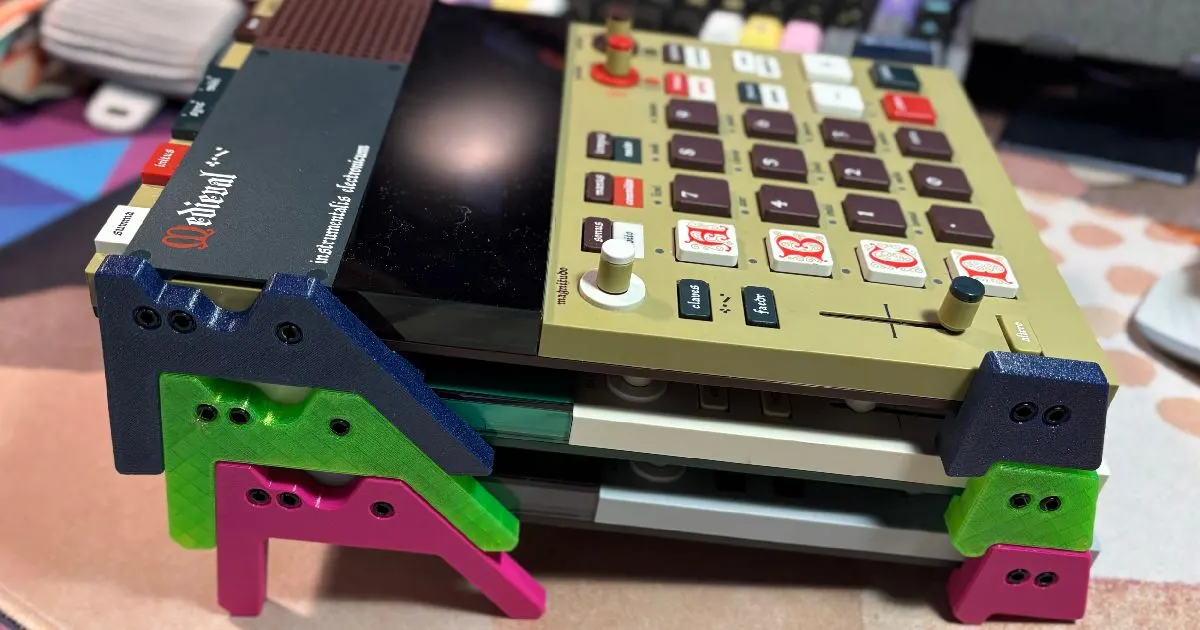
EP Legs / Stilts (EP-133 / EP-1320 / EP-40)
3D-printable legs that tilt the EP samplers up off the desk
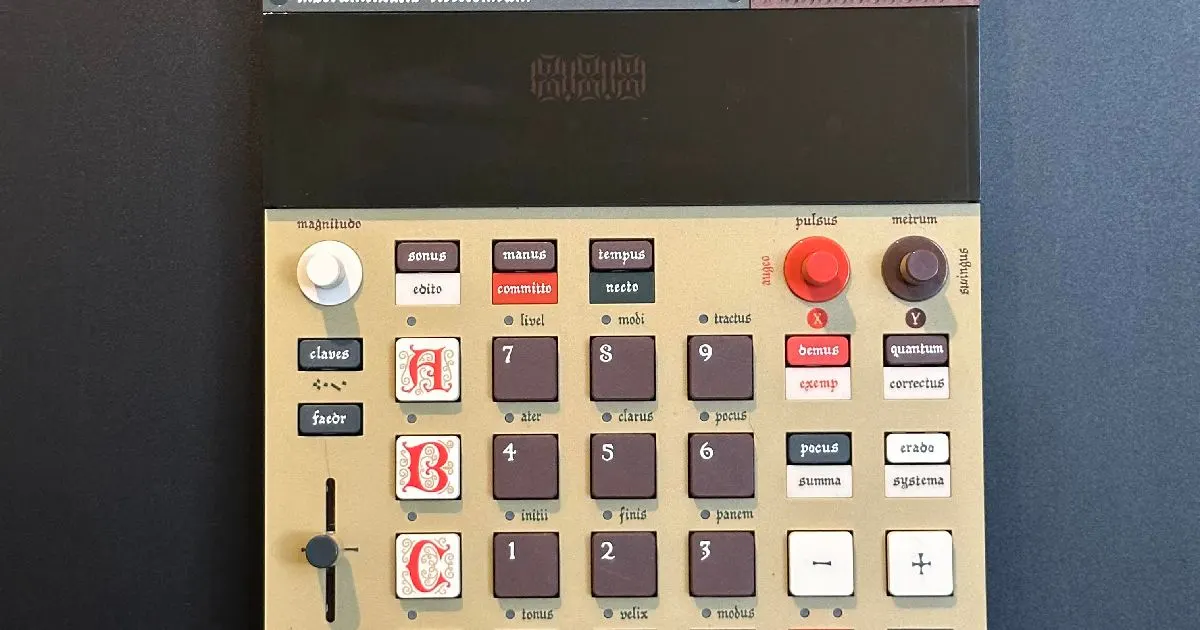
Magnetic Shelf for EP-133 / EP-1320
3D-printable magnetic wall shelf to dock the EP samplers
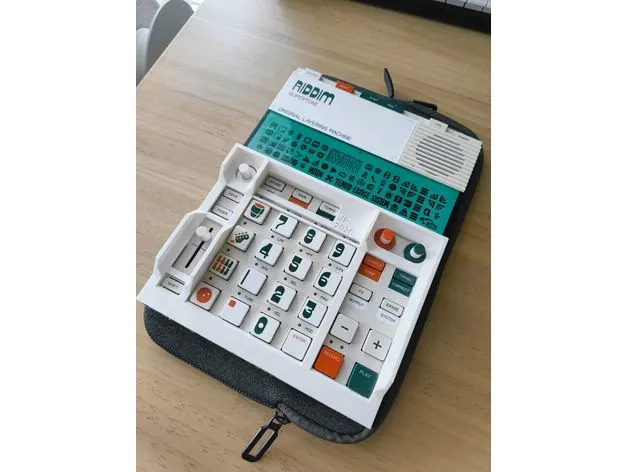
EP-133 / EP-40 Protective Bezel
3D-printable guard frame for the EP-133 K.O. II and EP-40
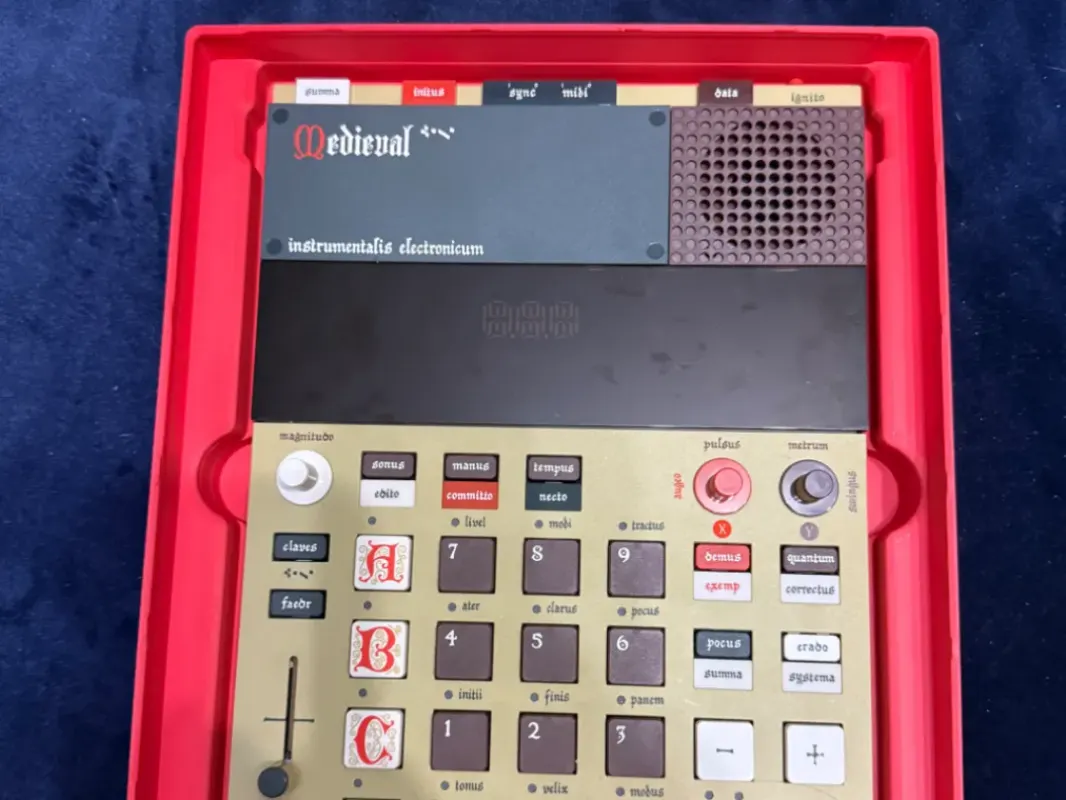
Gridfinity EP-133 / EP-1320 Case
Gridfinity-compatible tray that cradles the EP-133 and EP-1320
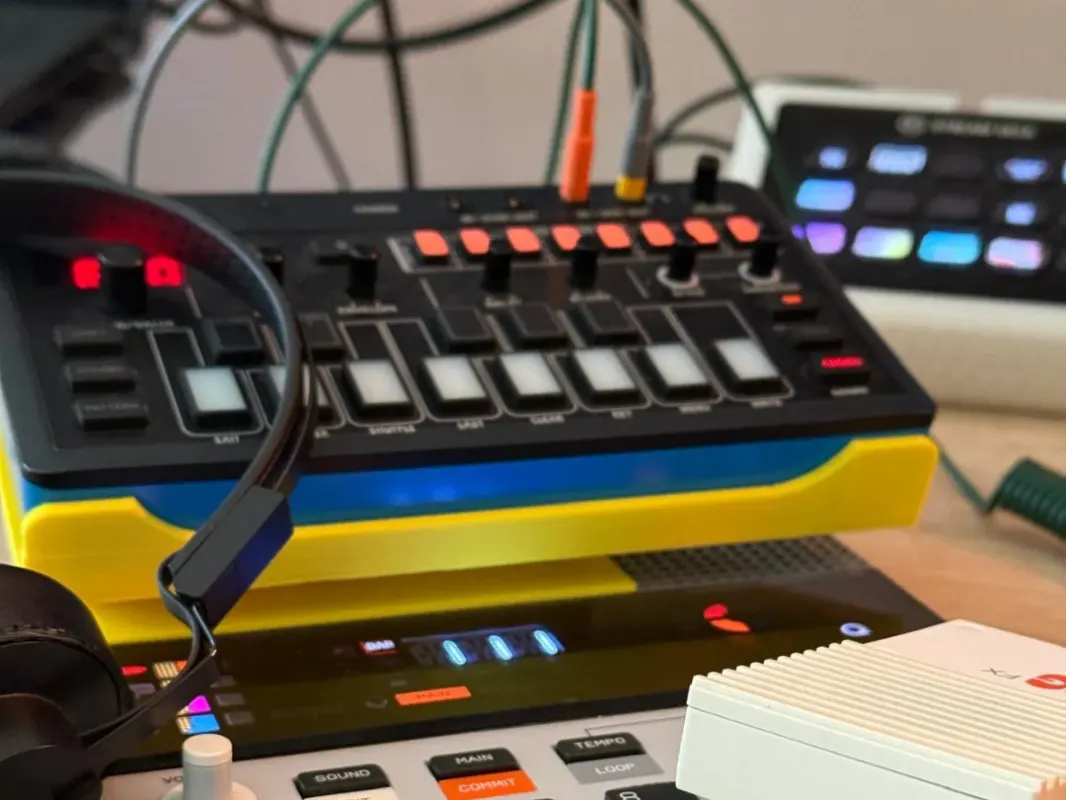
EP-133 K.O. II Stand (J-6 remix)
3D-printed stand for the EP-133 K.O. II, remixed from a Roland J-6 stand
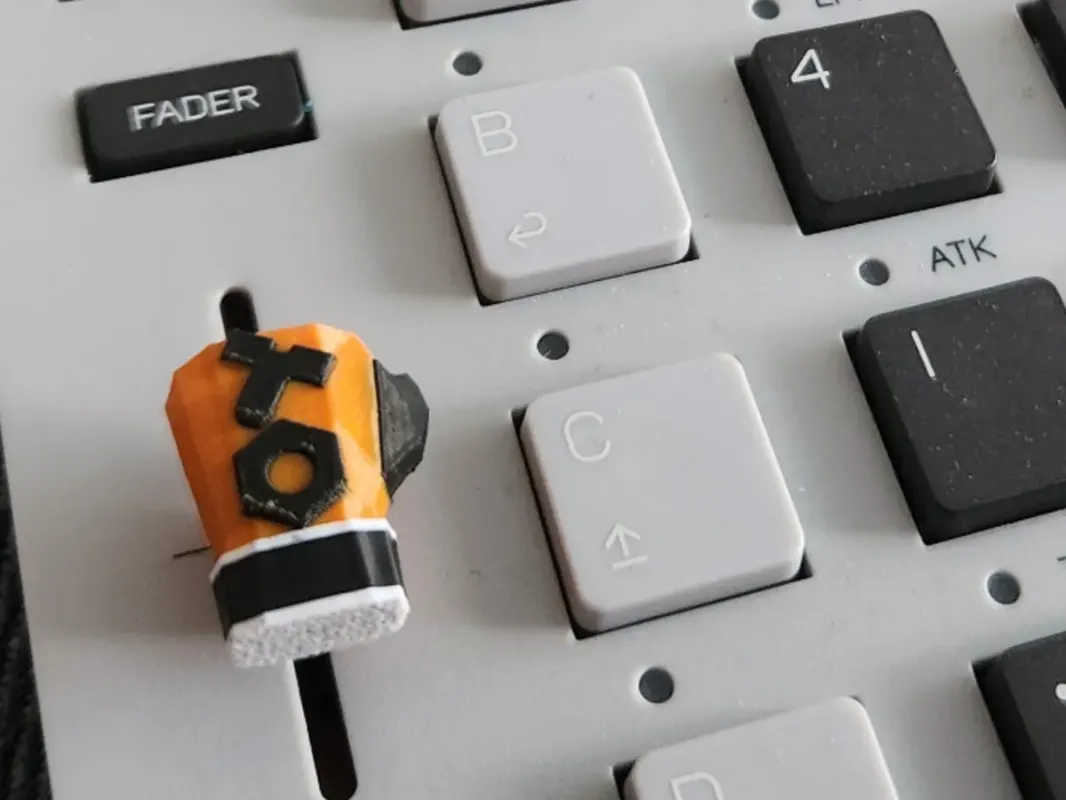
K.O. II Boxing Glove Fader
Free printable boxing-glove fader cap for the EP-133 K.O. II
spongefile Vinyl Overlays & Cheat-Sheet Stickers
Printed vinyl keypad overlays and shortcut stickers for the EP series and PO-33
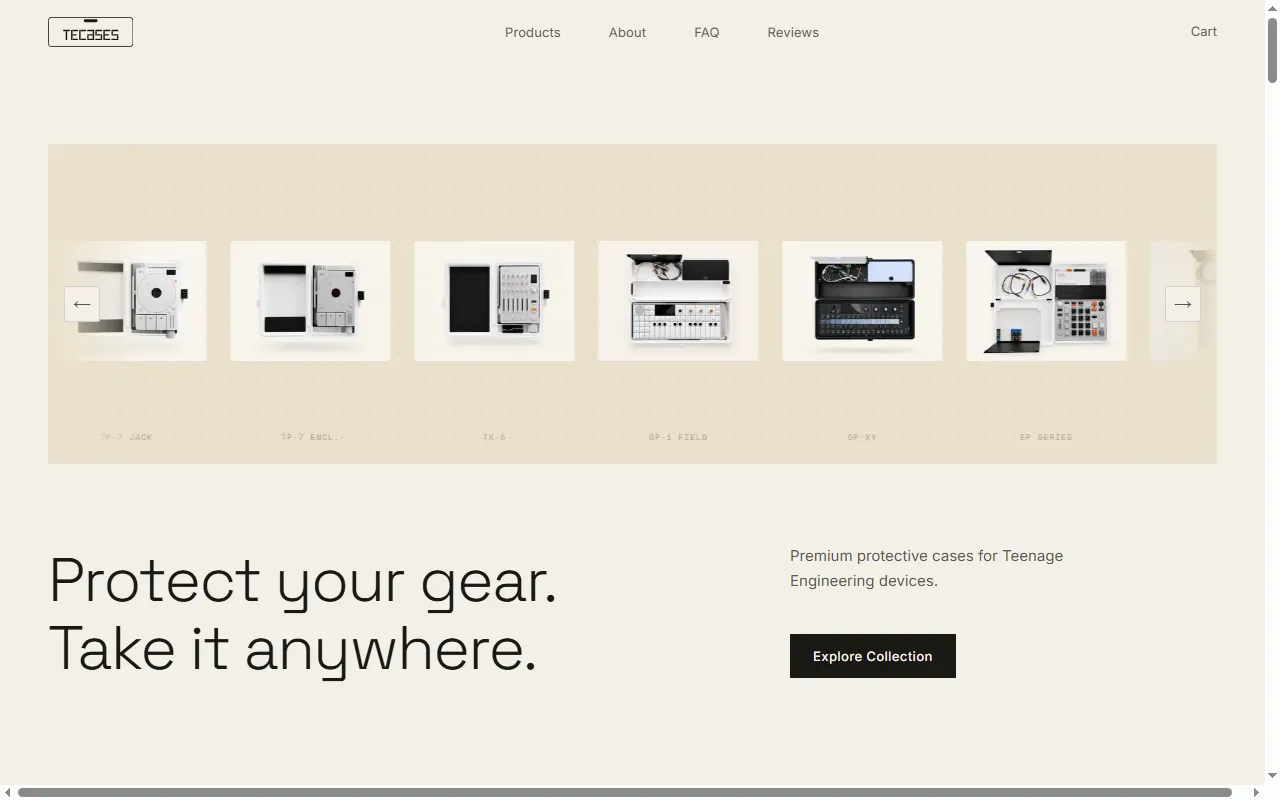
TEcases
Precision-fit protective cases for the Teenage Engineering lineup
MIDI Controllers & Sequencers
All midi controllers & sequencers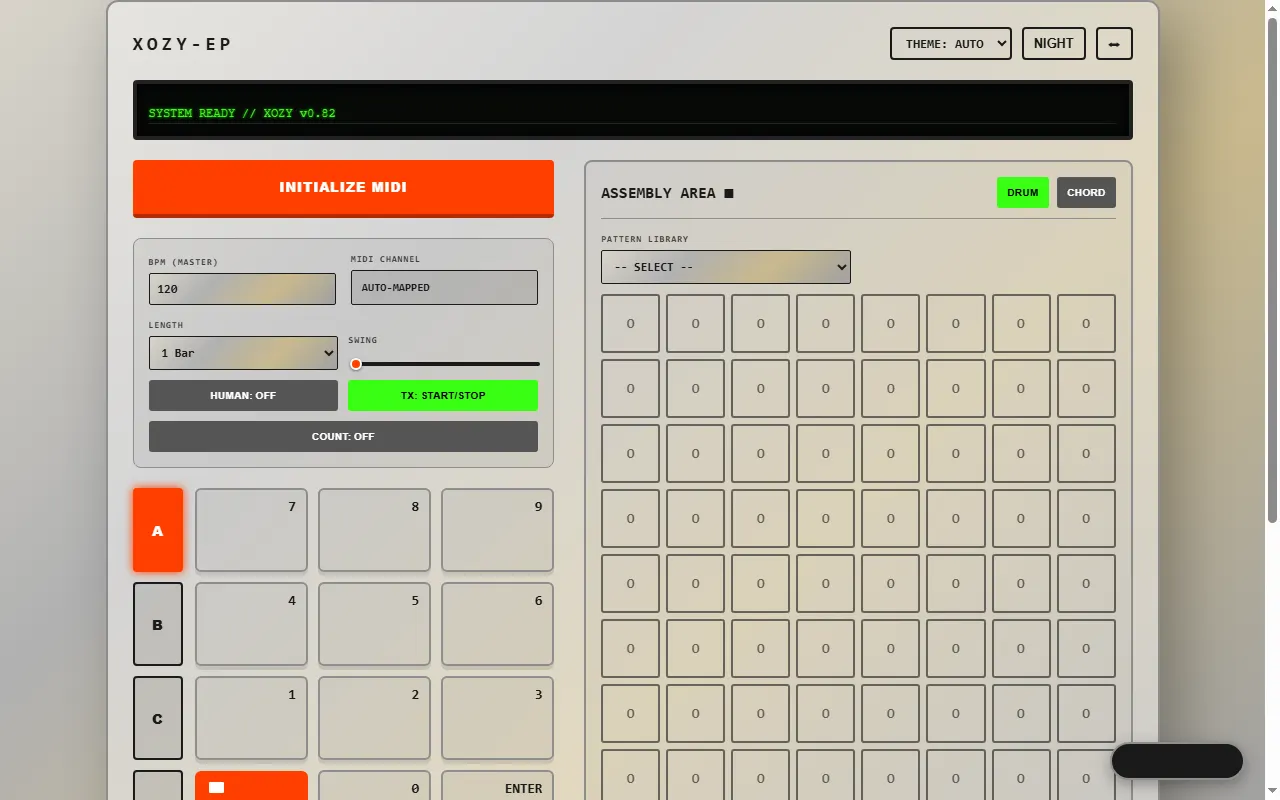
EP Drum Computer OXO
Free WebMIDI pattern and chord sequencer that drives the EP-133, EP-1320 and EP-40
ko-bridge
MCP server that lets an AI model drive an EP-133 K.O. II over SysEx, USB MIDI and USB audio
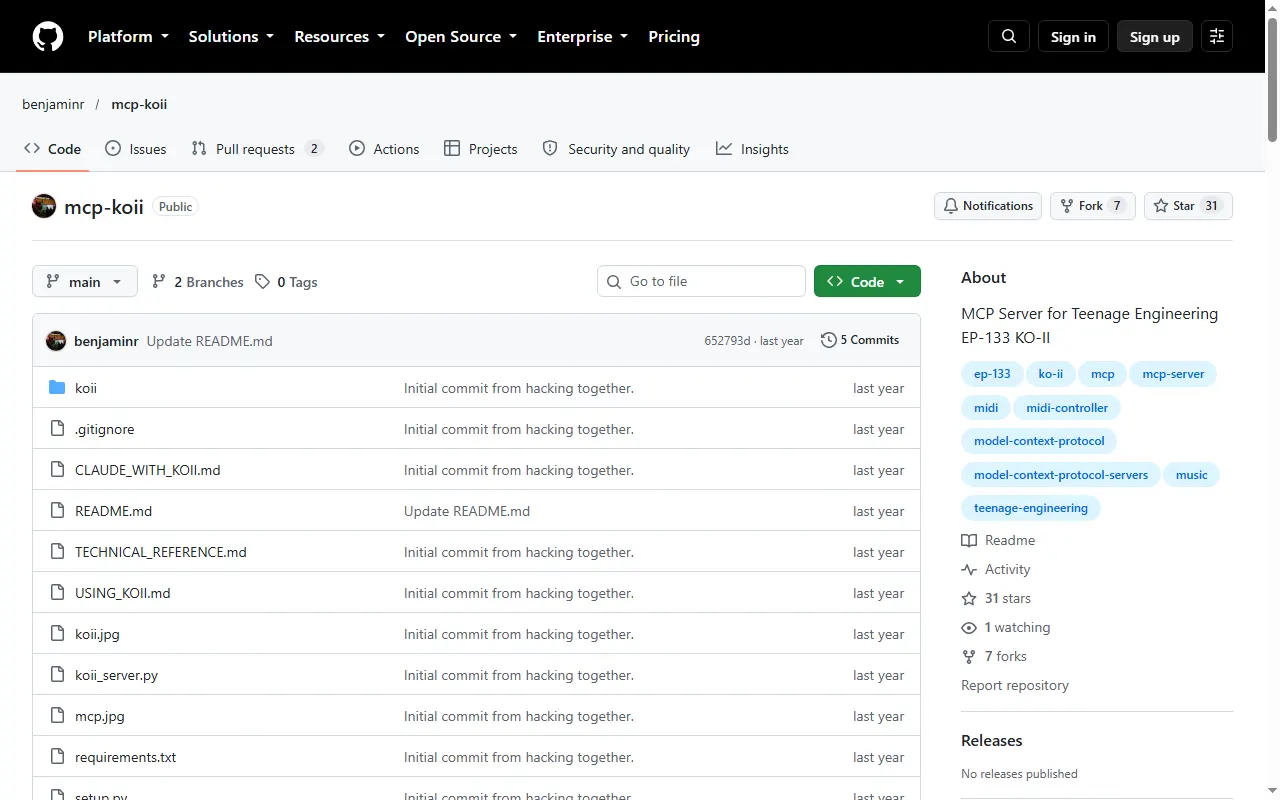
mcp-koii
MCP server that lets an AI assistant play notes and patterns on the EP-133 K.O. II over MIDI
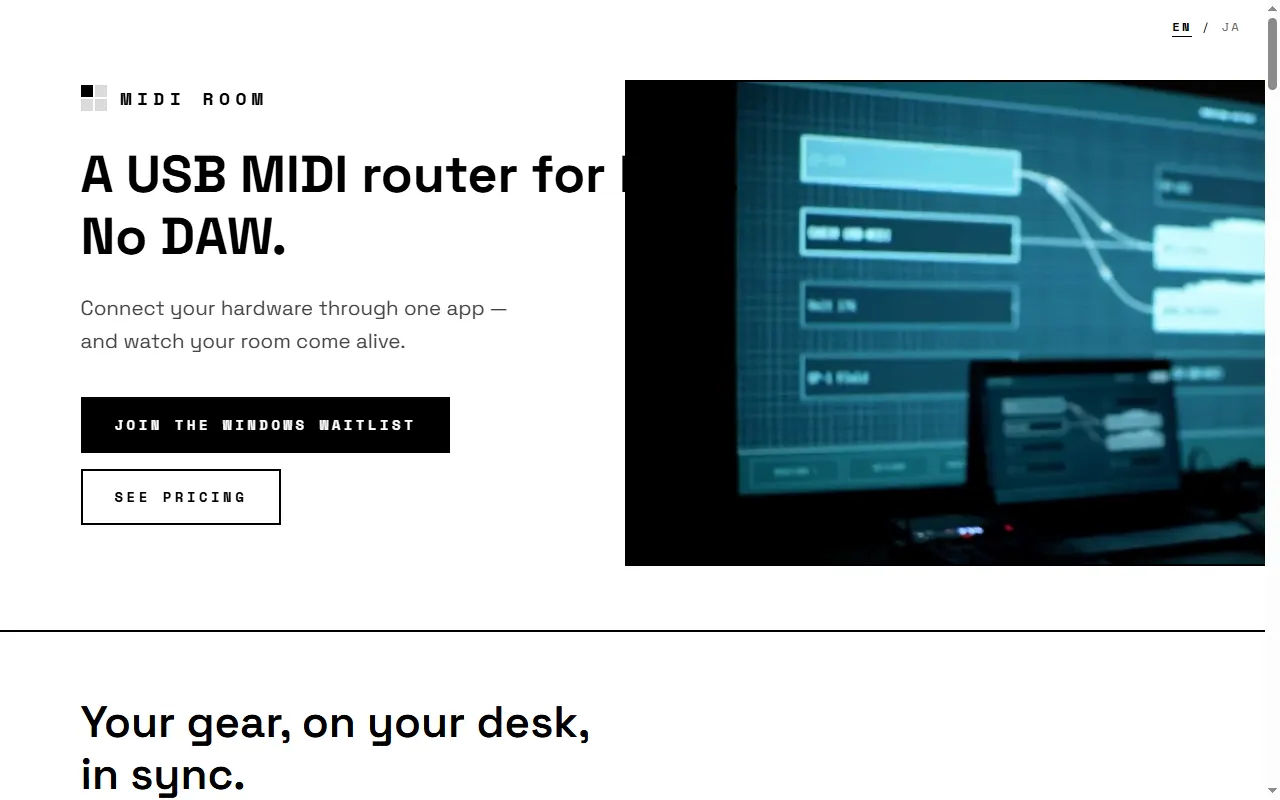
MIDI Room
Mac app for visual USB-MIDI routing between hardware — no DAW
Sound Packs & Patches
All sound packs & patches
Firmware Mods
All firmware mods
Good to know about the EP-133 K.O. II
- •Onboard sample memory is limited, so large libraries usually need to be trimmed or down-sampled before loading — several tools below automate this.
- •Browser-based sample/management tools talk to the device over USB and work best in a desktop Chromium browser (Chrome or Edge).
- •A lot of the device's power lives behind multi-key shortcuts, so a cheat sheet helps until they become muscle memory.
EP-133 K.O. II questions, answered
All 31 FAQsHow do I clock-sync a TX-6, OP-1 field, EP-133 K.O. IIs, and Pocket Operators for live performance?
Pick one master clock and split your gear into two sync worlds. The OP-1 field and the K.O. IIs speak MIDI clock, so run MIDI/USB from your master (the TX-6 works well as the hub) to those devices and set them to follow external clock. Pocket Operators don't do MIDI — they sync to an audio click on the left channel, so feed them a sync signal from a PO set to send sync, a dedicated sync box, or a MIDI-to-audio-sync converter, and chain the POs from there. Decide up front whether your MIDI master or your PO chain is the timing reference and derive the other from it, so everything starts from one tempo.
EP-133 K.O. II: should I get the 128MB version or a used 64MB, and are there hardware generations?
There are two versions: the original with 64MB of sample memory and a newer one with 128MB. They run the same firmware and behave identically — the only difference is how much sampling time you get, so the 128MB holds roughly twice as much material before you have to manage space. For learning the device the 64MB is plenty; the 128MB is worth the extra outlay if you sample a lot or want to future-proof. If you buy used, check the fader feel — some early units had a slightly finicky fader.
Why can't I update my EP-133 K.O. II in the web updater?
The EP-133 updates through the browser using WebUSB, which only works in a Chromium browser (Chrome or Edge) on a desktop — Firefox, Safari, and iOS/iPadOS don't support WebUSB, so the updater simply won't see the device there. Make sure you're on Chrome/Edge, use a USB-C cable that carries data (not a charge-only one), close any other app or browser tab that's connected to the unit, and try a different port. If it still doesn't connect, swap the cable before assuming the device is at fault — bad cables are the most common culprit.
Is the EP-133 K.O. II fader issue ("fadergate") fixed on newer / 128MB units?
Some early EP-133 units had reports of a finicky or unreliable fader, which the community nicknamed "fadergate." Later production runs and the 128MB units are generally reported as fine, but because it comes down to per-unit hardware tolerance rather than a single revision, the safe move is to test the fader's full travel on any unit you're buying — new or used — and use the warranty if it feels notchy, jumpy, or dead anywhere along its range.
Is the EP-133 K.O. II good for jungle/DnB — chopping breaks under $500?
Yes, it's a strong fit. Chopping breaks is exactly what it's good at: sample an Amen or any break, auto-chop it across the pads, and re-sequence it into new patterns, then record the result into your DAW for finishing. You don't need much memory for a handful of breaks, and it sits comfortably under $500. The main limits to plan around are finite polyphony and that mutes/solos are by group, so arrange your chops with performance in mind.
Is the EP-133 K.O. II a good machine for making techno?
Yes — plenty of techno gets made on it. It's strong at exactly the things techno leans on: chopping and looping samples, building tight drum and bass patterns, arranging scenes into a track, and using the punch-in effects for filter sweeps and builds. The things to be aware of are finite polyphony and memory, and that mutes/solos work by group rather than per pad, so plan your kit with performance in mind. As a first sampler for that style it punches well above its size.