Re:Pitch
Re-pitch/bit-crush audio and bake in EP-133 KO II sample settings
Best for
Prep and re-pitch a sample, then bake EP-133 playback settings into the file so it loads ready to play.
Works with
- Modern web browser
Good to know
- Heads up: The EP-133 playback settings baked into a file are ignored by other samplers.
About
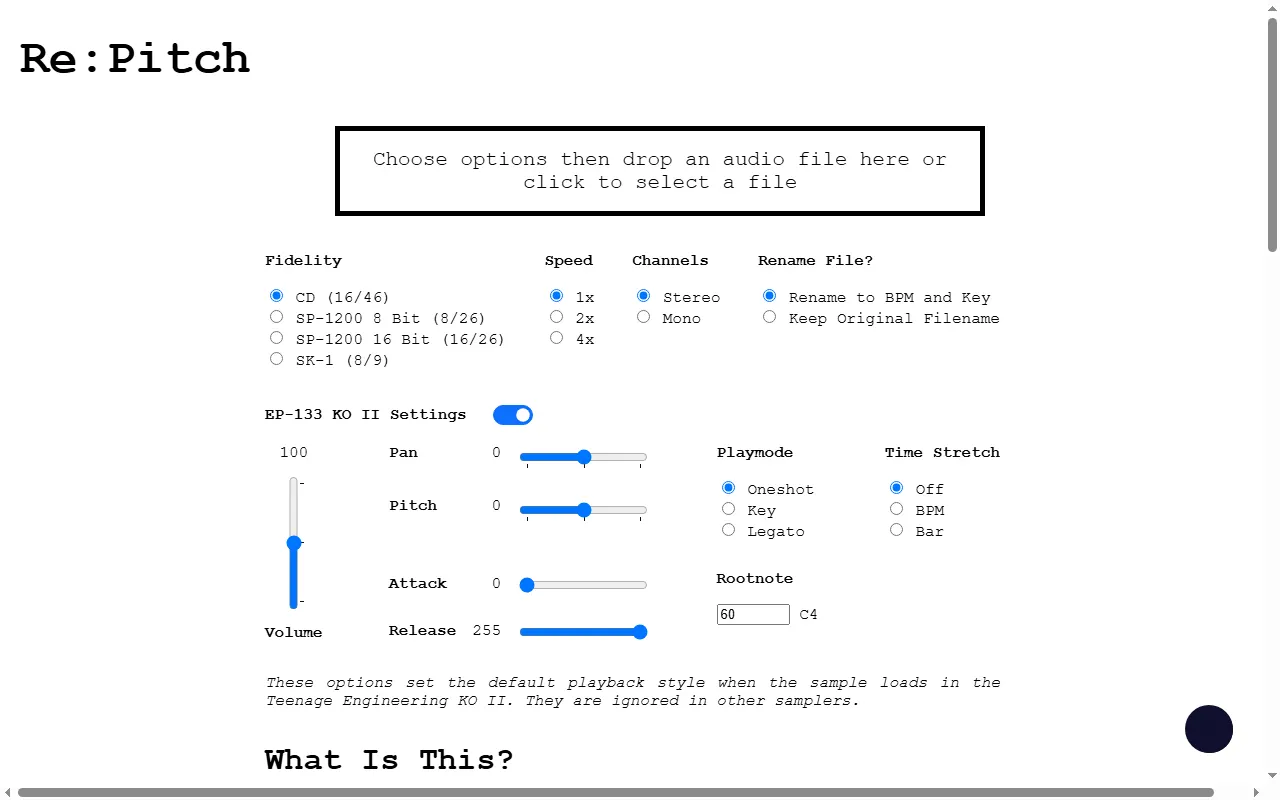
A browser tool for prepping samples: drop in an audio file, choose a fidelity (clean CD quality or classic SP-1200 / SK-1 bit-crush emulations), adjust speed and channels, and — for the EP-133 K.O. II — bake default playback settings (pan, pitch, attack, release, play mode, time-stretch, root note) and BPM/key file renaming straight into the file so it loads ready to play. Other samplers simply ignore the embedded settings.
Web