Device guide
OP-XY: tools, mods & resources
Community-made software, firmware mods, accessories, guides, and answered questions for the Teenage Engineering OP-XY (also known as OPXY).
Sample & Kit Tools
All sample & kit tools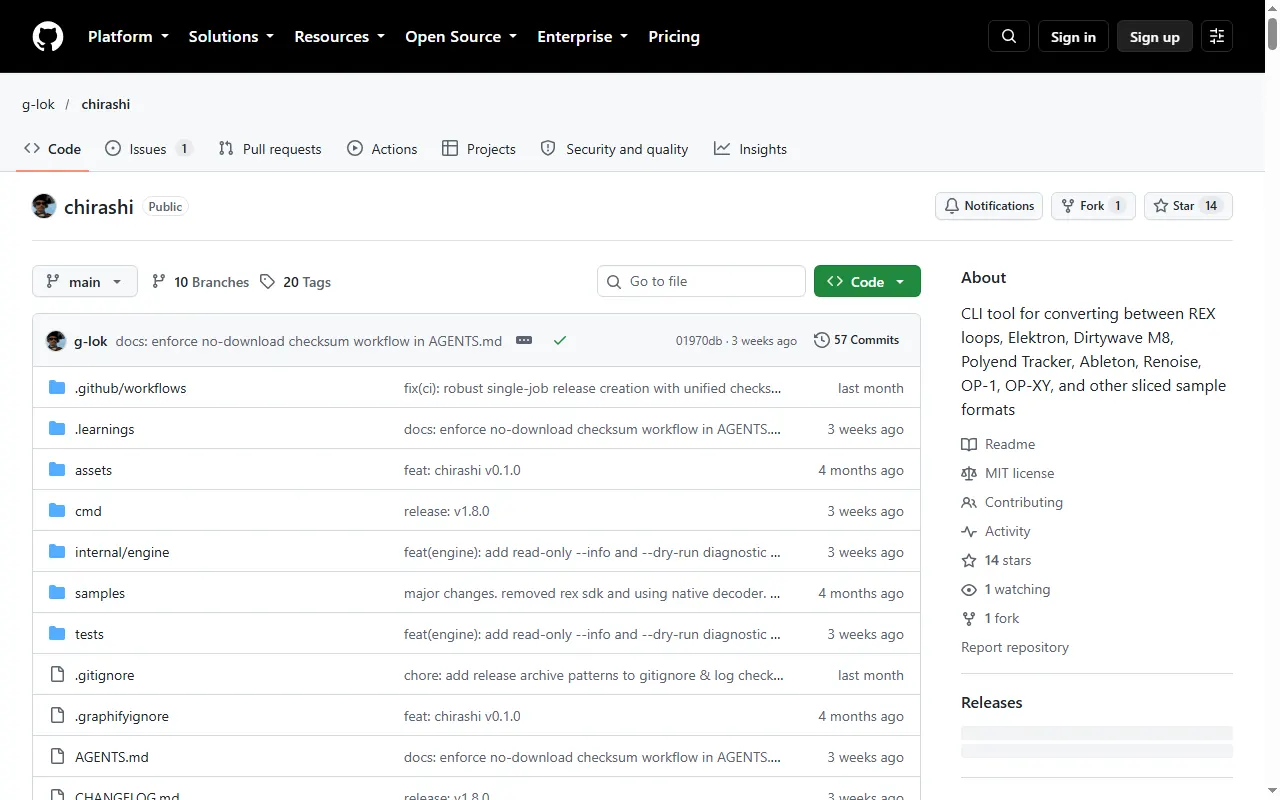
chirashi
CLI that converts sliced-sample formats, including OP-1 and OP-XY, REX, M8 and Tracker
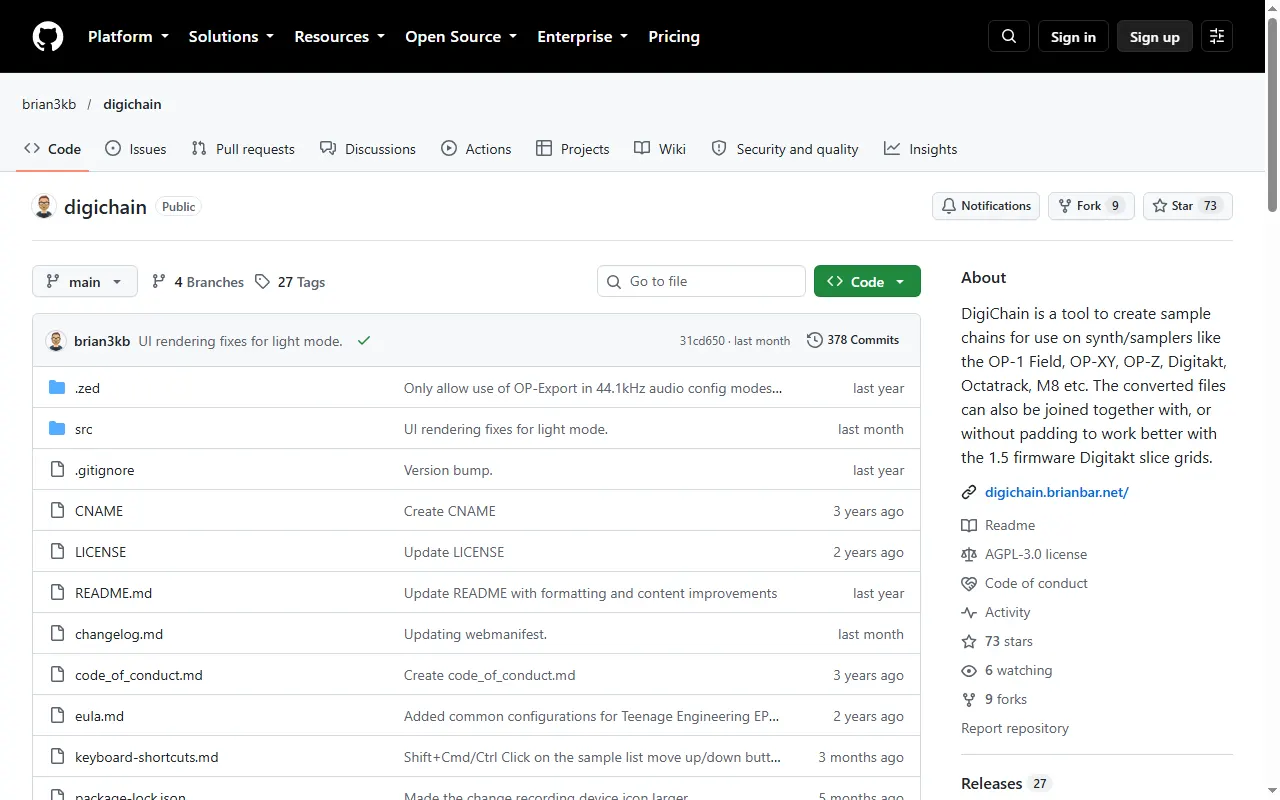
DigiChain
Sample-chain builder for the OP-1 field, OP-XY, OP-Z and other samplers
Logic Pro Drum Kit Exporter for OP-XY
Export Logic Pro and GarageBand Drum Kit Designer kits as OP-XY drum presets
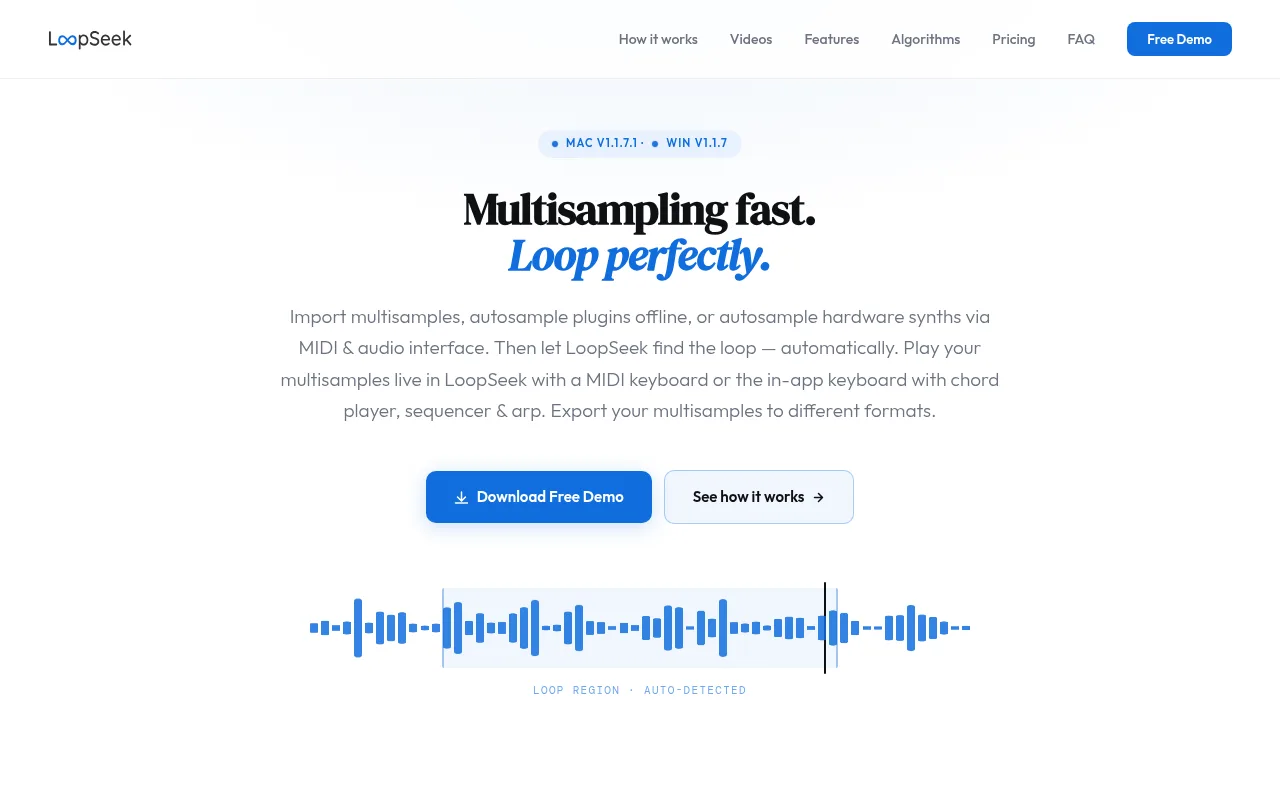
LoopSeek
An automated multisampling workflow in one app
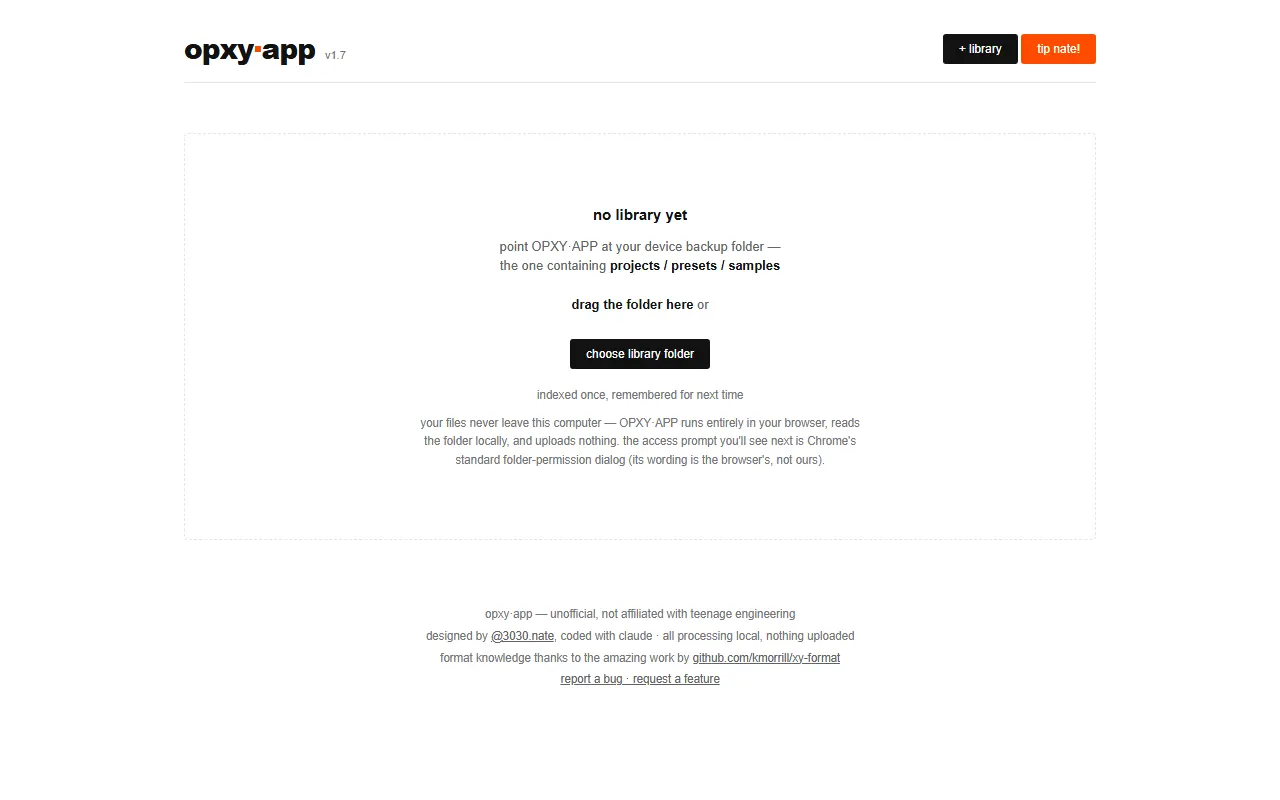
OPXY.APP
Browser tool that maps which samples your OP-XY projects use and repairs broken sample links
OP-XY Drum Builder
Web app for building OP-XY drum presets and drum racks from your own samples
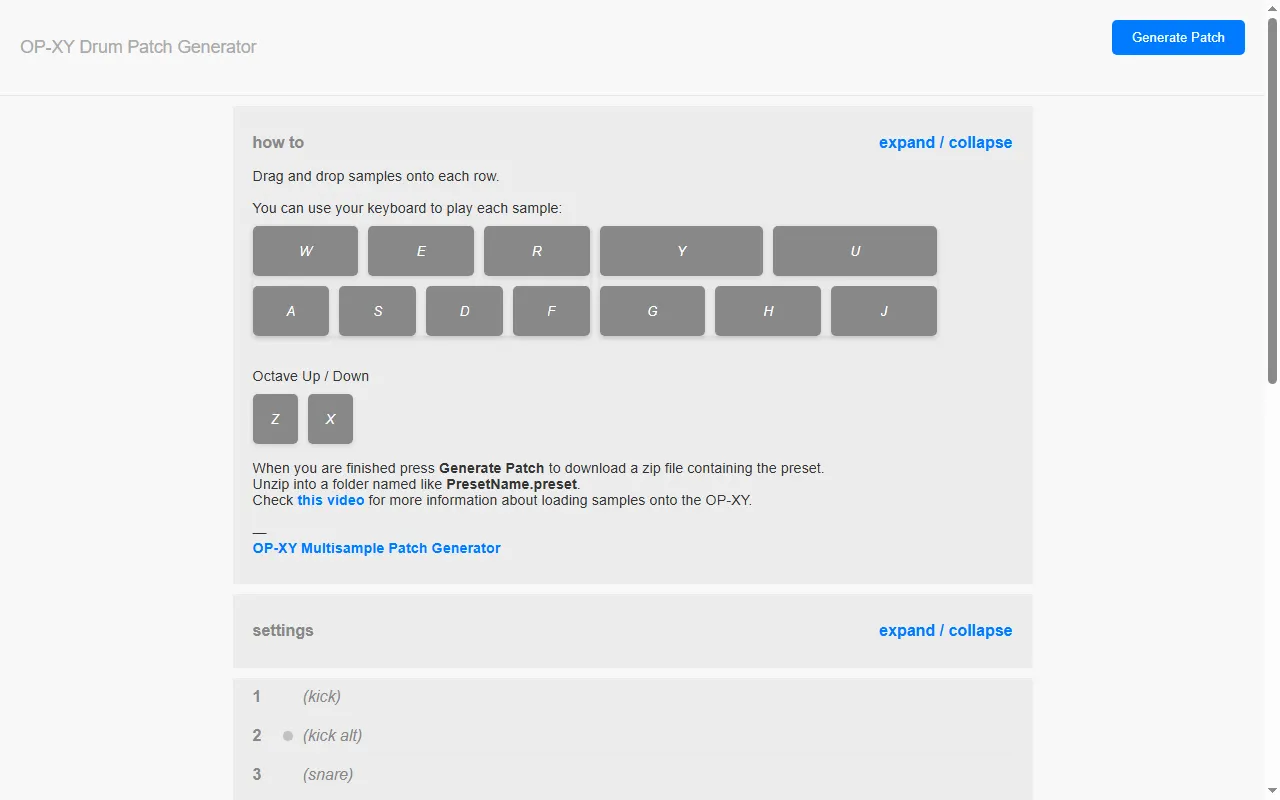
OP-XY Drum Patch Generator
Drag-and-drop web tool to build OP-XY drum presets from your own samples
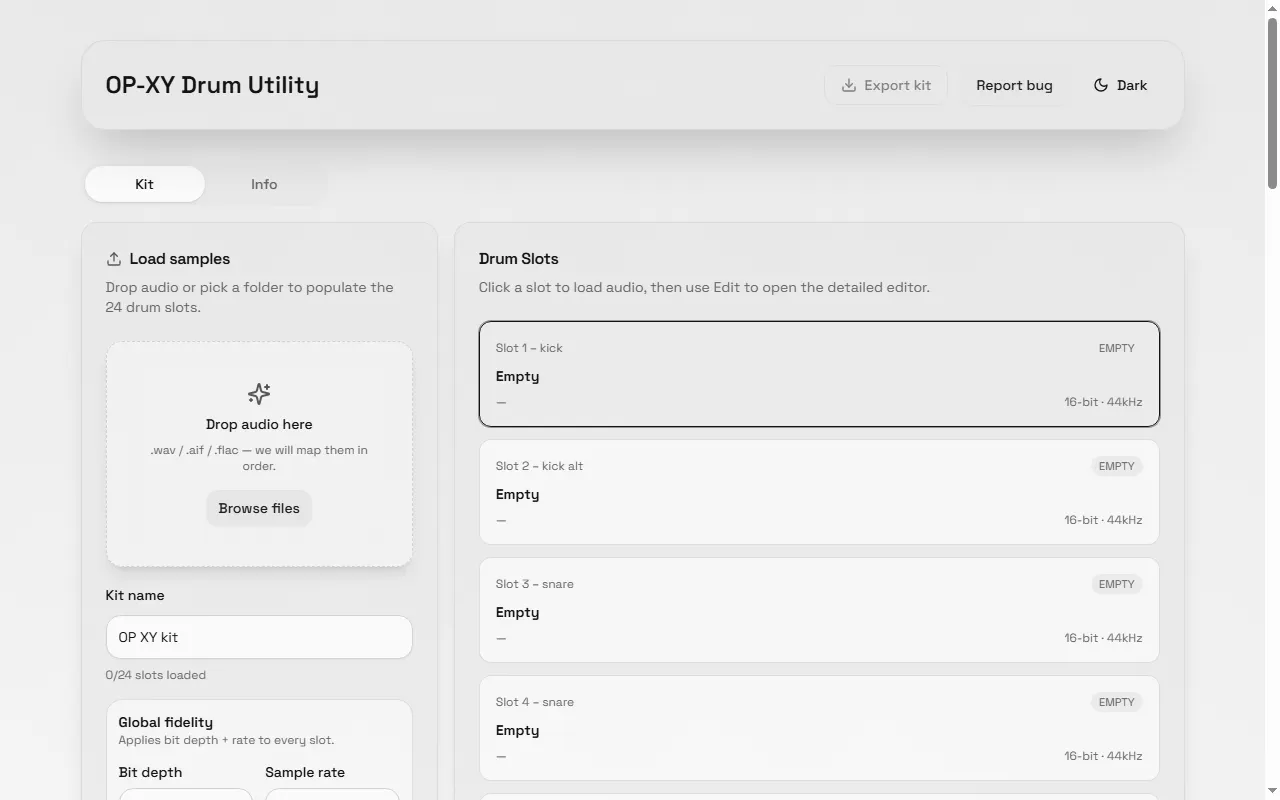
OP-XY Drum Utility
Build OP-XY drum kits in the browser — drop in samples, edit, and export
PyTheory OP-XY Samples
Free multisample instrument presets for the OP-XY and OP-1
TE Loop Cutter
Offline PWA loop cutter that exports loops for the OP-1, OP-XY, OP-Z and EP-133
Xympler
OP-XY companion for organizing samples and preparing drum kits, multisamples and song presets
Sound Packs & Patches
All sound packs & patches
MIDI Controllers & Sequencers
All midi controllers & sequencers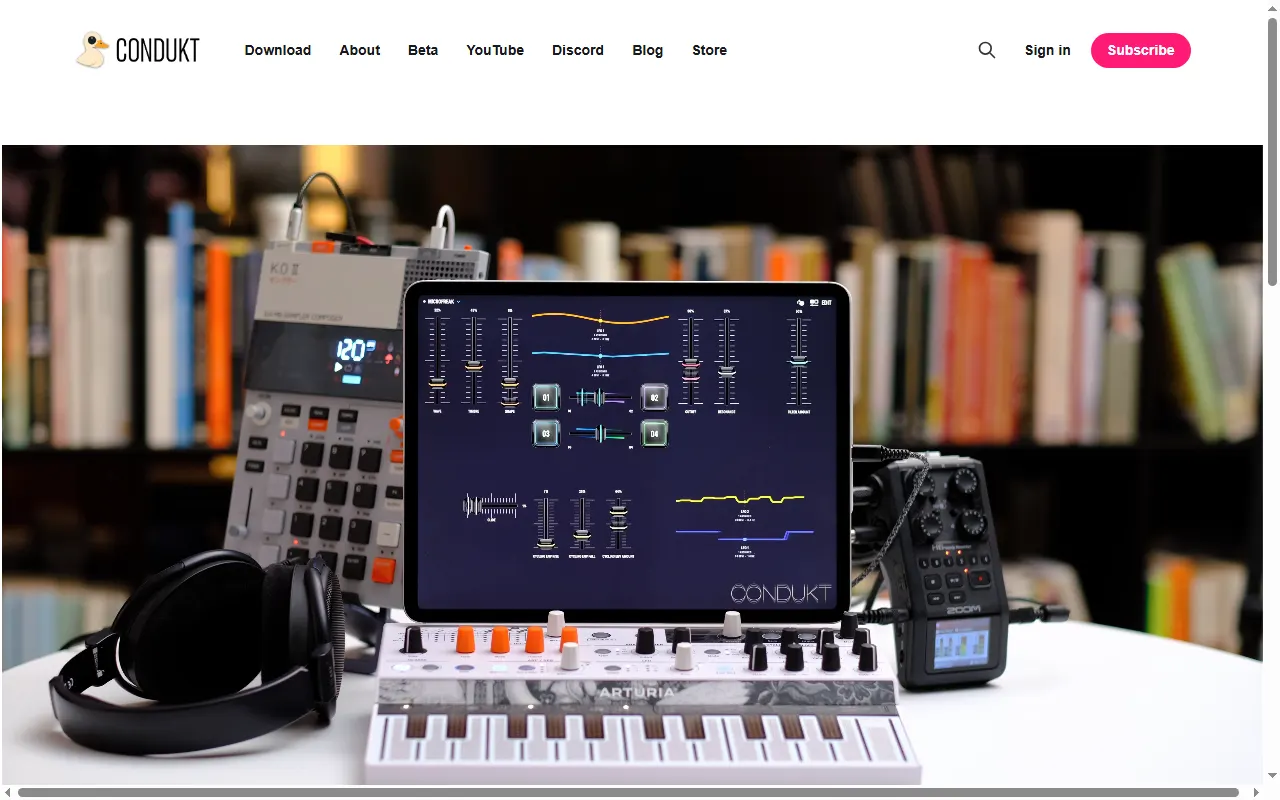
Condukt
Universal MIDI controller app for iPhone, iPad and Mac with OP-Z and OP-XY support
Launchpad Mini MK3 Presets for OP-XY
Novation Launchpad Mini MK3 layouts for controlling the OP-XY
MC8P MIDI Controller
Open-source 8-knob standalone MIDI controller built to accompany the OP-XY
Firmware Mods
All firmware mods
Patch & Preset Editors
All patch & preset editors
DX7 to OP-XY Multisample Patch Maker
Turn DX7 SysEx banks into OP-XY multisample presets (or Elektron Tonverk multisamples)
Maschine Multisample to OP-XY Converter
Web tool that converts NI Maschine multisample instruments into OP-XY presets
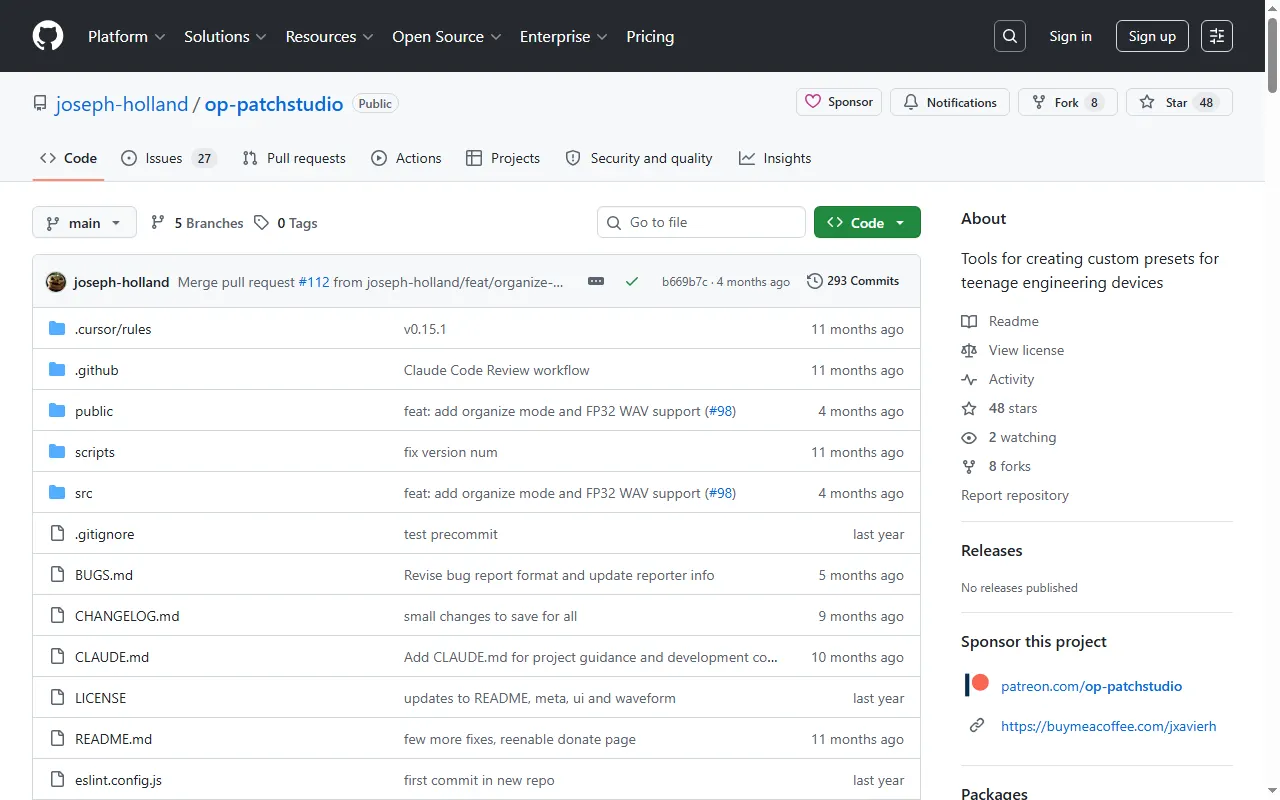
OP-PatchStudio
Browser tool for building custom presets and patches for OP devices
OP-XY Multisample Converter
Browser app that converts multisamples to OP-XY format and trims silence automatically
OPXY Multisample Tool
Python tools that record, name and pack multisample presets for the OP-XY
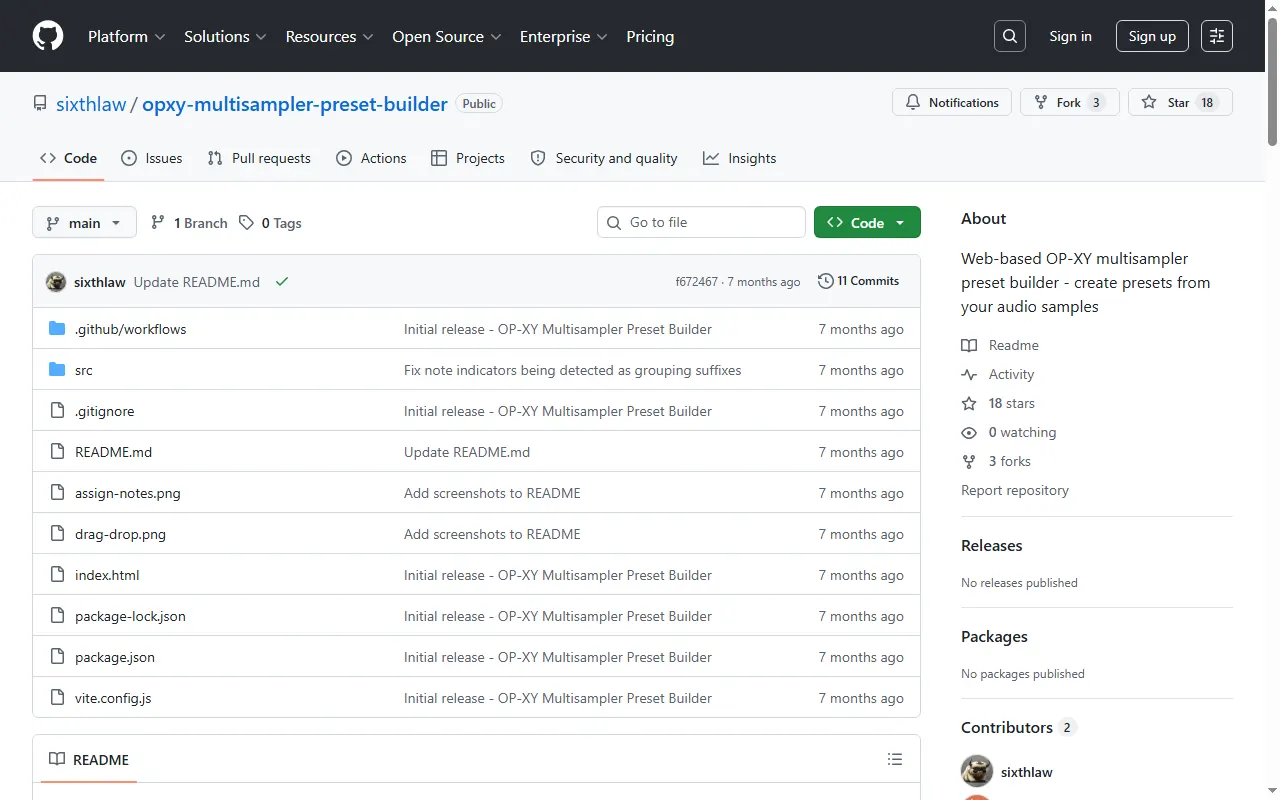
OP-XY Multisampler Preset Builder
Auto-slice samples, detect key, and pack OP-XY multisampler presets
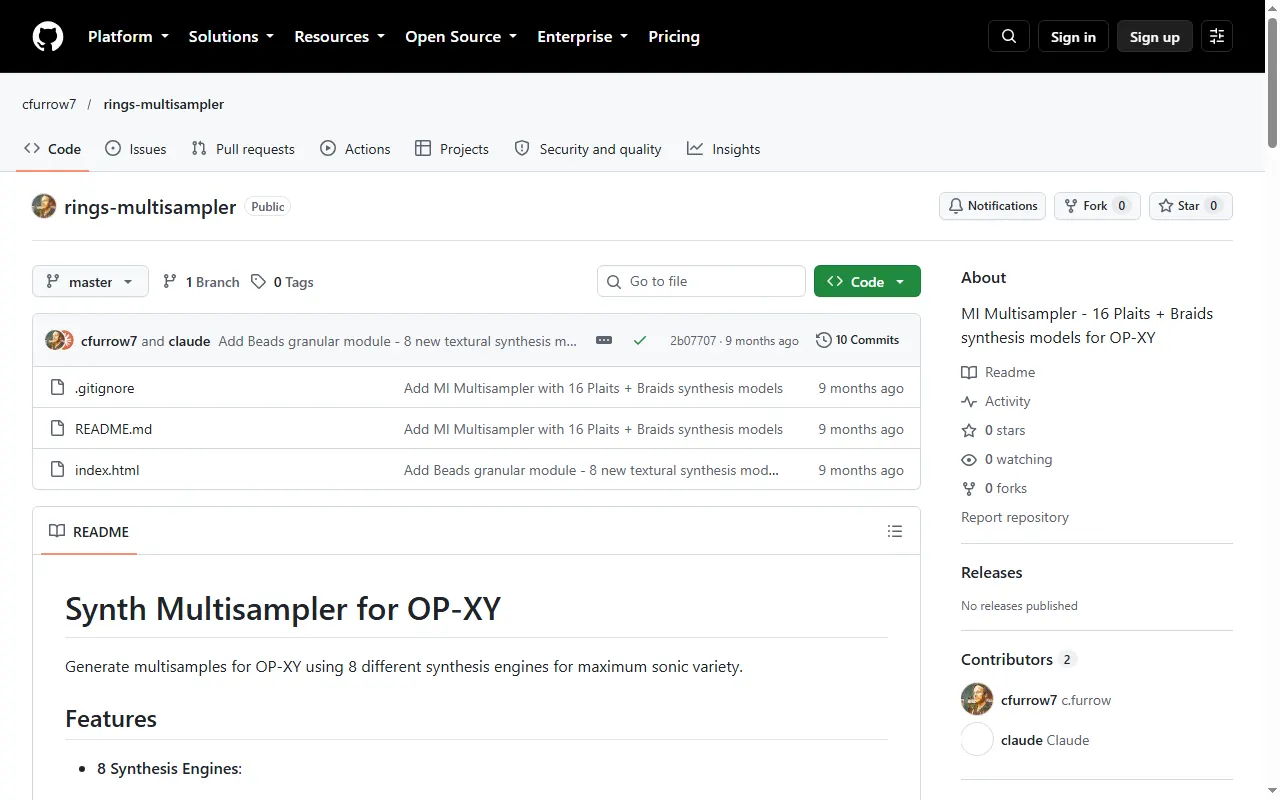
OP-XY Synth Multisampler
Generate OP-XY multisamples from modal, plucked-string, FM, additive and other synth engines
opxy-to-sfz
Batch-convert OP-XY multisample presets to SFZ with trimmed WAV samples
PolySampler
VST3/CLAP plugin that auto-multisamples a MIDI instrument and exports OP-XY presets
sf2-to-opxy
Converts SoundFont 2 instruments and drum kits into OP-XY multisample and drum presets
Swift-TE
Pure Swift library that reads and writes OP-1, OP-Z and OP-XY patch formats
Guides & Cheatsheets
All guides & cheatsheets
Learn Music with OP-XY
Free 12-week visual beginner course for the OP-XY, one web page per week
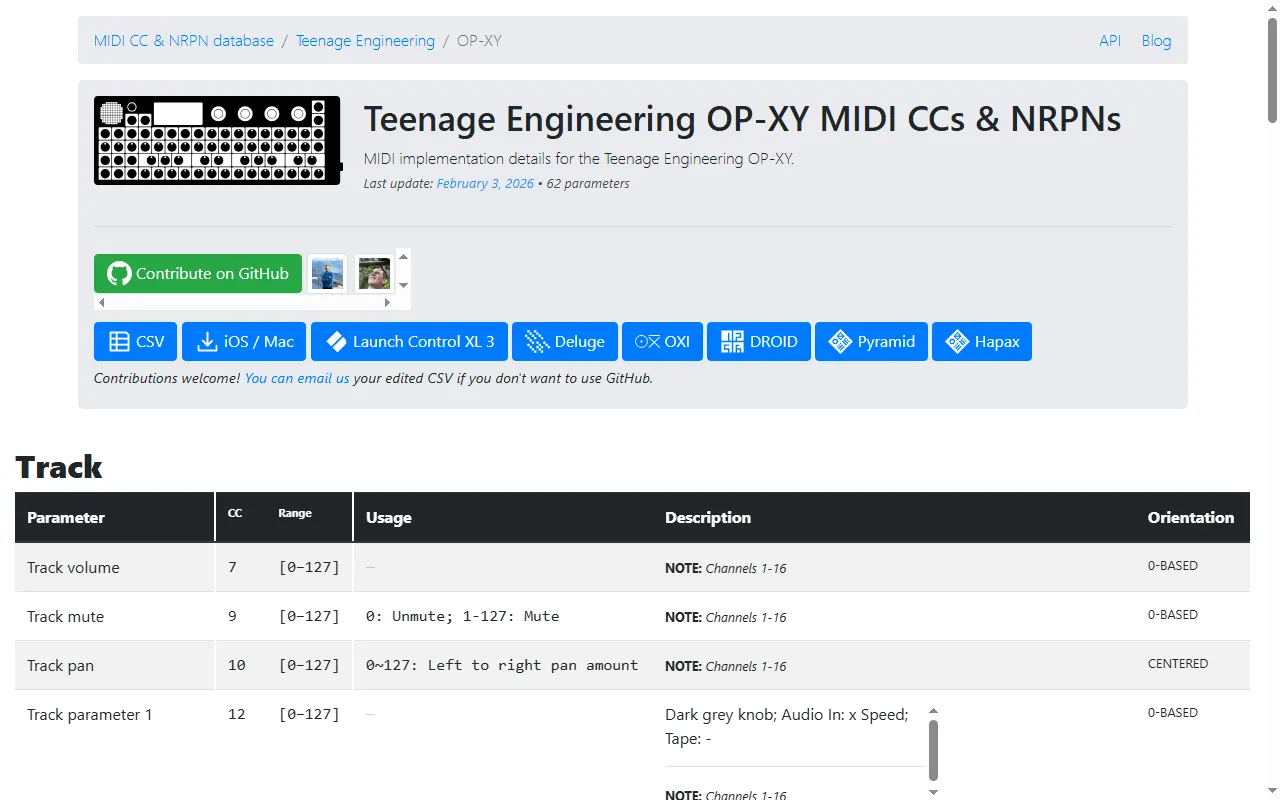
midi.guide OP-XY MIDI chart
Searchable list of every OP-XY MIDI CC and NRPN, with ranges and usage notes
OP-XY Project Format Lab
Reverse-engineered docs and tools for reading, editing and generating OP-XY .xy projects
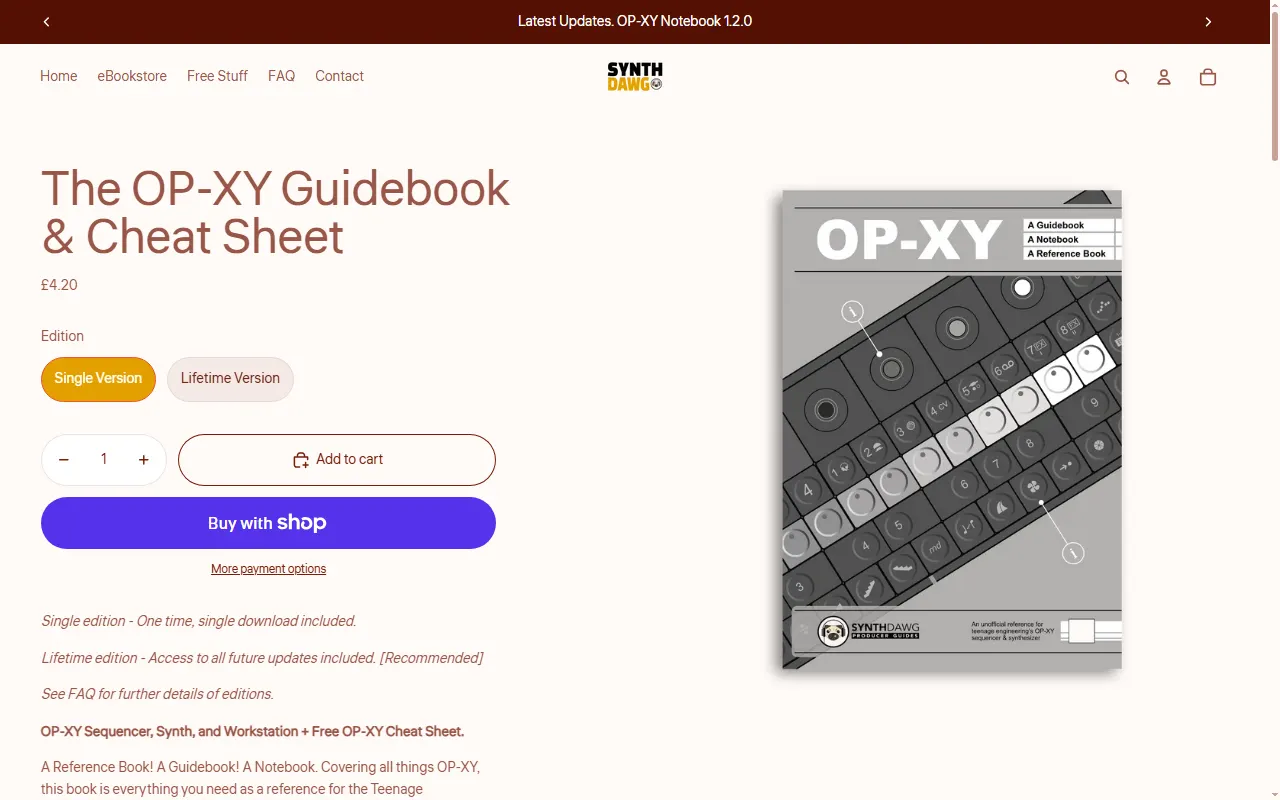
The OP-XY Guidebook & Cheat Sheet (Synthdawg)
Printable reference book and cheat sheet covering the whole OP-XY
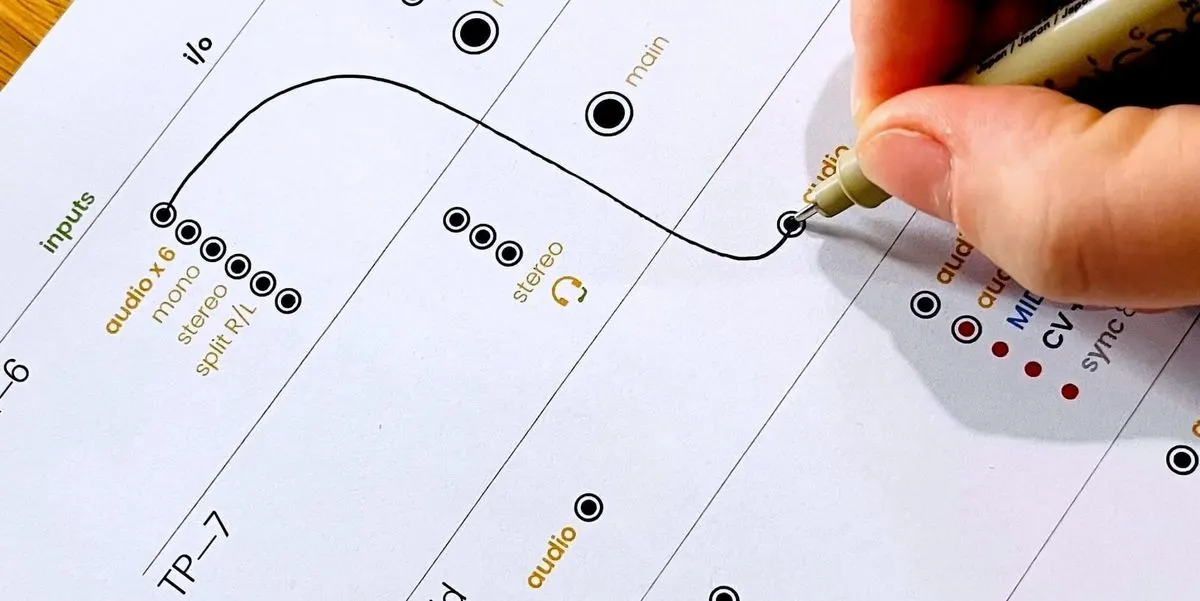
Teenage Engineering Connection Cheat Sheets
Printable I/O worksheets for planning how to wire TE gear together
Player & Companion Apps
All player & companion apps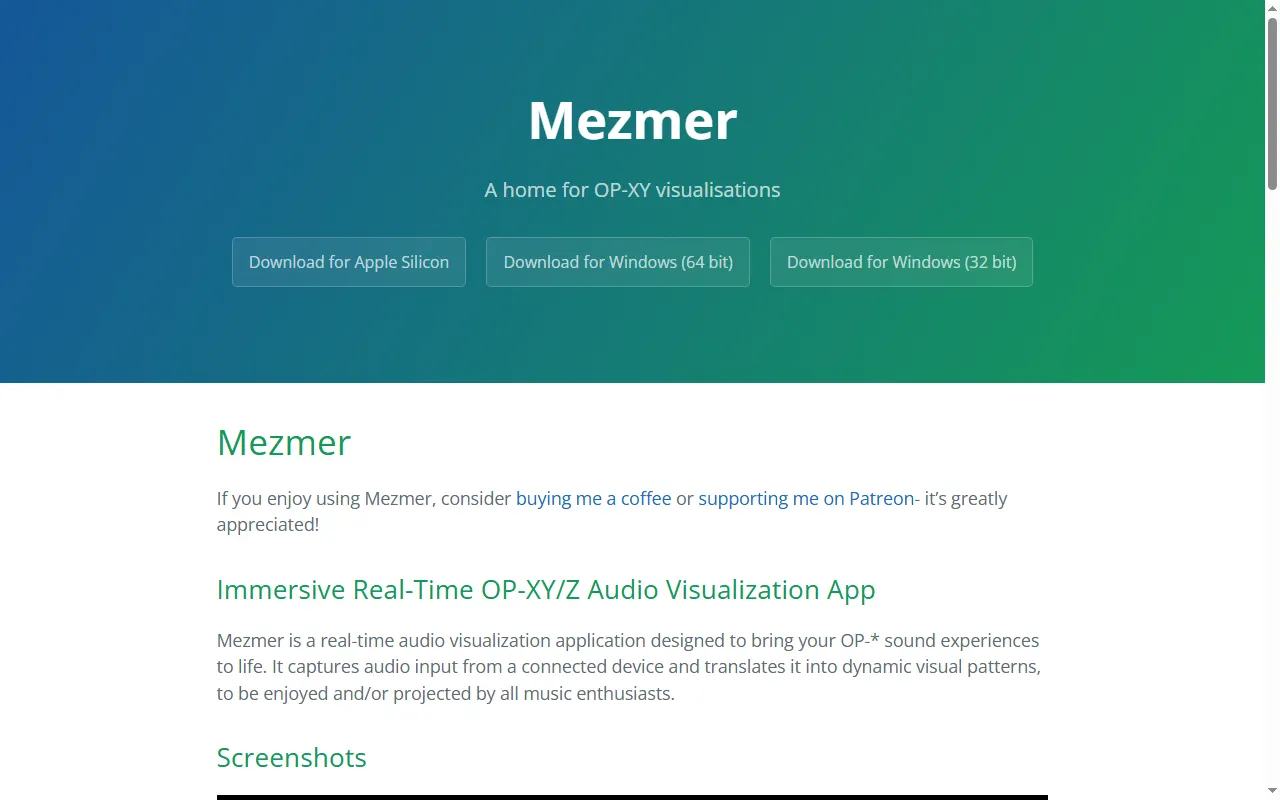
Mezmer
Real-time audio visualiser for the OP-XY and OP-Z, for projecting at live sets
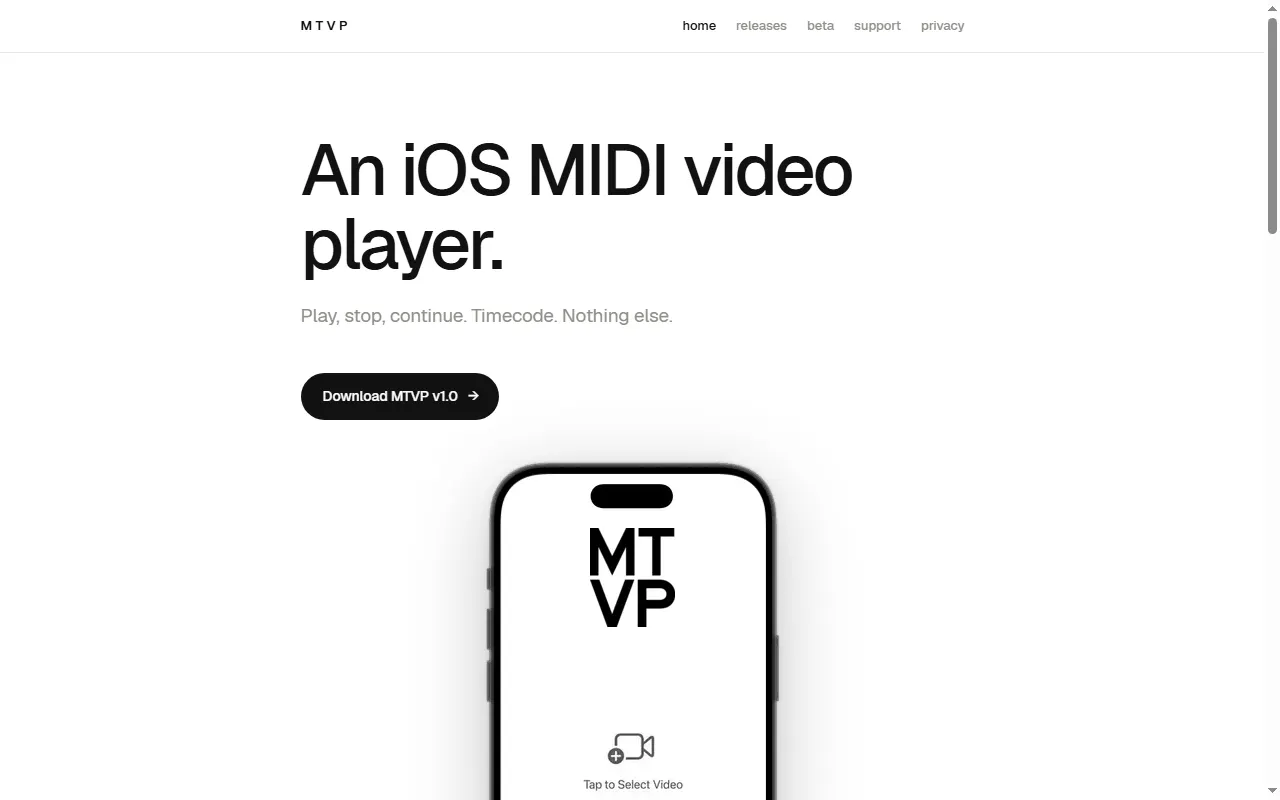
MTVP
MIDI-controlled video player with timecode for scoring to picture
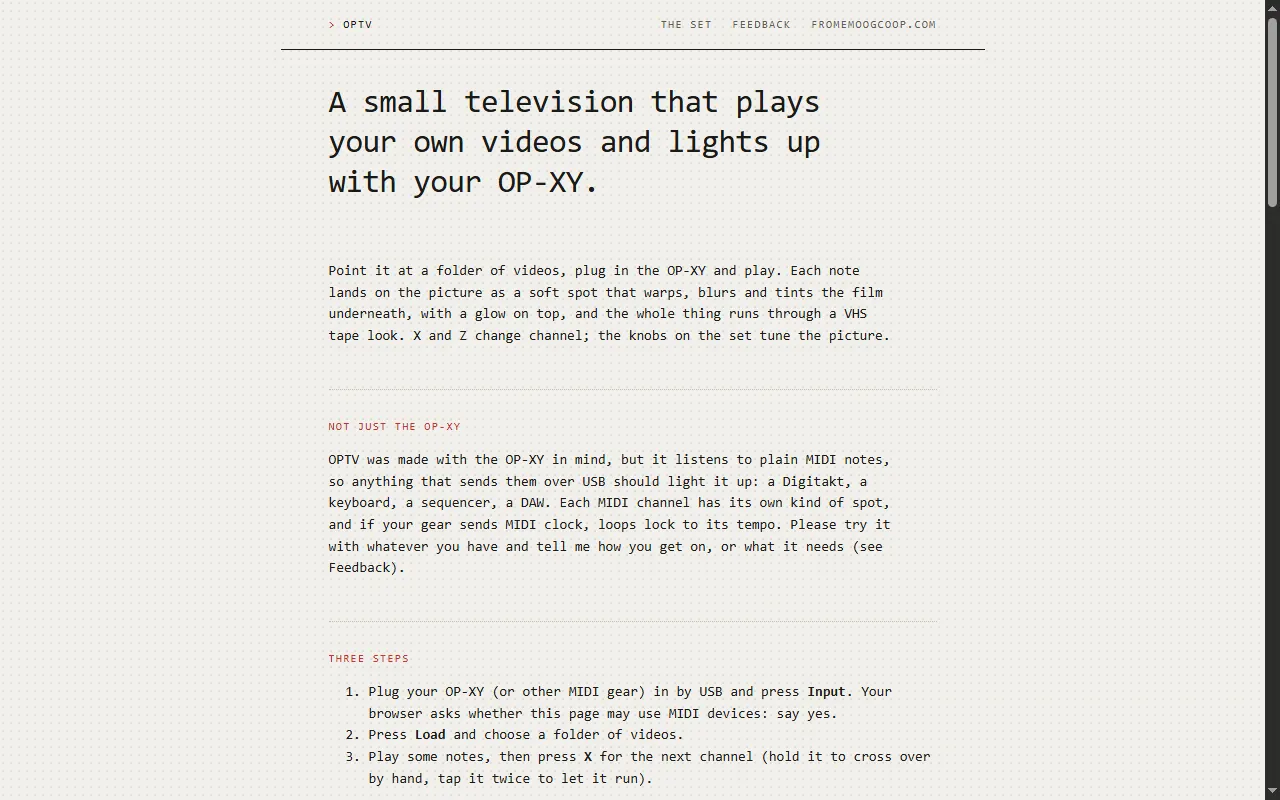
OPTV
Browser "television" that warps and tints your own videos in time with the OP-XY
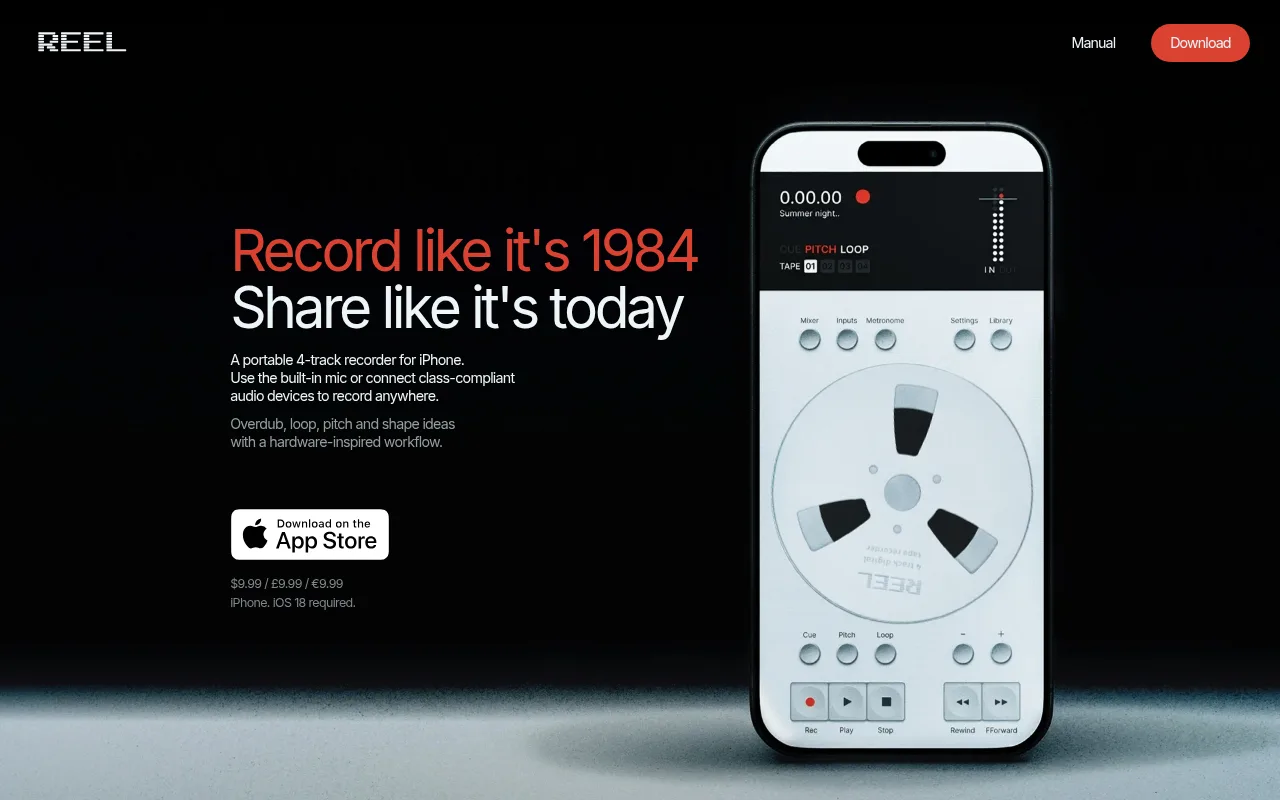
Reels
A multitrack recording companion app for Teenage Engineering gear
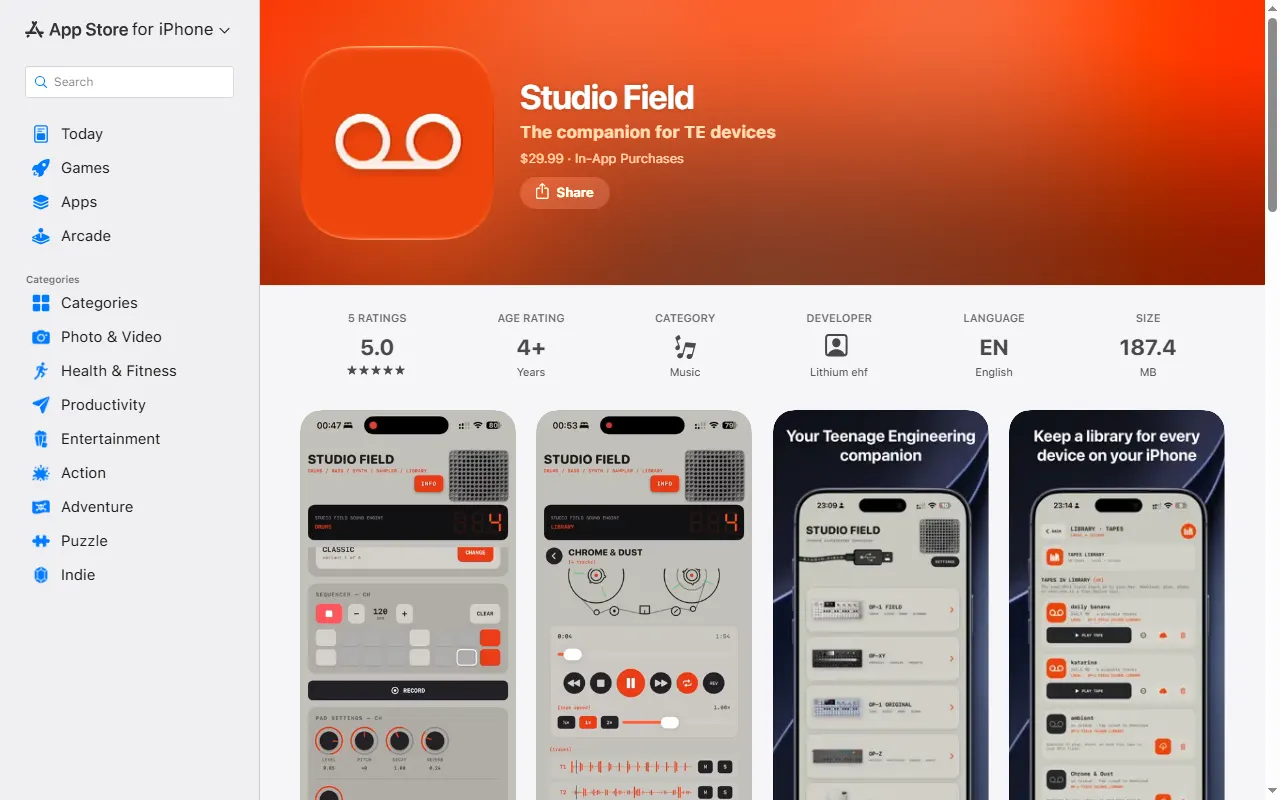
Studio Field
Backup, file-transfer and content manager for TE devices on Mac, iPhone/iPad and Android
VJ-XY
A live visual instrument you play from the OP-XY
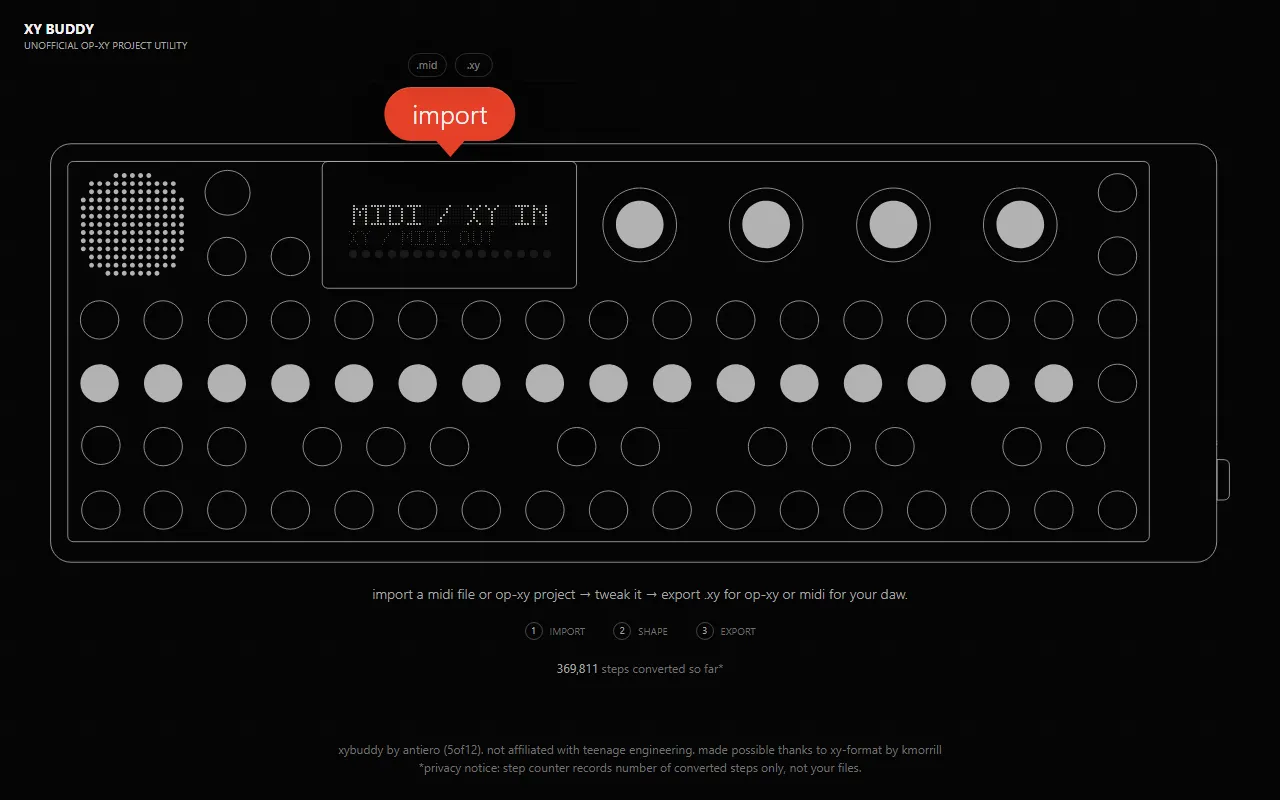
XY Buddy
Browser utility that converts MIDI files to OP-XY .xy projects and back
Accessories & 3D Prints
All accessories & 3d prints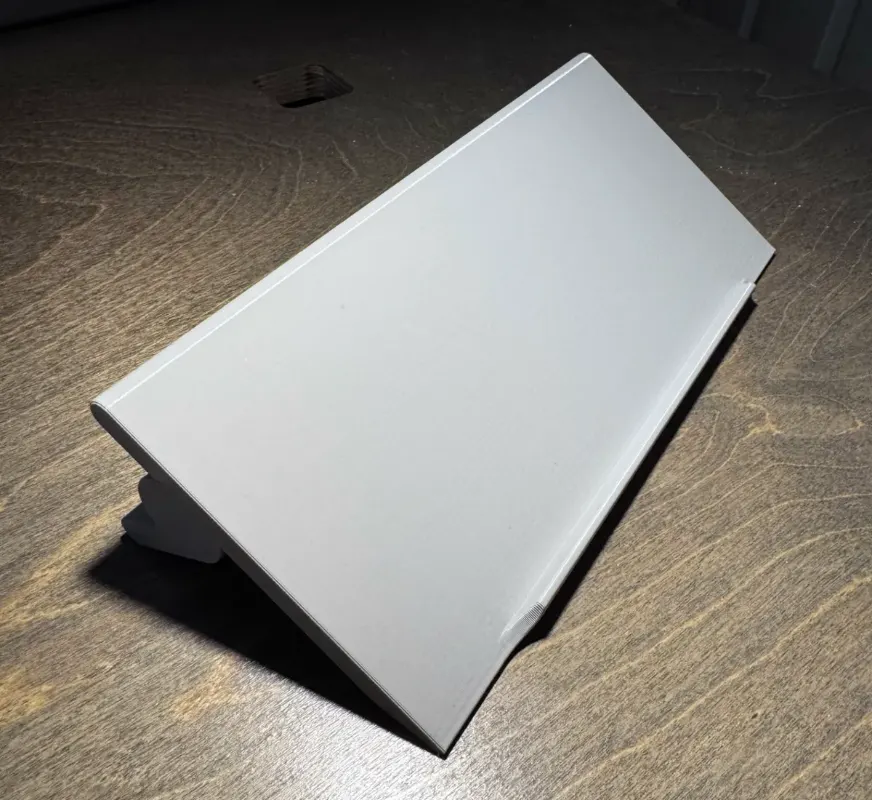
OP-1 / OP-1 field / OP-XY Stand
One 3D-printable stand that fits the OP-1, OP-1 field, and OP-XY
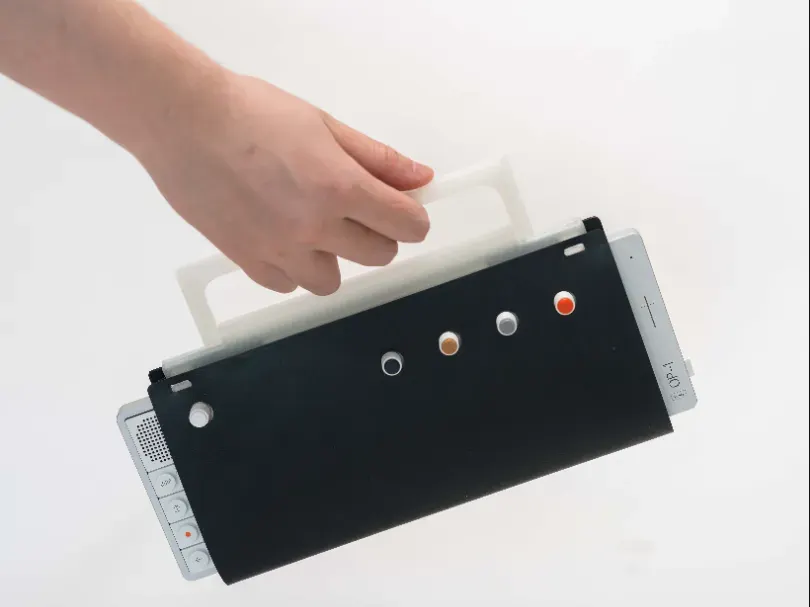
Soft Wrap for OP-1 field & OP-XY
Printable TPU soft wrap for the OP-1 field and OP-XY, modelled on TE's leather wrap
TEcases
Precision-fit protective cases for the Teenage Engineering lineup
Stem & Sample Sourcing
All stem & sample sourcing
Stem Extractor
Browser tool that pulls aligned per-track WAV stems from an OP-XY using MIDI solo and recording
StemSeparator
Free open-source Mac app to split songs into stems for sampling
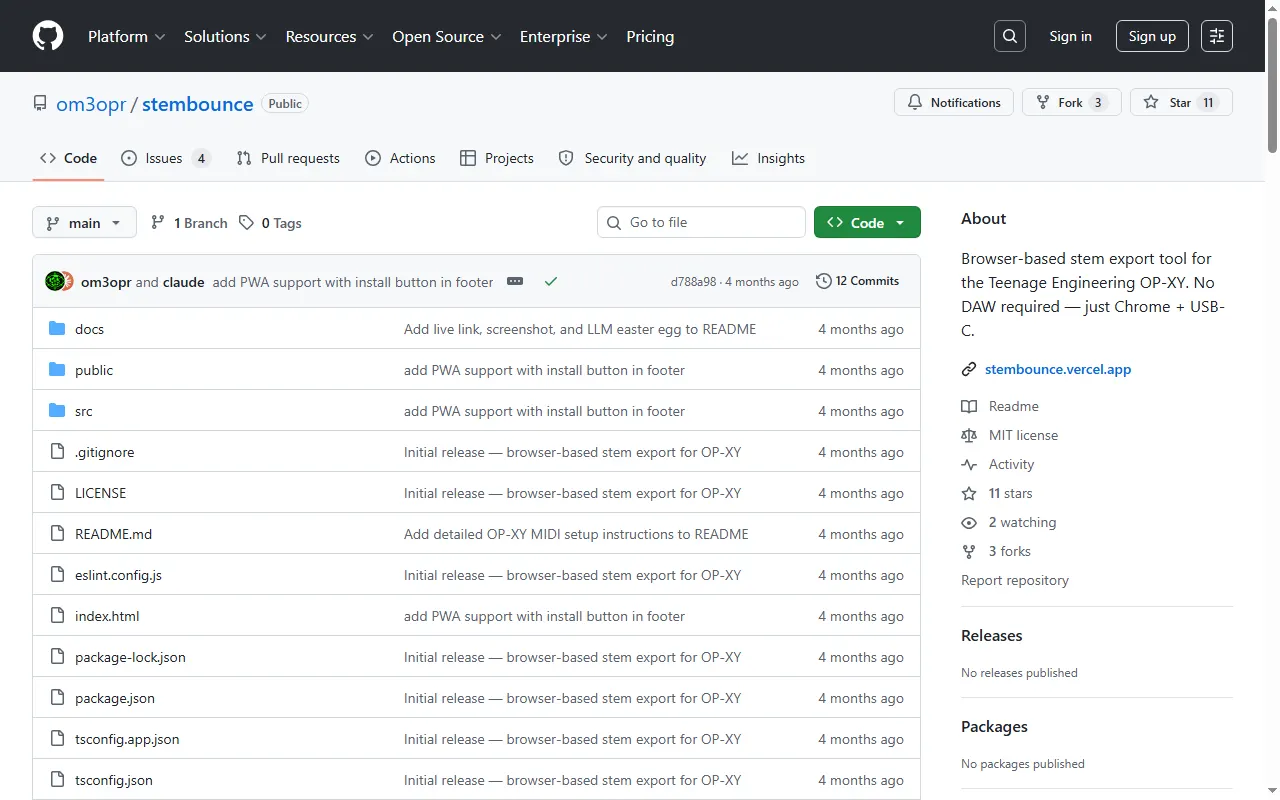
stembounce
Browser-based stem export for the OP-XY
OP-XY questions, answered
All 18 FAQsWhat should I check when buying an OP-XY or OP-1 field second-hand?
Beyond the usual marketplace caution (use buyer protection on Reverb/eBay, beware too-good-to-be-true deals and stolen units), test the things that are expensive to fix. Exercise every key and encoder for dead spots or crackle, check the screen for dead pixels, try the headphone and line jacks, and confirm it charges and holds a charge. Make sure it powers on, takes a firmware update, and isn't iCloud/account-locked or reported lost. New units come with a warranty, which is worth weighing against the second-hand saving.
Can the OP-1 field do multisampling like the OP-XY?
Not as a built-in feature — the dedicated multisampler is an OP-XY thing — but you can fake it. Record several different sounds (up to ~20 seconds each) across the four tape tracks, loop them, and use the multi/copy trick to spread them into a playable instrument. The OP-1 field and OP-XY are believed to share the same hardware (around 24 voices), so the limitation is the field's software playing one instrument at a time rather than the chips — hence the tape workaround rather than a true multisample patch.
OP-1 field or OP-XY: which suits grid-based electronic music like techno?
For on-the-grid styles, owners overwhelmingly point to the OP-XY. It's built around a step sequencer with eight instrument tracks, multisampling and per-step control, which suits quantized, pattern-based music and live sequencing. The OP-1 field is centred on its four-track tape and hands-on recording: great for sketching, sound design and improvised, layered pieces, but less of a step-sequencing machine. If you're also weighing a DAW companion, Ableton Move (or the Ableton Note app) sketches straight into Live. Some people keep both TE devices for different jobs rather than choosing.
Is the screen on the OP-1 field / OP-XY supposed to be perfectly centered? Mine looks slightly off.
A screen that sits very slightly off-center is common on these devices and falls within normal manufacturing tolerance — it's purely cosmetic and doesn't affect the display or how the unit works. Unless it's dramatically misaligned, has dead pixels, or the glass is lifting, it isn't usually worth the hassle of a return. If it genuinely bothers you on a brand-new unit, that's a reasonable thing to raise with the retailer, but don't expect a "perfectly" centered panel.
What's the best case to protect the OP-XY on the move?
A few options come up repeatedly. Teenage Engineering's own case is slim and fine for light protection; for tougher travel duty, owners rate the Analog Cases OP-XY case highly, and generic small hard cases or camera bags that fit the unit also work. Precision-cut third-party cases exist too (see TEcases in this list). Pick based on how much impact protection you need versus how slim you want it.
How do I get stems (track-by-track audio) out of an arranged OP-XY project for DAW finishing?
The reliable approach is to record each track on its own. The OP-XY is a class-compliant USB audio interface, so connect it to your computer and, for each track, mute everything else and record that single track's output into your DAW in one pass — repeat per track to build up stems that line up. Keep transport and tempo consistent between passes so the stems stay phase-aligned, then assemble and finish them in the DAW. It's a few passes rather than a one-click export, but it gives you clean, separate tracks.