Device guide
OP-Z: tools, mods & resources
Community-made software, firmware mods, accessories, guides, and answered questions for the Teenage Engineering OP-Z (also known as OPZ).


MIDI Controllers & Sequencers
All midi controllers & sequencers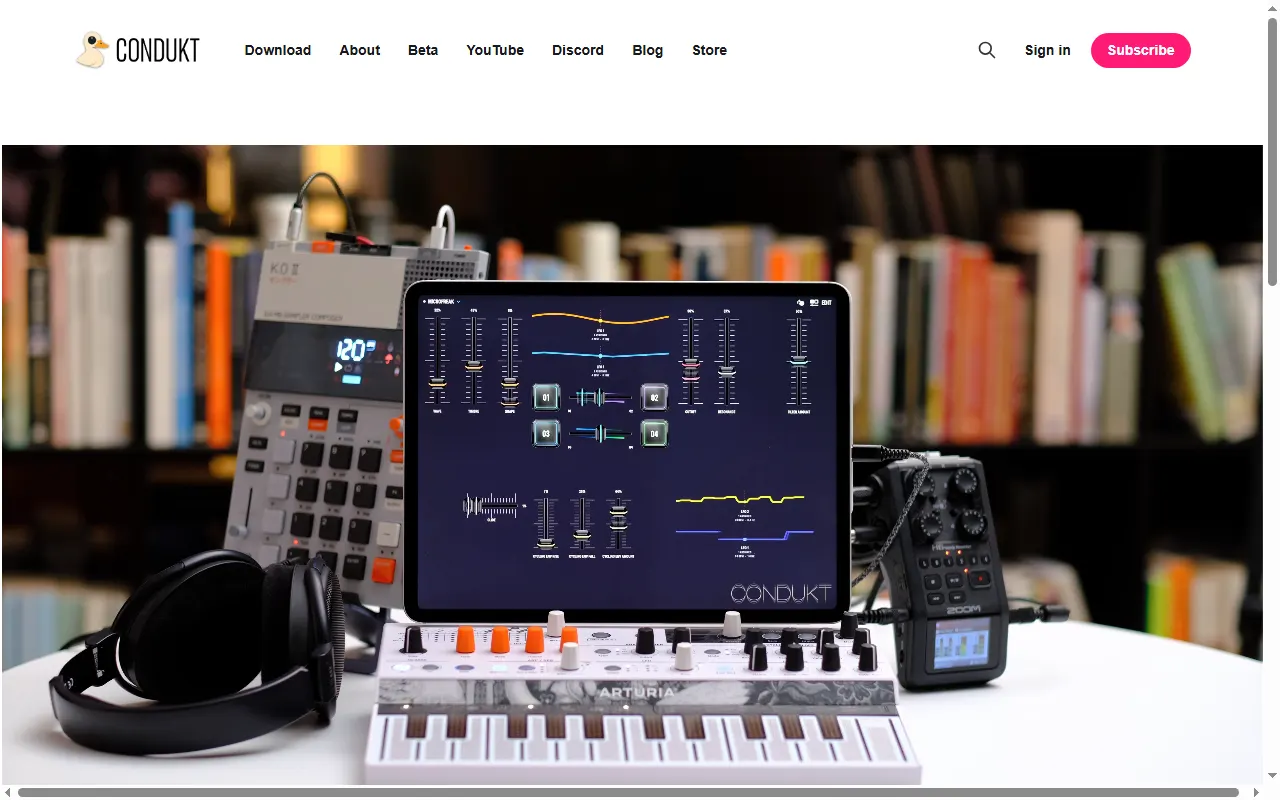
Player & Companion Apps
All player & companion apps
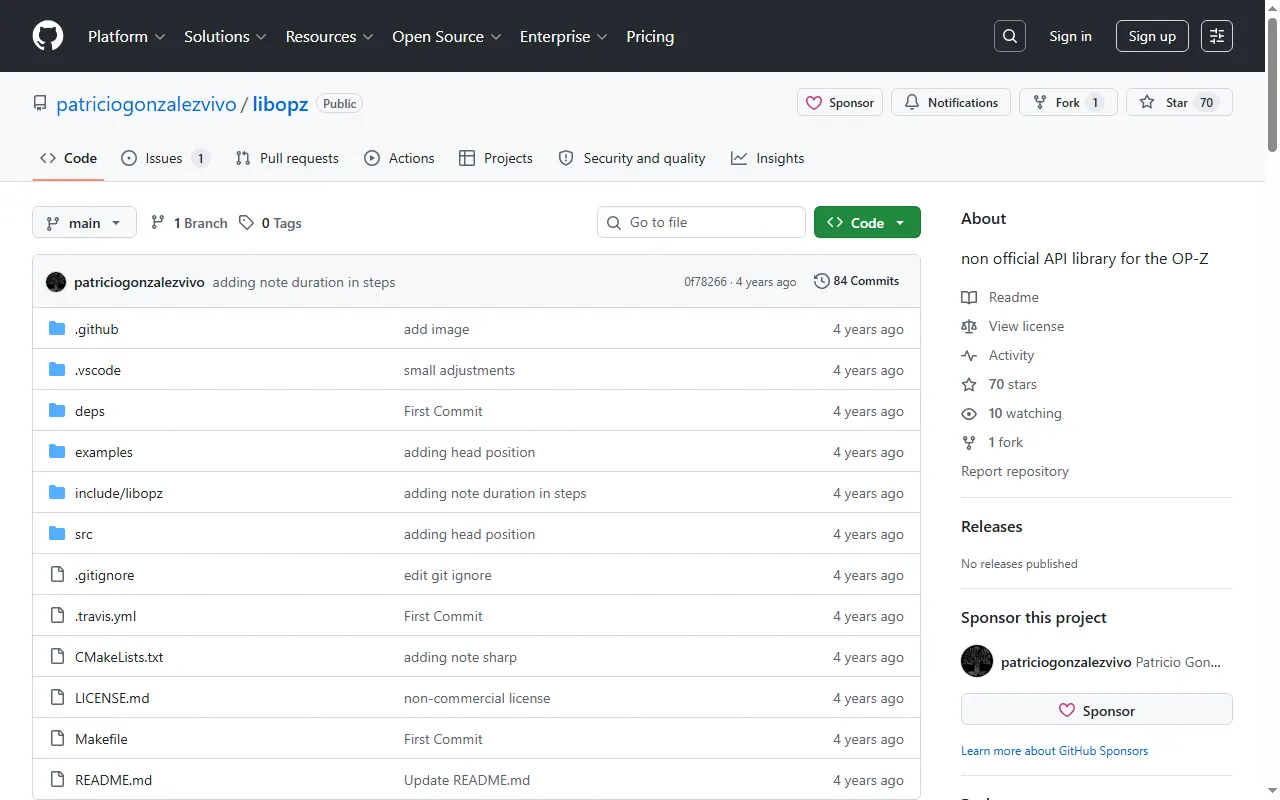
Connect OP-Z
monome norns script that connects an OP-Z as a USB audio device for input and output
libopz
Unofficial OP-Z API and reverse-engineering library for developers
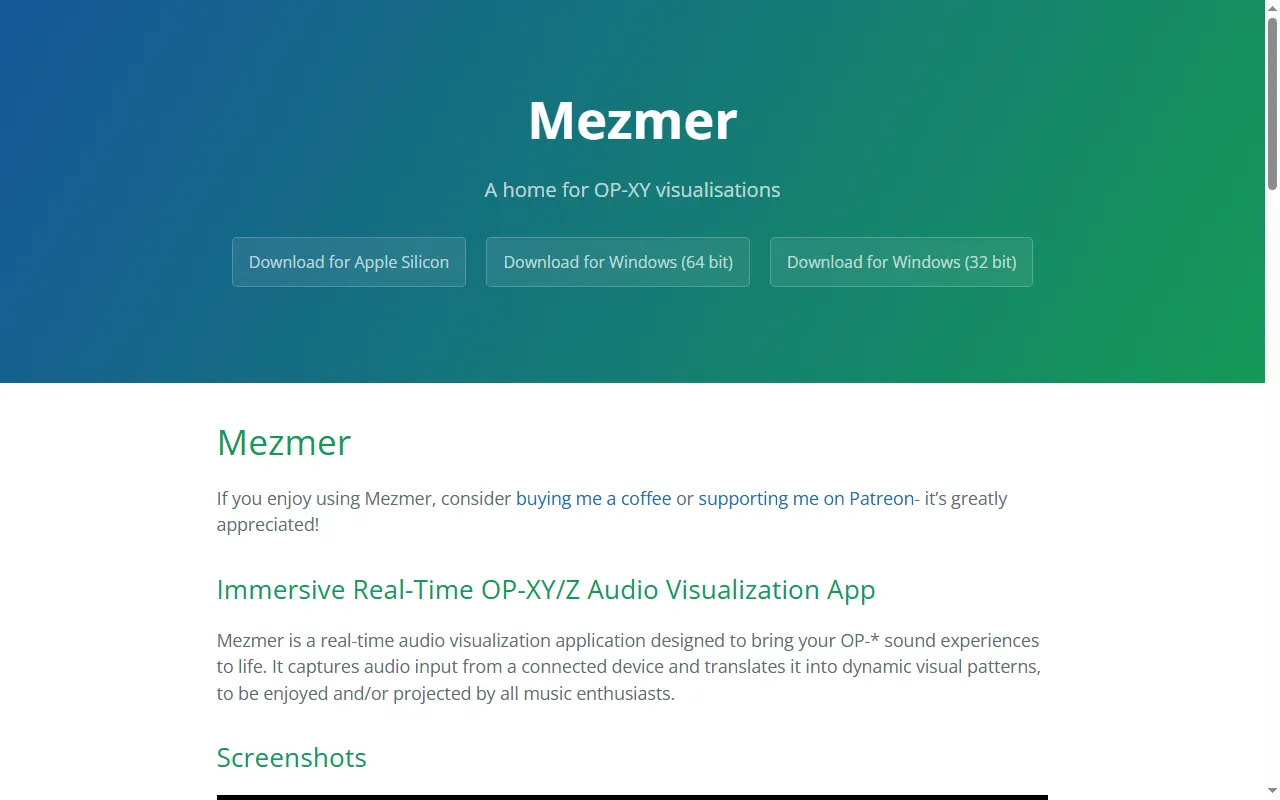
Mezmer
Real-time audio visualiser for the OP-XY and OP-Z, for projecting at live sets
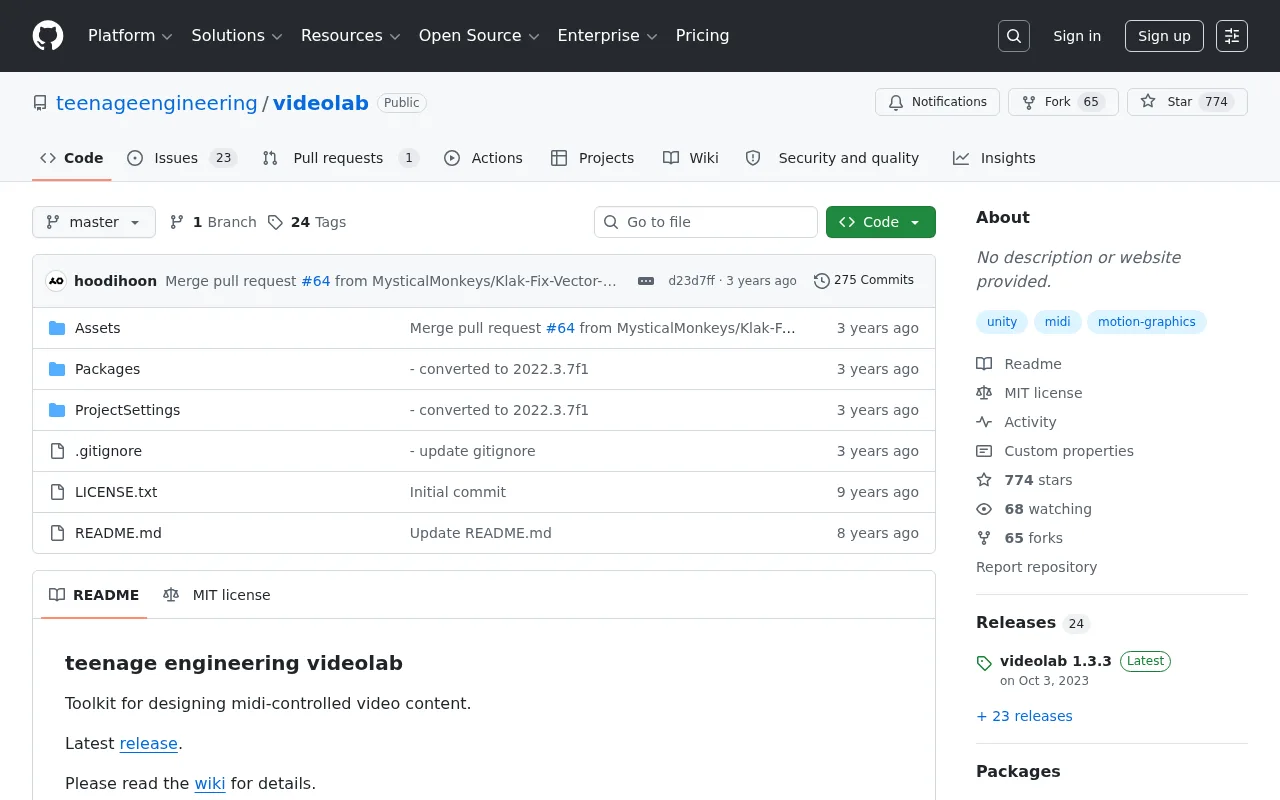
OP-Z Videolab
Teenage Engineering's open-source Unity integration for the OP-Z video track
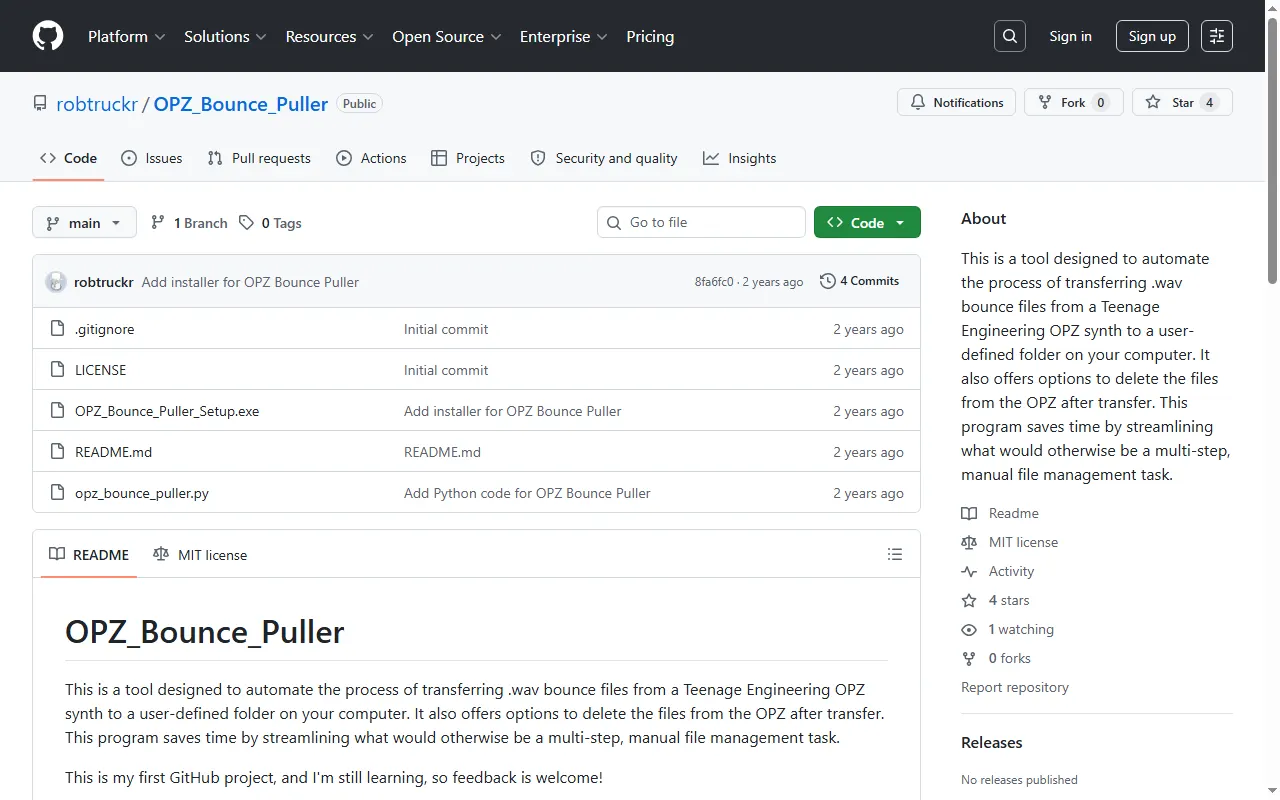
OPZ Bounce Puller
Automatically pull OP-Z bounces/stems to your Windows PC
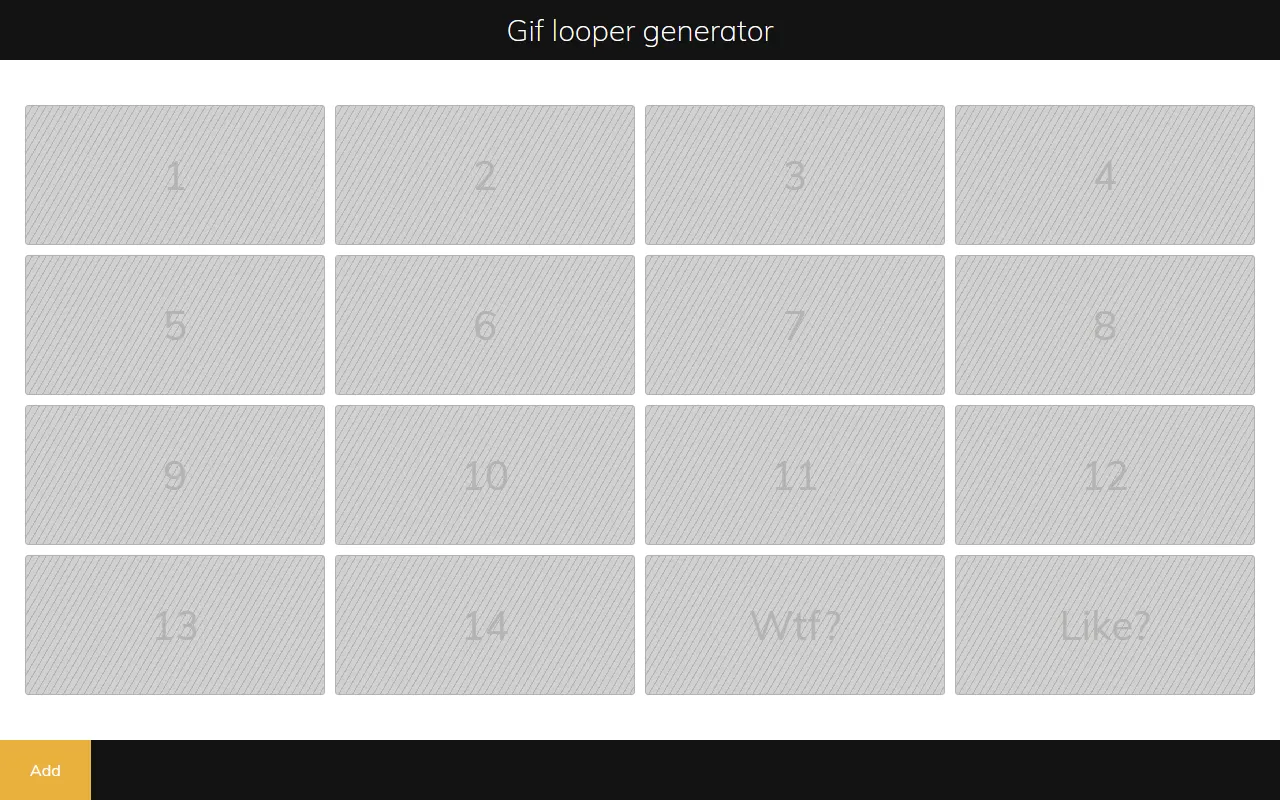
opz-gif
Generate OP-Z videopacks from animated GIFs
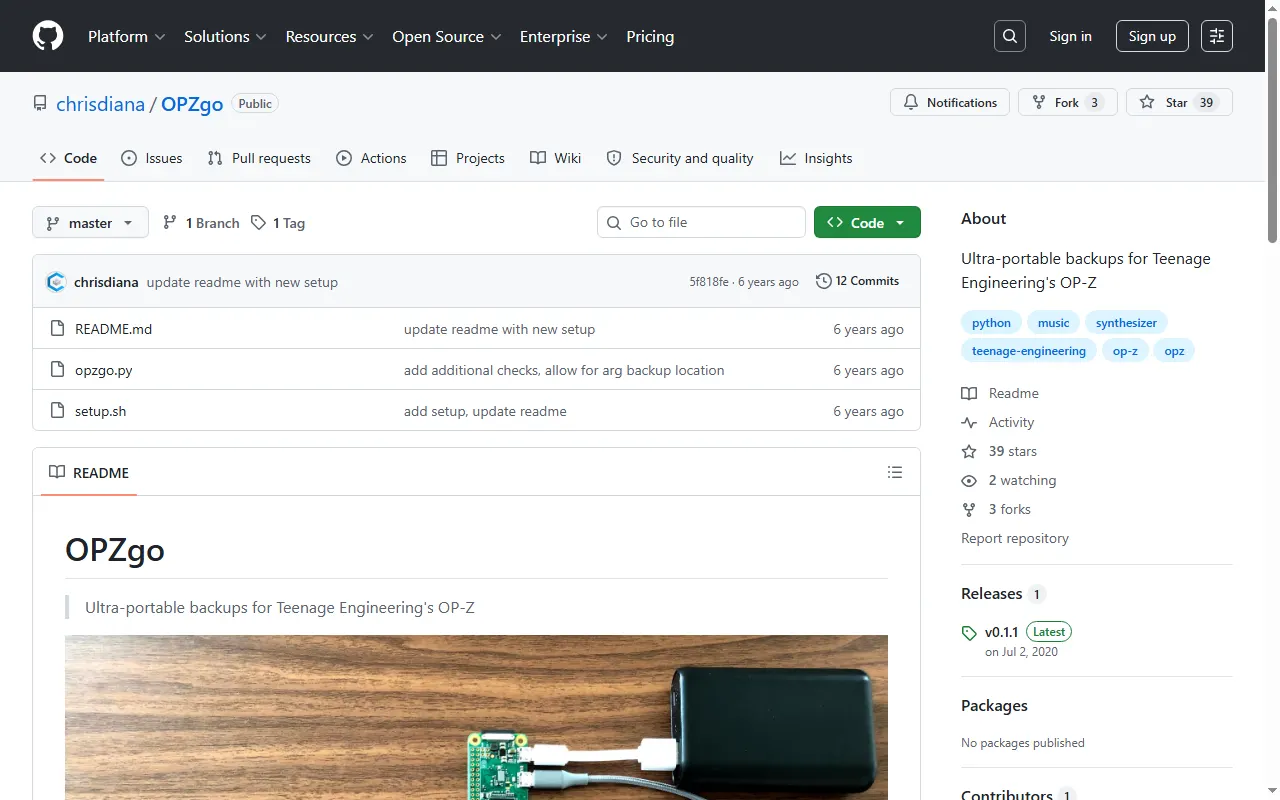
OPZgo
Ultra-portable OP-Z backups using a Raspberry Pi Zero
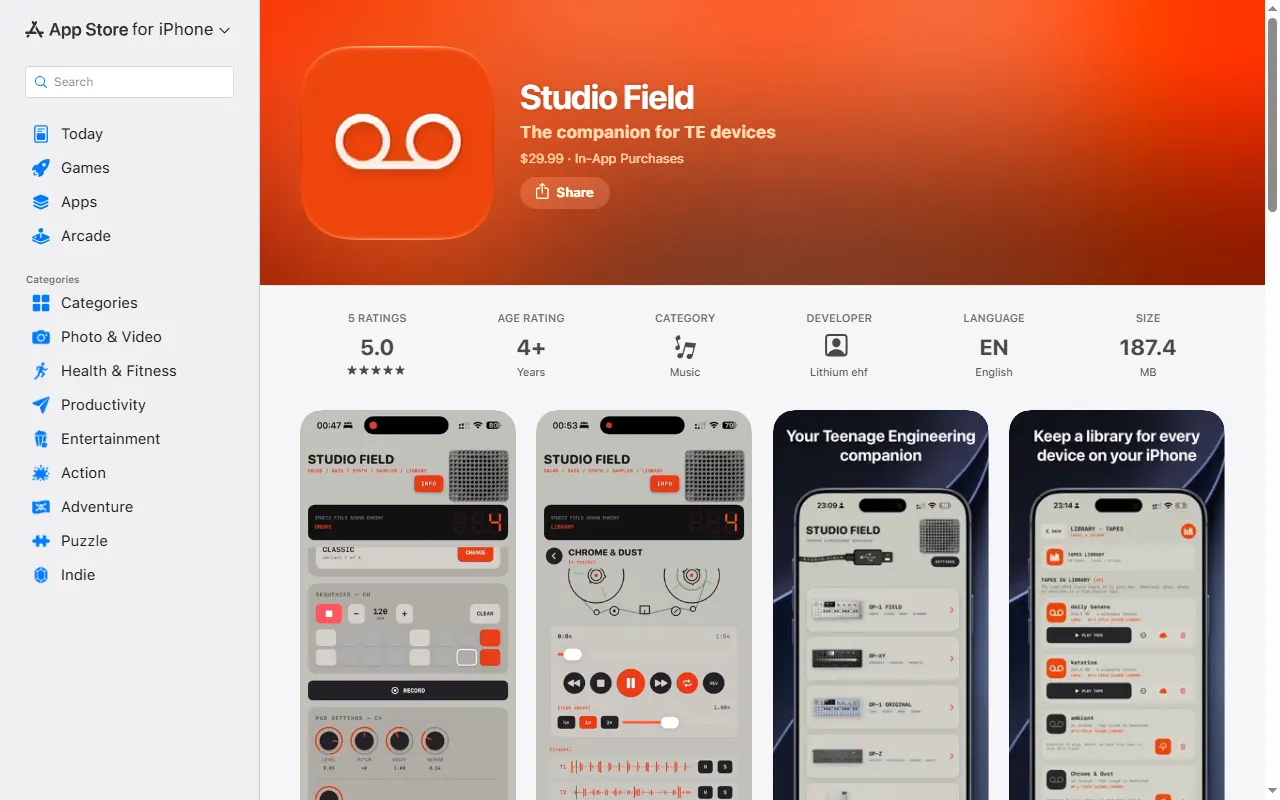
Studio Field
Backup, file-transfer and content manager for TE devices on Mac, iPhone/iPad and Android
TEKit
Swift library for discovering, connecting to and controlling TE devices over BLE, USB and WebSocket
Underbridge
Multitrack exporter that saves OP-Z patterns and projects as separate audio tracks for a DAW
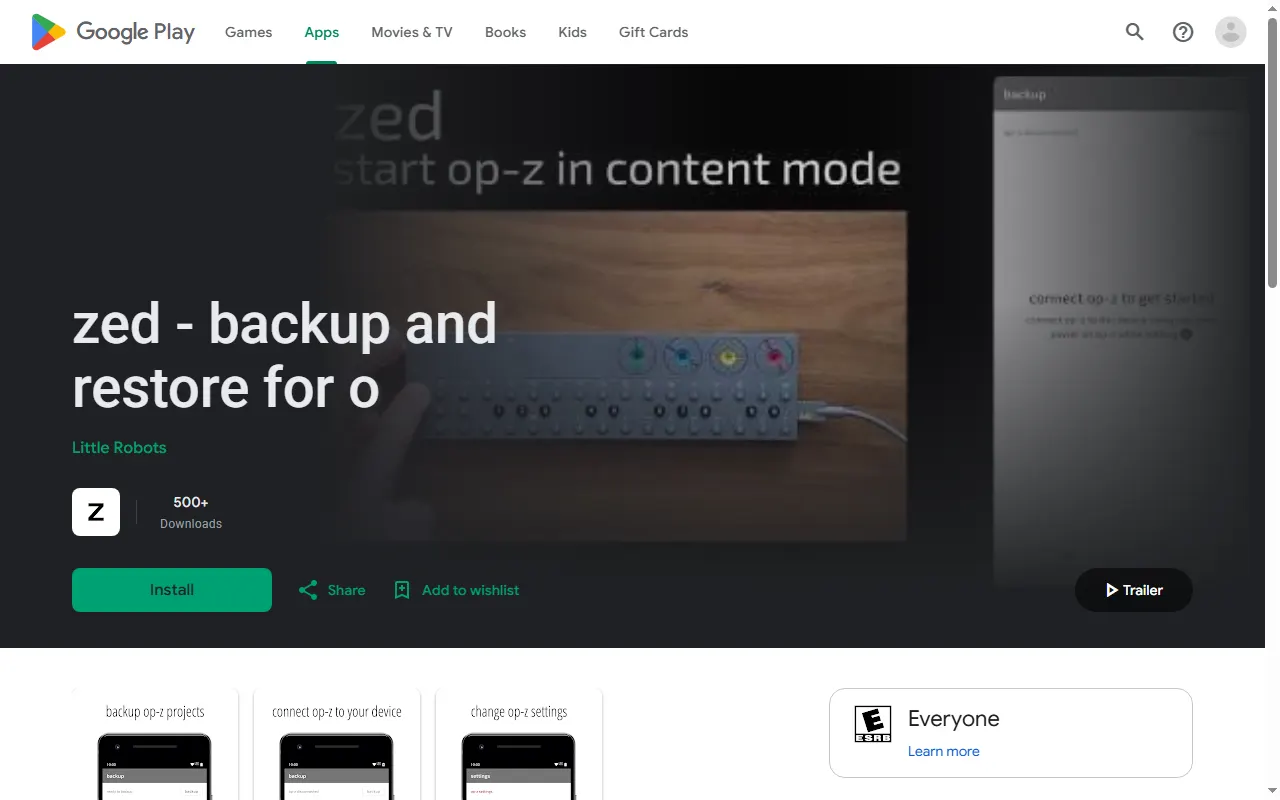
zed: OP-Z Backup & Restore (Android)
Android app that backs up, restores and shares OP-Z projects and sample packs over USB
Sample & Kit Tools
All sample & kit tools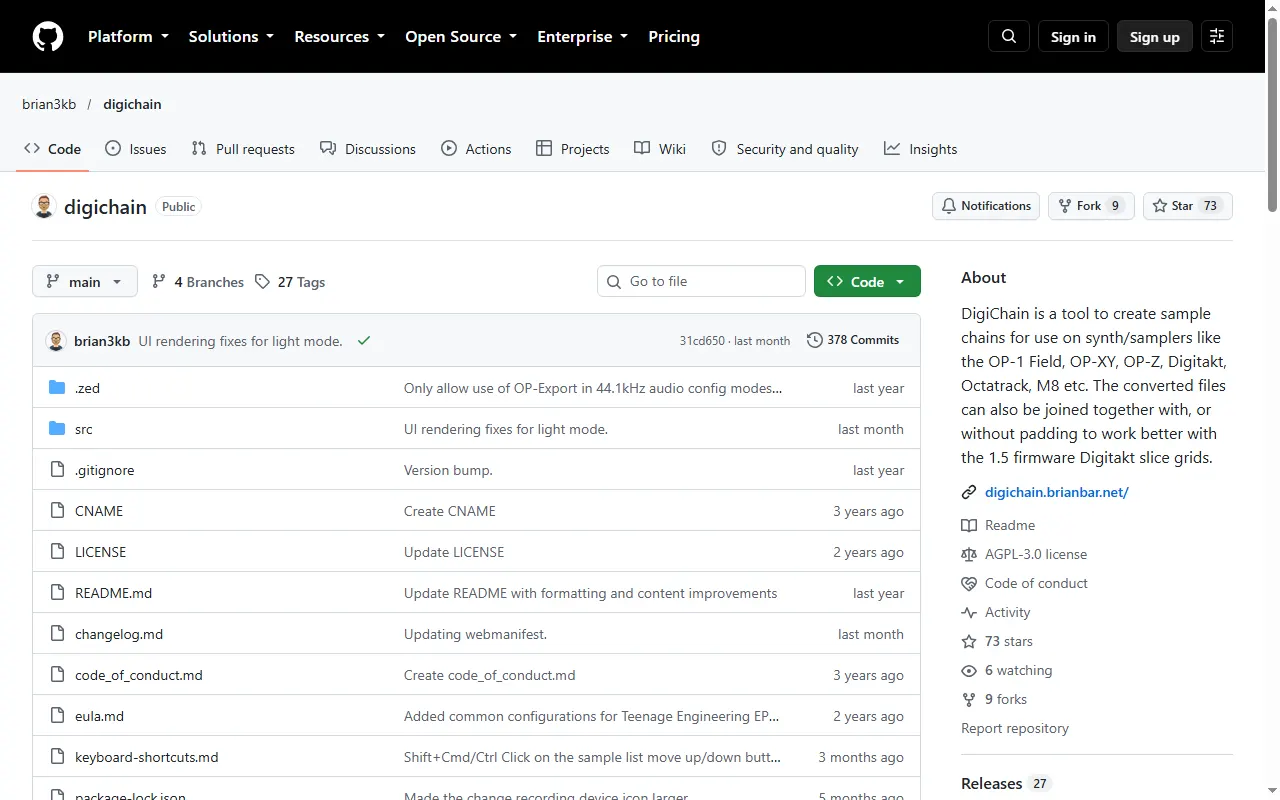
DigiChain
Sample-chain builder for the OP-1 field, OP-XY, OP-Z and other samplers
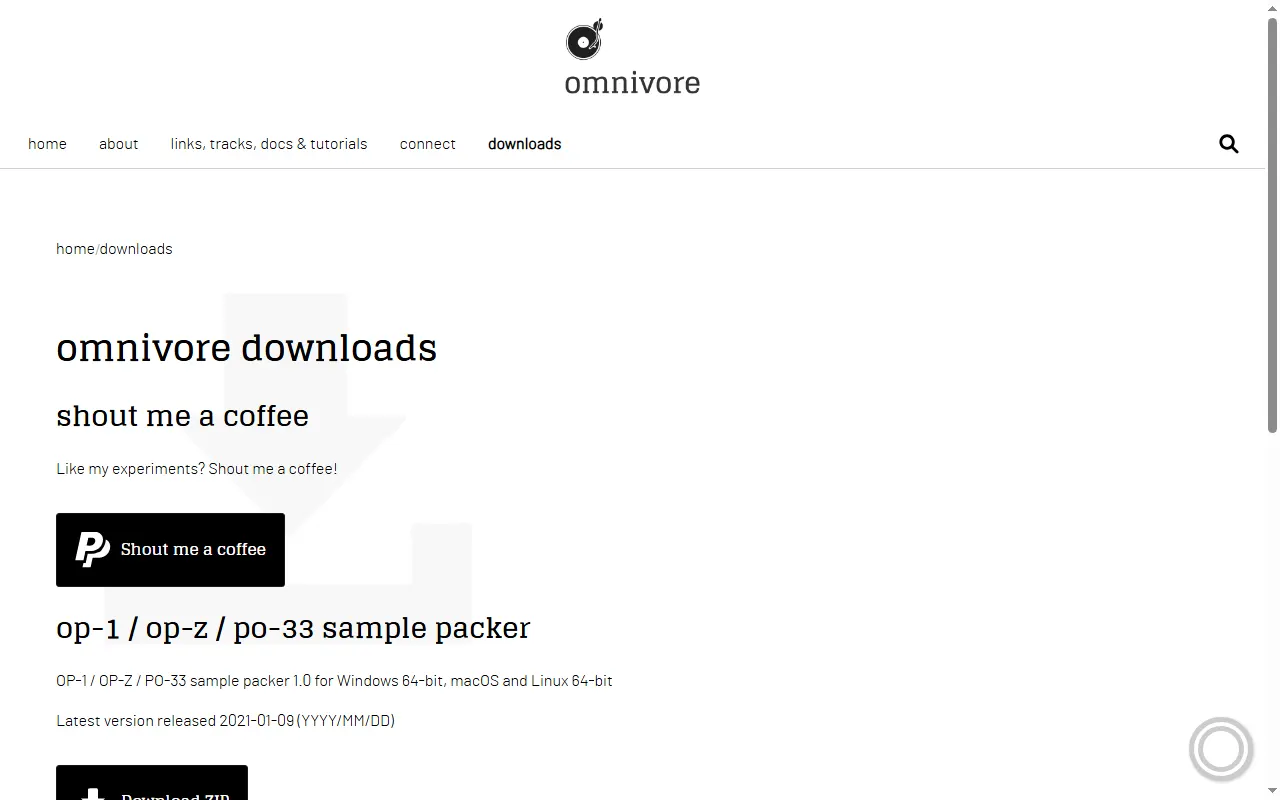
Omnivore Sample Packer
Desktop app that packs and edits sample kits for the OP-1, OP-Z and PO-33
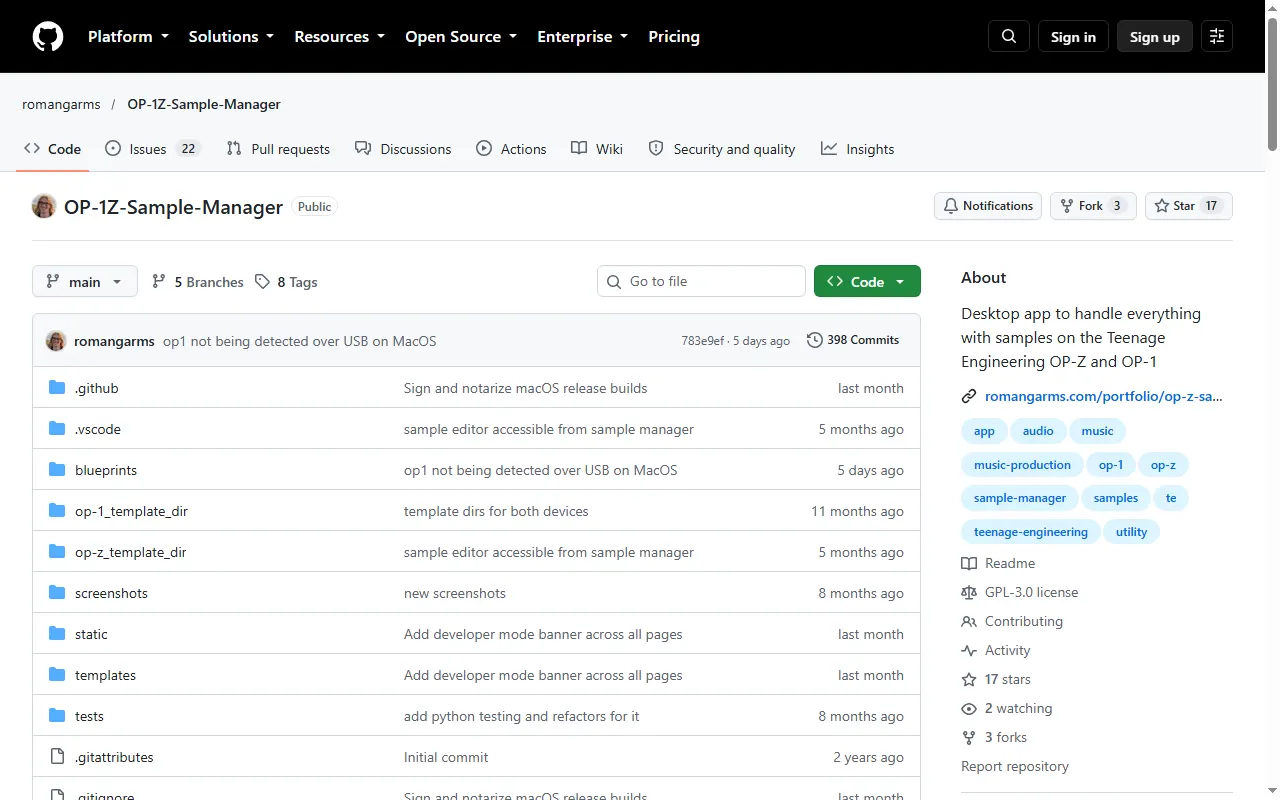
OP-1Z Sample Manager
Desktop app for managing samples on the OP-Z and OP-1, with a built-in sample editor
OP-Z Drum Utility (offline)
Offline web app that turns your audio into OP-Z-ready AIF drum samples with the right metadata
TE Loop Cutter
Offline PWA loop cutter that exports loops for the OP-1, OP-XY, OP-Z and EP-133
teoperator
Turn any sound on the internet into an OP-1 / OP-Z drum or synth patch
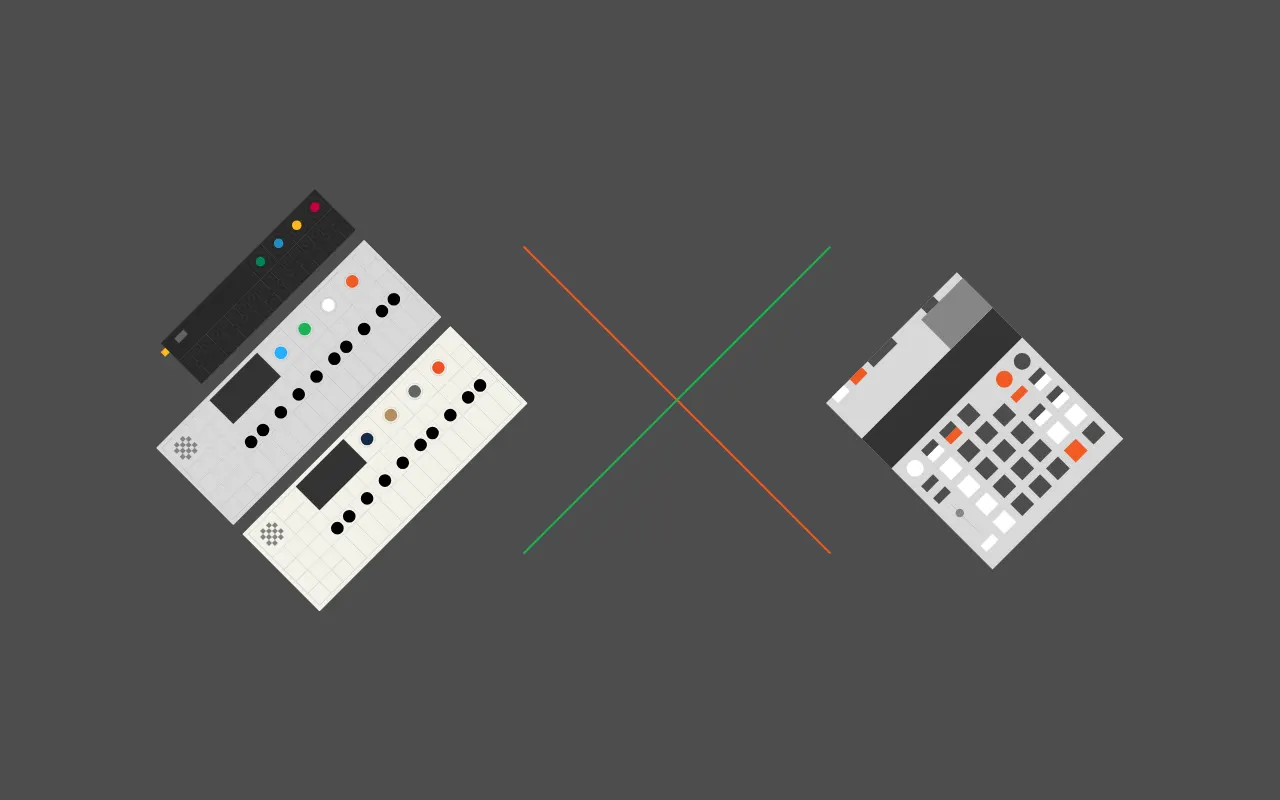
TRKLS
Browser sample-library tool for TE devices: chop, chain and send samples to the EP-133, OP-1 and OP-Z
Sound Packs & Patches
All sound packs & patches
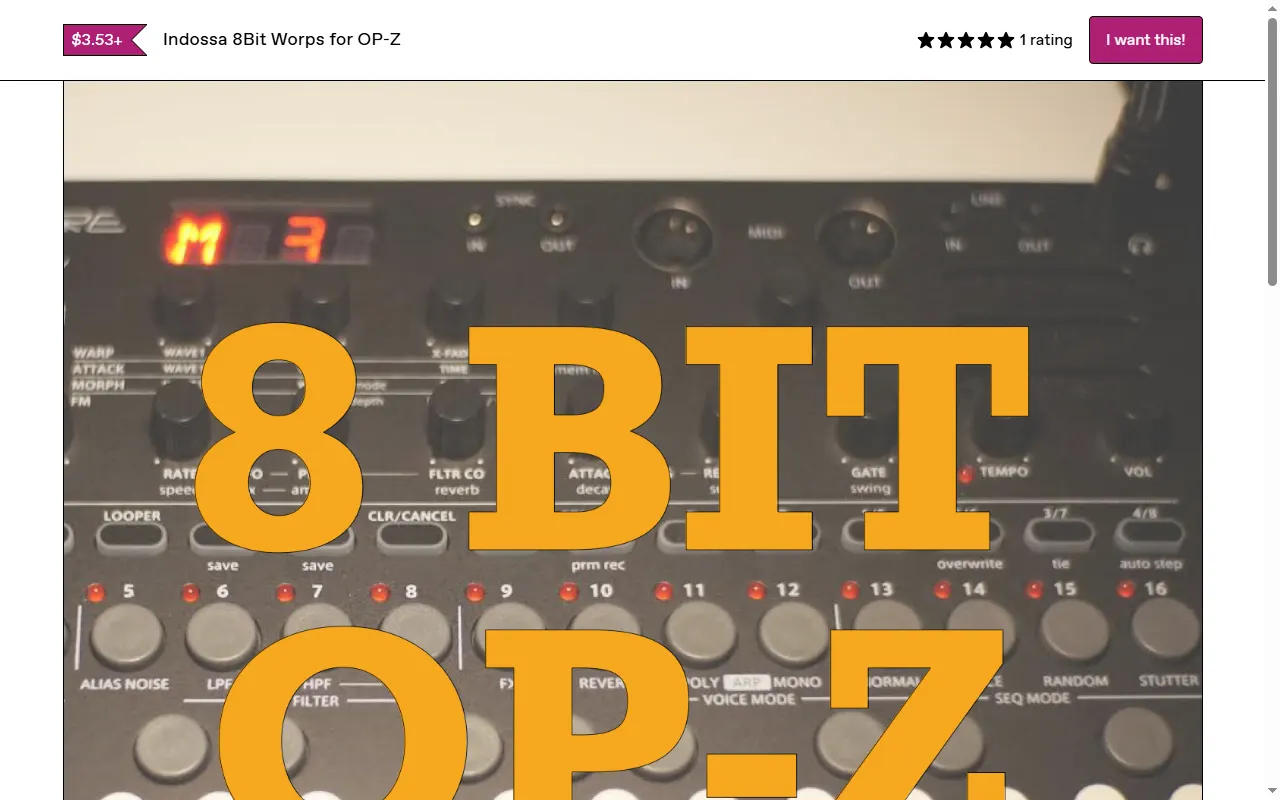
Patch & Preset Editors
All patch & preset editors
Accessories & 3D Prints
All accessories & 3d prints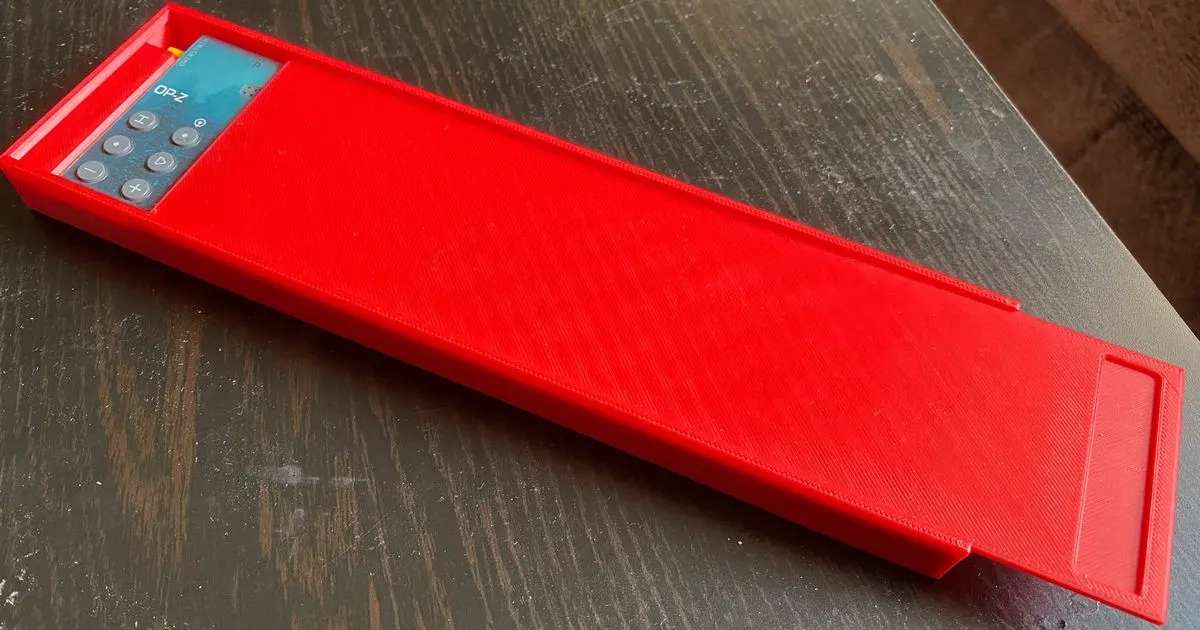
OP-Z Slim Case & Lid
3D-printable slim protective case with a lid for the OP-Z
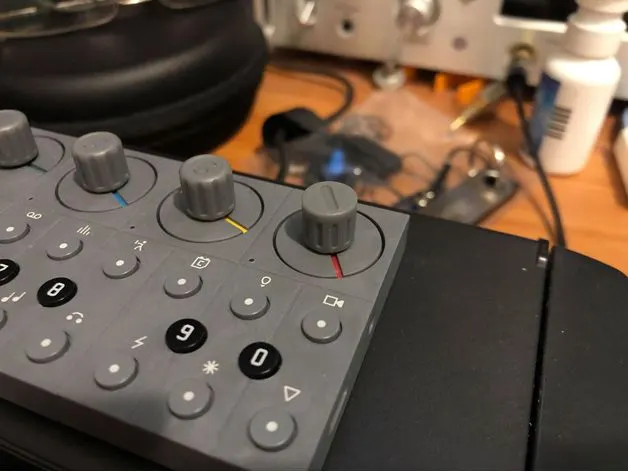
OP-Z Knobs (LEGO Technic fit)
Printable knobs that slot onto the OP-Z's flat encoders via their LEGO Technic axle
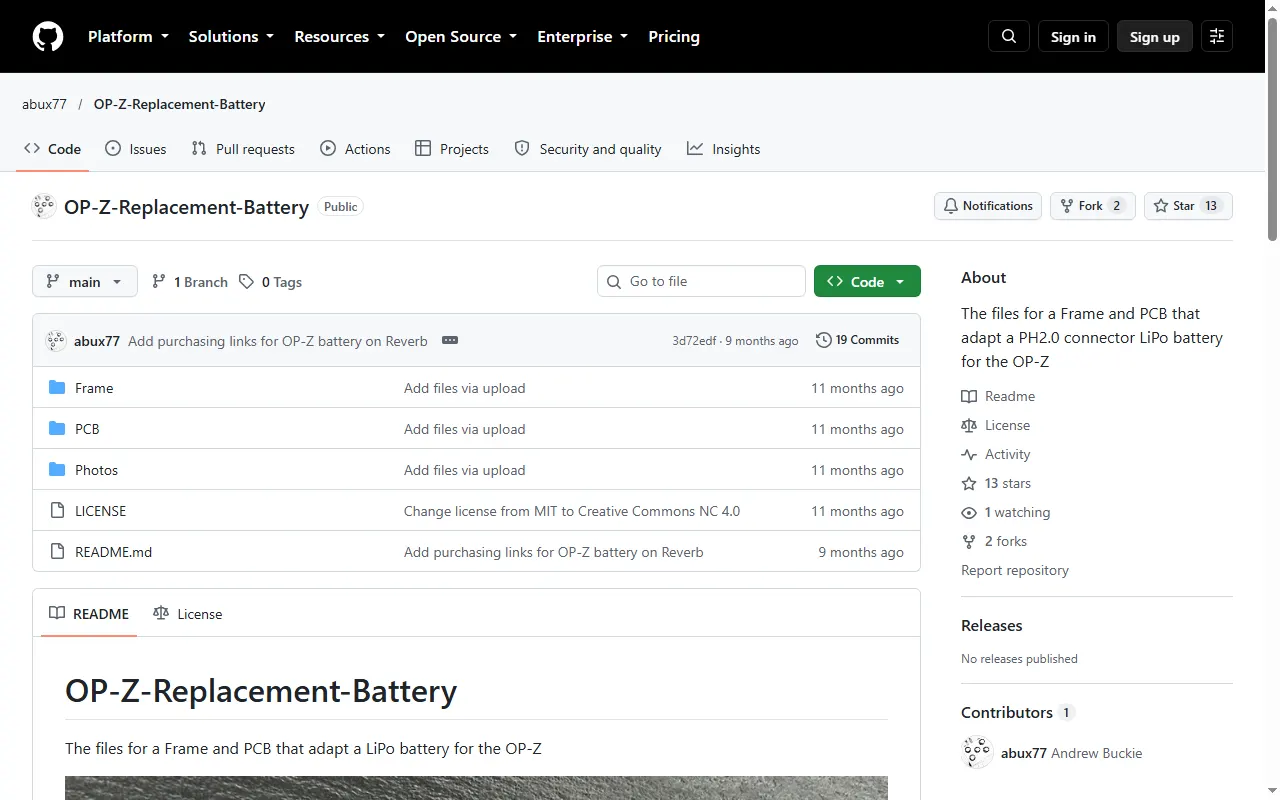
OP-Z Replacement Battery Adapter
Frame and PCB that adapt a PH2.0 LiPo cell as an OP-Z replacement battery
Guides & Cheatsheets
All guides & cheatsheets
OP-Z SysEx Documentation
Unofficial OP-Z SysEx protocol documentation with cross-platform Python tooling
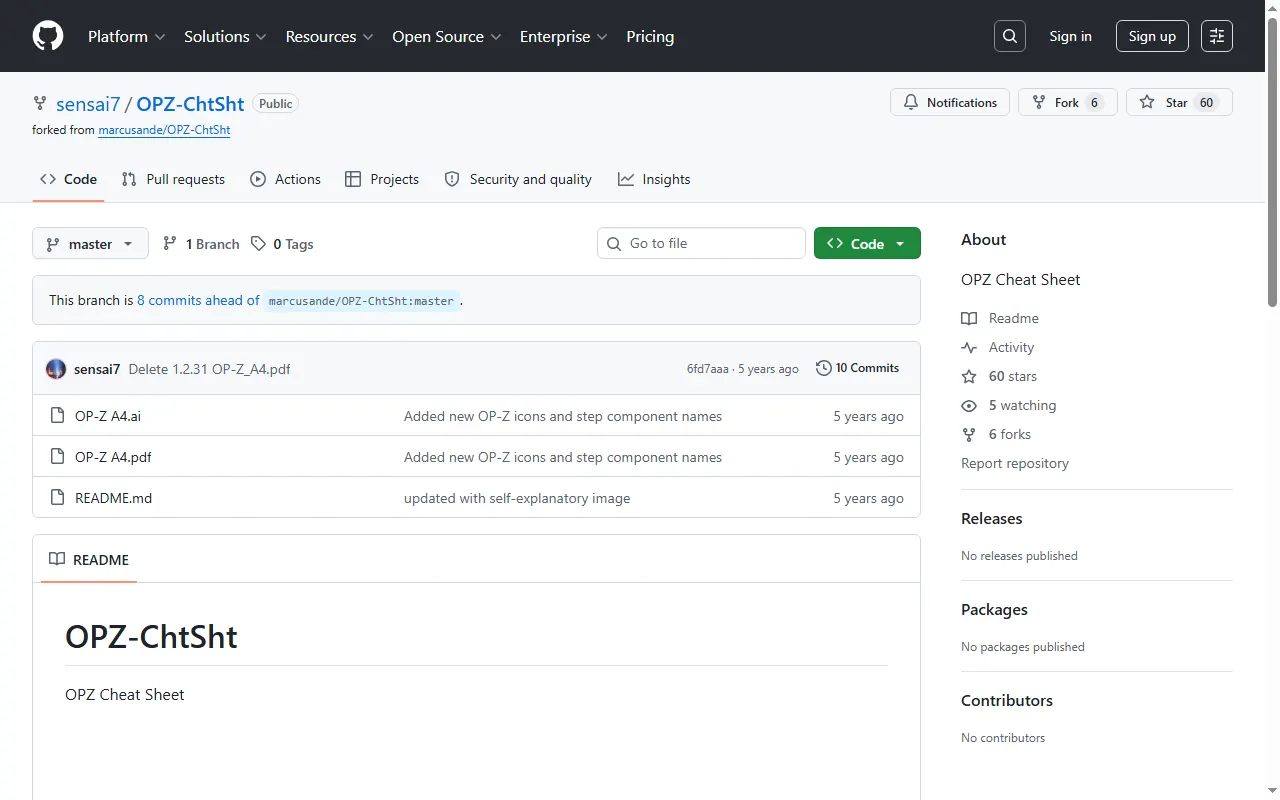
OP-Z Cheat Sheet (OPZ-ChtSht)
Back-panel-format OP-Z cheat sheet, updated for sample mode
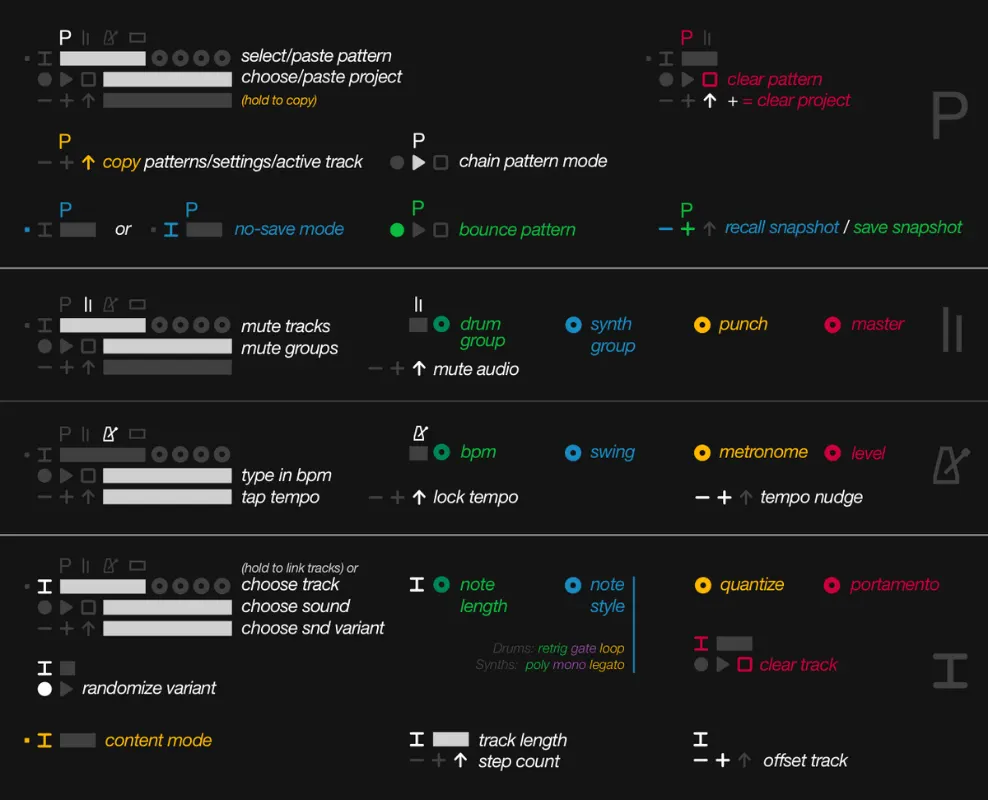
OP-Z Manual (Condensed)
A condensed, quick-reference version of the OP-Z manual
OP-Z Firmware Notes
Reverse-engineering notes on the OP-Z firmware, with Ghidra scripts and a decode toolkit
opzdoc (OP-Z community wiki)
Community-maintained OP-Z documentation wiki on GitHub
Videolab Resources
Curated link list for making OP-Z videopaks in Unity with Videolab
Z-PO Project (OP-Z internals & file format)
Community reverse-engineering notes on the OP-Z, including the .opz project format
Community Hubs
All community hubs
OP-Z questions, answered
All 7 FAQsOP-Z or EP-133 K.O. II: which should I get as a second TE device?
It depends on how you make music. If you work mostly with samples (chopping loops, finger-drumming kits, recording sounds with the built-in mic), the EP-133 K.O. II is the better fit. It's a hands-on sampler with pads, a fader and a simple screen. If you'd rather build tracks from synth engines and drums with deep step sequencing (per-step parameter locks, step components, separate drum, bass, lead, arp and chord tracks), the OP-Z suits you better. It has no screen, though, so you lean on the companion app or learn the key combos. On a budget, a PO-33 K.O! is a cheap way to try sampling. The OP-XY combines both approaches at a much higher price.
How do I sequence or sync an external synth (like a Roland S-1) from the OP-Z?
Over MIDI from the oplab module. Set the switch next to its out port to MIDI (not TRIG or PO), then run a 3.5 mm TRS cable from that port to the synth's minijack MIDI input. The OP-Z and many compact synths, the S-1 included, use the TRS "Type A" wiring, so no adapter is needed. A synth with a 5-pin DIN input needs a Type A adapter. You can then send notes and CCs from a track, or just clock to keep the two sequencers in step. Connecting two USB devices directly doesn't work, because neither one is a USB host. For audio, run the OP-Z's output into the synth's mix input if it has one, so both come out of one stereo pair.
I like my OP-Z but want better synths — upgrade to the OP-XY or add external synths to the OP-Z?
If the OP-Z's synth sounds are your main gripe, the OP-XY targets exactly that: it has stronger synth engines, better sound quality, deeper sequencing, and real audio/CV I/O, so it's the natural upgrade. Adding external synths to the OP-Z keeps your setup cheaper and more portable, but you trade that for cables, extra boxes, and a more fiddly signal chain. Choose the OP-XY for an all-in-one step up, or external synths if you'd rather keep the OP-Z as a compact sequencer hub.
My OP-Z battery won't charge or has gone dead — how do I revive or replace it?
This is a common OP-Z problem, especially after the unit has been stored for a while. Start with Teenage Engineering's official "kickstart" procedure in their help center. If that doesn't work, owners have had luck with a few community tricks: fully drain the cell and recharge it, open the back and gently bump or reseat the battery on its contacts while the charger is connected, or briefly bridge the battery contacts with a stripped USB wire to wake the cell. Note the OP-Z still runs fine on USB power with the battery removed. If the cell is genuinely dead, replacements are hard to find — TE doesn't sell them and iFixit's are usually out of stock — so people fit a similar-spec LiPo by soldering it to the connector, or use a community adapter such as the open-source OP-Z replacement-battery kit (also sold on Reverb).
What MIDI keyboard or controller works with the OP-Z, and do I need a powered USB hub?
The OP-Z is class-compliant, so most USB-MIDI keyboards work — the real question is power. Low-draw controllers run straight off the OP-Z's USB-C port: people report the Korg nanoKEY/microKEY and Arturia MicroLab/KeyStep working directly, usually with pitch-bend and mod passing through. Power-hungry keyboards (e.g. Novation Launchkey/FLkey) need more than the OP-Z can supply, so you have to insert a powered USB hub that injects power to both sides — the TE-endorsed Kingston Nucleum is the classic pick, but any decent powered USB-C hub or camera-kit-style adapter can work. The other route is 5-pin MIDI: send MIDI out from the keyboard into the Oplab or Line module and power the keyboard separately. Whichever you use, set the keyboard to the track's MIDI channel and play.
How do I record the OP-Z's audio to a computer or phone?
The OP-Z is a class-compliant USB audio device, so the cleanest route is to record its output over USB. On a computer it appears as an audio interface that any DAW can record from. On Android you typically need a USB-audio app such as Audio Evolution Mobile Studio or USB Audio Recorder PRO to capture without crackle; on iOS connect via a USB-C / camera-kit cable into your recording app. If you just want to play out (for example to a Bluetooth speaker) you can route through an app on the phone, but expect some latency. If you'd rather stay in the analog domain, take the headphone/line output into a standard audio interface.